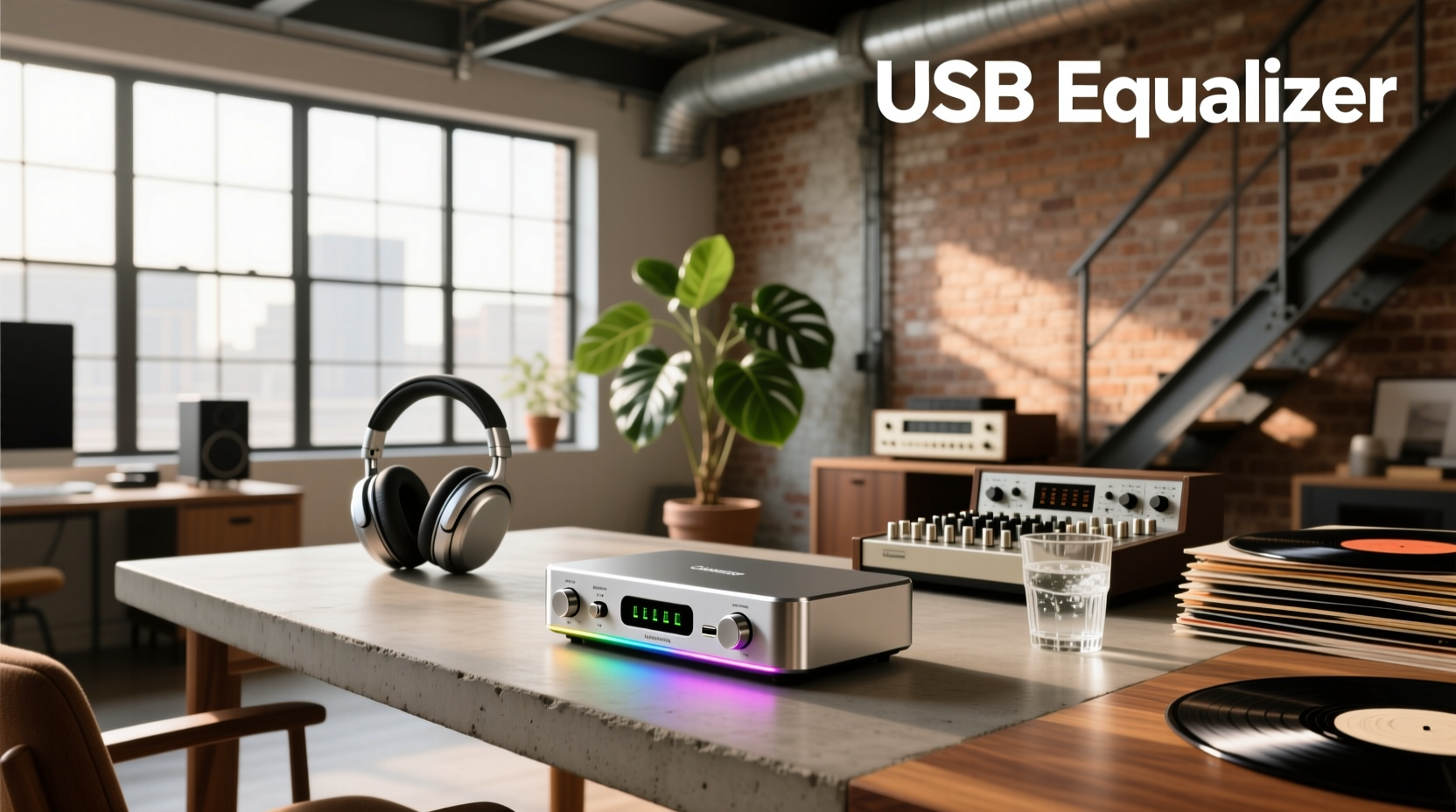
About USB Equalizers: Definition & Typical Use Cases
A USB equalizer refers to any device or software pipeline that applies frequency-shaping adjustments to digital audio signals traveling over a USB connection—before they reach your headphones, speakers, or amplifier. It’s not one product category but two distinct approaches: hardware USB equalizers (physical units with DACs, analog/digital filters, and physical knobs) and software USB equalizers (host-based applications that intercept and process audio at the OS level, often using virtual audio devices).
Typical use cases include:
- Compensating for room acoustics — e.g., taming bass buildup in small home offices;
- Tuning USB-C headsets or DAC/headphone amps — especially those lacking onboard EQ;
- Matching output levels across multiple speaker zones — common in car audio or multi-room setups;
- Creating consistent listening profiles — for content creators who switch between reference monitors and consumer earbuds.
What defines a true USB equalizer? It must operate in the digital domain on data carried via USB—not just accept USB power while processing analog signals (a frequent point of confusion). If the unit only has analog inputs/outputs and uses USB solely for firmware updates or remote control, it’s not a USB equalizer in the functional sense.
Why USB Equalizers Are Gaining Popularity
Lately, three converging trends have accelerated adoption:
- The decline of Windows’ Loudness Equalization: Once accessible via Sound Settings > Enhancements, this feature was deprecated in Windows 11 22H2 and removed entirely in later builds1. Users seeking basic tonal balance now need alternatives.
- Rise of USB-C audio peripherals: From gaming headsets to portable DACs, many lack onboard EQ—leaving users dependent on host-side processing.
- Increased awareness of sample-rate mismatch issues: As more people use high-res audio sources (e.g., 96 kHz FLAC), software EQs like Equalizer APO offer per-device, bit-perfect filtering—unlike legacy Windows mixer controls that resample unpredictably.
This piece isn’t for keyword collectors. It’s for people who will actually use the product.
Approaches and Differences: Hardware vs. Software
There are two primary paths—and they solve different problems.
🔹 Hardware USB Equalizers
Physical units (e.g., Starsound SSA-EQ5200B, CAMTEC 5-Band) that connect via USB and process audio digitally or digitally-to-analog-then-analog. Most include a DAC, volume control, and 3–7 band graphic or parametric EQ.
- Pros: Driver-free operation (often UAC2-compliant), zero CPU load, consistent latency, analog output isolation.
- Cons: Limited filter resolution (typically 1/3-octave bands), no presets or automation, inflexible routing, higher cost ($450–$1000+), and minimal Mac/Linux support.
🔹 Software USB Equalizers
Applications running on Windows/macOS that sit between your audio source and output device—intercepting, processing, and forwarding USB audio streams. Examples: Equalizer APO + Peace GUI, Voicemeeter Banana, or FxSound.
- Pros: Free or low-cost, highly configurable (up to 31 bands, shelf/bell/notch filters), supports presets, works with any USB audio device, cross-platform (Windows/macOS/Linux).
- Cons: Requires stable drivers, adds minor CPU overhead (~1–3%), may conflict with other audio apps, no analog-stage benefits.
If you’re a typical user, you don’t need to overthink this: software EQ delivers 95% of the benefit for 5% of the cost and complexity.
Key Features and Specifications to Evaluate
Not all USB equalizers—even within the same category—deliver equivalent results. Focus on these five measurable criteria:
- Filter type & resolution: Parametric > graphic > shelf-only. Look for Q-factor control and ±12 dB range minimum.
- Latency tolerance: Hardware units typically run <1 ms; software varies (Equalizer APO: ~3–8 ms with proper WASAPI Exclusive mode).
- Input/output flexibility: Does it support stereo, mono, or multi-channel? Can it handle 24-bit/192 kHz streams without downsampling?
- Preset management: Essential for switching between music, movies, and voice calls—especially in software tools.
- Driver stability & OS support: Check GitHub repos (for open-source tools) or vendor forums for recent macOS Ventura/Sonoma or Windows 11 24H2 reports.
When it’s worth caring about: You’re doing critical listening, podcast mixing, or live monitoring where timing precision matters.
When you don’t need to overthink it: Casual music streaming, video conferencing, or gaming—where sub-10 ms latency is imperceptible.
Pros and Cons: Balanced Assessment
Neither approach is universally superior. Here’s when each shines—or fails:
- Hardware USB equalizers are best for: Car audio integrations (e.g., USB-powered head units with SD card playback), fixed installations with unattended operation, or users avoiding OS-level audio stacks entirely.
- Hardware USB equalizers are poor fits for: Laptop-based workflows, multi-device switching (e.g., toggling between USB-C monitor audio and Bluetooth), or anyone needing quick A/B comparisons of EQ curves.
- Software USB equalizers excel at: Customizable, repeatable, and reversible tuning—ideal for content creators, accessibility users (e.g., hearing profile compensation), and students building audio labs.
- Software USB equalizers struggle with: Real-time vocal processing during live streaming (without ASIO loopback), or setups where antivirus or security policies block kernel-mode drivers.
How to Choose a USB Equalizer: Decision Checklist
Follow this 5-step checklist before buying or installing:
- Identify your signal path: Is audio coming from a USB DAC, USB-C headset, or PC USB port feeding an amp? Trace it end-to-end—EQ placement matters more than specs.
- Verify OS compatibility first: Don’t assume “USB Audio Class 2.0” means plug-and-play on macOS. Test with a known-working device before committing.
- Avoid units with non-standard USB IDs: Some budget brands use custom VID/PID combos that prevent generic UAC2 drivers from loading—check USB Device Tree Viewer logs.
- Check for input gain staging: Many $500+ hardware units lack input trim—forcing you to run sources at suboptimal levels and degrading SNR.
- Test preset recall reliability: On hardware units, confirm presets survive power cycles. In software, verify config persistence after reboot or app update.
If you’re a typical user, you don’t need to overthink this: install Equalizer APO, enable Peace GUI, load a flat-response curve, and adjust only what you hear—not what specs suggest.
Insights & Cost Analysis
Real-world cost-to-benefit ratios favor software—by wide margins:
- Equalizer APO + Peace GUI: Free (open-source, actively maintained)
- FxSound (freemium): Free tier includes 10-band EQ; Pro ($20/year) adds AI presets and spatial audio
- Starsound SSA-EQ5200B (hardware): ~R495 ZAR / ~$27 USD (South Africa), limited to 5-band graphic EQ
- CAMTEC 5-Band w/USB/SD: ~R450 ZAR / ~$25 USD—designed for motorsport dashboards, not desktop use
- Premium hardware (e.g., miniDSP nanoAVR HD): $250+, requires configuration via web UI and offers full Dirac Live integration
For most users, spending >$50 on a dedicated USB equalizer yields diminishing returns—unless you need its analog stage, physical interface, or embedded DSP architecture.
Better Solutions & Competitor Analysis
| Solution Type | Best For | Potential Issues | Budget Range |
|---|---|---|---|
| Equalizer APO + Peace GUI | Windows users needing precise, free, stable EQ | Requires manual installation; no macOS version | $0 |
| VoiceMeeter Banana | Streamers mixing mic + game audio + EQ in real time | Steeper learning curve; UI feels dated | $0 (free) |
| Starsound SSA-EQ5200B | Car audio users adding USB/SD playback + basic tone control | No parametric control; no Mac/Linux drivers | $25–$30 |
| miniDSP nanoAVR HD | Home theater calibration with Dirac Live or Audyssey | Overkill for stereo; requires external mic & license | $250+ |
Customer Feedback Synthesis
Based on aggregated forum posts (r/audiophile, Audio Science Review, LibreELEC), top recurring themes:
- Highly praised: Peace GUI’s intuitive interface, ability to import measurement files (.txt/.csv), and per-application EQ profiles.
- Frequent complaints: Hardware units failing after 12–18 months due to capacitor aging; inconsistent USB enumeration on Linux; lack of documentation for SD card file formats on CAMTEC units.
- Underreported but critical: Many users overlook impedance matching—applying EQ to low-impedance IEMs via high-output USB DACs causes clipping before reaching target gain.
Maintenance, Safety & Legal Considerations
Hardware USB equalizers require no firmware updates beyond initial setup—but dust accumulation inside vents can cause thermal throttling in enclosed car dashboards. Wipe connectors regularly with isopropyl alcohol.
Software solutions pose no electrical risk, but kernel-mode drivers (like Equalizer APO) require administrator rights. Always install from official repos—not third-party mirrors—to avoid unsigned code execution.
No regulatory certifications (FCC/CE) are required for software-only EQ tools. Hardware units sold in South Africa must comply with ICASA regulations; check for SAID number on packaging.
Conclusion
If you need reproducible, multi-profile EQ for daily computer use, choose Equalizer APO + Peace GUI.
If you need driver-free, low-latency tuning for car audio or embedded systems, a hardware USB equalizer like the Starsound SSA-EQ5200B is viable—but verify its USB descriptor compliance first.
If you’re a typical user, you don’t need to overthink this: skip hardware unless your workflow isolates the audio chain from the host OS entirely.