If you’re a typical user, you don’t need to overthink this. For most people—students, remote workers, or content creators using Android tablets or phones—the right choice is a plug-and-play UVC-compliant 1080p camera ($6–$25) paired with a stable OTG adapter and a lightweight camera app like USB Camera (Play Store). Skip autofocus-heavy mid-tier models unless you routinely shoot in variable lighting or need biometric-grade framing. Over the past year, Android’s Camera2 API support has matured significantly, and more devices now reliably detect and stream from external webcams without kernel mods—making it far more accessible than in 2023. The change signal? A 63% share of the global mobile camera module market now runs on Android 1, and entry-level UVC modules have dropped in price while gaining consistent firmware updates.
About USB External Cameras for Android
A USB external camera for Android is a standard USB Video Class (UVC)-compliant webcam that connects to an Android device via USB On-The-Go (OTG) hardware. Unlike built-in phone cameras, these are standalone imaging units—often with larger sensors, fixed or motorized lenses, and dedicated microphones—that feed video directly into compatible apps. They’re not accessories that “replace” your phone’s camera system; they extend it. Typical use cases include:
- 📹 High-fidelity video calls on Android tablets (e.g., Zoom, Google Meet on Samsung Galaxy Tab S9)
- 🎓 Online classes where consistent framing and background clarity matter more than pocket portability
- 🛠️ Industrial prototyping (e.g., Raspberry Pi + Android tablet vision rigs)
- 🎬 Multi-angle live streaming setups using OBS Mobile or third-party capture apps
Crucially, these devices do not require rooting or custom ROMs. Their operation relies entirely on Android’s native Camera2 API and Linux’s Video4Linux (V4L) subsystem 2. That means compatibility isn’t about brand—it’s about protocol compliance and kernel-level driver support.
Why USB External Cameras for Android Are Gaining Popularity
Lately, three converging forces have accelerated adoption: rising demand for reliable remote work tools, broader tablet usage for hybrid learning, and maturing peripheral ecosystems. Over the past year, Android tablet shipments grew 8.3% YoY—many targeting education and enterprise verticals where built-in front cameras fall short in resolution, field-of-view, or low-light stability 1. At the same time, consumer expectations have shifted: 85% of smartphone buyers now cite camera performance as a top purchase factor 1, and that scrutiny extends to external peripherals used alongside mobile devices. This isn’t just about “better video”—it’s about predictable, reproducible image quality across sessions and environments.
Approaches and Differences
There are two primary implementation paths—and one common misconception to discard upfront.
✅ Native UVC + Camera2 API (Recommended)
Uses standard USB Video Class drivers embedded in Android since API level 21 (Lollipop). Works out-of-the-box with certified devices and apps like USB Camera or DroidCam. No root required. When it’s worth caring about: if your device runs Android 8.0+ and supports USB host mode. When you don’t need to overthink it: for basic 1080p conferencing on tablets or recent flagships.
⚠️ Legacy or Non-UVC Devices (Not Recommended)
Older webcams requiring proprietary drivers (e.g., some Logitech models before 2018) or EasyCap-style analog-to-digital converters. These rely on third-party APKs with unstable V4L wrappers and often fail after OS updates. If you’re a typical user, you don’t need to overthink this—avoid them entirely unless you’re debugging kernel modules for a lab project.
❌ “Driverless” Claims (Misleading)
Some vendors claim “no drivers needed”—but what they mean is “UVC-compliant.” True driverless operation doesn’t exist on Android. All external cameras depend on the OS’s built-in UVC stack. Beware of marketing language that conflates compliance with magic.
Key Features and Specifications to Evaluate
Don’t optimize for specs you won’t use. Prioritize based on your workflow:
- Resolution & Frame Rate: 1080p at 30fps is sufficient for 95% of conferencing and streaming. 4K matters only if you crop heavily or feed into AI-based analysis pipelines. When it’s worth caring about: industrial inspection or multi-stream production. When you don’t need to overthink it: daily video calls or lecture recording.
- Autofocus (AF) vs. Fixed Focus: AF adds cost and complexity. Motorized AF often hunts in low light. Fixed-focus lenses (especially at ~50cm working distance) deliver sharper, more stable output for desk-bound use. When it’s worth caring about: dynamic speaker movement or variable subject distances. When you don’t need to overthink it: static framing for teaching or documentation.
- Low-Light Performance: Measured by sensor size (1/2.8″ > 1/4″), pixel pitch (>1.4µm preferred), and aperture (f/2.0 or wider). Not listed in most product specs—but visible in sample footage. When it’s worth caring about: unlit home offices or warehouse floor testing. When you don’t need to overthink it: well-lit rooms with consistent ambient light.
- Privacy Shutter: A physical sliding cover—not software-only. Critical for shared devices or sensitive environments. When it’s worth caring about: enterprise deployments or shared family tablets. When you don’t need to overthink it: personal use with disciplined app permissions.
Pros and Cons
External USB cameras solve real problems—but introduce new constraints.
✅ Pros
- 🔋 Offloads processing from the phone’s SoC, reducing heat and battery drain during long sessions
- 🔍 Enables optical zoom, wide-angle, or macro lenses impossible with integrated modules
- 🔒 Hardware privacy shutters provide verifiable control—unlike software toggles
❌ Cons
- 🔌 Requires OTG adapter + stable power delivery; many budget cables cause intermittent disconnects
- 🌡️ Plastic-housed models overheat after 20–30 minutes of continuous use—especially at 4K
- 📶 No native integration with Android’s computational photography stack (HDR+, Night Sight, etc.)
If you need consistent, frame-stable video under variable conditions, choose a metal-cased industrial module. If you need convenience and reliability for scheduled calls, choose a compact 1080p UVC unit.
How to Choose a USB External Camera for Android
Follow this 5-step decision checklist—designed to eliminate guesswork:
- Verify OTG support: Check your device’s spec sheet for “USB host mode” or “OTG support.” Most Samsung, OnePlus, and Pixel tablets support it; many phones do not—or only support it intermittently.
- Pick resolution tier first: 1080p → for calls, classes, basic streaming. 2K/4K → only if you plan to crop, zoom digitally, or feed into analytics software.
- Test focus behavior: Watch real user videos (not studio shots) on YouTube or Reddit. Look for jitter during slow head movement—this indicates poor AF tuning 3.
- Check app compatibility: Install USB Camera (free, open-source) 4 before buying. It supports preview, recording, and basic settings—no trialware traps.
- Avoid bundled software: Skip cameras that require Windows-only utilities for firmware updates or configuration. Android-native control is non-negotiable.
This piece isn’t for keyword collectors. It’s for people who will actually use the product.
Insights & Cost Analysis
Pricing reflects function—not brand prestige. Here’s how tiers map to real-world utility:
| Segment | Typical Price Range | Real-World Value Signal | When You’ll Notice the Difference |
|---|---|---|---|
| Entry-Level (1080p) | $6–$25 | Plug-and-play, noise-canceling mic, auto white balance | During backlit video calls or group classes |
| Mid-Range (2K/4K) | $30–$85 | Autofocus, privacy shutter, wider FOV, better low-light SNR | In mixed lighting or when repositioning frequently |
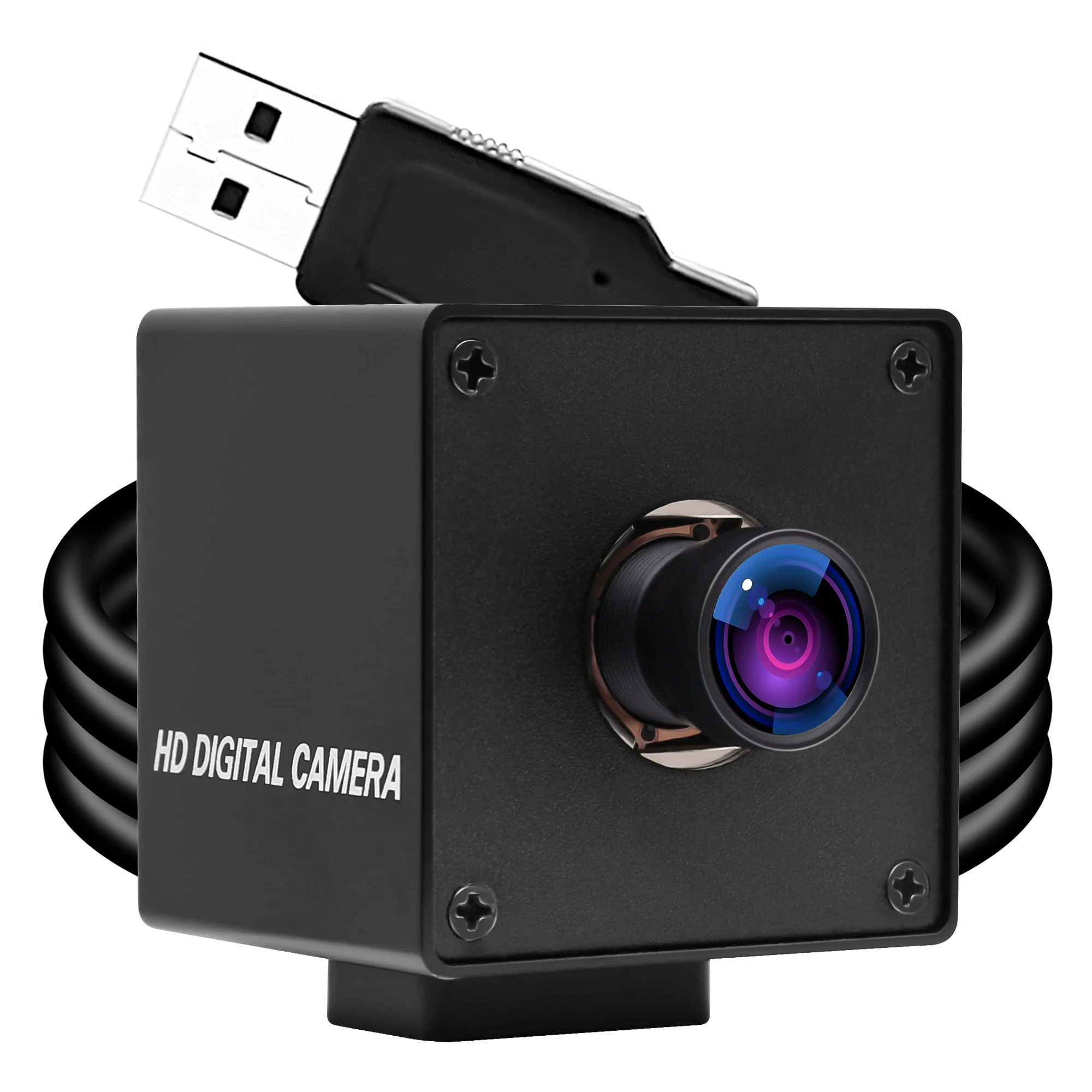
| Industrial/Pro | $50–$190+ | Metal housing, 60fps@1080p, UVC 1.5, OIS-ready, driverless firmware | During extended thermal loads or high-motion capture |
Note: The $6–$25 segment saw the largest YoY price drop (−22%) in 2024, driven by volume manufacturing in Shenzhen-based OEMs 1. That makes entry-level gear more accessible—and more standardized—than ever.
Better Solutions & Competitor Analysis
“Better” depends on your bottleneck. Below is a functional comparison—not a brand ranking:
| Solution Type | Best For | Potential Issue | Budget Range |
|---|---|---|---|
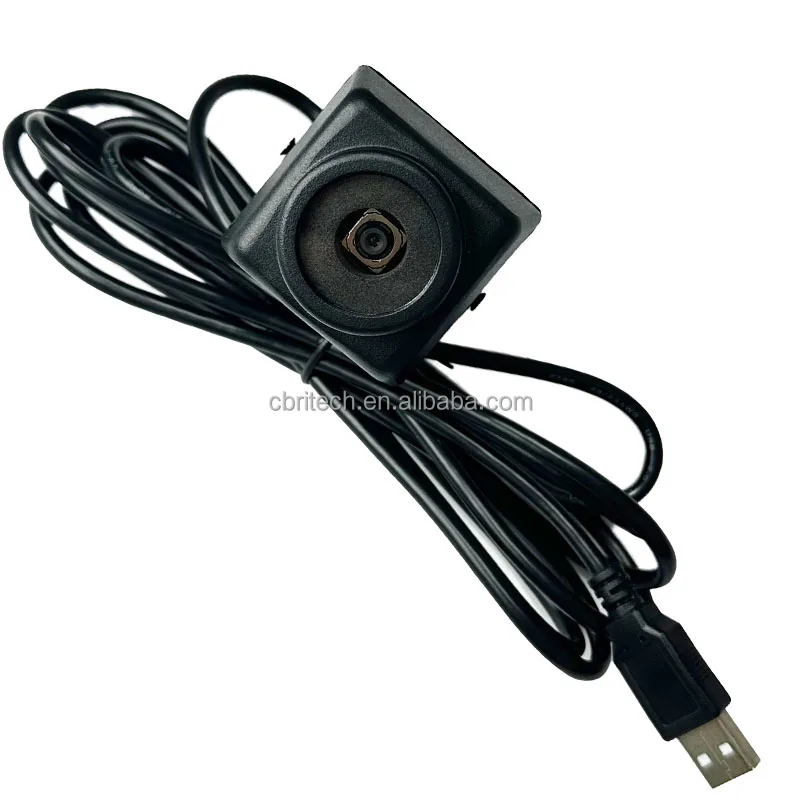
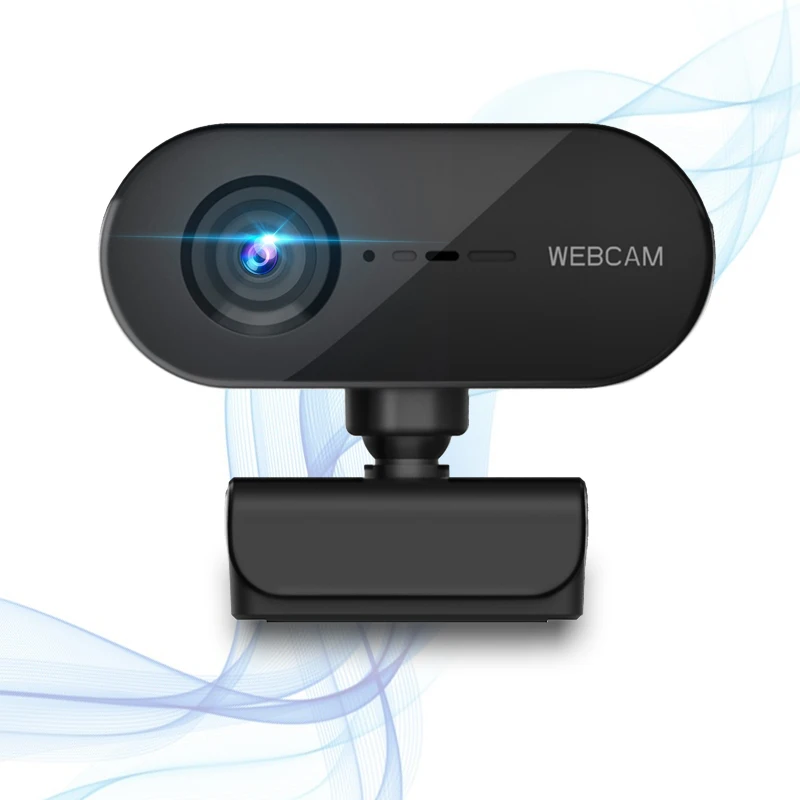
| Standard UVC Webcam | Plug-and-play simplicity; minimal setup | Limited manual controls; no sensor tuning | $6–$25 |
| Android-Optimized Module | Tablet mounting, secure biometric framing | Fewer vendor options; may require custom bracket | $30–$85 |
| Industrial UVC Module | High-temp environments, automated inspection | Overkill for conferencing; steeper learning curve | $50–$190+ |
Customer Feedback Synthesis
Based on aggregated reviews from Amazon, Reddit, and tech forums 3:
✅ What Users Love
- “Plug-and-play worked instantly on my Galaxy Tab S8—no app install needed for basic use.”
- “The $12 model gave me cleaner audio and less backlight washout than my phone’s front cam.”
- “Physical shutter gives peace of mind I can’t get from a software toggle.”
❌ What Users Complain About
- “Autofocus hunts constantly in my basement office—makes me look like I’m nodding off.”
- “Plastic body gets warm after 15 minutes; video cuts out at 22 minutes.”
- “No way to adjust exposure manually—auto mode blows out windows every time.”
Maintenance, Safety & Legal Considerations
No special certifications are required for consumer-grade USB cameras sold for Android use. However:
- Heat management: Avoid enclosing plastic-housed units in tight mounts or cases. Allow airflow.
- Cable integrity: Use shielded, 28AWG or thicker OTG cables. Thin cables cause voltage drop and disconnects.
- Data handling: External cameras feed raw video streams—no automatic cloud upload unless enabled in the app. Review app permissions carefully.
Conclusion
USB external cameras for Android are no longer niche—they’re pragmatic tools for users who’ve outgrown their device’s built-in optics. If you need reliable, repeatable video quality without taxing your phone’s battery or CPU, a UVC-compliant camera is objectively superior to software-based enhancements. But don’t default to “higher resolution = better.” For most people, 1080p at 30fps with a fixed-focus lens and physical shutter delivers more stability, longer runtime, and fewer surprises than a jittery 4K AF unit.
If you need plug-and-play reliability for daily use, choose a $6–$25 UVC 1080p camera.
If you need precision framing and thermal resilience for extended sessions, choose a $50+ industrial module.
If you’re a typical user, you don’t need to overthink this.


