36 Keyboard

Overview
Product sourcing insights & recommendations

The phrase "36 keyboard" refers to an emerging trend in the high-end ergonomic mechanical keyboard market, specifically the 36-key split columnar-staggered layout (often a 3x5 layout with 3 thumb keys per side).
This niche has gained significant momentum in 2026 as the "Goldilocks Zone" for ergonomics, balancing minimalism with high functionality for power users and developers. Unlike mainstream mechanical keyboards, the 36-key market is dominated by boutique brands and open-source projects like the Chocofi, Corne (3x5 variant), and Cantor, with prices ranging from $50 for DIY kits to $220+ for wireless pre-builts.
The attached report provides a deep dive into the product trends, consumer motivations, and sourcing landscape for this specific form factor.
Here is the market insight report on 36-key keyboards. You may also want to:
36 Key Programmable Macro Pad Keyboard
Products · 3 lists
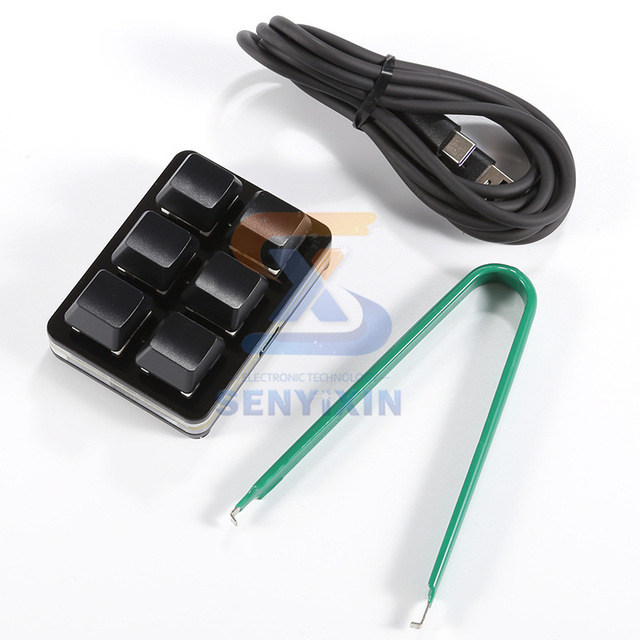
USB Custom Mechanical Keypad Keyboard Macro Programmable Shortcut Key Password Game Assistant 6 Keys
 Shenzhen Senyx Electronic Technology Co., Ltd.🇨🇳CN1 yr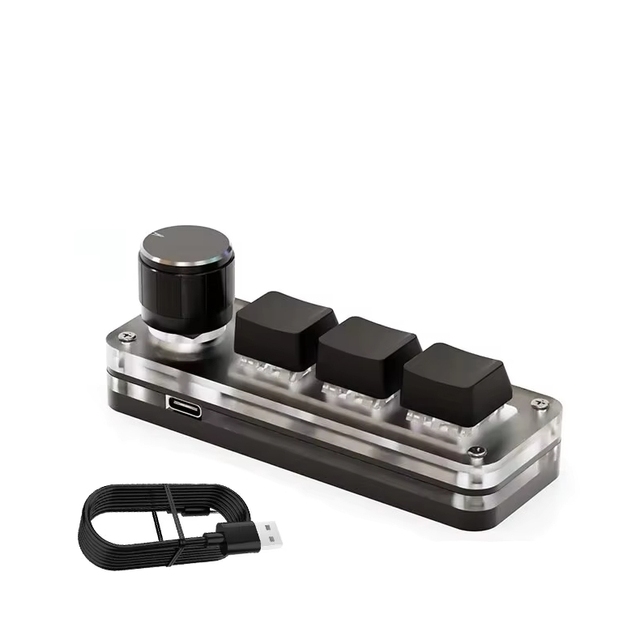
Macropad Macro Mechanical Keyboard RGB Mini Gaming Custom Programming Knob Keypad Red Switch 3 Keys for
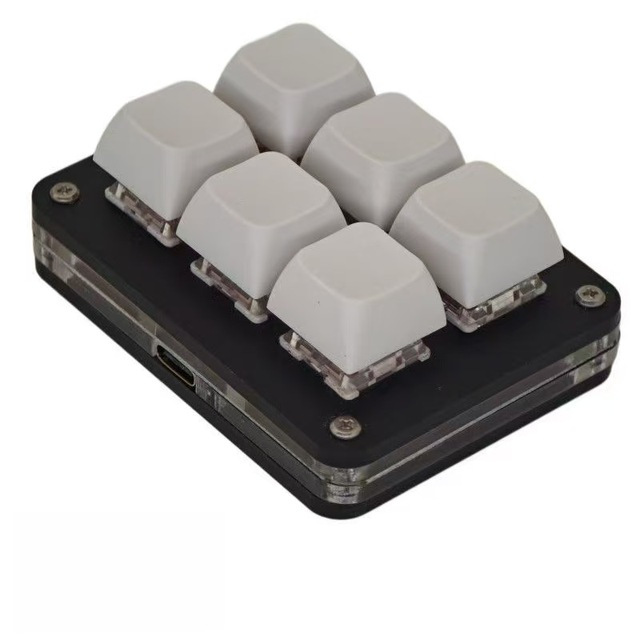
6 Keys Programmable Macro Mechanical Keypad One-Handed Gaming Hotkey Keyboard Type-C Custom Shortcut Pad for Photoshop CAD
 Shenzhen Notatrust Electronic Co., Ltd.🇨🇳CN1 yr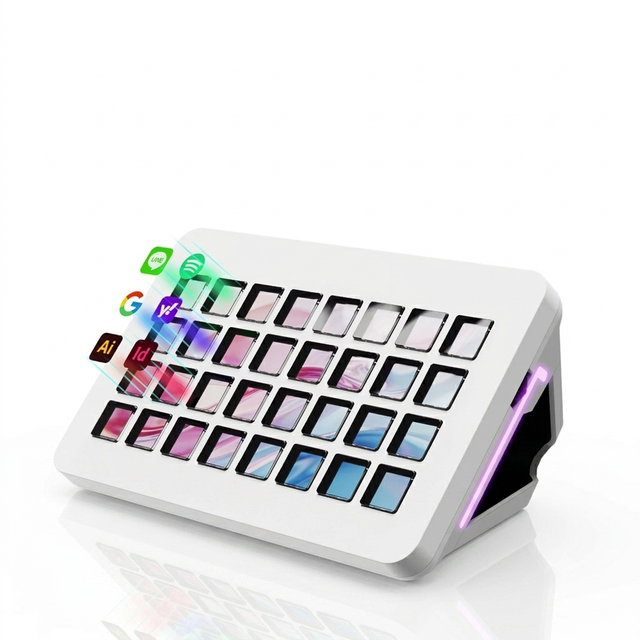
MiraBox XL Programmable Macro Pad with 32 LCD Keys for Streaming Editing and Workflow Shortcuts
 Shenzhen An Rui Xin Technology Co., Ltd.verified🇨🇳CN5 yrs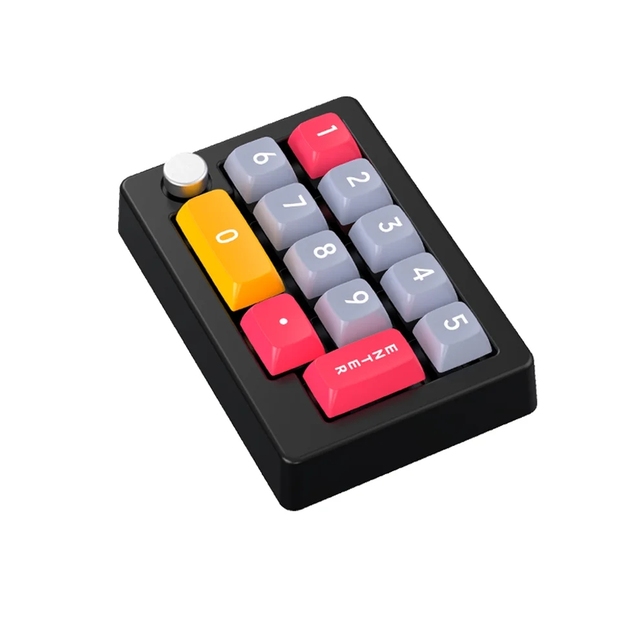
12Keys USB RGB Backlit Numpad Numeric Keypad Mini Macro Keyboard Programmable with Knobs
 Ancreu Technology Co., Ltd.verified🇨🇳CN6 yrs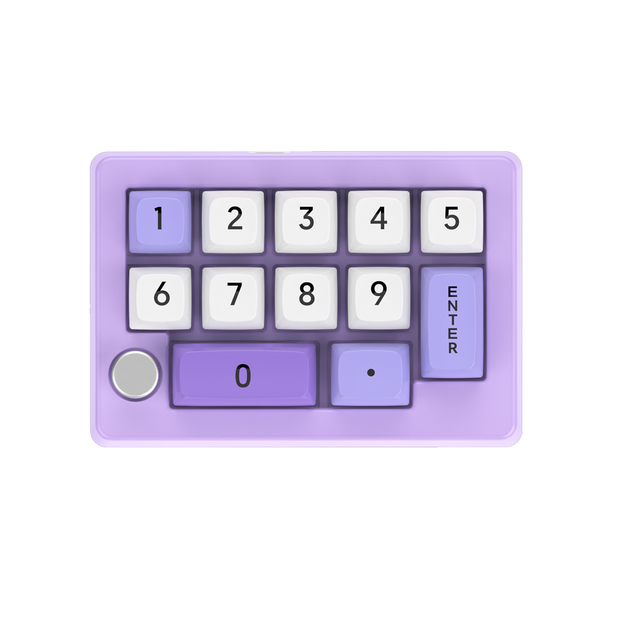
K808 Wired Programmable Macro Keyboard with Knobs RGB Mini Mechanical KeyPad Fully Hot Swappable Numeric Keypad for Laptop PC
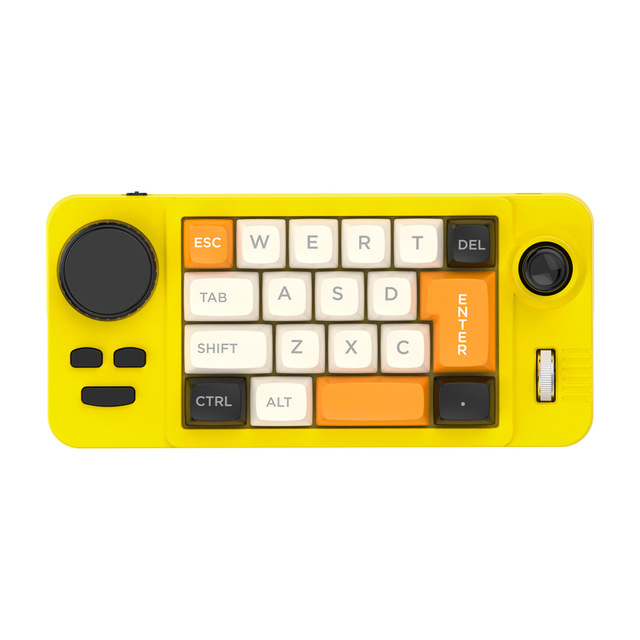
Designer Macropad Mini Programmable Keyboard 19 Keys Hot Swap Mechanical Switch Custom Macro Keypad Digital Painting Keypad
 Shenzhen Yaya Electronics Co., Ltd.🇨🇳CN10 yrs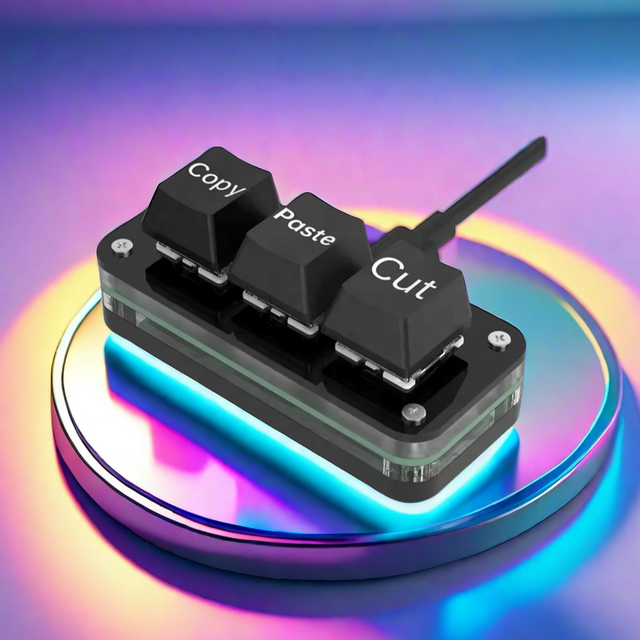
Mini One Handed Macro Keypad 3 Keys Programmable Shortcut Keyboard for Gaming Streaming Editing Copy Paste Cut Productivity Tool
 Shenzhen Fuyuanxin Technology Development Co., Ltd.🇨🇳CN8 yrs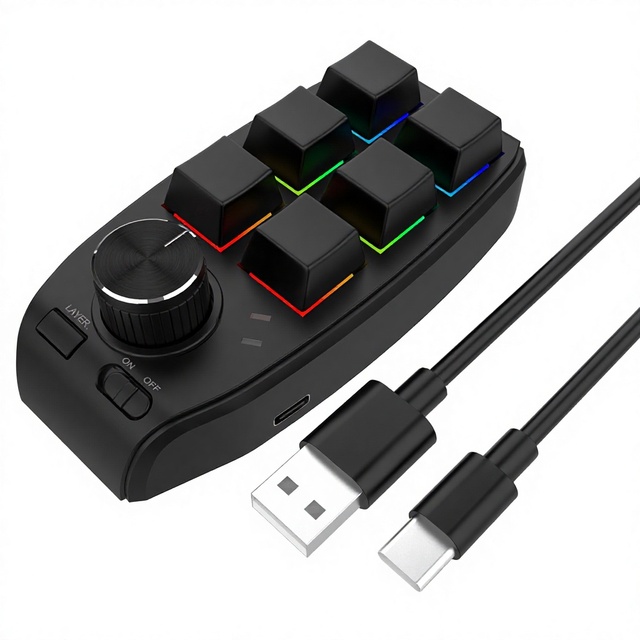
A-1 Custom Programmable Macro Keypad for Office, Photoshop, Audio Volume Control, Gaming and Stock Trading L726

Wireless One-Hand Volcano-Shaped RGB Backlit Mini Mechanical Keypad Programmable Macropad USB 3.0 for PC Mobile Game Players
 Dongguan Shipadoo Electronic Technology Co., Ltd.🇨🇳CN1 yr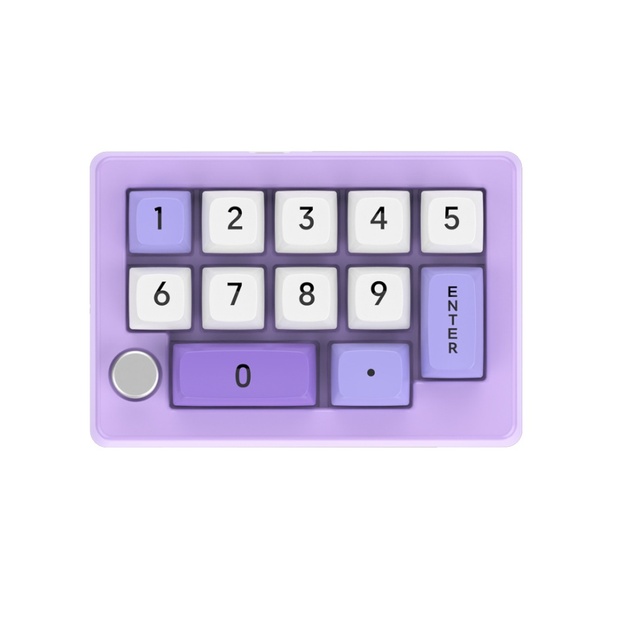
K808 Wired Programmable Macro Keyboard Knobs RGB Mini Mechanical KeyPad Fully Hot Swappable Numeric Keypad Gaming USB-C
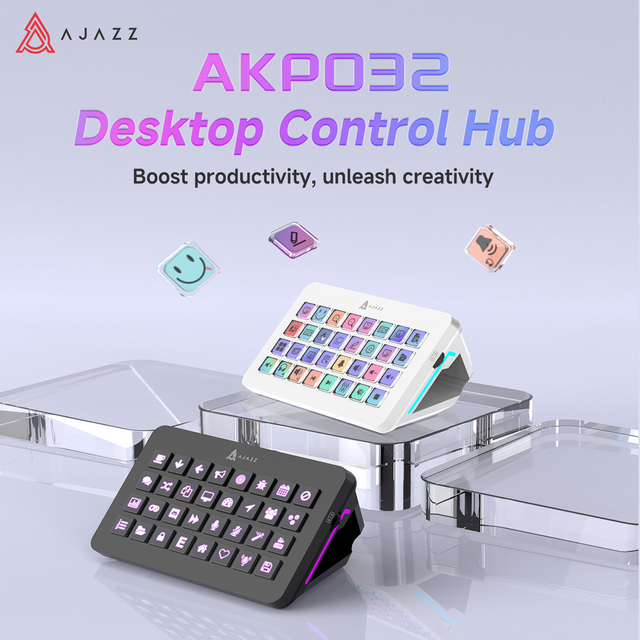
AJAZZ AKP032 32 Lcd Keys Macro Keypad Dual Knobs Control Custom Shortcut For Live Streaming Video Editing Office Work
 Shenzhen AJAZZ Tongchuang ElectronicTechnology co., Ltd.🇨🇳CN7 yrs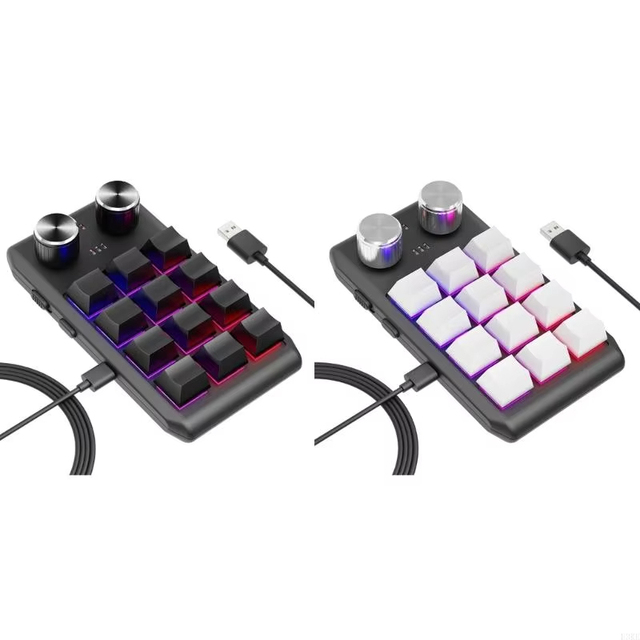
Multifunctional Macro Mechanical Keyboard with 12 Customizable Keys 2 Knobs - One-Handed RGB Gaming Keypad Programmable
 Shenzhen Xinlihui Electronics Co., Ltd.🇨🇳CN3 yrs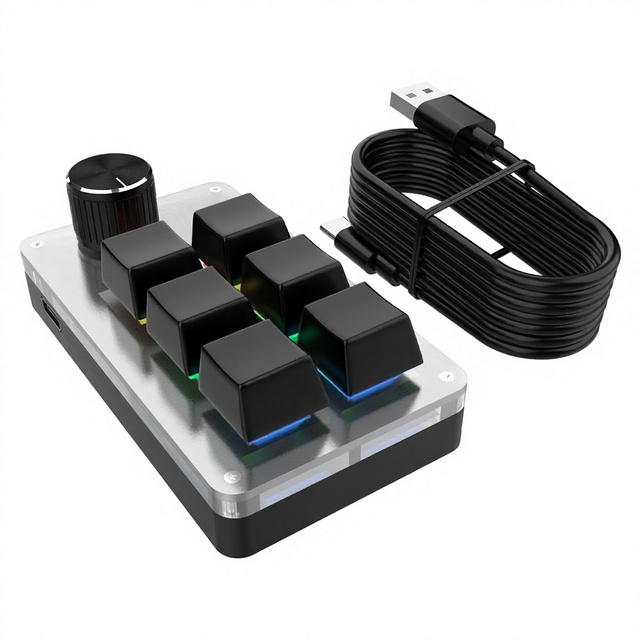
6-Key 9-Key Blvetooth Office Mini Keypad Customizable Macros, Copy, Paste, Select All Shortcuts, Gaming, OSU Volume Control L732
 Shenzhen Chuangheying Electronic Technology Co., Ltd.🇨🇳CN5 yrs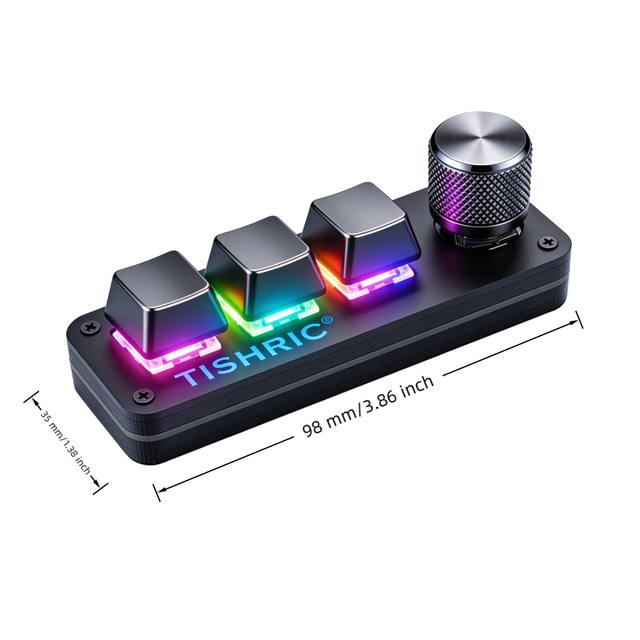
3+1,4-key Macro Keyboard with Rotary Knob, Suitable for Stock Trading, One-click Editing
 Shenzhen Tisirui Technology Co., Ltd.🇨🇳CN3 yrs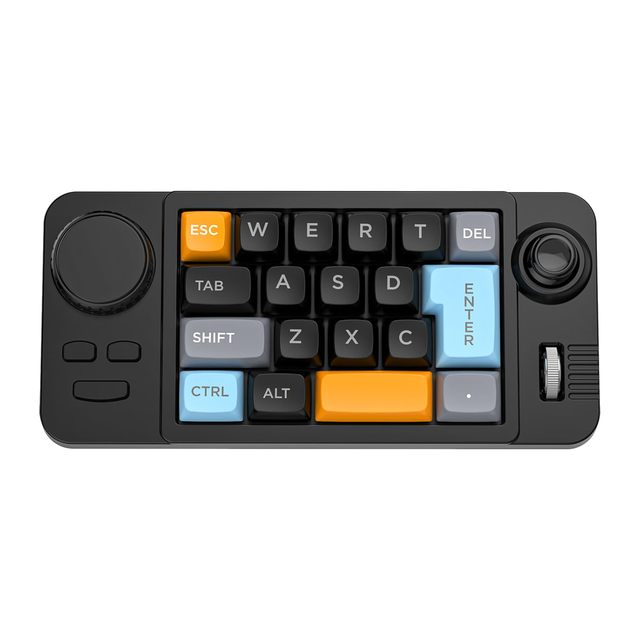
Type-C Wired RGB Macro Programmable Hot-Swappable 19-Key Mechanical Gaming Keypad for Laptop Compact Numpad
 CHI NHANH DONG NAI - CONG TY TNHH TRUNG TRUNG THANH🇻🇳VN1 yr
Type-C Wired RGB Macro Programmable Hot-Swappable 19-Key Mechanical Gaming Keypad for Laptop Compact Numpad
Deep Dive · Full Report
Full Market Report
1 document · Live-fetched from source
Related Searches
Explore more sourcing topics & related categories
Sources & References
59 sources cited · Verified industry data & reports
Ben Johnson's WTF project layout: interface usage : r/golang
This project by Ben Johnson is often recommended whenever questions about "standard package layout" get asked. The original article on package ...
Why isn't `+page.svelte` and `+layout.svelte` the same thing?
So I just started using Svelte. I have never really done any web development in my life (besides some ASP.NET back in the early 00's). The past 15 years ...

My CRAZY 36 Key 5x3 Moonlander Layout (But It Works!)
YouTube · Ben Vallack
This video is a walkthrough of my new 36 key layout (almost 30%!) that I'm using on my Moonlander split ergonomic mechanical keyboard.
You Won't Believe How Effective This Keyboard Layout Is
YouTube · Ben Vallack
36 Key Layout On Moonlander. Designing A Keyboard Layout For Ergonomics … an ergonomic keyboard journey

Create a Grid Layout in Adobe Illustrator
YouTube
In this tutorial, go over how to create a grid with the rectangular grid tool, the polar grid tool, and how to split a path into a grid.
Designing A Keyboard Layout For Ergonomics - No Layer ...
YouTube · Ben Vallack
This limits us to 36 keys on the keyboard. This of course means we have to use the layer system to access all keys needed. The problem is ...