Android Cam Box

Overview
Product sourcing insights & recommendations
I have analyzed the "Android Cam Box" market, identifying it as a hybrid category covering both integrated TV conferencing boxes and CarPlay AI adapters with camera inputs.
The market is currently valued at approximately $6.9 billion, with 2025-2026 trends focusing on AI-driven motion tracking and high-speed connectivity (WiFi 6/5G). While consumers value the convenience of "laptop-free" conferencing, recurring issues include input latency and privacy concerns, which are being addressed by newer models featuring physical shutters and optimized chipsets.
The detailed report below includes specific product types, growth projections, and consumer feedback to support your sourcing or research strategy.
The "Android Cam Box" market is shifting toward AI-integrated hardware. You can explore:
Carplay Ai Box With Camera Input Hdmi Port For Dash Cam Or Baby Cam
Products · 2 lists

Rhythm Carplay Interface Box For Audi A6 A7 Q7 2016 2018 Factory Navigation System Wireless Apple Carplay Android Auto Retrofit
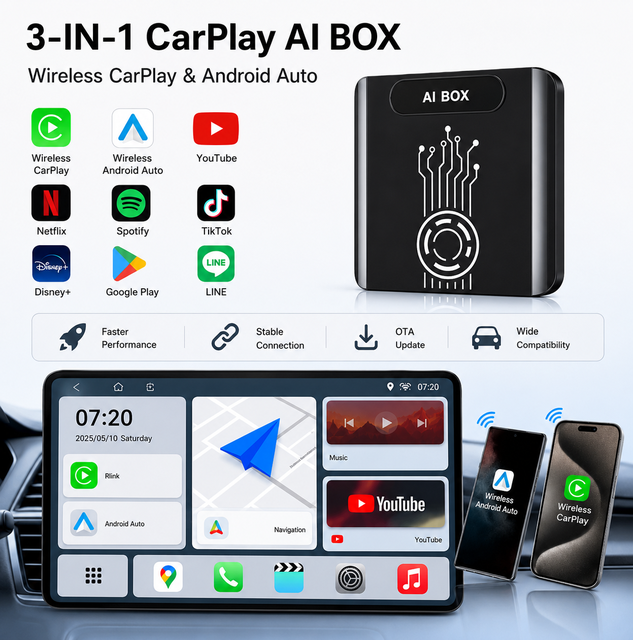
Car AI Box Wireless CarPlay Adapter Netflix & YouTube Android Auto CarPlay Video AI Box Entertainment
 Yunge (shenzhen) Communications Tech Co., Ltd.🇨🇳CN6 yrs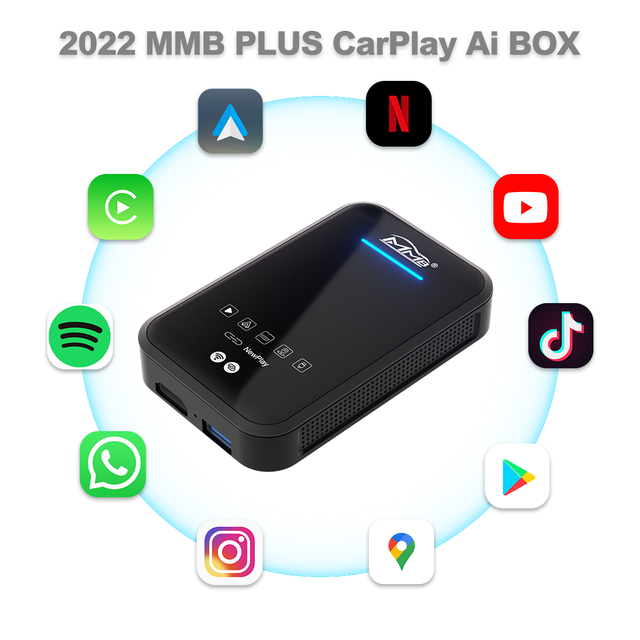
JoyeAuto MMB Android 11 CarPlay Wireless AI Box | HD Output, YouTube TV, Apple CarPlay Integration
 Shenzhen Joyeauto Technology Co., Ltd.🇨🇳CN7 yrs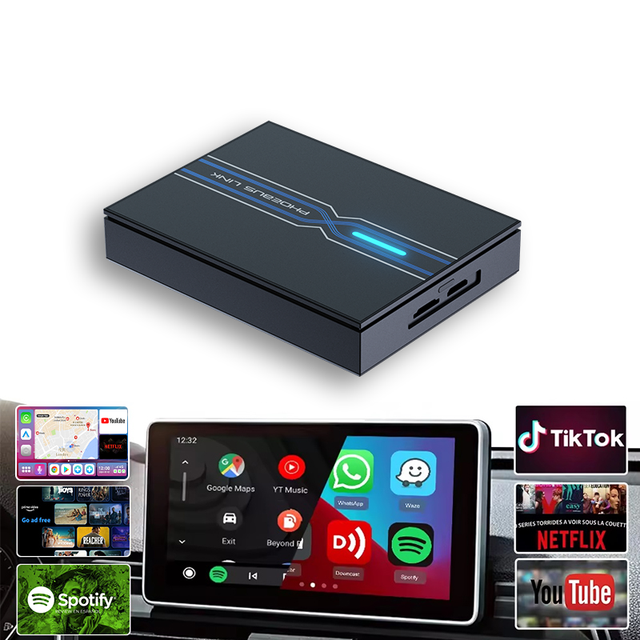
Wireless Carplay AI Box 1-Year Designed for Modern Drivers Android 13 YouTube Netflix Compatibility Via 4G LTE Interface
 Shenzhen Phoebus Link Technology Co., Ltd.🇨🇳CN3 yrs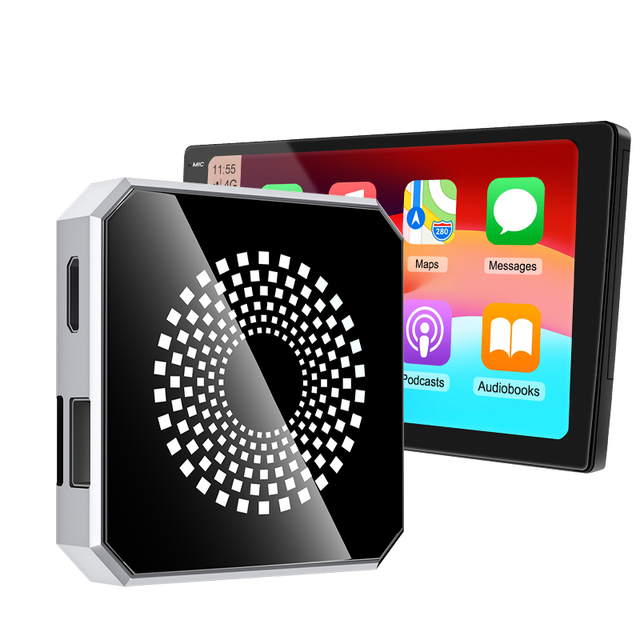
High Performance Android 13 CarPlay Box 2+16GB/ 4+32GB adaptateur AI CarPlay sans fil with HDMI for Cars
 Hk Globallink Autotech Limitedverified🇭🇰HK1 yr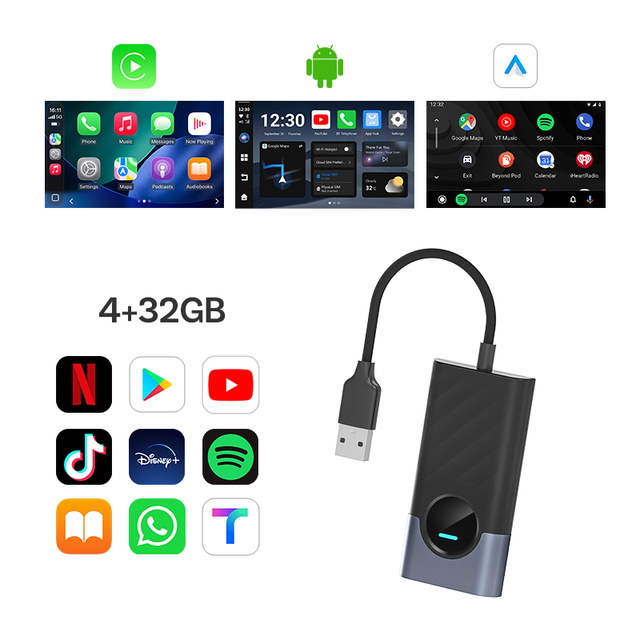
AI Box Wireless Carplay Android Auto 2 in 1 Adapter Smart Streaming Box with Netflix YouTube HDMI for Auto Wholesale OEM
 Shenzhen Cartizan Technology Co., Ltd.verified🇨🇳CN5 yrs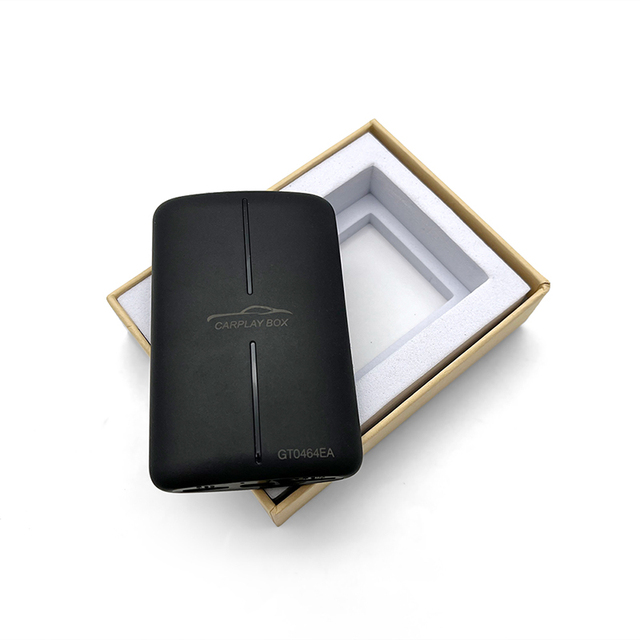
4G 64G Wifi 8 Core Android Auto Carplay Dongle Wireless Carplay Ai Box with Video Out Function
 Shenzhen Shengpintong Technology Co., Ltd.verified🇨🇳CN7 yrs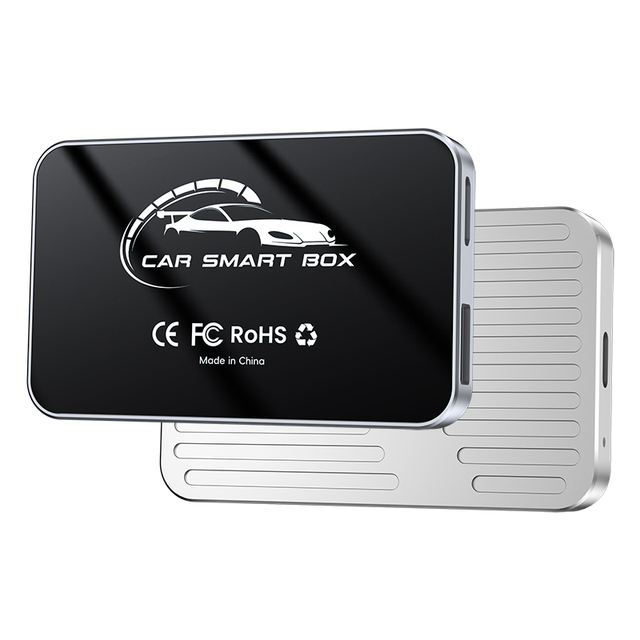
Manufacturer Wireless Carplay Adapter Car Android 13 CarPlay Ai Box with 2gb 16gb 4gb 32gb
 Shenzhen Leshida Electronics Co., Ltd.verified🇨🇳CN10 yrs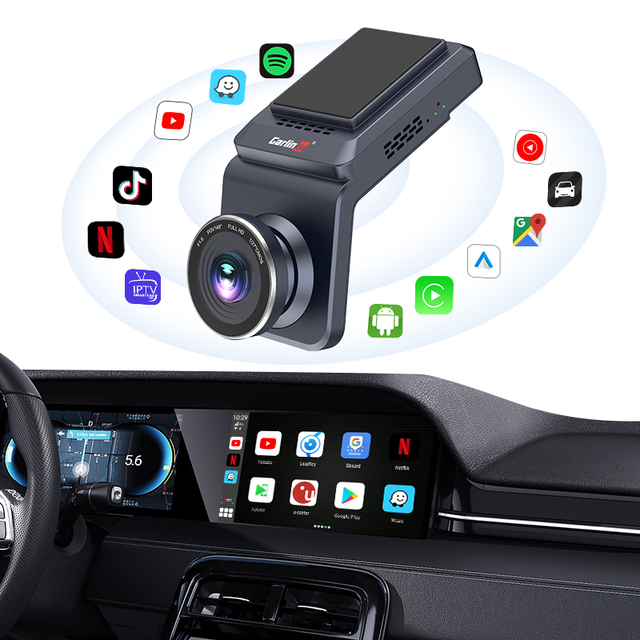
Carlinkit Wireless CarPlay Dongle for Android Auto Multimedia Car Play Adapter Carplay AI Box Wireless Carplay Adapter
 Tuqu (huizhou) Technical Service Co., Ltd.verified🇨🇳CN5 yrs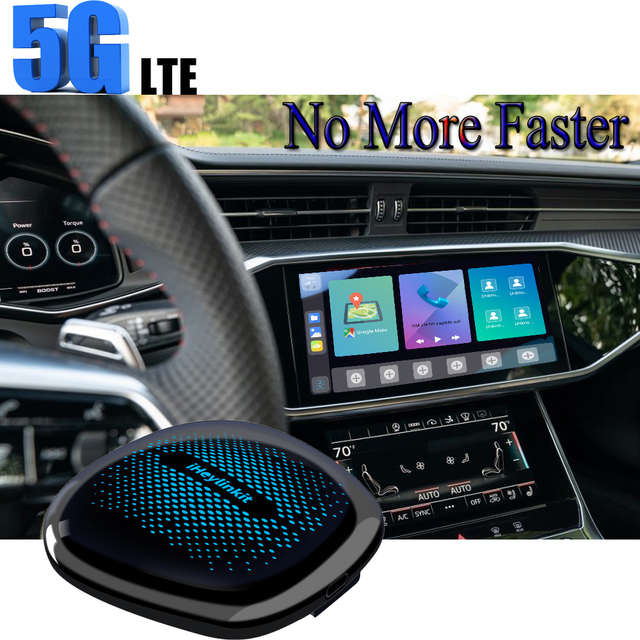
IHeylinkit Carplay AI Box Universal VW/Audi/Benz Cars with 5G Mobile Data Evolution RAM 8+ ROM 128GB
 Shenzhen Xinhai Vision Technology Co., Ltd.🇨🇳CN11 yrs
Carlinkit DVR HD 4G LTE Dashcam Ai 8g 128gb Full Android System Media Wireless Android Auto Carplay Ai Box with Camera youtube
 Huizhou Yunlian Technology Co., Ltd.verified🇨🇳CN8 yrs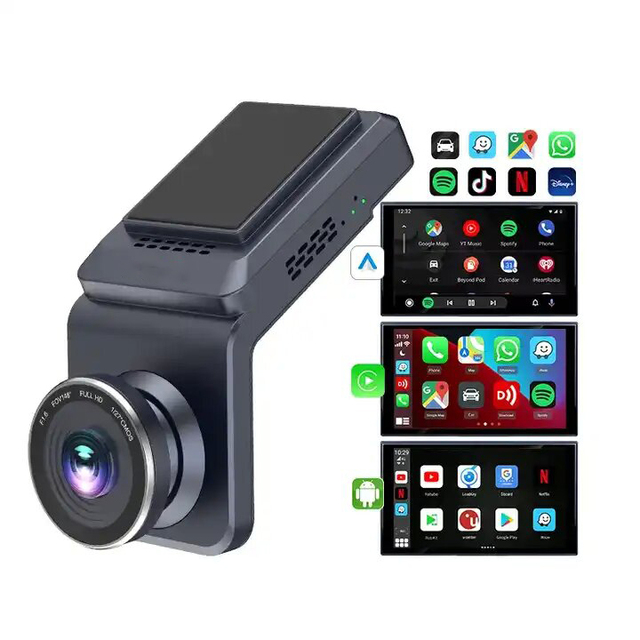
Portable Carplay Screen Driving Recorder 2 Million Pixels 4G+WIFI Netflix Youtube Android Auto Functions
 Huizhou Kris Technology Co., Ltd.verified🇨🇳CN5 yrs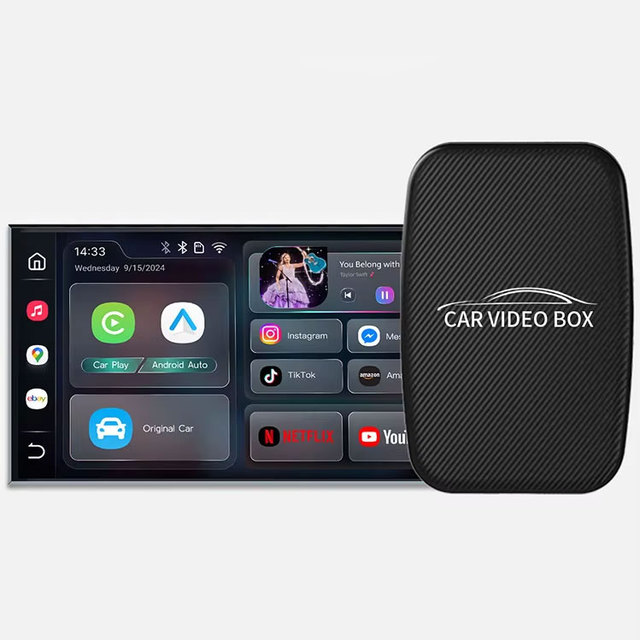
CarPlay Ai Box Android Wireless Android Auto & Car Play Smart TV Box with Youtube Netflix Support USB a Type c Car Accessories
 Shenzhen Zhiduojing Technology Co., Ltd.verified🇨🇳CN3 yrs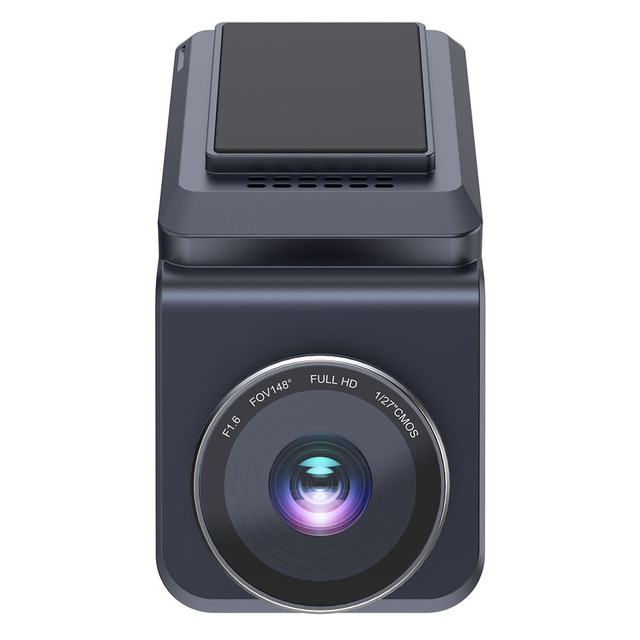
TOPSOURCE Wireless Carplay Android Auto Ai Box 4G Car DVR Camera Recorder Built-in GPS 4g Android Dash Cam Car Black Box
 Shenzhen Top Source Electronics Co., Ltd.verified🇨🇳CN12 yrs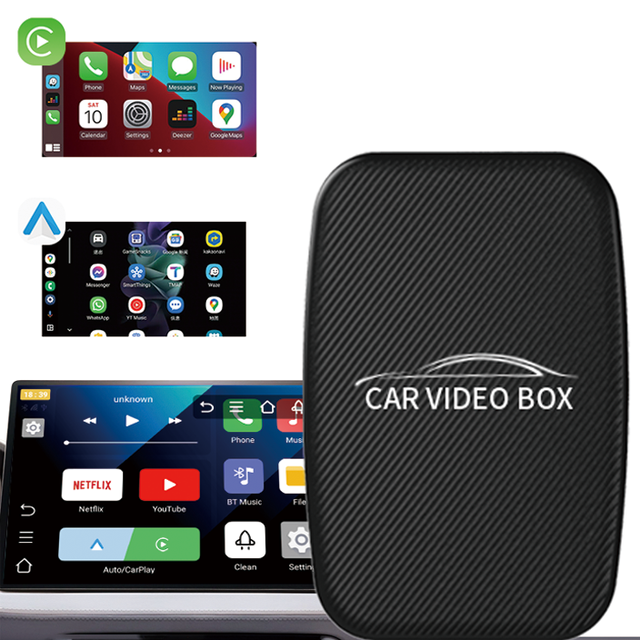
Wireless Carplay Video Box with Netflix & YouTube
 Shenzhen Lianxinyuan E-Commerce Co., Ltd.🇨🇳CN5 yrs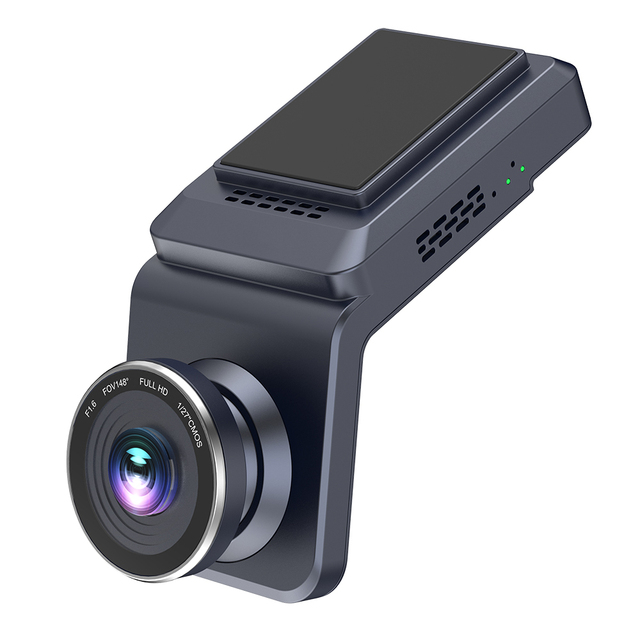
Ai Carplay Wireless Car Dashcam 4G Auto Android with Plastic Material for Cars
 Shenzhen Top-King Electronic Technology Co., Ltd.🇨🇳CN10 yrs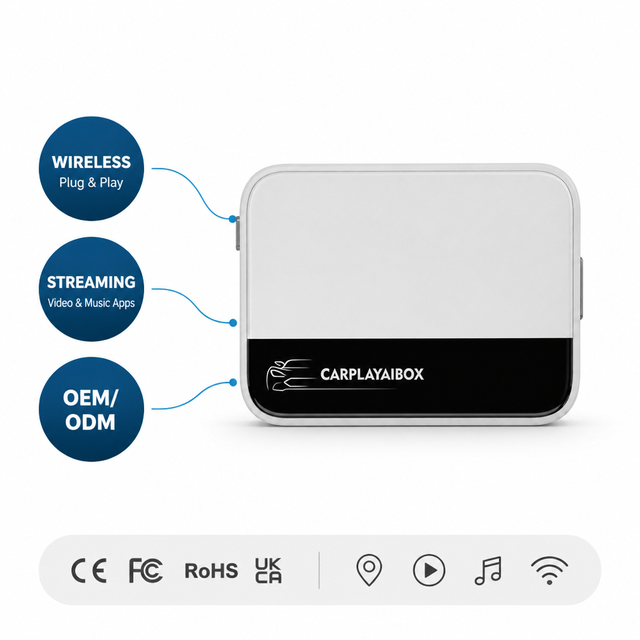
CarPlay AI Adapter Wireless Android 12 Box Custom Packaging OEM Factory WiFi 6 BT5.4 OTA Update Video Player Car Monitor
 Shenzhen Jinkaiyue Technology Co., Ltd.verified🇨🇳CN2 yrs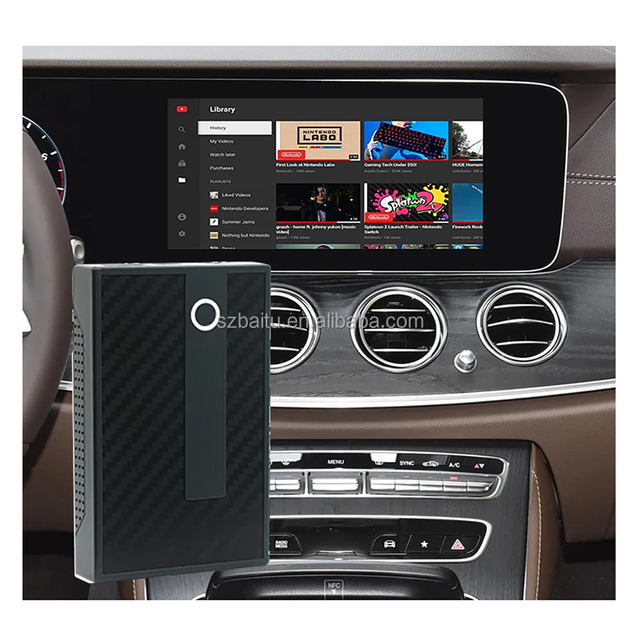
Free Sample Carplay Ai Box 3 in 1 Dongle Box Carplay Android Auto Wireless Universal Module Carplay Car Magic Streaming Ai Box
 Shenzhen Baitu Technology Co., Ltd.🇨🇳CN8 yrs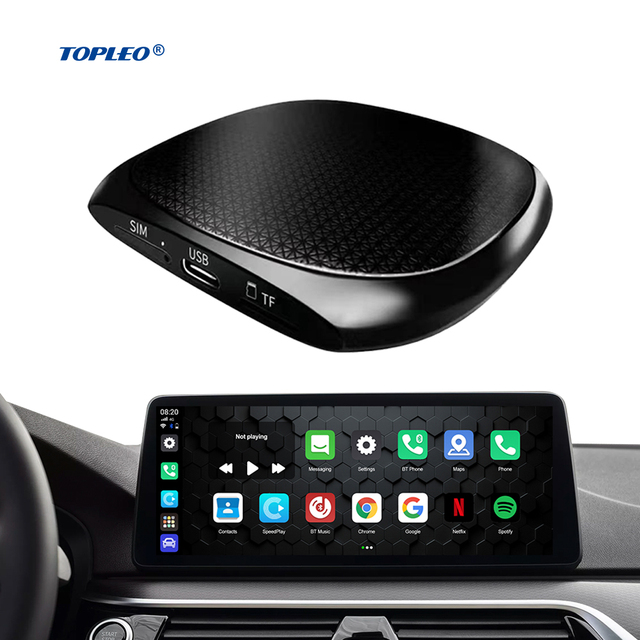
Topleo Carplay Magic AI Box Mini Smart Adapter Wireless Android Auto Carplay Dongle Ai Box
 Shenzhen Topleo Technology Limitedverified🇨🇳CN11 yrs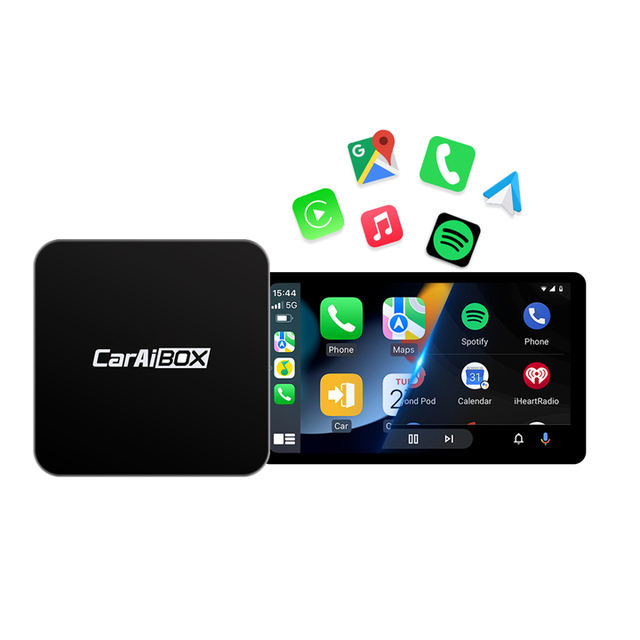
EKIY Carplay Car Ai Box Wireless CarPlay Android Auto A2A Adapter for Toyota Mazda Nissan Chevrolet Suzuki Ford Hyundai
 Shenzhen EKIY Technology Co., Ltd.🇨🇳CN3 yrs
2 in 1 Wireless CarPlay Dongle & Android Auto Adapter AI Smart Box with for BMW 550 Series Cars
 Shenzhen Jinmeiyi Technology Company Limitedverified🇨🇳CN7 yrs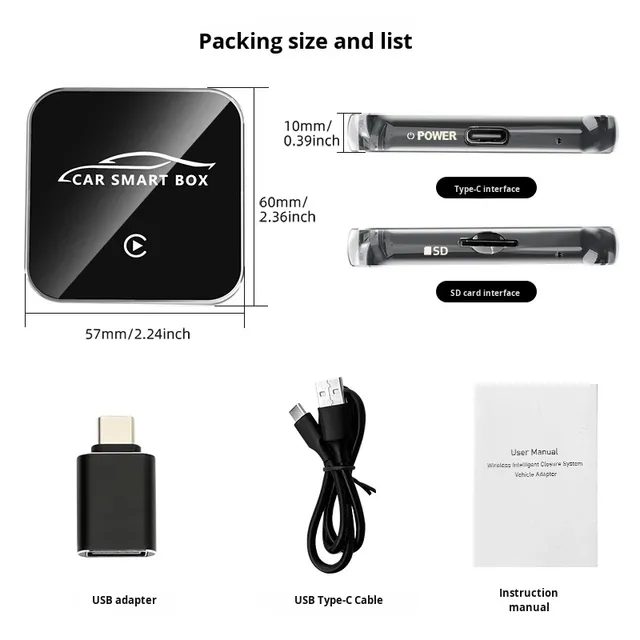
Wholesale Wireless Carplay Android Auto AI 3-in-1 13 Car TV Box Aluminum Alloy Tempered Glass 2GB RAM 64G ROM OEM Steering
 Beijing Padrise Technology Co., Ltd.verified🇨🇳CN2 yrs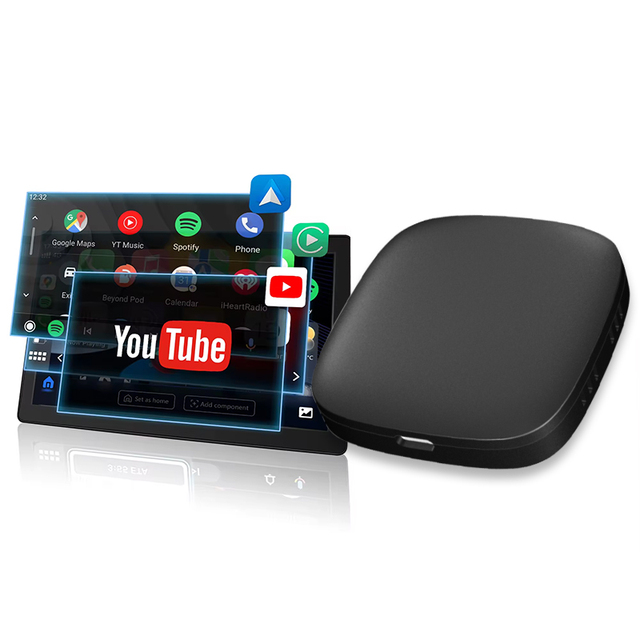
3IN1 CarPlay AI Box Android Auto Wireless 6+128G High-End Config, Support YouTube Netflix 4K Video & GPS Navigation
 TrolinkTek Inc🇺🇸US2 yrs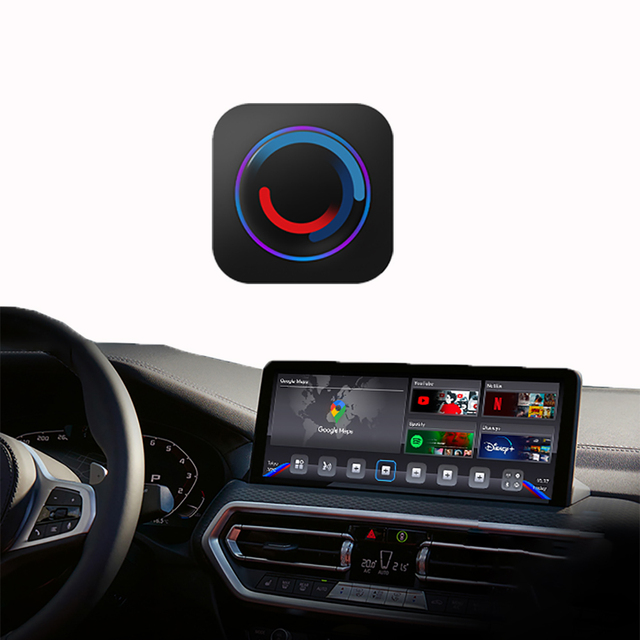
2023 Portable Carplay Ai Box Android 10 Wireless CarPlay for BMW EVO with Factory Apple CarPlay New with 1 Year Warranty
 Shenzhen Dckloer Technology Co., Ltd.🇨🇳CN6 yrs
Wireless Carplay Ai Box Android 14 2GB + 16GB Car Magic Box Carplay Android Auto Carplay Dongle
 Shenzhen Xianlin Technology Co., Ltd.verified🇨🇳CN7 yrs
Deep Dive · Full Report
Full Market Report
1 document · Live-fetched from source
Related Searches
Explore more sourcing topics & related categories
Sources & References
28 sources cited · Verified industry data & reports
Android TV Box with Camera Guide: How to Choose Wisely
electronics.alibaba.com
An Android TV box with camera is a compact media streaming device running Android OS, equipped with an integrated imaging sensor and microphone array—designed to turn any HDMI-compatible TV into a video conferencing endpoint. Physical safety is uncomplicated: all units tested draw <10W under load—well within standard USB-C or DC adapter tolerances. Size and orientation differences between KA2 (vertical) and LT88BRC (horizontal) affect placement flexibility (Videostrong, Leoxsys) If you need a simple, reliable way to conduct video calls on your TV—and value ease of setup over future-proofing—choose an integrated Android TV box with camera like the KA2 or LT88BRC. Avoid ‘camera-ready’ marketing traps: Phrases like “supports external camera” ≠ built-in. Confirm sensor presence in spec sheet—not just product title. Confirm update cadence: Search for firmware release dates on manufacturer forums. Units with no updates since 2022 likely lack current Android TV app support. Test audio routing: Ensure mic input routes correctly to apps—not just system sounds. Some boxes route mic to Bluetooth only, breaking wired headset use. Cons: Requires USB port + power delivery (some boxes throttle USB bandwidth), needs manual driver verification (not all Android TV boxes recognize UVC-compliant cams out-of-box), adds cable clutter. The first approach wins for simplicity and reliability. The second wins for longevity and customization. But here’s what most guides miss: this piece isn’t for keyword collectors. It’s for people who will actually use the product.
Android TV Box SpyCam|6K Decoding TV Output
ismarthomegadgets.com
Secret Android TV Box with A Hidden Camera The Black Android TV Box SpyCam looks unassuming at first glance, blending seamlessly with your home entertainment system. Its matte black finish, compact rectangular body, and minimalist LED indicator could easily be mistaken for any modern streaming device. The Black Android TV Box SpyCam is exactly the kind of tool MI6 would issue to the world’s most famous spy. As Bond, you’d set up the device in your living room—not just to stream the latest international news, but to keep a watchful eye on your surroundings. Its hidden camera with 1080P resolution, masked within the TV box’s shadowy housing, activates seamlessly with motion detection. The moment an uninvited guest crosses its path, it records crisp video footage, storing evidence without ever revealing its secret. This Android TV Box SpyCam doubles as a security hub - enjoy YouTube, Facebook, online movies in 6K TV while the hidden camera automatically records intruders. The remote viewing feature gives you Bond-like control—no matter where your mission takes you, all it takes is a quick glance at your smartphone to check your home’s status in real time. Instant alerts pop up if anything suspicious happens, so you’re always one step ahead of the game. With this device installed, you’ll feel ready for anything: securing valuables, protecting loved ones, or simply enjoying peace of mind. It’s more than just a streaming box; it’s a covert sentinel that empowers you with a touch of 007’s resourcefulness.
How to Use Android TV Box with Camera: A Practical Guide
electronics.alibaba.com
If you’re a typical user, you don’t need to overthink this: start with a certified Android TV box that supports USB webcams and runs Android 11 or later — then add a plug-and-play USB camera unless you specifically need integrated hardware (e.g., privacy shutter, dual mic array). Avoid low-cost boxes with Android 9 or older: they often fail on Zoom or Google Meet due to missing permissions, outdated WebRTC stacks, or unresponsive USB drivers. This piece isn’t for keyword collectors. It’s for people who will actually use the product. An “Android TV box with camera” refers to a compact media streaming device running Android TV OS that either includes an integrated webcam/mic/speaker system or reliably supports external USB webcams via standard UVC (USB Video Class) protocols. Learn how to set up and use an Android TV box with camera for video calls, security monitoring, or TikTok — what specs matter, when USB works, and what to avoid. When you don’t need to overthink it: You’re using Logitech C270, C920, or Razer Kiyo — all confirmed working on >90% of Android TV boxes released after Q3 2022. Standard USB webcam setup: Plug into any free USB port; launch 'USB Camera' app to verify feed · Don’t optimize for specs alone — optimize for *what breaks first in real use*. Here’s what matters — and when it doesn’t. Android version & certification: Android 11+ is non-negotiable for stable camera API access. Check Android version: Go to Settings > About > Android version. If it’s below 11, walk away — no amount of sideloading fixes broken camera HALs. Test USB port behavior: Plug in a known-working USB flash drive. If it doesn’t appear in Files app within 5 seconds, the USB host stack is unstable — avoid for camera use. Verify app compatibility: Search Play Store for “Zoom” and “TinyCam Pro.” If neither installs or shows “Device not compatible,” the box lacks required permissions or architecture.
KA2 Smart Box OEM | TV Camera + Android TV 2-in-1
www.videostrong.com
Smart camera and TV box 2 in 1; FHD 100° ultra-wide-angel camera; Support 5M far-filed voice control; Support CV algorithm; Perfect for smart elderly care TV video calling; Video Conferencing for Android TV. ... Keyword: Smart Camera Surveillance Cameras Smart Box Far-filed Voice Control Video call on TV Smart Voice Voice Assistant Aging in Place Android TV™ · Home / Products / KA2 Smart Box (FHD camera + mic array + speaker) FHD 100° ultra-wide-angel camera, support CV algorithm, perfect for TV video calling, smart elderly care customization, smart hotel plan customization. 1*Power standby 1*Dial/answer button for Duo video calling 1*Camera switch ( Photoelectric detection) 1*MIC Physical switch · Voice Analytics intelligent interaction semantic understanding Smart Home smart Bluetooth speaker Google Assistant Far-filed Voice Control Android TV Box Smart Speaker Voice Assistant Android TV™ 3D Camera A311D Smart Elderly Care Solution Aging Care Solution Aging in Place Solution Community Support for Elderly Elderly Care Smart Box Smart Fitness Interactive TV Game 3D Computer Vision Algorithms Video call on TV Fall Detection Aging in Place · Smart Camera Surveillance Cameras S905Y4 Smart Elderly Care Solution Aging Care Solution Aging in Place Solution Community Support for Elderly Elderly Care Smart Hotel Google Assistant Far-filed Voice Control Interactive TV Game Video call on TV Smart Voice Fall Detection Aging in Place Android TV™ Netflix
Motion Entertainment AI Fitness OTT TV Box with Camera
en.sdmctech.com
Thanks to its robust NPU processing power, the 4K Android smart TV box with camera can effortlessly handle high-demanding motion-sensing content. With precise motion tracking, gameplay becomes more intuitive, engaging and rewarding. Motion controls make playing, sharing and competing with others accessible in new ways on this all-in-one OTT solution. Friends and family can join in on the fun for an interactive experience that is entertaining, connected and ultra-vibrant. The Motion Entertainment Android Smart TV box with built-In camera (DC9307) is a 4K OTT streaming and smart camera solution purpose-built for versatility. We are thrilled to introduce the latest innovation in home technology: the motion entertainment Android smart TV box with built-in camera (DC9307). The camera on this Android smart TV box features an ultra-wide angle lens and supports full HD video recording at 30 frames per second (1080p@30fps). This smart camera, powered by advanced AI, not only precisely recognizes faces and detects motion but also distinguishes between people and pets. Furthermore, it provides an immersive motion entertainment experience on your TV, turning you living room into an engaging family entertainment hub. Equipped with the Amlogic A311D2 SoC, the 4K Android smart OTT box with camera ensures solid and reliable performance for a range of applications.
Test camera images using automation | Android Open Source Project
source.android.com
No human intervention is needed during the test. Easy troubleshooting. Consistency of test environment leads to fewer setup errors and increases reproducibility. Efficiency. Ability to retry for individual camera/scene improves test execution efficiency. ITS-in-a-box consists of a plastic box that is laser cut from computer-aided design (CAD) drawings, a chart tablet, and a device under test (DUT). To determine the optimal rig for a DUT, the following table provides example image captures for various combinations of chart distances and scene scaling percentages using a camera with a field of view of 25° and a minimum focus distance of 80 cm. For this example, the modular base rig with a 30 cm or 50 cm extension, resulting in an 50 cm or 80 cm chart distance is the most suitable. The image captured at a 31 cm chart distance is too blurry and is likely to lead to test failures. ... Purchase or build a modular, WFoV, or RFoV and sensor Fusion ITS-in-a-box. While most tests fail (as the camera isn't pointed at the chart), you can verify that the tablet correctly cycles through the scenes without displaying any prompts or other popups on the screen. Before running the ITS-in-a-box, ensure that your test setup includes the following hardware and software: The Galaxy Tab A is no longer recommended as the tablet doesn't always display PDF (or PNG) charts. On Android 13, the Xiaomi Pad 5 uses 8-bit brightness control. The RFoV ITS-in-a-box revision 1 tests RFoV cameras for tablet scenes tests in the CameraITS/tests directory.