Android Oreo Home Screen

Overview
Product sourcing insights & recommendations
I have analyzed the market trends and product insights for "Android Oreo home screen" customization. The results highlight a shift from the minimalist foundation of Android 8.0 Oreo toward AI-driven, contextual hubs in 2026, focusing on productivity and digital wellbeing.
The comprehensive buying guide below provides detailed information on core Oreo-style features—such as Adaptive Icons, Notification Dots, and Picture-in-Picture—along side current market trends like Stackable Widgets and AI-powered app suggestions. I have also identified suppliers for Android Oreo-compatible hardware and custom software development services.
Explore the future of Android customization with these next steps:
Android 8.0 Oreo Smartphone Factory Unlocked
Products · 3 lists
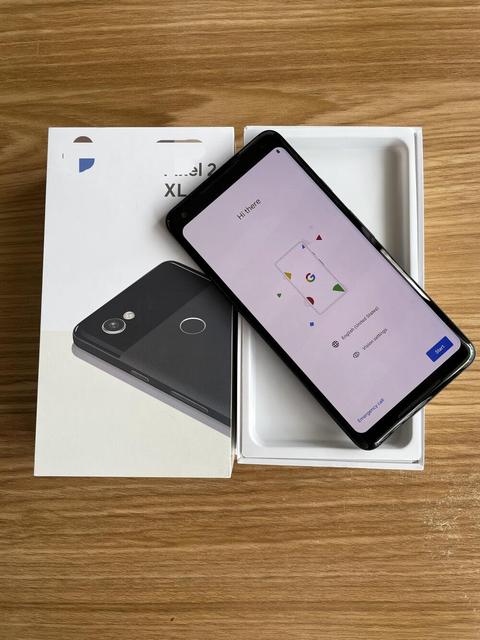
8 LTE 128GB OLED 90Hz Octa Core 65W Quick Charge Multi Language Smartphone Wholesale
 Foshan Kangcheng Intelligent Technology Co., Ltd.🇨🇳CN3 yrs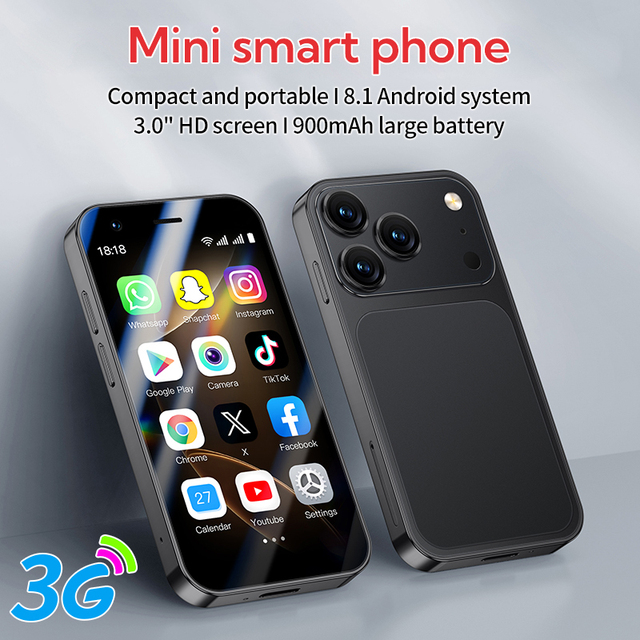
A17 Mini Android Dual SIM Smartphone 3.0 Inch 4GB+64GB Andorid8.1 Global Version Unlocked Portable Mobile Phones

6.26 Inch OEM Smartphone Android MTK8788 6+64GB 8+16MP Dual Type C SOS Button Kill Switch Customized Security Phone
 Shenzhen Pretech Industrial Co., Ltd.verified🇨🇳CN10 yrs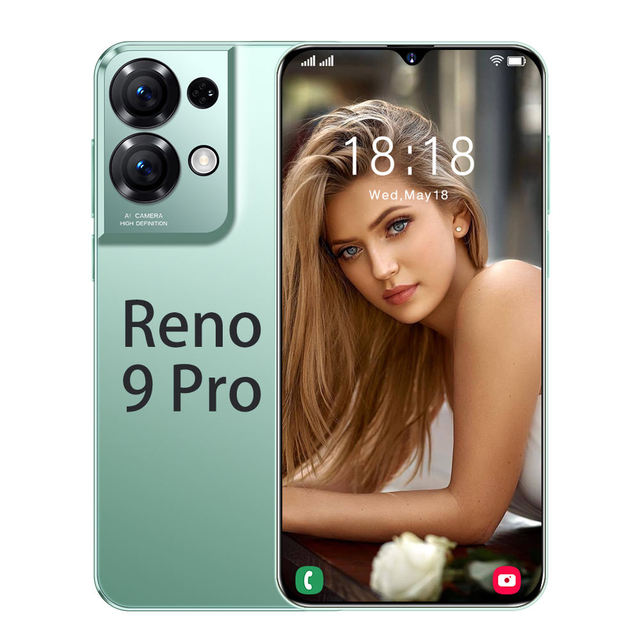
Brand New OPPOO 9 Pro 5G Smartphone Original 16G 1TB 6.8inch Mobile Phone Android Celular Telefono Smart Phone Low Price
 Shenzhen Rainbowrivers Technology Co., Ltd.🇨🇳CN3 yrs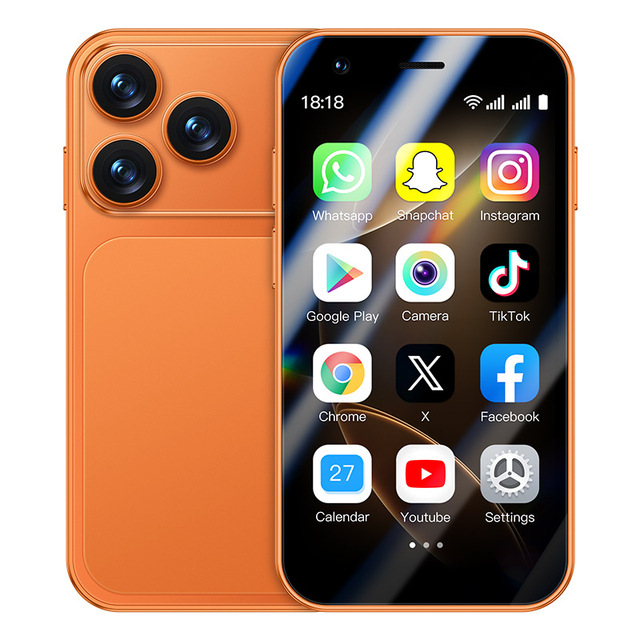
Factory Original Unlocked Cross-border I17 Mini Android 8.1 Smart Phone Quad-core 3.0 Inch HD Screen WIFI Dual SIM 3G English
 Guangzhou maodian gongchuang Technology Co., Ltd.🇨🇳CN2 yrs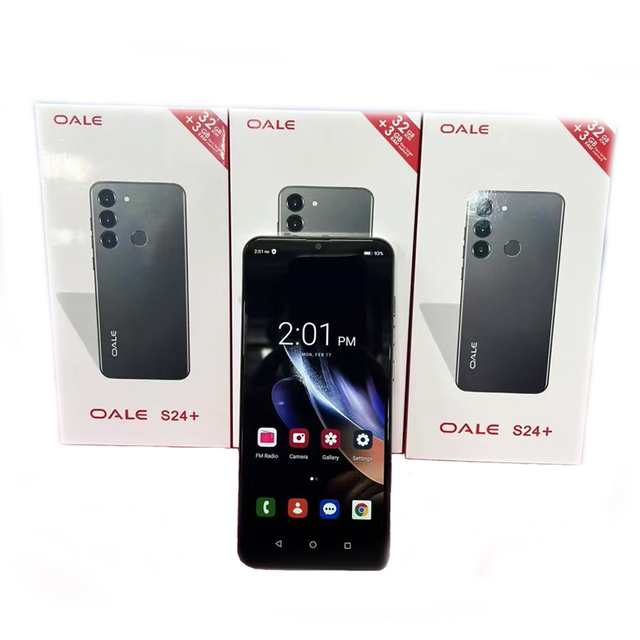
Factory Unlocked Popular Original OALE Cheap Smart Touchscreen Android Mobile Cell Phone S24+
 Shenzhen Aostartong Technology Co., Limited.🇨🇳CN14 yrs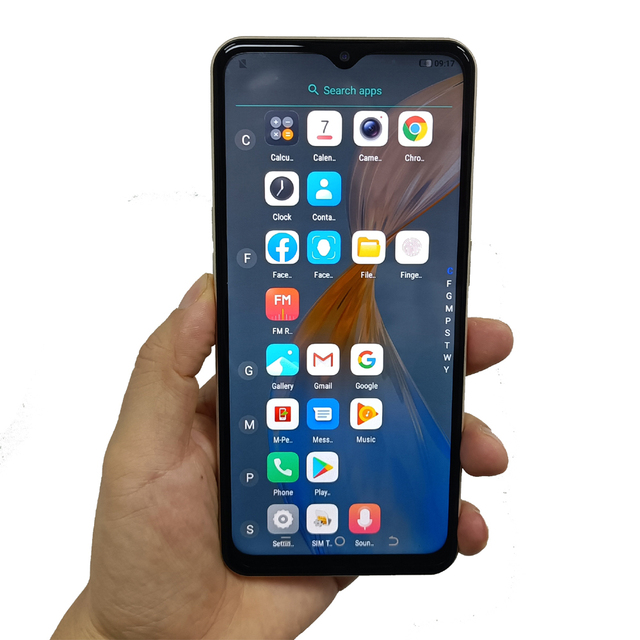
Oem Android Phone Androide Mobile Unlocked Best Phones Odm Smart Cell 64Gb Gaming 32Gb Cheap Mobile Orignal Cellphone
 Shenzhen Songming Communication Technology Co., Ltd.🇨🇳CN7 yrs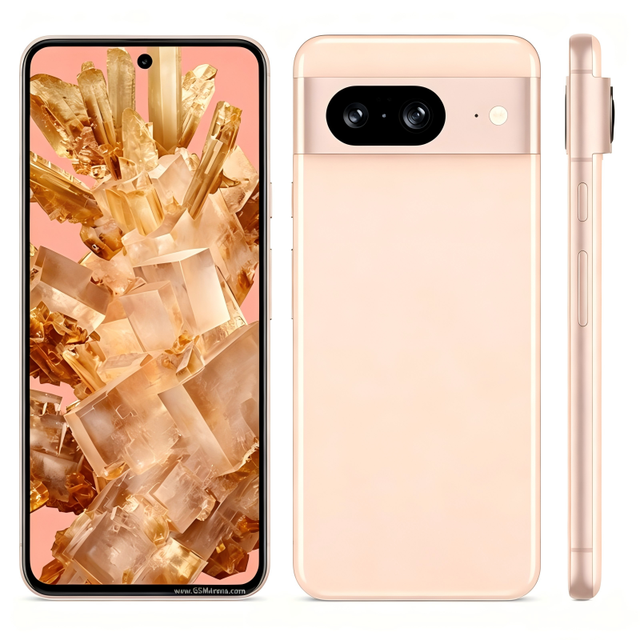
Used Original 8 Android Smartphone Unlocked with Camera and OLED Display China Origin Wholesale
 Shenzhen Century Huitong Technology Co., Ltd.🇨🇳CN8 yrs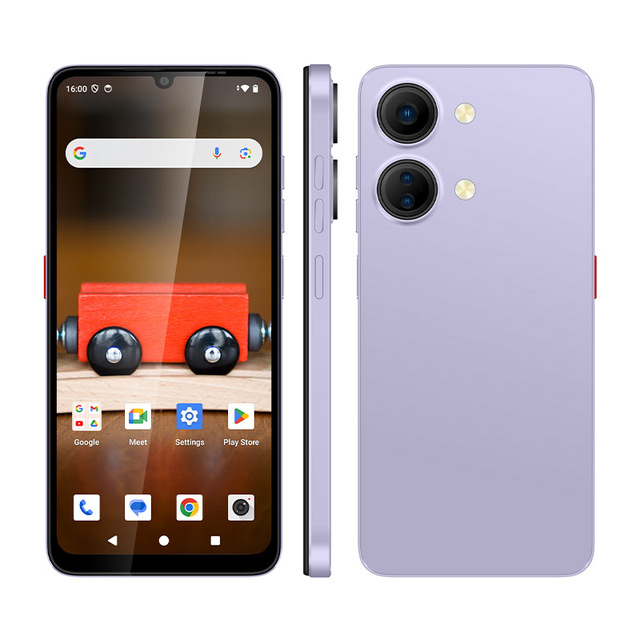
6.7 Inch Octa Core 4GB+128GB 5000mAh Battery Fingerprint Unlock Factory OEM 4G Android SmartPhone
 Shenzhen Connectech Technology Co., Ltd.verified🇨🇳CN9 yrs
A17 Mini 3.0" 4+64GB Android Smartphone Dual SIM LTE Unlocked Global Version, Face ID, 4G Mobile Phone 2026 Hot Sale
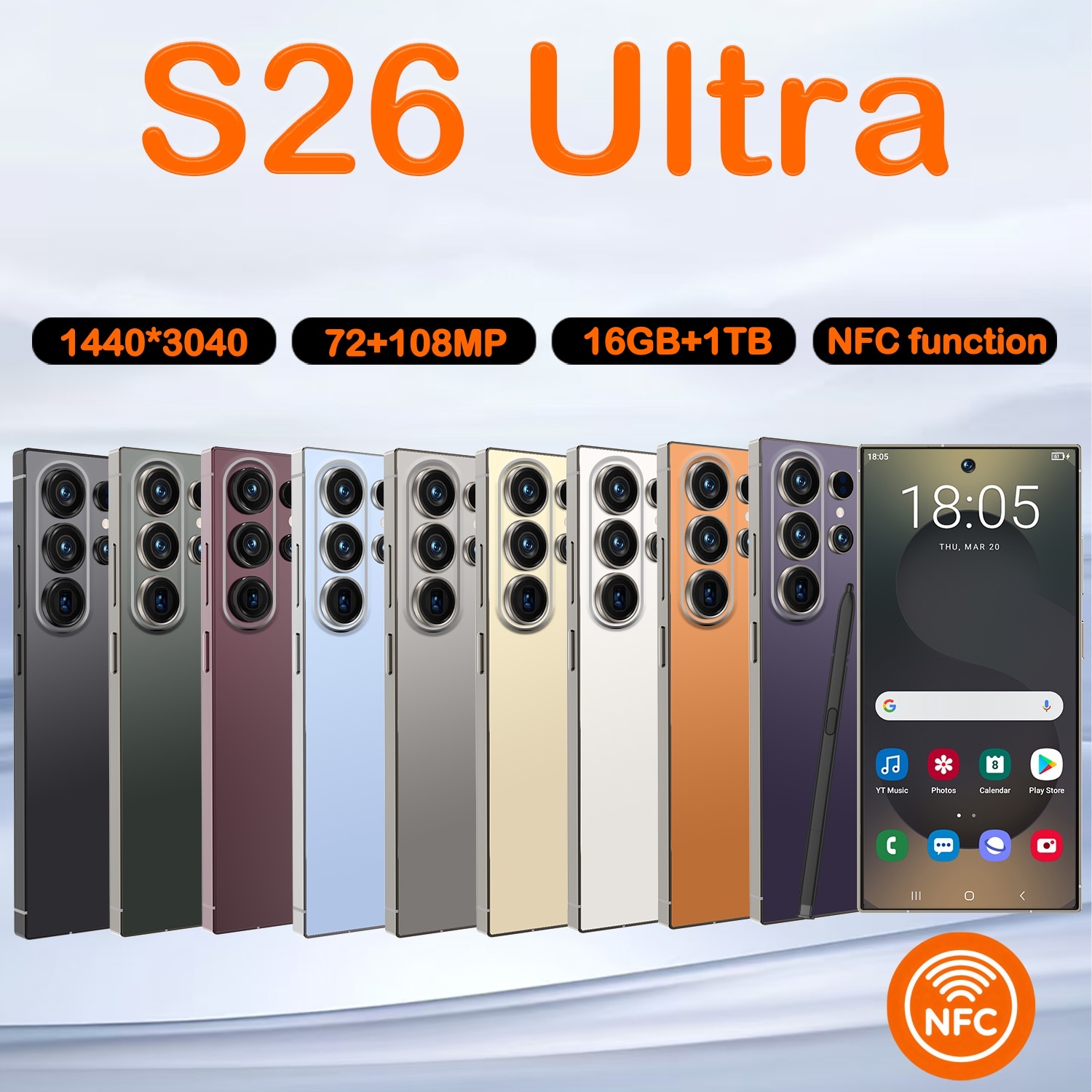 Shenzhen Hongtutu Trading Co., Ltd.🇨🇳CN1 yr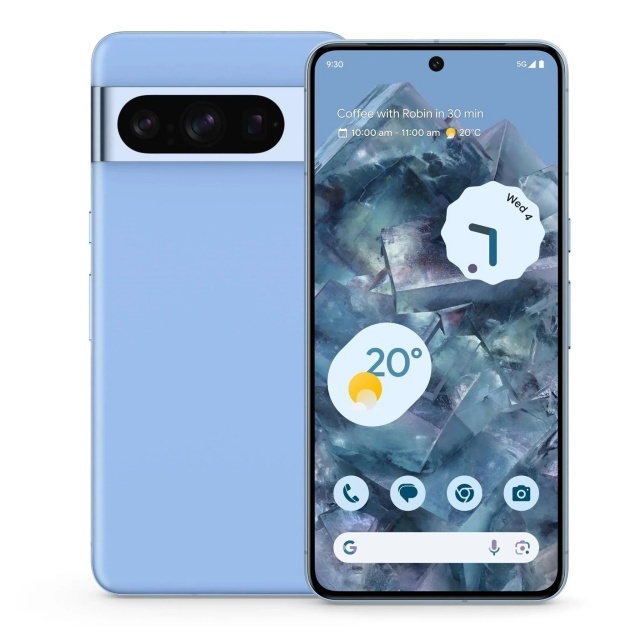
Free Shipping for 8PRO 128G Factory Unlocked Original Cheap Android Touchscreen Mobile Cell Phone Smartphone Cellphone by Post
 Shenzhen Heya Technology Limited🇨🇳CN6 yrs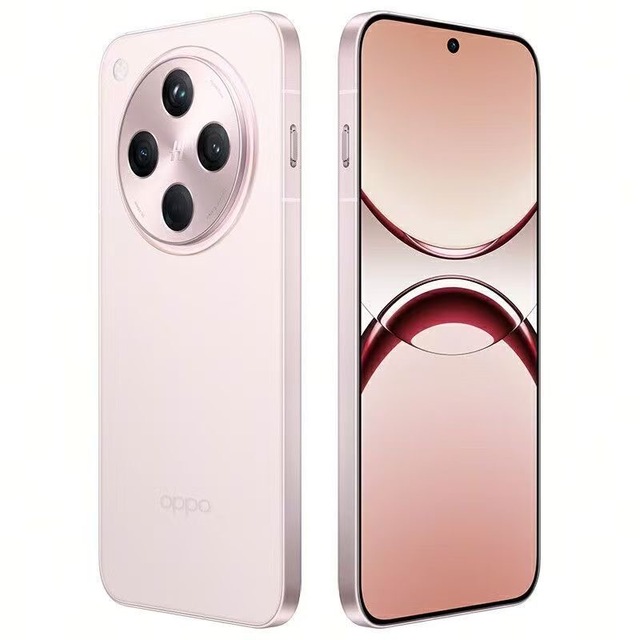
Powerful Android OS Phone 5G Smartphone Original OPPO Chinese Brand Mobile for 0-pp-0 Find X8
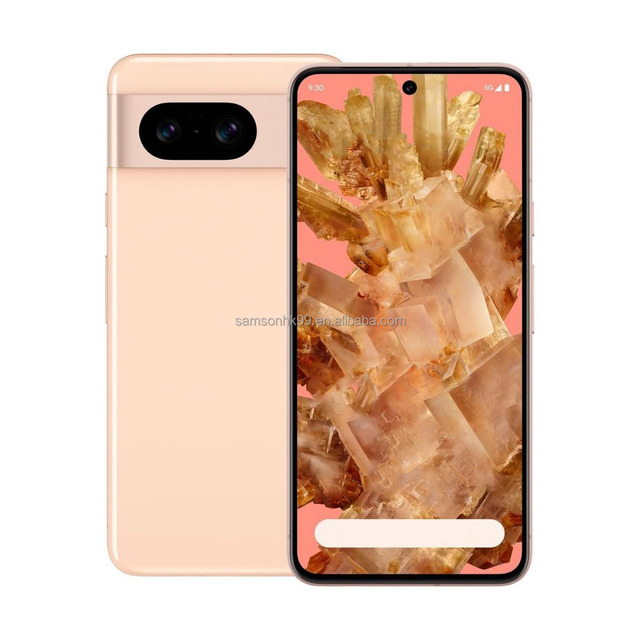
Hot Selling for 8 5G CDMA LTE Smartphone US Version 128GB Unlocked Android AMOLED 120Hz Mobile Phone
 One-Stop Import Agency Limited🇭🇰HK1 yr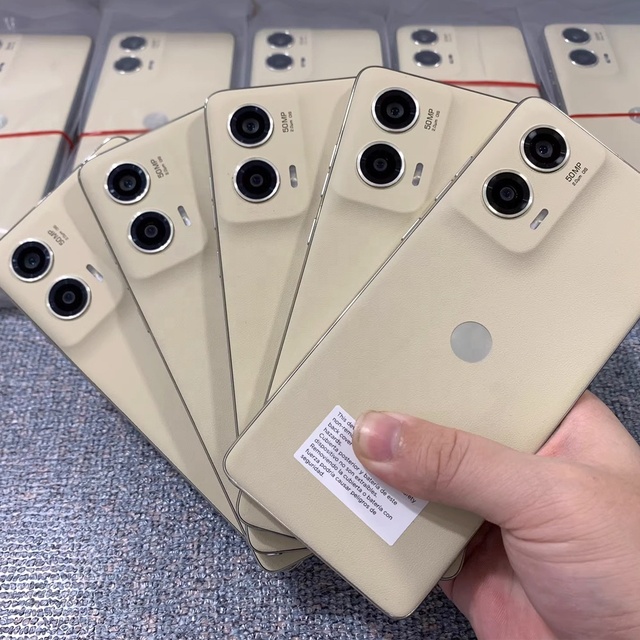
Original Unlocked Global Version Cell Phone for M Oto G Stylus 5G 2024 Smartphone Android 6.7 Inch 1SIM Mobile Phone
 Shenzhen Weiyi Technology Company Limitedverified🇨🇳CN6 yrs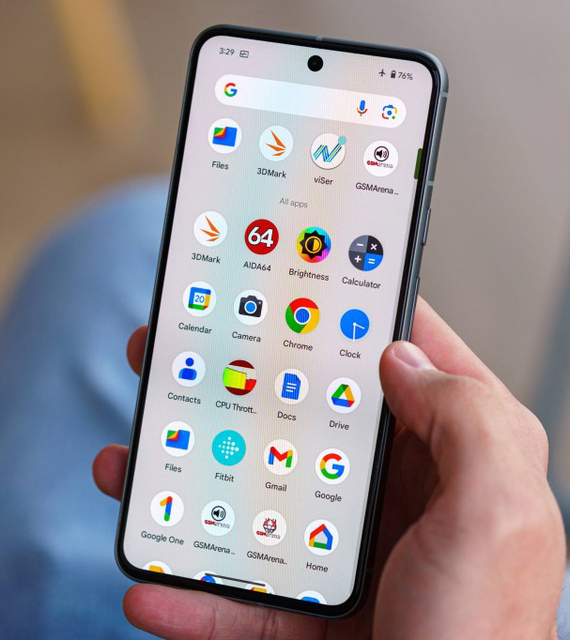
Original 128GB for Google Pixel 8 Unlocked Android Smartphone 5G Cellular LTE/CDMA Octa Core CPU Mobile Phone
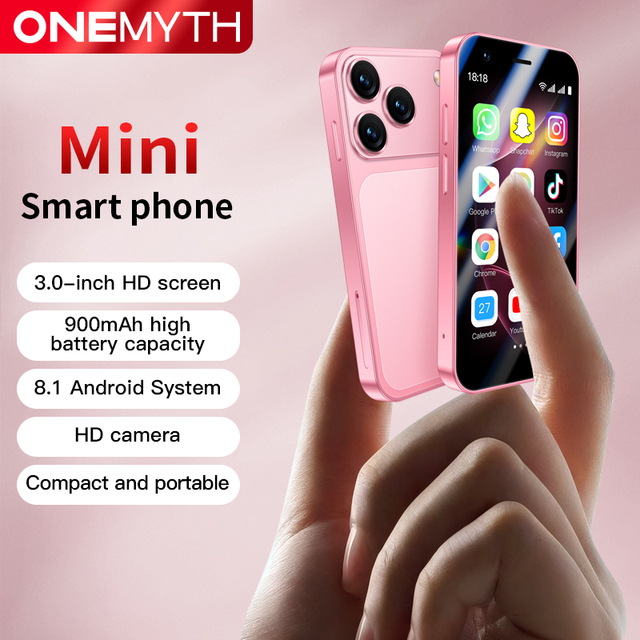
A17 Mini Smartphone Android 8.1 3.0 Inch Screen 2GB RAM 16GB ROM Dual SIM Standby 3G Network Play Store Compact Mobile Phone
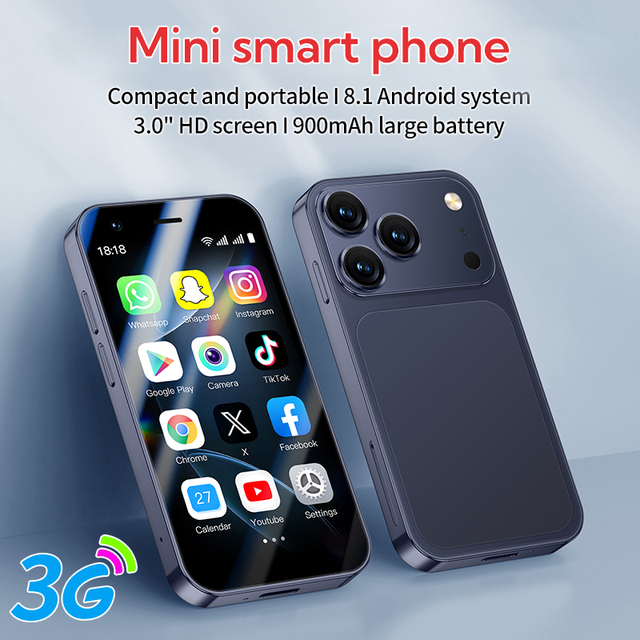
Best Seller A17 Mini Android Dual Sim Smartphone 3.0-inch HD Screen 4GB+64GB Android 8.1 HD Camera Compact Mobile Phone
Wholesale for for 8A 5G LTE 8GB RAM 256GB Storage 6.7" Screen 99% New Fast Charging Unlocked Android Smartphone
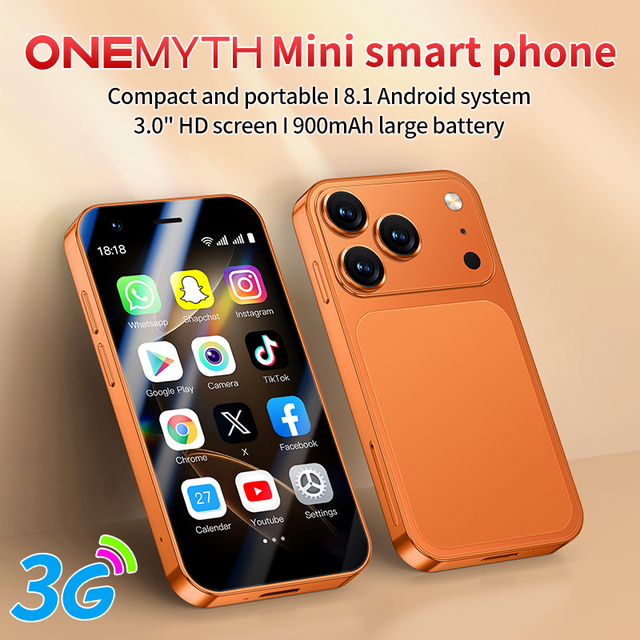
A17 Mini 3.0 Inch Smartphone Android 8.1 2GB RAM 16GB ROM Dual SIM Standby 3G Network Play Store Portable Smart Mobile Phone
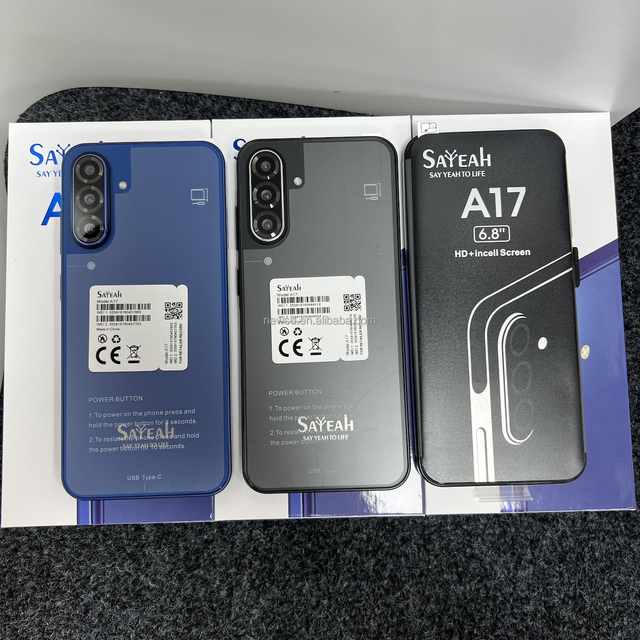
Android Smartphone 2026 Factory Direct Unlocked 5G/LTE A17 8GB 128GB 6.8" OLED 120Hz HD 108MP Octa Core CPU English
 Shenzhen Newsunda Electronic Co., Limited🇨🇳CN9 yrs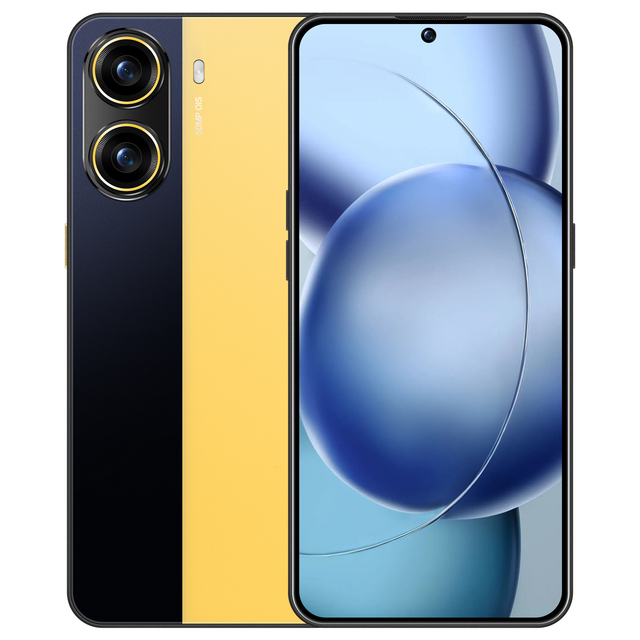
2026 New 5G Android Smartphone 16GB+1TB 8000mAh 7.3" Screen 108MP Camera Dual SIM Unlocked

Cheapest Factory Android8.1MTK6763T Octa-core Rugged Phone 4+64Smart Phone Rugged Smart Phone with Sensor NFC Fingerprint
 Highton Electronics Co., Ltd.🇨🇳CN17 yrs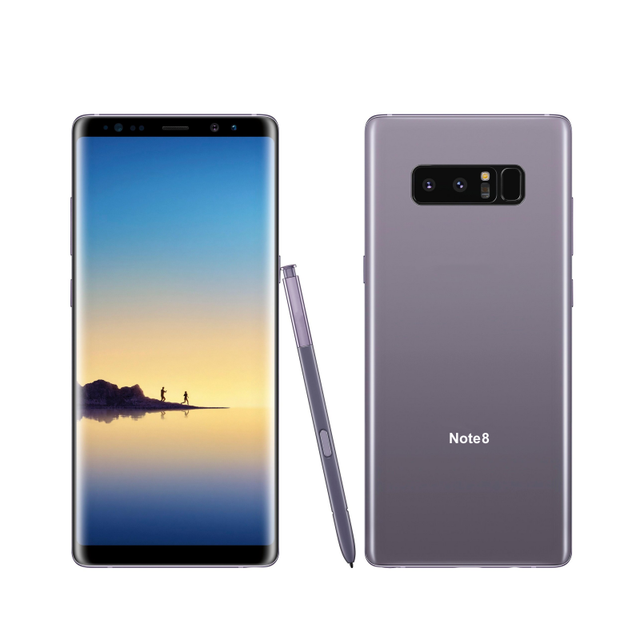
64 GB Wholesale Used Original Unlocked Android Smart Phone for Amsung Note 8 for Sale
 Shenzhen Amanki Technology Co., Ltd.verified🇨🇳CN14 yrs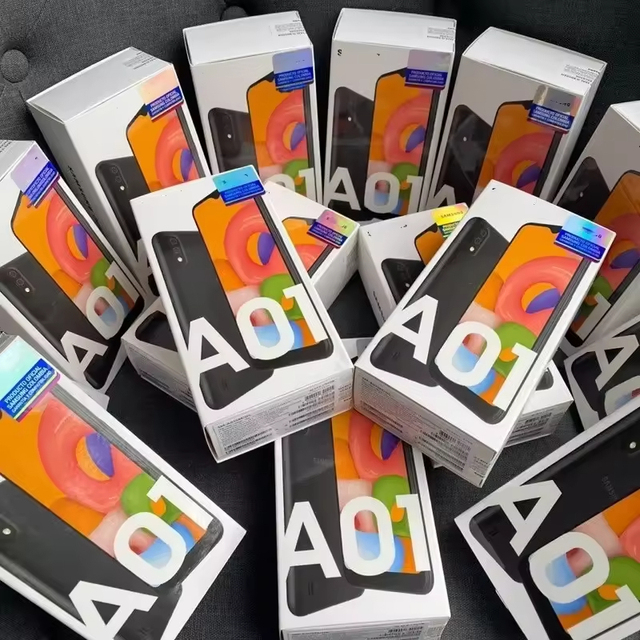
Factory Unlocked A01 Octa Core 5G Android Smartphone with OLED Display 120Hz 3000-3499mAh Battery 13MP Rear Camera
 SkyPeak Tech Limited🇭🇰HK1 yr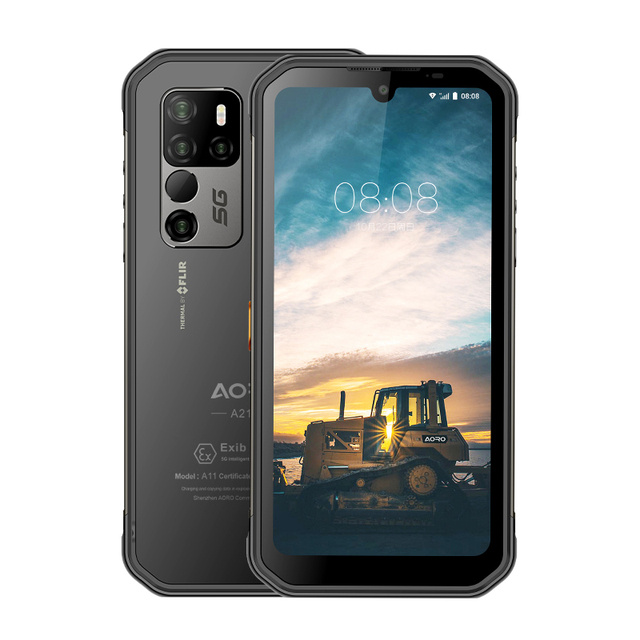
AORO New Smart Phones 8GB+256GB 5G Android 11 Mobile Phone
 Shenzhen Goodal Technology Co., Ltd.🇨🇳CN3 yrs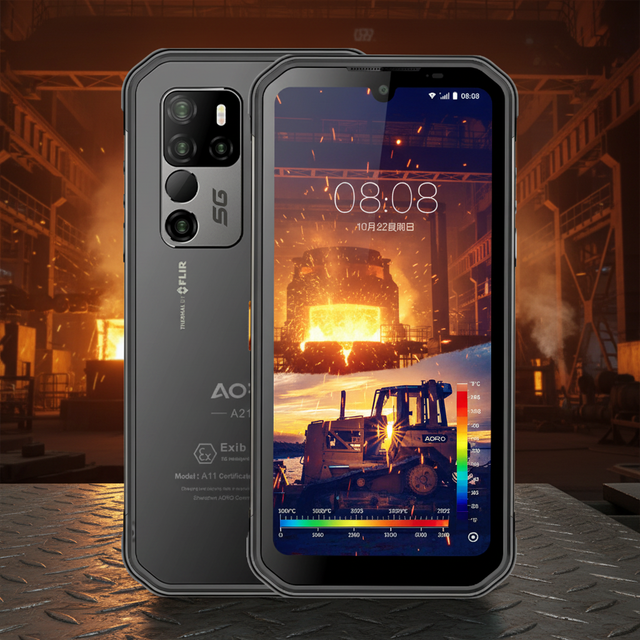
AORO New Smart Phones 6GB+128GB 8GB+256GB 5G Android 11 Mobile Phone
 Shenzhen Aoro Communication Equipment Co., Ltd.verified🇨🇳CN9 yrs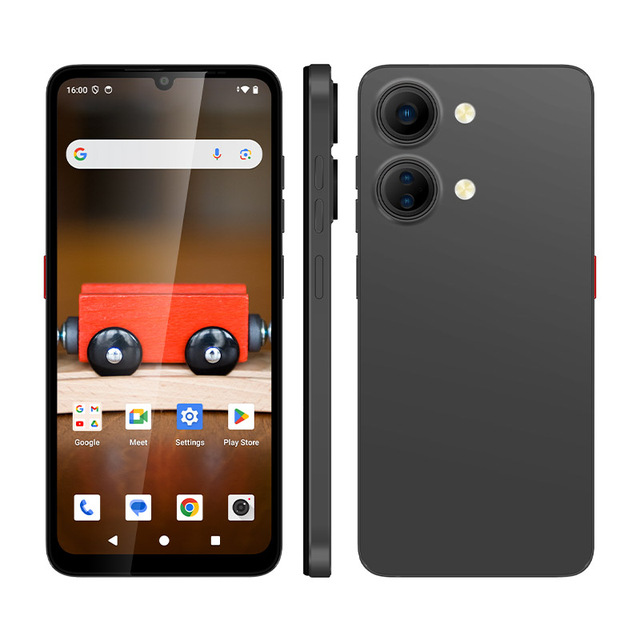
6.7 Inch 90Hz Display 4GB 128GB Android 15 Smartphone With 13MP Camera 5000mAh Battery
 Shenzhen Cwell Electronic Technology Co., Ltd.verified🇨🇳CN19 yrs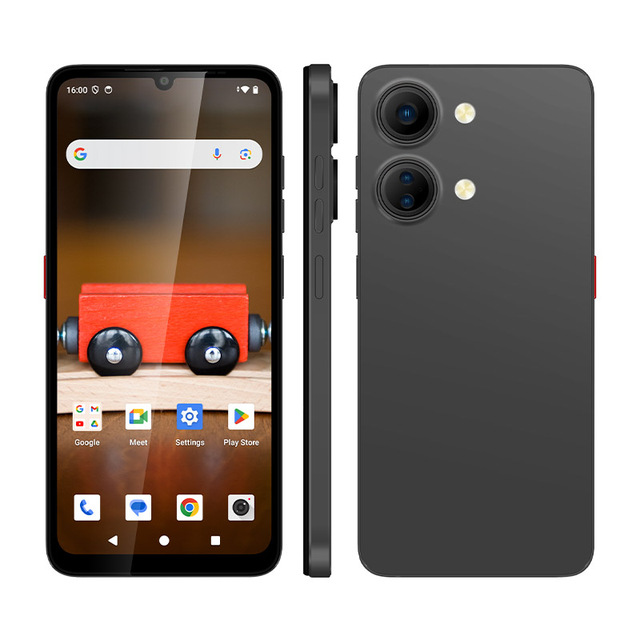
Cellphones Phones Android Smartphone Mobile Latest Budget New 4G Dual OEM 15 SIM Smartphones Phone
 Shenzhen Cwell Electronic Technology Co., Ltd.verified🇨🇳CN14 yrs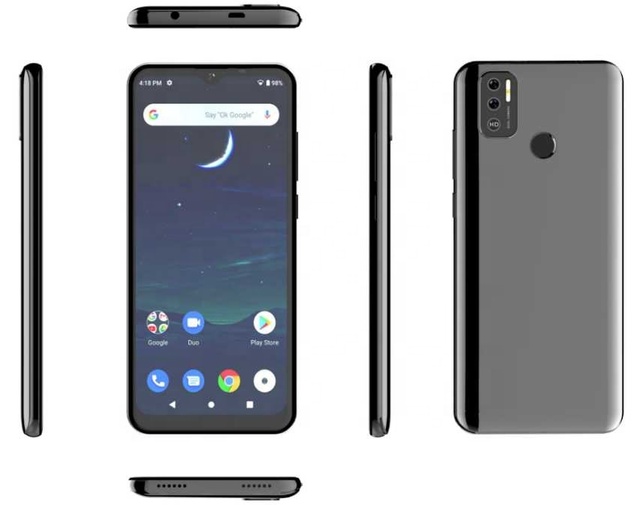
Hot Sale 6.5 Inch OEM Android Smart Phone Cheap 2G 3G 4G LTE Mobile with BT WIFI GPS Finger Print 4G/64G Cell Phone
 Shenzhen All Lucky Technology Limited🇨🇳CN5 yrs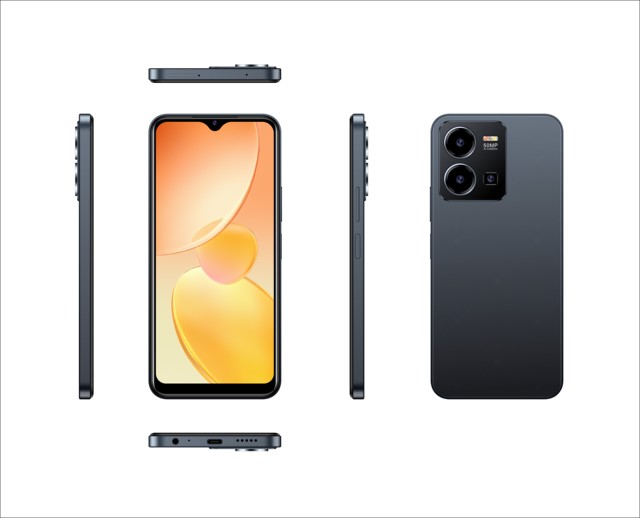
HD Screen Octa Core Smart Phone with LTE Cellular English Operating Language
 Shenzhen Callong Technology Co., Ltd.🇨🇳CN16 yrs
Deep Dive · Full Report
Full Market Report
1 document · Live-fetched from source
Related Searches
Explore more sourcing topics & related categories
Sources & References
17 sources cited · Verified industry data & reports
Mastering Your Android Home Screen: A 2026 Guide to Customization ...
www.rokform.com
Customize inside a rugged Pixel case. Launcher swaps, widget stacking, gesture shortcuts, and lock-screen controls that turn a cluttered Android layout into something genuinely efficient. iPhone 16 vs iPhone 16 Pro: The Ultimate 2025 Comparison Guide Reading Mastering Your Android Home Screen: A 2026 Guide to Customization and Productivity 29 minutes Next 6+ Samsung Galaxy S25 Accessories for 2026 Get ready to fully customize your Android home screen with this in-depth guide. Get all the best insights on home screen settings, design, and setup. From your home screen settings to your app drawer, everything gets a unified aesthetic. You’re not just customizing the home screen, you’re creating an environment that feels uniquely yours. Now, if you’re someone who likes a clean look, there’s a huge trend towards minimalist designs. Source: Digital Trends - Master gesture navigation to make your Android home screen feel oh-so-smooth. Switching between recent apps is now super smooth with no lag. So whether you’re doing that split-screen thing or dragging and dropping between apps, your home screen setup basically becomes a multitasking machine. Now, check this out—you can create custom app pairs.
What's new in Android 8 (Oreo) | Android guides - Taming The Droid
tamingthedroid.com
Over time, however, it's become clear that app icons which are plain squares are very common among third party apps, and even in some manufacturer customization layers, leading to an inconsistency on home screens between icons with a square, rounded square or circular background, and icons which have no background and whose shape is determined by the design of the icon itself. Android 8 (Oreo) introduces the ability to snooze notifications, allowing the notification to be hidden for a while, but re-appear later. While this functionality already existed in some contexts (such as alarms set by the clock app), this new feature standardizes the functionality making it easier to snooze more notifications. Traditionally, app icons on Android (such as those on the home screen) have not conformed to a uniform shape, such as rounded squares, but can be any shape at all. Before getting into the new features present in Android 8 (Oreo) and its update 8.1, it's worth discussing a few truths about Android updates: phone manufacturers customize Android to such an extent that the features present on a given device may vary greatly from those offered by Android itself: manufacturers often add new features or subtle modify those in Android, in order to differentiate themselves competitively. As a result, your device may have some of these features even without updating to Android 8 (Oreo). When you upgrade an existing device to a new version of Android, it's possible that not much will look any different. Much of the look and feel of a device is determined by the apps installed on it or the customizations applied by the device manufacturer, whereas new Android features may be hidden under the surface.
Android Oreo Home Screen Your Personalized Android Hub. - illinois.edu
blog.founders.illinois.edu
From the subtle yet impactful visual tweaks to the underlying performance enhancements, the Android Oreo home screen represents a significant step forward. This is where you’ll find everything, from quick access to your favorite apps through app shortcuts and the visual cues of notification dots to the expansive possibilities offered by widgets. We’ll delve into the core features, customization options, and troubleshooting tips to ensure you have a home screen that truly reflects your style and enhances your daily routine. Alright, let’s dive into the fun stuff: making your Android Oreo home screen trulyyours*. Forget the cookie-cutter look; with Oreo, you’ve got the power to personalize your digital space and make it a reflection of your personality and preferences. It’s like having a digital blank canvas, ready for your artistic touch. One of the most significant aspects of customization is the ability to swap out the default launcher. Android Oreo allows you to easily switch between different launchers, giving you a wealth of options for how your phone looks and functions.Here’s how to change your launcher: Download a New Launcher: The first step is to download a launcher from the Google Play Store. Popular choices include Nova Launcher, Action Launcher, and Microsoft Launcher, each offering unique features and customization options. Android Oreo will usually prompt you to set it as the default launcher. If not, go to your phone’s settings, usually under “Apps” or “Home app,” and select the new launcher. Experiment and Tweak: Once your new launcher is set, explore its settings. Most launchers offer extensive customization options, including grid size, icon appearance, gesture controls, and more.
8 new features Android 8.0 Oreo will bring to your phone | Stuff
www.stuff.tv
Android device makers often use their own custom OS skins, which can throw off how the look and shape of app icons correspond with the rest of those you download from the Play Store. Luckily, Oreo is going to do something about that. Developers will be able to create so-called "adaptive icons" that offer multiple shape options that automatically shift based on your home screen theme. Andrew writes features, news stories, reviews, and other pieces, often when the UK home team is off-duty or asleep. I'm based in Chicago with my lovely wife, amazing son, and silly cats, and my writing about games, gadgets, esports, apps, and plenty more has appeared in more than 75 publications since 2006. ... I dug through settings menus so you don’t have to. Here are a few free ways to help you get a proper night’s sleep using tech you already own · 17 August 2026 / 09:00 BST17 August 2026 / 09:09 BST Oreo hopes to keep your home screen grid uniform and unified by enabling creators to pack in multiple options. As headphone ports become less and less standard, more people are being pushed towards Bluetooth earbuds and cans… which they might be wary of. But Google hopes to help ease the transition with some audio quality enhancements in Oreo. 14 August 2026 / 18:02 BST14 August 2026 / 18:09 BST
Android 8: The complete Oreo FAQ – Computerworld
www.computerworld.com
And speaking of icons, Android 8.0 introduces something called adaptive icons for the home screen. It’s basically a way for app developers to create a single icon for their apps that can then be displayed in different shapes — circles or “squircles,” for instance (apologies for saying “squircles,” even if I did put it in quotes) — based on what a particular device or launcher prefers. Long story short, it’ll make it easier for both phone-makers and users to customize how icons look without any funky workarounds. Beyond that, Oreo has a new smaller format for lower-priority notifications — things that are proactively informative but don’t necessarily demand your immediate attention. Those types of alerts now appear in a collapsed-down form when other more pressing notifications are present, and they expand only if you tap ’em. ... And the 8.0 release provides system-level support for notification badges on home screen icons — something I personally find to be a counterproductive addition, but hey, your mileage may vary. Android Oreo adds the native ability for launchers to show you all sorts of contextual info when you long-press an icon on your home screen. If you ask me, this may be Android Oreo’s most useful and impressive new element: the software’s newfound ability to snooze notifications — something I’ve been clamoring for ever since I got accustomed the idea of snoozing things in Google’s Inbox app. The way it works with notifications is simple (though, fitting with recent trends, you might not ever be aware of it if you didn’t know where to look): You just swipe any notification slightly to either side and then tap the newly added clock icon that appears in that area.
Android Oreo - Wikipedia
en.wikipedia.org
Android Oreo also introduces two major platform features: Android Go – a software distribution of the operating system for low-end devices – and support for implementing a hardware abstraction layer. As of June 2026, 2.03% of Android devices run Android Oreo, making it the 9th most widely used version of Android. ↑ "Android version Market Share Worldwide". StatCounter Global Stats. Retrieved July 10, 2026. ↑ "Android 8 Oreo Internal Code Reveals, Features, Affects". Hackming. Archived from the original on October 28, 2021. The "Settings" app features a new design which has been reduced in size, with a white theme and deeper categorization of different settings, while its ringtone, alarm and notification sound settings now contain an option for adding custom sounds to the list. Tooltips can also be set for views. The Android 8.1 update supports the display of battery percentages for connected Bluetooth devices, makes the notification shade slightly translucent, and dims the on-screen navigation keys to reduce the possibility of burn-in. Notification alert sounds are also limited to one per second for each app. An ↑ "Android O finally has a name: Say hello to Oreo". CNET. Archived from the original on November 7, 2017. Retrieved November 4, 2017. ↑ "The Xperia XZ1 is available in the U.S. for $700; Xperia XZ1 Compact coming soon". Digital Trends. September 19, 2017. ↑ "YouTube's Picture-in-Picture mode in Oreo is only available to paying Red customers in five countries, and that's a problem". Android Police. August 29, 2017. Archived from the original on August 29, 2017.