Ari Usb Disk

Overview
Product sourcing insights & recommendations
The term "ari usb disk" is most commonly associated with Arizone, a boutique electronics vendor specializing in digital data storage products like pen drives and memory sticks Arizone. In the broader B2B and wholesale market, "ARI" often appears in product metadata as a descriptor for unbranded or semi-finished USB components (such as UDP naked chips) intended for custom OEM/ODM branding AlibabaAlibaba.
Market Trends & Insights (2025-2026)
* Shift to High Capacity & Speed: The market is rapidly moving toward USB 3.0/3.2 Gen 1 standards. In the U.S., these high-speed devices account for approximately 52% of total sales Marketreportsworld. Capacities of 64GB to 256GB are becoming the consumer standard, while enterprise demand for encrypted drives is rising, now representing nearly 29% of corporate usage MarketreportsworldDataintelo.
* Standardization Mandates: A significant market driver is the European Union's USB Type-C mandate, requiring all portable electronics to adopt the port by early 2026. This is triggering a global replacement cycle for legacy USB-A devices Mordorintelligence.
* Wholesale Dynamics: The industry is heavily dominated by manufacturers in Shenzhen, China, where basic 32GB models are currently priced as low as $0.80–$1.60 per unit for bulk promotional orders AlibabaAlibaba.
Product Features
* Arizone Branded: Typically sold as 32GB USB 2.0 pen drives, marketed for digital data storage and compatible with legacy systems Arizone.
* B2B/Custom OEM: "Ari" labeled listings often refer to naked chips (UDP) or metal/silicone housing-less drives used for promotional gifts, allowing companies to laser-print their own logos AlibabaAlibaba.
I have compiled a list of USB disk products matching these specifications, including pricing and supplier details from major B2B platforms.
Based on the current data, you can continue with:
Ari Usb Disk
Products · 3 lists
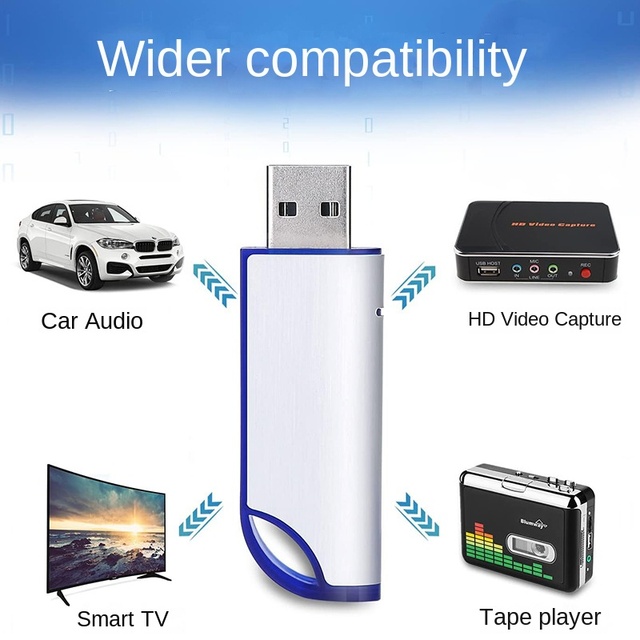
32GB USB Disk New 2.0 Commemorative U Disk for School Graduation Meeting Exhibition Promotional Gift Customized USB Flash Drive
 Shenzhen Litu Digital Co., Ltd.verified🇨🇳CN5 yrs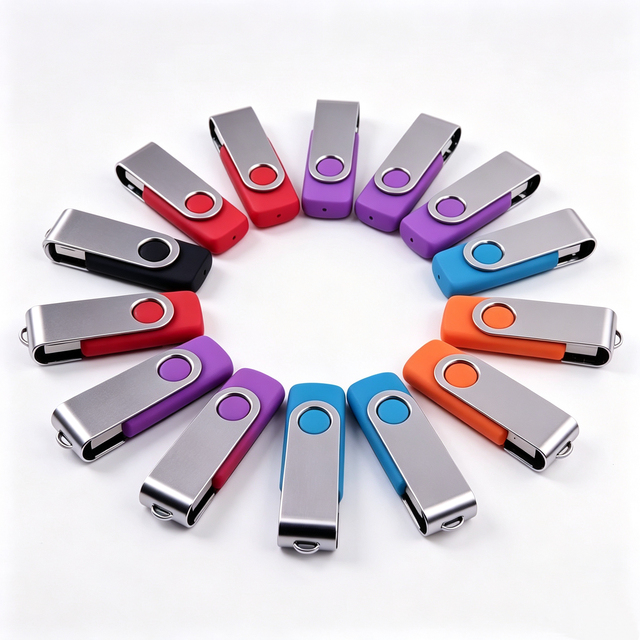
USB Disk Factory Wholesales Customized Pen Drive Gadgets Electronic 1GB 2GB 4GB 8GB 16GB 32GB 64GB 2.0 Usb Flash Drive

Wholesale Usb Key High Speed Usb Disk with OEM logo Bulk Sale 4GB 8GB 16GB 32GB 64GB 128GB 256GB Waterproof Usb Gadget for PC
 Shenzhen Vastdigi Technology Co., Ltd🇨🇳CN15 yrs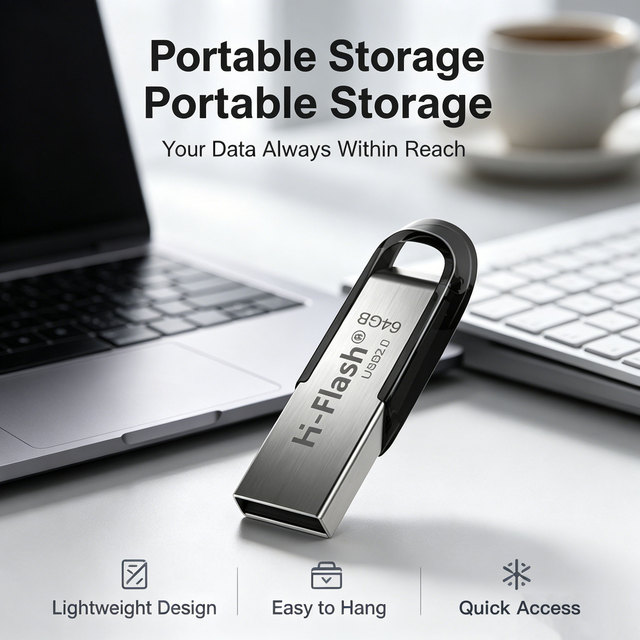
H-Flash Spot Hot Sale Gift USB Disk 16GB 64GB 128GB USB2.0 3.0 Metal USB Disk 32GB 4GB 8GB Flash Drive
 Shenzhen Hengfenghaiye Technology Co., Ltd.🇨🇳CN6 yrs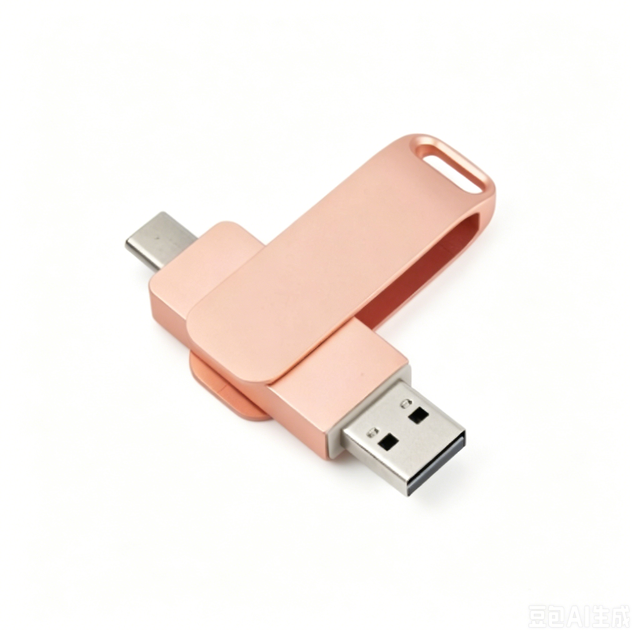
Hot Selling USB Disk OEM LOGO Best Sell Memory USB Disk 4gb 8gb 16gb 32gb 64gb Pendrive USB2.0 USB Flash Pen Drive
 Shenzhen Fuke Ruite Technology Co., Ltd.🇨🇳CN1 yr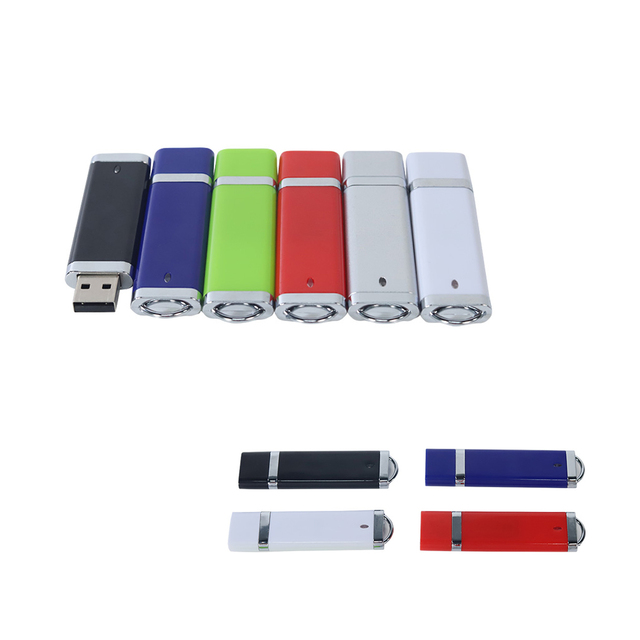
Wholesale Cheap High Quality Plastic Usb Drive Custom Color Usb Disk 2.0 3.0 Lightweight Plastic Usb Flash Drives
 Shenzhen Honstar Memory Technology Limitedverified🇨🇳CN9 yrs
Metal Acrylic USB Memory Disk with Customized LED LOGO Keyring Flash Drive USB Stick for Company Promotion
 Shenzhen Derige Trading Co., Ltd.🇨🇳CN4 yrs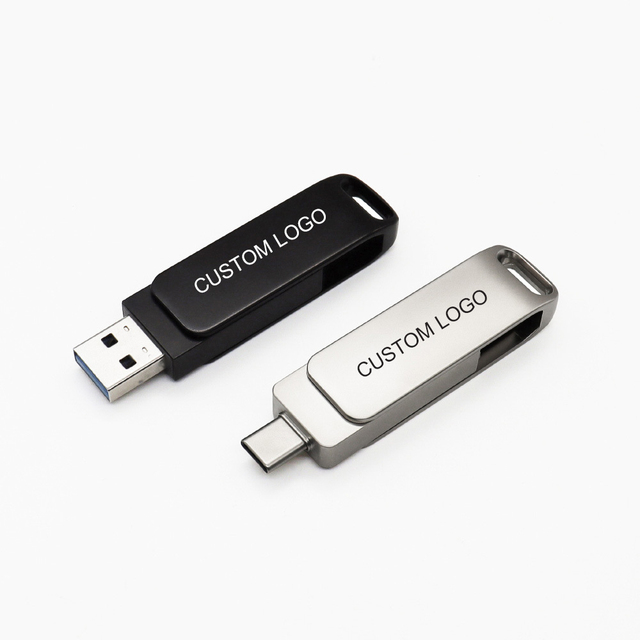
2 in 1 Dual Use Usb Disk Custom logo High Quality Bulk Order Type-c Usb Flash Drive Flash Disk Phone Metal Flash Drive
 Shenzhen New Jin Ke Cyber Developing Co., Ltd.verified🇨🇳CN18 yrs
USB Disk 128MB 1GB 2GB 4GB 8GB 16G 32G Stainless Steel Metal USB Flash Drive Custom Logo Pendrive 64GB From Shenzhen Factory
 Shenzhen Haishitongda Technology Co., Ltd.verified🇨🇳CN6 yrs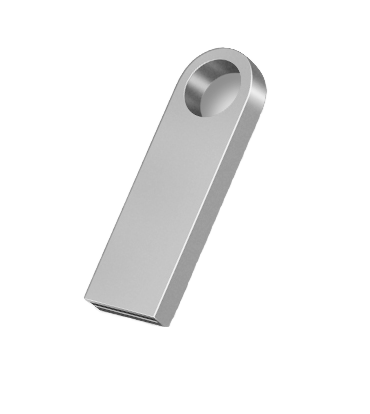
2.0 USB Flash Drive 4G 8G 16G 32G 64G Capacity Car Music Disk Storage U Disk
 Shenzhen Hangxingda Technology Co., Ltd.verified🇨🇳CN4 yrs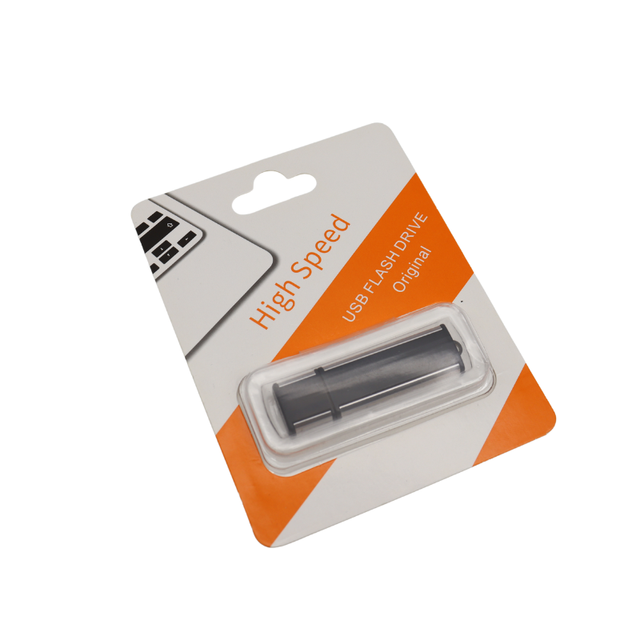
New Coparate Gift Usb Disk 32gb 4gb Plastic Usb 16GB Flash Drive 3.0 Blister Package 8gb USB 2.0 Gadgets Electronics Pendrive
 Shenzhen Usky Technology Co., Ltdverified🇨🇳CN13 yrs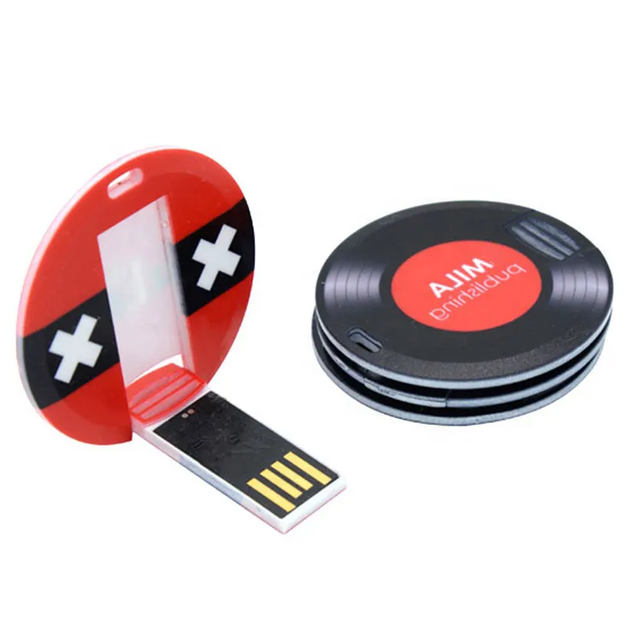
Promotional Mini Round Card Usb Flash Disk Small Circle Plastic Card Pendrive 8gb 16gb 32gb with logo Customized
 Shenzhen Fengtong Technology Co., Ltd.🇨🇳CN5 yrs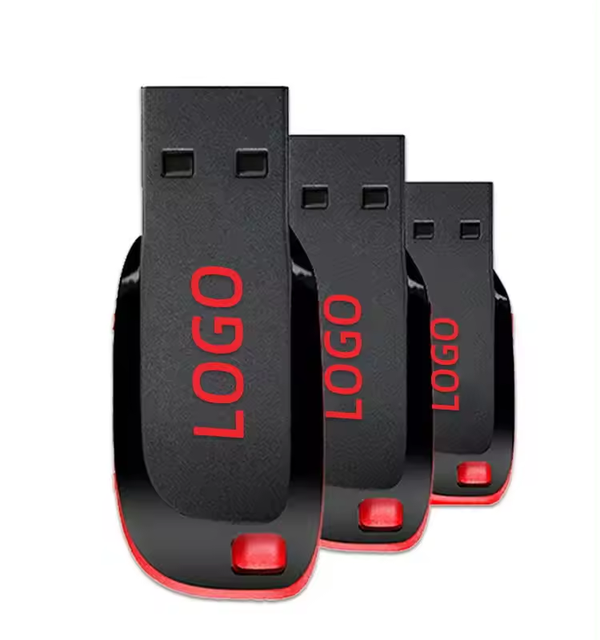
Gitra Hot Sale San USB Pen Drive Disk 32GB 64GB Memory Pendrive 128GB 256GB Custom USB 2.0 Flash Disks USB Flash Drive
 Shenzhen Gitra Technology Co., Ltd.verified🇨🇳CN11 yrs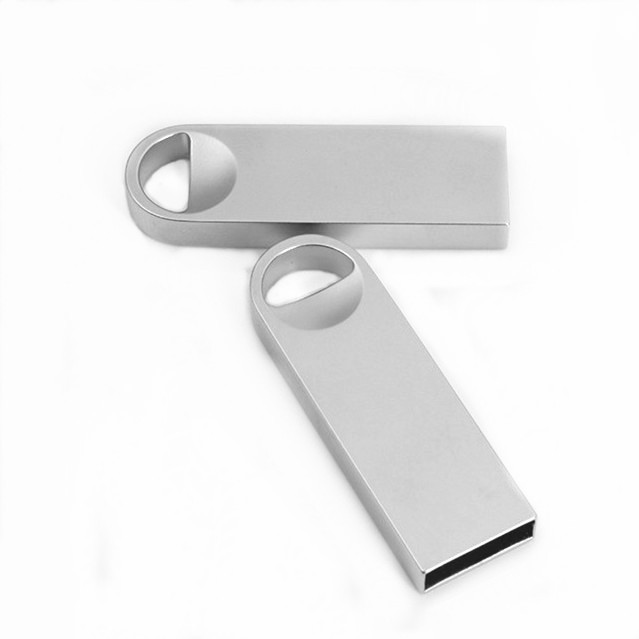
BAO001Low Price Great Chip UPD Mini Usb Disk Customized logo Accept Metal Pendrive
 Shenzhen Aocheng Electric Appliance Co., Ltd.🇨🇳CN8 yrs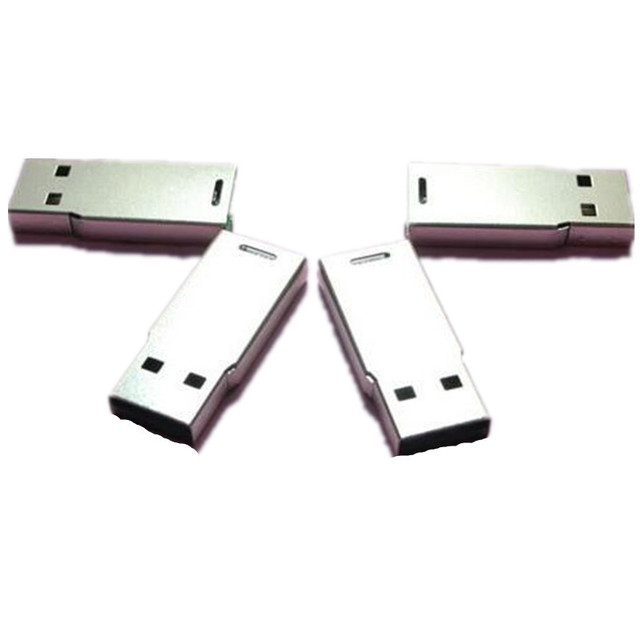
Factory Wholesale Bare Metal USB Flash Disk Low Price Semi-finished Product 4GB 8GB 16GB 32GB 64GB Flash Disk
 Shenzhen Chuangxin Reciprocal Electronic Technology Co., Ltd.🇨🇳CN5 yrs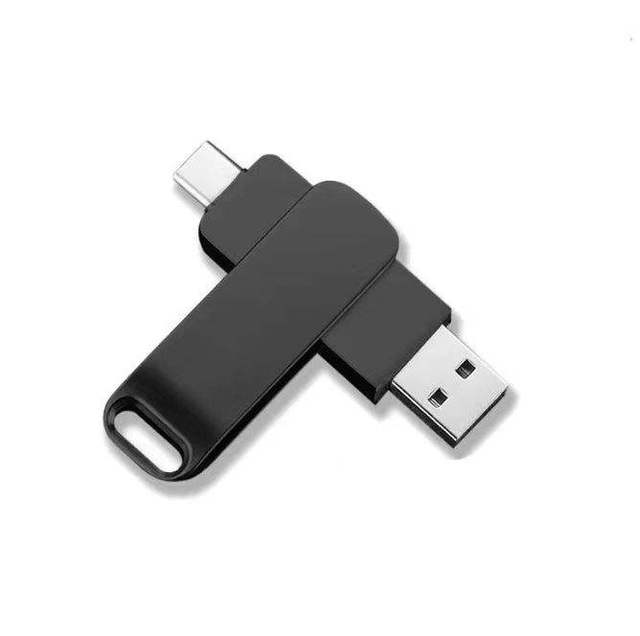
High Speed 8gb 16gb 32gb 64gb 128gb 256gb Rotation Metal Usb U Disk for Customized logo

ID Card Shape USB Flash Drive Mini Lightweight Data Storage USB Disk
 Shenzhen Goldever Technology Co., Ltd.🇨🇳CN10 yrs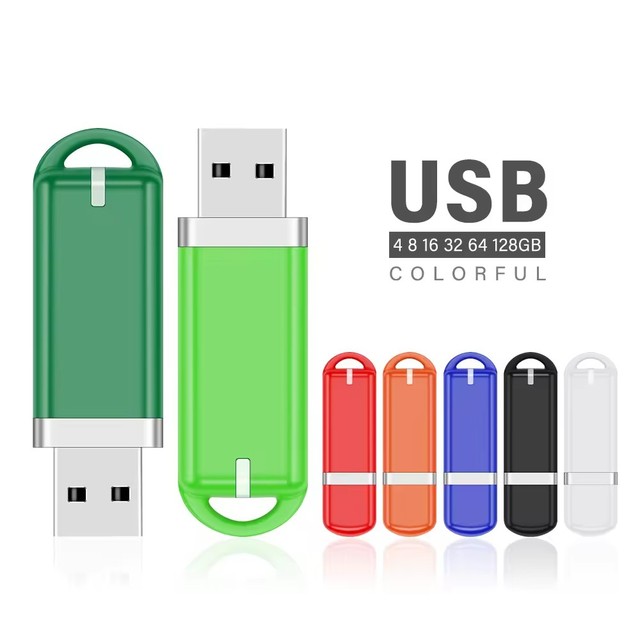
Promotional Give Away Usb Disk Wholesale Pendrive Plastic Mini Usb Memory Stick 4 8 16 32 64 128Gb Custom Logo Flash Pen Drives
 Shenzhen M&C Electronics Co., Ltd.🇨🇳CN12 yrs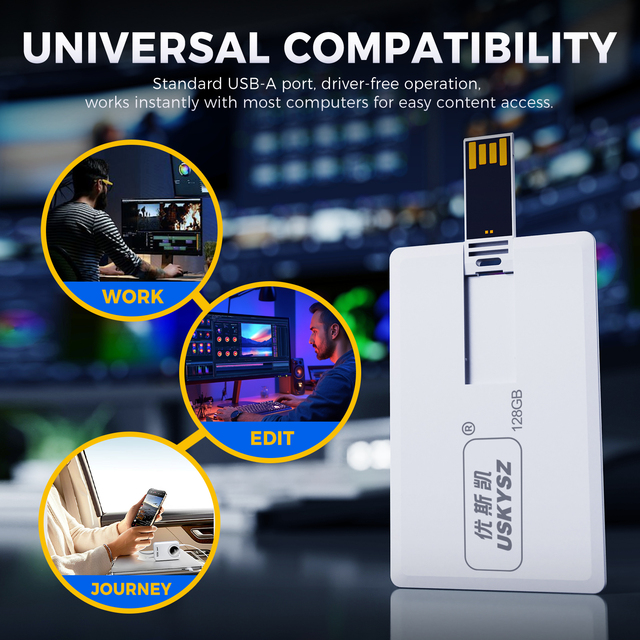
Card USB Disk 4GB 8GB 16GB Custom Logo 32GB 64GB Cheap USB Memory Stick Card USB Flash Drive
 Shenzhen Usky Technology Co., Ltd.verified🇨🇳CN6 yrs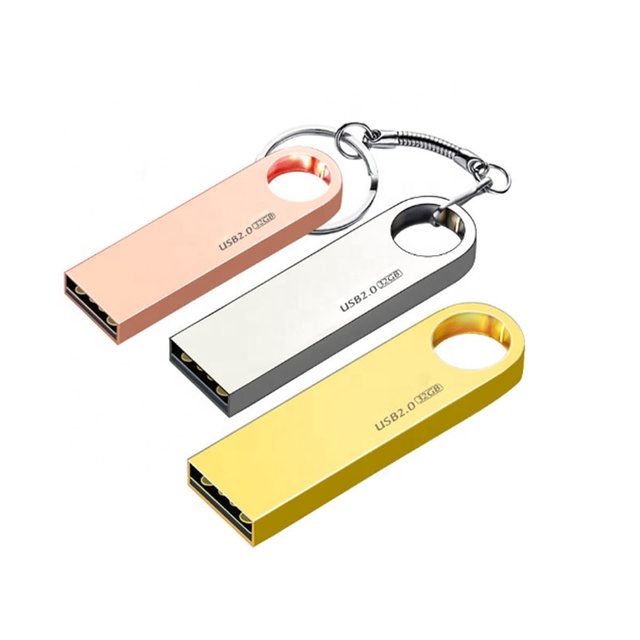
Manufacturer Low Cost Usb 2.0 Key U Disk 32GB Capacity Flash Memory Usb Metal USB Flash Drive
 Yiwu City Linsheng Electronic Technology Co., Ltd.🇨🇳CN8 yrs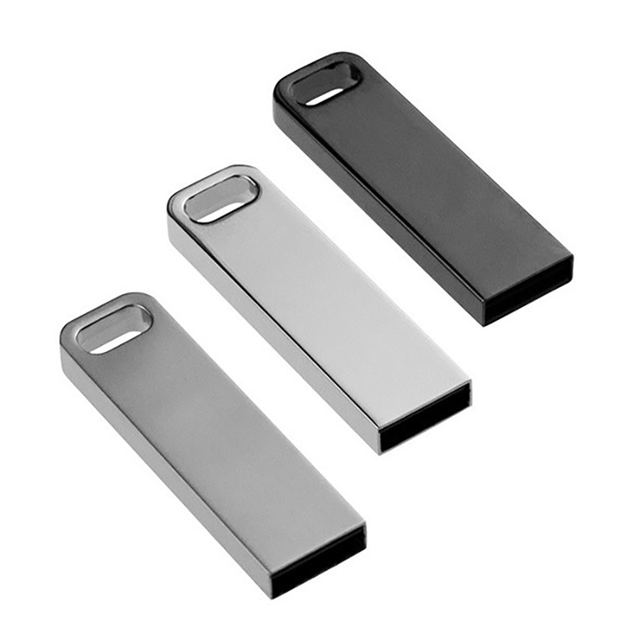
Whole Sale or Retail Metal Mini USB 2.0 / 3.0 Flash Disk 8GB
 Shenzhen Jintian Tech Development Co., Ltd.verified🇨🇳CN18 yrs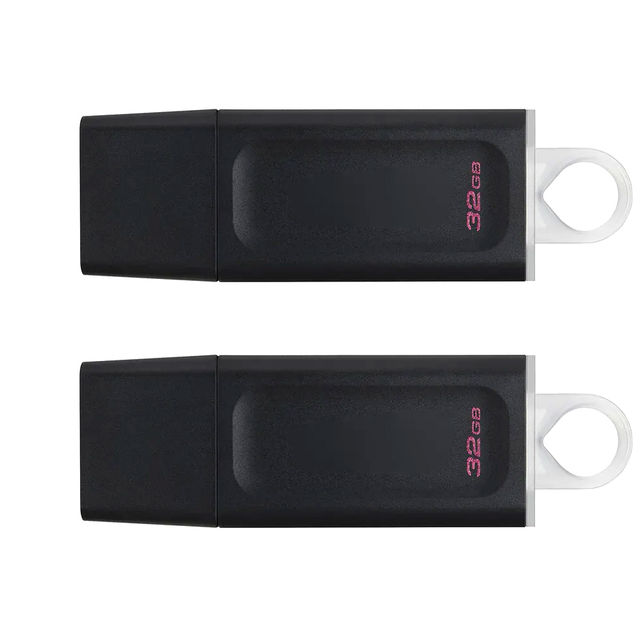
Factory Wholesale Pen Drive USB 3.1 16GB 32GB 64GB 128GB 256GB 512GB Pen Drive U Disk
 Shenzhen Yixin Zhaoye Technology Co., Ltd.🇨🇳CN5 yrs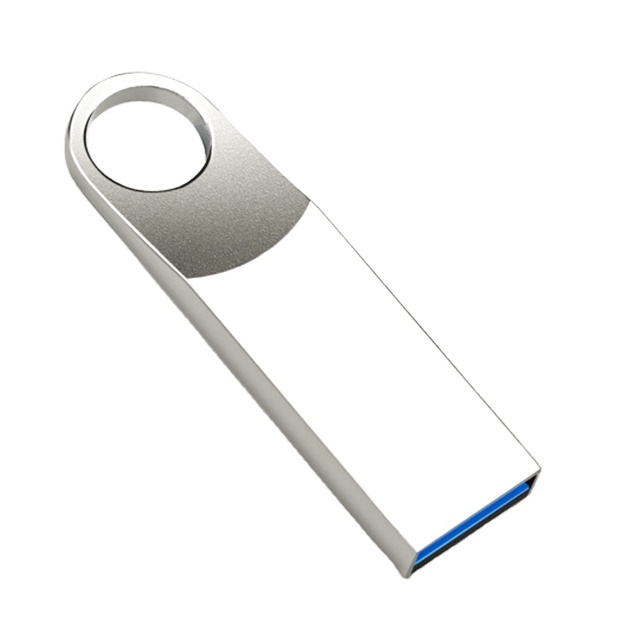
Customizable/Metal/High Performance/Actual Capacity/Stable/Mini/Fast Memory 2GB/128GB Usb2.0 Usb3.0 4G 8g 16g 32g 64g USB-disk
 Shenzhen Allnewsemi Electronic Co., Ltd.🇨🇳CN13 yrs
Promotion Custom USB Disk 8GB 1TB 2TB Pen Drive Flash Memory USB 3.0
 IOTECH (SHENZHEN) COMPANY LIMITED🇨🇳CN18 yrs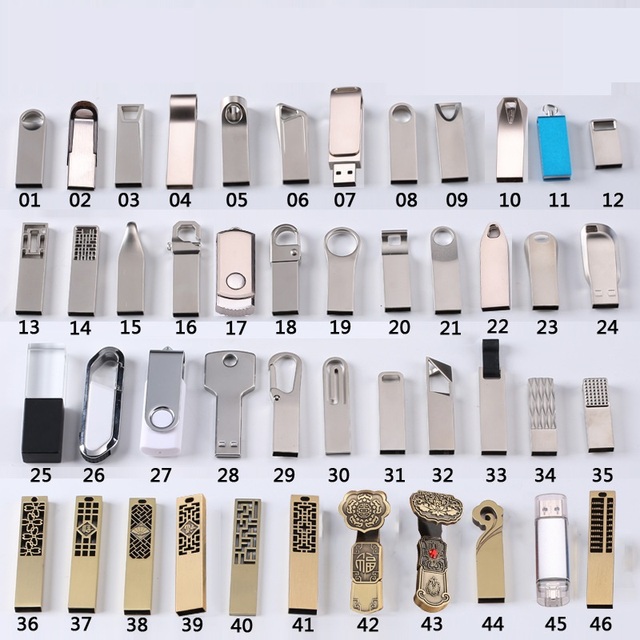
Factory Direct Supply Mini USB Stick Hot USB Flash Memory Drive USB Key 8GB 16GB 32GB Customized LOGO
 Shenzhen 374 Technology Co., Ltd.🇨🇳CN5 yrs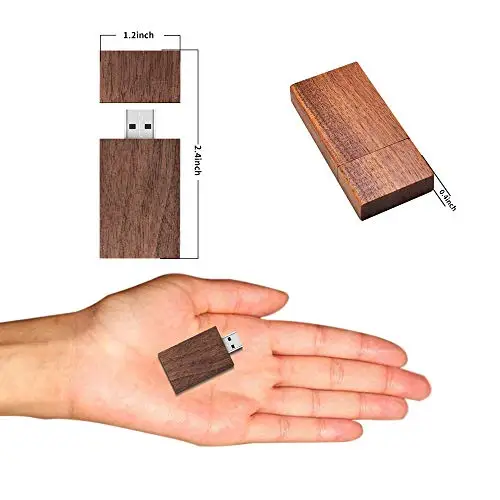
Promotional Usb Flash Drive Maple U Disk 1gb 2gb 4gb 8gb 16gb 32gb 64gb 128gb Bamboo Usb Stick Wooden Pendrive Wholesale Memory
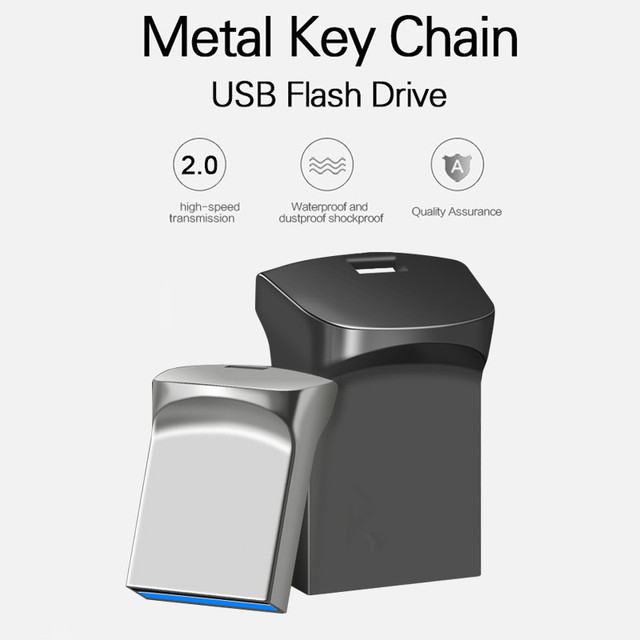
Wholesale Cheap Super Mini USB Flash Drive Slim U Disk Tiny 8GB 16GB 32GB 64GB 128GB Memory Stick Metal Interface Type USB 2.0
 Huilangxin (shenzhen) Technology Co., Ltd.🇨🇳CN1 yr
SSD U-DISK Usb Flash Drive Pen Drive 128G 256G 512G 1TB Pendrive USB3.2 TYPE C U Disk Memory Disk Bag Business OEM
 Shenzhen Tianfeng International Technology Co., Ltd.verified🇨🇳CN6 yrs
USB Metal Key Shaped Bottle Opener UDP Memory Custom logo USB Disk
 Dongguan Kingdkey Gift Tech Co., Ltd.🇨🇳CN7 yrs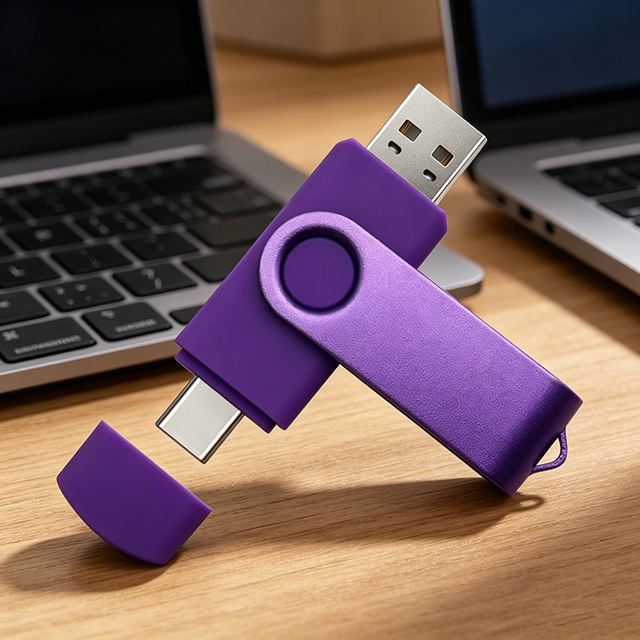
Flash Sale Fast Data Transfer Type-C Flash Drive U Disk USB Disk 4GB 8GB 16GB 64GB Full Capacity Memory Cards Wholesales
 Shenzhen Starlighting Electronics Co., Ltd.🇨🇳CN14 yrs
Related Searches
Explore more sourcing topics & related categories
Sources & References
54 sources cited · Verified industry data & reports
windows - How can I find the manufacturer and model for a USB flash ...
superuser.com
Bus Relations: STORAGE\RemovableMedia\7&11d2d56e&0&RM Device Instance Id: USBSTOR\DISK&VEN_&PROD_FLASH_DRIVE&REV_5.00\CCCBB9999003615&0 Hardware Ids: USBSTOR\Disk________Flash_Drive_____5.00 USBSTOR\Disk________Flash_Drive_____ USBSTOR\Disk________ USBSTOR\________Flash_Drive_____5 ________Flash_Drive_____5 USBSTOR\GenDisk GenDisk · Microsoft's DevCon returns useful information, although it's still isn't any guarantee that a no-brand USB key drive can be identified. I'll read more about how to check if a USB key drive can be made bootable reliably. ... This information is only included in the USB key as a vendor and product ID pair (VID and PID), nothing more. Is there a utility for Windows that can analyse USB key drives and return useful technical information on them? Here's what Windows XP's Device Manager returns that could help identify the manufacturer + model: Device Manager → Disk Drives → (USB key drive) → right-click → Properties → Details: I don't want to start another answer in case I have misunderstood you.... but, you are best off using disk management... this isn't usually down to the USB device, but instead down to if the computer supports USB booting and if the drive has a active partition and system/boot files. Questions seeking product, service, or learning material recommendations are off-topic because they become outdated quickly and attract opinion-based answers. Instead, describe your situation and the specific problem you're trying to solve. Share your research. Here are a few suggestions on how to properly ask this type of question. Closed 8 years ago. ... I don't know much about how USB key drives work, but I notice that some of them can be made bootable to start any host, some only work on some hosts, while some never work at all.
Question - What Brand of PenDrive is That? Is There Any Device ...
forums.tomshardware.com
But I can't remember the brand name of this pen drive. Just wanted to know if there is any way to detect the pen drive accurately. Here is the info I have fetched from the properties of the pen drive. After doing a Google search I think its a Twinmos pen drive. But not 100% sure. Is there any software/app/online website/technique available to identify the pen drive accurately? ... ibb.co Device USBSTOR\Disk&Ven_USB2.0&Prod_Mobile_Disk&Rev_1.00\37269b919e10d7&0 was configured. Driver Name: disk.inf Class Guid: {4d36e967-e325-11ce-bfc1-08002be10318} Driver Date: 06/21/2006 Driver Version: 10.0.22621.608 Driver Provider: Microsoft Driver Section: disk_install.NT Driver Rank: 0xFF0006 Matching Device Id: GenDisk Outranked Drivers: disk.inf:GenDisk:00FF2002 Device Updated: false Parent Device: USB\VID_126F&PID_0163\37269b919e10d7 ... Didn't have much luck indentifying it with Google lens. Maybe more angles might help. What's the reason for finding out anyway? ... Didn't have much luck indentifying it with Google lens. Maybe more angles might help. What's the reason for finding out anyway? Click to expand... I am just curious to know the brand of that device. The brand must be a very good one. ... I'd boot to Linux and use a verbose "`lsusb -vvv`" on that device. You could use a live distribution, which would mean you would not need to install it, you'd just run it off of a thumb drive or DVD. If you go that route, and on command line run: lsusb You will find all of the USB devices show up with some format similar to: [Port1] : USB Mass Storage Device Is Port User Connectable: yes Is Port Debug Capable: no Companion Port Number: 0 Companion Hub Symbolic Link Name: Protocols Supported: USB 1.1: yes USB 2.0: no USB 3.0: no Device Power State: PowerDeviceD0 ---===>Device Information Device Bus Speed: Full (is not SuperSpeed or higher capable) Device Address: 0x01 Open Pipes: 2 ===>Device Descriptor This is an Interface Class Defined Device bDeviceSubClass: 0x00 bDeviceProtocol: 0x00 bMaxPacketSize0: 0x40 = (64) Bytes idVendor: 0x090C = Silicon Motion, Inc.
Understanding USB Flash Drives: Benefits, Specifications, and Uses ...
www.sandisk.com
After inserting the USB drive into your computer's USB port, open File Explorer (Windows) or Finder (Mac). Look for the drive under This PC or Devices, where it's typically labeled with its brand name or as a Removable Disk. If your car features a USB port for music or dash cam storage, a USB flash drive could be a great choice. It can deliver a straightforward solution to manage video recordings, add music locally, and more. By the late 1990s, the personal computing revolution meant that users needed more capacity than floppy disks and Zip drives could provide — as well as storage that was more compatible across different devices. Tech enthusiasts or IT professionals needing a reliable tool for computer repairs or diagnostics will find USB flash drives ideal for creating bootable media, facilitating quick and efficient system recovery. Planning an event or looking for branded promotional items? Drawing on these new technologies, M-Systems introduced the world’s first USB flash drive, the DiskOnKey, in 1999.
General U Disk Guide: How to Choose the Right One
electronics.alibaba.com
Skip proprietary drivers, skip UEFI-specific partitioning, and avoid paying extra for ‘bootable’ branding unless you’re installing operating systems regularly. Focus instead on USB 3.2 Gen 1 (formerly USB 3.0) support, physical durability, and verified write speeds above 20 MB/s. This piece isn’t for keyword collectors. It’s for people who will actually use the product. A general U disk is a colloquial, non-technical term widely used across e-commerce platforms (Cdiscount, Amazon FR, AliExpress) and tech support forums to describe entry-level USB flash drives designed for universal plug-and-play operation1. Crucially: “general” does not mean “generic” in the negative sense. It signals functional adequacy—not obsolescence. A well-made general U disk from a reputable OEM can outperform older premium models in sustained sequential writes due to NAND improvements over time. A typical general U disk: minimalist design, no branding clutter, USB-A connector Unlike branded enterprise SSDs or certified Windows To Go drives, general U disks emphasize simplicity: no bundled software, minimal driver dependency, and broad OS recognition—including legacy BIOS and modern UEFI firmware environments2. They commonly appear as USB Device or Removable Disk in Windows Disk Management and mount automatically on macOS and Linux without additional configuration. Users report fewer failures per terabyte written on newer general U disks versus 2018–2020 models, thanks to improved wear leveling and better power regulation3. The confusion starts with naming. Let’s clarify what differs—and what doesn’t—across common variants: Standard USB Flash Drive: Marketing term. Often implies retail packaging, brand name (SanDisk, Kingston), and basic warranty.
What’s the Difference Between USB and UDISK?
www.getusb.info
With all the gadgets we post about here at GetUSB.info sometimes a word or definition can get twisted on it’s meaning. One of those terms is UDISK. First, please don’t complicate the term into something more than it is. There are two answers to this question. The Asia / Pacific Rim region use the term UDISK to describe a flash drive. This is the most common use of the term “UDISK” for no-technical people. In the United States and Europe people do not use the term UDISK to describe a flash drive, rather the common term of “USB flash drive” or “thumb drive” or “USB key.” The technical term for UDISK is a bridge chip which is used inside an enclosure to turn a hard drive into an external storage device that connects via USB cable. For example, in the picture below is a hard drive enclosure which is designed to hold a magnetic hard drive and turn the hard drive into an external storage device. A magnetic hard drive typically has an IDE or SATA connection interface and a UDISK chip is used to bridge the IDE (or) SATA interface to that of USB. This bridge chip (UDISK) changes the hard from from IDE protocol (or SATA protocol) to a USB protocol.
Name Brand Flash drive vs No Name - Hardware & Infrastructure - ...
community.spiceworks.com
Hi All, I need to buy 50 to 100 Flash drivers 32GB I would a factory on Alibaba that has a 32GB USB 3.0 with Intel Chip for $4.00 free shipping any down side or should I buy name brand ? Company Shenzhen Usky Technolog…