Asus Ux31a Lcd Screen

Overview
Product sourcing insights & recommendations


The market for Asus Zenbook Prime UX31A LCD screens is currently characterized by a shift toward DIY repairs as professional service costs often exceed the laptop's residual value. Research indicates that while the high-quality 1920x1080 IPS panel remains a standout feature, sourcing the correct variant (Touch vs. Non-Touch) is the primary hurdle for buyers Laptop-Lcd-ScreenReddit.
Key Market & Product Insights
* Product Evolution: The UX31A standardizes on a 13.3" IPS FHD (1920x1080) display, typically using a 30-pin eDP interface (common model: *N133HSE-EA1*). Touch-enabled versions are significantly harder to source and repair due to a fused glass-digitizer-LCD construction Amazon.
* Pricing Trends:
* B2B/Wholesale: Standalone compatible panels are priced between $30–$50, while complete lid assemblies (including the frame and hinges) average around $105 Alibaba.
* Consumer Retail: Replacement kits on major platforms range from $100 to $150, often bundled with specialized tools AmazonEbay.
* Consumer Pain Points: Users frequently report backlight bleed (uneven lighting) and fragile mini-HDMI ports, which can sometimes be misdiagnosed as screen failure ArstechnicaIntel.
* Sourcing Difficulty: Because the UX31A belongs to an older generation (launched ~2012), authentic OEM parts are rare. The market is now dominated by high-quality "compatible" replacements from specialized display manufacturers in Shenzhen and Shantou AlibabaAlibaba.
The attached files provide a compiled list of current retail listings and a detailed synthesis of technical failure points to assist in sourcing decisions.
I have summarized the market trends and product insights for you. Would you like to:
Asus Ux31a Lcd Screen Replacement 1920x1080 Ips 30 Pin
Products · 2 lists
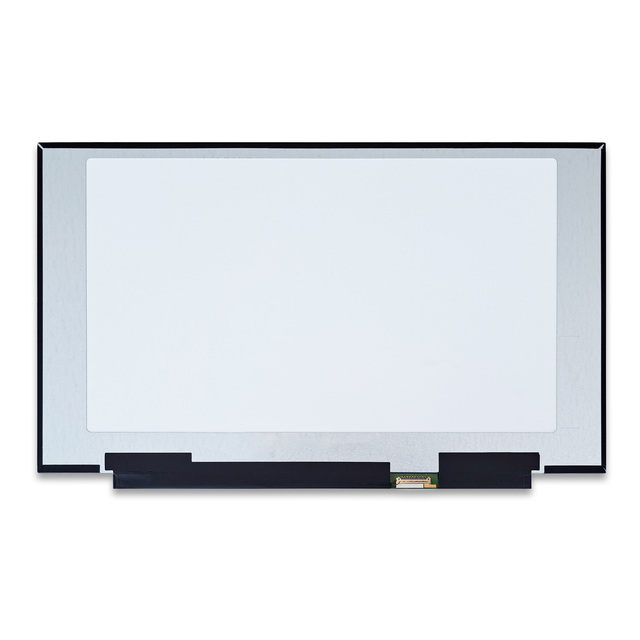
15.6\" LQ156M1JW25 Laptop LCD Screen for ASUS ROG Strix G15 G512 G513 G532 G533 300HZ FHD 1920x1080 New IPS Panel with 40pin Edp
 Shantou Nuoan Technology Co., Limited🇨🇳CN2 yrs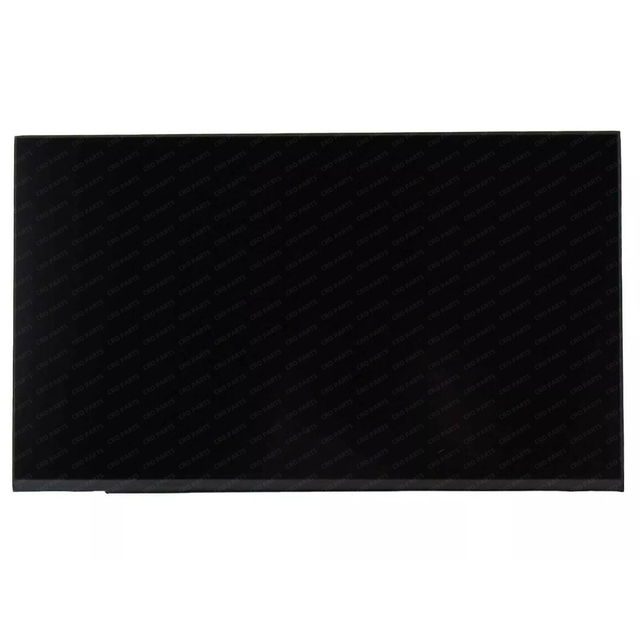
NV140WUM N43 B140UAN03.2 N140JCA EEL NV140WUM-N43 N140JCA-EEL IPS 30 Pins 14 Inch Laptop matrix Lcd Screen Display
 Shenzhen Changrui Optoelectronics Limited🇨🇳CN12 yrs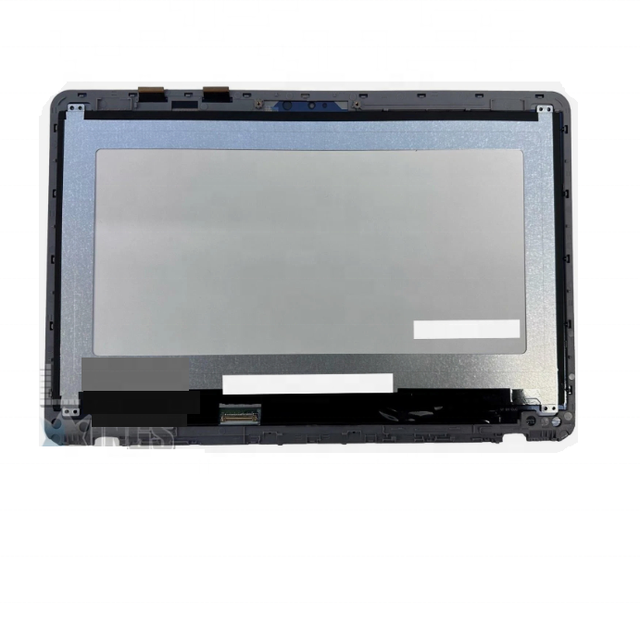
Touch screen For Asus Zenbook Flip UX360U UX360UA UX360U 1920 X 1080 Laptop Screen Assembly Touch Repair Replacement
 Shenzhen DelongYi Energy Co., Ltd.🇨🇳CN7 yrs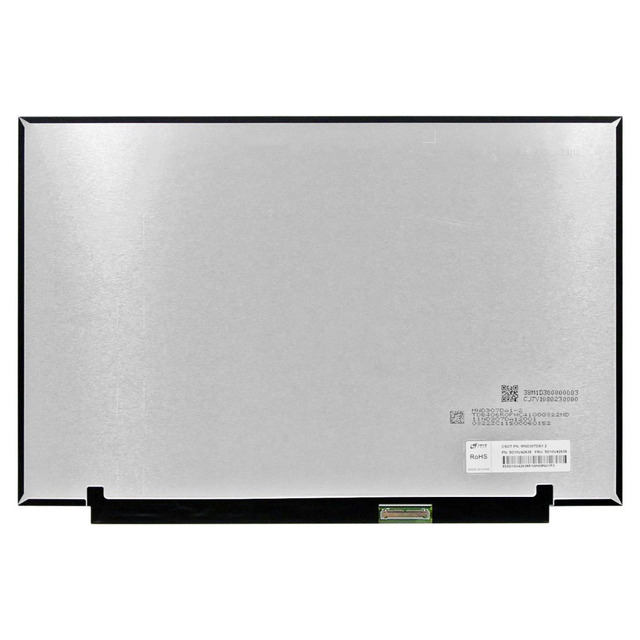
MND307DA1-2 IPS 2560*1600 40PIN EDP 13.3-inch laptop LCD display screen
 Shenzhen Zhichuang Shuangniu Technology Co., Ltd.🇨🇳CN1 yr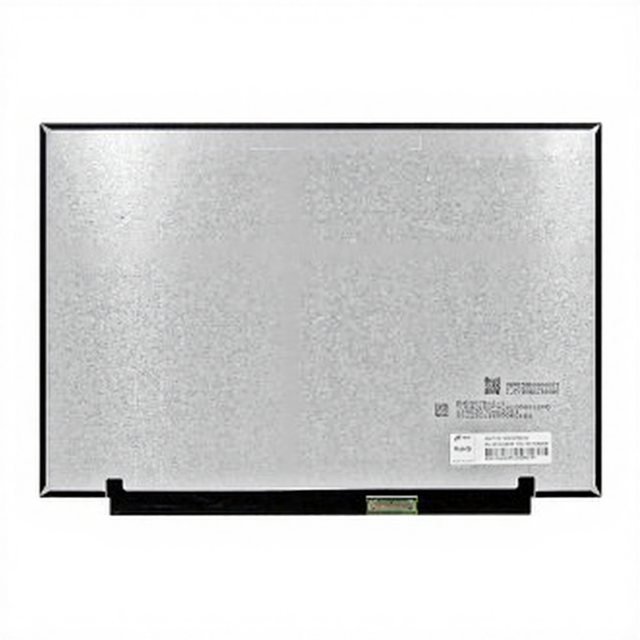
Laptop LCD Screen Display 13.3 Inch IPS Panel New MND307DA1-2
Laptop LCD Screen Display 13.3 Inch IPS Panel New MND307DA1-2
Deep Dive · Full Report
Full Market Report
1 document · Live-fetched from source
Related Searches
Explore more sourcing topics & related categories
Sources & References
16 sources cited · Verified industry data & reports
This video is to show step by step on how to replace Asus ...
Facebook · UberGeeks
This video is to show step by step on how to replace Asus Zenbook 13 LCD Screen. The model for this is: - Asus Zenbook 13" Ultra-Slim Laptop - UX331F - UX331UA ...
Screen /LCD replacement Asus ZenBook UX303U
YouTube · Comptechnyc
Today we're gonna do a video about replacing the screen in an Asus ux303u laptop.

ASUS ZENBOOK UX31A Series Full-HD Replacement ...
Laptop LCD Screen
This Matte IPS LED replacement LCD screen is fully compatible with the ASUS ZENBOOK UX31A SERIES 13.3" FULL HD laptop that has a 1920X1080 display resolution. ...

Asus Zenbook Prime UX31A Repair : r/computertechs
Reddit · r/computertechs
UX31A Repair touchscreen stopped working. repairing it from them is $800-$900, replacement screens are in fact touch screen. We plan on ...

Generic 13.3"" FHD 1920(RGB)*1080 for ASUS ZENBOOK ...
Amazon.com
UX31A 60Hz LCD Screen Replacement EDP 30Pins ・ 13.3 inch FHD 1920(RGB)*1080 LCD 30Pins ・ 1996-2026, Amazon.com, Trending Best Sellers New Releases

Asus UX31A 13.3" Laptop Screen Replacement
eBay
This item is a BRAND NEW laptop screen. Size 13.3" Resolution 1920 x 1080 Type LED Finish Glossy. LCD Panels 13.3 in Screen