Blue Usb Port Working

Overview
Product sourcing insights & recommendations
The phrase "blue USB port" primarily refers to the industry standard for USB 3.0 (SuperSpeed) connectivity, which is visually distinguished by a Pantone 300C blue plastic insert. These ports offer a significant jump in performance, providing data transfer speeds of up to 5 Gbps—approximately 10 times faster than the legacy black or white USB 2.0 ports SlashgearUsbmemorydirectIndustry-Electronics.
Market Trends & Growth
* Expansion through 2032: The global USB 3.0 market is currently valued at approximately $5.22 billion (2024) and is projected to grow at a 16.2% CAGR through 2032 Databridgemarketresearch.
* Product Dominance: USB 3.0 remains the "sweet spot" for connectivity, holding a 58% market share in the hub segment because it balances high-speed performance with significantly lower production costs compared to newer USB 4.0 or Thunderbolt standards MarketMaximizemarketresearch.
* Key Drivers: Demand is heavily driven by 4K/8K video editing, high-bandwidth gaming peripherals, and the proliferation of thin laptops (ultrabooks) that require external multi-port hubs MaximizemarketresearchMarket.
Product Insights & Sourcing
* Flash Drives: The market is shifting toward high-capacity drives (128GB+) and dual-interface models (USB-A + USB-C) to bridge the gap between legacy PCs and modern mobile devices Maximizemarketresearch. Wholesale pricing for standard USB 3.0 drives ranges from $1.80 to $7.88 depending on capacity .
* Connectivity Hubs: Multi-functional splitters (4-in-1 to 10-in-1) are top sellers, with basic high-speed hubs starting at wholesale prices near $1.94 .
* Industrial Applications: Beyond consumer electronics, USB 3.0 is rapidly expanding into automotive infotainment and industrial machine vision, where it now accounts for roughly 30% of camera interfaces Maximizemarketresearch.
The attached files provide a detailed sourcing list for USB 3.0 flash drives and hubs, including pricing, MOQ, and supplier details from major B2B platforms.
Would you like to analyze these specific sourcing options or explore more advanced USB 4.0 alternatives?
Usb 3.0 Flash Drive Blue Port Wholesale
Products · 2 lists
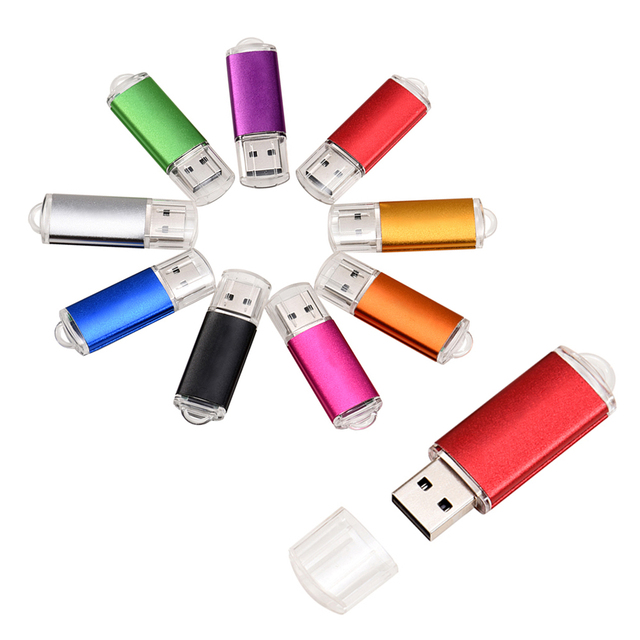
Factory Selling USB3.0 USB Flash Drive 128GB 64GB 32GB 16GB 8GB Pen Drive Smartphone U Disk Micro USB Flash Drives
 Shenzhen Meiyu Technology Co., Ltd.verified🇨🇳CN5 yrs
New Product Extreme Speed 64GB USB 3.0 /2.0 Solid State Flash Drive Original 128GB PenDisk Memory USB Flash Drive
 Shenzhen Hangxingda Technology Co., Ltd.verified🇨🇳CN4 yrs
Promotional 2GB 4GB Swivel USB 2.0 3.0 Pendrive 8GB 16GB USB Flash Drive
 Shenzhen Ept Electronic Technology Co., Ltd.verified🇨🇳CN13 yrs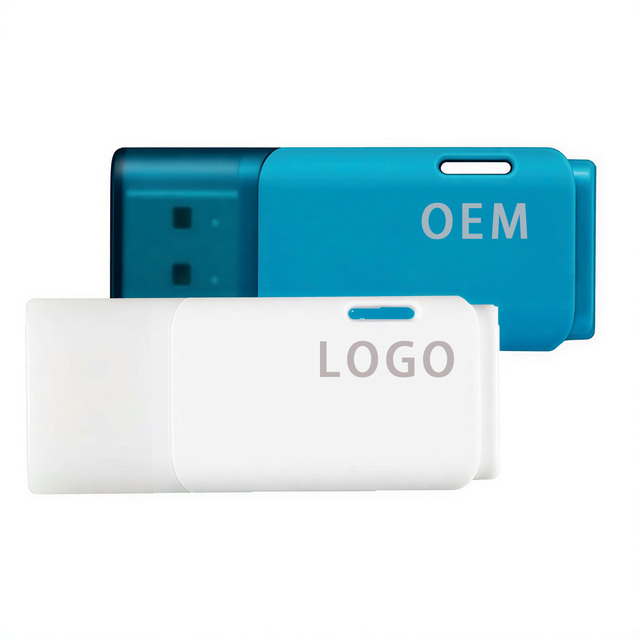
USB 3.0 Flash Drive 2gb 4gb 8gb 16gb 32gb 128gb 256gb 512gb 1tb Pendrive 2.0 Pen Drive Disk 64 Gb Custom logo Bulk Mini Pc Stick
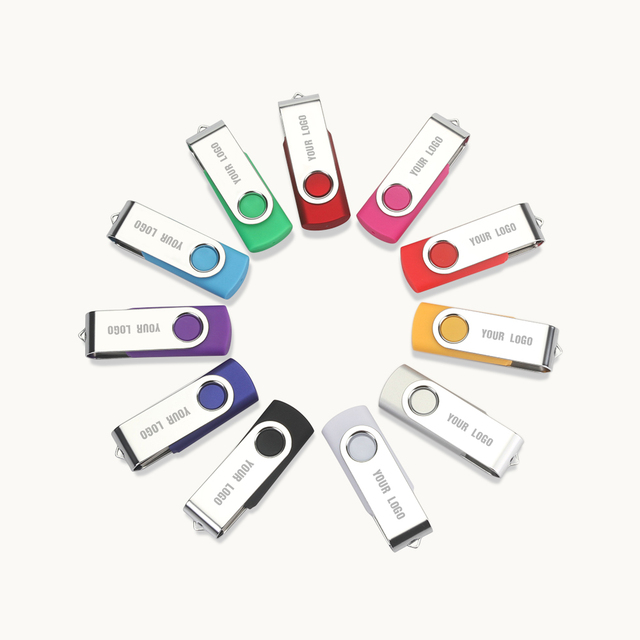
Custom 3.0 Pendrive 16GB 2GB 4GB 8GB 32GB 64GB Colorful USB Flash Drive With Logo
 Shenzhen Worthspark Electronic Co., Ltd.verified🇨🇳CN18 yrs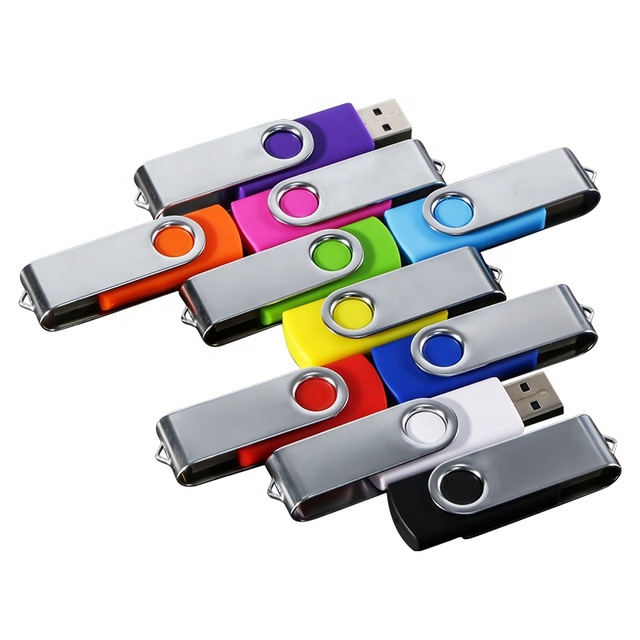
New High Capacity USB 3.0 Portable Flash Drive with 3-Year Warranty Fast Speed & Data Saving
 Shenzhen Baolifeng Opto-Elec Co., Ltd.verified🇨🇳CN15 yrs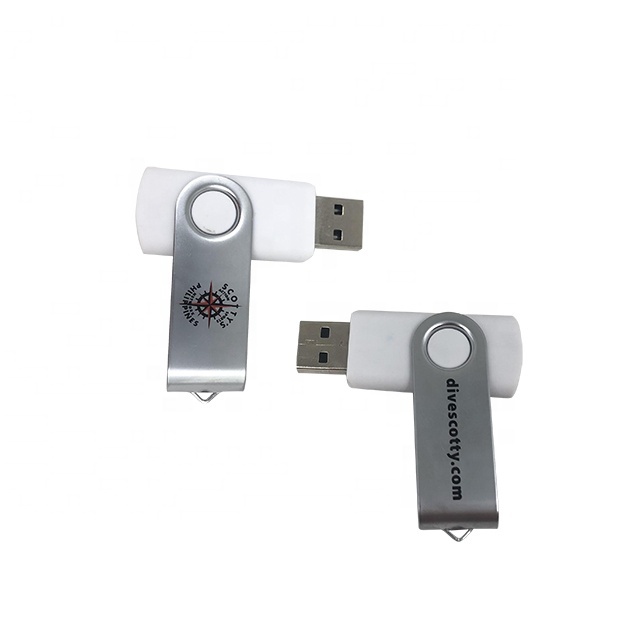
High Capacity Cheap USB 3.0 Flash Drives 8GB-128GB Promotional Use Custom Logo
 Freedom Gifts Limitedverified🇨🇳CN18 yrs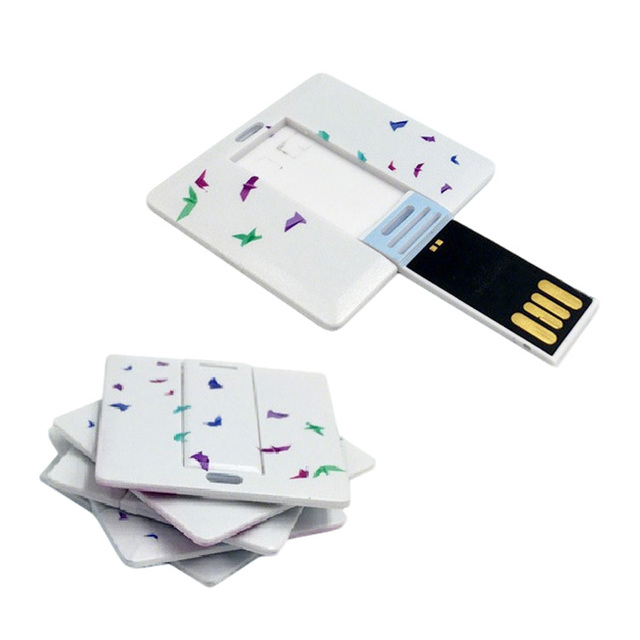
Small Plastic USB 3.0 Flash Drive Custom Pattern Business Card Shape Square ABS White Flash Drive with Logo
 Guangdong Superb International Technology Co., Ltd.verified🇨🇳CN5 yrs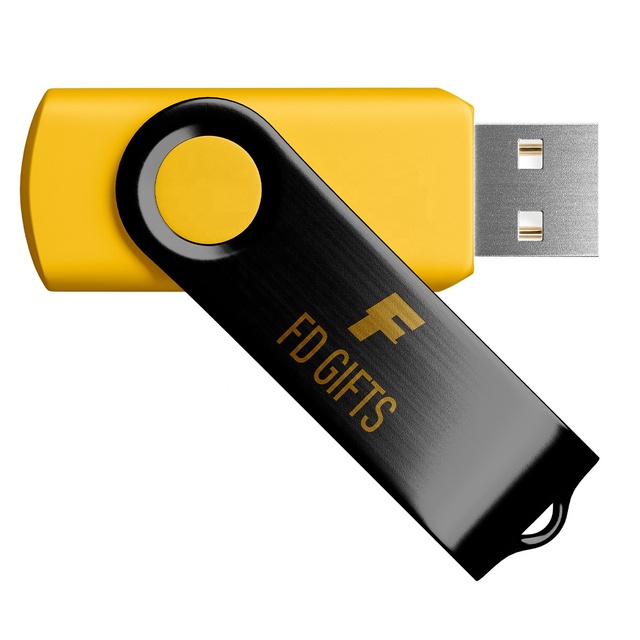
Promotional 3.0 Pendrive 8GB 16GB 32GB 64GB 128GB USB Flash Drive
 Suzhou Freedom Gifts Limitedverified🇨🇳CN14 yrs
Fashion USB 3.0 Flash Drive 4GB to 128GB Capacities Rotate 360 Degrees with Custom Logo New Metal Material USB Flash Disk
 Shenzhen Tianfeng International Technology Co., Ltd.verified🇨🇳CN6 yrs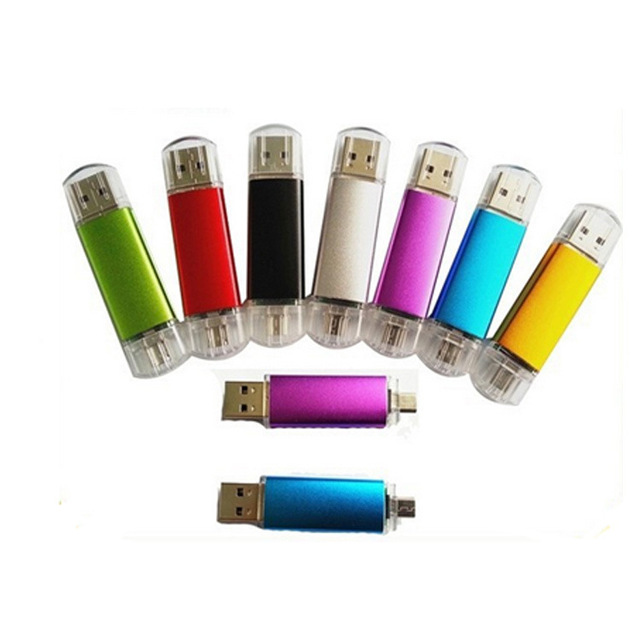
Colorful Custom Usb Flash Drive USB3.0 USB2.0 OEM LOGO 4GB---256GB
 Shenzhen Youlen Electronics Co., Ltd.verified🇨🇳CN4 yrs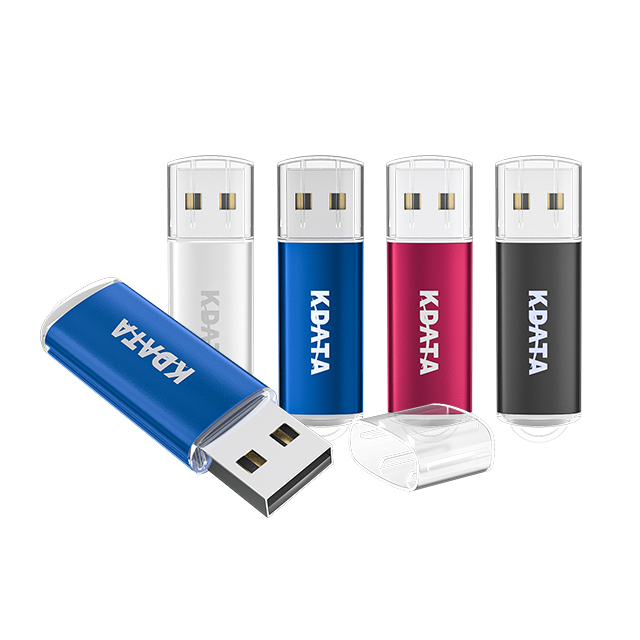
Wholesale Full Capacity Usb 3.0 Disk Custom LOGO Usb Stick Pen Drive Pendrive 4GB 8GB 16GB 32GB 64GB 128GB 3.0 USB Flash Drives
 Shenzhen Jintian Tech Development Co., Ltd.verified🇨🇳CN18 yrs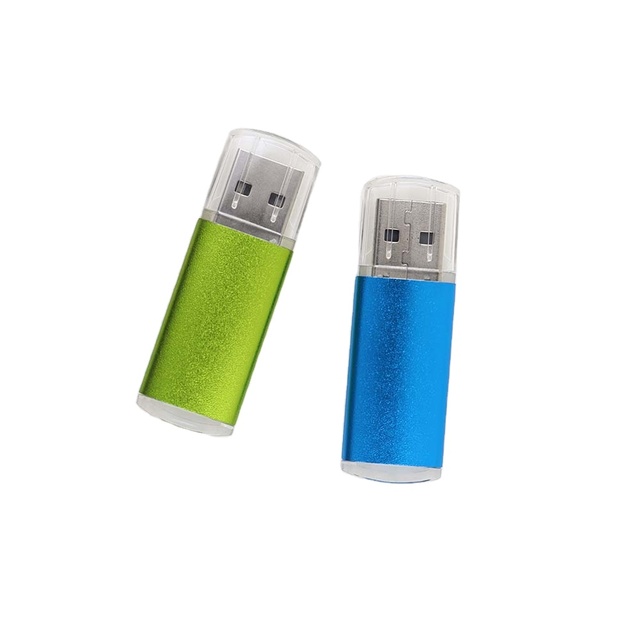
Memoria Usb Flash Drive USB3.0 2.0 Memoria Usb 16gb 32gb Pendrive 64gb 128gb Disk Memory Stick Usb Flash Drives Bulk Pendrive
 Shenzhen Usky Technology Co., Ltd.verified🇨🇳CN6 yrs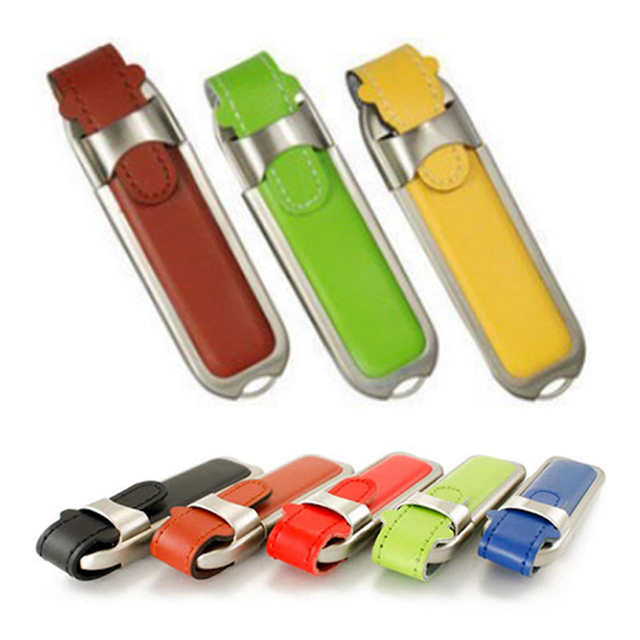
Usb Flash Drive Promotion Usb Pendrive 256gb Usb2.0 3.0 Flash Disks 4gb 8gb 32gb Leather Thumb Drive Custom Leather Pendrive
 Shenzhen Usky Technology Co., Ltdverified🇨🇳CN13 yrs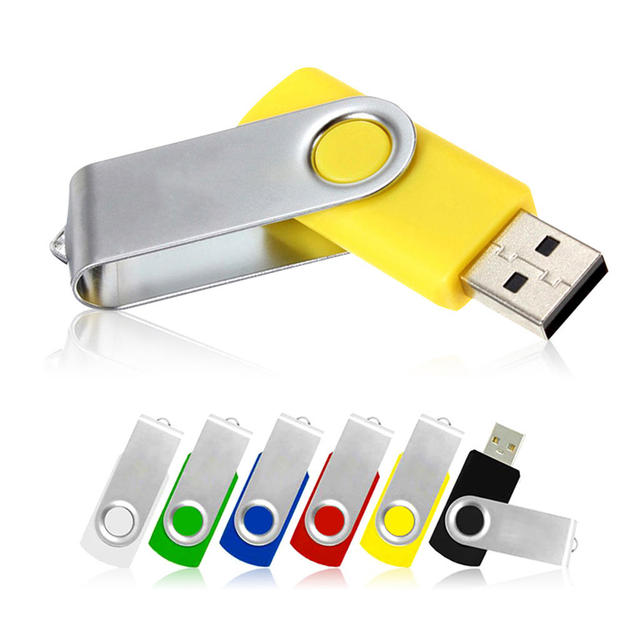
Hot Sale USB Pen Drive 64GB Memory Pendrive Custom USB 2.0 3.0 Flash Disks 1GB 2GB USB Flash Drive
 Shenzhen Haishitongda Technology Co., Ltd.verified🇨🇳CN6 yrs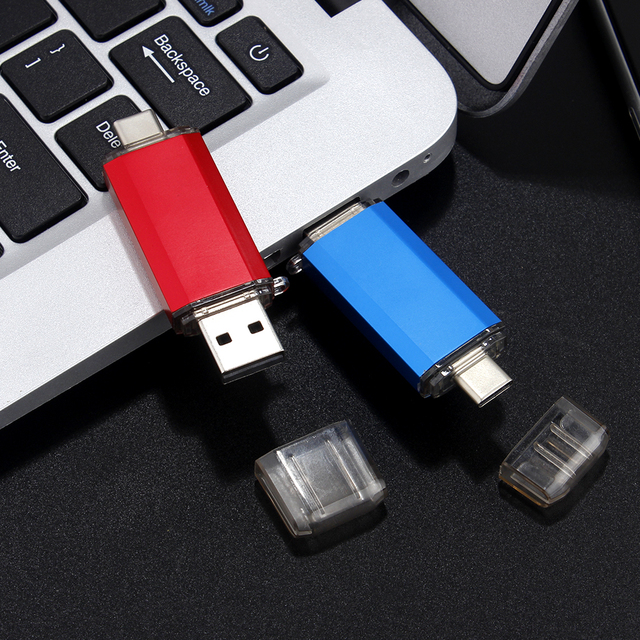
32GB USB Type C Flash Drive with Dual Drive Support for Smartphones Laptops & Tablets
 Shenzhen Jaster Technology Co., Ltd.verified🇨🇳CN6 yrs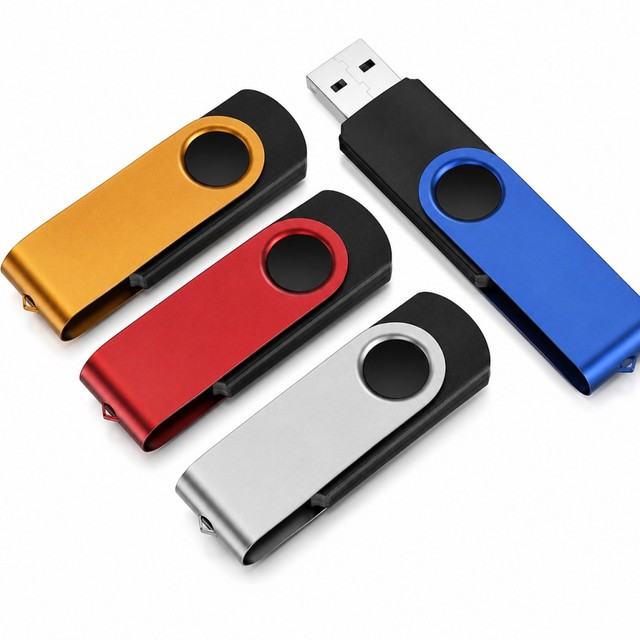
Mini USB 3.0 128GB 64GB 16GB Custom Logo Pendrive 8GB 32 GB USB Flash Drive New Plastic Thumb Pen Drive
 Shenzhen Longyexing Technology Co., Ltd.verified🇨🇳CN1 yr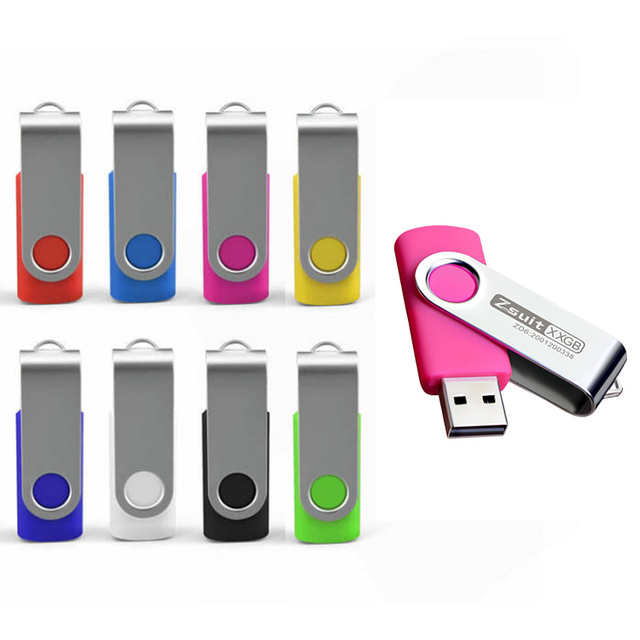
Rotatable U Disk Custom logo USB3.0 Memory Stick Pendrive 8gb 16gb 32gb 64gb 128gb USB 3.0 Flash Drives High Speed Pen Drive
 Shenzhen Zsuit Technology Co., Ltd.verified🇨🇳CN7 yrs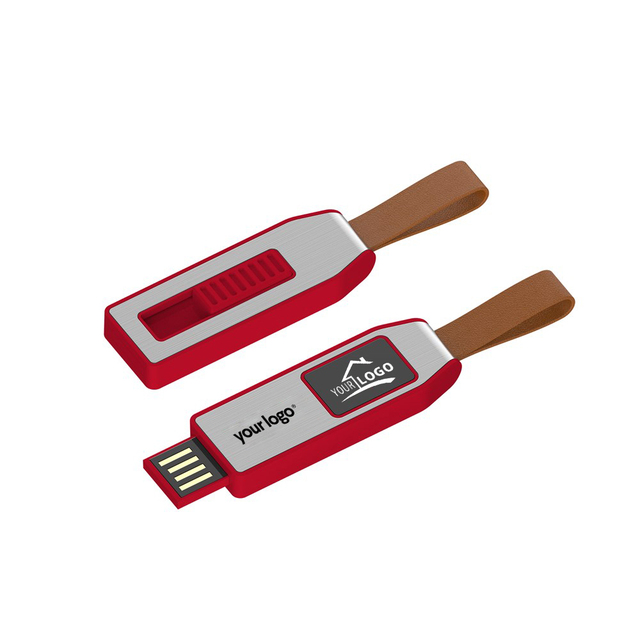
Custom Logo USB Drive Light Up Flash 8GB 16GB 32GB 64GB 128GB Memory Stick Portable Data Storage Device
 Shenzhen Kingstar Technology Co., Ltd.verified🇨🇳CN10 yrs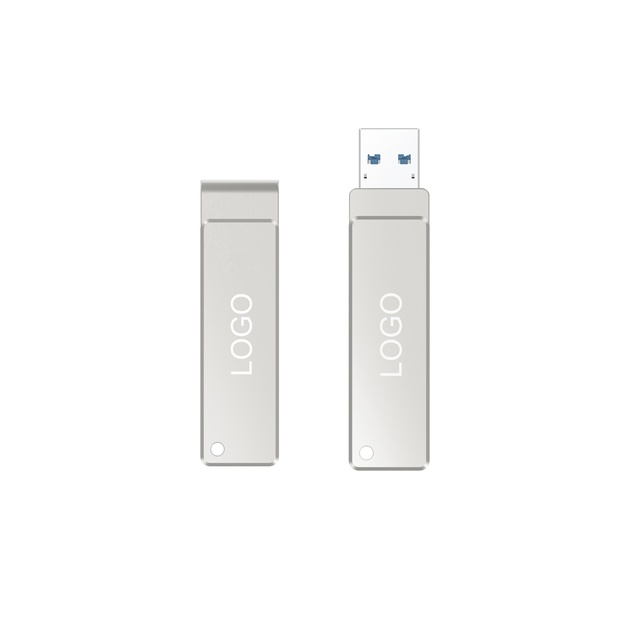
New High-Speed USB 3.0 Metal Flash Drive 64GB/128GB with 2-Year Warranty Read/Write Speeds 20MB/s & 80MB/s-Ship in 48 Hours
 Shenzhen LingC Industrial Co., Ltd.verified🇨🇳CN1 yr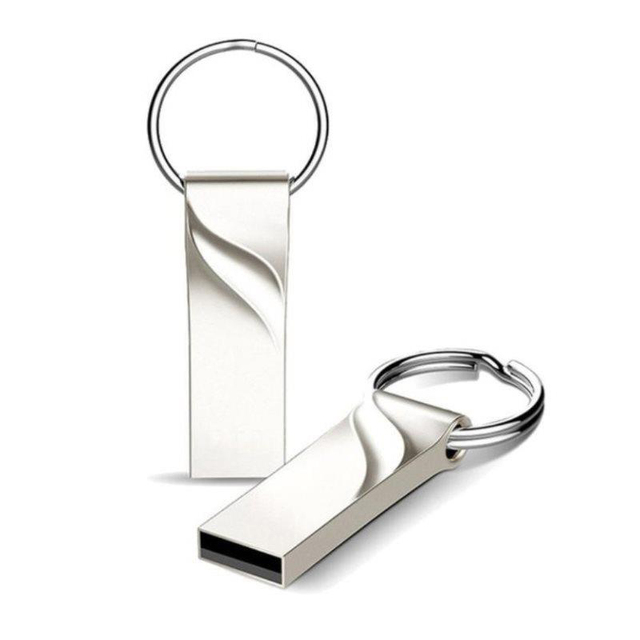
Metal Pen Drive 3.0 Metal USB Flash Drive High Speed 32GB 128GB 256GB 512GB 1TB 2TB Memory USB3.0 Flash Stick
 Shenzhen Ept Electronic Technology Co., Ltd.verified🇨🇳CN9 yrs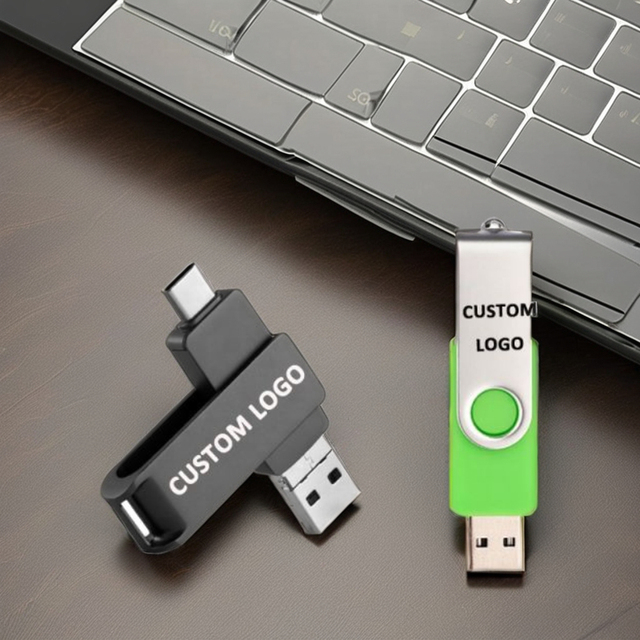
Different Style USB Flash Drive 3.0 64GBB 128GB 512GB USB Flash Drive With Customized Logo
 Wuhan Jarmoo Flag Co., Ltd.verified🇨🇳CN14 yrs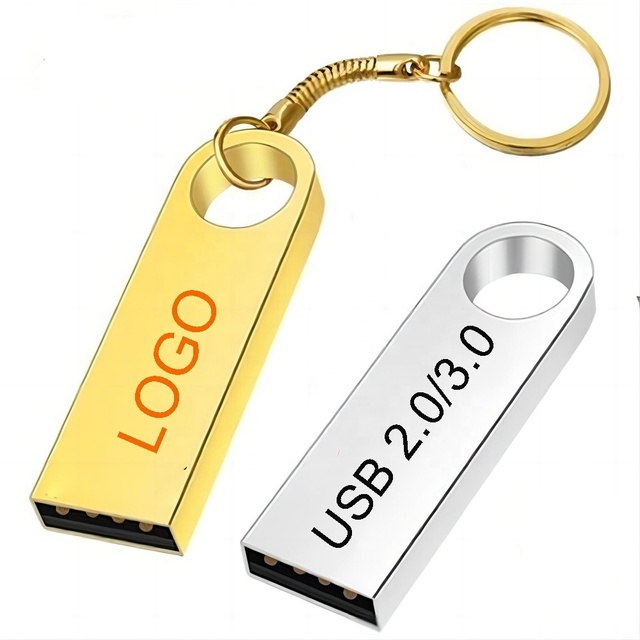
Usb 2.0 3.0 Key Flash Drive Computer Original Custom 4 Gb 4Gb 32Gb 64Gb 128 Gb 256 Gb 512Gb Flash Drive Portable Usb 3.0
 Dongguan Annxin Electronics Co., Ltd.verified🇨🇳CN9 yrs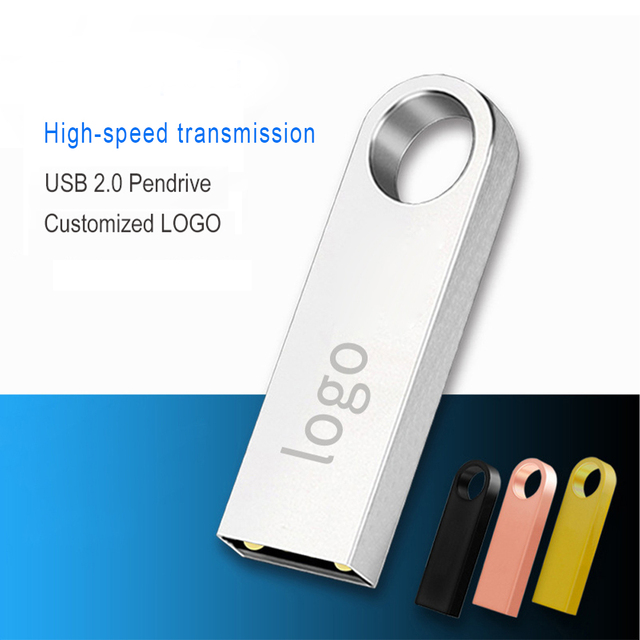
Hot Selling 16GB Mini USB Flash Drive New Stock Metal USB 2.0 3.0 Interface
 Dongguan Win Win Tech. Ltd.verified🇨🇳CN13 yrs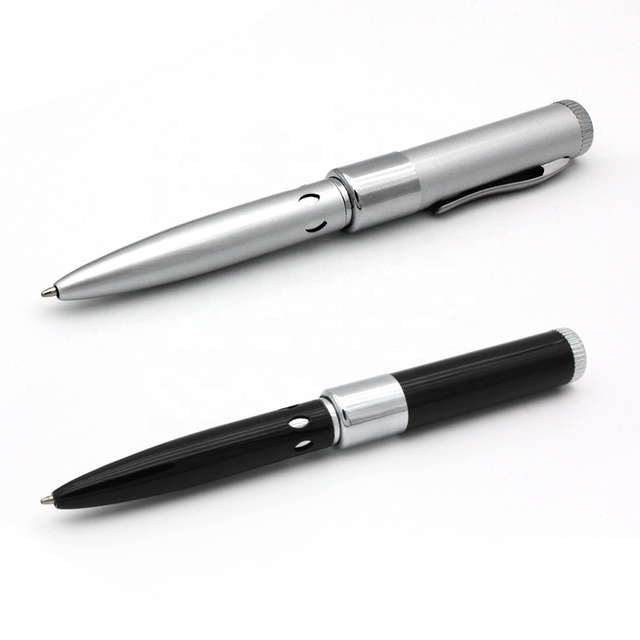
New Design USB 2.0 3.0 Custom Logo Pen Drive 16GB 8GB 4GB 2GB 64GB USB Flash Drive
 Shenzhen Promotion Union Electronic Co., Ltd.🇨🇳CN6 yrs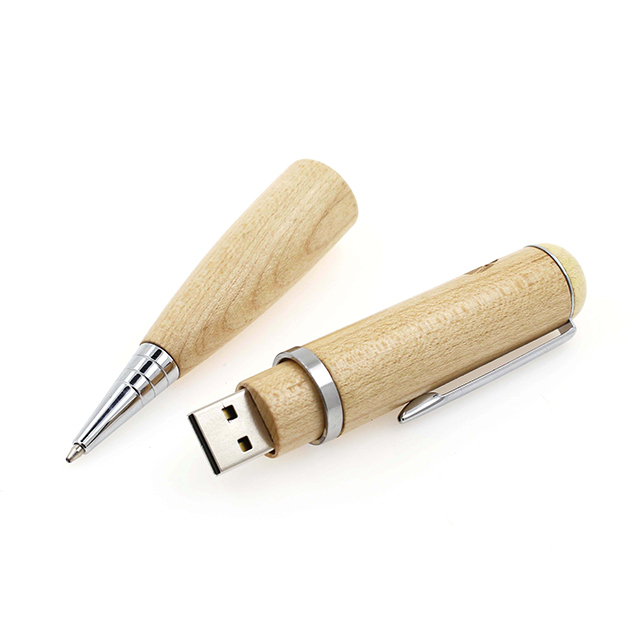
Usb 3.0 2.0 Wooden Custom Usb Pendrive 1Gb Usb Flash Drive Fast Pen Drive U Disk
 Shenzhen Lefan Electronics Co., Ltd.verified🇨🇳CN4 yrs
New Design USB 2.0 3.0 Custom Logo Pen Drive 16GB 8GB 4GB 2GB 64GB USB Flash Drive
Usb 3.0 2.0 Wooden Custom Usb Pendrive 1Gb Usb Flash Drive Fast Pen Drive U Disk
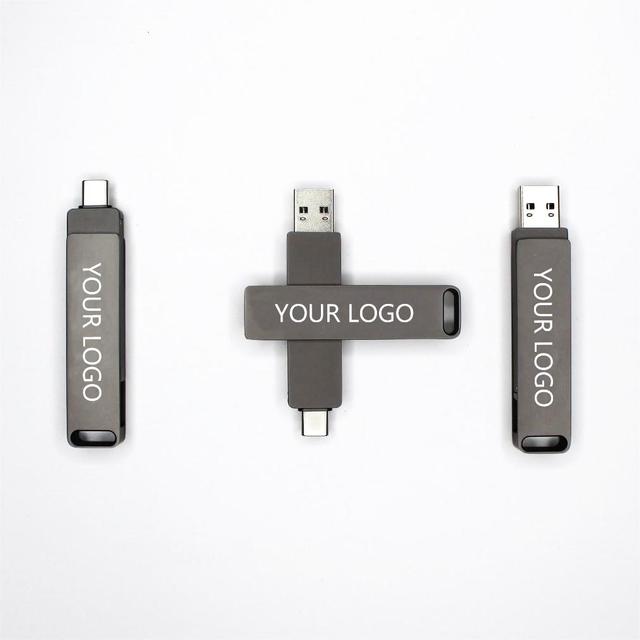
OEM Type-c USB Flash Drive 120GB 240GB 480GB 960GB Pendrive USB3.2 Type-C Flash Disk with USB3.0 Port Memory USB Stick
Related Searches
Explore more sourcing topics & related categories
Sources & References
24 sources cited · Verified industry data & reports
A Simple Guide to USB Port Colors and Their Meanings
www.usbmemorydirect.com
The blue USB port is also backward-compatible, meaning it can be used with devices that only support USB 2.0 or 1.X. However, the data transfer speed will be limited to the capabilities of those devices. This type of USB port supports our USB-A connectors, which is the connector type that most people associate with USB connectors. Learn more in our guide to USB-A vs USB-C connectors. The teal USB port is also known as the USB 3.1 Gen 1 or SuperSpeed+ (SS+) USB. Released in 2013, it supports up to 10 Gbps data transfer speed, which is twice as fast as USB 3.0. The color is similar to USB 3.0, but it will appear as slightly more green-toned than the classic blue of 3.0. This is the easiest way to differentiate USB 3.0 vs 3.1 ports. It is backward-compatible and can be used with devices that only support USB 3.0, 2.0, or 1.X. The blue USB port is also known as USB 3.0 or SuperSpeed (SS) USB. It was introduced in 2008 and offers a data transfer speed of up to 5 Gbps, which is more than 10 times faster than USB 2.0. For example, you can often tell the difference between USB 2.0 and 3.0 ports by looking at the shape of the port.
What Does It Mean When A USB Port Is Blue? - SlashGear
www.slashgear.com
By Keyede Erinfolami Sept. 2, 2025 6:45 pm EST ... For over a decade after its 1996 debut, the USB port was a plain, black rectangular slot that powered keyboards and mice. That changed in 2008, when blue ports began appearing on devices to mark the arrival of USB 3.0. The color was a quick way to tell USB 3.0 ports apart from the older USB 2.0 ones. Where USB 2.0 maxed out at data transfer speeds of 480 Mbps, USB 3.0 boosted it to 5 Gbps, with later versions climbing even higher. This upgrade made tasks like transferring large files, backing up external drives, or running high-bandwidth peripherals much faster. For gaming rigs or motherboards, blue usually points to USB 3.2 Gen 1. It's the case on Asus ROG, MSI, and Gigabyte, but high-end boards love to pile on extras, so that same blue port might also support things like BIOS flashback or special peripheral tuning. On PlayStation consoles, blue USB ports mark faster data paths for external storage or accessories. And finally, many docking stations and hubs use blue ports the conventional way: to differentiate USB 3.0 from legacy black USB 2.0. Brands don't usually spell things out by color alone, so head to the sections labeled "USB," "ports," or "connectivity." That's where you'll find the details like transfer speeds, charging power, and data support. Look for mentions of "USB 3.0 Type-A" (or similar). And don't get thrown off if you see "USB 3.2" instead—it's the same tech, just rebranded.
What a blue USB port really means - and the surprising truth about ...
currently.att.yahoo.com
Blue: Supporting USB 3.0 SuperSpeed technology and above, blue ports identify a device capable of fast data transfer: up to 5 Gbps (that's 5,000 Mbps) -- a significant jump from previous generations. Besides laptops, you'll see blue ports on thumb drives and external storage. Teal: Just like blue, but denoted as USB 3.1, supporting faster transfer speeds of up to 10 Gbps. Red: These are the newest and fastest devices available, categorized as USB 3.1 Generation 2 and USB 3.2. In that vein, USB-C ports can also have their own colors, but they're a little more specialized. Most USB-C ports are differentiated between standard connectivity with USB 2.0 (common in older laptops, with speeds of up to 480 Mbps) and 3x, which supports speeds of up to 10-20 Gbps. Yellow: These ports can support either USB 2.0 or 3.0, and are "always on", meaning they can supply power even when the device they're connected to is off. Most USB devices work fine on any compatible port, but they may not be optimized for optimal performance. For example, if you've noticed a mouse seems to work better in one port over another, it's not in your head. One probably supports USB 3.0, and the other doesn't.
Blue Or Black: Which USB Port Is Faster? - BGR
www.bgr.com
When you spot a black USB port on the back or side of your PC, that means that the connector supports the USB 2.0 Hi-Speed standard. Now, don't let the use of the term "Hi-Speed" mislead you. It was a higher speed when the standard first came out in 2000, with a maximum data delivery speed of 480 Mbps, but it's much slower than newer legacy USB ports that use USB 3.0, which offers a maximum data delivery speed of 5 Gbps. Blue USB ports, on the other hand, support the USB 3.0 standard, which is much newer and faster, though it's still a bit older, as it came out in 2008. The blue color can also indicate support for USB 3.2 Gen 1, though it is usually red on most devices, which offers twice the data speeds of the original 3.0 standard. It's also important to note that plugging a USB 3.0 device into a USB 2.0 port often results in lower bandwidth being allocated to the device. It may even cause the device to stop working properly, especially if it's a portable hard drive or similar device that requires a higher power draw than USB 2.0 allows. You might see black USB ports that actually support 3.0. If that's the case, you'll see the SuperSpeed USB logo, which looks like an SS with a trident symbol next to it. Additionally, USB ports are backward-compatible, so even if you have a USB port designed for 3.0 connections, you can still plug in older USB connectors that use 2.0 speeds.
Blue Or Black: Which USB Port Is Faster?
tech.yahoo.com
When you spot a black USB port on the back or side of your PC, that means that the connector supports the USB 2.0 Hi-Speed standard. Now, don't let the use of the term "Hi-Speed" mislead you. It was a higher speed when the standard first came out in 2000, with a maximum data delivery speed of 480 Mbps, but it's much slower than newer legacy USB ports that use USB 3.0, which offers a maximum data delivery speed of 5 Gbps. Blue USB ports, on the other hand, support the USB 3.0 standard, which is much newer and faster, though it's still a bit older, as it came out in 2008. The blue color can also indicate support for USB 3.2 Gen 1, though it is usually red on most devices, which offers twice the data speeds of the original 3.0 standard. It's also important to note that plugging a USB 3.0 device into a USB 2.0 port often results in lower bandwidth being allocated to the device. It may even cause the device to stop working properly, especially if it's a portable hard drive or similar device that requires a higher power draw than USB 2.0 allows. You might see black USB ports that actually support 3.0. If that's the case, you'll see the SuperSpeed USB logo, which looks like an SS with a trident symbol next to it. Additionally, USB ports are backward-compatible, so even if you have a USB port designed for 3.0 connections, you can still plug in older USB connectors that use 2.0 speeds.
USB 2.0 vs 3.0: What’s the Difference and Which to Use?
www.anker.com
This allows for full-duplex data transfer—meaning it can send and receive data at the same time. Power delivery also got a boost. USB 3.0 ports can supply up to 900 mA at 5V (4.5W), which is handy for external hard drives or charging multiple gadgets through a hub. Wondering how to spot it? A typical USB 3.0 Type-A port has a blue plastic insert and often carries an “SS” logo (short for SuperSpeed). You’ve probably plugged in a USB cable without thinking twice—maybe to transfer photos, charge your phone, or connect a keyboard. But not all USB ports are created equal. If you’ve ever noticed one port moving files faster than another or spotted that blue tab inside a USB socket, you’re already brushing up against the real-world differences between USB 2.0 vs 3.0. You can usually tell a USB 2.0 port by its black or white/gray plastic insert. Even though newer versions are out there, USB 2.0 still works perfectly for basic tasks—like plugging in a mouse or charging a Bluetooth speaker. If you’re trying to tell them apart, color is a quick clue. USB 2.0 ports are usually black or white inside, while USB 3.0 ports typically have a blue insert and may also be marked with the letters “SS” (for SuperSpeed).