Chromebook Sd Card Reader

Overview
Product sourcing insights & recommendations


The phrase 'chromebook sd card reader' reflects a dual market: the hardware demand for storage expansion and the consumer need for education on ChromeOS file management.
1. Market Trends & Insights (2026)
The global Chromebook market has reached $14.7 billion with over 22.11 million units shipped in 2026 Fosspost.
- Storage Bottleneck: Most Chromebooks ship with limited internal storage (e64GB–256GB), making the "SD card reader" a critical accessory for 60% of education-sector users who need to store media and offline projects Fosspost.
- SD Express Innovation: A major 2026 trend is the shift toward SD Express, which offers SSD-level speeds (up to 4GB/s). This allows Chromebook users to run Linux apps or heavy Android games directly from the SD card without latency Sdcard.
- Sustainable Storage: There is a growing B2B trend toward high-capacity SDUC (Ultra Capacity) cards (up to 128TB) for AI-enabled education Chromebooks, reducing the need for device replacements Sdcard.
2. Consumer Pain Points
Research indicates significant user friction when using external card readers on Chromebooks:
- Discoverability: Users often fail to locate the "Files" app or navigate ChromeOS's unique storage management, leading to high return rates for hardware that is functioning correctly Google.
- Compatibility Confusion: Users frequently seek "SD card readers" for devices that only support USB-C, driving a market shift toward multifunction USB-C hubs over single-purpose readers.
3. B2B Product Landscape
B2B sourcing data shows three primary product categories addressing this phrase:
- Portable USB-C Adapters: Low-cost, high-volume items (e.g., ) that target students and casual users. Prices range from $1.49 to $4.70/piece.
- Multifunction Hubs (7-in-1): These are the top-performing category for Chromebook "Pro" and "Plus" users (e.g., ), often featuring 4K HDMI alongside SD slots.
- MicroSD Expansion Cards: High-capacity memory cards (e.g., ) remain the standard for semi-permanent storage expansion in ChromeOS.
I've provided a market and product overview for Chromebook SD card readers. Would you like to:
Chromebook Sd Card Reader Usb C Adapter
Products · 3 lists
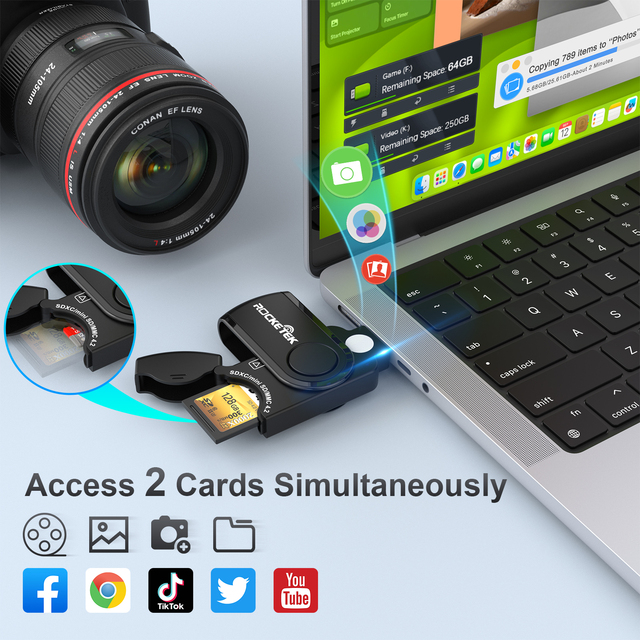
High-Speed USB C Portable Sd Card Reader Writer Supports SD4.0 CF XD CFexpress Memory Cards Certified Mobile Phones Computers
 Shenzhen Rocketek Electronics Co., Ltd.verified🇨🇳CN10 yrs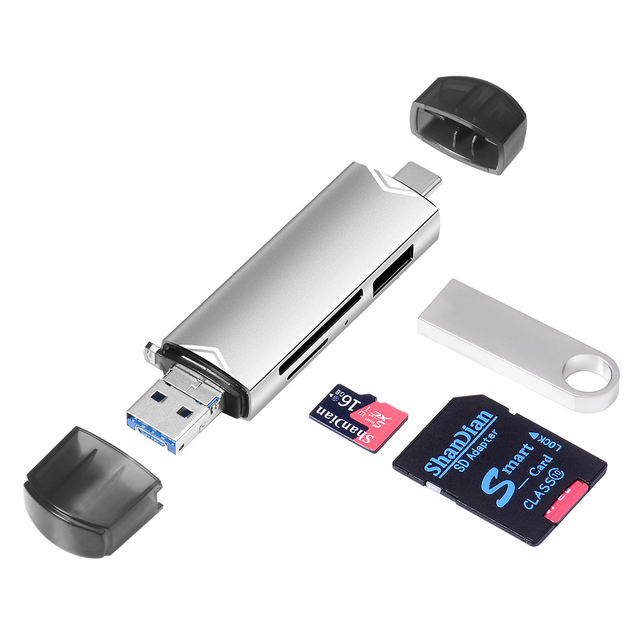
jaster 6 in 1 OTG Card Reader USB 3.0 to Type C Micro USB Adapter Flash Drive Smart Memory Card Reader TF SD Cardreader
 Shenzhen Jaster Technology Co., Ltd.verified🇨🇳CN6 yrs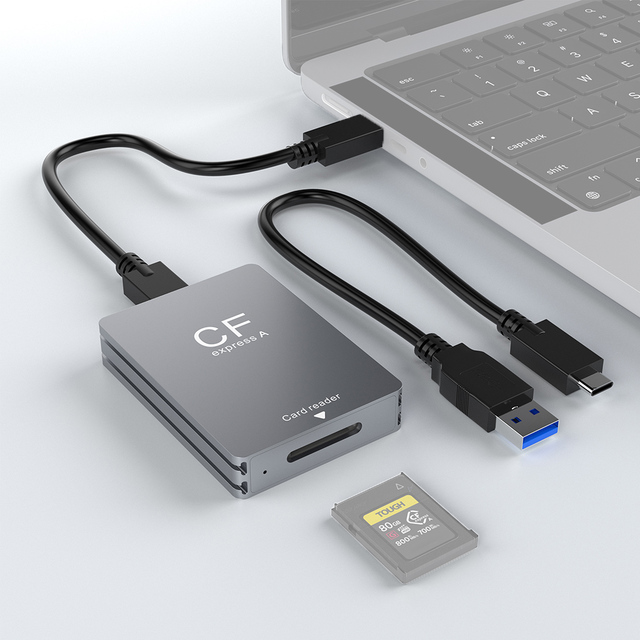
CFexpress Type a Card Reader USB3.2 Gen2 10Gbps Type C SD Card Reader Memory Card Adapter Reading
 Shenzhen Feichao Technology Co., Ltd.🇨🇳CN6 yrs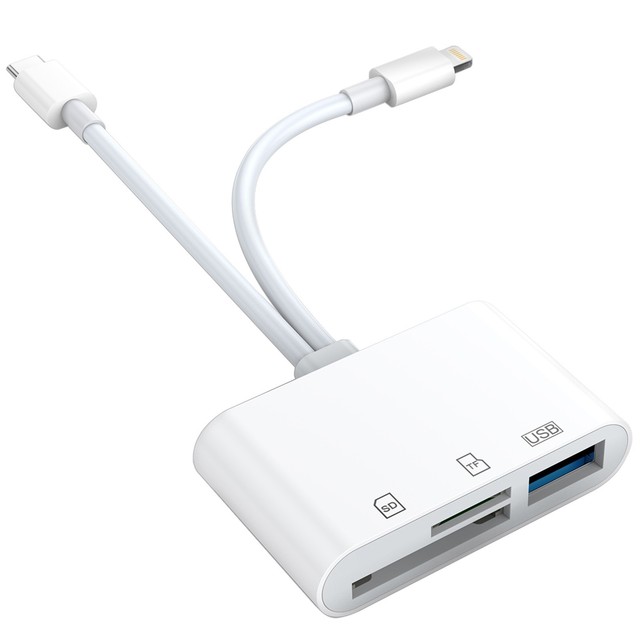
3 in 1 SD Card Reader Lightning USB C Type C to SD TF Card Reader Adapter Memory for iPhone Macbook Samsung Huawei Xiaomi

Cantell Multi Function 3 in 1 Card Reader for Type C with Charging USB Port SD TF Card Reader Camera Connection Kit
 Foshan Cantell Electronic Co., Ltd.verified🇨🇳CN8 yrs
Related Searches
Explore more sourcing topics & related categories
Sources & References
24 sources cited · Verified industry data & reports
Chromebook Market Share Statistics 2026: Shipments, ...
FOSS Post
The global Chromebook market reached $14.7 billion in 2026, with manufacturers shipping an estimated 22.11 million units worldwide.
Chromebook Market Size & Share Analysis
Mordor Intelligence
The Chromebook Market size worth 22.94 million units in 2026 is growing at a CAGR of 3.74% to reach 27.56 million units by 2031.

Chromebook Market Size 2026 | Growth, Forecasts & ...
LinkedIn · Data Metric Analysts
Answer: Chromebook Market size was valued at USD 12.2 Billion in 2024 and is forecasted to grow at a CAGR of 10.2% from 2026 to 2033, reaching ...

Chromebook Market Size | Forecast 2026 To 2035
Global Market Statistics
Chromebook Market size is projected at USD 36621.17 million in 2026 and is expected to hit USD 47726.33 million by 2035 with a CAGR of 9.23%.

how do I get my Cbook to read SD cards &/or access a ...
Google Help
Click on the launcher (circle icon at the left of the task bar) and select the Files app. This should display what you are loking for.

The 3 Best Chromebooks of 2026 | Reviews by Wirecutter
The New York Times
Most Chromebooks also include USB ports and a microSD card slot that you can use to expand the storage. Readers also like ...