Customize Ps4 Controller Light

Overview
Product sourcing insights & recommendations
The "customize ps4 controller light" market has shifted towards Performance Modding, with users prioritizing functional upgrades like Hall Effect sensors alongside aesthetic RGB changes. A major driver is the DualShock 4's sustained popularity in PC gaming, where tools like DS4Windows unlock full lighting control that is natively restricted on consoles.
Key insights include:
- Trend Shift: Movement from simple decals to magnetic faceplates and internal LED board replacements for deeper integration.
- Problem Solving: High demand for anti-glare decals that block TV screen reflections while showcasing custom logos.
- Sourcing Value: Components like LED boards and custom decals offer high margins, with wholesale prices as low as $0.44 - $2.80.
I have prepared a detailed market trend report covering software vs. hardware methods, trending designs, and B2B sourcing strategies. Please refer to the file below for the full analysis and recommended suppliers.
I've summarized the 2026 trends for PS4 controller light customization. You can continue with:
Ps4 Controller Light Bar Decals Stickers Customize Logo
Products · 3 lists

Wholesale 30pcs/set 30 in 1 LED Light Bar Skin Sticker for Playstation4 PS4 Controller Custom Decal Game Light Bar Sticker
 Shenzhen Co-Growing Technology Co., Limited🇨🇳CN10 yrs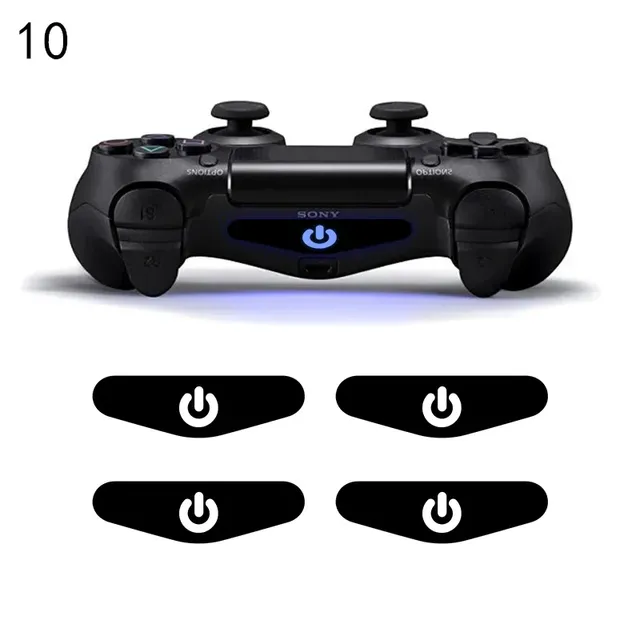
New trend 4PCS LED Light Bar Sticker For ps4 Controller Gamepad Decal Skin Stickers For playstation 4 Controller Accessories
 Shenzhen Yunxing Electronics Co., Ltd.🇨🇳CN7 yrs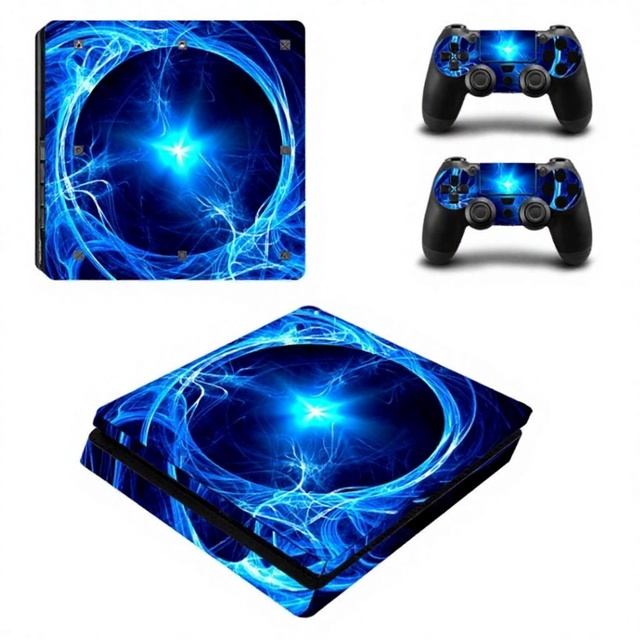
Full Set Skin Sticker Decal Cover for PS4 Console Controller Wrap Protector Accessories
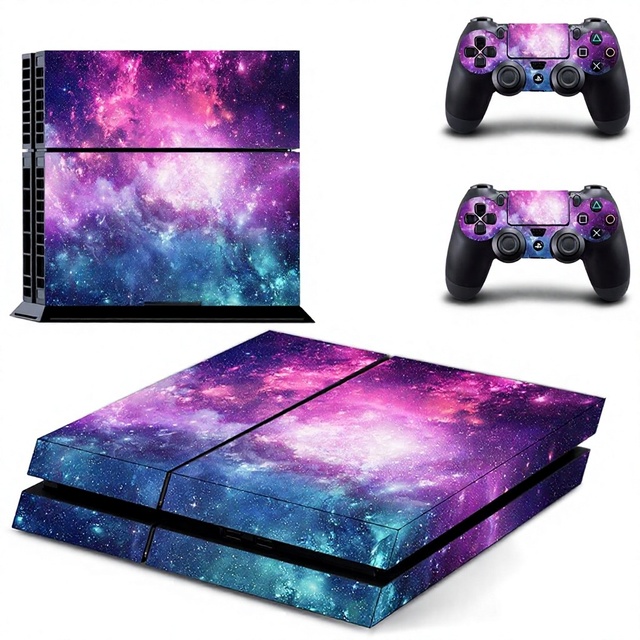
Customized Fashionable Sticker for PS4 Console Controller Skin Decal Skins Game Accessories
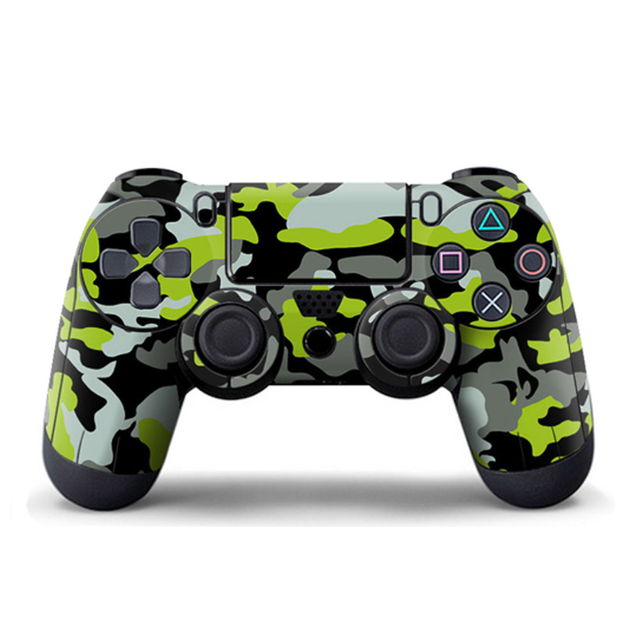
Decorative Vinyl Decal Customized Skin Sticker for PS4 Controller Whole Body Case Skin

Custom Vinyl Skin Stickers for PS4 Console and Controller protection Video Game Design Whole Body Decal
 Wenzhou Tiange Arts & Crafts Co., Ltd.verified🇨🇳CN9 yrs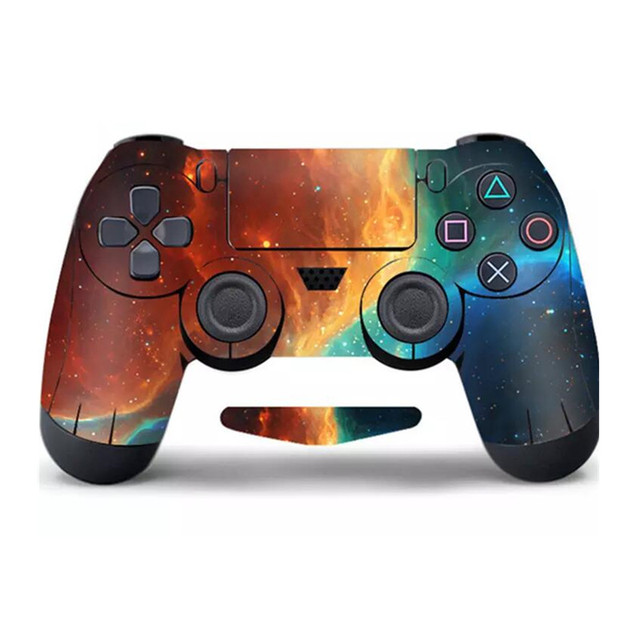
SYY Decoration PVC Decal Sticker Skin Cover Sticker for PS4 Game Controller Game Accessories
 Syy Electronic Technology Nanyang Co., Ltd.🇨🇳CN5 yrs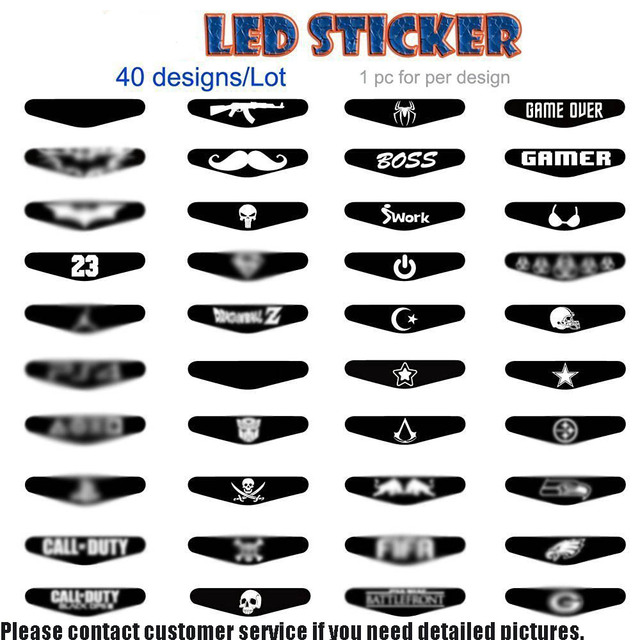
40 in 1 LED Stickers Cover for Playstation 4 for PS4 Pro Slim Controller Light Bar Decal Sticker Flash Game Accessories
 Shenzhen Xunbeifang Technology Co., Ltd.🇨🇳CN12 yrs
40pcs/lot Envelope Led Lightbar Light Bar Decal Skin Stickers for PS4 Controller
 Foshan LQJP Technology Co., Ltd.verified🇨🇳CN12 yrs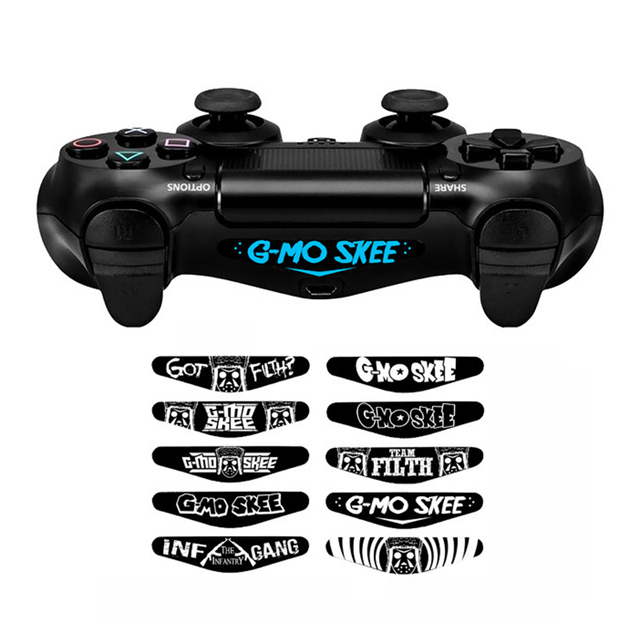
10 Pcs/set Game Light Bar Vinyl Stickers Decal Led Lightbar Cover for Playstation 4 P4 PRO Slim Controller Sticker

Console Custom Skin Vinyl Decal for Playstation 4 PS4 Controller Sticker
 Shenzhen Thtb Technology Co., Ltd.🇨🇳CN14 yrs
Best Price for Playstation 4 Game Console Skin Sticker Decal
 Beijing Qinfeng Xinxin Trading Co., Ltd.🇨🇳CN20 yrs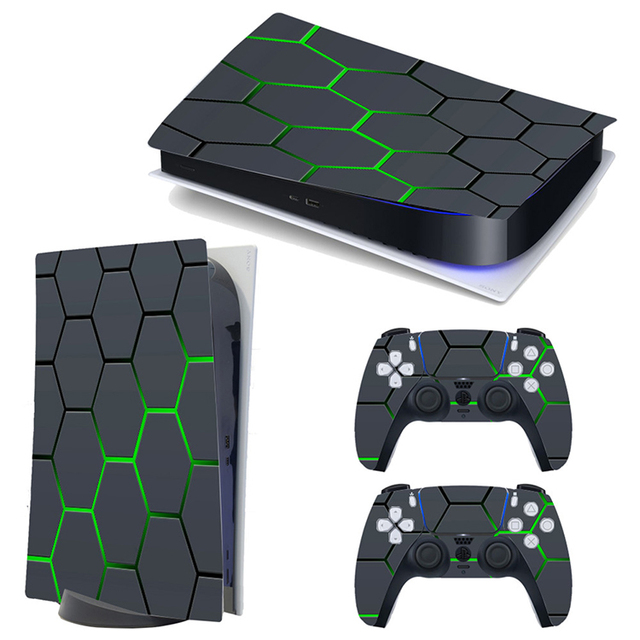
Custom Design Sticker Skin Video Game Joystick Gamepad Controller Console Vinyl Sticker for Ps5
 Shenzhen Andeweier Techology Co., Ltd.🇨🇳CN4 yrs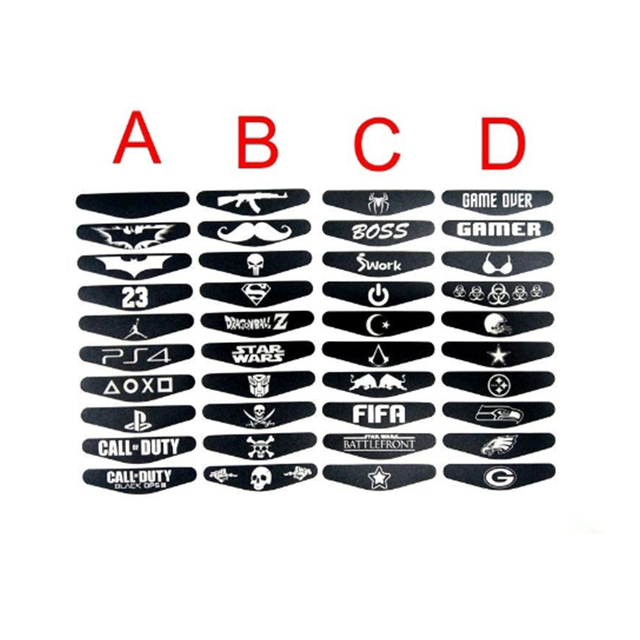
Light Stickers for PS4 Controller LED Light Bar for PS4 Slim Joystick
 Shenzhen Jap Technology Co., Ltd.verified🇨🇳CN5 yrs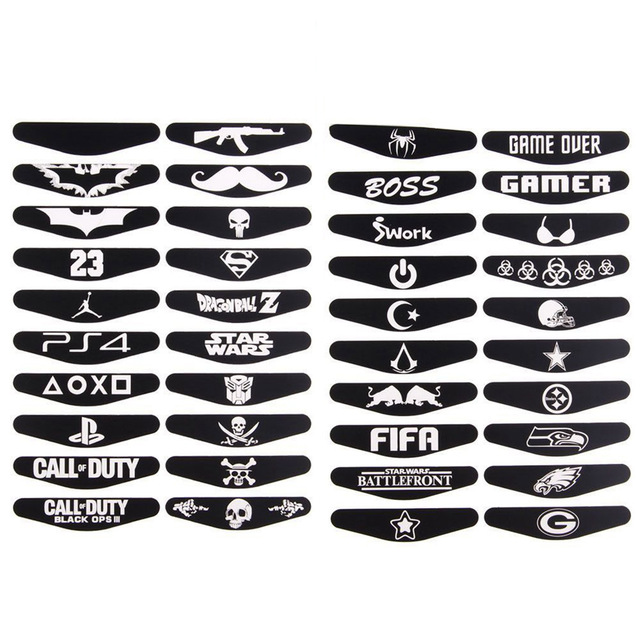
LED Sticker for PS4 Controller Sticker for PS4 Pro Slim Controller Light Stickers
Custom Eco-Friendly Vinyl Protective Skin Wrap Scratch Resistant PS5 Video Game Controller Stickers Decals for Home Decor
 Wenzhou Aile Crafts Co., Ltd.🇨🇳CN3 yrs
Custom Design Sticker Skin Video Game Joysticks Gamepad Controller Console Vinyl Sticker For Ps5
 Beijing Century Tonghui Trading Co., Ltd.🇨🇳CN9 yrs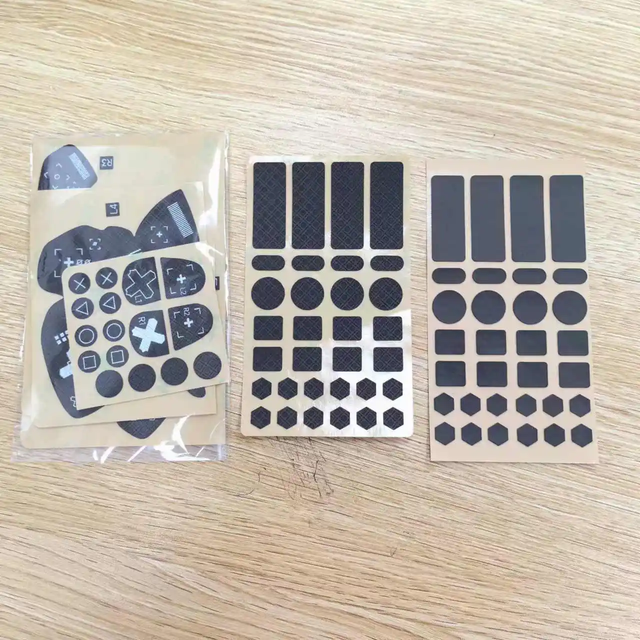
NEW Anti-Slip Protective Cover Sticker for PS5 Gamepad Skin for PS 5 Controller Case Decal Joystick Accessories
 Shenzhen Leris Technology Co., Ltd.🇨🇳CN9 yrs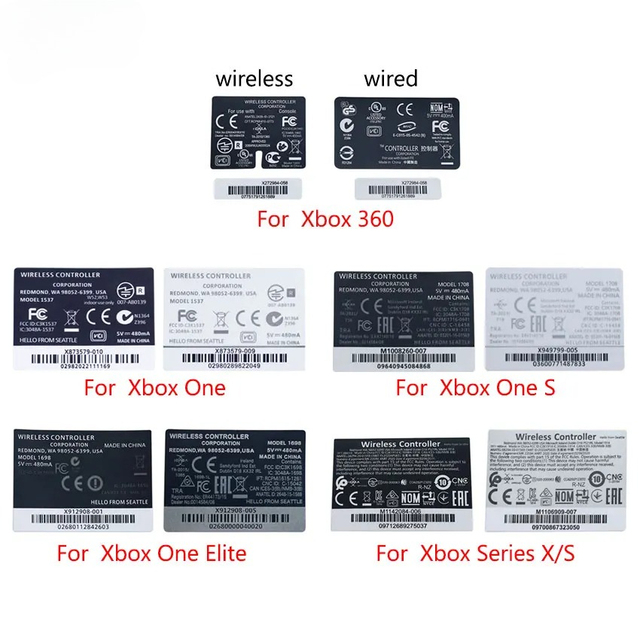
Label Sticker for Xbox 360/One Slim/Elite/ Series X S Controller Skin Back Sticker
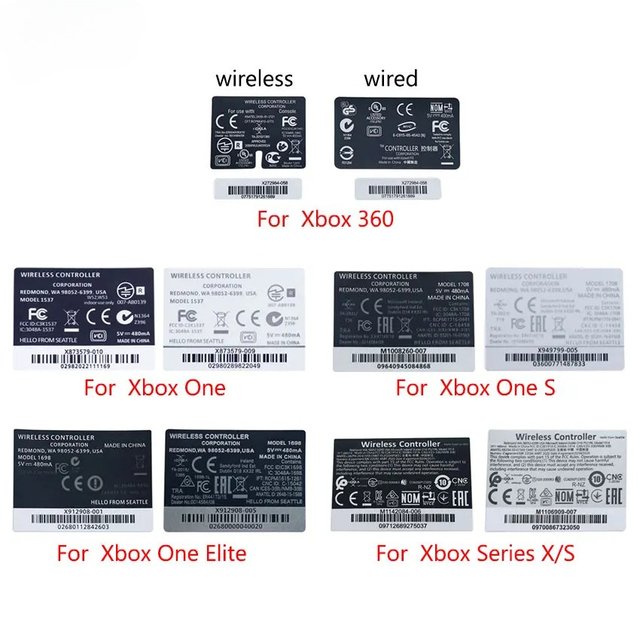
Label Sticker for Xbox 360/One Slim/Elite/ Series X S Controller Skin Back Sticker

Skin Sticker Protector Decal Cover for Console Controller PS5 Disk
 Shenzhen Lark Trading Co., Ltd.🇨🇳CN17 yrs
Deep Dive · Full Report
Full Market Report
1 document · Live-fetched from source
Related Searches
Explore more sourcing topics & related categories
Sources & References
27 sources cited · Verified industry data & reports
Steam Community :: Guide :: Lightbar Settings (Playstation DualShock ...
steamcommunity.com
Please see the instructions page for reasons why this item might not work within Steam Controller (2015). ... This guide goes over the three main ways to change the Playstation Dual Shock 4's light bar in Steam, and overview some useful applications of this setting. A neglected feature that many people have not seen is changing the color or intensity of the light bar using the Controller Configuration. Of course, you can disable the lightbar completely, but for those who want to customize it, this guide can help. While the light settings can be changed on the Steam Controller, the color cannot be changed. Connect the controller and enable Configuration Support. First step In order to change the light bar color, you will need to turn on Configuration Support for the controller. Go to the settings cogwheel in Big Picture Mode, then Controller Settings. Select the checkmark where you see Playstation Configuration Support. User's, it will change to THIS value. This light setting is unique to the Steam user who connected the controller. There's a rainbow of possibilities for the light bar: The Brightness value changes how bright the light is. It can be adjusted only in this menu.
How to Change the Color of Your PS4 Controller | Decortweaks
decortweaks.com
kevin devidLast Updated: March 30, 2026 · 4 minutes read · Facebook X Tumblr Pinterest Reddit Pocket · One of the new features introduced to the DualShock 4, the PlayStation 4’s official controller, is the light bar located on the top of the controller. This light bar can be used to indicate a variety of things, including which player you are and other things. To change the brightness of the PS4 controller’s light bar, select Settings on the main menu, and then select Devices. From here, select the Controllers option. You will see the option to adjust the brightness of the light bar. It’s set to Bright (Standard), but can be changed to either Medium or Dim. However, one nice thing that people may like to do with their PS4 controller is customize their light bar. The PS4 does not provide the easiest methods to change the color of your PS4 controller’s light bar. In most cases, the only viable way to accomplish this is to simply switch to a different user.
customize ps4 controller light In Pretty Colors, Designs - Alibaba.com
www.alibaba.com
Update:2026-08-17 · (1,308+ products available) Previous slideNext slide · $6-26 · MOQ: 2 piecesShenzhen Kaisheng Century Electronics Co., Ltd. 3CN4.9/5.0(48) Previous slideNext slide · $11.55-13.65 · MOQ: 10 piecesGuangzhou Weibei Technology Co., Ltd. 1CN4.8/5.0(23) Previous slideNext slide ·
Ultimate Guide to Customizing the Light on Your PS4 Controller ...
smart.dhgate.com
How to Customize Your PS4 Controller Light Bar Color: A Step-by-Step ...
smart.dhgate.com
r/Steam on Reddit: How do I customize controller light?
www.reddit.com
Posted by u/BigBaldGuySins - 0 votes and 6 comments Shutdown PS4 won’t turn when ps button is pressed while console is off and controller plugged in. Tried multiple controllers and cables. ... I want to modify the LED color of my PS5 controller but all the options are greyed-out. How can I unlock this panel? ... People who have a Steam controller - what games are you using the trackpads and extra back buttons for? ... Reddit, Inc. © 2026. Open the Steam Input configurator for the game > Edit Layout > Action sets > Cog wheel next to default action set > Add always-on command > bind light bar control to it and choose your color. ... I am stuck with steam overriding my lightbar with no option to turn it off. All I did was enter the menu, Steam>Settings>Controller>Calibration & Advanced Settings --> LED Settings, and it overrode my lightbar. There's no option to disable the override, so now steam hijacks my lightbar whenever it runs. Do you know how to turn it off? ... Thank you. This worked. ... If you use the PS4 controller on the PC, you can change the color of the lightbar. Steam PS4 Controller configuration has no effect on my actual controller. For example, I set the light bar to green/orange/ or literally anything from that spectrum, it just stays that Bright white.