David Usb

Overview
Product sourcing insights & recommendations
The phrase "David USB" primarily refers to two distinct product lines: high-precision 3D scanning hardware from DAVID Vision Systems and a designer-led tech accessory called the FolderDrive by David Delahunty.
1. DAVID Vision Systems: Industrial 3D Scanning
Historically, "David USB" refers to the DAVID USB-CCD camera used in structured light 3D scanning. This system is widely recognized in research for high-accuracy plant phenotyping and industrial object capture ResearchgateHfzk.
* Key Specs: XGA resolution (1024x768), 30 FPS, and a 6mm prime lens Researchgate.
* Performance: Capable of sub-millimeter accuracy (approx. 0.08mm to 0.18mm) Researchgate.
* Market Trend: The market is shifting from legacy CCD sensors to integrated Binocular Structured Light 3D sensors with built-in USB-C interfaces for real-time robot guiding and industrial measurement AlibabaAlibaba.
Character Shaped Usb Flash Drive
Products · 2 lists
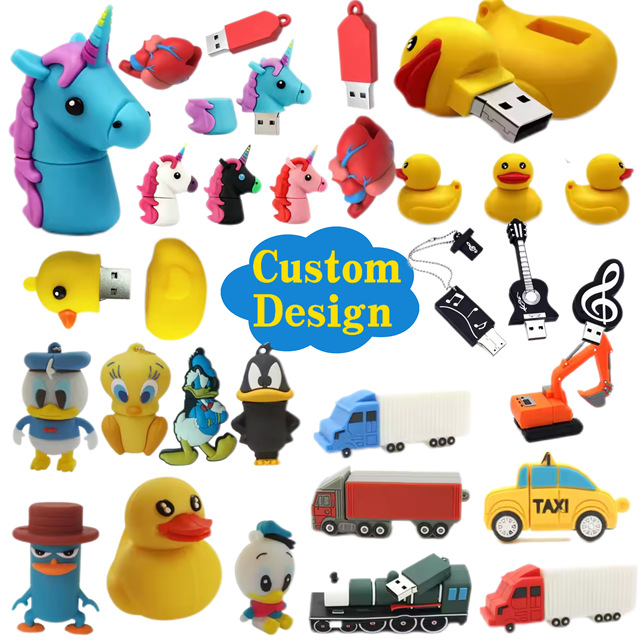
2025 Hot Comics Characters Free Sample Promotional Gift Customized Carton Character Soft PVC USB 2.0 3.0 3D 64Gb Usb Flash Drive
 Shenzhen Sxjd Electronic Technology Co., Ltd.🇨🇳CN14 yrs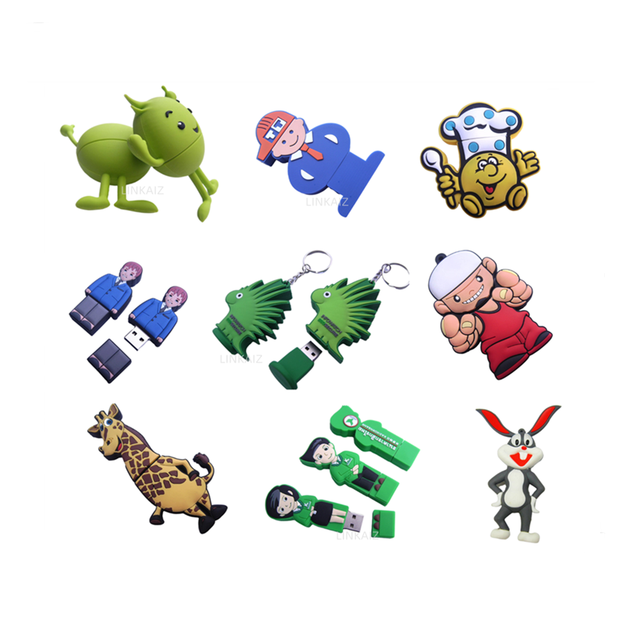
Cartoon Character Usb Flash Drive Usb 32gb 2.0 3.0
 Dongguan Linkaiz Crafts & Gifts Co., Ltd.🇨🇳CN8 yrs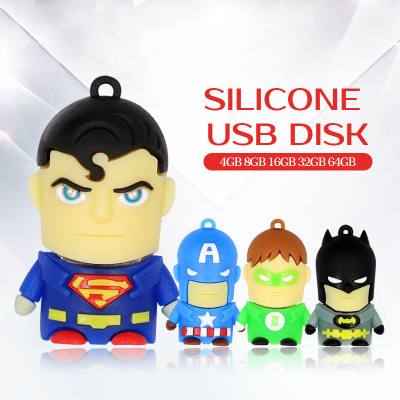
Bulk Wholesale New Super Cartoon USB Flash Drive Cartoon Character 1GB-64GB 2-Year Warranty Hot Selling
 Shenzhen Konchang Electronic Technology Co., Ltd.🇨🇳CN9 yrs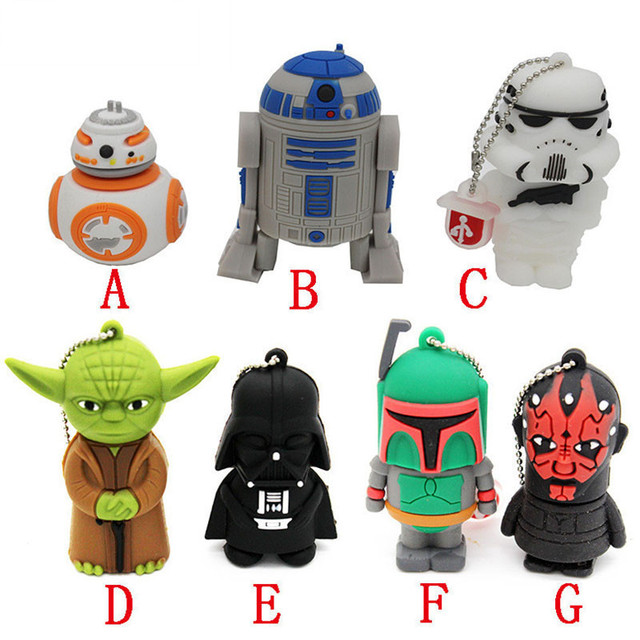
Hot Selling Pvc Pendrive Cartoon Usb Star Flash Drive Wars Memorias 4gb U Disk 2.0 Thumb Drive
 Shenzhen Jaster Technology Co., Ltd.verified🇨🇳CN6 yrs
Usb Promotional Flash Drive Plastic Nurse Doctor Worker 1GB 2GB 4GB 8GB Memory Stick Pendrive Cartoon Character
 Shenzhen Usky Technology Co., Ltdverified🇨🇳CN13 yrs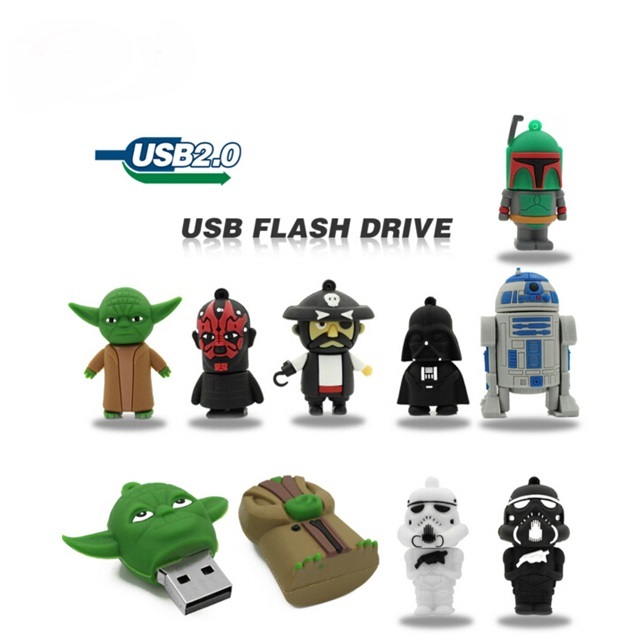
Original Usb Flash Drives PVC Cartoon Character Memory Stick Star 4Gb 8Gb 16Gb 32Gb 64Gb 2.0 3.0 Wars Pendrive Usb Key
 Shenzhen Honstar Memory Technology Limitedverified🇨🇳CN9 yrs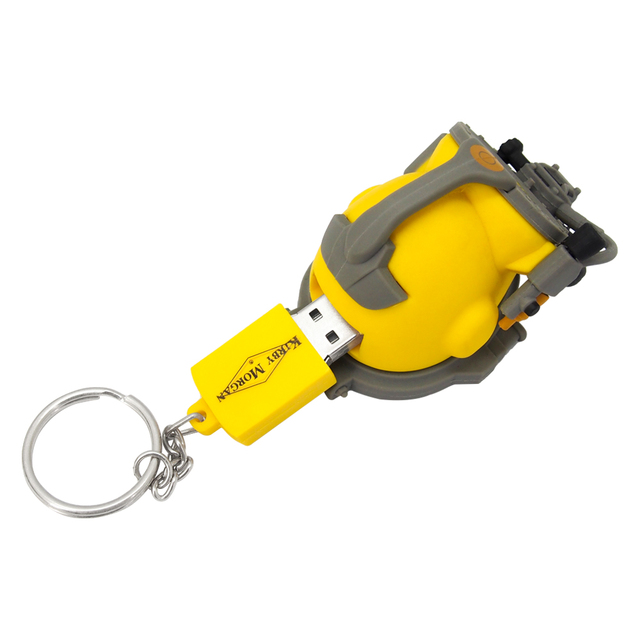
Custom PVC Soft Rubber 64gb Usb Flash Drive Firefighter Character Shapes Molded Pendrive 64gb Usb 2.0 Flash Drive Flash disks
 Shenzhen Vastdigi Technology Co., Ltd🇨🇳CN15 yrs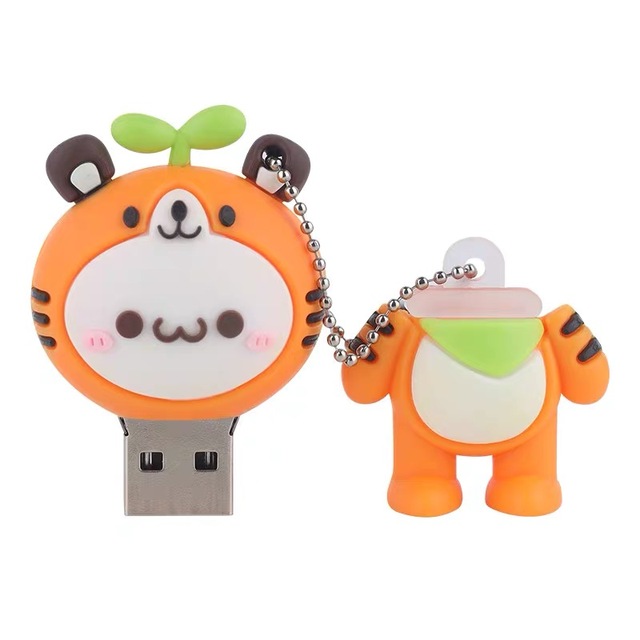
Cartoon Character 16GB 32GB Custom Character Design Portable Keychain Promotional Gift Supplie Cosplay Memory Stick FlashDrive
 Shenzhen Zhiming Communication Technology Co., Ltd.verified🇨🇳CN4 yrs
Usb Promotional Flash Drive Plastic Nurse Doctor Worker 1GB 2GB 4GB 8GB Memory Stick Pendrive Cartoon Character
Original Usb Flash Drives PVC Cartoon Character Memory Stick Star 4Gb 8Gb 16Gb 32Gb 64Gb 2.0 3.0 Wars Pendrive Usb Key
Custom PVC Soft Rubber 64gb Usb Flash Drive Firefighter Character Shapes Molded Pendrive 64gb Usb 2.0 Flash Drive Flash disks
Cartoon Character 16GB 32GB Custom Character Design Portable Keychain Promotional Gift Supplie Cosplay Memory Stick FlashDrive
Related Searches
Explore more sourcing topics & related categories
Sources & References
22 sources cited · Verified industry data & reports
What does "USB" mean? - David Leonard
www.davidleonard.london
USB stands for “Universal Serial Bus” This is not to be confused with “USP”, which is a marketing term meaning “Unique Selling Proposition” and describes what might be a small, insignificant, difference between one product and a competing one. USB is a type of connection that was designed to be suitable for connecting all types …Continue reading What does “USB” mean? This is not to be confused with “USP”, which is a marketing term meaning “Unique Selling Proposition” and describes what might be a small, insignificant, difference between one product and a competing one. USB is a type of connection that was designed to be suitable for connecting all types of external items (“peripherals”) to a computer. We are now on the third generation of USB connections – each one being faster than the previous one. USB connections are “backwardly compatible”, meaning that if you connect a later generation device to an earlier generation port then everything will work – but at the lower speed of the earlier generation port or connector. If you are connecting a mouse, keyboard, or printer, the speed of the USB connection doesn’t matter much. If you are connecting an external hard drive then the speed does matter. A new portable external drive will almost certainly have a USB3 connection, so connect it to a USB3 port on the computer if at all possible.
usb device - What is a product ID in USB and do I need to buy it ...
electronics.stackexchange.com
I am trying to develop a portable device that will allow me to transfer data from one USB storage device to another without a using PC/Laptop. I was reading the developers guide by Jan Axelson where I came across a section that said that one must buy a USB vendor ID/product ID in order to make any USB device. See here for pricing: usb.org/developers/vendor. You really only need one to use the logo and for production, if you're just at a concept / testing stage you can just make one up. No official vendor ID 666 as been allocated for example I noticed a while back. Plus I'm not 100% sure you'd need one anyway, conflicts wouldn't be a problem if it's not meant to connect to a PC and you probably wouldn't need a USB logo, although I'm not sure on the legal side of things. Am I still good to go without a vendor ID/product ID? \$\endgroup\$ Infusion of Wormwood n Asfodel – Infusion of Wormwood n Asfodel · 2013-08-31 10:56:19 +00:00 Commented Aug 31, 2013 at 10:56 · \$\begingroup\$ If that connected via USB to the same host device it would be a device and need one. The Vendor ID or VID is a 16-bit number which you have to buy from the USB Foundation. If you want to make USB device (and fully play by the rules) the VID identifies your organisation. The Product ID or PID is also a 16-bit number but is under your control. When you purchase a VID you have the right to use that with every possible PID so this gives you 65536 possible VID:PID combinations.
Definition of USB device | PCMag
www.pcmag.com
Any peripheral device that plugs into the computer via the USB port. External hard drives and flash drives are common USB devices, but there are numerous products that plug into USB, making it the most widely used interface on a computer. See USB, USB device class, USB drive and portable hard drive. ... I'm Maggie, PCMag's AI-powered product finder, exclusively powered by our deep library of reviews and buying advice written by our expert team of technology journalists.
What is USB (Universal Serial Bus)? Definition, Types, & More - ...
www.geeksforgeeks.org
Your All-in-One Learning Portal: GeeksforGeeks is a comprehensive educational platform that empowers learners across domains-spanning computer science and programming, school education, upskilling, commerce, software tools, competitive exams, and more. Some very high-speed peripheral devices require sustained speeds not available in the USB standard. For a product developer, the use of USB requires the implementation of a complex protocol and implies an intelligent controller in the peripheral device. Use of the USB logos on the product requires annual fees and membership in the organization. The USB interface is self-configuring. This means that the user need not adjust settings on the device and interface for speed or data format, or configure interrupts, input/output addresses, or direct memory access channels.
USB Explained | Verbatim Americas
www.verbatim.com
Technology is always changing. This can sometimes lead to confusion about what a term actually means. In this article, we'll answer some of the frequently asked questions about USB standards and types so that you can find the product that best suits your needs. A USB type refers to the actual physical shape of the USB connector. Some of these you’ve likely seen hundreds of times, without even knowing the name! The 4 most common USB types currently are USB Type-A, microUSB, USB Type-C®, and Apple Lightning. Luckily, all these USB standards are backwards compatible! USB4 is the latest USB standard announced by the USB-IF. Based on the Thunderbolt™ protocol, it will use the USB Type-C® connector and have a theoretical maximum speed of 40Gbps (5000MBps).
What is USB - Universal Serial Bus devices list [2026 guide]
www.flexihub.com
What we mostly use these days is USB 2.0; it transfers data at 480 Mbps and supports USB 1.0 and 1.1 devices and cables. The development of the technology means improvement of the speed and performance, there is special forum that supports USB technology’s advancement and adaption known as USB Implementers Forum (USB-iF). Mini USB are usually meant for a single purpose – either for storing data or connecting power. USB, short for Universal Serial Bus, is a widely used is a cable system that includes physical cables, connectors and communication protocols. Nowadays most of the peripherals and devices use USB cables to connect to computers – cameras, printers, scanners, external drives, etc. In the article below I’ll tell you what USB is, describe different types of USB connectors, compare classic USB 2.0 with new USB 3.0 and show you the difference between popular Mini and Micro USB. Let’s get started!