Device Not Supported Stream Deck

Overview
Product sourcing insights & recommendations


The "Device Not Supported" error on Elgato Stream Decks, particularly prominent in mid-2024, was largely attributed to an expired security certificate within the Elgato software ThevergeTechbuzz. While this issue has been mostly resolved via patches, it highlights a critical intersection between hardware reliability and software-as-a-service ecosystems in the streaming peripheral market DatainteloLinkedin.
Product Troubleshooting Insights
If you encounter the "Device Not Supported" error, follow these verified recovery steps:
* Marketplace Re-authentication: Log out and log back into the Elgato Marketplace within the Stream Deck app to refresh security tokens Theverge.
* Version Update: Ensure software is at Version 6.7 or higher, specifically designed to address certificate bugs Techbuzz.
* Hardware Isolation: Connect the device directly to the PC (avoiding unpowered USB hubs) to ensure consistent power delivery and data handshake ElgatoSoundflow.
* Legacy Conflicts: Check for "Stream Deck Virtual Device" conflicts if using older 3rd-party plugins that may not be updated for new firmware Github.
Market Trends & Competitor Landscape
The market for content creation controllers is expanding beyond gaming into professional productivity and smart home automation HothardwareFuturemarketinsights.
* Diversification: 2026 projections suggest a 20-50% revenue growth for Elgato, driven by non-gaming professional sectors like video editing and finance Gripsintelligence.
* Marketplace Pivot: There is a shift toward a digital asset model (plugins/icons/sounds), making the hardware a gateway to a recurring software ecosystem Tiktok.
* Emergence of Alternatives: Budget-friendly competitors and "white label" macro pads are gaining ground by offering similar LCD-key functionality at lower price points ($40-$70 vs. Elgato's $150+).
Stream Deck Macro Pad Controller
Products · 2 lists

AJAZZ AKP153 15 Programmable LCD Macro Keys Stream Deck Controller Type-C Wired Hotkey Pad For OBS Twitch YouTube Live Streaming
 Yiwu Yuneng E-Commerce Co., Ltd.🇨🇳CN2 yrs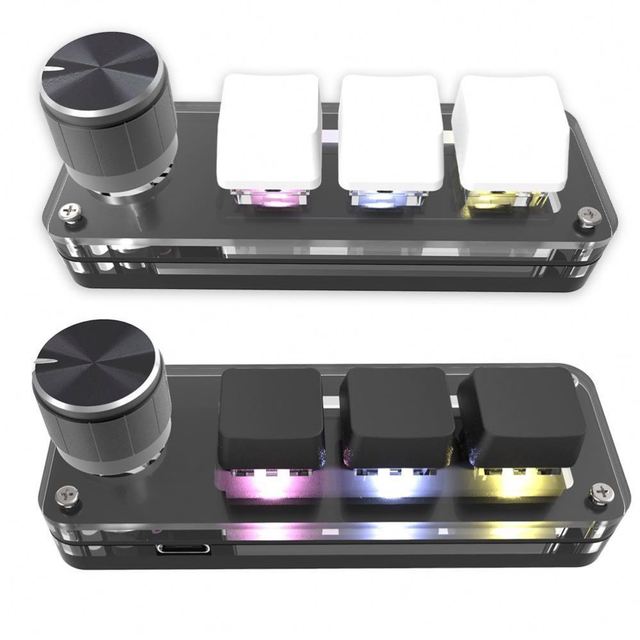
Programming Macro Custom Knob Keyboard RGB 3 Key Copy Paste Mini Button PS Gaming Keypad Mechanical Hotswap Macropad
 Shenzhen Ruised Technology Co., Ltd.🇨🇳CN9 yrs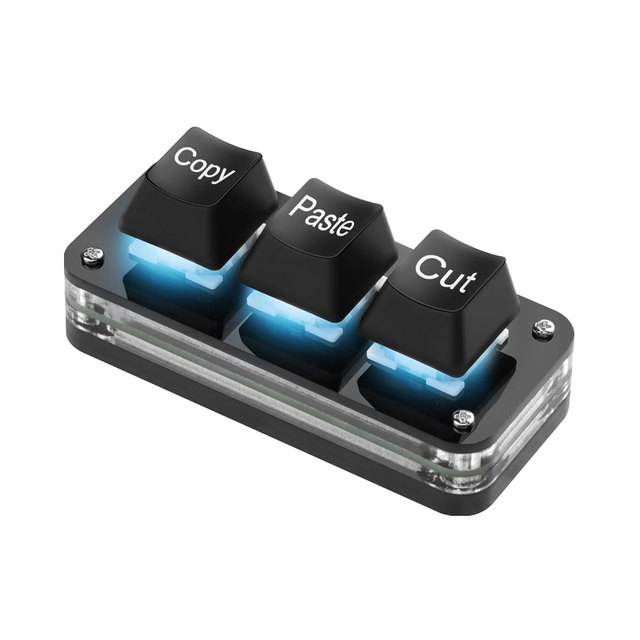
Mini Mechanical Hot Swap Macro Keyboard 3-Key LED Light Programmable Keypad for Laptop Cut Copy Paste Function Working
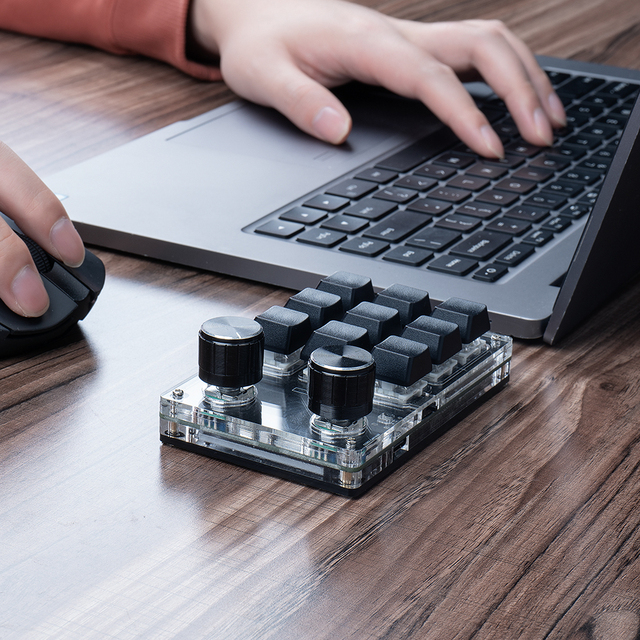
Programming Macro Custom Knob Keyboard RGB 3 Key Copy Paste Mini Button Gaming Keypad Mechanical Hotswap Macropad
 Shenzhen Yps Electronics Co., Ltd.🇨🇳CN5 yrs
Programming Macro Custom Knob Keyboard RGB 3 Key Copy Paste Mini Button Gaming Keypad Mechanical Hotswap Macropad
Deep Dive · Full Report
Full Market Report
1 document · Live-fetched from source
Related Searches
Explore more sourcing topics & related categories
Sources & References
26 sources cited · Verified industry data & reports
Streamdeck showing device not supported error. : r/elgato
Reddit · r/elgato
Restart the Stream Deck: Sometimes, simply restarting the Stream Deck or the associated software can resolve temporary glitches that lead to ...
Stream Deck 'Device Not Supported' Error Fixed After ...
The Tech Buzz
The issue has been resolved as of 5PM ET, with users able to restore functionality by logging into the Elgato marketplace and restarting their ...

Your Stream Deck's 'device not supported' error should fix ...
The Verge
But as of 5PM ET, closing and re-opening the app should fix it, as long as you log into Elgato's marketplace first (inside your Stream Deck app) ...

"Device Not Supported" using Stream Deck Virtual Device
GitHub
Elgato is working on updating the marketplace with an update that should resolve the issue. plugin and it started working again!

Elgato Stream Deck — Keys show Elgato logo or appear ...
Elgato
If Stream Deck is not functioning properly, try connecting it to another USB port. Connect Stream Deck directly to your computer. USB hubs can occasionally ...

The Stream deck is not shown in available devices
SoundFlow Forum
This is happening because you're using one of the newest Stream Deck XL models which has a new firmware/model number that isn't/wasn't supported in the SF app.