Display For Dsi

Overview
Product sourcing insights & recommendations
"Display for DSI" refers to display modules that utilize the MIPI DSI (Display Serial Interface), a high-speed serial standard defined by the MIPI Alliance to connect processors (SoCs) to screens in mobile and embedded systems WikipediaMipi.
Market Trends & Technical Insights
* Expansion Beyond Mobile: While originally standard for smartphones, DSI is rapidly expanding into Automotive (infotainment, digital clusters), Industrial IoT, and Wearable markets MipiKadidisplay.
* Technological Evolution: The transition to MIPI DSI-2 is underway, supporting higher resolutions (4K/8K) via VESA’s Display Stream Compression (DSC) MipiVesa.
* Raspberry Pi Ecosystem: DSI displays are highly popular in the DIY and industrial prototyping markets, particularly using the standard 15-pin FPC connector for direct GPU connection, which significantly reduces latency compared to HDMI Kadidisplay.
* Search Momentum: Trending data shows a surge in interest for "dsi display" starting in April 2026, likely driven by new hardware releases or automotive tech cycles .
B2B Sourcing Overview
Commonly available DSI modules range from $19 to $32 per unit for standard sizes (5" to 7"), with high-quality IPS panels and Capacitive Touch being the market standard for Raspberry Pi and IoT applications .
Mipi Dsi Display Module Lcd Ips Amoled For Raspberry Pi Automotive Iot
Products · Top picks & verified manufacturers
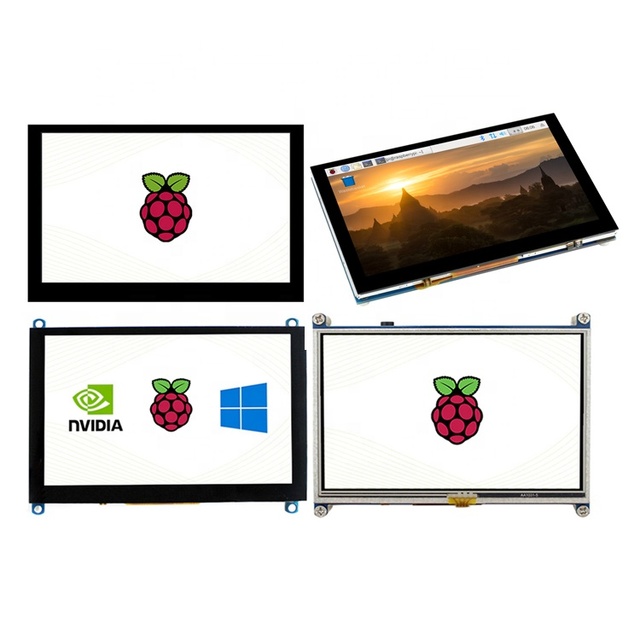
800x480 H-D-M-I 5'' MIPI DSI Interface CTP RTP Resistive Capacitive 5 inch LCD Module Raspberry Pi Touch Screen Display
 Shenzhen Ruixin Optoelectronics Technology Co., Ltd.verified🇨🇳CN6 yrs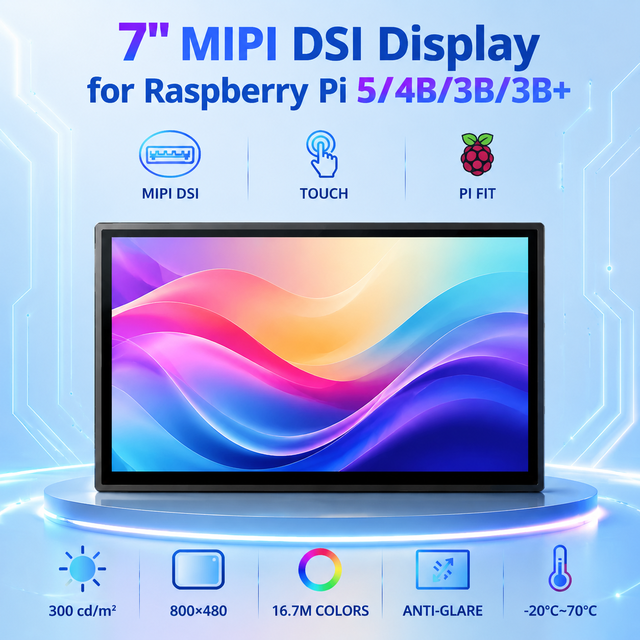
TDO 7 Inch MIPI DSI LCD Display Module 800x480 Industrial Grade IPS TFT Screen with Capacitive Touch for Raspberry Pi 5
 Shanghai Top Display Optoelectronics Co., Ltd.verified🇨🇳CN5 yrs
DXQ IPS MIPI MCU SPI Interface Drive Board 7 Inch Touch Screen Panel 7" TFT LCD Display Module
 Shenzhen Dongxingqiang Technology Co., Ltd.🇨🇳CN7 yrs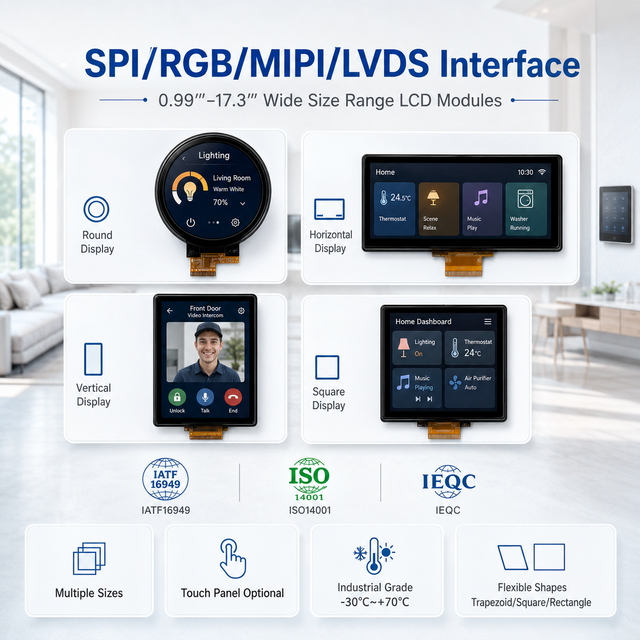
WeiTai 6.80'' 6.86''7.84''8.10''9.16''9.31''10.11''10.16 Inch Slim Design Touch Screen LCD Display for IoT Display Module
 Hunan Weitai Technology Co., Ltd.verified🇨🇳CN1 yr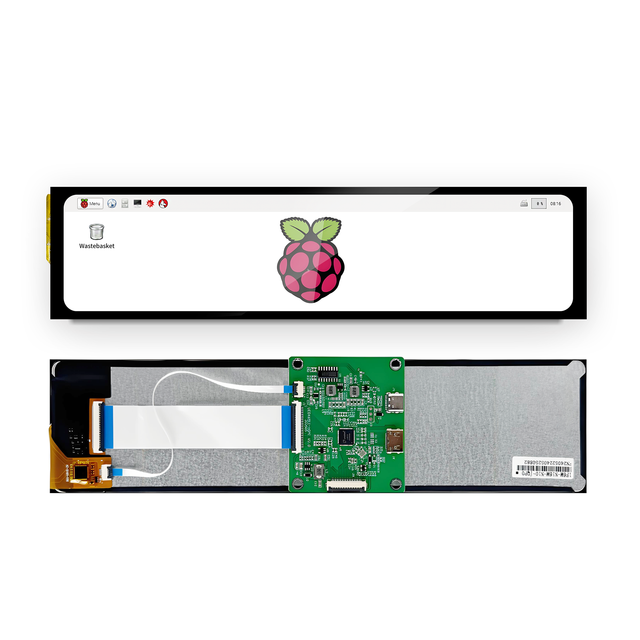
10.1 Inch 440X1920 MIPI DSI Interface IPS TFT LCD Display with HD-MI Driver Board
 Shenzhen VIEWE Technology Co., Ltd🇨🇳CN5 yrs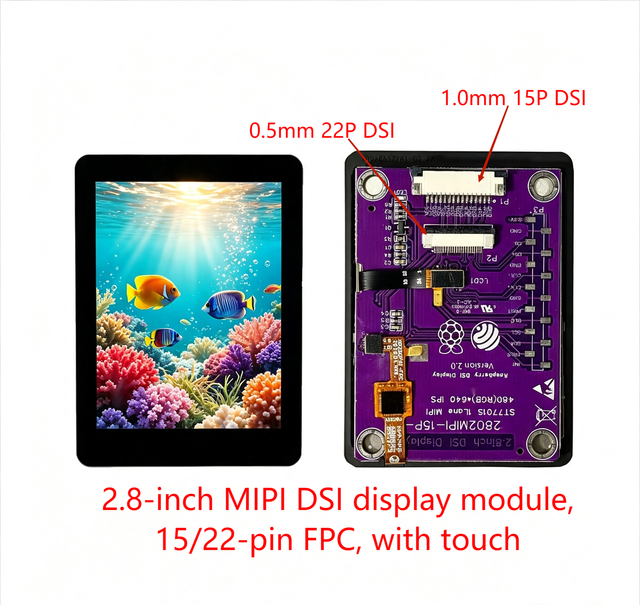
2.8 Inch 480x640 MIPI DSI IPS TFT LCD Display Module ST7701S Capacitive Touch Screen for ESP32-P4 Embedded HMI Portable Device
 Shenzhen Hexing Optoelectronic Technology Co., Ltd.🇨🇳CN8 yrs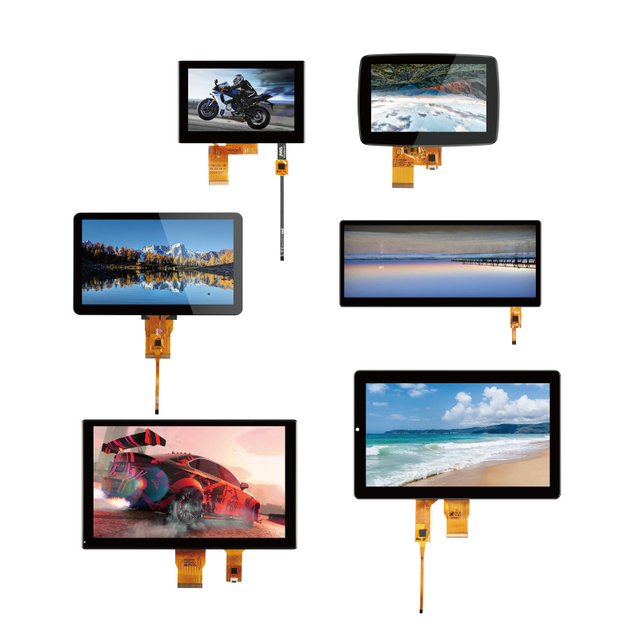
Mipi Mcu Rgb Spi Lvds Interface 3.5 4.3 5 7 8 9 10.1 Inch Small Color IPS LCD Touch TFT Display Panels Touch Screen LCD Module
 Shenzhen Ming Qi Photoelectric Co., Ltd.verified🇨🇳CN3 yrs
Custom 10.1 Inch TFT LCD Display Module 1280*800 High Resolution MIPI DSI Dual LCD Screen Panel for Raspberry PI
 Shenzhen Xinyi Technology Co., Ltd.🇨🇳CN13 yrs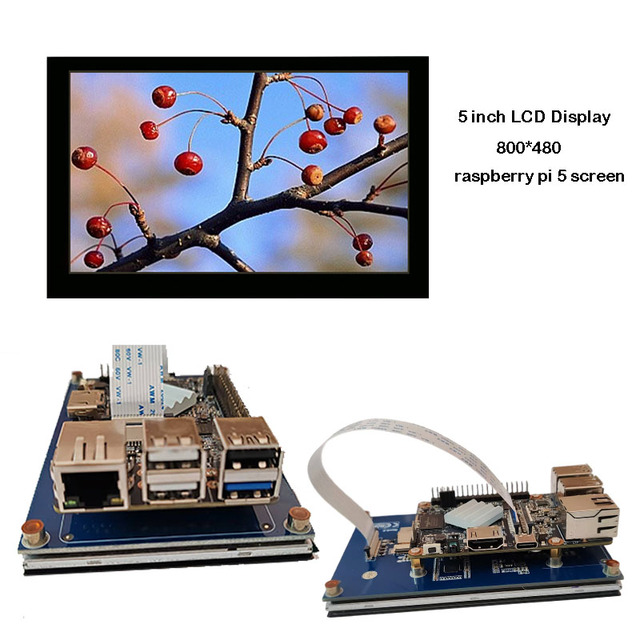
5" 5inch 800x480 Lcd Custom Raspberry Pi Display Controller Board MIPI DSI RK3566 Debian Linux 800x480 Linux Development Board
 Shenzhen Guangxinwei Technology Co., Ltd.🇨🇳CN1 yr
2880*1440 2K LCD Panel Raspberry Pi Display Screen 6 Inch to MIPI Driver Board Flexible Amoled Display Module
 Shenzhen Huai Zhi Technology Co., Limited🇨🇳CN6 yrs
7 Inch 800x480 MIPI DSI Interface TFT LCD Panel Capacitive Touch Screen Display Module for Raspberry Pi 3B/3B+/4B
 Etouch Technology Co., Limited.🇨🇳CN10 yrs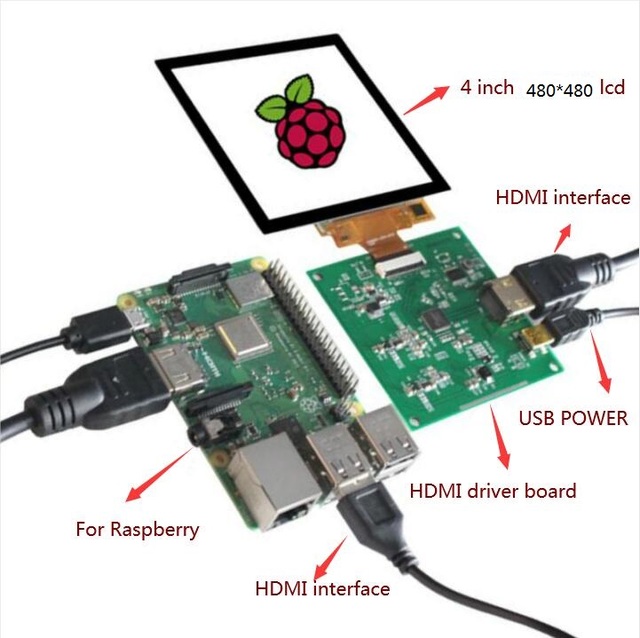
4 inch 480*480 tft lcd module square lcd MIPI DSI HD-MI controller board capacitive touch for Raspberry PI PC
 Shenzhen Eurotech Technology Co., Ltd.🇨🇳CN13 yrs
Custom TFT LCD Display Modules IPS Screen SPI RGB Interface 1.3 1.77 2.2 2.4 2.8 3.2 3.5 Inch 240*320 0.96 15.6 Inch LCD Modules
 Shenzhen Wu He Tian Cheng Technology Co., Ltd.🇨🇳CN15 yrs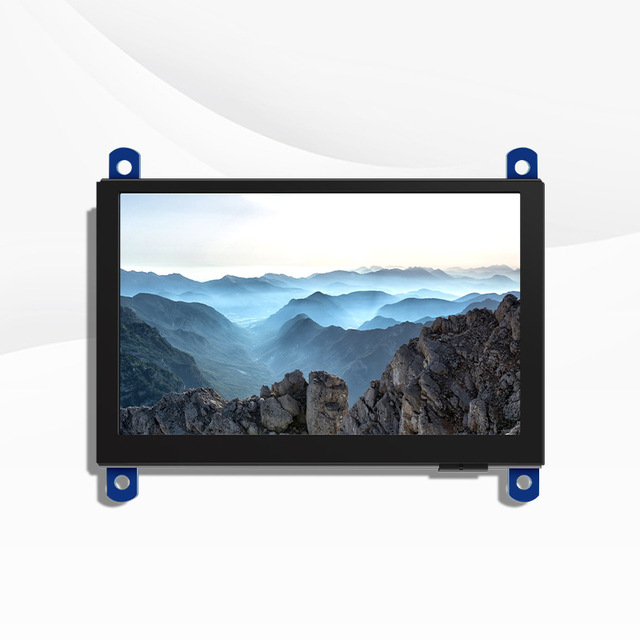
5008 Raspberry Pi MIPI DSI 5-inch LCD Display Module DSI Interface Capacitive Touch Screen CTP

1.4 Inch 400*400 Circular Round Screen LCD MIPI Raspi Raspberry Pi 0 345 Jetson Nano Panel Companion Robot Pet Toys Eyes Module
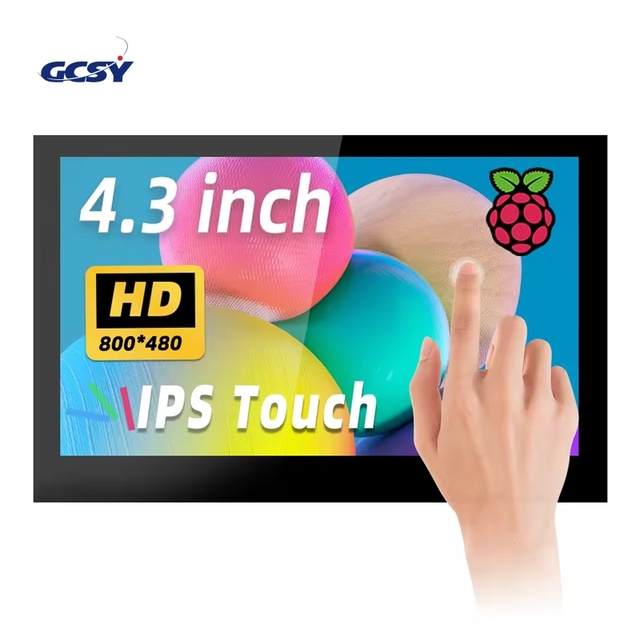
4.3 5 7 Inch 800*480 MIPI-DSI IPS LCD Display Capacitive Touch Screen Module for Raspberry Pi 5 4 3 DSI4361
 Shenzhen Guocanshengye Technology Co., Ltd.🇨🇳CN1 yr
Aismartlink Raspberry Pi 4th Generation 3B+ 1.3-inch LCD Display IPS Mini Screen Display Module
 WuHan Aismartlink Intelligent Technology Co., Ltd.verified🇨🇳CN9 yrs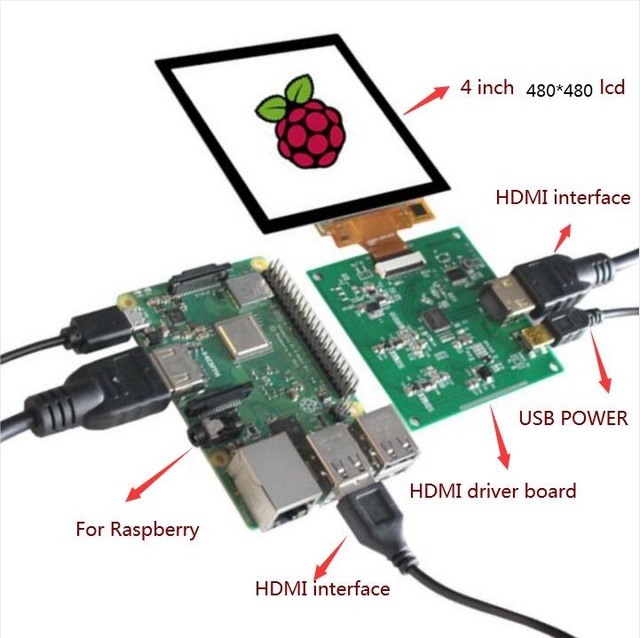
4 inch 480*480 tft lcd module square lcd MIPI DSI HD-MI controller board capacitive touch for Raspberry PI PC
 HONGKONG EUROTECH ELECTRONICS CO., LIMITED🇭🇰HK3 yrs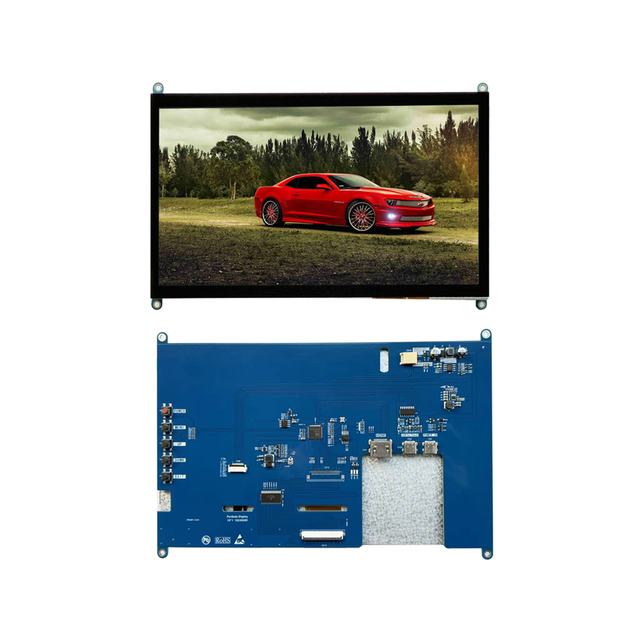
10.1 Inch TFT LCD Display Panel 10.1 Inch 1920x1080 LCM IPS MIPI USB Interface PCAP Capacitive Touch Screen for Raspberry Pi
 Shenzhen Ruyi Electronic Co., Ltd.🇨🇳CN6 yrs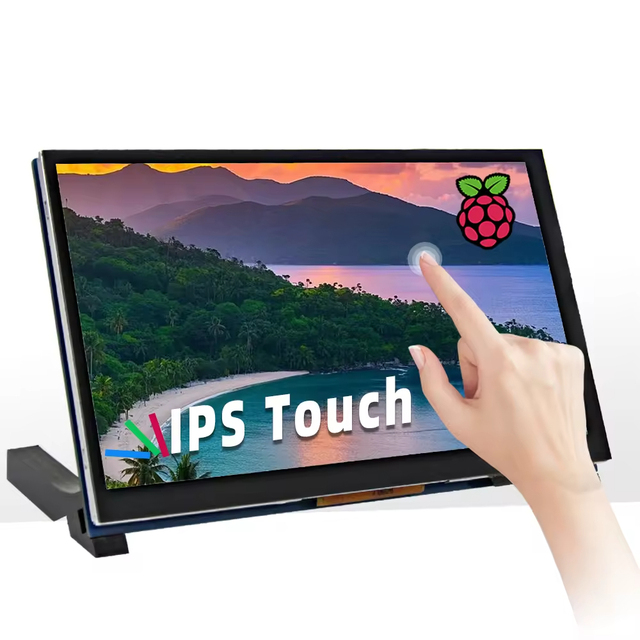
7/5/4.3 Inch MIPI-DSI 800*480 IPS LCD Display Capacitive Touch Screen Module for Raspberry Pi
 Shenzhen Xinlihui Electronics Co., Ltd.🇨🇳CN3 yrs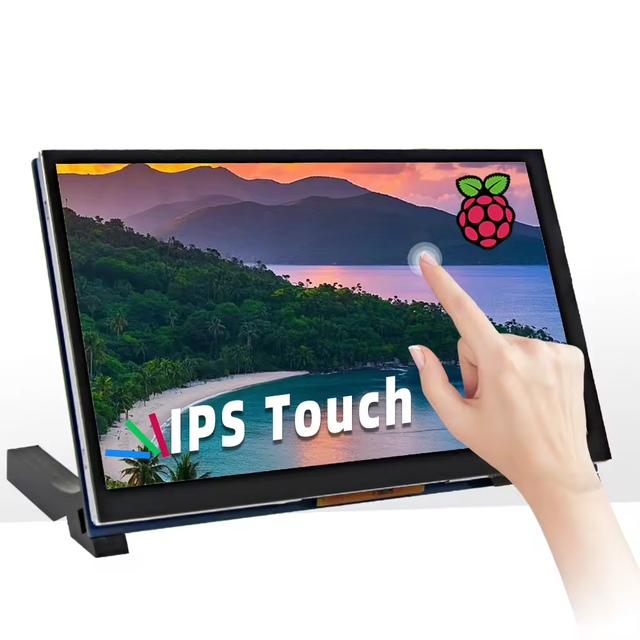
7/5/4.3 Inch MIPI-DSI 800*480 IPS LCD Display Capacitive Touch Screen Module for Raspberry Pi
 Shenzhen Qinli Electronic Technology Co., Ltd.🇨🇳CN5 yrs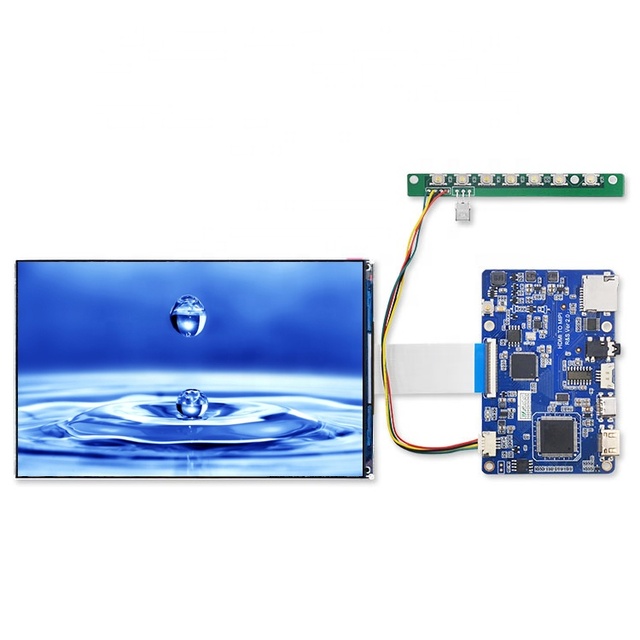
Raspberry Pi 7 Inch Mipi Dsi Interface IPS 1920*1200 TFT LCD Display Panel Screen Module with Controller Board Type-C Connector
 Shenzhen Huaizhi Technology Co., Ltd.verified🇨🇳CN8 yrs
XLW 7 Inch 800*480 IPS DSI LCD Display Capacitive Touch Screen Module for Raspberry Pi
 Shenzhen Xinliwei Electronics Technology Co., Ltd🇨🇳CN6 yrs
4.3 5 7 Inch 800*480 MIPI-DSI IPS LCD Display Capacitive Touch Screen Module for Raspberry Pi 5 4 3
 Shenzhen Xinlifa Electronics Co., Ltd.🇨🇳CN4 yrs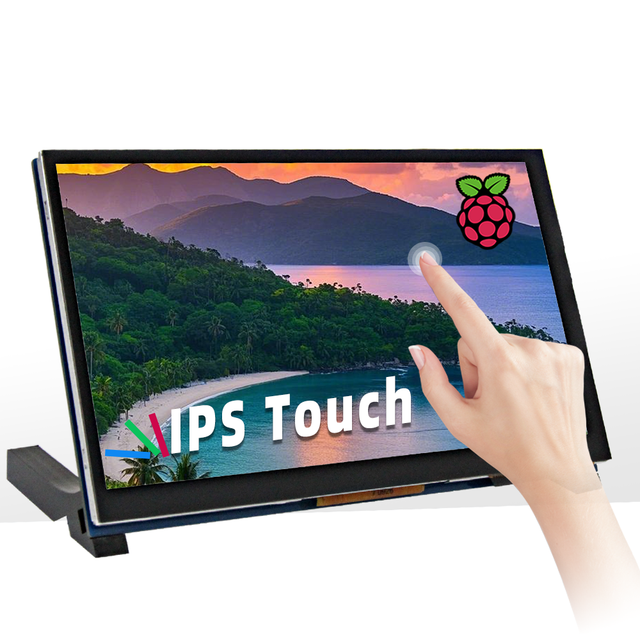
7/5/4.3 Inch MIPI-DSI 800*480 IPS LCD Display Capacitive Touch Screen Module for Raspberry Pi
 Shenzhen QDTFT Electronic Technology Co., Ltd.🇨🇳CN3 yrs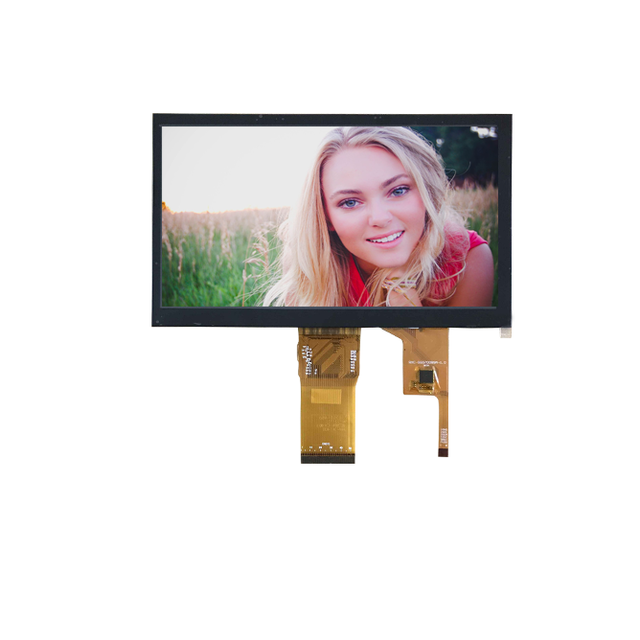
Raspberry Pi 7 inch mipi dsi interface ips tft lcd display panel screen module
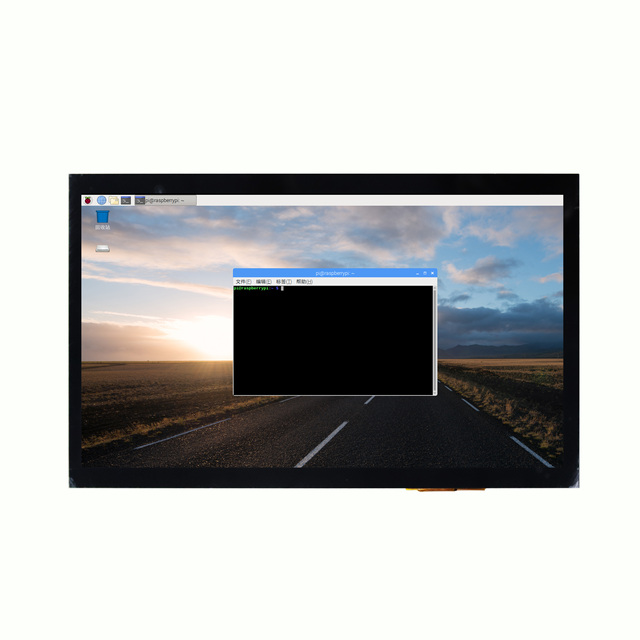
MIPI I2C 10.1inch Display 1024*600 LCD Module IPS Capacitive Touch Screen Model DSI700-V1.0 for Raspberry Pi 5/4B/3 5/10 Touch
 Shenzhen Kai Neng Photoelectric Co., Ltd.🇨🇳CN6 yrs
Customized for Raspberry Pi Panel 800x480 Resolution Driver Board Touch Screen Module Dsi Interface Display TFT 5 7inch Mipi LCD

OEM ODM Waveshare 4.3Inch DSI LCD (With Case) Capacitive Touch Screen 800*480 MIPI DSI Interface IPS Display for Raspberry Pi 4B
 Shenzhen Bxf Electronic Technology Co., Ltd.🇨🇳CN8 yrs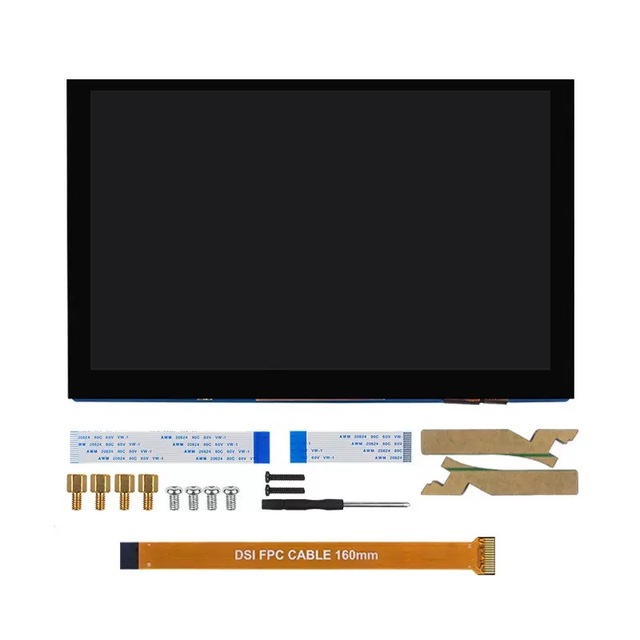
MIPI DSI 4.3inch 5inch 7inch Display 800*480 LCD Module IPS Capacitive Touch Screen for Raspberry Pi 5 4 3
 Shenzhen Nordson Electronics Co., Ltd.🇨🇳CN1 yr
Related Searches
Explore more sourcing topics & related categories
Sources & References
21 sources cited · Verified industry data & reports
Display Serial Interface - Wikipedia
en.wikipedia.org
The Display Serial Interface (DSI) is a specification by the Mobile Industry Processor Interface (MIPI) Alliance aimed at reducing the cost of display controllers in a mobile device. It is commonly targeted at LCD and similar display technologies. It defines a serial bus and a communication protocol between the host, the source of the image data, and the device which is the destination. The interface is closed source, which means that the specification of the interface is not open to the public. However, it also means that the device must be continuously refreshed (at a rate such as 30 or 60 frames per second) or it will lose the image. Image data is only sent in HS mode. When in HS mode, commands are transmitted during the vertical blanking interval. It can be used to control displays and touch controls, often being used in smartphones, tablets, automotive dashboard display/infotainment systems. ... ↑ "User Guide - PolarFire MIPI DSI Transmitter" (PDF). The MIPI Alliance was formed in 2003, aiming to establish standards in mobile industry components. The first version of the MIPI DSI, version 1.0 was released in 2005. MIPI DSI v1.1 was released in 2007, and added features such as "Command Mode" for directly sending commands and data to display modules using the display controller. The communication protocol describes two sets of instructions. The Display Command Set (DCS) is a set of common commands for controlling the display device, and their format is specified by the DSI standard. It defines registers that can be addressed and what their operation is. It includes basic commands such as sleep, enable, and invert display. The Manufacturer Command Set (MCS) is a device-specific command space whose definition is up to the device manufacturer. It often includes commands required to program non-volatile memory, set specific device registers (such as gamma correction), or perform other actions not described in the DSI standard.
MIPI Display Serial Interface (MIPI DSI) | MIPI
www.mipi.org
The interface enables manufacturers to integrate displays to achieve high performance, low power, and low electromagnetic interference (EMI) while reducing pin count and maintaining compatibility across different vendors. Designers can use MIPI DSI to facilitate brilliant color rendering for the most demanding imagery and video scenes and to support transmission of stereoscopic content. MIPI DSI is developed by the MIPI Display Working Group. MIPI DSI has been widely adopted. It is ubiquitous in smartphones and also being used in tablets, laptops and laptop/tablet hybrids. It is also being implemented by the automotive industry for dashboard displays and in-car infotainment systems, and used in wearables, IoT and virtual/augmented reality applications. It also incorporates the Display Stream Compression (DSC) Standard from the Video Electronics Standards Association (VESA). Overall, the feature set of MIPI DSI is quite similar to that of the more recent MIPI DSI-2™ specification, which offers support for both MIPI D-PHY™ and MIPI C-PHY™. All DSI versions are available to MIPI members on the member website (Causeway). The MIPI Display Serial Interface (MIPI DSI®) defines a high-speed serial interface between a host processor and a display module.
MIPI Display Serial Interface (DSI) - Focus LCDs
focuslcds.com
Display applications benefit from the ease of connection which reduces system complexity and total expense. This resource will review the MIPI DSI communication protocol, including the common terms and considerations for operation. There are two levels of MIPI communication which are separated into the interface level and packet level. Low level communication is done on the interface level. The long packets are typically used to send display data and the short packets are used to specify command registers. The first byte is the data identifier byte that includes two bits for the virtual channel identifier. The MIPI DSI can command up to four peripherals using this virtual channel ID. There are two operating modes for sending data to the display for the MIPI DSI protocol. The communication can also be categorized into two modes: Command and Video. The command mode is used for sending commands into established display registers. The video mode is used to send a continuous stream of data to the display. A factor in choosing which mode to operate the MIPI DSI display can be dependent on the location of the frame buffer. Displays that do not contain internal memory for the image data will have to operate in video mode. Certain displays provide RAM for the frame buffer and the image can be written to and read using specific commands. Command mode can be used for displays that have access to frame buffer memory to display images. Command mode is what is typically seen with interfaces such as SPI, 8080/6800 parallel MCU, and I2C display controllers.
What is MIPI DSI (Display Serial Interface)?
www.displaymodule.com
MIPI DSI, a serial interface by MIPI Alliance, connects SoCs to displays in smartphones/tablets. It uses 1-4 data lanes (1.5Gbps/lane), maxing at 6Gbps total, slashing pin count while transmitting video/control signals. Introduction to DSI Every time you swipe through your phone's gallery or watch a 60-frames-per-secon Each data lane in a common D-PHY implementation can achieve a data rate of up to 2.5 Gbps. This means a 4-lane DSI setup can deliver a total bandwidth of nearly 10 Gbps, which is more than enough for a 4K display at 60 Hz, even accounting for protocol overhead. The seamless imagery on your smartphone display, whether a 120 Hz gaming session or a static always-on clock, relies on a critical partnership: the MIPI DSI protocol and its underlying physical layer (PHY). DSI acts as the sophisticated project manager, defining whatneeds to be communicated—organizing over 2.3 million pixels for a 1080p frame into efficient packets alongside timing and command instructions. However, without a robust delivery system, these instructions are meaningless. That pipeline is often built on MIPI DSI (Display Serial Interface), the de facto standard that has delivered pixels to over 15 billion mobile device displays. DSI isn't just a cable; it's a meticulously engineered protocol that solves a critical challenge: moving vast amounts of visual data from the application processor to the screen with extreme efficiency and minimal power drain. For a modern 1440p resolution display, a single frame contains over 5.6 million pixels.
What is DSI? Competitors, Complementary Techs & Usage | Sumble
sumble.com
DSI can refer to several technologies, making it difficult to provide a single, universally applicable description without further context. Here are a few common possibilities: * **Display Serial Interface (DSI):** This is a specification from the Mobile Industry Processor Interface (MIPI) Alliance that defines a high-speed serial interface between a host processor and a display module. MIPI D-PHY is another physical layer interface specification from MIPI Alliance, often used alongside CSI and DSI. In some applications, it directly competes with DSI, while in others, it complements it. ... Embedded DisplayPort (eDP) is a display interface used for connecting display panels, and competes with DSI, particularly in laptop and embedded systems. High-Definition Multimedia Interface (HDMI) is a display interface used to connect a video source to a display device and can be an alternative to DSI in certain scenarios. ... Camera Serial Interface (CSI) is often used in conjunction with DSI. CSI handles camera data transmission to the host processor, while DSI is used for display output. * **Data Storage Institute (DSI):** Could refer to a specific organization or institution dedicated to data storage research and development. If you have more context, please provide it, and I can give a more specific and accurate explanation. ... C-PHY is a physical layer interface specification from MIPI Alliance that can be used for camera and display interfaces, competing with DSI in some applications.
Everything You Need to Know About Raspberry Pi DSI Screens and ...
www.kadidisplay.com
The DSI screen is a display interface specifically made to connect to devices like the Raspberry Pi to deliver top-notch visuals with high-quality resolution and refresh rates through a few signaling lanes that efficiently transmit data using signaling techniques instead of traditional methods. This feature is especially advantageous for tasks needing sharp and quick graphics display output. In Raspberry Pi setups the DSI displays are linked via a 15-pin connector, making the integration process simple and smooth. The DSI interface allows for the use of data lanes. Ranging from one to four lanes. To improve bandwidth and enable data transmission efficiency for smoother operations and enhanced data flow performance. Its design is tailored to facilitate the transfer of display data, with wiring requirements to accommodate a range of project needs and objectives. This decreased latency is especially crucial in applications that involve interaction such as gaming or touch interfaces where immediate responses are necessary. Using DSI screens allows users to have a connection, with their devices leading to improved functionality and usability of their Raspberry Pi projects. Over time Kadi Display has become known as a supplier of top-notch screens for a range of uses, like Raspberry Pi DSI displays by using advanced manufacturing techniques and a strong focus on quality control to meet both industry requirements and customer needs consistently high standards are maintained throughout the production process through strict quality checks such as Automated Optical Inspection (AOI) ensuring that each screen is flawless and durable. Hooking up a DSI display, to a Raspberry Pi entails steps to follow through with ease. It’s essential to ensure you have all the necessary equipment, including the Raspberry Pi, the DSI display, and the appropriate connection cables. The standard method for connecting the screen is through a connector on the Raspberry Pi board.