Fdd Cable

Overview
Product sourcing insights & recommendations
Analysis of the phrase 'fdd cable' reveals two distinct market dimensions: a legacy computing segment and a modern telecommunications segment. LenovoNpcelectric
1. Market Segmentation & Product Trends
* Legacy Computing (Floppy Disk Drive):
* Product: Standard 34-pin flat ribbon cables. ComputerhopeDatainsightsmarket
* Trend: Shift from physical cables to Floppy Drive Emulators (e.g., SFR1M44 series). These devices bridge the gap by connecting to the original 34-pin interface while allowing data to be loaded via USB. AlibabaAlibaba
* Market Demand: Driven by industrial maintenance for older CNC machines, textile equipment, and retro-computing hobbyists. RetrocmpLenovo
* Modern Telecommunications (Frequency Division Duplexing):
* Product: RF (Radio Frequency) Coaxial cables (e.g., RG58, LMR400) and Fiber Optic cables used in LTE and 5G infrastructure. WireamericaAlibaba
* Trend: Increasing demand for high-performance shielding (VFD/RF) to prevent EMI in 5G base stations. WireamericaMarketreportanalytics
* Market Demand: Projected to grow significantly through 2026, fueled by global digital infrastructure expansion and the transition to 800G interconnects. MordorintelligenceExpometals
2. Market Insights (2025–2026)
* Global Value: The overall wire and cable market is expected to reach approximately $245–$255 billion by 2026, with a CAGR of around 6%. Npcelectric
* Regional Dominance: The Asia Pacific region currently holds over 37% of the market share, driven by rapid urbanization and 5G rollouts in China and India. GrandviewresearchFortunebusinessinsights
* Growth Drivers: Digitalization, smart city initiatives, and the electrification of transportation (EVs) are the primary long-term demand fundamentals. BisresearchNpcelectric
3. Sourcing Data
I have compiled two lists of relevant products based on your query:
* Floppy Drive Emulators & Modules: Bridging technologies for legacy equipment maintenance.
* 34-Pin IDC Ribbon Cables: The core physical component for traditional FDD connections.
Based on these findings, you can continue with:
Floppy Drive Emulator Cable
Products · 3 lists
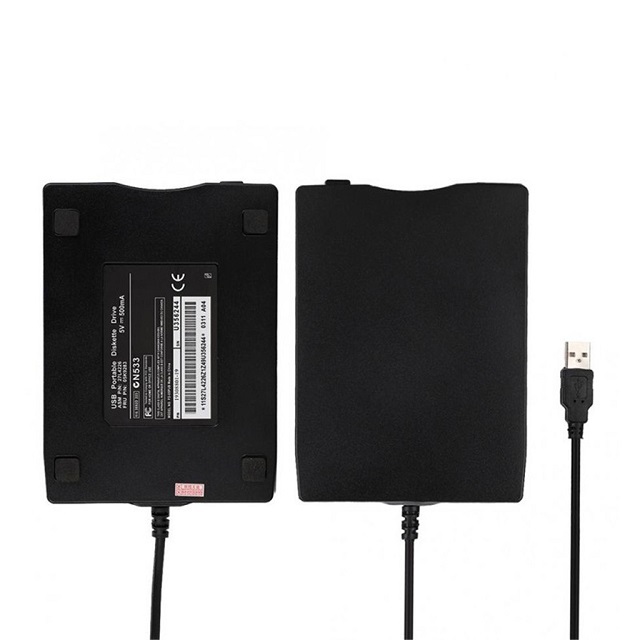
Factory Wholesale Portable Low Power Emulation Floppy Drive Emulator For Compatible Pc Floppy Drive
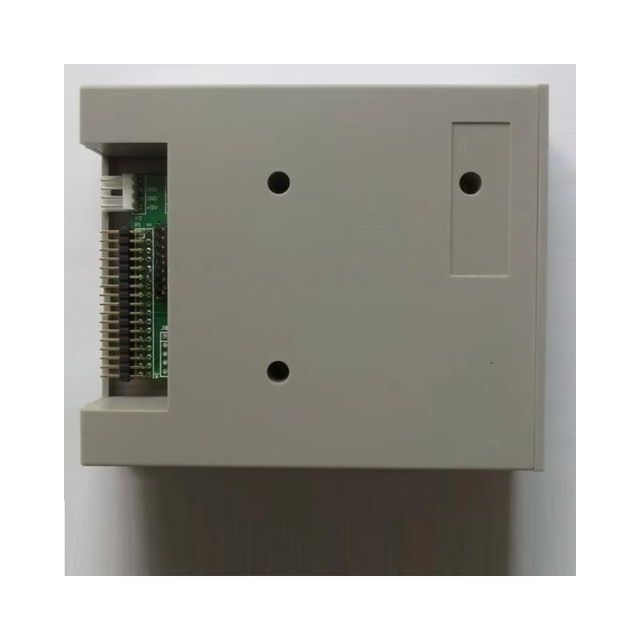
China Hot Sale Floppy Drive to USB Emulator SFR1M44-JUK
 Shenzhen Sunhokey Electronics Co., Ltd.🇨🇳CN14 yrs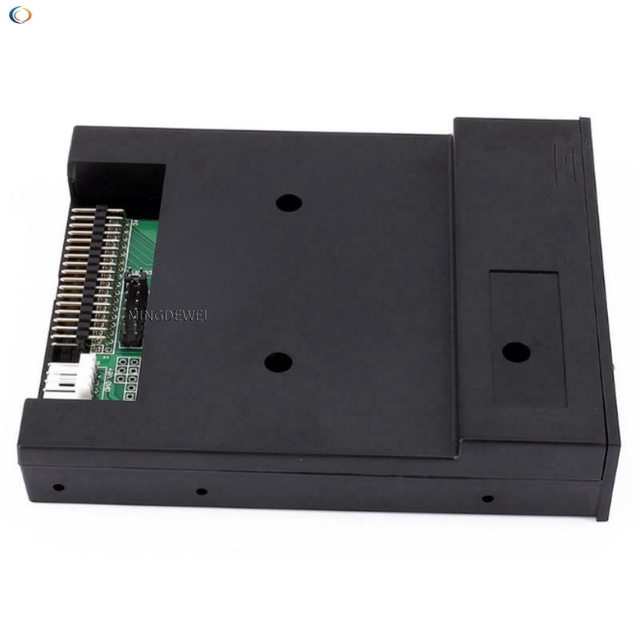
Enhanced emulation floppy emulator SFR1M44-U100K Floppy USB Disk Drive for Industrial control equipment
 Shenzhen Mingdewei Electronics Limitedverified🇨🇳CN10 yrs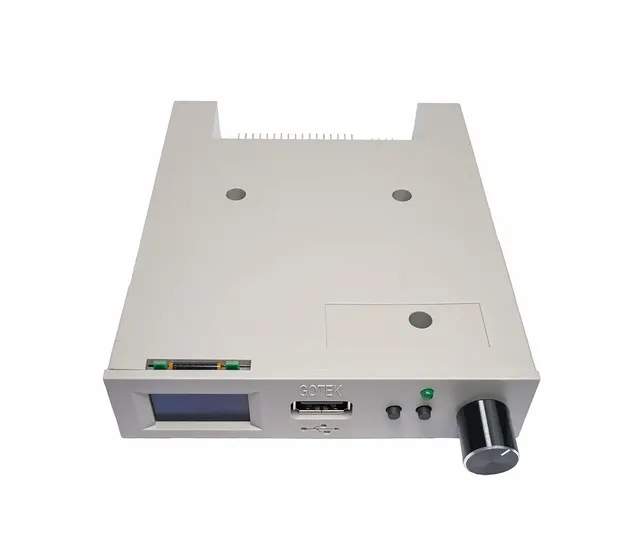
Floppy Drive Emulator / Rotary Encoder OLED Flash Floppy Drive
 Shenzhen Qianbao Technology Co., Ltd.🇨🇳CN4 yrs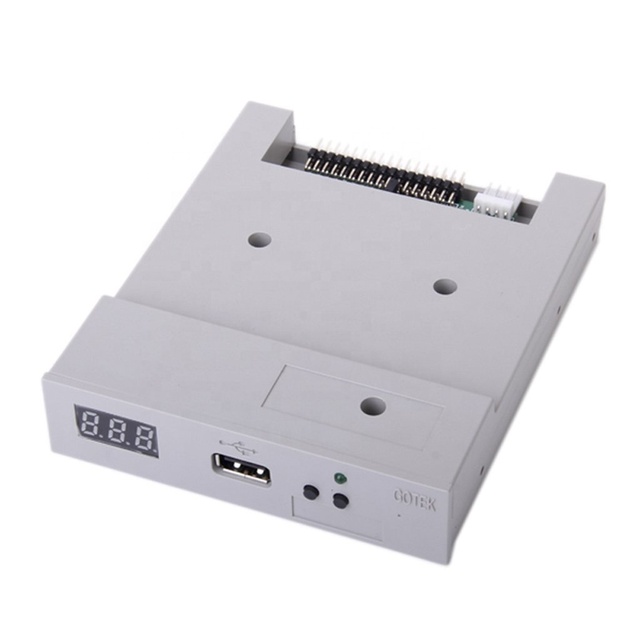
JEO SFR1M44-U100K Black White 3.5" 1.44MB USB SSD Enhanced emulation floppy disk drive Industrial control equipment
 JEO TECH Co., Ltd.🇨🇳CN4 yrs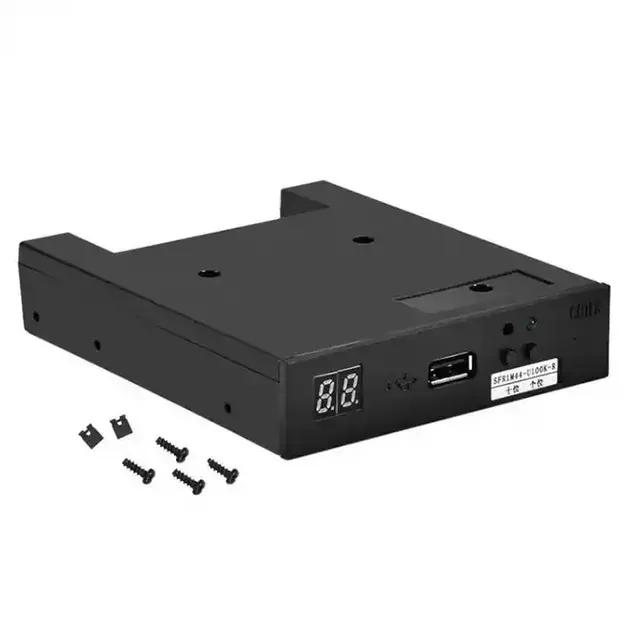
TZ Enhanced emulated floppy disk drive for industrial control device SFR1M44-U100K USB emulator Floppy disk drive
 Shenzhen Tongze Electronic Technology Co., Ltd.🇨🇳CN3 yrs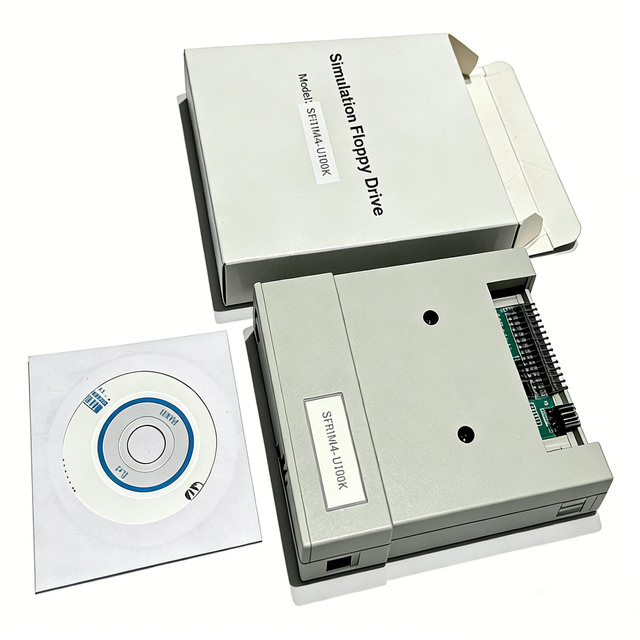
SFR1M44-U100K 3.5in 1.44MB USB SSD Floppy Drive Emulator Plug and Play High Quality New
 Hunan Hualai Technology Co., Ltd.🇨🇳CN7 yrs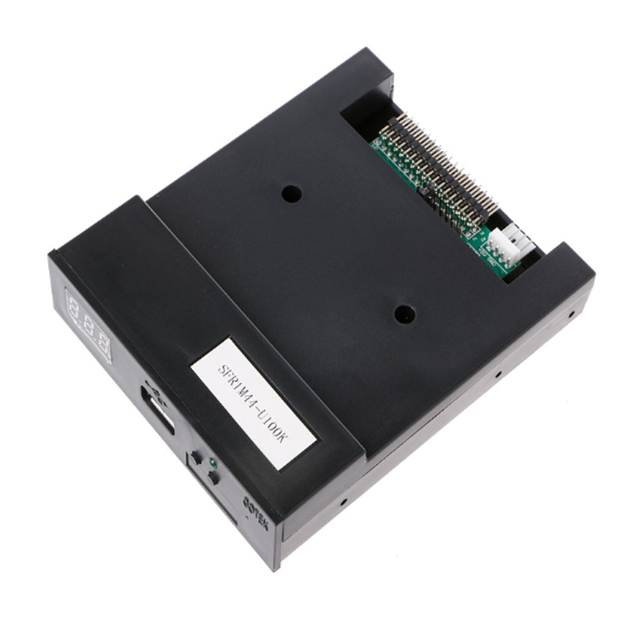
SFR1M44-U100K 3.5 1.44MB 1000 Floppy Disk Drive to USB Emulator Simulation 34pin Floppy Driver Interface Module
 Shenzhen Beast & Lion Technology Co., Ltd.🇨🇳CN1 yr
Simulated Floppy Disk Drive Converts Floppy Drive Interface to USB Interface 34P to USB Conversion.
 Shenzhen Binyueda Electronics Co., Ltd.🇨🇳CN6 yrs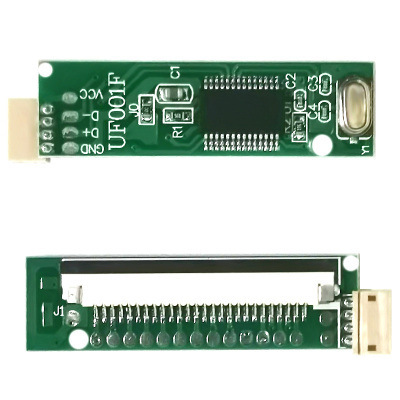
New Original USB to FDD Floppy Disk Interface Module 1.44MB Floppy Drive to U Disk DIY Hot Sale Development DIY Board
 Shenzhen Yingsitai Electronics Co., Ltd.🇨🇳CN3 yrs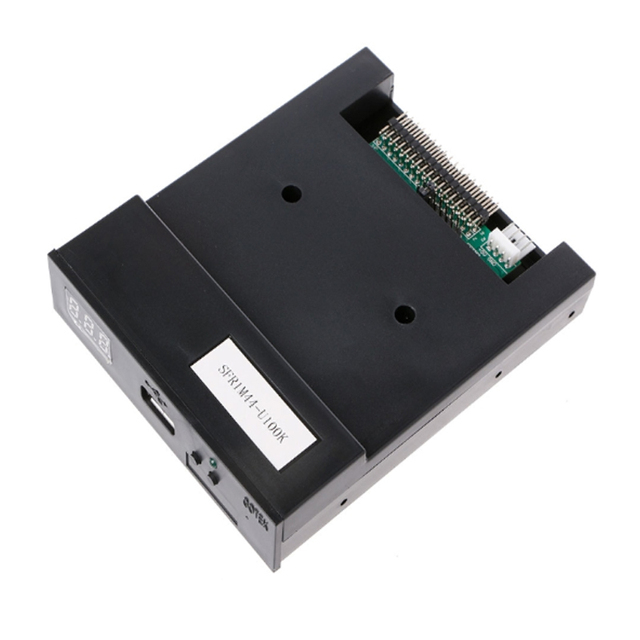
SFR1M44-U100K 3.5 1.44MB 1000 Floppy Disk Drive to USB Emulator Simulation 34pin Floppy Driver Interface module
Related Searches
Explore more sourcing topics & related categories
Sources & References
29 sources cited · Verified industry data & reports
Ultimate Guide to Floppy Cables - Find the Perfect Fit! | Lenovo US
www.lenovo.com
A floppy cable, also known as a floppy disk drive (FDD) cable, is a ribbon cable used to connect a computer's motherboard to a floppy disk drive. This cable facilitates data transfer between the motherboard and the floppy drive, allowing you to read and write data on floppy disks. The floppy cable works by providing a communication channel between the motherboard and the floppy disk drive. It has multiple connectors, with one end connecting to the motherboard and the other to the floppy drive. This design minimizes interference and makes it easier to route and organize the cable within the computer. Identifying a floppy cable is relatively easy. Look for a flat ribbon cable with connectors on both ends. One end typically connects to the motherboard, and the other end connects to the floppy disk drive. The connectors are usually rectangular and have multiple pins. Additionally, the cable might be labeled as "FDD cable" or similar, indicating its purpose. This enables the flow of data, power, and control signals between the two, allowing the computer to access information stored on floppy disks. Back in the day, floppy disks were a popular storage medium for computers. The floppy cable played a crucial role in connecting the floppy disk drive to the motherboard, acting as the bridge for data exchange. It allowed users to transfer files, install software, and back up data, making it an integral part of early computing experiences. The floppy cable played a vital role in the overall functionality of early computers by enabling users to access and store data on floppy disks. This contributed to the convenience of data transfer, software installation, and data backup. While its significance has diminished with the advent of more advanced storage solutions, the floppy cable remains a historical artifact symbolizing the evolution of computing.
What Is an FDD Connector? | Techwalla
www.techwalla.com
Very few PCs still use floppy disk drives today, but it is possible to add a floppy disk drive to your computer if required. Many motherboards still offer an FDD connector although the drives themselves are harder to find. ... FDD stands for floppy disk drive. Although most computers no longer use floppy drives, the FDD connector is still present on many motherboards. The FDD connector contains 34-pins, and uses a FDD ribbon cable to connect to a 3 ½" floppy disk drive. In the not-so-distant past, floppy disks were the standard method for storing electronic information. Very few PCs still use floppy disk drives today, but it is possible to add a floppy disk drive to your computer if required. Identify this cable by the twist between the first and second set of connectors, which allocates the drive at the end of the cable as FDD A, and the drive in the middle as FDD B. ... Raid Striping Vs. Spanning ... During the 1990s, every PC had a 3½" Floppy drive, which was the main method of transferring data to or from the computer. The floppy drive used disks enclosed in a rigid plastic case for protection, available as either double density storing 720-Kb of data, or high density storing 1.44Mb. Installing a 3½" disk drive is simple, and uses only two connections. First, connect the data cable that runs between the drive and the FDD connector on the motherboard, and then plug in a free power connector from the power supply into the drive. You then need to go into the computer's BIOS settings and enable the drive.
Floppy disk drive interface - Wikipedia
en.wikipedia.org
The de facto standard 5.25 inch FDD interface is based upon the Shugart Associates SA400 FDD. The signal interface uses a 34-pin PCB edge connector which mates to a flat ribbon cable connector. DC power is provided on a separate connector. The 34-pin connector is similar in pinout to the standard 50-pin connector for 8 inch FDDs. The de facto standard for 3.5 inch drives uses a 34-pin header mating to an IDC connector, collectively slightly smaller than the PCB edge pin connector and mating socket used for the 5¼ inch standard but with the same 34 pin definitions as the 5¼ inch standard. A separate Berg connector is provided for DC power. A 'universal' cable would have four drive connectors, two for each size of FDD, although cables which have only two drive connectors are common. This type of cable is called a universal cable. When multiple floppy disks are connected, many pins are shared, including the read and write data pins. As a result, early floppy drives required jumpers to be set on the drive to tell it which controller commands it should receive. Each generation of floppy disk drive (FDD) began with a variety of incompatible interfaces but soon evolved into one de facto standard interface for the generations of 8-inch FDDs, 5.25-inch FDDs and 3.5-inch FDDs. For example, before adopting 3.5-inch FDD standards for interface, media and ...
What Is a Floppy Cable?
www.computerhope.com
Like an IDE (Integrated Drive Electronics) cable, most floppy cables have a red strip along one side of the ribbon cable to indicate pin 1. Today, if any floppy drive is in the computer, it connects to "Drive A:" and the end cable connected to the motherboard. The floppy channel, FDD (Floppy Disk Drive) header, or floppy connection is where the floppy drive connects to the computer motherboard. A floppy cable is a ribbon cable found in PCs that allows one or more floppy disk drives to connect to a computer. The illustration shows is a visual example of what a floppy cable may look like and where each end of the connectors connect.
r/computers on Reddit: What kind of connecter is this on this fdd ...
www.reddit.com
I saw a SATA to IDE adapter cable that might be of some use. If you have an IDE connector on your motherboard and the right cables you can can just connect them to the drive. If this is a drive, you know nothing about, I would be apprehensive about plugging it into a good computer. ... This is not an IDE cable. It is an internal FDD cable. Apple made LS120 and LS240 diskettes with proprietary drives in the mid-90s that could hold 120 or 240mb of data respectively, but were pretty niche and never took off as CD-RW Drives began to become more common and affordable towards the end of the decade. ... The 5.25" were 1.2mb fairly early. Only the oldest were 360k. There should be another slot just like this one that had a twist in a few of the pins, that was in case you had a second "floppy". ... Thanks for the correction, I forgot about that as they had mostly been superseded by 3.5" floppies by then. ... No, it's an FDD cable with a connector for 5.25" drives. It's impossible. The connector in the post is exclusive to 5.25" floppy drives. On the other hand old HDDs have IDE connectors, which looks like this. ... Pretty sure 5.25 and 3.5 drives had the same connector. ... FDD. Floppy disk drive cable. Essentially internal parallel port with some form of device signalling so two drives can be connected via daisy chaining, some older motherboards support 4 drives. This is an older drive cable that supports the edge connector used by older 5.25" drives. I get it, trim back like "normal" and the fingertip bends back further than the average person. Can't do anything properly until they're back at tolerable a day or two later. ... Was gonna say IDE but doesn't seem to have enough pins. ... I believe it was used for something like a IBM 5150…but you’re right…it’s not IDE. ... Yeah that might be it actually. ... It’s a connector for a far memory. A sweet memory. ... The big flat cable is an IDE.
Floppy Disk Drives / Data Cable // retrocmp / retro computing
retrocmp.de
IBM decided (perhaps rightly) that actually requiring users to select DS0 for drive A und DS1 for drive B was a bit taxing. Was there an easier way? As it turns out, by putting a twist in line 10 to 16, both drives can be DS1, but the one after the twist looks like DS0 to the controller. The twist, then, makes life easier for the PC installer. Figure 3: Scheme „Double Drive“ Cable with Twist (with labelling DS0 to DS1) The drive behind the twist always responds as A and the drive in front of the twist responds as B! You can therefore connect a floppy drive in front or after the twist. It is always correct! [1] ... For more information, see [mm91] page 398. Nothing could be simpler! Take a look at figure 6. ... From the cable originally intended for internal use, I made a cable for external use. Back in the late 70s and early 80s, the 50-pole flat ribbon cable was by no means exotic. It was the standard cable for the 8 inch floppy drives. It was not until the advent of the 5.25 inch drives that the 34-pin cables were used. Actually, the functioning of a floppy cable should be easy to understand, shouldn't it? Yes, but! Here are a few questions that keep coming up: ... Why are „both“ floppy drives jumpered to the so-called 2nd drive when I have a 1st drive A: and a 2nd drive B:?