Fdd Motherboard

Overview
Product sourcing insights & recommendations
The phrase 'FDD motherboard' refers to a computer mainboard equipped with a native Floppy Disk Drive (FDD) controller and a corresponding 34-pin header. While obsolete in mainstream consumer computing since approximately 2012, these motherboards remain critical for industrial maintenance, archival data recovery, and retro computing AlibabaTechwalla.
Market Trends & Insights (2025–2026)
The market for motherboards with FDD support has transitioned from a standard consumer feature to a specialized industrial and legacy niche Persistencemarketresearch.
- Scarcity-Driven Demand: No new consumer boards have been manufactured with FDD headers for over a decade. Current availability relies almost entirely on refurbished stock and specific industrial-grade releases from brands like Advantech and BIOSTAR AlibabaPersistencemarketresearch.
- Industrial Vitality: In 2026, demand remains steady due to the massive global installed base of CNC machines, medical diagnostic equipment, and legacy automation systems that still require physical floppy inputs for firmware updates and service modes AlibabaPersistencemarketresearch.
- Archival Precision: Preservationists favor native FDD motherboards over USB adapters because adapters often fail to handle the timing-critical signaling required for DOS-era drives or non-standard disk formats Alibaba.
Product Availability & Pricing
Current B2B availability is concentrated in refurbished consumer platforms (LGA 775) and specialized industrial SBCs (Single Board Computers).
| Platform / Category | Common Models | Price Range | Key Application |
|---|---|---|---|
| Refurbished Desktop | Gigabyte G41MT, MSI Neo2 | $30 – $75 | Retro gaming, standard file recovery AlibabaAlibaba |
| Industrial / ISA Slot | VIA 8601, Industrial G41 | $90 – $180 | CNC control, old machine upgrades AlibabaAlibaba |
| High-End Industrial | Ricoh FB5UM, Advantech AIMB | $350 – $1,000+ | Critical infrastructure, medical devices AlibabaAlibaba |
Refurbished Lga 775 Motherboard With Fdd Support
Products · 3 lists

G41MT-S2 S2PT Motherboard for Gigabyte 775 Integrated Motherboard
 Shenzhen AOYUSEN Technology Co., Ltd.🇨🇳CN9 yrs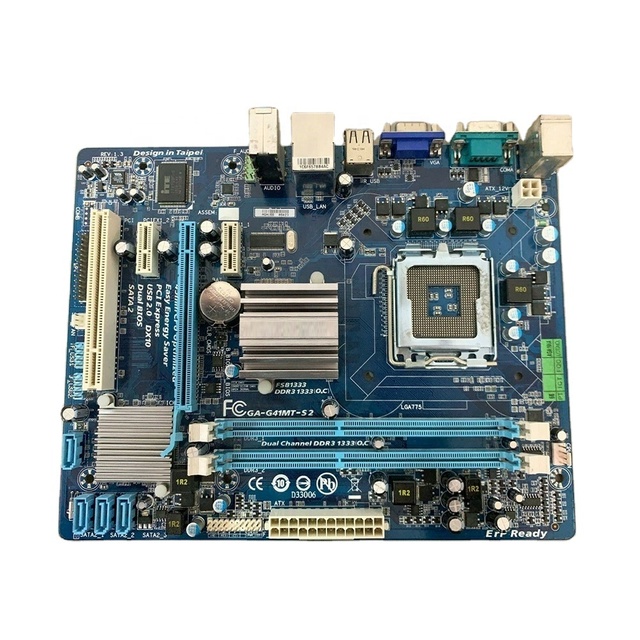
High Quality Gigabyte G41MT-S2 Micro ATX Desktop Motherboard Fast Ship with LGA 775 Socket DDR4 Memory and Intel Chipset
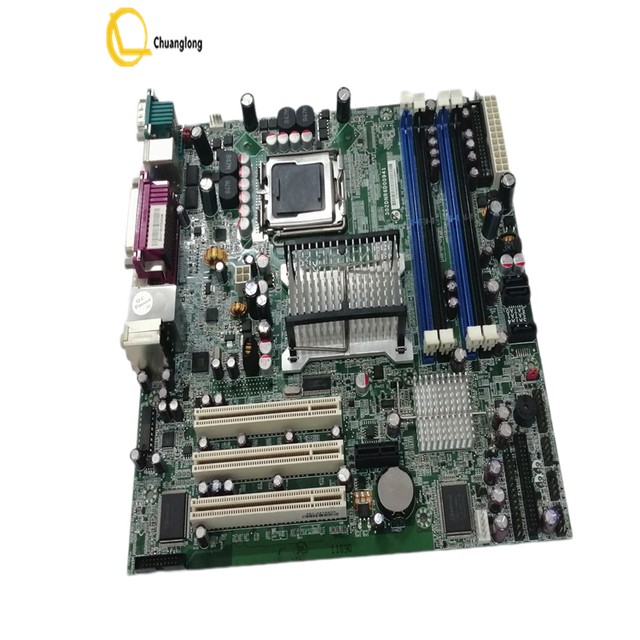
497-0464207 NCR 66 Motherboard NCR 7459MB-03SF2090 MOTHERBOARD LGA775 302DNR6D00941 DDR2 NCR Q965 497-0464207
 Beijing Chuanglong Century Science & Technology Development Co., Ltd.verified🇨🇳CN15 yrs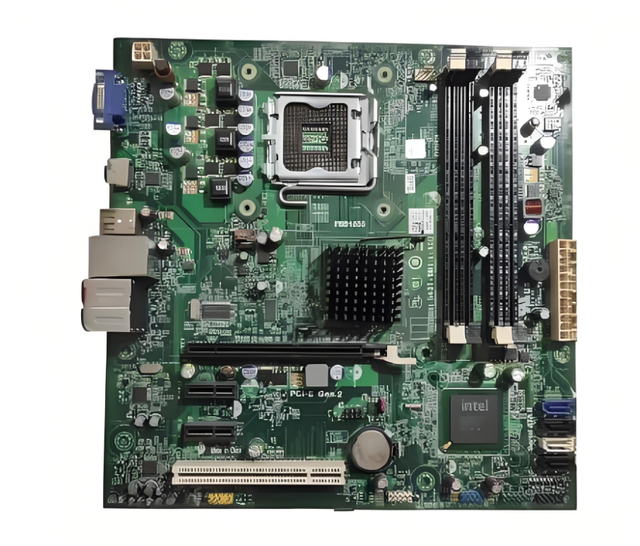
For Dell Inspiron 560/560S Desktop Refurbished Motherboard G43T-DM1 18D1Y Intel Chipset Integrated 100% Tested Quality Shipment
 Zhengzhou Dianyi Trading Co., Ltd.🇨🇳CN2 yrs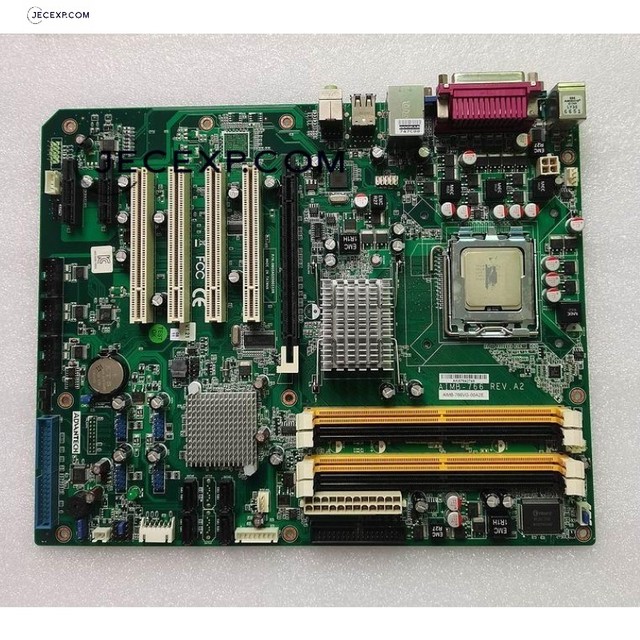
AIMB-766 REV.A2 AIMB-766VG-00A2E Socket LGA 775 FSB Industrial ATX Motherboard
 Shenzhen Dongheng Xiangsheng Electronics Co., Ltd.🇨🇳CN4 yrs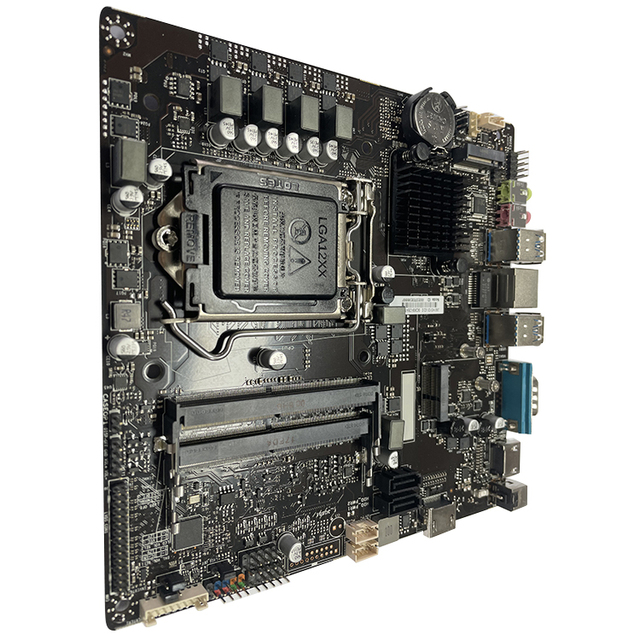
High End Intel Motherboard Intel Core I7/core I5/core I3/pentium/celeron for Business All in One Pc/computer Motherboard Combo
 Jwipc Technology Co., Ltd.🇨🇳CN5 yrs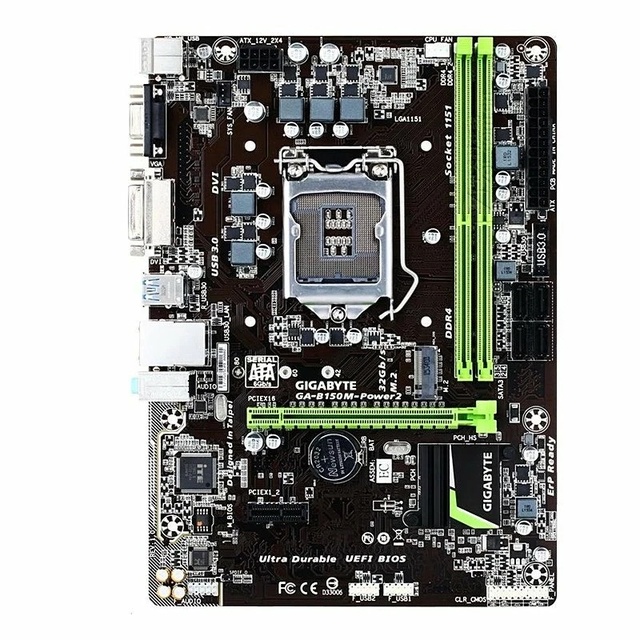
Cheap GIGABYTE B150M-POWER2 Desktop Computer Motherboard B150 6/7th Gen CPU I7/I5/I3 Support LGA1151 Dual Channel DDR4 32GB SATA
 Huizhou Zhuoyue Feifan Technology Co., Ltd.🇨🇳CN1 yr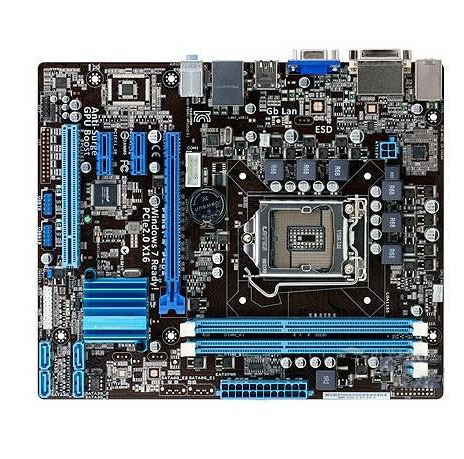
WHOLESALE for P8H61 M PLUS MOTHERBOARD

Mindray CEQM57 CEQM57-610E-M-4G Refurbished Used Industrial Motherboard Original CPU Card CPU Module Main Board Mainboard
 Huizhou Xinyan Technology Co., Ltd.verified🇨🇳CN4 yrs
Ga Motherboard GA B250 B250M D2V HD3 DS3H EVO Wind D3A Power Gaming 3/5 Z270 H270 LGA 1151 DDR4 DDR3 Motherboard
 Menn Industries Co., Ltd.🇨🇳CN18 yrs
Ga Motherboard GA B250 B250M D2V HD3 DS3H EVO Wind D3A Power Gaming 3/5 Z270 H270 LGA 1151 DDR4 DDR3 Motherboard
Related Searches
Explore more sourcing topics & related categories
Sources & References
28 sources cited · Verified industry data & reports
Ultimate Guide to Floppy Cables - Find the Perfect Fit! | Lenovo US
www.lenovo.com
Identifying a floppy cable is relatively easy. Look for a flat ribbon cable with connectors on both ends. One end typically connects to the motherboard, and the other end connects to the floppy disk drive. The connectors are usually rectangular and have multiple pins. Additionally, the cable might be labeled as "FDD cable" or similar, indicating its purpose. The floppy cable played a crucial role in connecting the floppy disk drive to the motherboard, acting as the bridge for data exchange. It allowed users to transfer files, install software, and back up data, making it an integral part of early computing experiences. A ribbon cable refers to the flat, ribbon-like structure of the floppy cable. Unlike round cables, the ribbon design is space-efficient and easy to manage within the confines of a computer case. The floppy cable works by providing a communication channel between the motherboard and the floppy disk drive. It has multiple connectors, with one end connecting to the motherboard and the other to the floppy drive. This enables the flow of data, power, and control signals between the two, allowing the computer to access information stored on floppy disks. However, it's essential to ensure compatibility with your motherboard and floppy disk drive. Keep in mind that finding new floppy cables might be challenging due to the outdated nature of the technology, so consider alternative storage solutions for your data needs. Advancements in storage technology, such as universal serial bus (USB) drives, compact disc/digital versatile disc read only memory (CD/DVD-ROMs), and, more recently, solid-state drives (SSDs), have rendered floppy disks and their cables obsolete.
What Is an FDD Connector? | Techwalla
www.techwalla.com
In the not-so-distant past, floppy disks were the standard method for storing electronic information. Very few PCs still use floppy disk drives today, but it is possible to add a floppy disk drive to your computer if required. Many motherboards still offer an FDD connector although the drives themselves are harder to find. FDD stands for floppy disk drive. Although most computers no longer use floppy drives, the FDD connector is still present on many motherboards. The FDD connector contains 34-pins, and uses a FDD ribbon cable to connect to a 3 ½" floppy disk drive. Installing a 3½" disk drive is simple, and uses only two connections. First, connect the data cable that runs between the drive and the FDD connector on the motherboard, and then plug in a free power connector from the power supply into the drive. You then need to go into the computer's BIOS settings and enable the drive. Identify this cable by the twist between the first and second set of connectors, which allocates the drive at the end of the cable as FDD A, and the drive in the middle as FDD B. ... Raid Striping Vs. Spanning ... During the 1990s, every PC had a 3½" Floppy drive, which was the main method of transferring data to or from the computer. The floppy drive used disks enclosed in a rigid plastic case for protection, available as either double density storing 720-Kb of data, or high density storing 1.44Mb. These were a big improvement over previous 5¼" disks, which were housed in a cardboard envelope and were truly floppy, hence the name.
FDD connector? | Tom's Hardware Forum
forums.tomshardware.com
Motherboards · You are using an out of date browser. It may not display this or other websites correctly. You should upgrade or use an alternative browser. Feb 26, 2007 · 47 · 0 · 18,530 · Mar 31, 2007 · #1 · Gigabyte GAM59SLI-S5 MOBO There is a connector on this mobo listed as FDD, can anyone tell what this is for? You are using an out of date browser. It may not display this or other websites correctly. You should upgrade or use an alternative browser. ... Gigabyte GAM59SLI-S5 MOBO There is a connector on this mobo listed as FDD, can anyone tell what this is for? Question Generally speaking what causes annoying slow downs when using a laptop,how do you always keep it fast? ... Question Ryzen 3600x with alot of OCCT erros. ... Space.com is part of Future plc, an international media group and leading digital publisher. Visit our corporate site. News AMD's next gaming champ to debut at $499, and you can already buy it ahead of launch — Ryzen 7 9850X3D is $20 more expensive than the Ryzen 7 9800X3D
Motherboard with FDD Guide: How to Connect Floppy Drives Today
electronics.alibaba.com
If you need to read or write 3.5″ or 5.25″ floppy disks today — whether for archival recovery, retro computing, or industrial equipment maintenance — your only reliable native option is a motherboard with an onboard floppy disk controller (FDC) header. Over the past year, demand for these boards has quietly increased among preservationists, IT historians, and embedded technicians — not because new ones are being made, but because aging stock is drying up and USB-to-FDD adapters show inconsistent compatibility with DOS-era drive timing 2. For most users, however, a USB adapter is sufficient — and far more practical. If you’re a typical user, you don’t need to overthink this. But if you’re restoring a vintage PC or interfacing with legacy BIOS-based firmware that requires direct 34-pin signaling, then sourcing a confirmed working motherboard like the MSI Neo2 or Giga-8ik1100 remains the only trustworthy path. This piece isn’t for keyword collectors. It’s for people who will actually use the product. A motherboard with FDD refers to any mainboard featuring a native 34-pin floppy disk controller (FDC) header — typically labeled “FDD” or “FLOPPY” — designed to connect internal 3.5″ or 5.25″ floppy drives directly via ribbon cable. When it’s worth caring about: if your workflow relies on BIOS-level boot or legacy OS installation, native FDD support is non-negotiable. When you don’t need to overthink it: if you only need to copy files from a floppy into Windows 11, a USB adapter suffices. Native 34-pin FDD header (left) vs. modern USB header (right) — physically and electrically incompatible. ... Native FDD motherboard + internal drive: Uses original 34-pin ribbon cabling and BIOS-integrated controller. If you need BIOS-level floppy initialization, DOS boot support, or dual-drive timing precision — choose a verified native motherboard like the MSI Neo2 or Giga-8ik1100. If you only need to extract files from standard 1.44 MB disks into a modern OS — use a USB-to-FDD adapter. If you’re a typical user, you don’t need to overthink this. The real constraint isn’t hardware scarcity — it’s media decay. Focus less on finding the last working board, and more on digitizing contents while they’re still readable.
What Is an FDD Connector?
www.reference.com
An FDD connector is a pin ribbon connector that connects a floppy disk drive with the computer’s motherboard. An FDD connector is fitted with 34 pin holes, which is six less than a standard IDE connector. As of 2014, floppy disks that are connected to a computer are assigned to “Drive A:” and are displayed as such on the computer screen.
Whats Fdd? - Processors, Motherboards and Memory - OverclockersClub ...
forums.overclockersclub.com
Processors, Motherboards and Memory · Existing user? Sign In · By IoDd64 March 3, 2004 in Processors, Motherboards and Memory · Share · More sharing options... Followers 0 · You will be able to leave a comment after signing in Sign In Now · Share · More sharing options...