Gaming Mouse G13

Overview
Product sourcing insights & recommendations
The phrase "gaming mouse G13" currently points to three distinct product paths in the gaming hardware market, ranging from entry-level peripherals to competitive professional tools and legacy specialized controllers.
1. Key Product Identifications
* Fantech Rhasta II G13: A budget-friendly, wired optical gaming mouse. It is positioned as an "aesthetic starter" for casual gamers, featuring RGB illumination, a durable 1.8m braided cable, and on-the-fly DPI adjustment up to 2,400 DPI VersusFantech-Jo.
* FURYCUBE G13 PRO: A high-performance, ultra-lightweight (55g) wireless gaming mouse Furycube. It features the PAW3311 professional sensor, supporting up to 22,000 DPI (overclocked) and 100 million click-rated switches. It is designed for competitive Esports and FPS games Furycube.
* Logitech G13 Advanced Gameboard: Technically a "gamepad" or "gameboard" rather than a mouse, this legacy product is highly sought after by MMO players for its 25 programmable keys and analog thumbstick LanocTrustedreviews.
2. Market Trends & Insights (2025–2026)
* The "Superlight" Standard: Market dominance has shifted toward ultra-lightweight wireless models like the FURYCUBE G13 Pro. In 2026, the benchmark for "Pro" mice is under 60g with high-polling rate sensors GloriousgamingRtings.
* Sensor Innovation: The adoption of PAW3395 and PAW3311 sensors in mid-range Chinese brands (like Furycube and Attack Shark) has democratized professional-grade tracking, allowing users to get top-tier performance for under $50 FurycubeReddit.
* Haptic & Optical Shifts: High-end models for 2026, such as the Logitech G PRO X2 Superstrike, are introducing haptic click technology and hybrid optical-mechanical switches to eliminate double-click issues while providing tactile feedback MarksangryreviewIgn.
* Demand for "Specialist" Successors: There is a significant, unmet market demand for a successor to the Logitech G13 Gameboard. Users are currently resorting to DIY repairs or niche boutique alternatives (e.g., HORI FF14 gameboard) to maintain complex macro setups Reddit.
3. Sourcing Opportunities
B2B data shows a sharp price divide between the different G13 models:
* Fantech Rhasta II G13: Available for bulk sourcing at approximately $2.00–$2.20 per unit with a low MOQ of 20 pieces.
* FURYCUBE G13 PRO: Sourced at $12.50–$15.00 per unit, often bundled with a dedicated charging dock—a trending value-add for wireless mice in 2026.
Based on these sourcing options, you can continue with:
Furycube G13 Pro Wireless Gaming Mouse
Products · 2 lists

FURYCUBE G13 Pro PAW3311 Sensor 3 Mode BT Wired 2.4G Wireless Gaming Mouse with Charging Base
 Shenzhen Chuangxin Reciprocal Electronic Technology Co., Ltd.🇨🇳CN5 yrs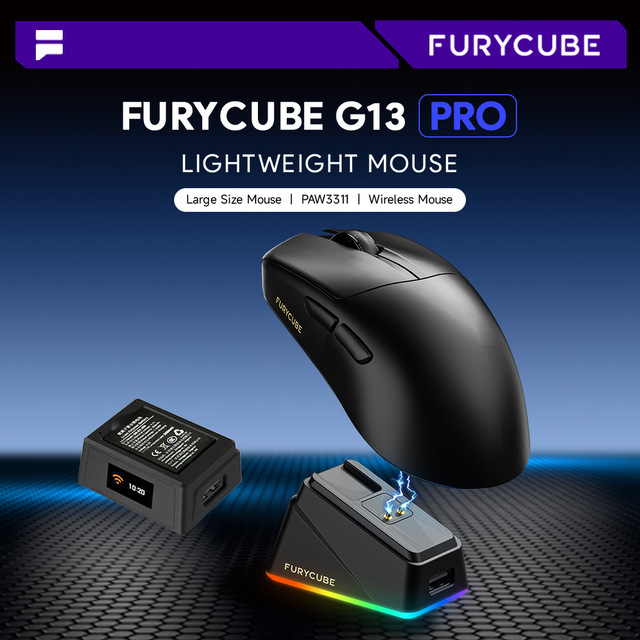
FURYCUBE G13PRO Wireless Mouse Lightweight Three-mode Gaming PAW3311 with Charging Dock Right-Handed 2 Buttons
 Shenzhen Dafei Technology Company Ltd.🇨🇳CN9 yrs
G13 PRO Mice Tri-mode 2.4G Wireless Gaming Mouse PAW3311 RGB Charging Dock and Programmable Software for PC Professional Esports
 Guangzhou Zifriend Communicate Technology Co., Ltd.verified🇨🇳CN6 yrs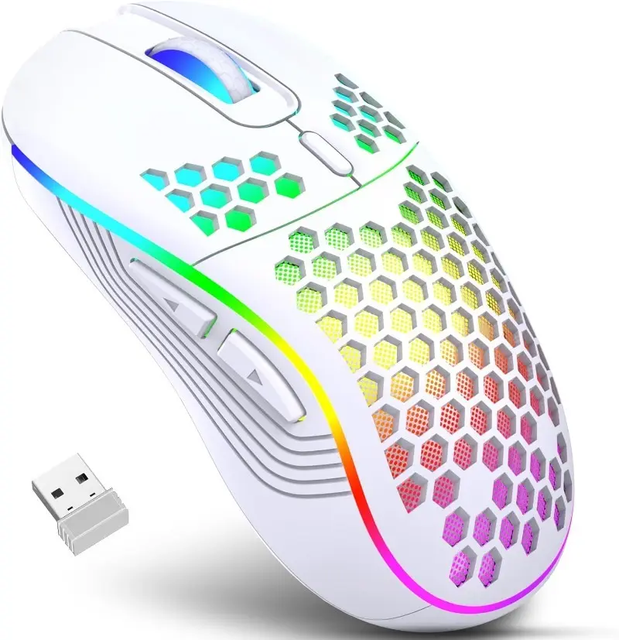
Professional Wireless Gaming Mouse Rechargeable RGB Gaming Mouse and Cellular Computer Mouse Game
 Shenzhen Renbo Smart Technology Co., Ltd.🇨🇳CN5 yrs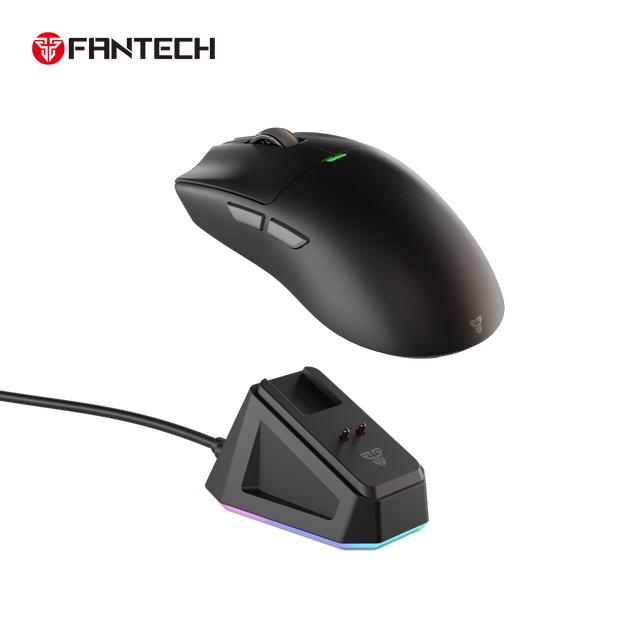
FANTECH WG13S Wireless Charging Gaming Mouse 26000DPI 8000Hz 58g Lightweight RGB Mouse for Esports Programmable Mice
 Guangzhou Maxindo Technology Co., Ltd.verified🇨🇳CN3 yrs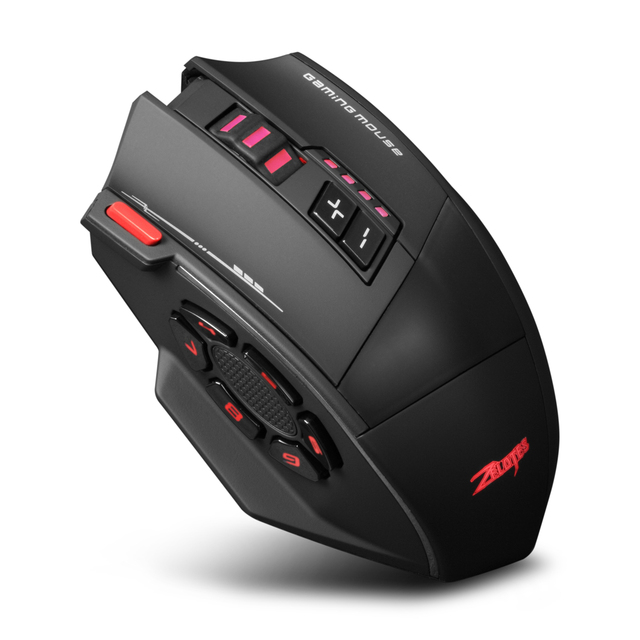
ZELOTES F-13 Three Mode 13 Key Wireless Gaming Mouse 4000Hz RGB Programming E-sports Mouse
 Dongguan Zhangwozhe Electronic Technology Co., Ltd.🇨🇳CN2 yrs
Wireless Mouse Proove Gaming Rate Special Edition
 Shenzhen Anyway Technology Co., Ltd.🇨🇳CN3 yrs
Wholesale AJAZZ 139 Pro 4K Wireless Gaming Mouse Ultra-lightweight 59g with Dual-Mode Receiver up to 26000 DPI 6 Programmable
 Zhengzhou Damulin Electronic Technology Co., Ltdverified🇨🇳CN8 yrs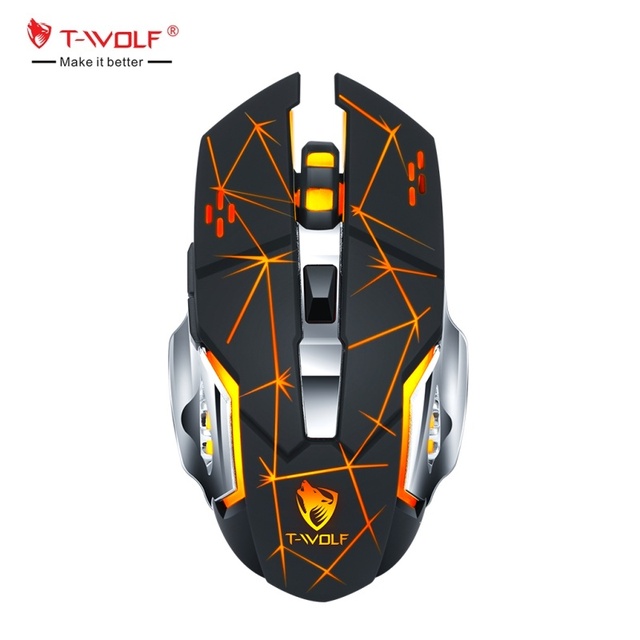
T-WOLF Q13B Dual Mode Gaming Wireless Mouse 2.4g BT Rechargeable USB Mice LED Backlit Mouse for Gamer PC Computer Laptop
 Huizhou City Twolf Electronics Co., Ltd.🇨🇳CN1 yr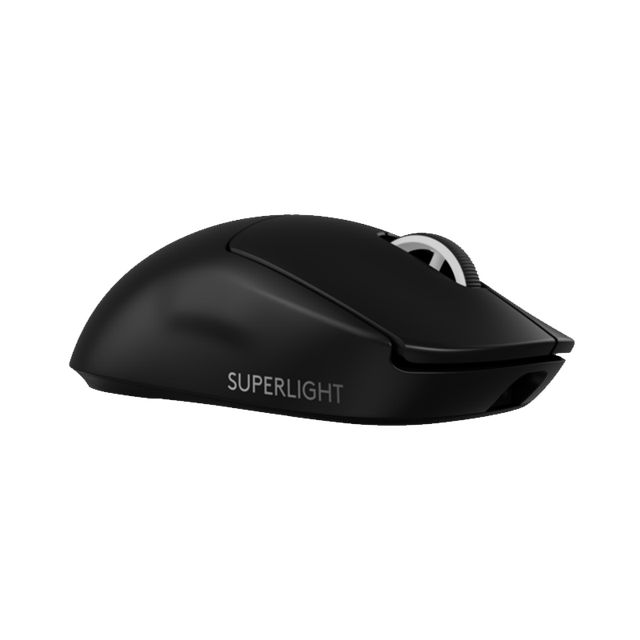
Hot Logitech G PRO X Superlight 2 Wireless Gaming Mouse Brand Original
 Shenzhen Meisiyi Electronics Co., Ltd.🇨🇳CN15 yrs
Wireless Mouse Lightweight G PRO X SUPERLIGHT WIRELESS
 Beijing Century Tonghui Trading Co., Ltd.🇨🇳CN9 yrs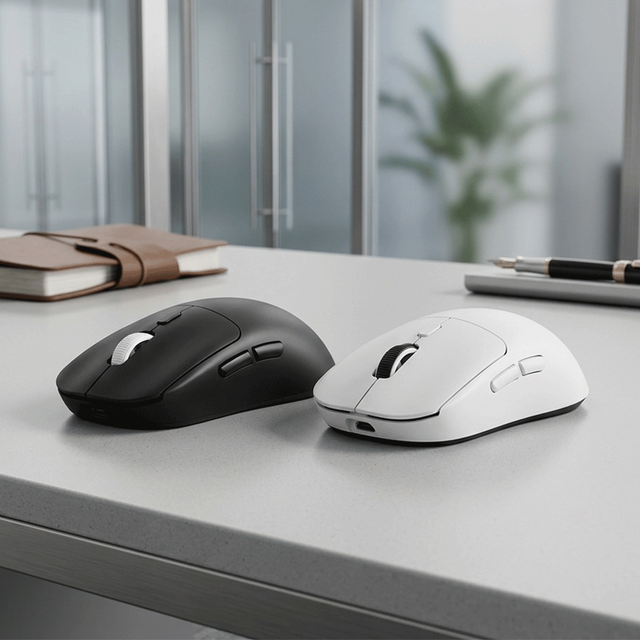
Lightweight Wireless Gaming Mouse with Stock and Fast Delivery, Dual-mode 4-speed Adjustable Ergonomic Gaming Mouse
 Shenzhen Lvfang Technology Co., Ltd.🇨🇳CN2 yrs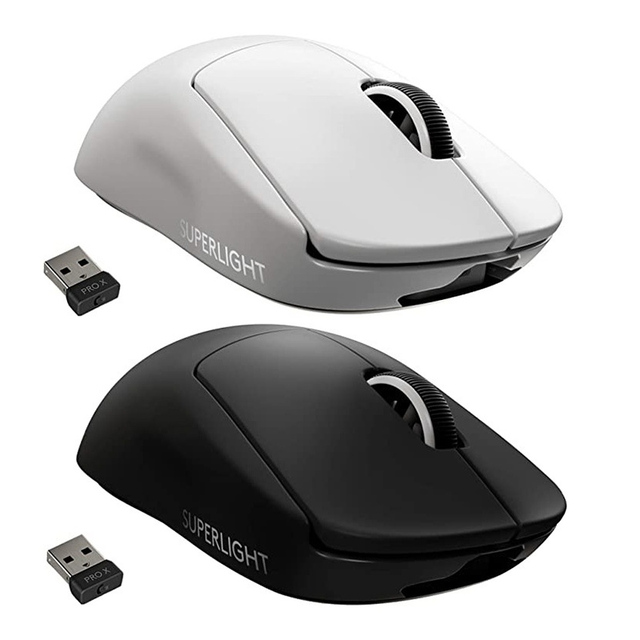
Logitech G PRO X SUPERLIGHT Wireless Gaming Mouse Dual-mode Rechargeable Wireless Mouse
 Zhengzhou Sanrenxing Trading Limited Company🇨🇳CN7 yrs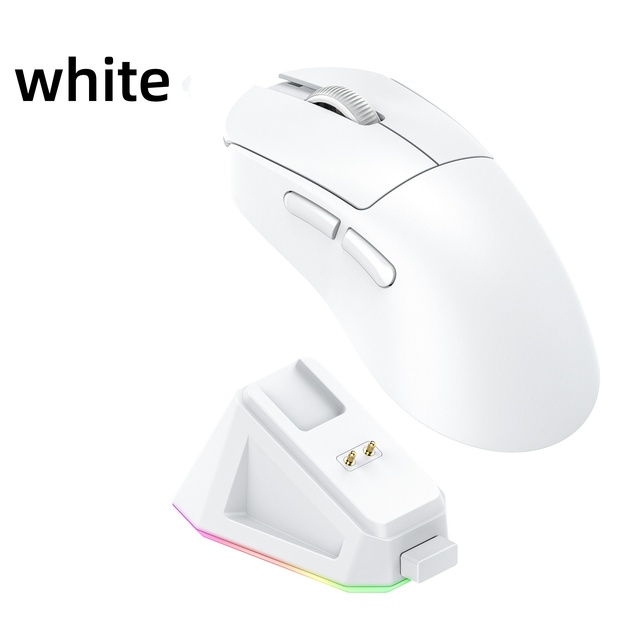
PAW3311 Wireless Ergonomic Gaming Mouse 12000 DPI Optical Mouse for Gamers

FURYCUBE 2.4GHz BT USB Optical RGB Backlit Ergonomic Lightweight Wireless Gaming Mouse 3-mode 16000dpi PAW3315 Stock
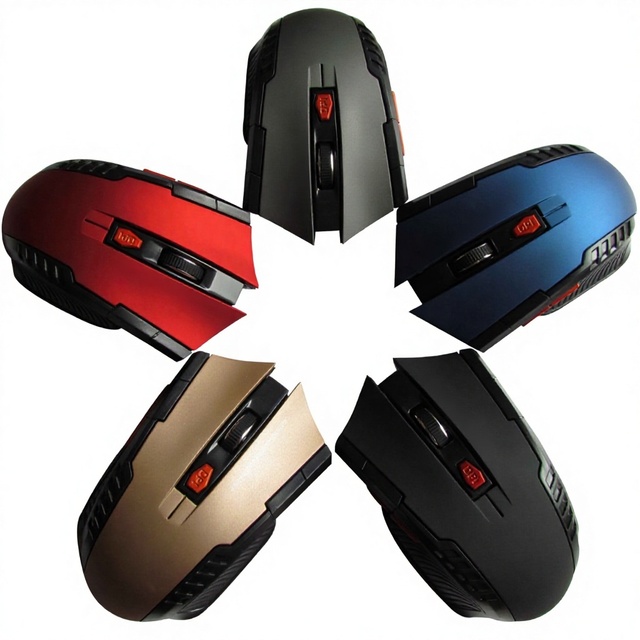
In Stock New 113-model Six-button USB Wireless Gaming Mouse 24G Optical; Drop Shipping Available
 Shenzhen Jingke Intelligent Technology Co., Ltd.🇨🇳CN1 yr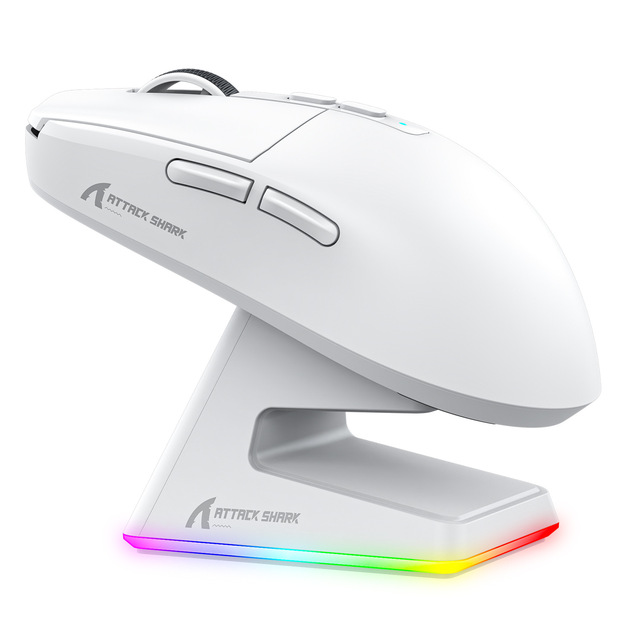
Attack Shark X6 49G Programmable Wireless Mouse 2.4G USB Wired PAW3395 26000 DPI for Laptop PC Optical Computer Gaming Mouse
 Shenzhen Yingbao Rubber & Plastic Electronic Technology Co., Ltd.verified🇨🇳CN6 yrs
T-WOLF Q13 Gaming Wireless Mouse USB 2.4GHz Silent LED Backlit Rechargeable Right-Handed 6D Gaming Laptop Mouse for Computer
 Dongguan Twolf Electronic Technology Co.,ltd🇨🇳CN6 yrs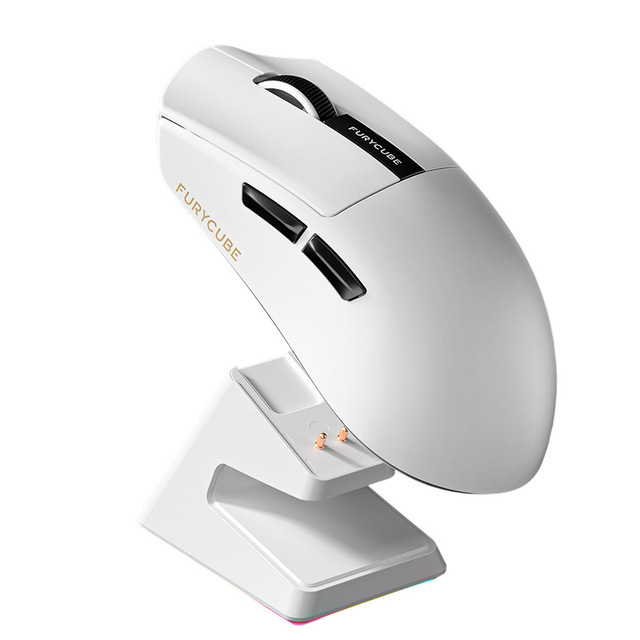
FURYCUBE G9 Six-Button Ergonomic Lightweight PAW3311 Gaming Tri-Mode Wireless for Mouse with Charging Dock
 Shenzhen Genuine Technology Co., Ltd.🇨🇳CN7 yrs
E7 Wireless Gaming Mouse Pro-Grade, Tri-Mode (/Wired/Wireless), Rechargeable, Lightweight Design
 Dongguan Jinyuteng Hardware Technology Co., Ltd.🇨🇳CN6 yrs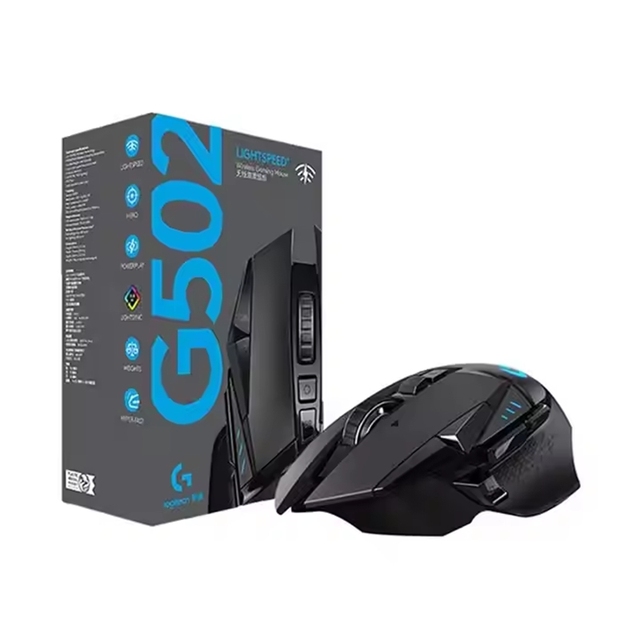
Hot Sale Pro 25600 DPI 25K Sensor Lightweight Silent BT GPW Wireless Gaming Mouse
 Yiwu Yuneng E-Commerce Co., Ltd.🇨🇳CN2 yrs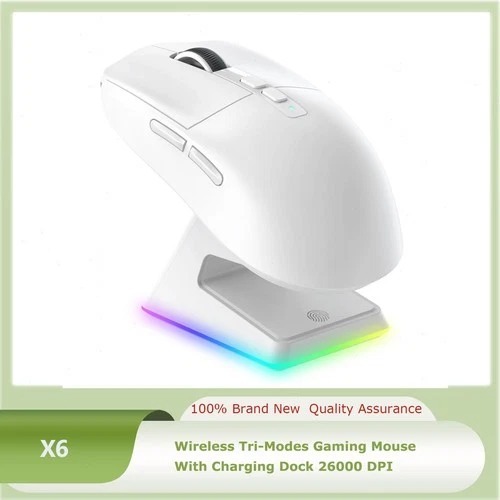
Manufacturing LOGO OEM Customized Gamer Mouse PAW3950 Tri-mode Wired/Wireless Mouse 8Khz Designed For Professional Esports
 Dongguan Longyue Technology Co., Ltd.🇨🇳CN1 yr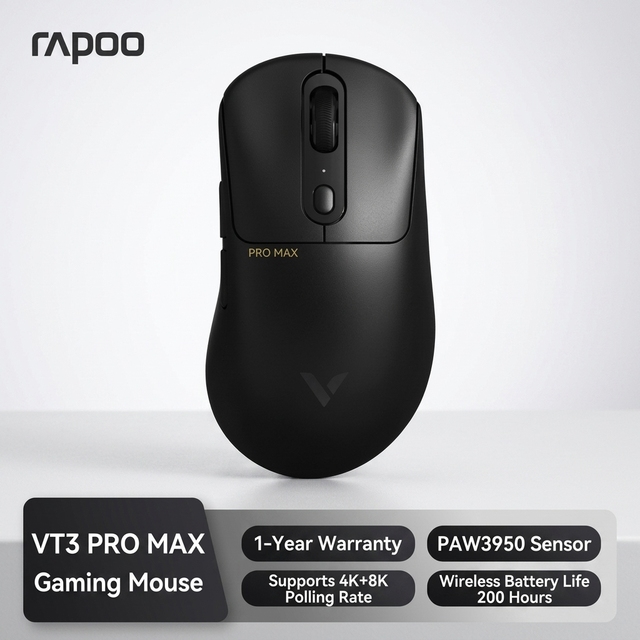
Rapoo VT3 Pro Max Wireless Gaming Mouse 59g Lightweight PAW3950 Ultimate 8K Wired Wireless 0.125ms 30000 DPI for FPS Gamer
 Shenzhen Nimo International Trading Co., Ltd.🇨🇳CN1 yr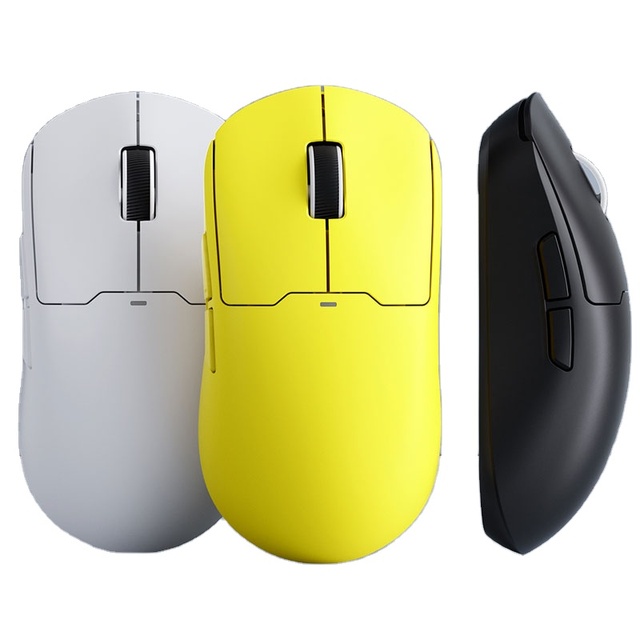
A5 Wireless Gamer Mouse 3395 OEM Customized Wired Wireless 4K Gaming Mouse 2.4G Ergonomics up to 26000DPI
 Shenzhen Xiangqing Technology Co., Ltd.🇨🇳CN4 yrs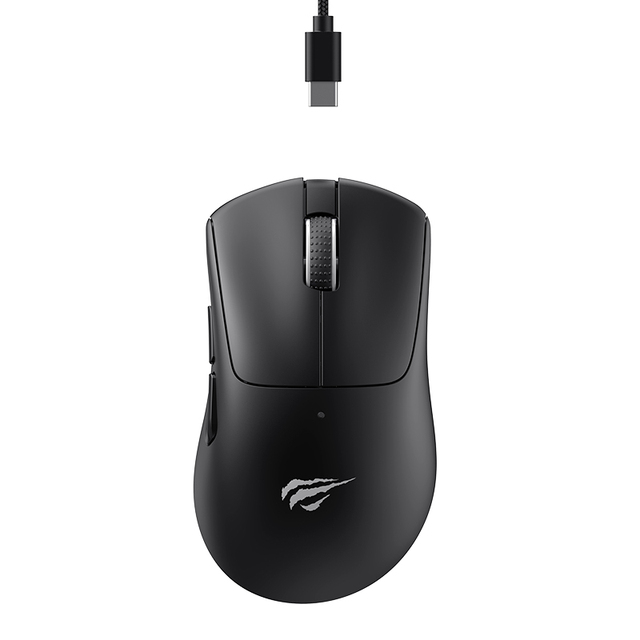
Havit MS973WB Wireless Gaming Mouse Tri-Mode 22000DPI 2.4Ghz Gaming Gamer RGB Mouse for PC Computer Desktop
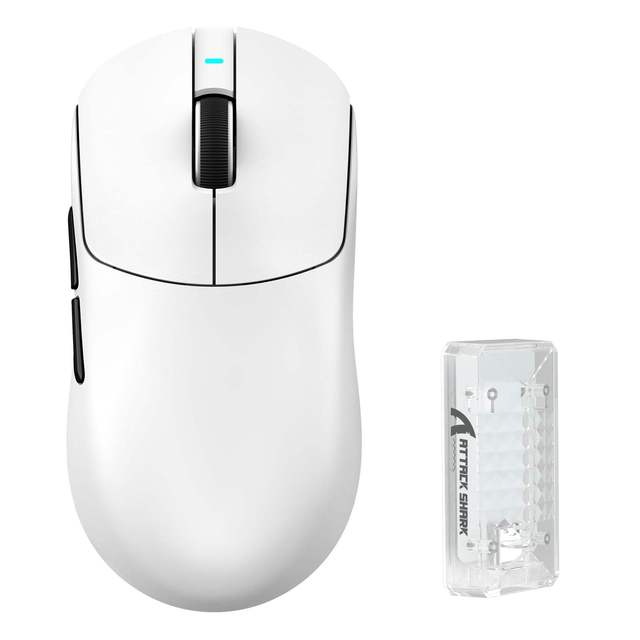
Attack Shark X8 Ultimate X8PLUS X8PRO X8 Ultra X8SE Wireless Gaming Mouse Tri-mode
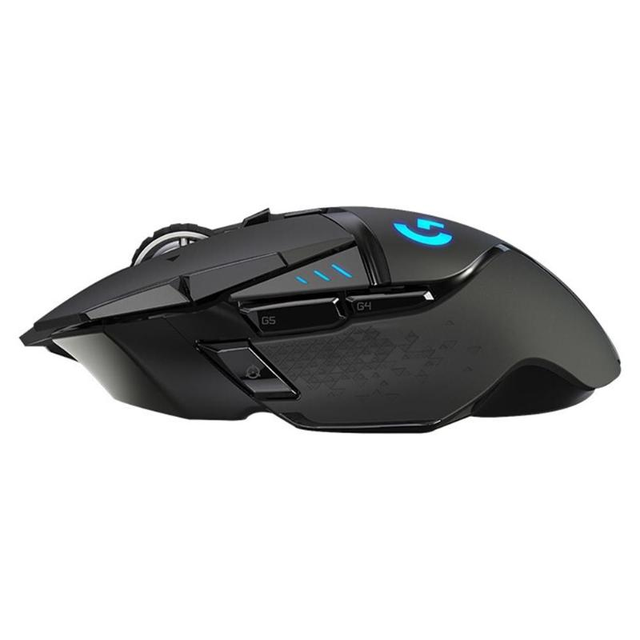
Original Mouse G502 Logitech Wholesale Wireless Rechargeable Gaming Mouse Computer Accessories Cyberpunk 2077 Mouse
 Henan Astra Industrial Co., Ltdverified🇨🇳CN6 yrs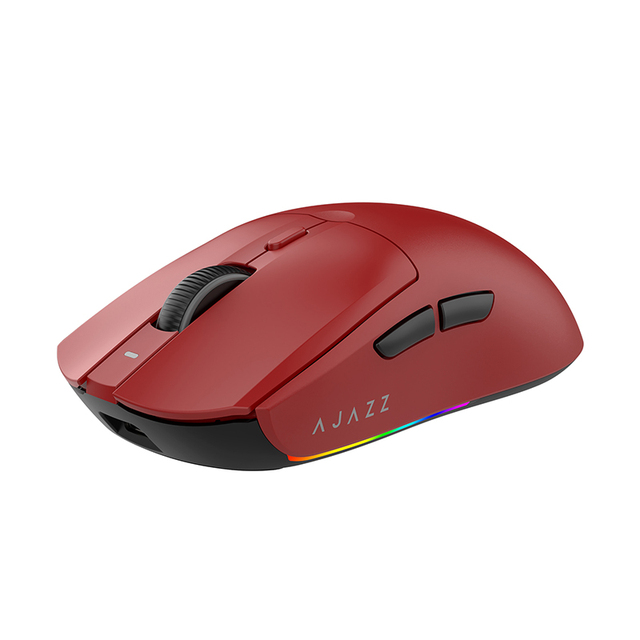
Ajazz Aj139 Pro Wireless Gaming Mouse with 26000 Dpi 2.4g Usb Optical Paw3311 Sensor for Pc Laptop Gamer
 Beijing Youcheng Times Technology Co., Ltdverified🇨🇳CN4 yrs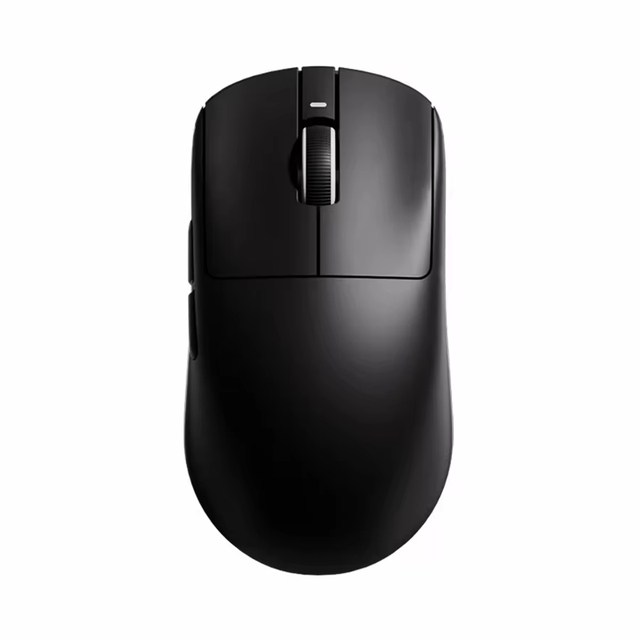
ATK Dragon VXE R1 Pro Max Wireless Gaming Mouse, PAW3395 - Lightweight Ergonomic Design Gaming Mouse for Gamers
 Shenzhen Jisu Star Electronics Technology Co., Ltd.🇨🇳CN1 yr
Attack Shark X3Pro Wireless Mouse PAW3395 26000dpi Tri-Mode Connection RGB Backlit 6 Buttons Macro Gaming Mouse Win//PS/
 Shenzhen Xingcheng Imaging Equipment Co., Ltd.verified🇨🇳CN2 yrs
Related Searches
Explore more sourcing topics & related categories
Sources & References
28 sources cited · Verified industry data & reports
Fantech Rhasta II G13 review | 35 facts and highlights
versus.com
Use your experience to help others in the community make a decision.Write a review ... The maximum polling rate (also known as report rate) of the device. A higher polling rate means that it is more responsive. ... The maximum speed is measured in IPS (inches per second). It represents the speed that the mouse can be moved before it starts to exhibit problems with tracking. ... The maximum acceleration of the mouse. A higher acceleration can be desirable for gaming, especially games that require fast movements (such as FPS games). It’s useful when you want to adjust the DPI on the fly (such as when playing different types of games) without having to go into the software. ... There is a dedicated button for switching between saved profiles. ... Whether the mouse is designed to be used left-handed, right-handed, or both. DPI stands for dots per inch, and is the amount of pixels that the cursor will move across the screen per inch of mouse movement. An adjustable DPI lets you change the sensitivity of the mouse.
FURYCUBE G13 PRO Ultra Lightweight Wireless Gaming Mouse
www.furycube.com
Ultra Lightweight Wireless Gaming Mouse 400mAh Battery Ultra-Long Battery Life PAW3311 Sensor Execute game moves faster, more accurately, and more steadily,Up to 750 tracking rate and 50G acceleration,Customizable DPI, up to 22,000 DPI overclocked,Provides precise aiming and stable control for intense professi
Logitech G13 Review | Techgage Forums
forums.techgage.com
Take Dead Space 2 for some reason in the menu it skew to some odd angle looking away, I could sort of fight it with my mouse and for about 5min I could not figure out what other input was causing it, then I pressed the G13 joystick and that was it. What it turned out to be is that the G13 can emulate joystick movement and even though I didn’t have it enabled in the games profile under the Logitech software, the game somehow thought it was enabled so every time I started the game that would be the result. I was then forced to go into the Device Manager and disable the G13 Joystick device just for Dead Space 2 to run without a problem. I have had to do this for other games but Dead Space 2 is the most recent in memory that I have had to do this for. Keep in mind this happens maybe once in maybe every 20 games I play so very low for this sort of thing to happen, but when it does I almost always had forgotten about the time before. This is how I know it's a game problem and not a driver problem. The love part for the joystick comes in (and the pain) when I use it for RTS games. I use it quickly move the camera across the FOV, then I use the G24 button for CTRL and the other buttons as their regular numbers, except G10-G12 I use for builders for 8-0. This makes playing RTS very efficient for me, I haven’t tried this with TBS but I have a feeling this would still be useful in games like Shogo 2 or Civ 5. The biggest drawback I can see with this unit is where’s the love for the left handed mice using community?
Logitech G13 Advanced Gameboard - LanOC Reviews
lanoc.org
More specifically the mouse gives you the amazing control that just can't be found with a gamepad. The keyboard, although flexible, has always been used for typing first and gaming second. A few companies have brought out gameboards that replace the keyboard all together giving you access to all of the buttons needed without any of the extras. Logitech's G13 is their first attempt at a gamepad and with all of their experience with gaming accessories, I have high hopes. Laptop keyboards are NEVER ideal for gaming but after hooking up your G13 and a mouse you feel like you never left the comfort of home. One of our LAN event staff is a G13 fan and I have even seen him hook up everything to his big screen TV and toss the G13 on his leg for relaxed gaming sessions. The key layout is natural and easy to reach with a concave design putting your fingers right in the middle. Your thumb rests right on the joystick. Console gamers will of course be excited to have a joystick for their PC games. LanOC benchmarks and tests today's latest Mice, Keyboards, mousepads, and other input devices Beyond the game recognition you also have the option to switch between three profiles just like on the G15 and G19 (M1, M2, and M3). Each of the profiles can be set to light the keys and screen to any color at all. Logitech's LCD manager hasn't changed a bit in the time between our G19 review and the G13.

Logitech G13 Review! I HAVE ALL THE KEYS! | The Bright Ideas
inapapercup.wordpress.com
DISCLAIMER: I am not a professional reviewer; I review the things I buy as a consumer. I am not at all sponsored. I am an average consumer, giving my consumer thoughts. INTRO: Not too long ago I bo… Again, I will emphasize, I don’t go for these gaming peripheral gimmicks; I have always wanted a MMO styled mouse so the Logitech G600 was an easy buy, but I never fall for gimmicks like this Logitech G13 Advanced Gamepad, but with that kind of price, even gimmicks I am will to buy. Not too long ago I bought me a Tecware Haste Deskmat (LINK), and as you can see, and like every desk sized mousepads, it is spread out enough to hold my mouse as well as my keyboard… but suddenly, the downside is that if you are obsessive compulsive like me, you tend to keep things right in the center, thus, having my keyboard in the dead center of my deskmat, there is a lonely left side of the deskmat. Now… what can I do to fix this problem!? Ah yes, why not get a Logitech G13… For those Adobe vets, you can agree with me, even if we use Adobe a lot for some things, we may tend to forget the hotkeys, because each product, no matter how similar they may be like After Effects and Premiere Pro, their hotkeys are quite different, and having to search through the keyboard just to find the right hotkey may slow down post production; and all the more if you just forego the keyboard hotkeys and decide on using the mouse to hover and click on the different functions. Using the G13 to make at least similar keymaps, hotkeys that are close to eachother, can aid in the productivity.
Logitech G13, a small review by me! | Hardware Canucks
hardwarecanucks.com
So I still stand by my original review, 2 thumbs up! Click to expand... 2 weeks late but that's ok:biggrin: Thanks for the update. ... I have this, just got it and i like it so far. i need to practice up some more before i will love it. but for COD WAW and MW2 its great. ... May consider this...... ... I used the Saitek Game Pro for a while. I really liked it a lot, however the buttons were hard to press sometimes and they would stick. I got the G13 about a month ago and have never looked back. The LCD can be customized so you can have a different color for every profile you select. Makes it very easy to identify what profile/button assignment you are currently running without alt-tabbing out of a game. You can also have any apps made for the G15 keyboard work and display on the G13 independently. Mark; I know you're in Bolton and it's a bit away... but I demo products for Logitech - I've got a few G13's laying around.. I cannot sell them because they eventually are supposed to go back to Logitech BUT I wouldn't mind letting you try one out if you were in the Toronto area ever. Recently I played and finished Mass Effect 2 using the remote so I logged at least 25 hours on it. I still love it as much, the button reactions are better then the n52 was and I find it more confortable then other gaming keyboards out there. So I still stand by my original review, 2 thumbs up!