Hp Power Button

Overview
Product sourcing insights & recommendations


The phrase "HP power button" represents a significant pain point in the laptop market, characterized by polarizing design choices and a high volume of repair-related search traffic. Market data shows a sharp increase in interest during April 2026, likely driven by new product launches and subsequent design critiques .
Market Trends & Consumer Insights
* Design-Led Frustration: A major trend is the integration of the power button directly into the keyboard layout, often placed next to the Backspace or Delete keys Hp. This has led to widespread reports of accidental shutdowns and "hidden" buttons that users struggle to locate Reddit.
* Stiffness vs. Sensitivity: To combat accidental presses, HP has increased the stiffness of the button in newer models, which consumers often perceive as a lack of responsiveness or a manufacturing defect Reddit.
* The "Unrepairable" Shift: Modern HP designs (e.g., OmniBook X, Envy x360) are moving toward integrated assemblies. If the power button fails, users are often forced to replace the entire Top Cover/Keyboard assembly (C-shell) rather than a simple $5 daughterboard, significantly increasing repair costs HpHp.
Product & Sourcing Analysis
B2B sourcing data reveals two primary paths for repair businesses:
- 1Standalone Boards: For older or budget models (Pavilion G4/G6, Stream 11), individual power button boards with ribbon cables remain highly available and affordable, typically ranging from $2.80 to $6.00 at wholesale AlibabaAlibaba.
- 2Top Cover Assemblies: For newer premium and business models (ProBook, EliteBook), sourcing has shifted to full palmrest/top cover units. These units cost significantly more—between $8.00 and $45.00—but are necessary due to the integrated nature of the button and keyboard AlibabaAlibaba.
For detailed sourcing lists and supplier options, please refer to the attached product data files.
I have identified the key market trends and product sourcing data for HP power buttons. You can continue with:
Hp Laptop Replacement Power Button Board With Cable
Products · 3 lists

Genuine for HP Pavilion G4 G6 G7 G6-1000 G7-1000 Series Laptop Power Button Board with Cable 640212-001 643502-001 DA0R22PB6C0
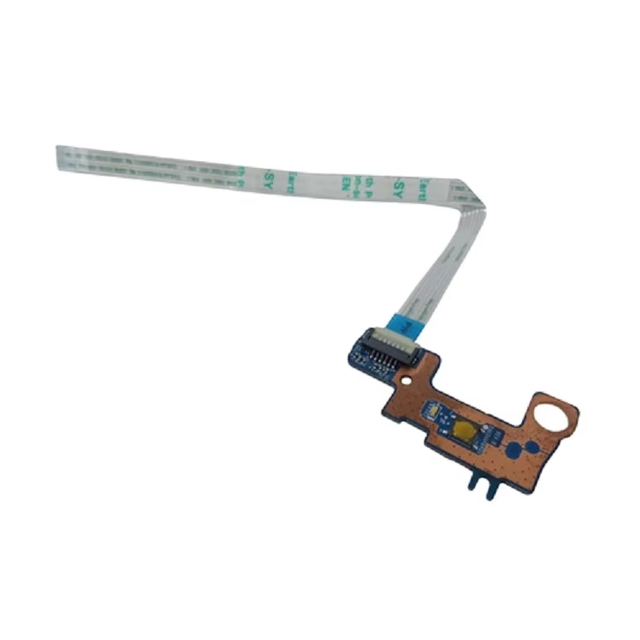
Laptop Power Button Board with Cable 856348-001 for HP Pavilion 15-AU 15-AW
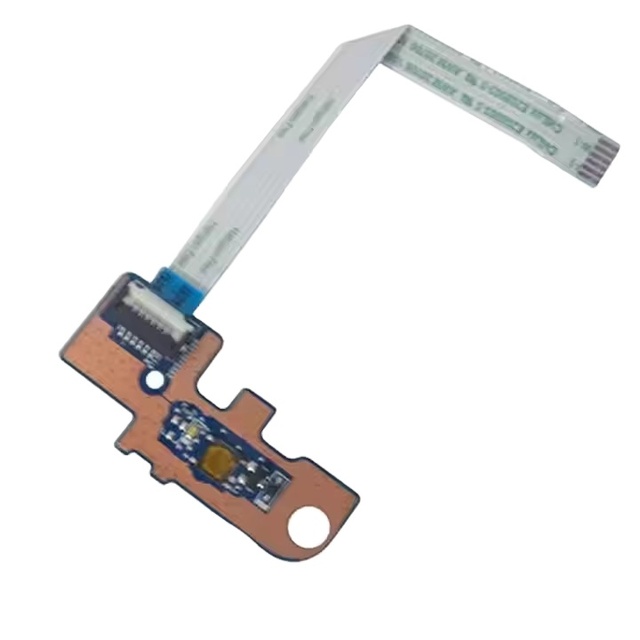
Laptop Power Button Board with Cable for HP Omen 15-AX Pavilion 15-BC 858974-001 Board with Cable
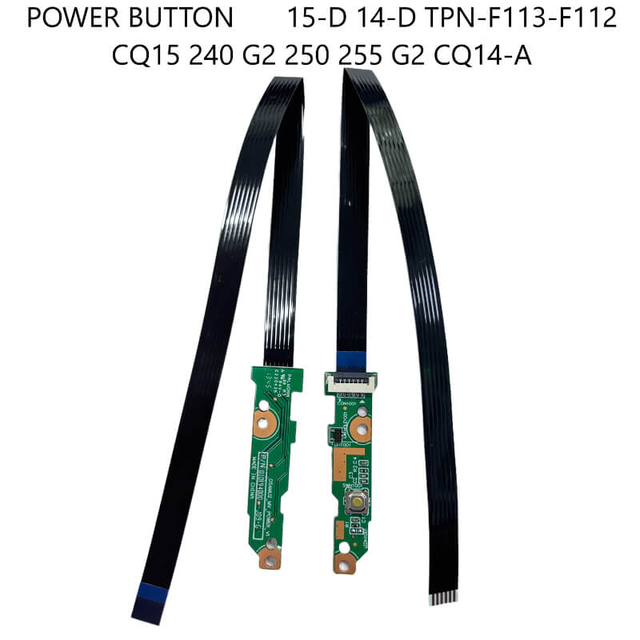
Power Button Switch Board on Off Board W/Cable for HP 15-D 14-D TPN-F113-F112 CQ15 240 G2 250 255 G2 CQ14-A
 Xiamen Jianglun Import And Export Co., Ltd.🇨🇳CN1 yr
Laptop Power Button for 440 450 455 470 G5 DAX8BCPB8A1 Notebook Switch on OFF Power Button Board With Cable Repair Parts
 Shenzhen E-BOUR Technology Co., Ltd.🇨🇳CN18 yrs
HK-HHT DA0X83PB6D0 for HP ProBook 455 450 G4 Power Switch Button Board With Cable
 Shenzhen HHT-Electronic Co., Ltd.verified🇨🇳CN12 yrs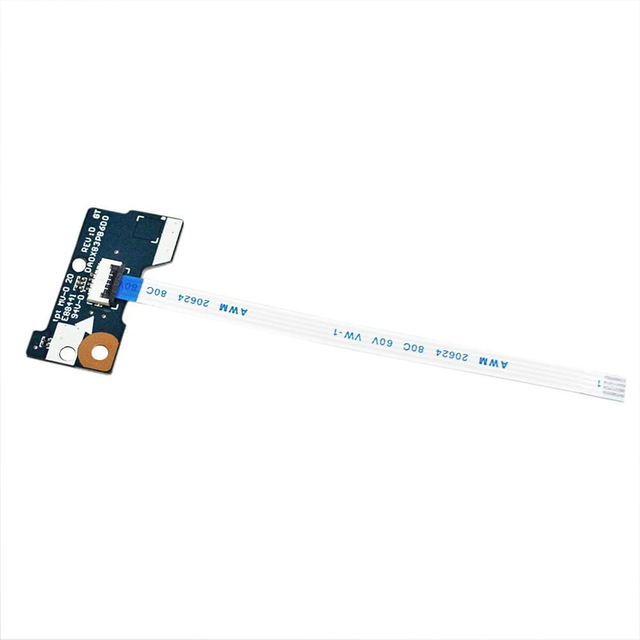
Power Switch Button Board With Cable Replacement for ProBook 455 G4 450 G4 450 G3 470 G4 DA0X83PB6D0 905754-001
 Shenzhen Changrui Optoelectronics Limited🇨🇳CN12 yrs
Laptop Power Switch Button Board ON/OFF for HP 17-E DAOR63PB6D0 720673-001
 Shenzhen Yuhuishangpin E-Commerce Co., Ltd.🇨🇳CN9 yrs
New Laptop Power Button Switch Board for HP EliteBook X360 1030 G2 1030 G3
 Shenzhen Weixinzhiyuan Trade Co., Ltd.🇨🇳CN12 yrs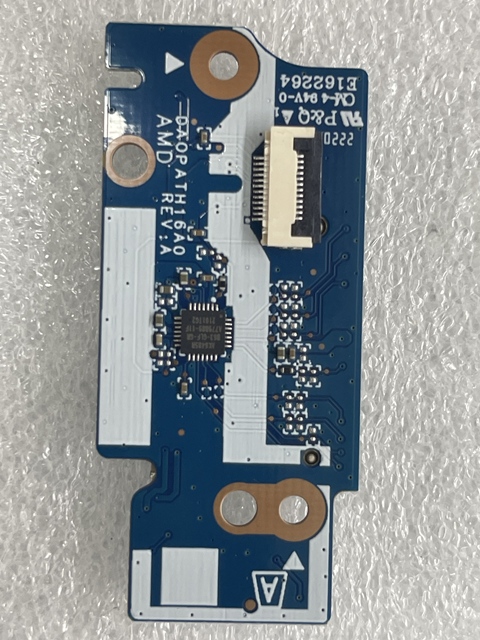
Laptop Power Button for 14-DQ 14S-DR L64886-001 DA0PADTH8B0 DA0PATH16A0 Notebook Volume Button Board with Cable Switch on OFF
 Shenzhen Faiyifa Technology Co., Ltd.🇨🇳CN6 yrs
Laptop Power Button Board Switch with Cable Ls-A994P for 14-R 14-G 245 G3 14-R 14-G 240 G3 Spare Part Replacement
 Shenzhen Cooyear Technology Co., Ltd.🇨🇳CN16 yrs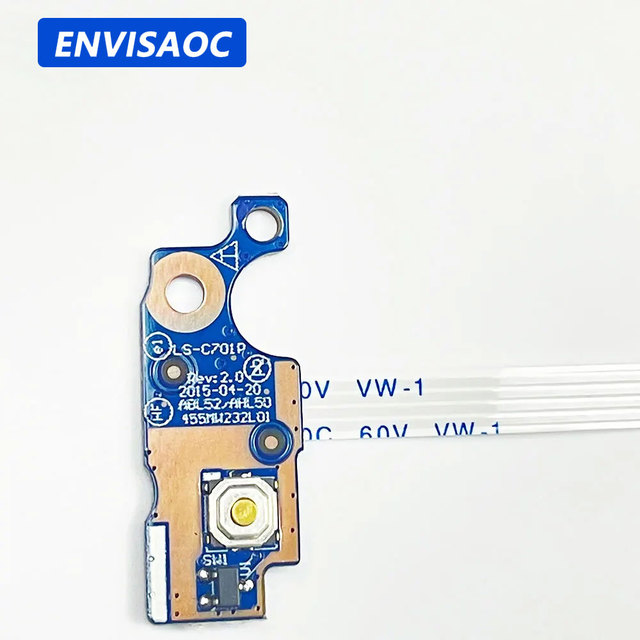
Laptop Power Button Board Cable switch For HP pavilion 15 15-AY 15-AC 15-AC039TX 15-BA 15-AF 250 255 G4 G5 TPN-C125

Ls-a991p Power Button for 15-g 15-r 250 266 G3 749650-001 Laptop Power Volume Button Switch on Off Board With Flat Cable New
 Shenzhen Fit It Co., Ltd.🇨🇳CN12 yrs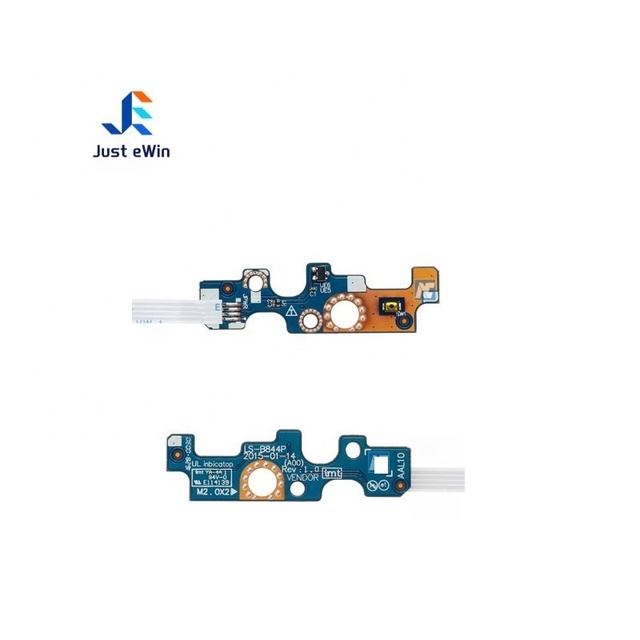
Just EWin New Quality Laptop Power Switch Button Board with Cable 094MFG LS-B844P for Dell 15 5455 5458 5558 5559 3558 5758
 Shenzhen Just Ewin Electronic Co., Ltd.🇨🇳CN10 yrs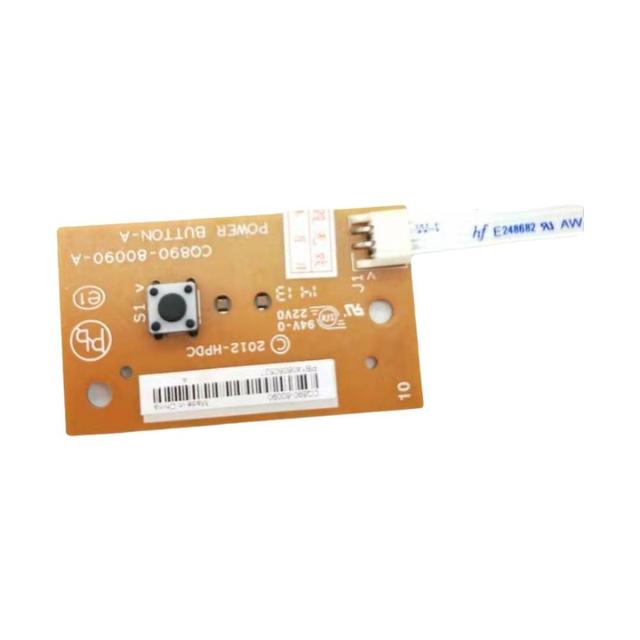
Power Switch Button Board CQ890-60090 CQ860-80090 Fits for HP Designjet T830 T120 T520
 Shenzhen Shixiweiye Technology Co., Ltd.🇨🇳CN7 yrs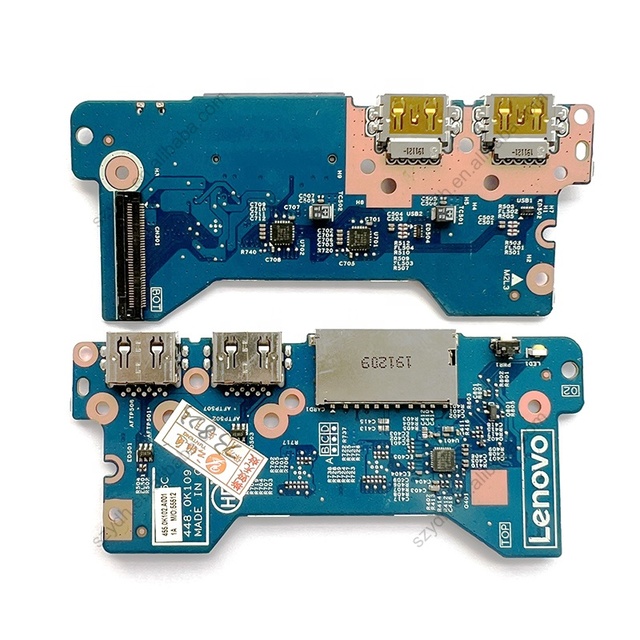
Laptop USB Card Reader Power Button Board for Lenovo IDEAPAD Flex 5 14IIL05 14ITL05 14ARE05 15IIL05 448.0K109.0011
 Shenzhen YDH Trading Co., Ltd.🇨🇳CN7 yrs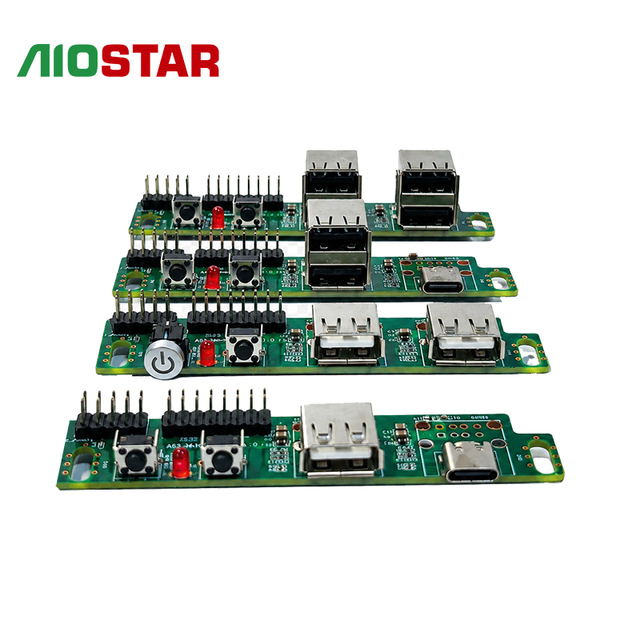
OEM Custom PC Front Panel USB Expansion Board Power Reset Button 2.0 Type-C for Laptop in Stock AIOSTAR
 Shenzhen Aiostar Electronics Co., Ltd.🇨🇳CN6 yrs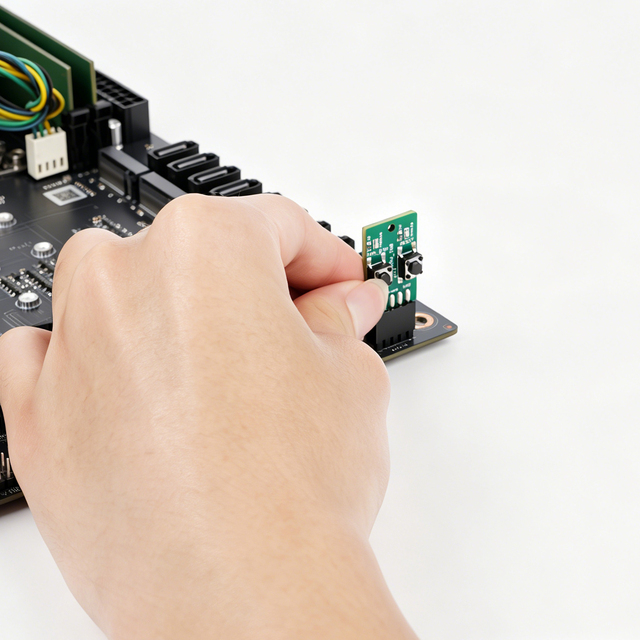
Motherboard Power Switch Board 9 Pin 10 Pin 2x5-Pin on Off Reset Button for Desktop Server Boot Test Tool PC Repair DIY Assembly
 Shenzhen Feichao Technology Co., Ltd.🇨🇳CN6 yrs
Motherboard Power Switch Board 9 Pin 10 Pin 2x5-Pin on Off Reset Button for Desktop Server Boot Test Tool PC Repair DIY Assembly
Related Searches
Explore more sourcing topics & related categories
Sources & References
47 sources cited · Verified industry data & reports
Question - Intermittent power-on problem on HP laptop ?
Tom's Hardware
One suspected the keyboard or power button, another thought it might be the LCD power circuit, and I've also tried BIOS-related troubleshooting, ...
Why all the hate against HP laptops?
Reddit · r/laptops
Hello everyone, Can anyone explain to me all the hate against HP laptops? Thanks!

What do I do when a laptop power button is not working ...
Quora
What do I do when a laptop power button is not working in an HP generation 12 core i5?
Laptop not turning on using power button, it only turns on if ...
Tom's Hardware
Recently, I am having these issues where laptop ignore the power button and it only turns on if I remove the battery and re-insert it. It ...
The WORST power button placement I've ever witnessed.
Reddit · r/laptops
... properly enough, somehow this problem mostly exists on the new HP laptops. My laptop is a 'HP Compaq cq58-d11sg'. CplCocktopus. •. 1y ago.
I'm using HP celeron N4020, I have to press the power ...
Quora
I’m using HP celeron N4020, I have to press the power button twice to power it on. Or press any key first before I press the power button to power it ...