Its Hdd

Overview
Product sourcing insights & recommendations
The phrase "its hdd" does not refer to a standalone brand or specific consumer product; rather, it typically appears in technical documentation or market analysis describing a specific company's Hard Disk Drive business unit or the technical characteristics of a drive (e.g., "Western Digital initiated a plan to split its HDD and Flash businesses").
Market Insights & Strategic Trends
* Business Decoupling: A major industry shift occurred in mid-2024 when Western Digital completed the separation of its HDD and Flash storage units into two independent entities Dataintelo. This allows the HDD business to focus strictly on scaling capacity for hyperscale data centers while the Flash unit focuses on high-performance SSDs.
* Enterprise Dominance: The HDD market is increasingly pivoting away from consumer PCs toward hyperscale and AI storage. High-capacity "nearline" drives (above 4TB) are the only segment seeing significant growth, driven by the need for cost-effective bulk storage for AI training datasets Dataintelo.
* Cost Advantages: Despite the rise of SSDs, HDDs remain critical because their cost-per-terabyte is 5–8 times lower than flash storage, making them the primary choice for "cold" or "warm" data tiers Dataintelo.
Technology Roadmap
* HAMR Technology: Heat-Assisted Magnetic Recording (HAMR) is the current industry frontier. It uses lasers to heat the storage medium, allowing for higher data density. Seagate leads this commercial ramp with its 32TB drives, while Western Digital expects to hit 36TB–44TB by 2026 TechradarDataintelo.
* Future Capacity: The industry roadmap aims for 100TB+ drives by the 2030s using technologies like Heat Dot Magnetic Recording (HDMR) Techradar.
Detailed product listings for enterprise-grade HDDs, including high-capacity Western Digital and Seagate models, are available in the attached sourcing file.
Based on the market trend analysis, here are your next steps:
"its Hdd" Hard Drive
Products · 2 lists
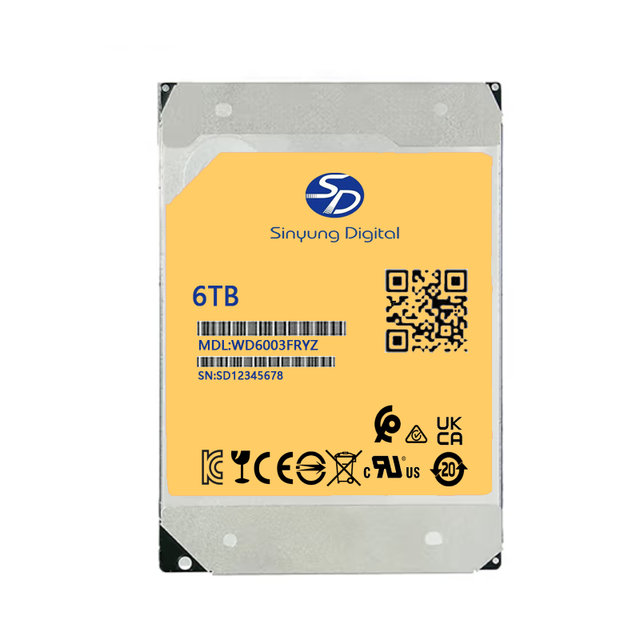
6TB Enterprise Grade 3.5-inch Hard Drive WD6003FZBX WD6004FZWX WD6004FZBX WD6003VRYZ WD6003FRYZ WD6002FRYZ WD6004FRYZ New HDD
 Shenzhen Linkcore Tech Ltd🇨🇳CN1 yr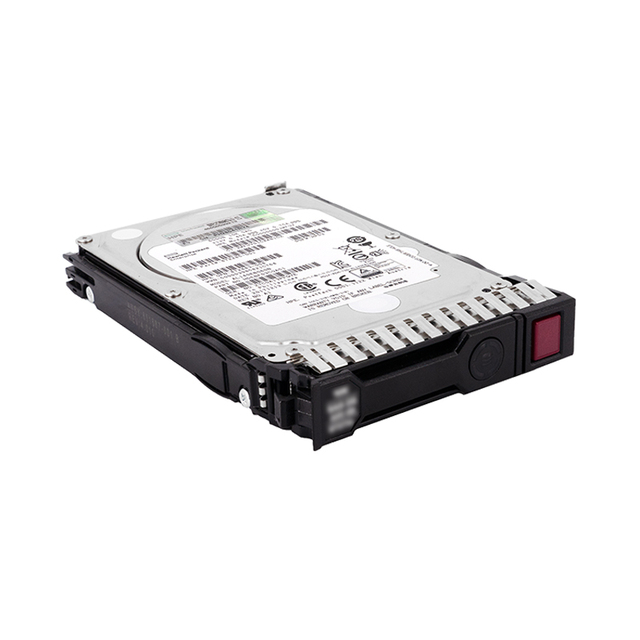
V9000 900GB 2.4TB 12TB 7.2K 10K 15K HDD 7.68TB 15.36TB SSD Storage SSD HDD 01YM178 01LJ827 01LJ078
 Shenzhen Suchang Plastic Trading Co., Ltd.🇨🇳CN8 yrs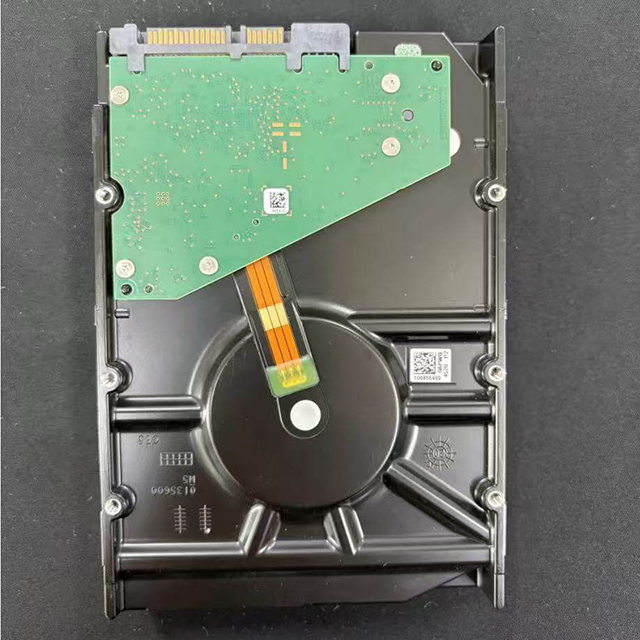
ST6000VX009 6TB 3.5" Internal HDD SATA3.0 7200 RPM 256MB Cache 7x24/7 All-Weather Operation Optimized Stability Refurbished
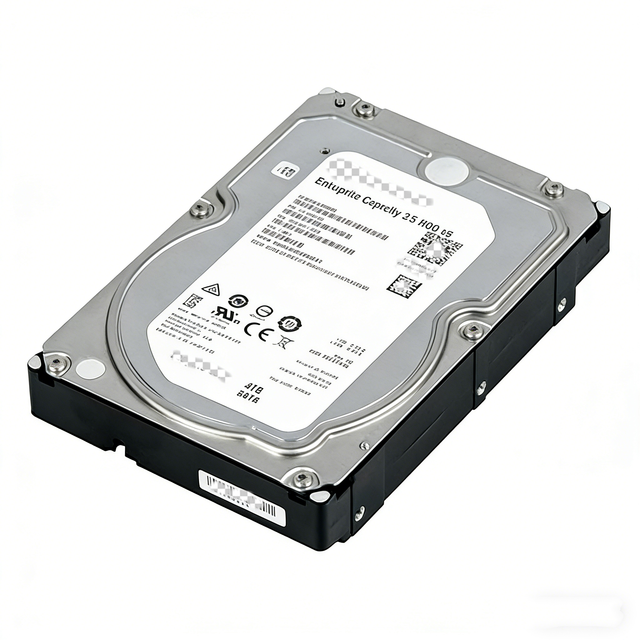
Hard Disk Drive Internal Hard Drive 4XB7A14113 B4BZ DE Series 1.8TB 10K 2.5" HDD 2U24 1.8tb HDD Hard Drive
 Guangzhou Youxun Information Technology Co., Ltd.verified🇨🇳CN6 yrs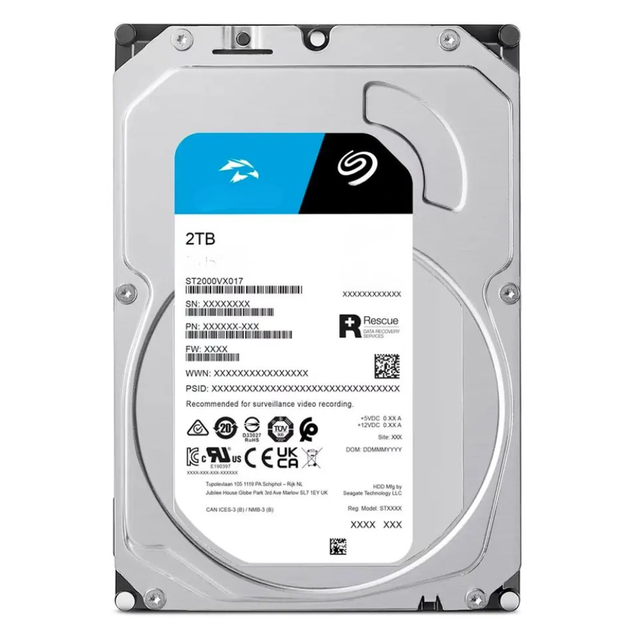
New High Capacity 2TB Internal HDD ST2000VX017 3.5 Inch SATA 6gb/s 5400RPM 256MB Cache CCTV For Security DVR NVR Desktop PC
 Hunan Zhongchuang Xinyuan Electronic Commerce Technology Co., Ltd.🇨🇳CN4 yrs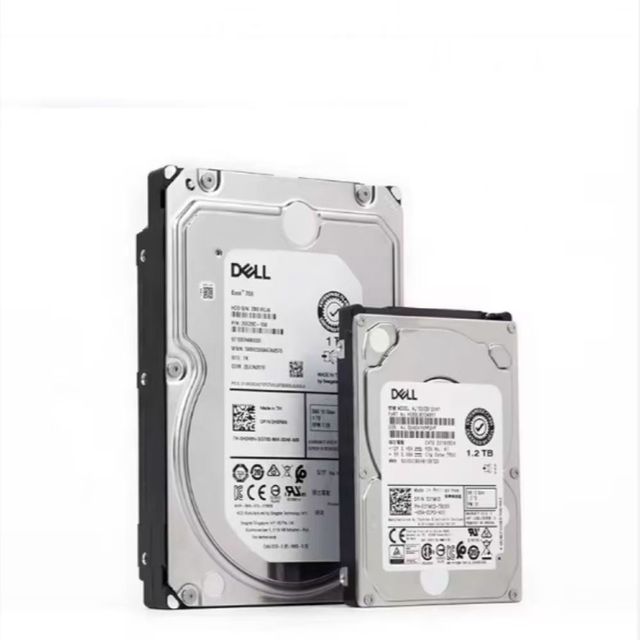
DELL New Hot Sale SATA 3.5 HDD Inch Enterprise Hard Drive 4T 8T 12T 16T Server Hard Drive Hard Drive
 Beijing Beichuang Shengda Network Technology Co., Ltd.verified🇨🇳CN2 yrs
HDD Hard Disk XXTRP 600GB 10000rpm SAS-12gbps 512n 2.5inch Hard Drive 14g Server
 Guangzhou Jincheng Electronic Technology Co., Ltd.verified🇨🇳CN15 yrs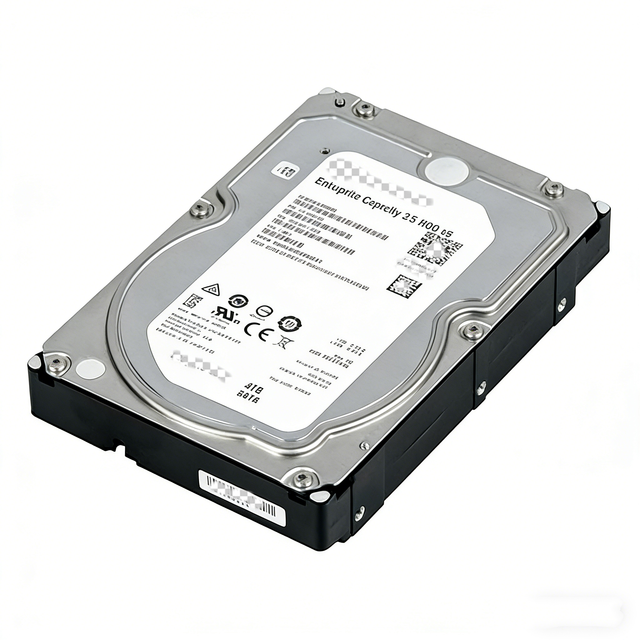
HDD Internal Hard Drive 4XB7A14112 B4BY DE Series 1.2TB 10K 2.5" HDD 2U24 Hard Disk Drive
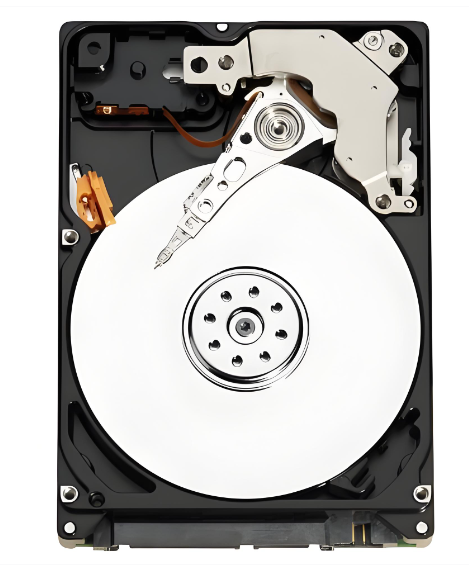
Refurbished 3.5Inch Hard Disk HDD 250GB 7200 Rpm SATA 6GB/S Hard Drive Disk for PC Computer
 Shenzhen Microwin New Technology Co., Ltd.🇨🇳CN15 yrs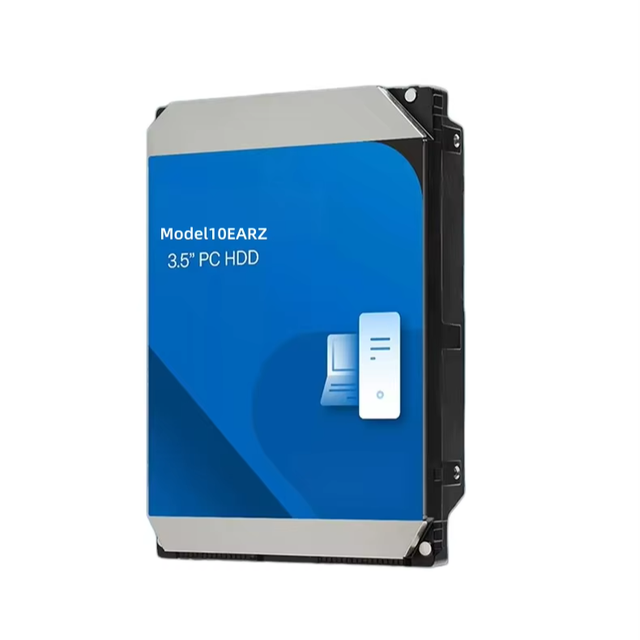
Mechanical Hard Drive 1TB Computer Blue Disk Hard Drive Desktop 10EARZ
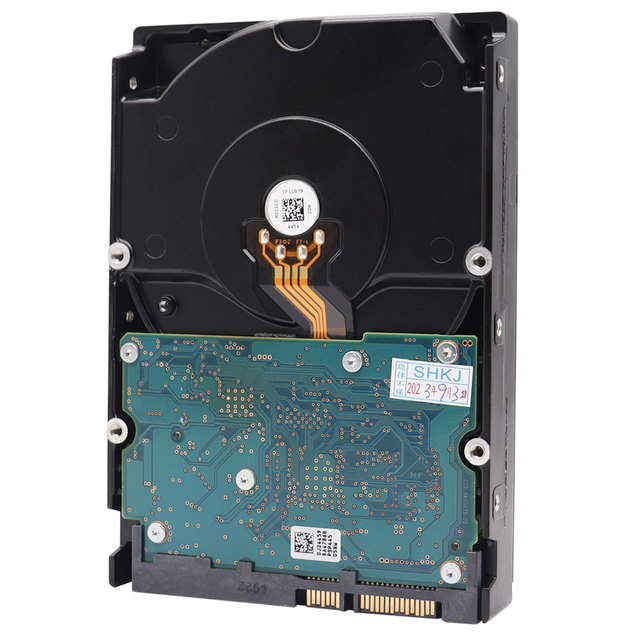
USED 4TB 3.5 Inch Desktop Hard Drive for Surveillance Hdd Internal Hard Drive
 Shenzhen Tianfeng International Technology Co., Ltd.verified🇨🇳CN6 yrs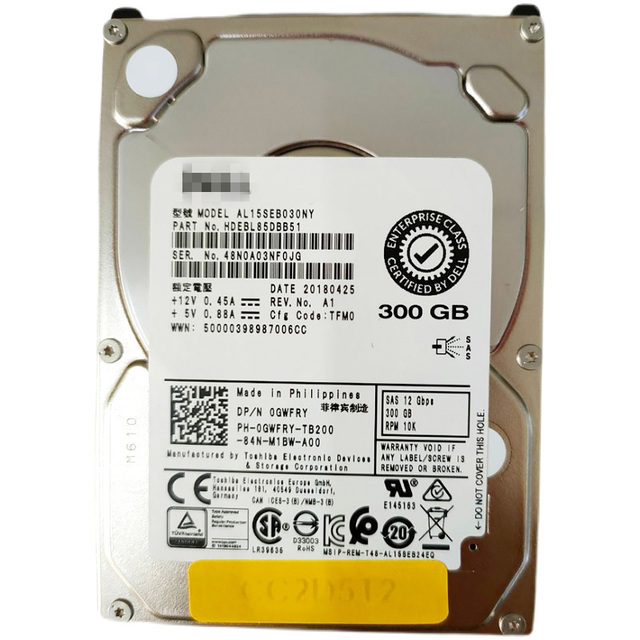
Good Price Used HDD 300 GB SAS 2.5" 10K Hard Drive Disk Hdd AL15SEB030NY 0GWFRY
 Shenzhen Daoshen Technology Co., Ltd.🇨🇳CN7 yrs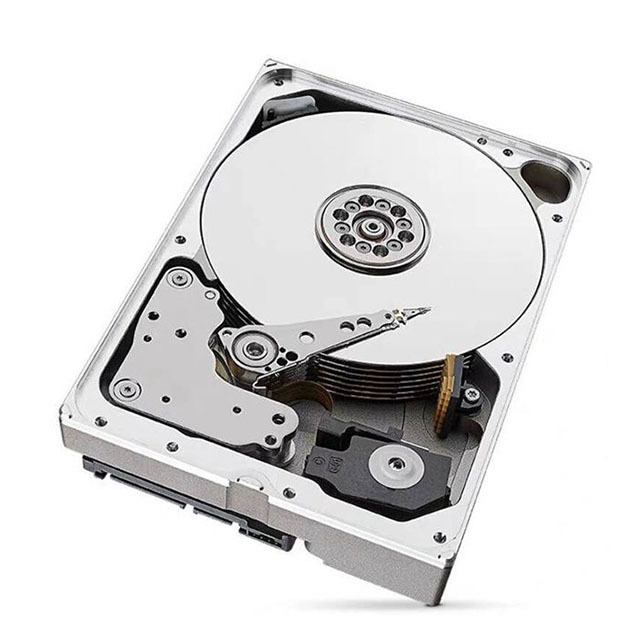
Desktop Hard Drive for Purple WD80PURX 8TB Security Internal HDD 5400RPM 64MB Cache SATA 6Gb/s for Home & Commercial CCTV System
 Shenzhen Yoqinee E-Commerce Co., Ltd.🇨🇳CN1 yr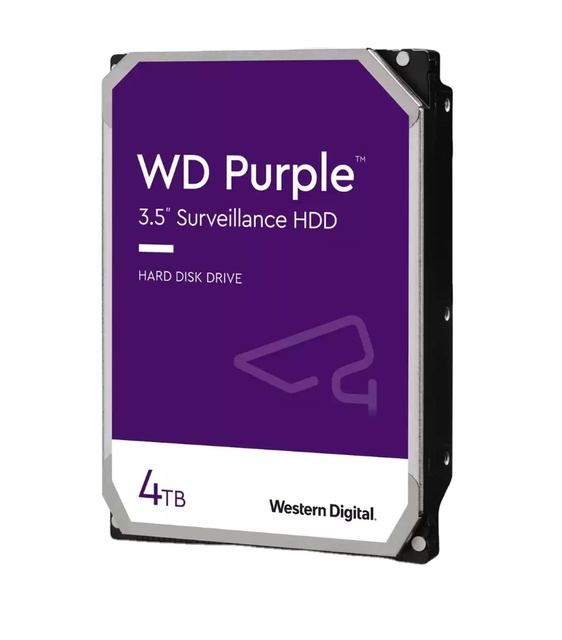
Good Quality WD Purple Hard Drive 4TB HDD for CCTV Can Be Installed Into NVR WD43PURZ
 Shenzhen KingCCTV Technology Co., Ltd.🇨🇳CN18 yrs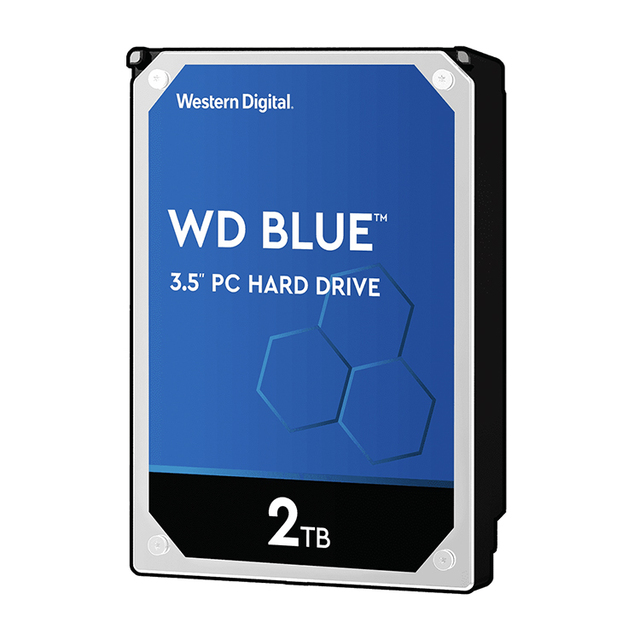
Mechanical Hard Disk With 2TB for PC and Mac Hardware Platform Blue 2 TB HDD
 Guangzhou Ketan Information Technology Co., Ltd.🇨🇳CN9 yrs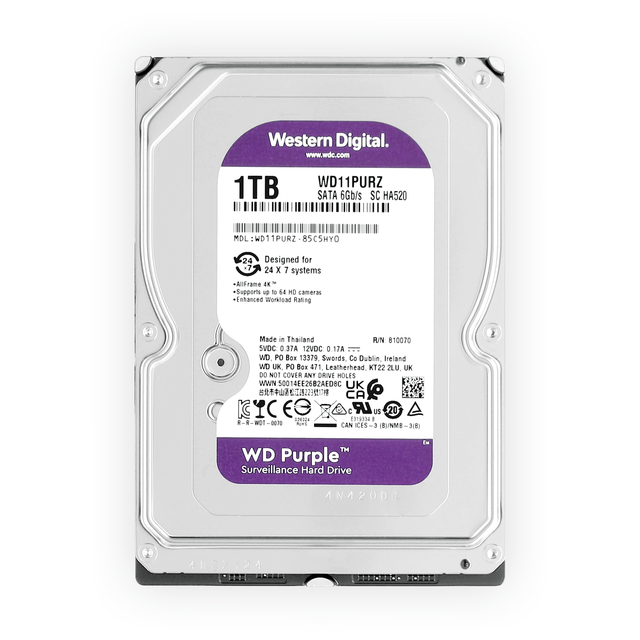
China-region / WD11PURZ 1TB Mechanical Hard Drive 3.5-inch 5400 RPM Purple Series Desktop SATA HDD
 Shenzhen Shengshengjie Technology Co., Ltd.🇨🇳CN3 yrs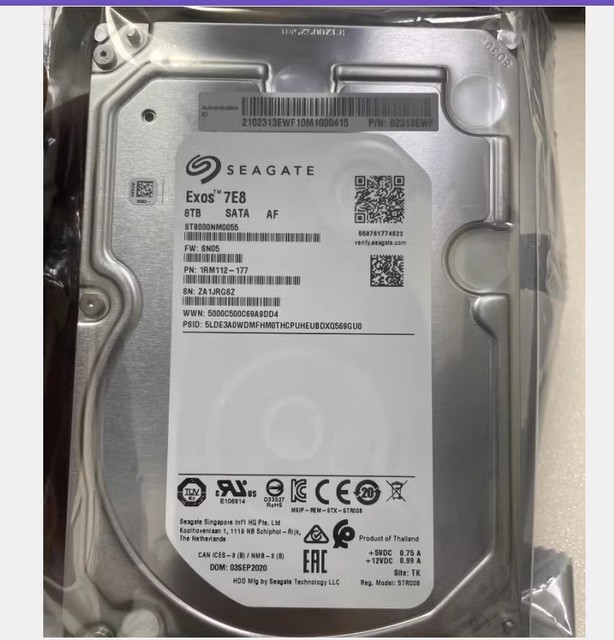
Original New 8TB Hard Drive SATA 6Gb/s 3.5inch HDD ST8000NM0055

HDD Hard Drive for Server Rack 4TB SAS 3.5 7.2K Server Hard Drive for Dell Server
 Beijing Shibei Acceleration Technology Co., Ltd.verified🇨🇳CN4 yrs
Wholesale Price Hard Disk Drive 3.5" Inch External Hdd 500gb 1tb 2tb 4tb Hdd for DesktopHigh Quality and Sufficient Capacity
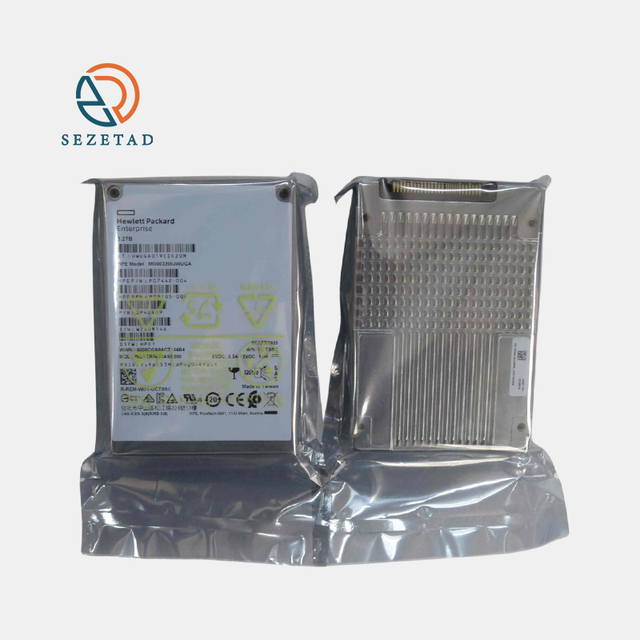
Certified Refurbished NEW HDD for SERVER 1TB 2TB 3TB 4TB 6TB 8TB 10TB 12TB 14TB H-PE Hard Drive
 Shenzhen Zerui Trading Co., Ltd.🇨🇳CN9 yrs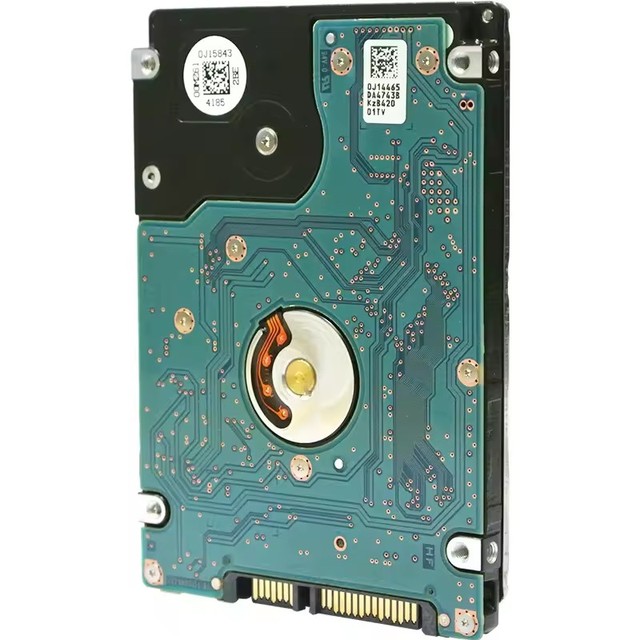
2.5" SATA HDD 320GB Internal Hard Drive for Laptop Desktop PC Wholesale Hard Disk Computer Storage
 Mildtrans Industrial Co., Limitedverified🇭🇰HK4 yrs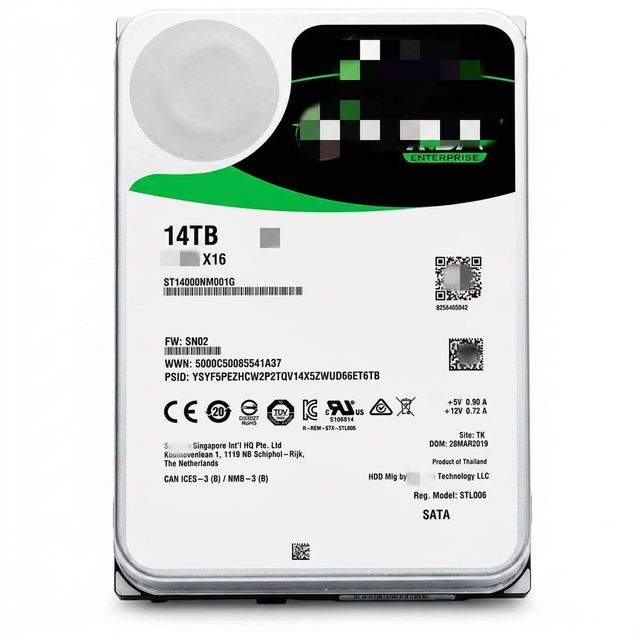
ST14000NM000J 14TB Hard Drive 3.5" Internal SATA (SATA/600) Internal Hdd Server Hard Drive
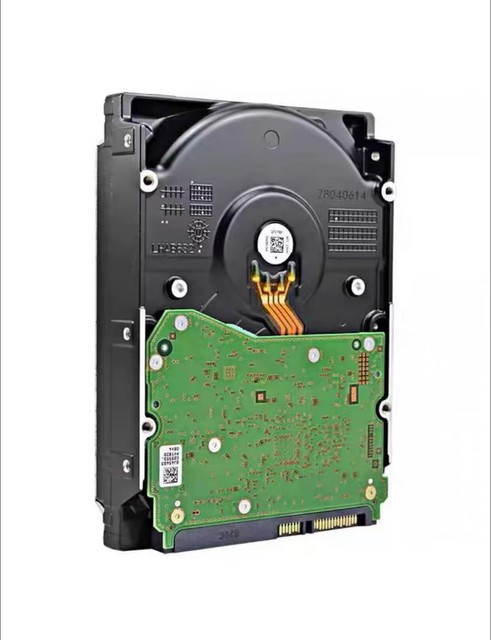
S300 PRO 3.5 Internal Hard Drive CMR SATA 6 Gb/s 7200 RPM HDWTA1AUZSVAR HDWT380UZSVA HDWTA80UZSVAR HDWT360 HDWT31A
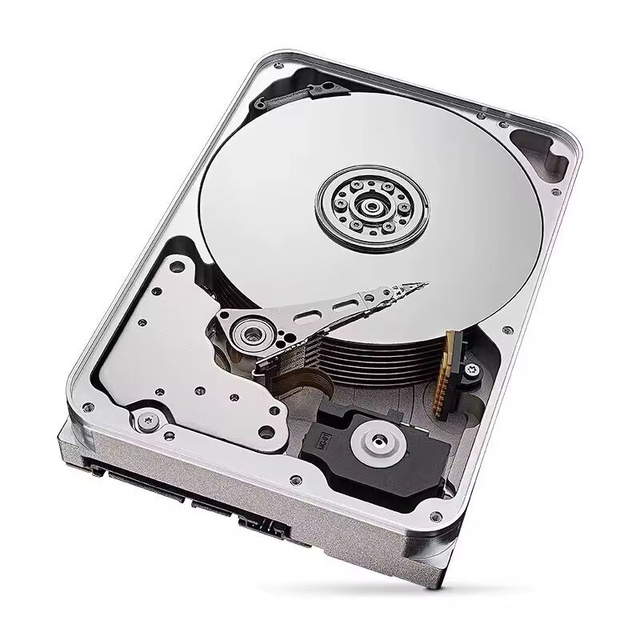
Brand New WD40PURZ 4TB Purple Internal Hard Drive 5400 RPM, SATA 6 Gb/s, 256MB Cache
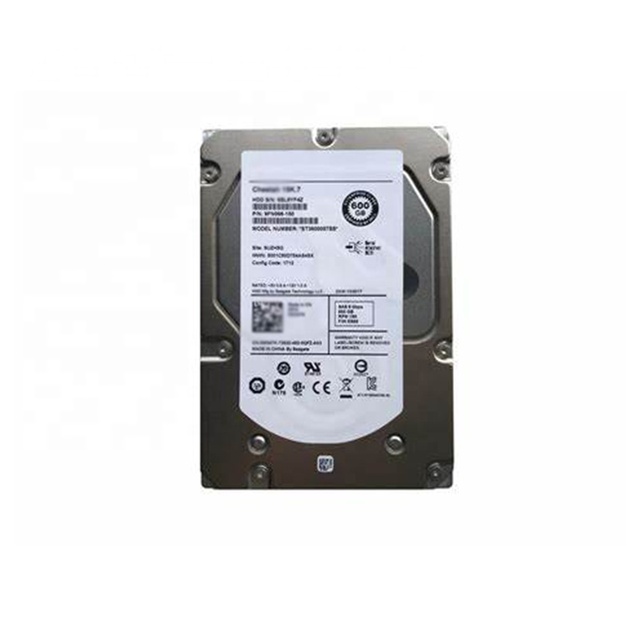
0235G7FH 6GB SAS 3.5'' 15K 6Gbps Internal Server HDD
 Shenzhen Hailian Huhui Technology Co., Ltd.🇨🇳CN5 yrs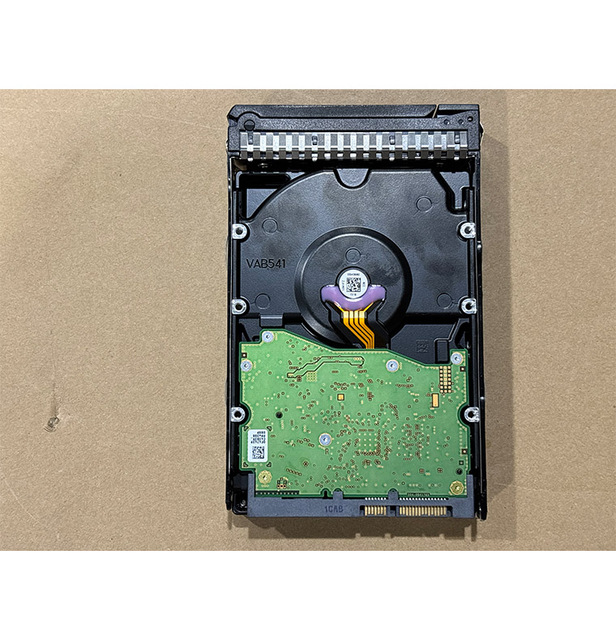
Hot Sale Hard Drive Ultrastar Dc Hc310 Sata 3.5 Inch 4Tb Hdd Hard Disk Drive
 Wuhan Xinqidian Technology Group Co., Ltd.verified🇨🇳CN4 yrs
Netapp E-X4074A 8TB 7.2K 12Gb/s NL SAS 3.5" HDD Hard Drive for DE6600 External Storage Refurbished
 Beijing Circle Force Technologyverified🇨🇳CN8 yrs
X421A-R5 Hard Drive HDD 450GB HDD Hard Drive
 Beijing Boyun Information Technology Co., Ltd.🇨🇳CN7 yrs
Netapp E-X4074A 8TB 7.2K 12Gb/s NL SAS 3.5" HDD Hard Drive for DE6600 External Storage Refurbished
X421A-R5 Hard Drive HDD 450GB HDD Hard Drive
Related Searches
Explore more sourcing topics & related categories
Sources & References
25 sources cited · Verified industry data & reports
Hard disk drive - Wikipedia
en.wikipedia.org
Flash storage products had more than twice the revenue of hard disk drives as of 2017. Though SSDs have four to nine times higher cost per bit, they are replacing HDDs in applications where speed, power consumption, small size, high capacity and durability are important. As of 2017, the cost per bit of SSDs was falling, and the price premium over HDDs had narrowed. The primary characteristics of an HDD are its capacity and performance. HDDs are connected to systems by standard interface cables such as SATA (Serial ATA), USB, SAS (Serial Attached SCSI), or PATA (Parallel ATA) cables. The first production IBM hard disk drive, the 350 disk storage, shipped in 1957 as a component of the IBM 305 RAMAC system. It was approximately the size of two large refrigerators and stored five million six-bit characters (3.75 megabytes) on a stack of 52 disks (100 surfaces used). Known as fixed-head or head-per-track disk drives, they were very expensive and are no longer in production. In 1973, IBM introduced a new type of HDD code-named "Winchester". Its primary distinguishing feature was that the disk heads were not withdrawn completely from the stack of disk platters when the drive was powered down. During the late 2000s and 2010s, the product life cycle of HDDs entered a mature phase, and slowing sales may indicate the onset of the declining phase. During the 2020s, NAND adoption rate has significantly accelerated, in no small part due to the rising use of the technology in consumer electronics, while its performance has been improving faster than HDD performance. This information is available from the manufacturer's product specification, and from the drive itself through use of operating system functions that invoke low-level drive commands. Older IBM and compatible drives, e.g. IBM 3390 using the CKD record format, have variable length records; such drive capacity calculations must take into account the characteristics of the records. Some newer DASD simulate CKD, and the same capacity formulae apply. The gross capacity of older sector-oriented HDDs is calculated as the product of the number of cylinders per recording zone, the number of bytes per sector (most commonly 512), and the count of zones of the drive.
What is an HDD? | CORSAIR
www.corsair.com
An HDD is a hard disk drive, as it uses solid platters covered in magnetic film to store data for a variety of devices, hence the words “hard disk” in its name. These storage devices have been used in computers since the 1950s, and are still used today although on a much smaller scale for consumer devices than in previous decades due to the rise of solid-state drives as a speedier replacement. Hard drives are non-volatile devices, meaning they can store data even when there is no power going to the drive. The main components of an HDD are the metal or ceramic platters covered in a magnetic film that stores data, and read/write heads that hover over the surface of the platters and transfer data back and forth to the host system. These read/write heads are used on every platter surface in a hard drive so they are typically found on both sides of a platter, so if it’s a 10-platter drive, there are usually 20 read/write heads. This lack of moving parts makes them much faster than a drive with a spinning platter, as you don’t have to wait for the read/write head to get into position, and the “seek” time, which is how long it takes to reposition the head, is nonexistent on an SSD since there are no moving parts. Most if not all of the performance bottlenecks that exist in hard drives due to their design do not exist in SSDs, making them much faster than HDDs, while also making them much more reliable as they can be bumped and jostled without worrying about the read/write head “crashing” into the platter, which can kill a hard drive. What’s even more amazing is the spinning of the platters is what provides the airflow for the head to “fly” above the platter, and it’s able to float at this impossibly small distance despite the turbulence caused the disk spinning directly below it, usually at speeds up to 7,200 revolutions per minute, or 120 revolutions per second.
r/PcBuild on Reddit: What exactly is HDD?
www.reddit.com
Posted by u/TapComprehensive542 - 2 votes and 28 comments I've had my pc for a while now but I never got to know what HDD is. It has alot of storage so that would be good to put things such as games or other storage demanding stuff but what is the difference between HDD and my local disks? Google lead me to this post, answering my question. Plus when you Google pretty specific questions like this, it's tricky to navigate through the results to find a pertinent answer to your question. ... There are two types of sotrage. Ssd and Hdd. E: i think also Windows could Name a new Drive „HDD“ dont matter of actual a HDD or SSD. Also the other two are named „Disk“ and they are for sure no disks but SSD ... Yup, that's what I did back in the day. One big SSD is enough, I just love the silence. Then came the time when I needed more space and added a blue slow WD. That kept silent. Then another one. Now I decided to try and add a bigger storage drive from enterprise class. Hope that can be silent too, although it's 7200 rpm
What is an HDD? Exploring its functionality | Avira
www.avira.com
Remember that all storage products offer less memory capacity on your computer than stated on the box because of discrepancies in how these figures are calculated. Whatever storage you opt for, you can make the most of it with careful maintenance and regular clear-outs. The opposite of this is, of course, volatile storage (or volatile memory) which stores data when the computer is on but erases it immediately when the computer is off. RAM is volatile storage. So, be careful if you’re using a PC and the power is suddenly cut! The data in volatile storage will be gone. HDDs and SSDs: We devote a section to this later, but here’s a heads-up. All computers have a CPU or “brain” which executes processes and instructions by tapping into the data stored in RAM. With each generation, CPUs have become even faster. They’re now literally leaving hard disks eating their digital dust as HDDs struggle to retrieve data quickly enough and pop it into the RAM for processing. Hard drives tried to keep up by spinning faster and faster but eventually maxxed out at around 100,000 revolutions per minute. That probably deserves a round of applause, but it does display the limitations of HDD technology in an ever-faster and more demanding digital world.
Hard Disk Drive (HDD) vs. Solid State Drive (SSD) | IBM
www.ibm.com
The speed that the drive reads and writes this data is solely dependent on the drive itself. HDDs started as massive, room-filling devices with a capacity of about 3.75 megabytes. Today, by comparison, an HDD that fits easily in a desktop computer can have upwards of 18 terabytes worth of storage. Join our waitlist to get the latest updates on IBM FlashSystem like product release announcements, webinars and more. Learn the differences between hard disk drives (HDDs) and solid state drives (SDDs), and how these types of storage similar. Internal SSDs are installed within computers, while external SSDs are plugged in like external HDDs — frequently to USB 3.0 ports — and serve similar purposes. An SSD is a memory storage device that implements integrated circuits rather than mechanical components for storage. The integrated circuits reduce their overall size and make them silent when working. For example, an Apple product like a MacBook has an SSD for a hard disk, giving the Mac a slim profile. When a CPU writes data onto the HDD, it uses a portion of a sector or sectors, depending on the size of the file. When an update occurs to the data, the CPU instructs the HDD to write it in the next available sector. The distance from the first sector to this new sector adds time to how quickly the data can be read.
What Is an HDD? - Nordic Computer
nordiccomputer.com
An HDD, short for a 'hard disk drive', is a type of non-volatile electromechanical data storage equipment. HDDs are important for all kinds of people and organizations as they are essential storage devices for desktop computers, consumer electronics and enterprise storage arrays in data centers. In this blog post, we will first define what an HDDs is, explain its functionality and significance, and compare it to its newer alternative - an SSD. Non-volatile refers to a crucial characteristic of HDD: it stores data even without a power supply – when a device is turned off. Electromechanical refers to the fact that it uses one or more firm, rapidly rotating disks that are covered in a magnetic material. Today, HDDs are viewed as a legacy technology. They have existed for a long time and are still widely used, especially within data centers. Industry experts predict that they will persist in the coming years or even decades as they offer certain advantages, such as a lower price and higher practicality for creating backups, in contrast to their descendants, solid-state drives (SSDs). Therefore, it is worth comparing these two types of devices as this comparison can make your future decision about which one to choose easier.