M1 Pro 3 Monitors

Overview
Product sourcing insights & recommendations


The market for 'M1 Pro 3 monitors' is primarily driven by professional users seeking to bypass the native hardware limitations of the MacBook Pro M1 Pro chip. While the chip natively supports only two external displays MacworldPlugable, a robust secondary market for DisplayLink and InstantView docking stations has emerged to enable triple-monitor setups BenqPlugable.
🛠️ Technical Insights & Market Solutions
* Native Constraint: The M1 Pro chip natively supports 2 displays via Thunderbolt/HDMI Macworld. Connecting a 3rd monitor requires software-driven "Indirect Display" tech Plugable.
* Dominant Workaround: DisplayLink remains the industry standard Plugable. It uses a virtual driver to compress video data, enabling 3+ monitors via standard USB ports Stackexchange.
* Emerging Hardware Trends:
* High-Power PD: New 2026 docking stations increasingly feature 100W Power Delivery (PD) to support the higher charging needs of the 14" and 16" MacBook Pro while driving multiple 4K screens Alibaba.
* 4K@60Hz Parity: Modern docks like those from WAVLINK and BenQ now support triple 4K at 60Hz, overcoming earlier 30Hz limitations for smoother professional workflows BenqAlibaba.
📊 Market Potential & Pricing
* Price Tiers:
* Premium ($150+): Full Thunderbolt 4 + DisplayLink hubs providing triple 4K/60Hz and 100W PD Alibaba.
* Mid-Range ($90–$140): DisplayLink-enabled docks focusing on 2K/4K mix or lower PD wattage Alibaba.
* Market Opportunity: High demand exists for vertical or compact 3-monitor mounts and ergonomic arms capable of holding 27" to 32" screens, reflecting a trend toward expansive desktop setups for developers and creators AlibabaAlibaba.
I have compiled a list of the most popular B2C accessories and high-capacity B2B docking stations for your reference.
I have researched the M1 Pro triple monitor market for you. You can continue with:
Displaylink Docking Station Triple 4k 60hz 100w Pd Macbook
Products · 3 lists
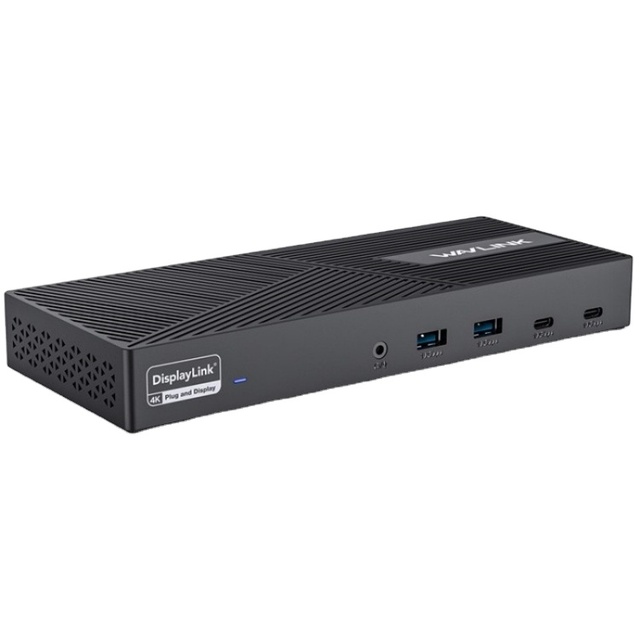
Factory Price WAVLINK UG69PD25 Pro 100W PD Charging Triple 4K Display Laptop Docking Station
 Shenzhen Wanketong Technology Co., Ltd.🇨🇳CN6 yrs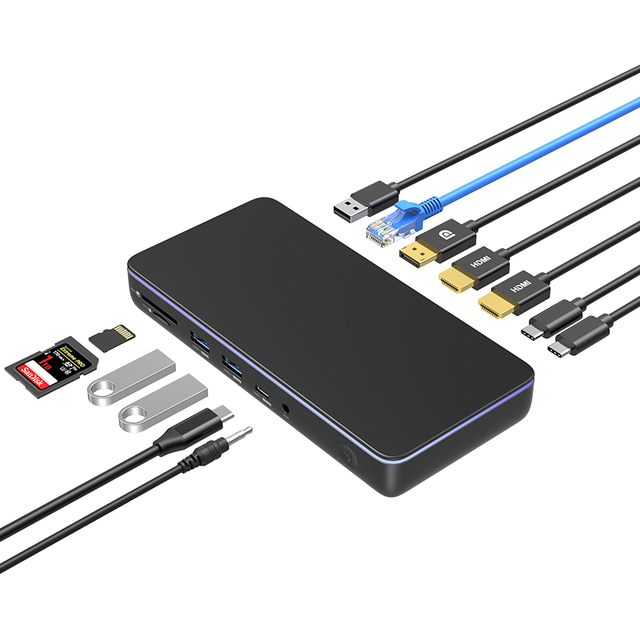
Displaylink USB C DOCKING Colorii CD100 HDMI 8K30HZ 4K60HZ DP USB GEN3.2 10Gbps 3 Display for Macbook
 Shenzhen Colorii Tech Limited🇨🇳CN6 yrs
Related Searches
Explore more sourcing topics & related categories
Sources & References
16 sources cited · Verified industry data & reports
SOLVED: Multiple external monitors on M1 Max and ...
Reddit · r/macbookpro
This post is helpfully letting people know that the new MacBooks can in fact display out to multiple monitors via a single cable, so long as the ...
M1 MacBook Pro's External Display Limitations Are a Joke
Apple Discussions
I’ve been a loyal Apple user, but the M1 MacBook Pro’s one-external-monitor limitation is absolutely frustrating—especially for professionals who ...

How to connect multiple monitors to MacBooks (M1, M2 ...
Macworld
Get around Apple's annoying Neo, M1, M2 and M3 Mac single-display limitation by installing a software driver or using a hub/adapter.

How to support multiple external displays on Apple M1 silicon
Stack Exchange
I have a MacBook Pro with Apple M1 Chip used for the software development. I want to use two external displays to connect with my MacBook. But according ...

How to Connect More External Displays to Apple Silicon ...
Plugable Technologies
We found the trick for connecting multiple displays to your M1 powered Mac is a Plugable DisplayLink docking station.

How to get around the 2-monitor limit for M1 Macs
Quora
How do I get around the 2-monitor limit for M1 Macs?