Odd Hdd Enclosure

Overview
Product sourcing insights & recommendations
I have completed a detailed analysis of the 'odd hdd enclosure' (ODD bay caddy) market and product trends for 2026.
The analysis confirms that while built-in SSDs are standard for new hardware, a significant market remains for ODD caddies as secondary storage solutions, especially for high-capacity media and "cold storage" backups. Key findings include a projected 6.12% CAGR for the HDD market through 2031 and a surge in consumer interest in DIY hardware maintenance as evidenced by recent search trends. The report also highlights critical technical considerations like 9.5mm vs. 12.7mm height compatibility and SATA interface bottlenecks.
The comprehensive report below includes market projections, technical comparisons, and sourcing recommendations based on current B2B data and consumer insights.
Based on this market analysis, here are your next steps:
External Usb 3.0 Enclosure For Slim Laptop Optical Drive Hdd Caddy
Products · 3 lists
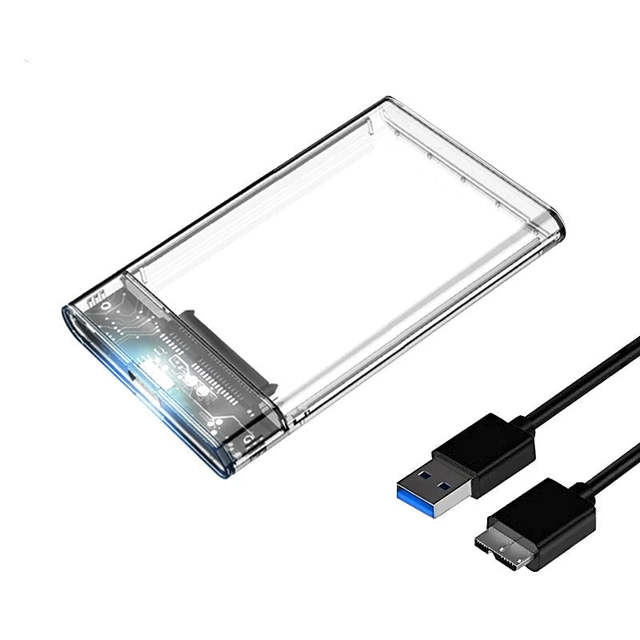
2.5" SATA to USB 3.0 HDD Enclosure with Plastic Case Supports SSD & HDD 4TB MAX Capacity External Storage for Windows/Mac
 Shenzhen Guanchen Electronic Co., Ltd.🇨🇳CN6 yrs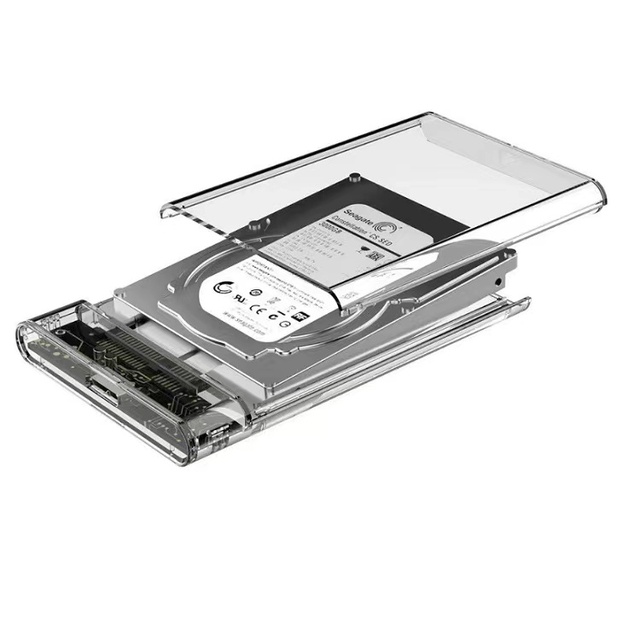
Slim Transparent USB 3.0 Hard Drive SATA External 2.5 Inch HDD SSD Enclosure Box Case
 Dong Guan Qiulian electronic technology Co.,LTDverified🇨🇳CN5 yrs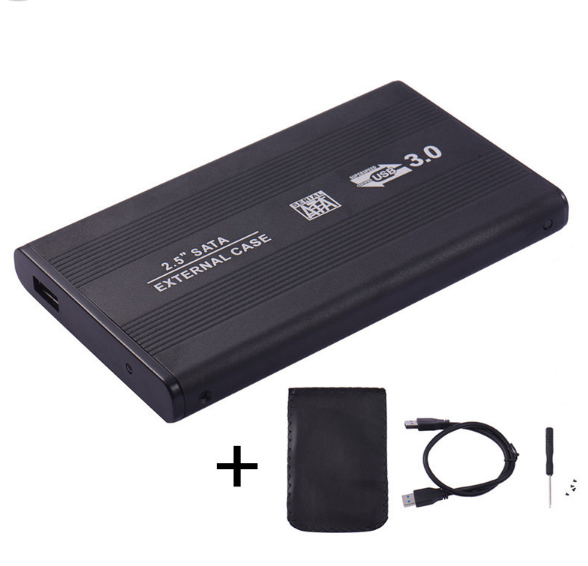
CHONGHEE U25B30 Aluminum Factory OEM USB 3.0 2.5 Inch SATA SSD External HDD Enclosure Mobile Disk Box for Laptop
 Guangzhou Zhongxi Trading Co., Ltd.🇨🇳CN6 yrs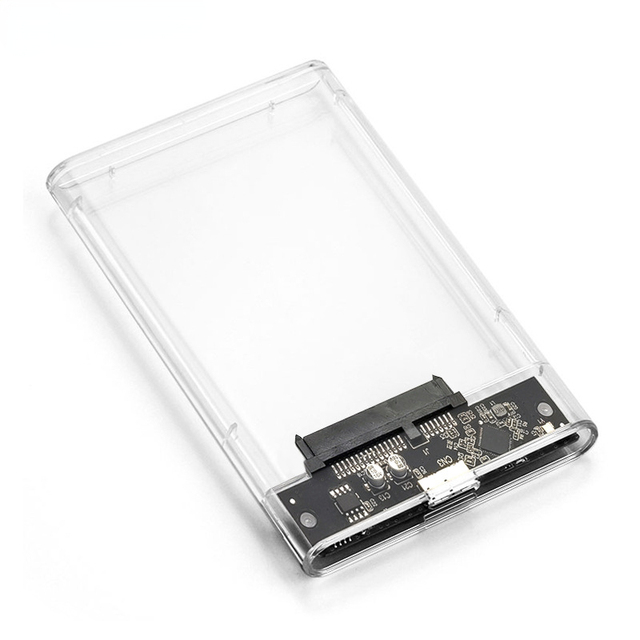
USB 3.0 HDD Hard Drive External 2.5 Inch SATA SSD Mobile Disk Box Case Laptop Hard Drive Hdd Caddy
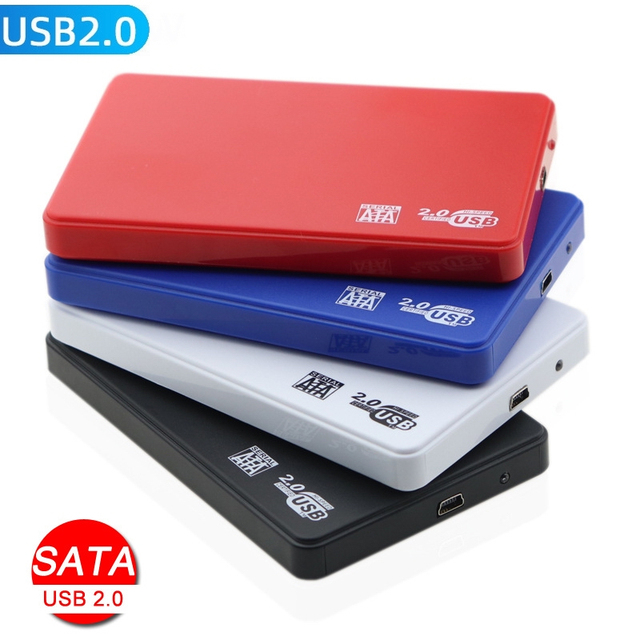
2.5 Inch HDD Case External Hard Drive Case Sata to USB 2.0 Optibay Hard Drive Enclosure 2.5" Caddy Hard Disk Case SSD Box
 Shenzhen city Wazney Electronic Technology Co., Ltd.🇨🇳CN9 yrs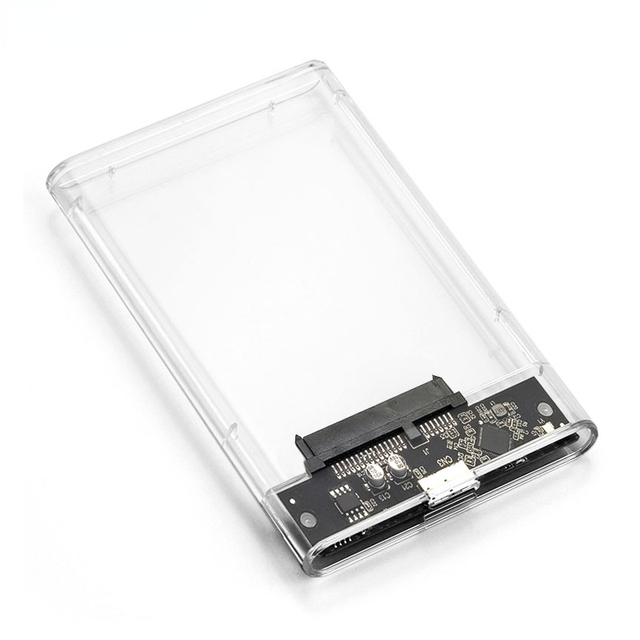
USB 3.0 HDD Hard Drive External 2.5 Inch SATA SSD Mobile Disk Box Case Laptop Hard Drive Hdd Caddy
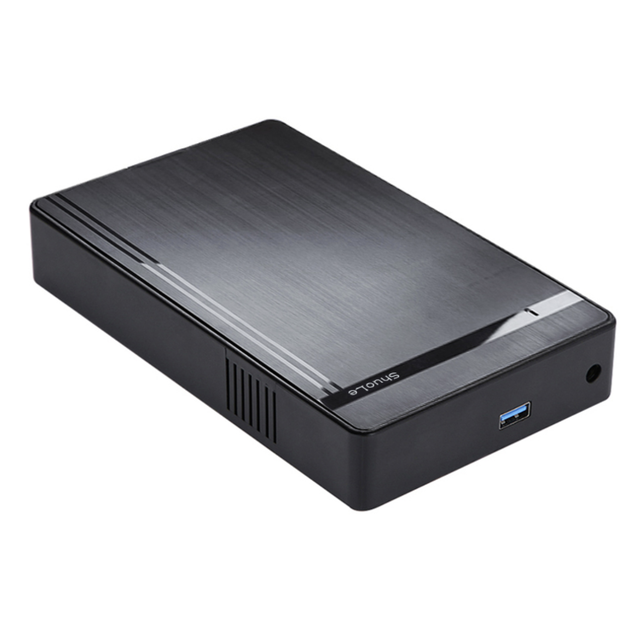
OEM ODM Factory 3.5 Inch USB3.0 High-Speed SSD Hard Disk Case External Plastic Interface for Laptop
 Dongguan Wodexun Wire Electronics Co., Ltd.🇨🇳CN6 yrs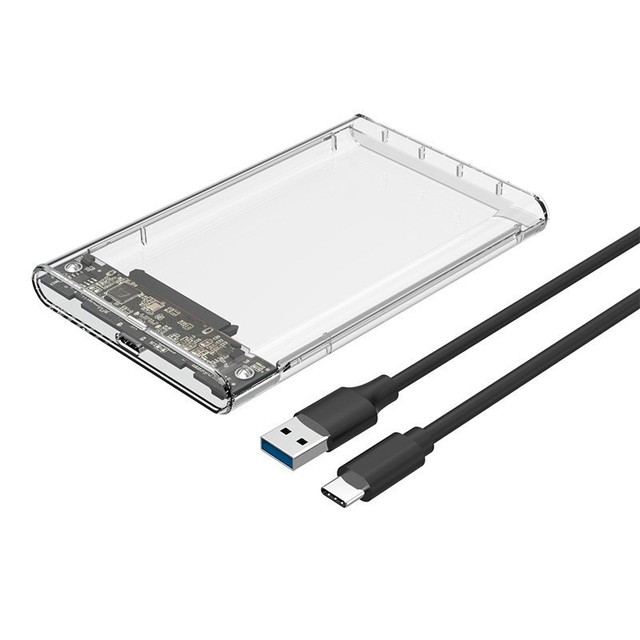
2.5inch USB3.1 Mobile Hard Drive HDD Enclosure USB3.0 Laptop Type-C Mechanical SATA Solid State External SSD Universal PC Case
 Zhuhai Zowie Electronic Technology Co., Ltd.verified🇨🇳CN18 yrs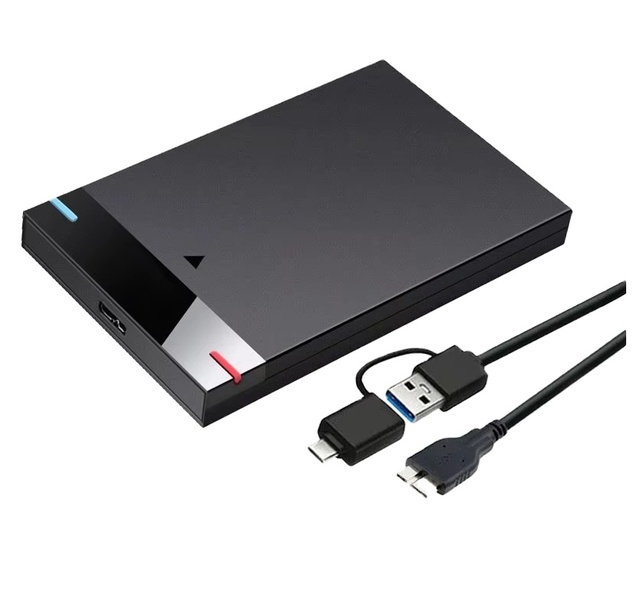
Plastic External Hard Drive Enclosure Case 2.5 Inch Case Box SATA to USB 3.0 HDD Computer Black Color Box OEM ABS Plastic
 Dongguan Yaoyun Photoelectric Technology Co., Ltd.🇨🇳CN2 yrs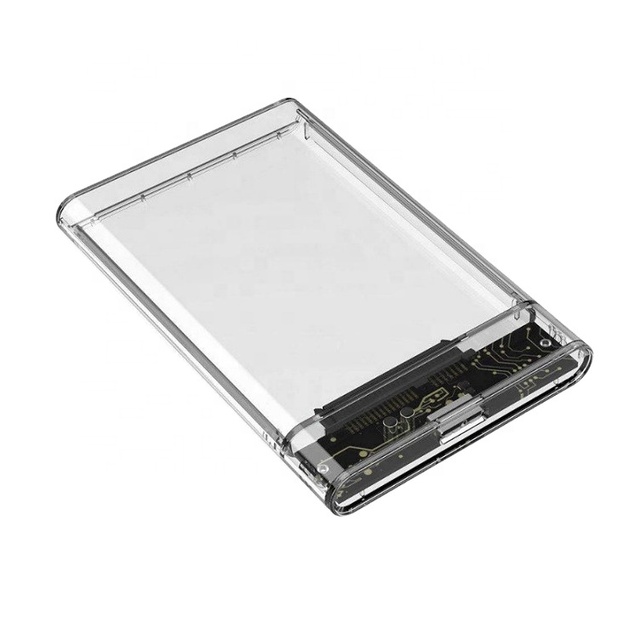
Transparent 2.5 Inch SATA USB 3.0 HDD SSD Portable External Enclosure Type-C 3.1 Hard Drive Disk Case Adapter HDD Enclosure

Factory 2.5Inch Ssd Enclosure USB 3.0 to Sata Support Max 4TB External Hdd Hard Driver Disk Enclosure
 Guangzhou Sundi Electronics Co., Ltd.🇨🇳CN7 yrs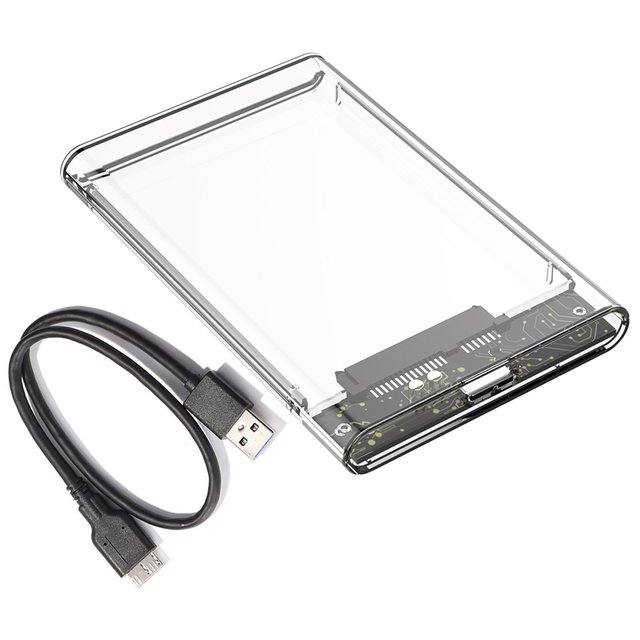
Transparent Plastic SATA TYPE C to USB3.0 3.1 Enclosure Hard Drive Case HDD External Case for Laptop Covers & Cases
 Shenzhen Tianfeng International Technology Co., Ltd.verified🇨🇳CN6 yrs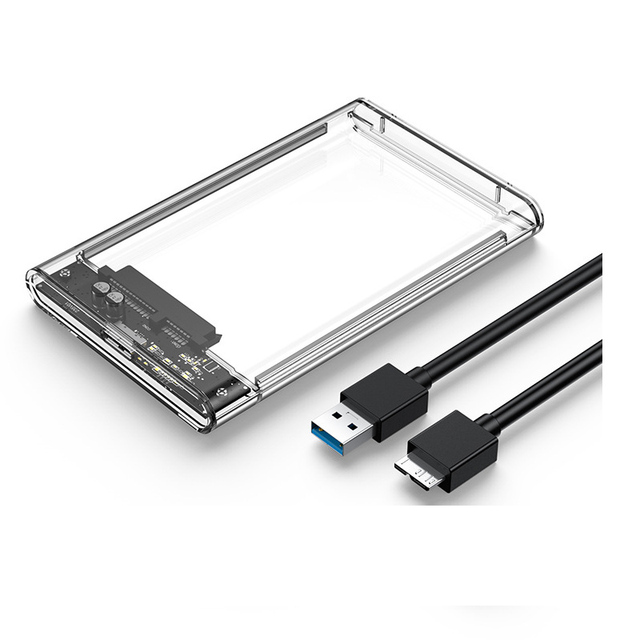
Factory Price Hdd Enclosure Usb 3.0 2.5 Inch External Hard Drive Disk case Box Enclosure Casing for 7mm-9.5mm SATA HDD SSD
 Shenzhen Hy-Top Electronics Co., Ltd.🇨🇳CN9 yrs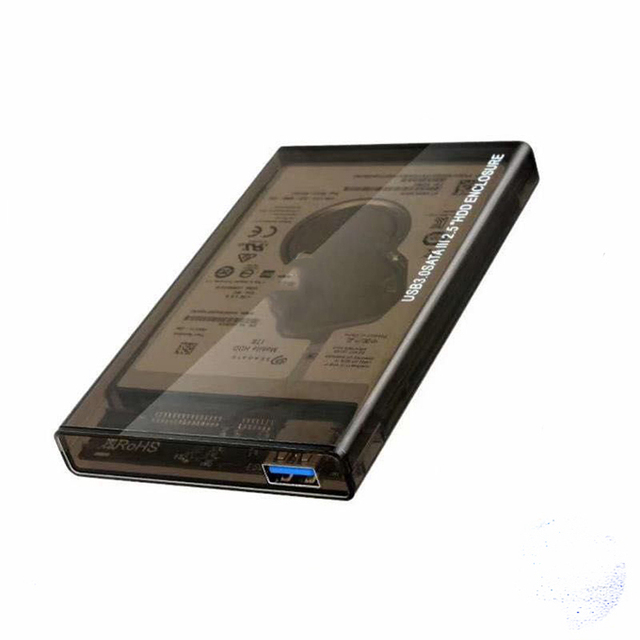
USB 3.0 to SATA III 2.5" HDD/SSD Enclosure Case with Plastic Material Tool-free Installation & Hot-swap Plug & Play
 Shenzhen Gamshare Technology Co., Ltd.🇨🇳CN7 yrs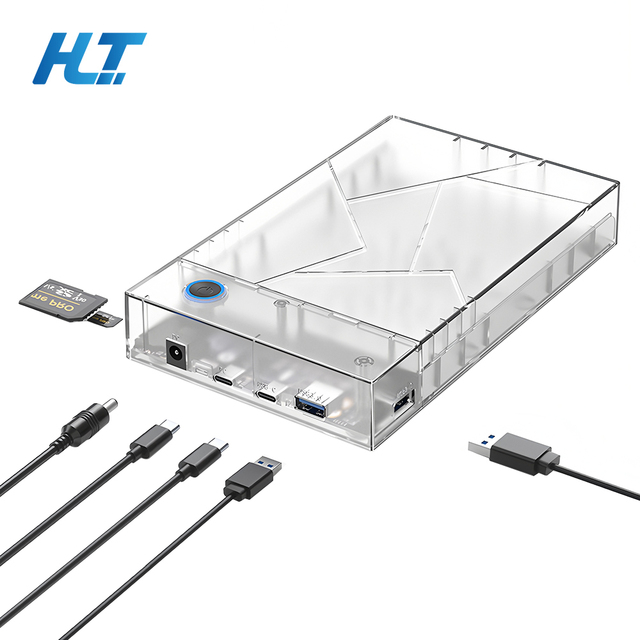
3.5 Inch USB 3.0 SATA HDD Enclosure Easy Install Plastic Case for External Solid State Hard Drive Disk or SSD Enclosure
 Shenzhen Haolin Tong Technology Co., Ltd.🇨🇳CN2 yrs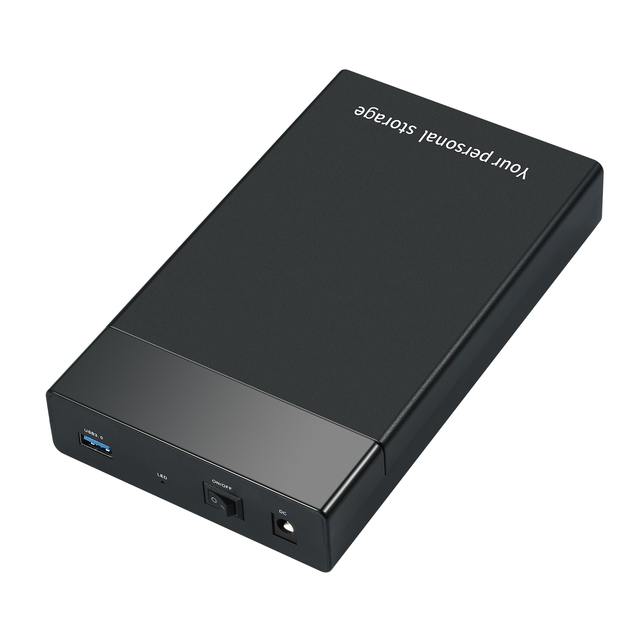
5Gbps USB 3.0 External 2.5" 3.5 Inch SATA SSD Hard Drive HDD Enclosure CasePush-pull Style External Mobile Hard Disk Box
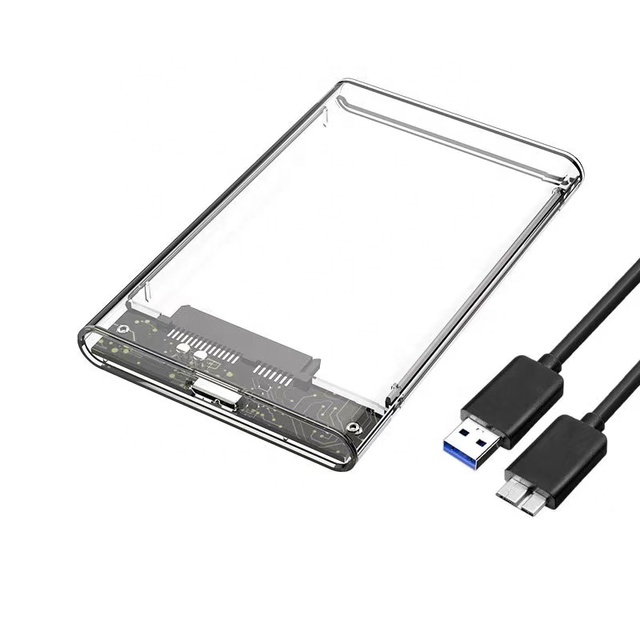
2.5" Hdd Enclosure USB3.0 SATA 6Gbps External Hard Drive Disk case Hdd 2.5 Sata Usb 3.0
 Shenzhen Yuezhi Technology Co., Ltd.🇨🇳CN6 yrs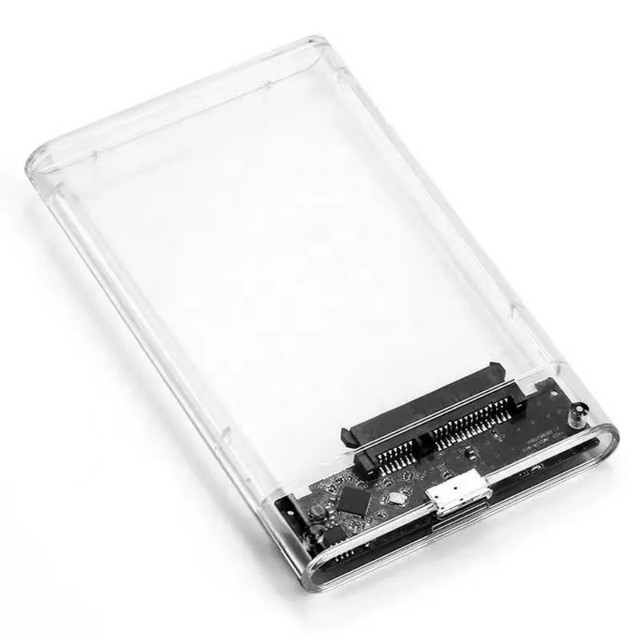
2.5 inch Transparent HDD SSD Case SATA III to USB 3.0 Hard Drive Disk Enclosure Support 6TB Mobile External HDD for Laptop PC
 Shenzhen Kaisheng Century Electronics Co., Ltd.verified🇨🇳CN3 yrs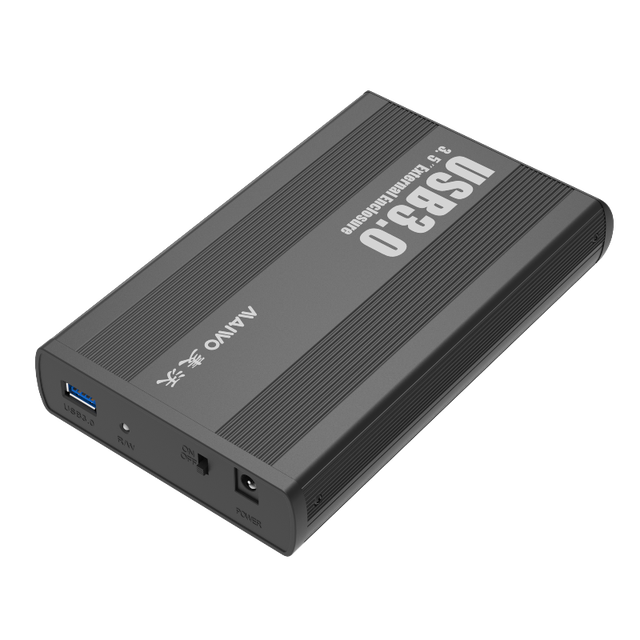
Factory HDD Enclosure External Hard Drive Case 3.5 Inch SSD SATA III USB for Laptop PC Mobile
 Shenzhen Ksy Co., Ltd.🇨🇳CN5 yrs
Shenzhen Low Price Portable 2.5inch Hard Drive Disk Enclosure Usb3.0 to Sata 2.5 Inch HDD case SATA External HDD Enclosure Case
 Shenzhen Manoson Technology Co., Ltd.🇨🇳CN9 yrs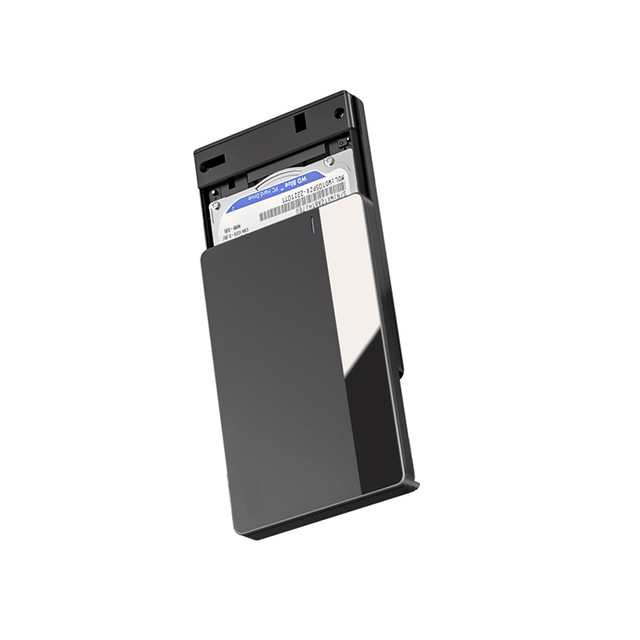
External Type C Hdd Enclosure Laptop SSD HDD Case Hard Drive Case USB 3.1 for 2.5 Inch Plastic SATA Stock
 Shenzhen Handisen Technology Company Limited🇨🇳CN7 yrs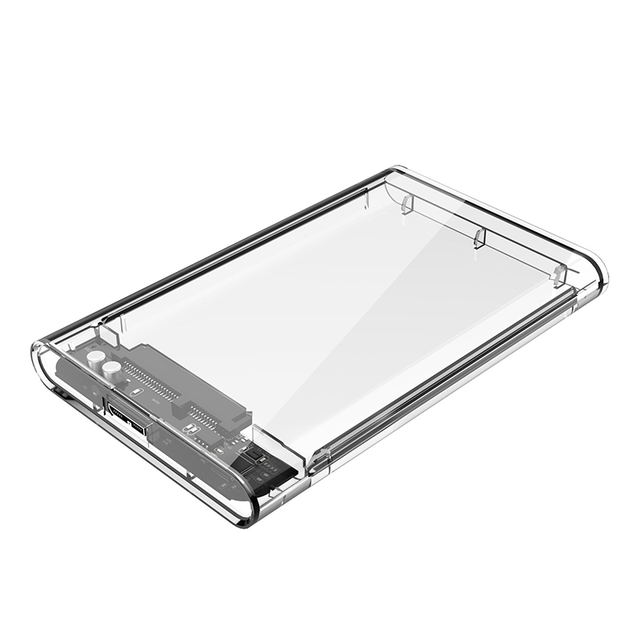
Usb 3.0 to Sata Iii Clear External Hdd Ssd Enclosure External Hdd Case 2.5" Hard Drive Enclosure
 Shenzhen Macroway Technology Co., Ltd.verified🇨🇳CN14 yrs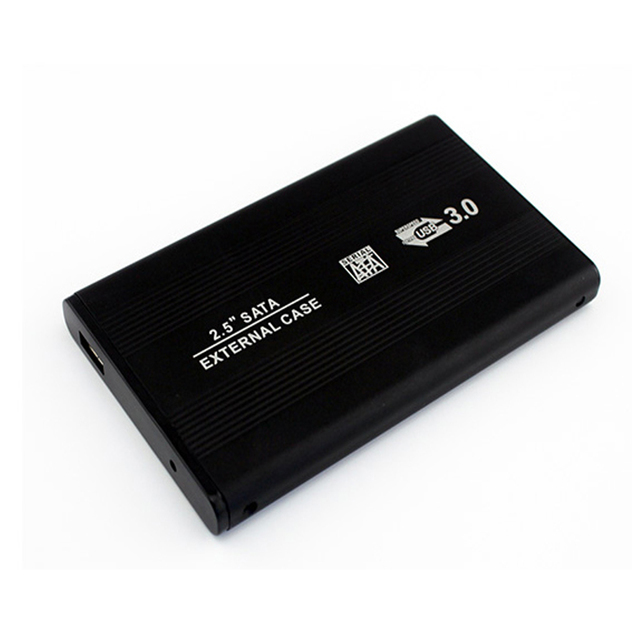
USB 3.0 Aluminum 2.5 Inch SATA HDD External Enclosure
 Shenzhen Beston Technology Co., Ltd.🇨🇳CN11 yrs
USB 3.0 Aluminum 2.5 Inch SATA HDD External Enclosure
Deep Dive · Full Report
Full Market Report
3 documents · Live-fetched from source
Related Searches
Explore more sourcing topics & related categories
Sources & References
28 sources cited · Verified industry data & reports
Optical Bay to Hard Drive Enclosures - iFixit
www.ifixit.com
Haven't used that internal optical drive in a while? A simple way to increase your computer's storage capacity is to change out the optical drive for a hard drive or SSD. You can't plug a hard drive directly into the optical drive bay, but with the help of iFixit Dual Drive Enclosures you can! Use this page to find the correct enclosure for your laptop or computer. Good news: we have a solution for many different machines. Bad news: you'll have to choose the right product, depending on the machine you have. But no fret, we made things simple! You can either ID Your Mac and figure out which model you have, or you can figure out the answers to these three questions: What interface does my computer's optical drive use? Our most popular dual drive upgrade kit works in all Unibody MacBooks and Unibody MacBook Pros. It doesn't work with the MacBook Air or MacBook Pro Retina, since they don't have optical drives that can be replaced. Top to bottom: 2.5" hard drive; 3.5" hard drive; 9.5 mm optical drive; 12.5 mm optical drive.
Vantec SSD/HDD Aluminum Caddy for 9.5mm ODD Laptop Drive Bay - ...
www.microcenter.com
Introducing the SSD/HDD Aluminum Caddy for 9.5mm ODD Laptop Drive Bay; this slim caddy is designed to be the same form factor as any 9.5mm optical drive bay to replace and mount a HDD/SSD. A HDD/SSD can easily mount on the caddy and inserted into the optical bay for additional storage or to speed up the booting of your laptop.
Best of both worlds: putting an SSD in your optical bay « Super ...
blog.superuser.com
Can you replace a 12mm drive with a 9.5mm? There might be a gap, but could you pad it somehow? I’m seeing more 9.5mm on sale now than 12mm and I need to place my dead 12mm. ... I just got a caddy and I tried with new SSD int optical bay, but it seems to jam a lot my laptop and it’s never visible, it’s like very slow or something… · Should I just switch HDD and SSD and never question why SSD is not working on the caddy? Generally speaking, it’s almost always better to put the SSD in the primary slot (where the HDD originally was). There are a variety of reasons why the caddies tend not to work quite as well with SSDs. ... @nhinkle: I’m planning to buy a laptop from xoticpc and one of the customization options is to replace the disk drive with a hard drive. Note: Part II, installing and configuring the optical bay caddy, is now posted! Have you ever wished you could put an SSD in your laptop, but realized that you have far too much data to fit on an affordable SSD? By putting a hard drive caddy in your optical bay, you can add a second hard drive to your computer, allowing you to install your operating system, applications, and other frequently accessed files on an SSD, while storing all of your large files on a regular hard drive. When in doubt, you can always remove the drive and measure it yourself with a ruler. Optical bay caddies will have a SATA connector on the hard drive end, so any modern hard drive or SSD will work in them (though SSDs have their own problems with caddies, so it’s often better to put them in the main hard drive slot – more on that later).
Does adding an HDD in an optical Bay using an optical caddy put ...
www.quora.com
Best of both Worlds Part II: Installing the Optical Bay HDD Caddy ...
blog.superuser.com
Maybe caddy was of poor quality and got hardware failure within first month of use or then it was the HDD that had defects. The HDD heating was one concern for me as the optical bay is not ventilated. Not surif it shortens the life of the HDD. Supposedly the HDD will operate cooler because work is split between SSD and HDD ... I just replaced my ODD with a SSD, clean installed Windows 10 and for some reason the boot of the system takes a stupidly long time. Pavol, Most notebook ODD connectors are only SATA not II or III this means using a solid state in its place wouldnt make much sense because the speeds will be bottleneck’d by the hardware. your best bet would be putting a SSD in the original drive spot and putting a HDD for access files that dont require fast speeds in your ODD spot.c ... This is a community blog for Super User. More community blogs are available at Blog Overflow. ISO files, optical drives and bootable flash drives It’s been a while since I wrote about my optical bay HDD caddy experiment, but the results are finally in. I’ve been running my laptop for over a month now with a Kingston V100 SSDnow in the primary storage bay and the original hard drive in a NewmodeUS optical bay caddy, and have been quite pleased with the results. The optical drive should just slide right out smoothly. Don’t force it too hard. Once it’s out, set it aside somewhere safe. Next, install your old hard drive into the optical bay HDD caddy. It should slide in easily, and then be secured with four screws on the bottom of the caddy.
r/buildapc on Reddit: Optical bays?
www.reddit.com
FRACTAL Pop case is always a choice. This case support optical drive bays. I think two. https://www.fractal-design.com/products/cases/pop/ ... Personally I'd go for an external caddy. Fractal Design Define r5 supports your stupid optical drive mount. ... Haha! I just want to be able to use old media sometimes. ... I bet you could find an external enclosure for an internal drive to avoid buying an entirely new drive. Optical drives are far less important than they used to be for most users, and the extra bits to mount one can impede airflow so for most people, it's best to just not have it. There are a handful that do but they aren't common. There are USB enclosures for SATA and PATA optical drives if you need to keep an old drive in service. GPUs have gotten so large that with the typical place meant of the drive bay on cases supporting optical drives, you will not be able to fit your GPU in. I ruined a 4 TB HDD trying to put a little RX580 into an old case. The GPU pressed against wires for the HDD and I guess there is a hairline crack there.