Roku Too Big For Screen

Overview
Product sourcing insights & recommendations


The "Roku too big for screen" issue is a widespread consumer pain point driven by HDMI overscan and resolution handshake failures, especially on older or budget 4K displays. Market data reveals that while technical fixes exist, users often face a "support gap" because the required adjustments typically lie in the TV's internal settings, not the Roku itself. This has created a significant opportunity for hardware accessories like universal remotes with dedicated aspect ratio buttons and HDMI EDID emulators that force correct scaling.
Market Trends & Consumer Insights
- Legacy Compatibility Issues: Consumers using Roku on "HD Ready" (720p/1080i) or early 4K TVs frequently experience cropped interfaces BleepingcomputerFacebook.
- Software Update Volatility: Recent Roku OS updates (v14.5+) have been noted to reset picture scaling, leading to a surge in user frustration and "washed out" display reports Checkthat.
- The "Remote Gap": Users often lose their original TV remote and find that the simplified Roku remote lacks the necessary "Zoom" or "Format" buttons to fix internal TV scaling Reddit.
Winning Product Opportunities
I have identified three key hardware categories that address these scaling issues:
- 1Universal Remotes with '16:9' Buttons: Essential for users who have lost their original TV remote and cannot access the internal aspect ratio settings needed to fix overscan.
- 2HDMI EDID Emulators: These devices act as a bridge to "trick" the Roku into outputting a compatible resolution, effectively fixing scaling issues at the hardware level.
- 3High-Speed 4K HDMI 2.1 Cables: Critical for 4K streaming to ensure stable handshakes and prevent resolution downscaling.
The following files contain detailed sourcing options and supplier information for these hardware solutions:
Based on the current findings, here are the next steps to explore this niche further:
Hdmi Edid Emulator For Screen Resolution Scaling Issues
Products · 3 lists

HDMI Virtual Display 4K DDC EDID Dummy Plug EDID Display Emulator Adapter Support 1920x1080P for Video
 Shenzhen Puluoshi Technology Co., Ltd.🇨🇳CN9 yrs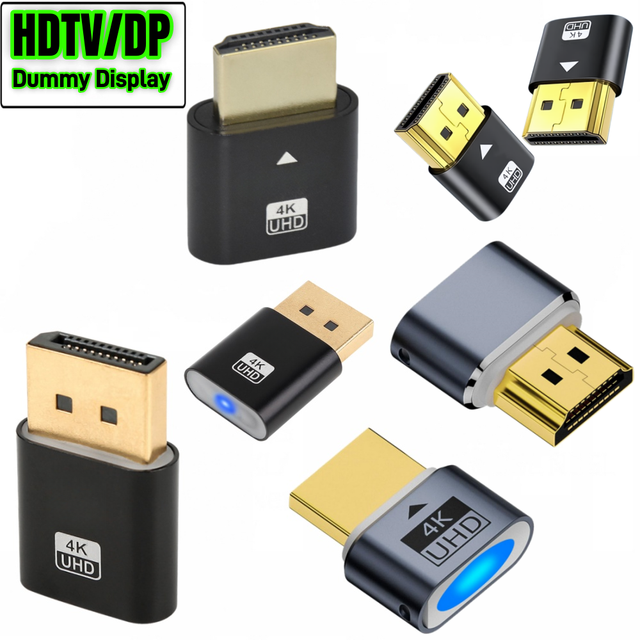
4K HDMI Virtual Dummy Plug Display Emulator Headless Ghost Adapter Display DP Port Screenless Remote Control Simulator Adapter
 Shenzhen city Wazney Electronic Technology Co., Ltd.🇨🇳CN9 yrs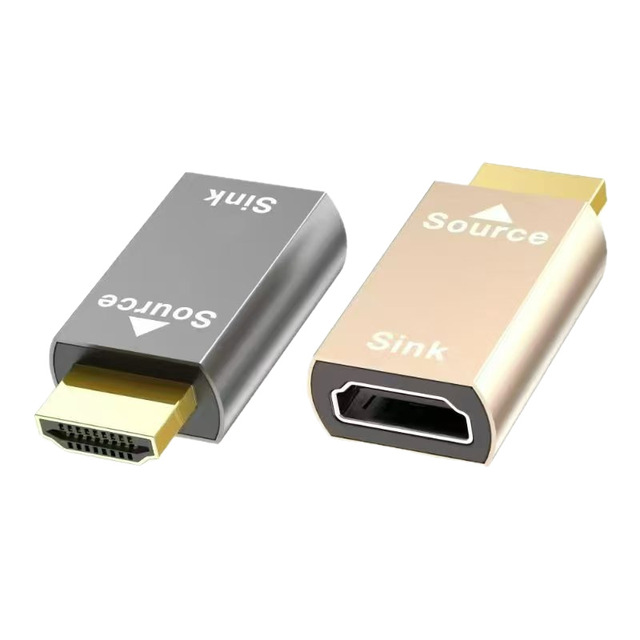
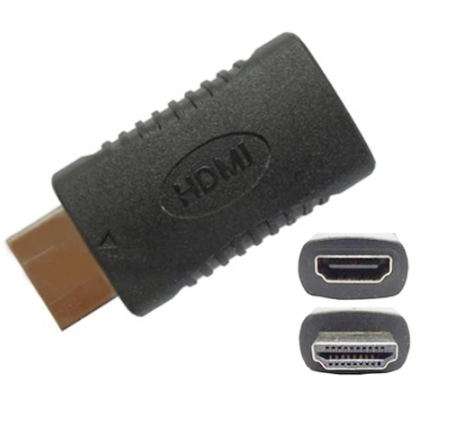
HDTV Dummy Plug Edid Emulator Adapter 1080P 60Hz Supports Custom Resolutions
New Lengtion Red 1080P 4K for Male Female Virtual Display Adapter EDID Dummy Plug Display Emulator Screen Lock Plate Teamviewer
 Shenzhen Lengtion Electronics Co., Ltd.🇨🇳CN13 yrs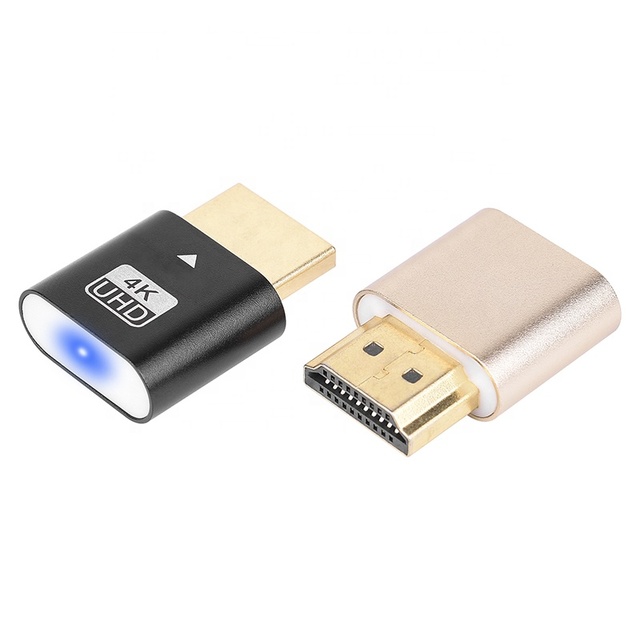
4K 60Hz Dummy Plug HDTV Edid Virtual Display Adapter Headless Hd-mi EDID Emulator
 Shenzhen BST E-Technology Co., Ltd.🇨🇳CN11 yrs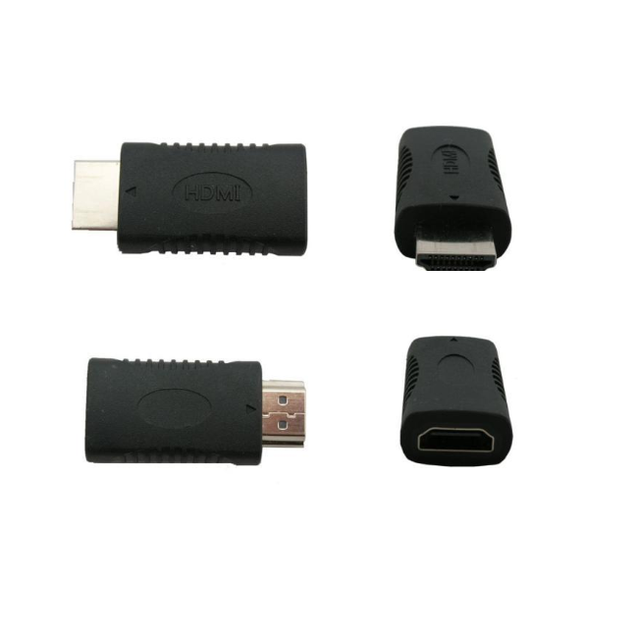
1080P HD Male to Female Virtual Display Adapter HDMI EDID Dummy Plug Display Emulator Lock Plate
 Shenzhen Magelei Electronic And Technology Co., Ltd.verified🇨🇳CN13 yrs
Related Searches
Explore more sourcing topics & related categories
Sources & References
20 sources cited · Verified industry data & reports
I'm using a Roku and the screen picture is too big for the TV ...
JustAnswer
To fix an oversized Roku screen, first check your TV's picture settings for 'Overscan' or 'Zoom' and disable them. On Roku, go to Settings > ...
How do I change my screen size : r/Roku
Reddit · r/Roku
I’ve been having this problem for a while now. I don’t have the original remote that comes with the tv and can’t access settings. Is there any way ...

Roku Revamps Its Home Screen To Appease Both ...
AdExchanger
Roku unveiled its new home screen, which includes new features designed to further personalize the home screen experience for each viewer.

Roku: Display too big even at lowest resolution
BleepingComputer
Does anyone know how to decrease the display size on my tv when using a Roku stick? I've set it at 720, the lowest, but it's still too large ...

Meet the new Roku Home Screen
Roku
The new Roku Home Screen, soon reaching over 100 million streaming households, is more personal and streamlined. Think of it as your ...

Apple TV app for roku: display is zoomed …
Apple Support Community
* I've deleted the Apple TV app and re-installed it. * I've tried changing the display mode (aspect ratio) on my TV. None of those things solved the problem.