Samsung Galaxy S6 Solid Blue Light

Overview
Product sourcing insights & recommendations

The phrase "samsung galaxy s6 solid blue light" refers primarily to a critical system failure commonly known as the "Blue Light of Death". While the device was a flagship in 2015, this specific issue continues to drive a steady niche market for repair components and data recovery solutions TenorshareAlibaba.
Market Trends & Insights
* Persistent Repair Demand: Despite the model's age, a large user base still maintains the S6, creating consistent demand for Super AMOLED screen assemblies and firmware flashing services Alibaba.
* Data Recovery Value: Many users seek repairs not for device longevity, but to recover high-value personal data (photos/contacts) trapped behind the unresponsive screen Xdaforums.
* Collector Interest: Rare color variants, such as the Blue Topaz, are increasingly viewed as collector's items, with well-preserved units commanding premium prices AlibabaAlibaba.
* Secondary Market: There is a specific sub-market for anti-blue light screen protectors tailored for the S6's AMOLED display to reduce eye strain Mediadevil.
Technical Breakdown & Solutions
The solid blue light typically signifies that the motherboard is powered but the system has crashed or the display is disconnected JustanswerJustanswer.
* Primary Fix: A "Soft Reset" by holding Volume Down + Power for 7-10 seconds often resolves firmware freezes JustanswerTenorshare.
* Advanced Recovery: Using Recovery Mode (Volume Up + Home + Power) to wipe the cache partition can fix boot loops Tenorshare.
* Hardware Replacement: If resets fail, the most common hardware solution is replacing the LCD/Digitizer assembly, with prices typically ranging from $17 to $40 for standard models JustanswerAlibabaAlibaba.
I can help you with the following next steps:
Samsung Galaxy S6 Lcd Display Assembly Replacement Parts
Products · 3 lists
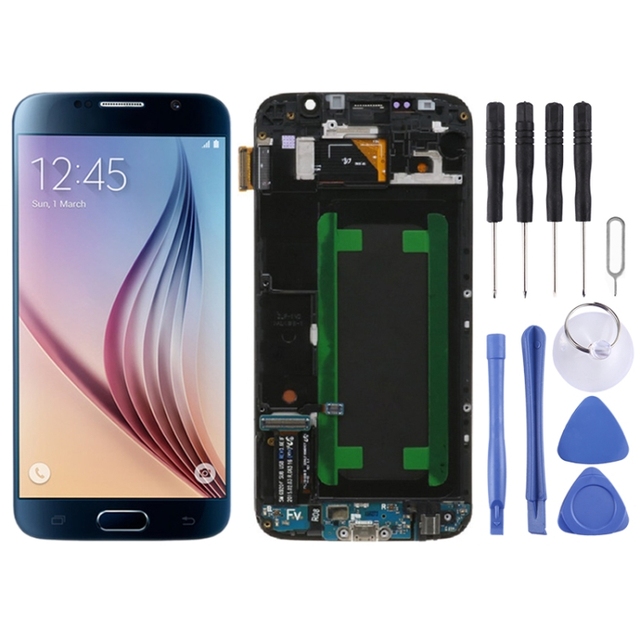
Original Super AMOLED LCD Screen Digitizer Full Assembly With Frame for Samsung Galaxy S6 SM-G920F
 Shenzhen Wanketong Technology Co., Ltd.🇨🇳CN6 yrs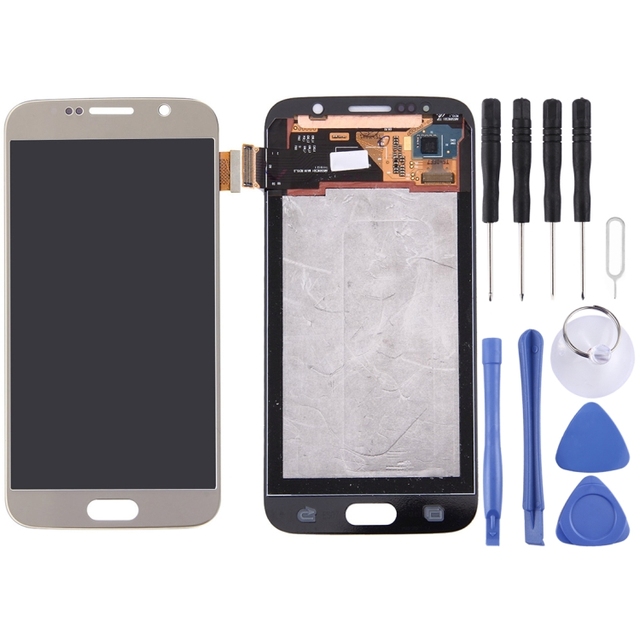
Low Price Original LCD Screen and Digitizer Full Assembly for Galaxy S6 / G9200, G920F, G920FD, G920FQ, G920, G920A, G920T G920S
 Ganzhou Pangniu Technology Co., Ltd.verified🇨🇳CN6 yrs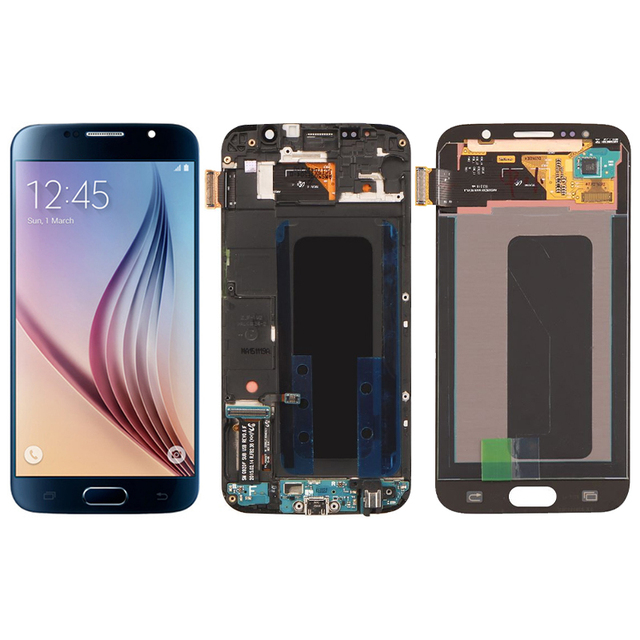
High Quality LCD Touch Screen Replacement Display Digitizer Assembly With Frame for Mobile Phone for Samsung Galaxy S6 G920F
 Shenzhen Xiaodingdang Communication Electronics Co., Ltd.🇨🇳CN6 yrs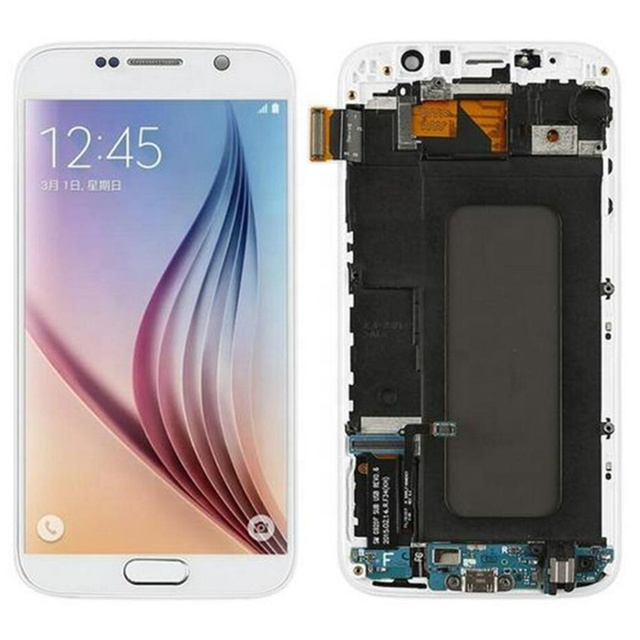
5.1'' LCD for SAMSUNG GALAXY S6 G920 G920F LCD Display Touch Screen Digitizer Replacement With Frame for Samsung S6 Display
 Shenzhen Naisi Electronics Co., Ltd.🇨🇳CN8 yrs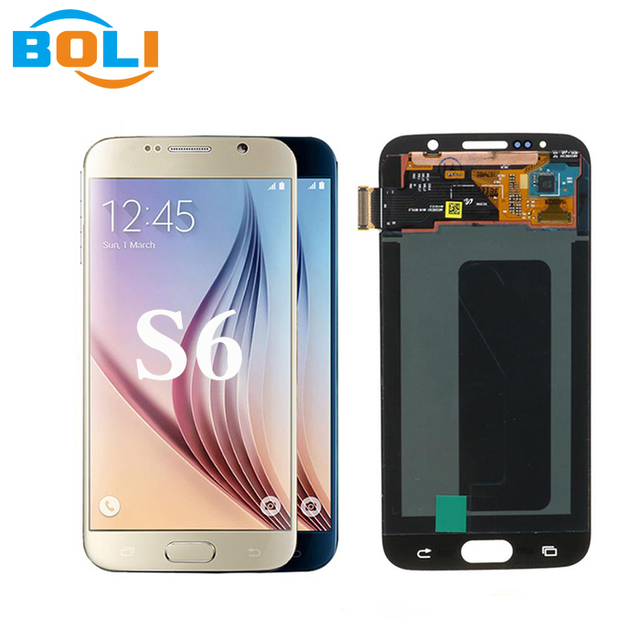
100% Original LCD Display for Samsung Galaxy S6 LCD Screen for Samsung G9200 Lcd Original with Framed Screen Replacement
 Guangzhou Boli Electronic Technology Co., Ltd.🇨🇳CN4 yrs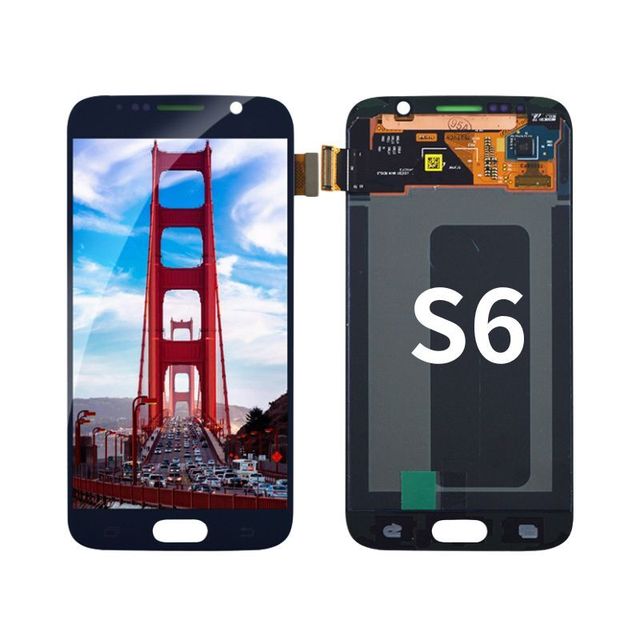
Wholesale S6 G920 Mobile Display Screen for Samsung Galaxy S6 Edge+ G925 S6 Active G890 Lcd Touch Screen Digitizer With Frame
 Guangzhou Yinghuan Electronic Commerce Co., Ltd.verified🇨🇳CN9 yrs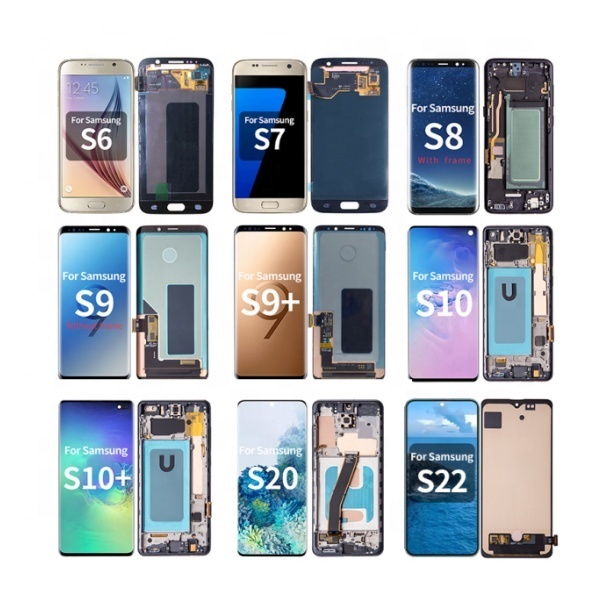
Mobile Phone Oled Lcd Display for Samsung S6 S7 Edge S8 S9 S10 S10E S20 S21 S22 S23 S24 S25 Plus Ultra Touch Screen Replacement
 Guangzhou ZPH Technology Co., Ltd.verified🇨🇳CN10 yrs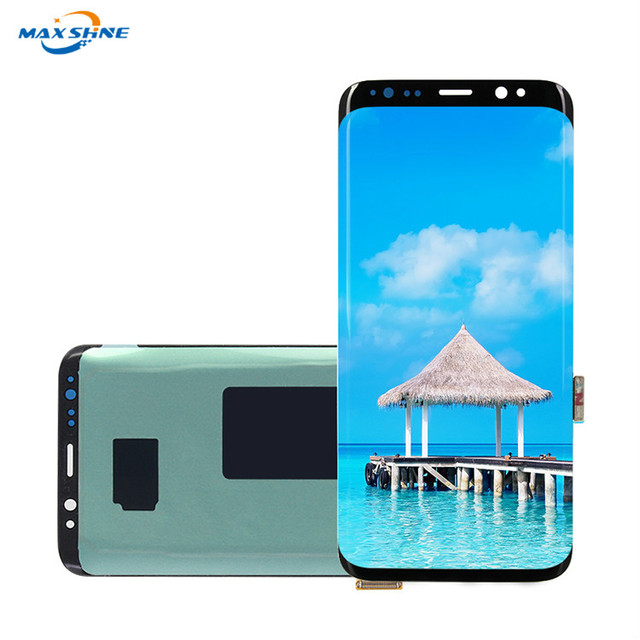
For Samsung Galaxy S6 S6 Edge S6 Edge Plus Replacement LCD Display Touch Screen Digitizer Assembly With Frame
 Guangzhou Max Shine Electronic Technology Co., Ltd.🇨🇳CN9 yrs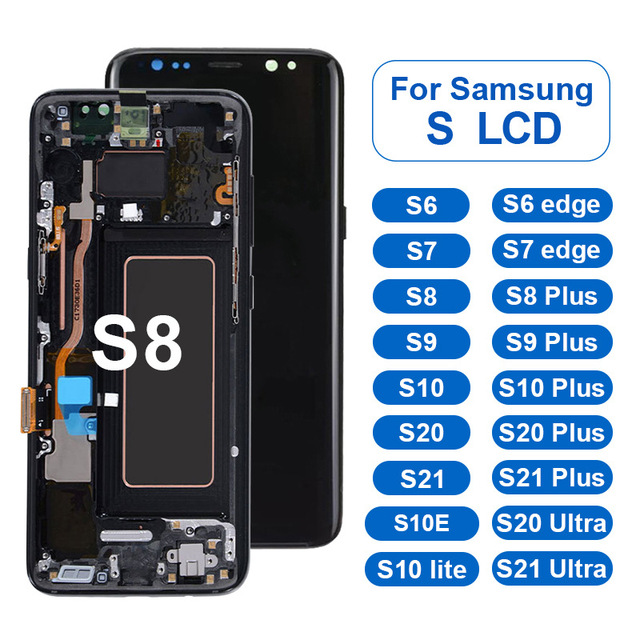
For Samsung Screen for Samsung S8 S8 Plus S9 Plus S10 S20 S20 Ultra Touch Display Screen Replacement Original for Samsung LCD
 Shenzhen Shanxin Network Technology Co., Ltd.verified🇨🇳CN4 yrs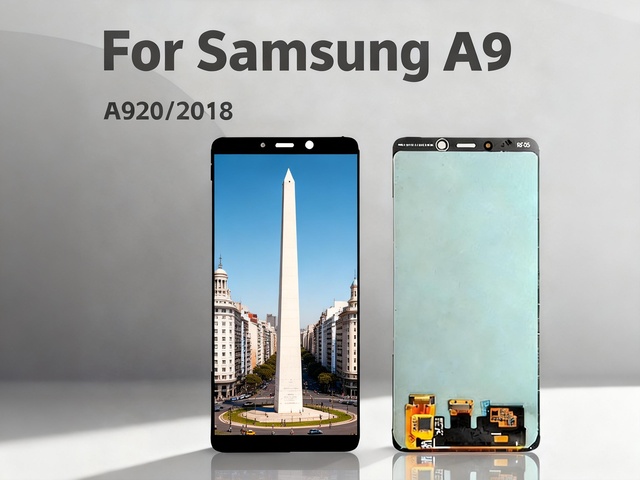
For S6 S10 Edge Plus Series Original OLED 6.6" Touch Screen Display Assembly Replacement for Mobile Phones 1 Year

For samsung S6 Screen Oled Lcd for samsung S6 Display Original for samsung S6 Screen Replacement
 Foshan Star Ray Technology Co., Ltd.🇨🇳CN5 yrs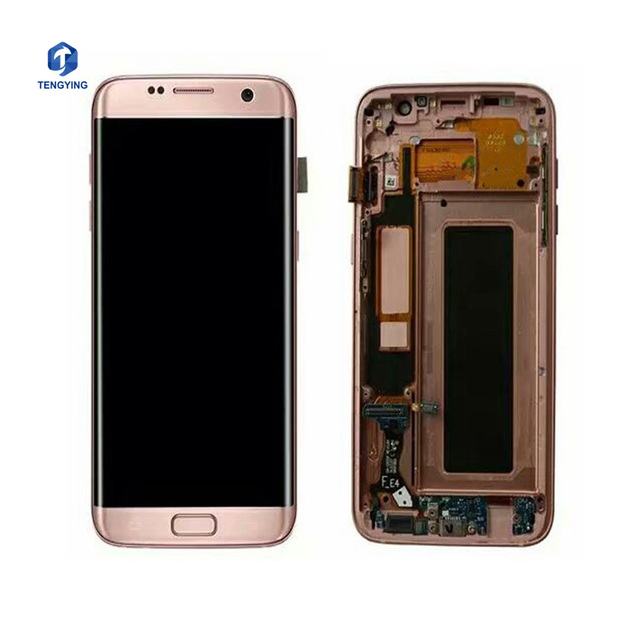
Repair Mobile Phone LCD Parts Refurbished for Samsung Galaxy S6 S7edge S8 S9 Plus LCD Touch Screen LCD Complete
 Guangzhou Tengying Electronic Co., Ltd.🇨🇳CN5 yrs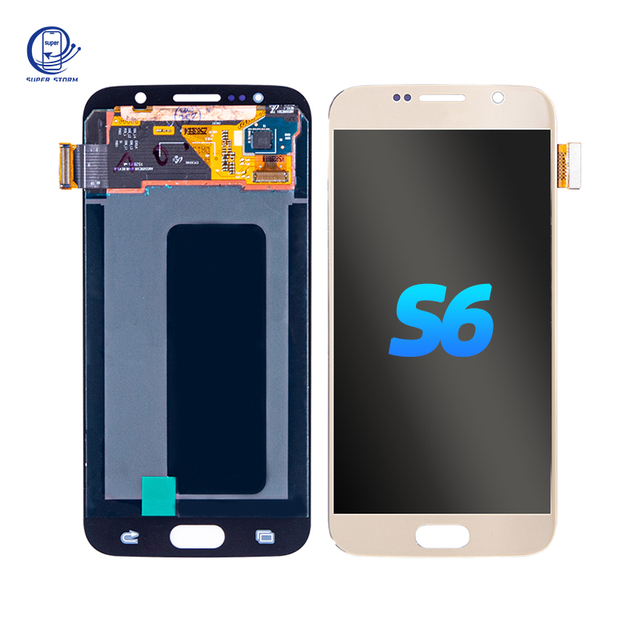
Original LCD Display Screen for Samsung Galaxy S6 Mobile Phone LCDs Screen for Samsung S6 S7
 Guangzhou Super Storm Technology Co., Ltd.🇨🇳CN4 yrs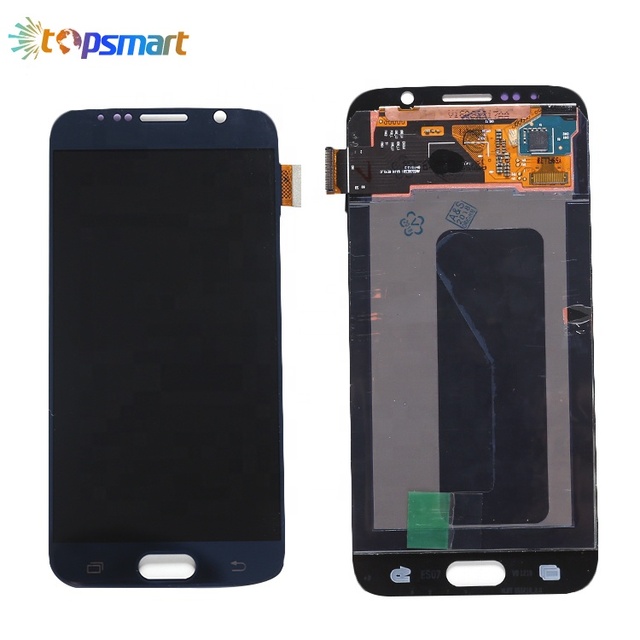
Manufacturer Wholesale High Quality Original Digitizer Assembly for samsung galaxy S6 Edge Lcd Touch Screen
 Guangzhou Topsmart Trade Co., Ltd.🇨🇳CN13 yrs
Mobile Phone LCD Original S8 LCD Touch Screen for Samsung Galaxy S6 S7 Edge S8 S9 S10 LCD Display Assembly
 Guangzhou Joy King Electronic Technology Co., Ltd.🇨🇳CN13 yrs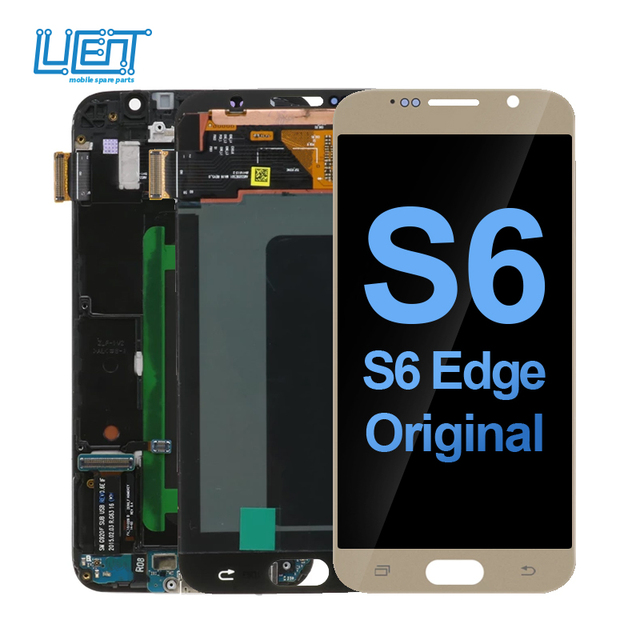
Wholesale for samsung S6 Lcd for samsung S6 Edge Plus Lcd Display Touch Screen for samsung S6 Edge Screen
 Lucent Electronic Technology (Guangzhou) Co., Ltd.verified🇨🇳CN9 yrs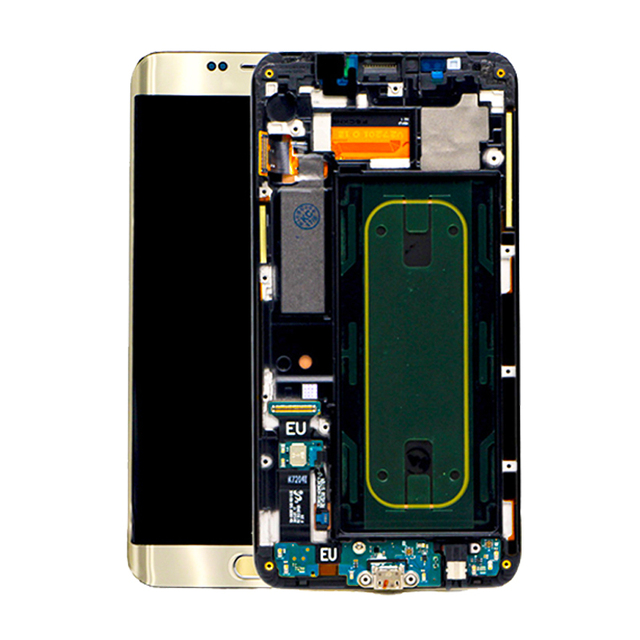
High Quality Original LCD Screen for Samsung Galaxy S6 EDGE Plus G928 With Frame LCD Display Replacement
 Shenzhen Kingcrop Technology Co., Limited🇨🇳CN12 yrs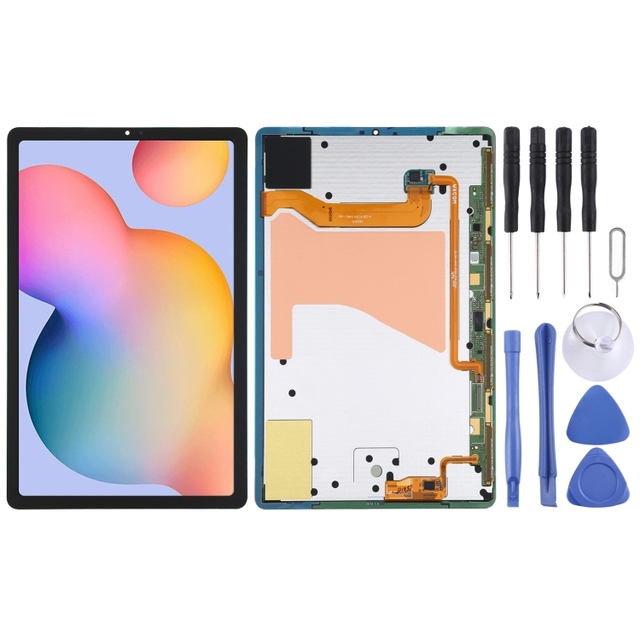
Wholesale Original Replacement LCD Display + Touch Screen Digitizer Assembly for Samsung Galaxy Tab S6 SM-T860/T865
 Shenzhen PULUZ Technology Limited.🇨🇳CN5 yrs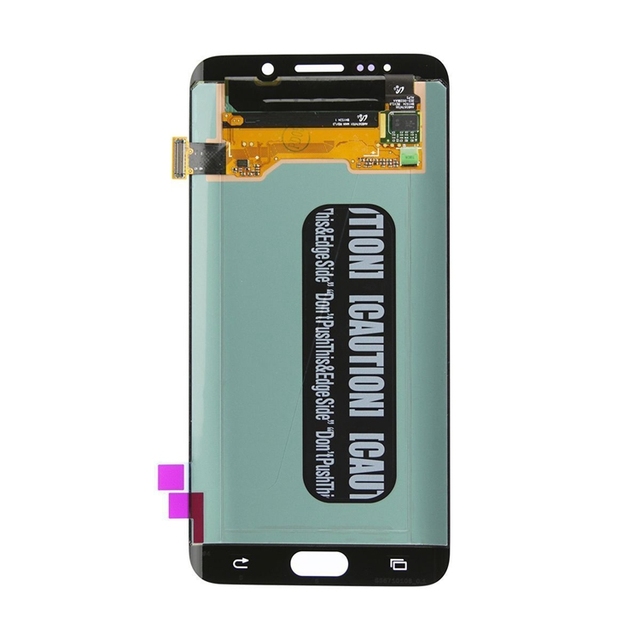
Lcd for Samsung Galaxy S6 Edge Plus G9280 G928U G928F Original Screen Display Oem Touch Digitizer Spare Parts Assembly
 Shenzhen Heshunyi Technology Limited🇨🇳CN9 yrs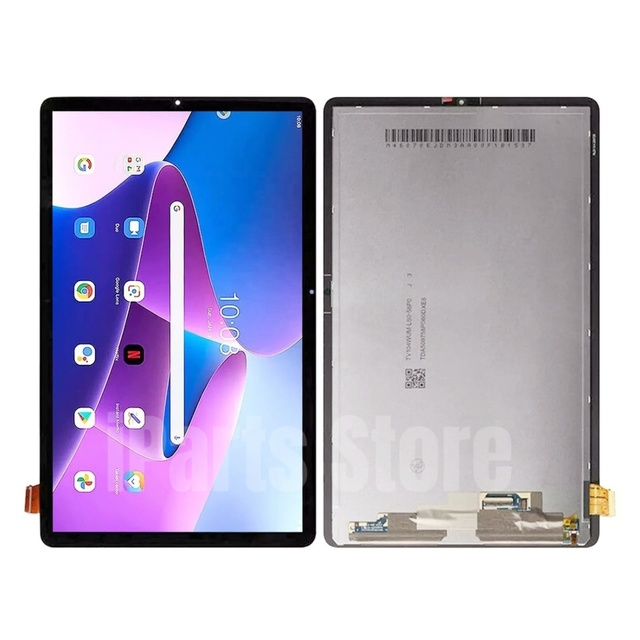
IPARTS Replacement New Display for Samsung Galaxy Tab S6 Lite 2024 SM-P620 SM-P625 LCD Touch Screen Digitizer Assembly Black OEM
 Shenzhen Iparts Electronic Co., Ltd.🇨🇳CN12 yrs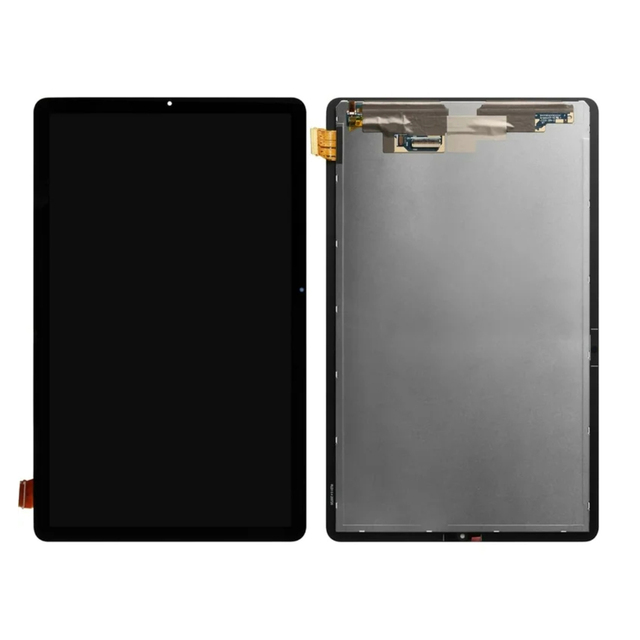
Factory Price Original Quality LCD Display Touch Screen Digitizer Assembly Replacement for Samsung Galaxy Tab S6 Lite P610 P615
 BOLIVAR LIMITED🇭🇰HK2 yrs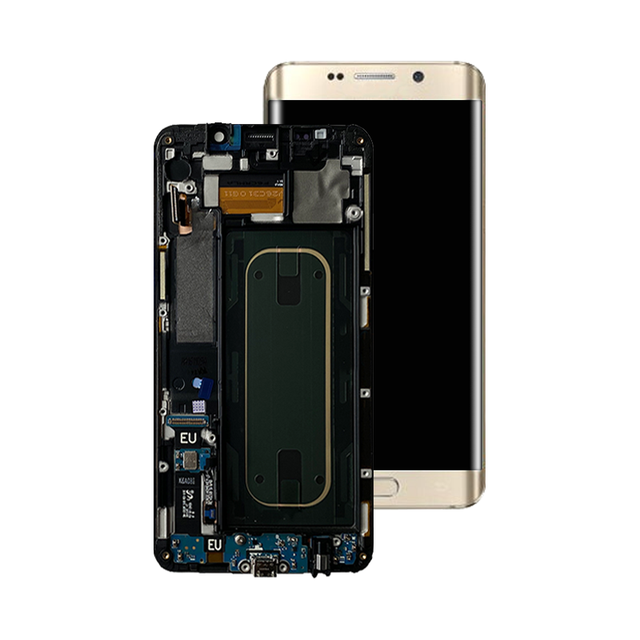
Lcd Display Touch Screen for Samsung Galaxy S6 Edge Plus G928 LCD Digitizer
 Shenzhen Kaichenda Electronics Co., Ltd.🇨🇳CN6 yrs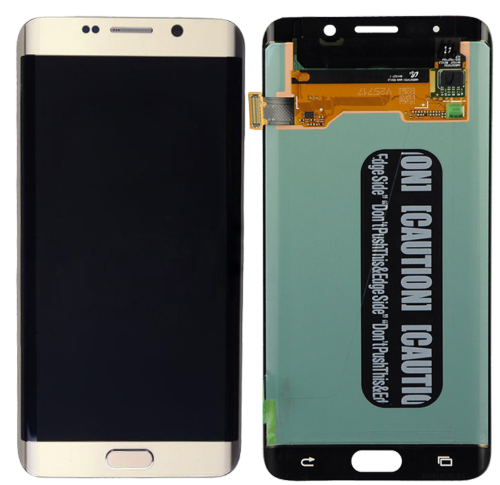
Lcd Assembly Touch Screen Digitize Screen with Frame for samsung Galaxy S6 Edge Plus G928 G928f Lcd with Frame
 Shenzhen Hyperion Lighting Co., Ltd.🇨🇳CN8 yrs
Lcd Assembly Touch Screen Digitize Screen with Frame for samsung Galaxy S6 Edge Plus G928 G928f Lcd with Frame
Deep Dive · Full Report
Full Market Report
1 document · Live-fetched from source
Related Searches
Explore more sourcing topics & related categories
Sources & References
22 sources cited · Verified industry data & reports
[Real Work] How to Fix Samsung S6 Black Screen Blue Light
www.tenorshare.com
Irrespective of the cause, there are easy and effective ways you can solve Galaxy s7 edge black screen solid blue light. Below is an extensive list of tried and tested ways to solve any dropped Samsung s6 black screen blue light issue. A search around the internet, phone forums, and message boards would reveal that one of the most encountered phone problems is the Samsung S6 black screen solid blue light. Most Samsung users often complain that their devices are stuck on a black screen with only a blue led light coming on. If you find yourself in this situation, it is very easy for you to lose hope. The good news is that there are handy solutions for your Galaxy s6 black screen pulsing blue light. When it comes to Samsung Galaxy S6 black screen blinking blue light, there are several solutions to fixing the issue. The most popular and effective method is Tenorshare ReiBoot for Android. The feature 'Repair Android System' is mainly made for Samsung users, which can fix more than 50 Samsung system issues. The method mentioned above is quite effective and can help you fix your Samsung Galaxy S6 black screen blue light. However, there are some common solutions that you might want to try out as well as see if they work. Press the Volume Down button along with your Power button to force restart your device. Doing this while your device is on the black screen can fix the issue.
Black screen with solid blue light after teardo, tried button ...
www.ifixit.com
The curved screen version is known as the Galaxy S6 Edge. ... Hi I recently took on a Samsung Galaxy s6 after a teardown but it's been given to me with black screen and a solid blue light which doesn't turn off, I've tried charging on Wall for a day, the charging led went from Blue to red after about an hour or so and started charging but the screen was still black and then I tried to turn it on again and it flashed a green/grey colour on the right hand side of the screen bit kind of faded to the middle and was black on the left, happened very quickly and I only just noticed it and the phone pretty much just did the same thing again..
S6 won't turn on, solid blue led light | XDA Forums
xdaforums.com
Hi, A friend of mine gave me his Samsung Galaxy S6 because he knows I know a bit of smartphone repair. (I have installed a lot of custom roms, replaced screens, batteries, ...) But I can't seem to solve his issue. After charging at night, he wanted to power on his phone, and it wouldn't turn on. My friend already has a new phone, but there are some pictures on this S6 that have some emotional value to him (pictures of deceased pets for example) Does anyone have any idea what options I got left? Or is this phone completely dead? Thanks in advance ... Strange. Seems like you have a damaged partition. Do you see a boot logo when powering on? e.g. ------------------ Samsung Galaxy S6 (edge) Powered by android ------------------ Let's start with the simplest. Click to collapse Hi, is there any update on this or something that worked for you?! My s6 edges story is exactly the same as your friends. This happened like 5 yrs ago so I got a new phone but stuck this one in a drawer with the intention of trying to get it back up or having it repaired.
I have a galaxy S6 with a blue light flashing black screen I try ...
www.justanswer.com
Customer: I have a galaxy S6 with a blue light flashing black screen I try the up buttons and power button I tried everything I cannot turn it on what can I do to turn it on Technician's Assistant: I'll do all I can to help. Can you tell me more about what's going on? A flashing blue light with a black screen on the Galaxy S6 usually indicates a boot or software failure. First, try a forced reboot by holding Power + Volume Down for 10 seconds. If unsuccessful, boot into Recovery Mode (Power + Home + Volume Up) to wipe cache partition. Persistent issues may require a factory reset or firmware reinstallation via Samsung Smart Switch. After the network settings on your Samsung phone have been reset, you might have to reconfigure certain settings, such as Wi-Fi ... Thank you for contacting Just Answer. My Pleasure ... Galaxy S6 users often face black screen with flashing blue light and unresponsive power or volume buttons. Customer: My galaxy S6 blue light on flashing black screen I tried all the buttons to turn it on now I’m not succe Technician's Assistant: Is there anything else the Expert should know before I connect you? Rest assured that they'll be able to help you.
Samsung Galaxy S6 black screen, pulsing blue light, no image ...
forums.tomsguide.com
If it is under warranty, then contact the manufacturer about the issue. ... Ok, thank you for the answer, I will be sure to do as you said. ... I have a samsung galaxy s6, I have dropped it lots of times, the screen is very cracked. But it always worked after it fell. So I was in school, and pulled my phone out to check the time, and I see this pulsing blue light on the first sensor in the left side of the phone. Fantastic answer.....my S6 edge randomly did this today - thought it was installing an update....but rebooted it exactly as Chloebaby04 said and it works fine again. 🙂 ... My phone has the blue light permanently on nd the Samsung logo displayed but it's not coming up. thank you soo much dear for your suggestion..i faced same issue blue light with black screen it completely took my breath .i did everythhing to my phone i watched videos on u tube and googled everything i played with volumes up and down buttons along with power button and home screen button etc like for 2 hours but just applied your remedy and trust me it worked it really worked and its so helpful remedy i tried to HARD RESET my phone as well but all in vain but your remedy was just awsome thank you .God bless you I clicked on the home button to see if the digital buttons on the right and left of the home button would light up but they didn't. I remember remembering that the phone fell that day but I am not sure. So I leave the phone like that for some time, and the pulsing blue light stops.
r/mobilerepair on Reddit: [Samsung Galaxy S6] Blue LED is constantly ...
www.reddit.com
This business is indeed frustrating, but refurbishing is literally the only thing that will survive the coming OLED price crisis we are going to see with iPhones and Samsung. Stay strong friend ... but its like 99% chance that you did damaged it, the screen wont just die on its own (unless you damaged the mobo or it was damaged already) ... chances are that you damaged the oled screen and it wont come out of a loop and the blue light will just pulse like you said. Fyi I did this to a s6 active a while back while putting the screen on. On this one the screen flickered on the left side a bit while booting and the blue light just kept pulsing. ... you don't need to press the screen very hard to fuck it up when trying to line it up with the frame. I fix lots of phones and this is a constant fear with samsungs for me. ... Thanks for the info. I was thoroughly careful since this is was first S6 glass replacement, I did hundreds of glass replacements on other models. Blue led on Samsung's means damaged display. I see this all the time in my shop ... Oh well. Thanks for the info. ... You need a new screen. This is also why you don't try glass only replacements without the proper equipment. ... I do have all the necessary equipment it's just that this is my first S6 glass replacement. Literally yesterday my Samsung Galaxy s6 showed the blue LED for 1 day and now it just died on me as soon as I charged it.....