Support Change Imei At Command

Overview
Product sourcing insights & recommendations
The phrase "support change imei at command" refers to cellular hardware (modems, routers, or smartphones) that allows users to modify the International Mobile Equipment Identity (IMEI) through standard serial AT commands. This capability is highly sought after in developer communities for hardware testing, network simulation, and privacy-focused use cases.
Core Technical Meaning
The most common command for this function is `AT+EGMR=1,7,"[NEW_IMEI]"`.
* Chipset Dependency: This specific command is natively associated with MediaTek (MTK) chipsets. Qualcomm devices typically use different proprietary protocols (like Diag Mode/QPST) rather than simple AT commands for IMEI management. WondershareGithub
* Application: It is frequently used on OpenWrt routers and M.2/Mini PCIe cellular modules to "repair" an IMEI or match a specific device's identity to bypass carrier restrictions (e.g., using a phone SIM in a dedicated router). Reddit
Product Trends & Insights
* The "Grey Market" Niche: There is a growing market for 4G/5G modems and routers explicitly marketed with "Custom Software" or "IMEI Change Support." These products often feature unlocked firmware to bypass the security locks imposed by major OEMs. AlibabaAlibaba
* Developer Focus: Modules from brands like Quectel and SIMCom are popular because they offer extensive AT command documentation, though official firmware rarely supports IMEI modification due to legal compliance. QuectelAlibaba
* Carrier Detection: Modern network operators use advanced "IMEI-TAC" database lookups. If a changed IMEI belongs to a different device category (e.g., using a phone IMEI on a industrial router), the carrier can automatically flag or block the connection. Alibaba
Market & Legal Landscape
* Legality: In many jurisdictions, including the UK (Mobile Telephones Act 2002) and the US (Wireless Telephone Protection Act 1998), changing an IMEI with intent to defraud or bypass detection is illegal. It is generally tolerated for private R&D or "IMEI Repair" of damaged NVRAM, but remains a high-risk activity. YcombinatorUsmile
* Security Risks: Many tools or firmware versions that enable "Easy IMEI Change" require Root access, which can strip away critical OS security layers and leave devices vulnerable to malware. Alibaba
Based on these findings, you can continue with:
Open Firmware Cellular Modem Change Imei Support
Products · 3 lists

US Market Custom Software Change IMEI TTL 4G 5G Modems Wireless Wifi Routers Battery Powered 5G LTE CPE
 Shenzhen Qitai Technology Co., Ltd.🇨🇳CN7 yrs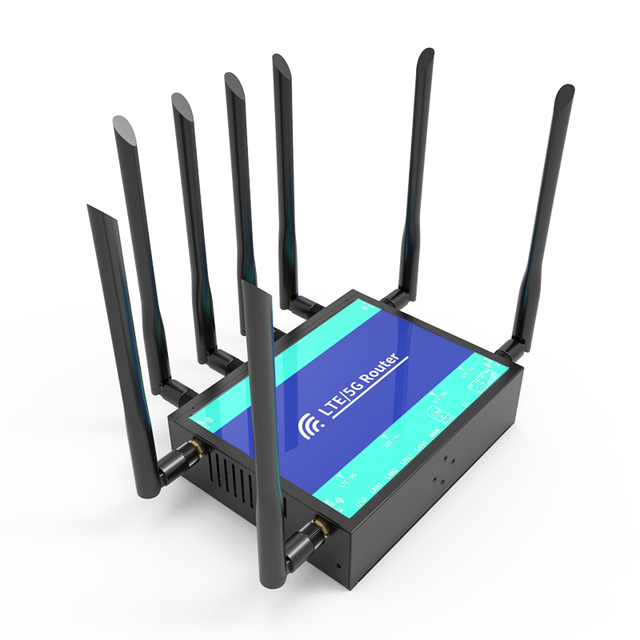
Wireless Modem 5g Cellular Router Openwrt Gigabit M.2 Slot 3000Mbps WiFi With SIM Card Slot
 Shenzhen Zhibotong Electronics Co., Ltd.verified🇨🇳CN9 yrs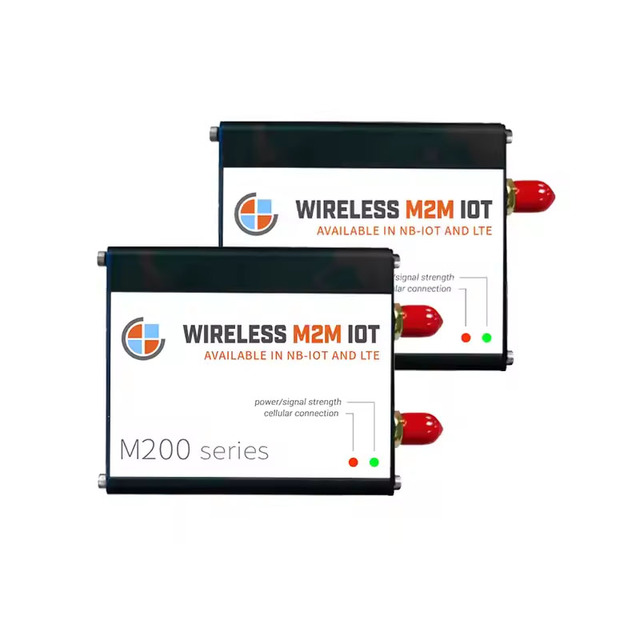
M200S-LTE 4G LTE CAT1 Modem EC21G A7670G Wireless M2M IOT USB Modem with Sim Slot External Style Data Feature
 Shenzhen Bailingjia Technology Co., Ltd.🇨🇳CN14 yrs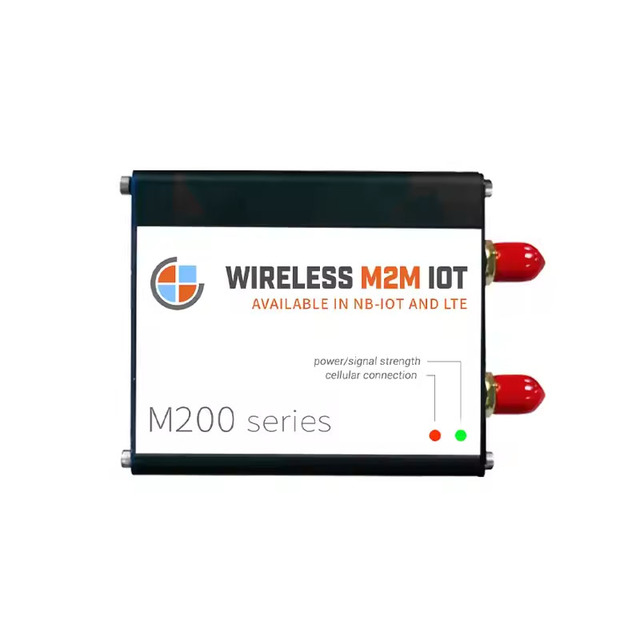
M200 LTE 4G CAT1 Modem EC21G A7670E Wireless M2M IoT USB External Aluminum Casing SIM Card Slot SMS Voice Data Transfer
 Shenzhen Bailingjia Technology Co., Ltd.🇨🇳CN17 yrs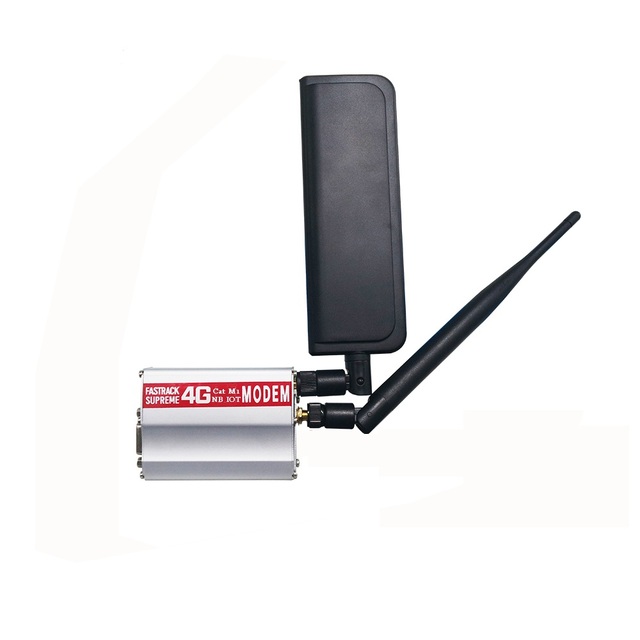
High quality Original Quectel BG96 4G LTE Modem NB IOT Modem BG96MA-128-SGN
 Shenzhen Hapchuang Technology Co., Ltd.verified🇨🇳CN8 yrs
OEM SDX62 Cellular Modem OTA ESIM 5G MiFi WiFi6 Sharing Device VPN 4500mAh Battery Universal Pocket 5G Modem
Related Searches
Explore more sourcing topics & related categories
Sources & References
24 sources cited · Verified industry data & reports
Tutorial to Change Android IMEI without Root: A Comprehensive ...
drfone.wondershare.com
You should see a message confirming that the command has been sent successfully. Step 11: Restart your device. The new IMEI number should now be active. Tips: Need an AT&T unlock for your phone? With Dr.Fone Online SIM Unlock, you can easily perform an AT&T device unlock completely online—no PC, no software installation required. It supports all AT&T-locked phones across brands and models, allowing you to unlock your AT&T device in minutes and use any SIM card or network worldwide, even directly from your mobile browser. Follow our comprehensive tutorial to modify your device's IMEI number, but be aware of the potential risks and take full responsibility for your actions. Looking for a quick answer? The most common method for MTK devices involves using the MTK Engineering Mode app and a simple AT command. Step 9: In the input field, type "AT+EGMR=1,7," followed by your new IMEI number within double quotes. For example: AT+EGMR=1,7,"123456789012345". Step 10: Tap on the "Send AT Command" button. Step 6: Choose either Phone 1 or Phone 2, depending on the SIM slot for which you want to change the IMEI. Step 7: Enter the following command in the input field: AT+EGMR=1,7,"Your_New_IMEI_Number".
r/openwrt on Reddit: What is the process to repair the IMEI with ...
www.reddit.com
Before running the command, I suggest that you write down your factory IMEI and keep it somewhere safe as there is no way to automatically reset the IMEI back to the factory default. Log into your X3000's GUI. On the main dashboard, select the Modem Management button (wrench+screwdriver icon) in the upper-right corner of the cell status, change "Shortcut" to Manual command and enter the following into the "AT command" box: I had to go to Manual Setup at the bottom section and change the APN to the carrier correct APN. Specifically speaking, I have AT&T using a sim from an ipad im paying for. I matched the IMEI from the ipad using the above command and changed the APN under manual setup to “BROADBAND” and it immediately connected and has been working flawlessly since. I just received my GL-X3000 and I'm also dealing with an error message when I apply AT+EGMR=1,7,"123456789012345” . The IMEI in that command has been changed to my current hotspot's, but the GL-X3000 won't accept it (error message) after many attempts and resets. Its extrodinarily simple - a single AT command will change the IMEI permanently.
Change IMEI Number on Android Devices | PDF
www.scribd.com
xcx - Free download as Word Doc (.doc / .docx), PDF File (.pdf), Text File (.txt) or read online for free. This document provides instructions for changing the IMEI number on Android devices through terminal emulators using AT commands. It describes two methods - the first for single and dual SIM devices which requires root access and using commands like AT+EGMR=1,7,"IMEI_NUMBER". The second method uses the Mobileuncle MTK tool app to access engineering mode and radio information to modify the IMEI number without root by selecting SIM1 or SIM2 and entering the new IMEI. Proper formatting of the AT command is needed and the phone must be rebooted for the change to take effect. Requirement: 1. Root Device 2. Download Terminal Emulatr from Play Store Process: 1. Open Android Terminal Emulator [Link] SU then press ENTER button to get Superuser permission [Link] that, type this command then press ENTER button AT+EGMR=1,7,"IMEI_ NUMBER" 1. Rooted Android phone or tablet. 2. Install Android terminal emulator app 3. Open android terminal emulator. 4. Type SU then press ENTER 5. Type following command then hit Enter AT+EGMR=1,10,"IMEI_NUMBER" 6.
Wavecom Q2406B GSM Modem IMEI Change - Legacy AirPrime modules ...
forum.sierrawireless.com
I have the Wavecom Q2406B GSM Modem, however I have put in some new sim cards in and the Modem is no longer sending any sms messages. I have tried AT Commands: AT + EGMR = 1,7,“NEW IMEI”, however I keep getting Error in the Putty Console. Is there a way to Change the IMEI numbers for the Wavecom Module Ports. I have the Wavecom Q2406B GSM Modem, however I have put in some new sim cards in and the Modem is no longer sending any sms messages. I have tried AT Commands: AT + EGMR = 1,7,“NEW IMEI”, however I keep getting Error …
Instructions to change the IMEI - PinePhone
forum.pine64.org
SMS Tutorial: Introduction to AT Commands, Basic Commands and ...
www.developershome.com
Get basic information about the mobile phone or GSM/GPRS modem. For example, name of manufacturer (AT+CGMI), model number (AT+CGMM), IMEI number (International Mobile Equipment Identity) (AT+CGSN) and software version (AT+CGMR). That's why modem commands are called AT commands. Many of the commands that are used to control wired dial-up modems, such as ATD (Dial), ATA (Answer), ATH (Hook control) and ATO (Return to online data state), are also supported by GSM/GPRS modems and mobile phones. Besides this common AT command set, GSM/GPRS modems and mobile phones support an AT command set that is specific to the GSM technology, which includes SMS-related commands like AT+CMGS (Send SMS message), AT+CMSS (Send SMS message from storage), AT+CMGL (List SMS messages) and AT+CMGR (Read SMS messages). In addition, some AT commands require the support of mobile network operators. For example, SMS over GPRS can be enabled on some GPRS mobile phones and GPRS modems with the +CGSMS command (command name in text: Select Service for MO SMS Messages).