Tower Motherboard

Overview
Product sourcing insights & recommendations
The phrase "tower motherboard" refers to motherboards designed for upright computer cases, typically following the ATX or E-ATX form factors. In the 2026 market, these components are evolving from simple mainboards into high-density AI and workstation platforms SpiceworksPersistencemarketresearch.
Product Definition & Core Attributes
Tower motherboards are the backbone of desktop computing, distinguished by their vertical orientation inside tower cases ComputerhopeBritannica.
- Standard Form Factors: ATX (12" x 9.6") is the dominant size for mid-towers, while E-ATX (Extended ATX) is preferred for full towers to support server-grade features StonerefurbNzxt.
- Key 2026 Features: Modern tower motherboards now prioritize PCIe 5.0/6.0 lanes, DDR5 memory (supporting up to 256GB), and integrated Wi-Fi 7 connectivity PersistencemarketresearchKenresearch.
- Thermal Design: Due to increasing heat from AI accelerators and high-TDP CPUs, 2026 models feature massive VRM heatsinks and high-copper-count PCBs PersistencemarketresearchKenresearch.
Market Trends & Insights 2026
The global motherboard market is projected to reach approximately $16.6 billion in 2026, growing at a 16% CAGR Persistencemarketresearch.
- The "AI PC" Revolution: The emergence of local AI inference is driving a major refresh cycle. Shipments of AI-native PCs are expected to reach 143 million units by 2026, forcing motherboards to include dedicated NPU support PersistencemarketresearchKenresearch.
- Workstation Migration: There is a significant shift toward professional-grade platforms. Workstation and server-class motherboards for tower cases now represent nearly 30% of total market value Kenresearch.
- Rising ASP: The average selling price (ASP) of tower motherboards is climbing to $62–$77 as technical complexity increases to maintain signal integrity at high speeds Persistencemarketresearch.
- Search Interest: Interest in tower motherboards peaked in January 2025 (score: 60) and remains strong in 2026 as DIY builders focus on AI-capable hardware .
Representative Product Samples
I have analyzed the current market and products for 'tower motherboards'. You can continue with:
Ai Pc Motherboard Npu Support Server Workstation Motherboard For Tower Case
Products · 2 lists
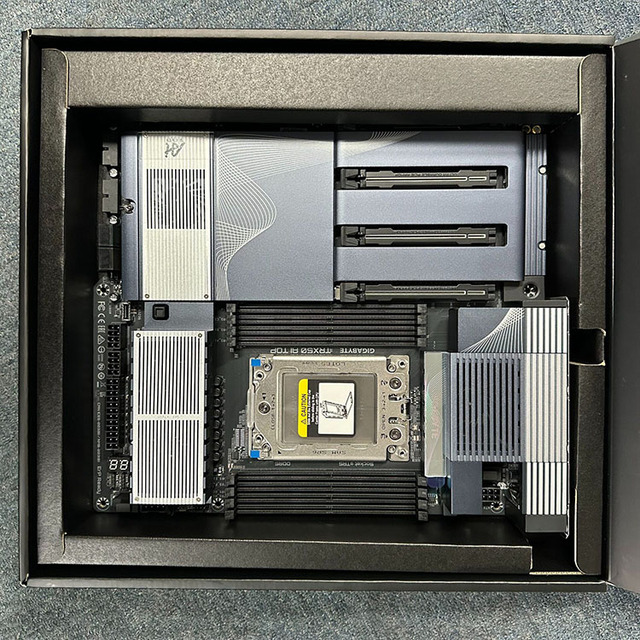
GIGABYTE TRX50 AI TOP Motherboard - AMD Threadripper PRO 7000/9000 (sTR5) 8-Channel DDR5 Dual 10GbE, Wi-Fi 7 E-ATX
 Shi Di Fen (Shenzhen) Technology Co., Ltd.🇨🇳CN7 yrs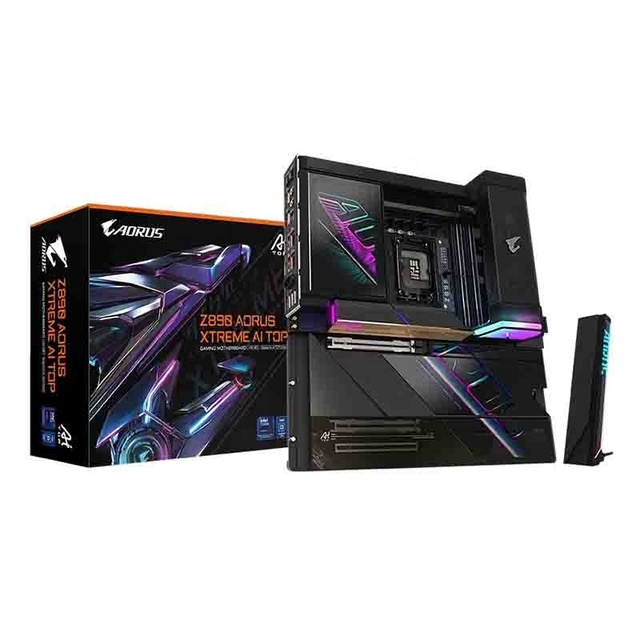
New Gigabyte Z890 XTREME AI TOP Server Motherboard 3-Year Warranty Intel X79 Chipset LGA2011 SATA 64GB WIFI7 M.2*4 E-ATX
 Shenzhen AOYUSEN Technology Co., Ltd.🇨🇳CN9 yrs
Server AI Motherboard P11SPA-I Dual Gigabit Support Intel LGA3647 CPU Memory with 4+2 Channel DDR4 2 PCIex16 Slot Motherboard
 Shenzhen Inyuda Intelligent Technology Co., Ltd.verified🇨🇳CN7 yrs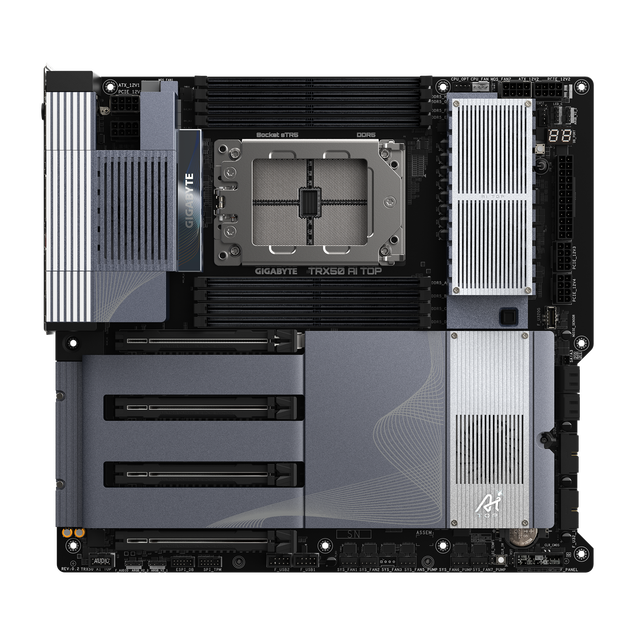
TRX50 AI TOP Workstation Motherboard 4 PCIe x16 Slots Supports 4 Way GPU Quad Channel DDR5 Memory Dual 10GbE LAN sTR5 Server
 JLS Future Trading Limitedverified🇭🇰HK3 yrs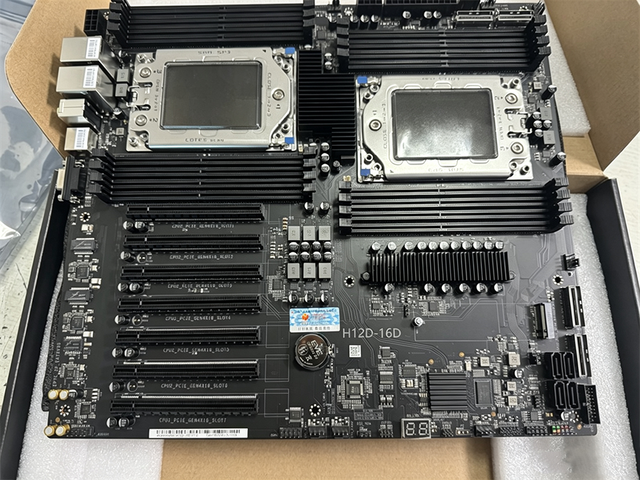
7 GPU PCIe 4.0 H12D-16D Server Motherboard Dual 7002 7003 CPU Workstation Mainboard for AI Deep Learning Server
 Shenzhen Huateng Technology Intelligence Information Co., Ltd.🇨🇳CN9 yrs
TRX50 AI TOP DDR5 PCIe 5.0 SATA E ATX Server Grade Mainboard for AI Computing High Performance Workstation Used
 AiLFond Technology Co., Limited🇭🇰HK2 yrs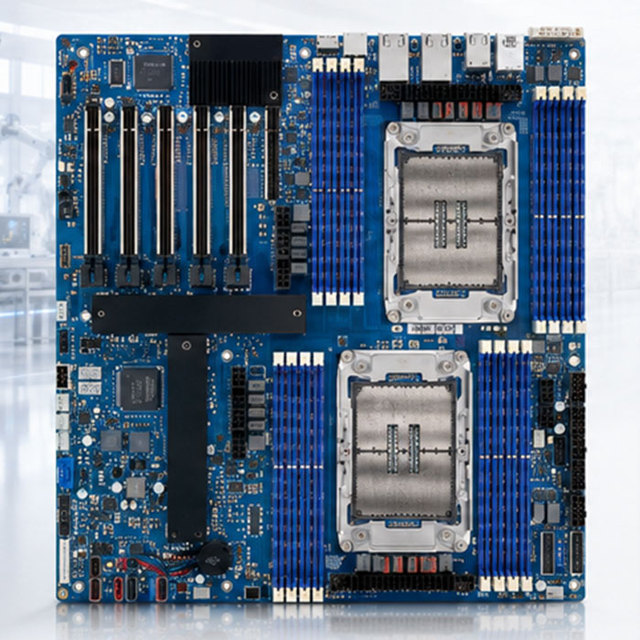
ISB-E901 Industrial Server Motherboard Dual Xeon Platform for AI Computing GPU Server System
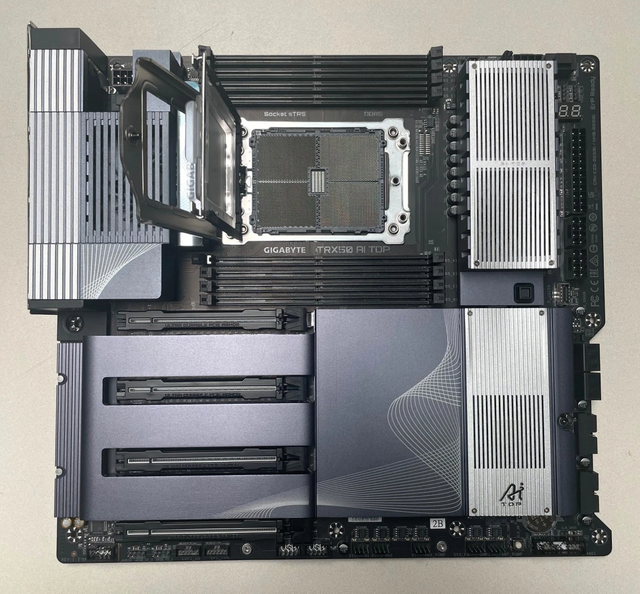
TRX50 AI TOP Enterprise Workstation Motherboard Support AMD Ryzen Threadripper 7000 Series CPU
 Qidian Youyun (Beijing) Technology Co., Ltd.verified🇨🇳CN1 yr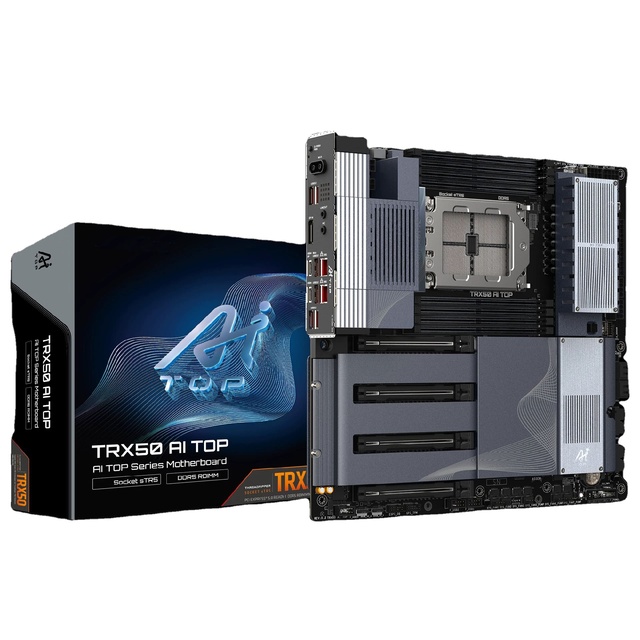
Brand-New TRX50 AI TOP Workstation Motherboard DDR5 Supports PRO 7000/9000 Dual 10G Ethernet Wi-Fi 7 PCIe 5.0 X16 M.2
 Shenzhen Suqiao Intelligent Technology Co., Ltd.🇨🇳CN2 yrs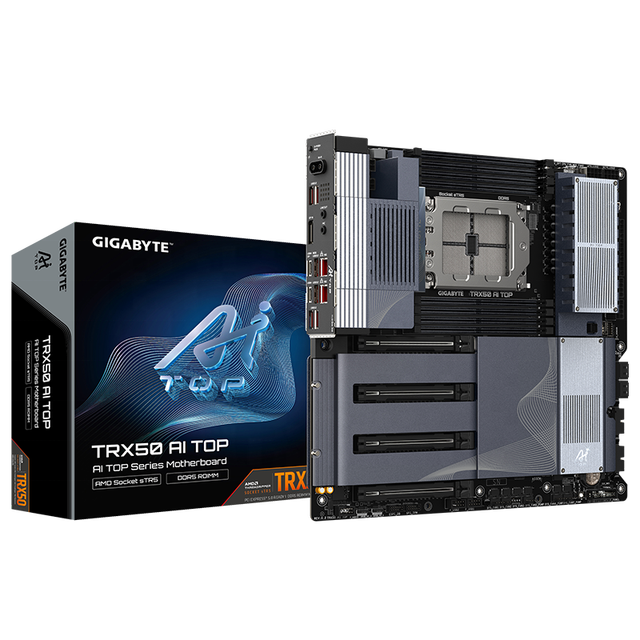
Original New GIGABYTE TRX50 AI TOP AMD Workstation Motherboard Dual Memory Channel 256GB RAM Support Integrated Graphics10GbENIC
 Shenzhen Xinchuang Smart Technology Co., Ltd.🇨🇳CN4 yrs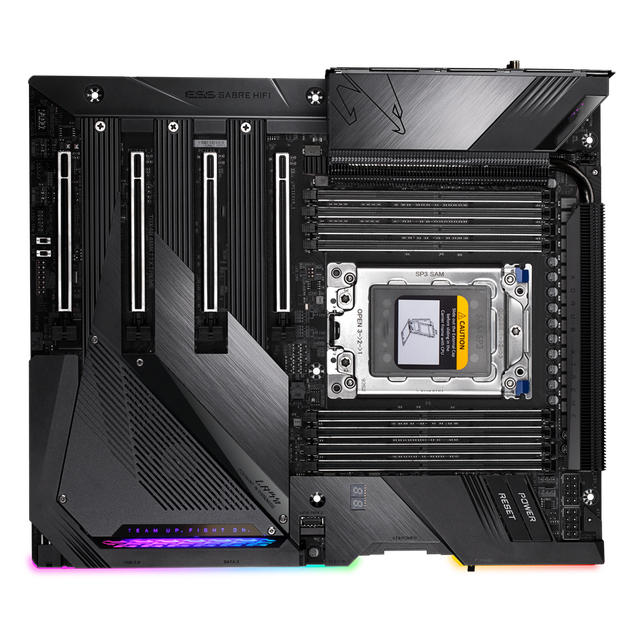
GA TRX40 XTREME 3rd Gen Processor STRX4 TRX40 Motherboard 3000X 3000WX CPU Server Motherboard
 Menn Industries Co., Ltd.🇨🇳CN18 yrs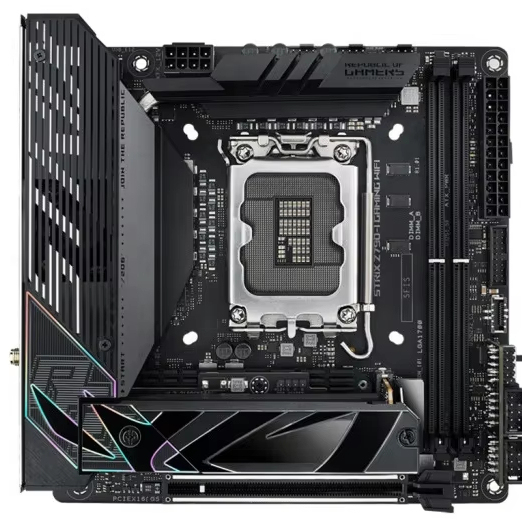
Jingzhiquan WS C621E SAGE Server Motherboard Support LGA-1700 Intel X Series CPU I12/I13 Core
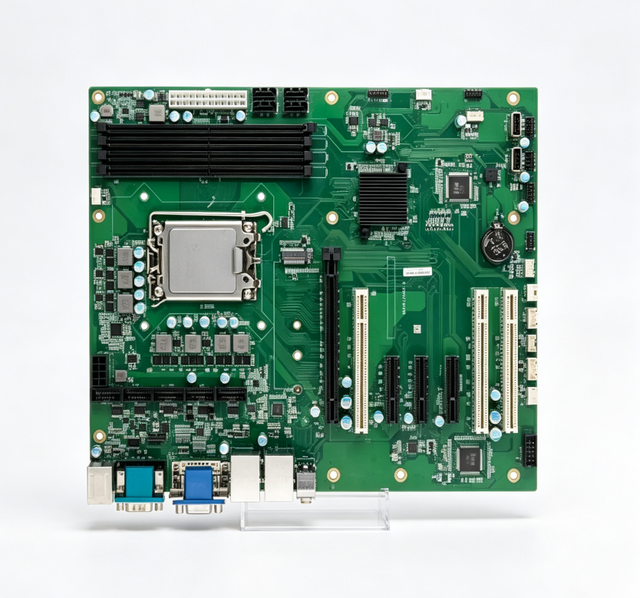
Machine Vision AI Dedicated Video Server Motherboard
 Shenzhen Rich Age Electronics Co., Ltd.🇨🇳CN13 yrs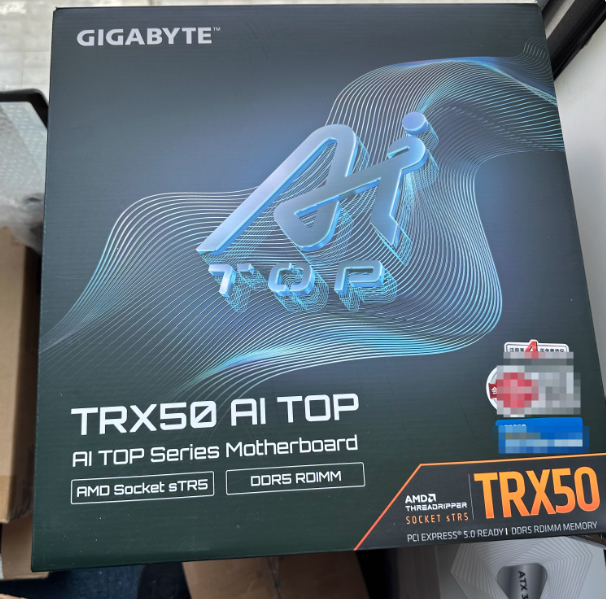
TRX50 AERO D/TRX50 AI TOP ATX Server Motherboard for A-MD Threadripper CPU for GIGABYTE
 Shenzhen Dehan Century Technology Co., Ltd.🇨🇳CN2 yrs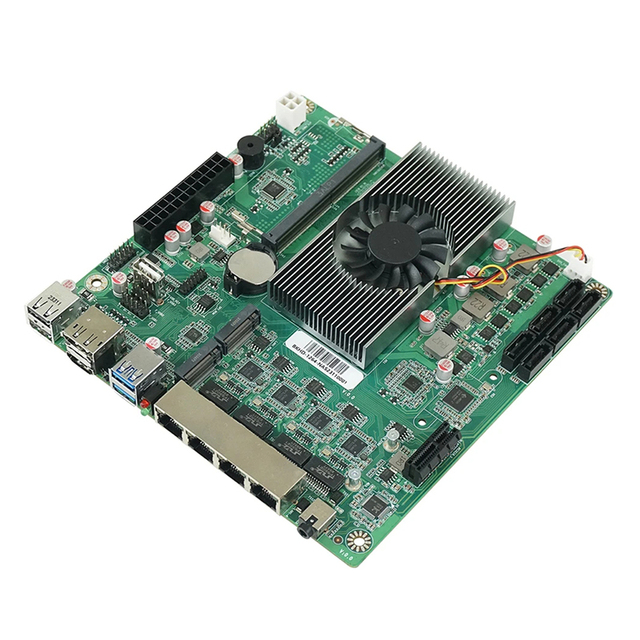
4X2.5Gbe I226 6xSata N150 N100 Processor Diy Suitable Building Truenas Proxmox Esxi Mini Itx Motherboard NAS ESXi Home Server Pc
 Dongguan Mini Tree Computer Manufacturing Co., Ltd.🇨🇳CN7 yrs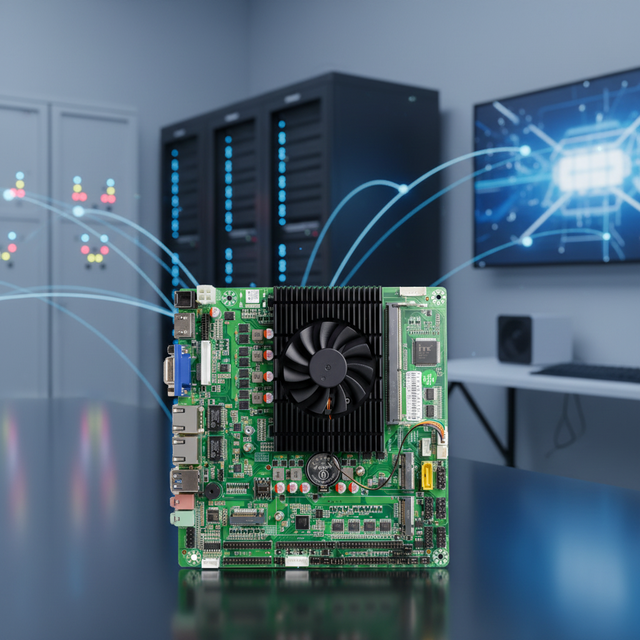
N100 Motherboard ITX Industrial Control Computer Dual Network Port NAS Storage Server 12th Generation with Window 10 11 Linux
 Guangzhou Dingchang Electronic Technology Co., Ltd.🇨🇳CN4 yrs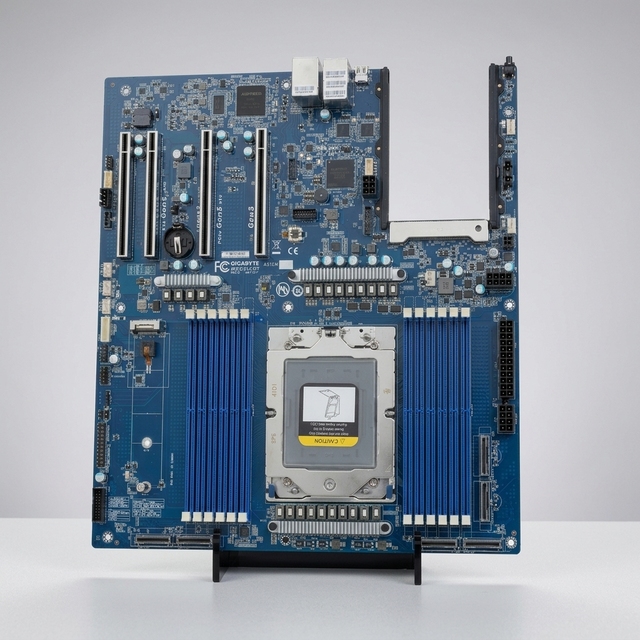
Server Motherboard MZ33-CP1 Single SP5 Support AMD EPYC 9004/9005 Series CPU for AI Computing Storage Server
 Wuhan Xinqidian Technology Group Co., Ltd.verified🇨🇳CN4 yrs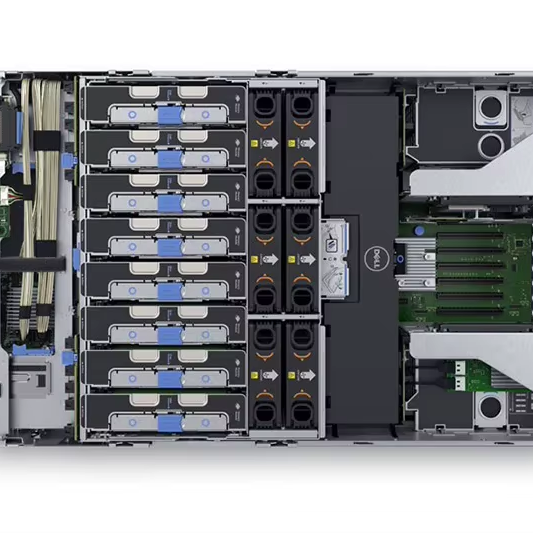
R930 Quad-CPU Server Motherboard with Virtualization GPU Computing Database Support AI Capabilities
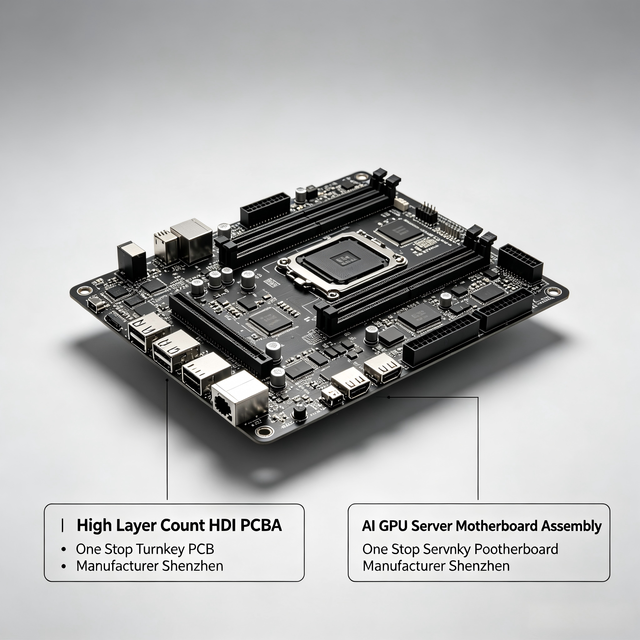
High Layer Count HDI PCBA, AI GPU Server Motherboard Assembly, One Stop Turnkey PCB Manufacturer Shenzhen
 Hongrong (Shenzhen) Electronics Co., Ltd.verified🇨🇳CN5 yrs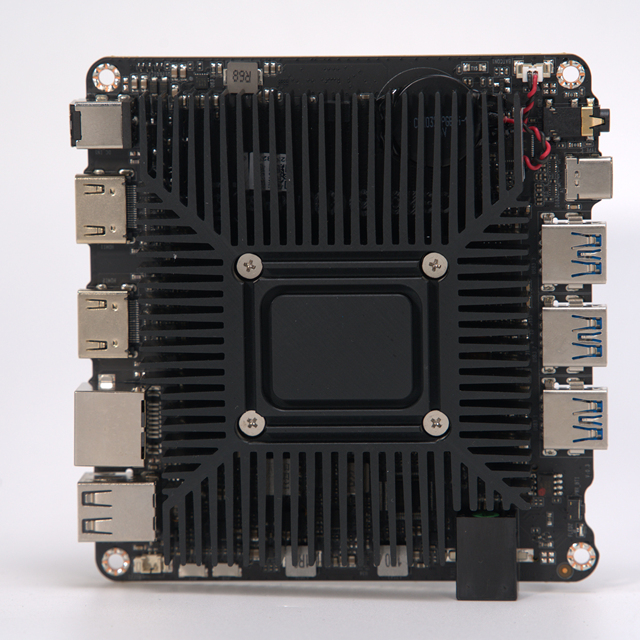
Mini PC Nas Nano Intel N5100 Itx Fanless Server Industrial Motherboard Low Power Storage Pc Ddr4 32gb for Home Office
 Shenzhen Evr Tech Co., Ltd.🇨🇳CN9 yrs
Mini PC Nas Nano Intel N5100 Itx Fanless Server Industrial Motherboard Low Power Storage Pc Ddr4 32gb for Home Office
Related Searches
Explore more sourcing topics & related categories
Sources & References
28 sources cited · Verified industry data & reports
What Is a Motherboard? Definition, Components, and Functions - ...
www.spiceworks.com
A computer motherboard may be found inside a computer casing, which is the point of connection for most of the computer’s elements and peripherals. When it comes to tower computers, one may look for a motherboard on either the right or left side of the tower; the circuit board is the most significant. The new low-profile extended (NLX) boards are where issues present in these motherboards have been addressed. Balanced technology extended, abbreviated as BTX, is a strategy developed to fulfill the requirements of emerging technologies, which call for increased power consumption and, as a result, emanate more heat. During the middle of the 2000s, Intel ceased the future production of BTX boards to concentrate on low-power CPUs. While traditional computers came pre-installed with BIOS, modern ones are pre-installed with EFI and UEFI. BIOS, EFI, and UEFI enable computers to boot without requiring users to reconfigure basic settings, time, and date. They also load the operating system into the memory. Therefore, these motherboard components allow users to focus on other productive tasks. Asus, Gigabyte Technology, and Micro-Star International (MSI) are the three most influential companies in this industry. However, Intel remains one of the ten best motherboard manufacturers in the world, even though Asus is now the largest motherboard maker on the planet. See More: What Is the Internet of Things? Definition, Role, Examples, and Trends for 2022
What Is a Motherboard?
www.computerhope.com
A computer motherboard is located inside the computer case and is where most of the parts and computer peripherals connect. With tower computers, the motherboard is on the left or right side of the tower and is the biggest circuit board. A motherboard is a printed circuit board and foundation of a computer that's the biggest board in a computer chassis. A motherboard may also be called a mb, mainboard, mboard, mobo, mobd, backplane board, base board, main circuit board, planar board, system board, or a logic board on Apple computers. Motherboard overview.
Motherboard | Definition, History, & Facts | Britannica
www.britannica.com
In 1984 IBM introduced the advanced-technology (AT) motherboard, now called the “full AT.” This board had the basic design that is still familiar today, and it became the standardized motherboard for all desktops and tower cases. At about 30 cm (12 inches) by 33 cm (13 inches), though, the size of the board made it difficult to upgrade a computer, much less fit the board into the new, more popular slimline desktop cases. The production of the Baby AT (BAT) motherboard in 1989 solved these problems, as its measurements were a relatively petite 21.6 cm (8.5 inches) by 33 cm (13 inches). Motherboard, printed circuit board (PCB) that connects all components of a general-purpose computer. A motherboard is often referred to as the “backbone” or “spine” of a computer. A motherboard is easily identified, as it is the largest board inside a computer’s casing. A motherboard is easily identified, as it is the largest board inside a computer’s casing. In tower computers, it stands vertically on the tower’s left or right side. Like other motherboards at that time, the BAT included chips that could support keyboards, mice, floppy disk drives, and other components—manufacturers had realized that the more functions of a computer a motherboard could run, the more money they could save in production.
Computer Tower Basics: Does it Include a Monitor? | Lenovo US
www.lenovo.com
When you're dealing with desktop computers, the computer tower is the case that houses the main components of the computer. It typically includes the motherboard, central processing units (CPU), random access memory (RAM), hard drive, power supply, and often an optical drive. Absolutely, one of the biggest perks of a computer tower is its upgradability. You can upgrade almost every component, from the random-access memory (RAM) and storage to the graphics card and processor, depending on the motherboard's compatibility. When planning to upgrade your computer tower, you should consider compatibility with your motherboard, power supply wattage, the physical space inside the tower, and cooling requirements. Check if the new components are supported by your motherboard's chipset and form factor. Also, ensure your power supply can handle the new parts, and there's enough room for them, especially for larger graphics cards or additional drives. It could work without a separate graphics card if the processor has an integrated graphics processing unit (GPU), which is common in many central processing units (CPUs). This small battery ensures that the BIOS settings, which include system time and hardware configuration, are retained when your computer is turned off or unplugged. If this battery fails, your system might forget these settings. Absolutely. Your computer tower likely has an ethernet port on the motherboard.
Form Factors - A Motherboard & PC Case Size Guide
www.stonerefurb.co.uk
Some standard towers will fit but not all. You also won’t find many pre-built PCs with eATX cases. Motherboards have a form factor with specific standards that they must adhere to; cases don’t. They’re built to house boards and will have standard features, but they can actually vary greatly in both size and shape. There are a few common shapes and styles of PC case, each with their own advantages and disadvantages. If space is no issue, and you want the ultimate in expandability and power, then you need a full tower computer case. These beasts will comfortably fit an eATX motherboard, 3 or 4 graphics cards and as much storage as you could ever need… Probably more. They’ll also have space for the biggest and best cooling system, whether that’s massive fan arrays or triple radiator water cooling. Full tower cases are also huge. And unless you have a really specific need for multiple graphics cards and RAID storage arrays, all that space is probably going to be overkill. Desktop cases are usually designed for mATX or mITX motherboards, and are slimmer than tower cases. This means that full size graphics cards will almost certainly not fit. But for a lower-spec home office or general use PC that doesn’t need the latest in GPU power, they can be a great way to save on space. Many desktop cases can also be stood vertically like a super-slim tower. This makes them really versatile if your space is limited. These are generally designed around mITX form factor motherboards and will have very limited space for components like large GPUs. Small form desktop and mini tower cases are much like their larger counterparts, but take up much less space. They are also substantially slimmer, which can make for a much smaller footprint - but really limits expansion opportunities, especially when it comes to graphics cards. If space is limited and you’re not planning to play power-hungry games, then these can be a great option.
Computer tower - Wikipedia
en.wikipedia.org
However, as modern computing technology has moved away from mechanical hard drives and optical drives toward solid-state devices such as USB flash drives, solid-state drives (SSDs), large-capacity external storage, and cloud storage, such an abundance of internal and external drive bays is less common. More recent full-tower cases instead only have one or two external drive bays, or none at all, with the internal bays moved elsewhere in the case to free up room and improve airflow. Full-tower cases readily fit full-size ATX motherboards but may also accommodate smaller microATX motherboards due to the former standard's interoperability in mounting holes. Since the 2010s, full-tower cases are commonly used by enthusiasts as showpiece cases with custom water cooling, RGB LED lighting, and tempered glass or acrylics side panel. They may also hold two motherboards (as is the case with the Corsair 1000D) and dual power supplies (Corsair 900D). Before the late 2010s, mid-towers contained between three and four 5.25-inch drive bays and an equivalent number of 3.5-inch bays to house optical disc drives, floppy disk drives and hard disk drives, leaving just enough room for a standard ATX motherboard and power supply unit. Since the widespread adoption of USB flash drives, solid-state drives (which take up far less space than spinning hard disk drives) and the declining usage of internal optical drives, the number of drive bays has become less of a concern to the contemporary computer user, the internal space of mid-towers is now used more commonly for closed-loop water coolers, dual graphics cards, and tightly stacked SSDs. Mini-towers typically will only accommodate microATX motherboards and for this reason sell in fewer numbers in the consumer market than the other size classes of computer towers. Traditionally, mini-towers had only one or two disk drive bays (either 5.25-inch or 3.5-inch). The term deskside is primarily a term of art in the workstation market, referring to computer towers with a much wider footprint than traditional domestic tower units. Freed from the need to fit on a desk, some of the tower models are actually getting bigger to accommodate large disk drives, a variety of floppy drives and backup devices, and room for up to a dozen slots for plug-in boards. Aftermarket floor stands, allowing existing horizontal desktop computers to be stored upright on the floor, were sold in the late 1980s by companies such as Curtis Computer Products.