Usb Projector Cable Laptop

Overview
Product sourcing insights & recommendations
The market for USB projector cables for laptops is rapidly standardizing around USB-C (Type-C) interfaces and high-performance digital signals like 4K@60Hz. Key trends indicate a significant move away from analog VGA standards in favor of HDMI Alt Mode and Wireless Transmitter/Receiver systems that offer app-free, plug-and-play connectivity.
Consumer insights highlight major pain points regarding compatibility confusion, where users struggle to distinguish between charging-only and video-capable USB-C cables, and "Adapter Hell" caused by the persistent need to bridge modern laptops with legacy classroom or office projectors. B2B pricing for standard 4K USB-C cables ranges from $2.45 to $5.00, while emerging wireless solutions represent a high-value segment at $26–$108 per set.
The comprehensive report below details these shifts, provides a technical breakdown of protocols, and offers actionable sourcing recommendations to target both modern and legacy market segments.
The market is shifting rapidly toward USB-C 4K and wireless solutions. To refine your strategy, you can:
Usb To Vga Projector Cable Laptop Converter Adapter
Products · 3 lists

High Speed 1080P USB3.0 to VGA Adapter with Audio Video Converter for Laptop PC Projector HDTV IOS Printer Camera Earphone
 Shenzhen Phoenix Rise Technology Co., Ltd.🇨🇳CN1 yr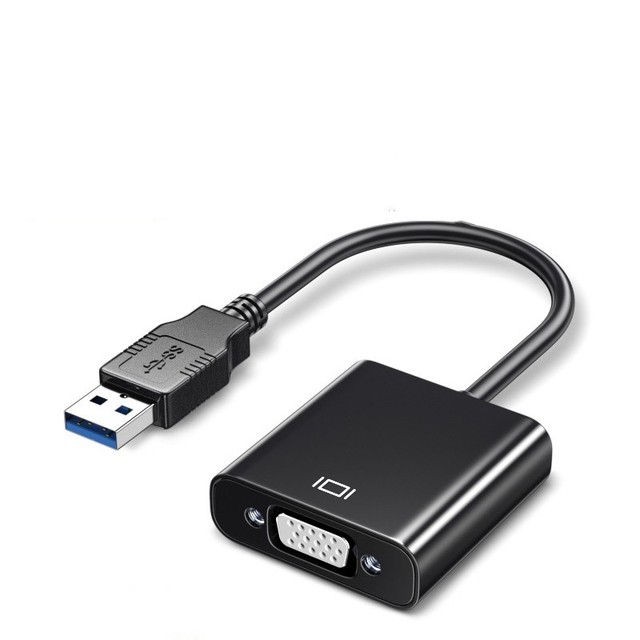
Smart Usb 3.0 to Vga Converter hd Cable 1080p Play and Plug Multi-system Usb to Vga Adapter Black for Tv Projector
 Guangzhou Dtech Electronics Technology Co., Ltd.verified🇨🇳CN21 yrs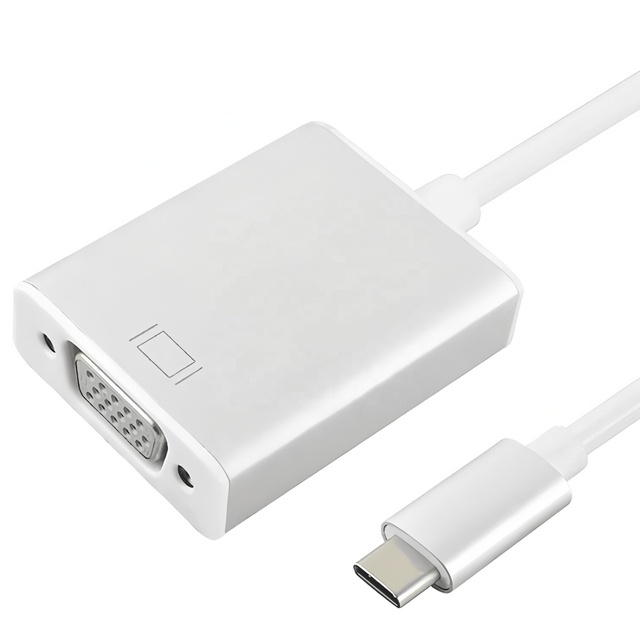
QQX USB C to VGA Adapter Aluminum Alloy 1080P HD Video Converter for Laptop PC Phone Steam Deck to Monitor Projector TV
 Shenzhen Qiqixing Electronic Technology Co., Ltd.verified🇨🇳CN3 yrs
Multi Display Video Converter USB 3.0 to VGA Adapter for PC Laptop Monitor Projector HDTV
 Wuhan Lanxu Technology Co., Ltd.🇨🇳CN6 yrs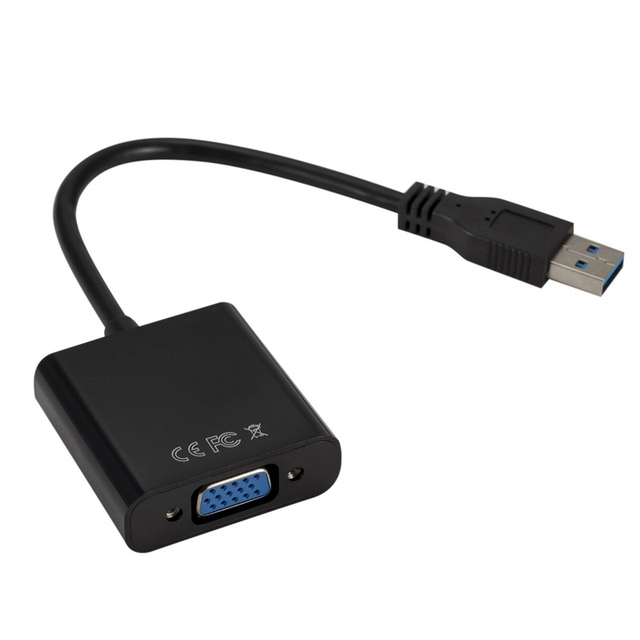
USB3.0 to VGA Adapter USB to VGA External Video Card VGA Converter for Desktop Laptop PC to Monitor Projector
 Shenzhen Qiyu Technology Co., Ltd.🇨🇳CN2 yrs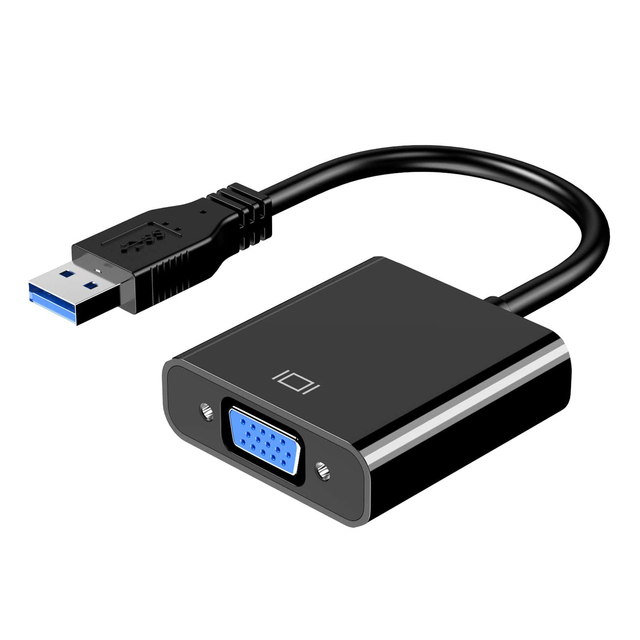
USB to VGA Adapter, External Video Card Multi Display Converter for Laptop PC Projector Monitor
 Shenzhen Ruitexun Technology Co., Ltd.🇨🇳CN6 yrs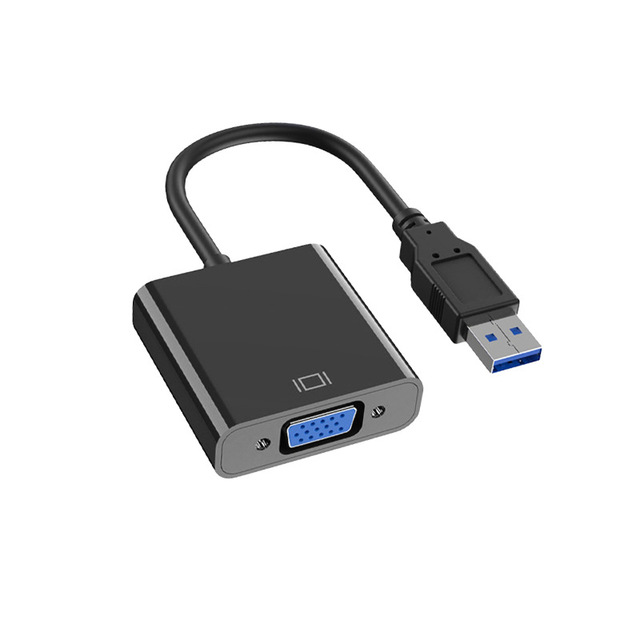
USB3.0 to Female VGA Adapter Converter Cable White/Black ABS Plastic for Laptop 1080P to USB Projector
 Shenzhen Jencent Electronics Technology Co., Ltd.🇨🇳CN11 yrs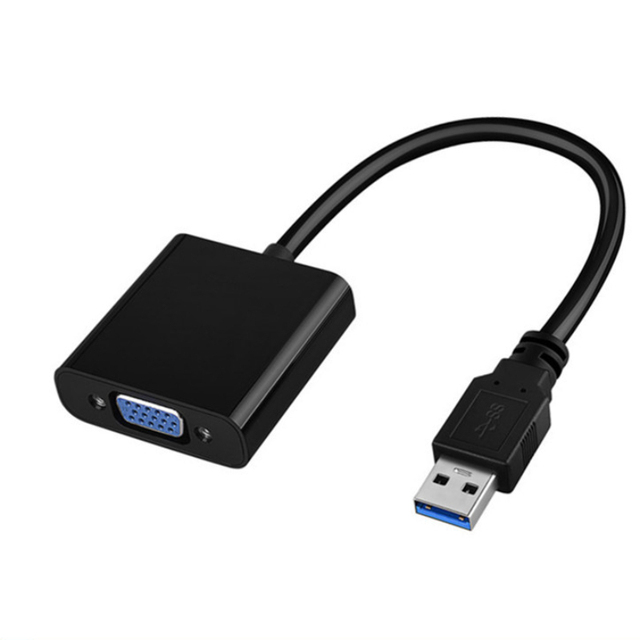
Brand New USB to VGA Adapter Cable HD Projector Converter with Oxygen-free Copper 1080p for Laptop
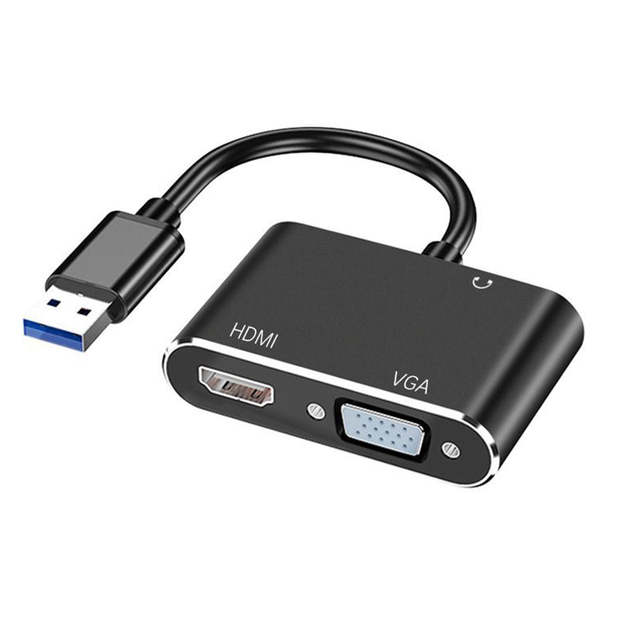
USB 3.0 to HDMI-Compatible VGA DVI Adapter Converter 1080P HD for Computer to Projector TV Monitor Extend Screen VGA Cable
 Shenzhen Lengtion Electronics Co., Ltd.🇨🇳CN13 yrs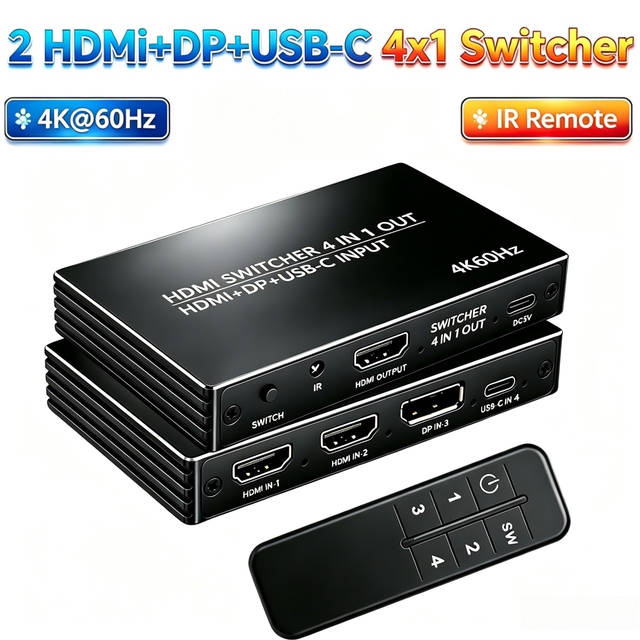
4 in 1 HDMI Switcher, 2x HDMI + DP + USB-C Input to HDMI Output Switch with IR Remote, 4K 60Hz Multi-Source Video Switch for PS5
 Shenzhen city Wazney Electronic Technology Co., Ltd.🇨🇳CN9 yrs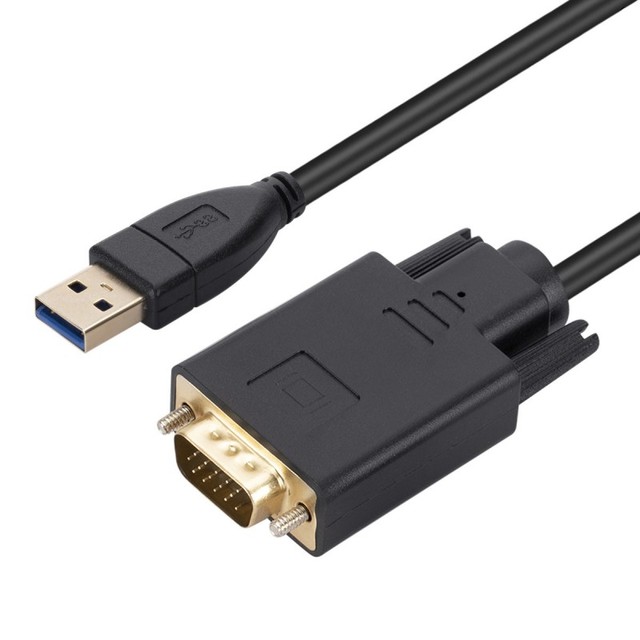
Dual Monitor Display Solution USB 3.0 VGA Adapter 1080P Video Converter Desktop Laptop Projector HDTV PC 4K 8K PVC Gold Plated
 Sichuan Sanchuang Zhengteng Technology Co., Ltd.🇨🇳CN3 yrs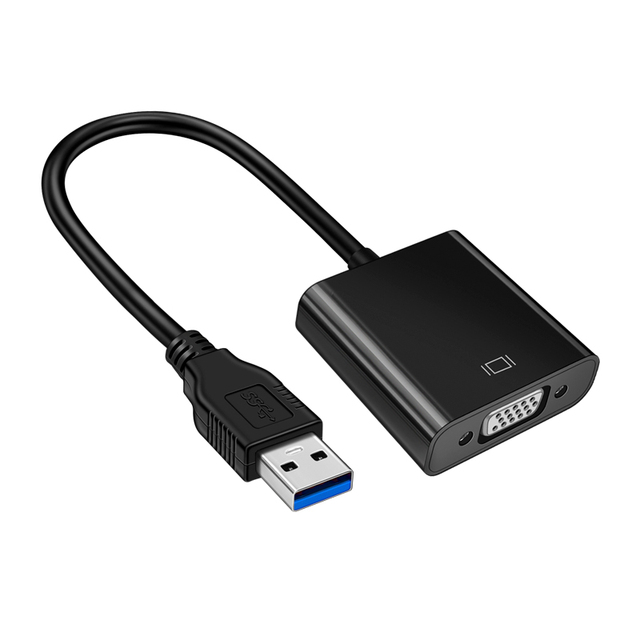
USB to VGA Adapter 1080P Multi-Display Video Graphics Converter USB HUB Adapter for Laptop Desktop Computer Monitor Projector
 Dongguan Wodexun Wire Electronics Co., Ltd.🇨🇳CN6 yrs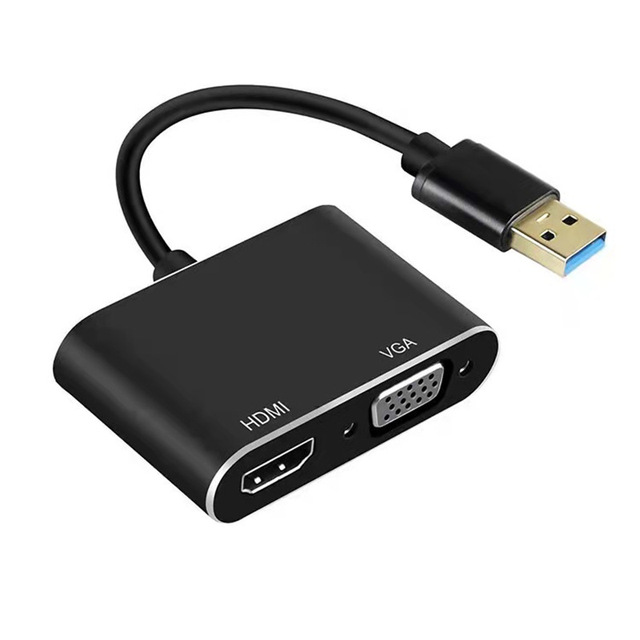
Wholesale 1080P USB 3.0 to HDMI VGA Adapter 2 in 1 USB Hub with HDMI and VGA for PC Monitors HDMI and Project
 Shenzhen Magelei Electronic And Technology Co., Ltd.verified🇨🇳CN13 yrs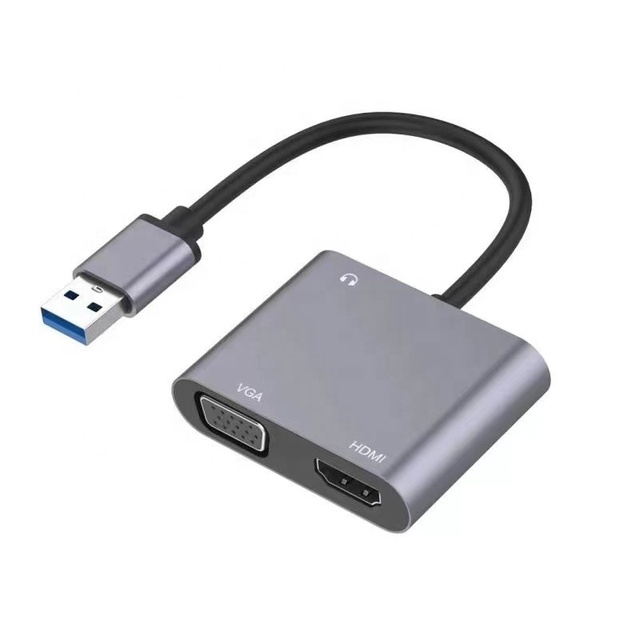
2 in 1 USB 3.0 to HDMI and VGA Video AV and 3.5mm Audio Converter Adapter for PC to Monitor HDTV Projector Etc
 Shenzhen Esamconn Electronics Co., Ltd.🇨🇳CN8 yrs
USB to VGA Projector Interface External Graphics Card USB 3.0 to VGA Converter Monitor Conversion Adapter Cable
 Shenzhen Jiaxinjie Technology Co., Ltd.🇨🇳CN9 yrs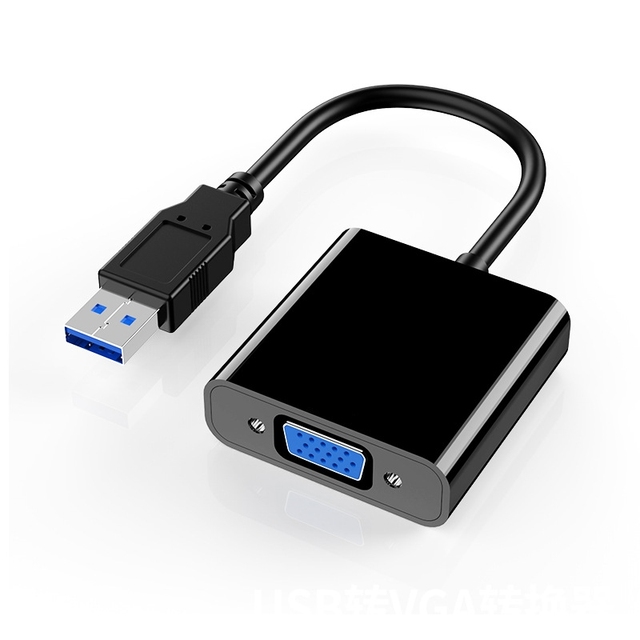
USB to VGA converter, wired screen projector, computer adapter high-definition screen
 Shenzhen Huake Shengye Technology Co., Ltd.verified🇨🇳CN2 yrs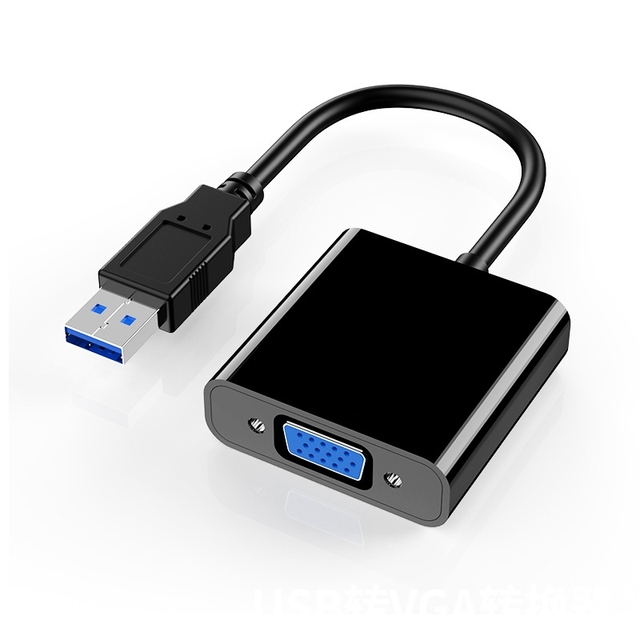
USB to VGA converter, wired screen projector, computer adapter high-definition screen
 Shenzhen Pinkuo Trading Co., Ltd.🇨🇳CN2 yrs
USB to VGA converter, wired screen projector, computer adapter high-definition screen
 Shenzhen Nordson Electronics Co., Ltd.🇨🇳CN1 yr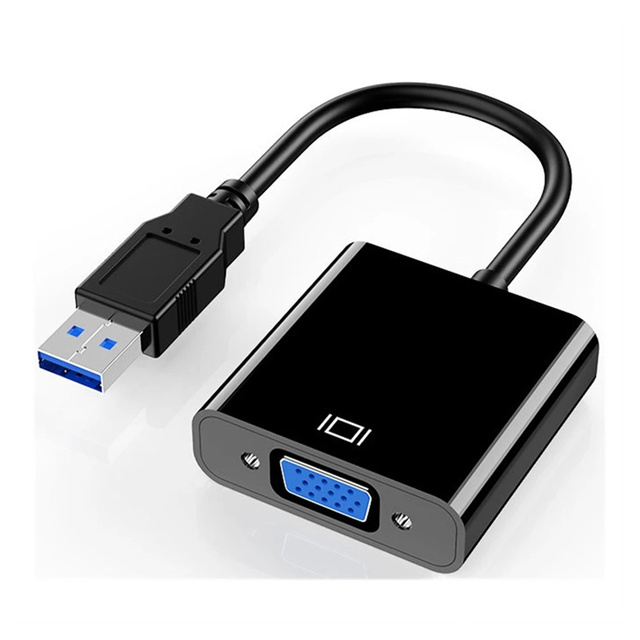
USB to VGA Adapter ,USB 3.0 to VGA Adapter Multi-Display Video Converter Support PC Laptop Windows 7/10 Desktop, Laptop
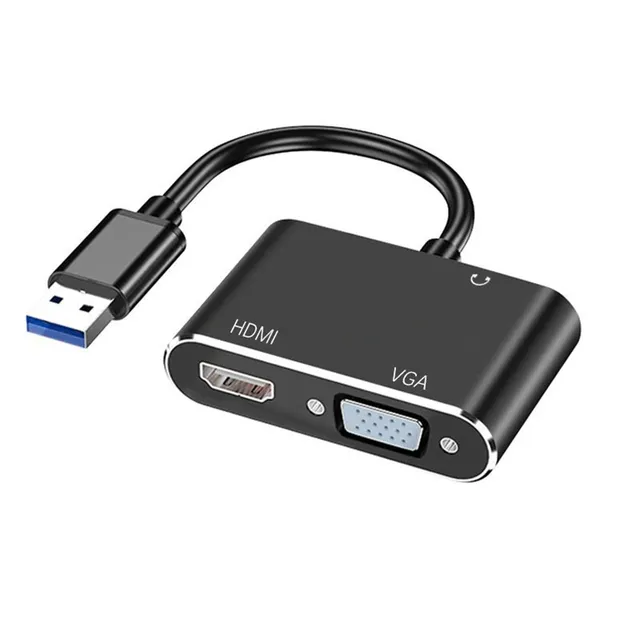
1080P USB3.0 to VGA HDMI Audio Video Converter Adapter Splitter for Computer Laptop to Monitor/TV Dual Screen Display
 Shenzhen Eborm Technology Co., Ltd.🇨🇳CN8 yrs
High Quality USB 3.0 to VGA Converter Adapter External Video Graphic Card for Desktop Laptop
 Shenzhen Xiongfa Weiye Electronics Co., Ltd.🇨🇳CN13 yrs
High Quality USB 3.0 to VGA HD Converter Adapter External Video Graphic Card for Desktop Laptop
 Shenzhen Orwintech Electronic Co., Ltd.🇨🇳CN9 yrs
High Quality USB 3.0 to VGA Converter Adapter External Video Graphic Card for Desktop Laptop
High Quality USB 3.0 to VGA HD Converter Adapter External Video Graphic Card for Desktop Laptop
Deep Dive · Full Report
Full Market Report
1 document · Live-fetched from source
Related Searches
Explore more sourcing topics & related categories
Sources & References
22 sources cited · Verified industry data & reports
Why You Should Get The USB Type-C To HDMI Cable From Laptop To ...
www.cablecreation.com
The article discusses the advantages of using the USB Type-C to HDMI cable when projecting your laptop screen to a projector. For starters, you don't need another power port, which is great if you're in a situation where ports are scarce. You also don't need an adapter since this cable uses the same connector at both ends. Plus, the USB Type-C to HDMI cable is compatible with most laptops and projectors, so you can use it again and again. So don't wait any longer, order · CableCreation's USB Type-C to HDMI cable today! Share Share on Facebook Tweet Tweet on Twitter Pin it Pin on Pinterest ... Apr 24, 2026 How to Connect USB-C Devices to Legacy DVI Monitors in 2026: Practical Fixes That Actually Work The USB Type-C to HDMI cable is one of the latest cables on the market and it is becoming increasingly popular. This cable allows you to connect your laptop to a projector, making it ideal for presentations or watching movies. Finally, you need to think about compatibility. The USB Type-C to HDMI cable is compatible with most laptops and projectors on the market. However, there are a few exceptions so it is always best to check before you buy.
The 7 Best USB-C Video Cables and Adapters for 2026 | Reviews by ...
www.nytimes.com
Many modern laptops use small, versatile USB-C ports to connect to everything from chargers to monitors to hard drives, but most monitors, TVs, and projectors still have only older, more common ports like HDMI or DisplayPort. We’ve found the best USB-C–to–HDMI, USB-C–to–DisplayPort, USB-C–to–DVI, and USB-C–to–VGA cables and adapters to help you use your new computer with the video display you prefer. If you need a VGA cable to connect to an older projector or monitor, we recommend picking up Plugable’s USB-C to VGA Cable. The 6-foot cable puts out 1920×1080 resolution at 60 Hz for a reasonable price. This cable connects to VGA monitors and projectors at up to 1920×1080 at 60 Hz. Like all Wirecutter journalists, I review and test products with complete editorial independence. Most of the laptops we test are sent by the manufacturer for review consideration, but I return every laptop that isn’t purchased by Wirecutter. I’m also never made aware of any business implications of my editorial recommendations.
How to Connect a Laptop to a Projector?
www.benq.com
BenQ InstaShow is a wireless screen mirroring system that enables you to wirelessly connect a laptop to a projector. It is the simplest system on the market but still enables multiple presenters to wirelessly connect laptop to projector with a simple tap of a button: You simply plug in a transmitter to the HDMI or USB-C/Thunderbolt port on your notebook. For over a decade, connecting a laptop to a projector was quite simple. Just plug in the VGA cable, hit F5, and start presenting. But new laptops don’t have VGA ports and haven’t had them for a while now, and laptop users often have to carry around a wide variety of adapters just to make the connection work. This article outlines options for home and office users to connect laptops to a projector with both wired and wireless connections. ... Cables are the most secure and often the fastest way to connect a laptop to a projector. While older laptops have legacy VGA ports, newer models come with digital ports that share HDCP information with the display to enable copy protected content to run. MacBook® laptop: an older MacBook might have a VGA port or a full-size HDMI port, while a newer MacBook might have mini DisplayPort or USB-C Thunderbolt video output. Other laptops: brands such as Dell, HP, and Lenovo also have produced models with all four of these wired interfaces. Buying, managing, and often losing these adapters can be a hassle and a waste of time over obtaining and configuring the right adapter to make a presentation. If you want to connect a laptop to a projector at home, there are plenty of options to choose from.
How to Connect Laptop to Projector: 2026 Updated Guide
us.xgimi.com
For the most reliable, high-quality connection, use an HDMI cable. USB-C works great on modern laptops. VGA is only relevant for legacy equipment. Wireless projection has become the most convenient option for most users. There are three main wireless protocols, and which one you use depends on your laptop's operating system and your projector's capabilities. Connect the cable: Plug one end of the HDMI cable into your laptop and the other into the projector. Select the input source: Turn on the projector and select "HDMI" as the input source using the projector's remote or on-screen menu. ... macOS Sonoma/Sequoia: Go to System Settings → Displays → Arrangement to choose mirroring or extended display. ... Most laptops made after 2020 come with USB-C ports. Plug the USB-C end into your laptop. Connect an HDMI cable from the adapter to the projector. If your laptop only has USB-C ports, consider a multi-port hub that includes HDMI, USB-A, and power delivery — this lets you charge your laptop while presenting. VGA is an analog video standard from the 1980s. Most modern laptops and projectors no longer include VGA ports. Only use this method if both your laptop and projector have VGA ports and no other option is available. Key limitations: VGA carries video only — you'll need a separate audio cable (3.5mm aux) for sound.

Amazon.com: Cable USB-C USB - Video Projectors: Electronics
www.amazon.com
Amazon.com: Cable To Connect Laptop To Projector
www.amazon.com