Video Separator

Overview
Product sourcing insights & recommendations
The phrase "video separator" encompasses two distinct market categories: hardware signal processing components (Sync Separators/Splitters) and software content tools (Video Splitters). The hardware market is driven by high-definition 8K/4K distribution, while the software market is expanding through AI-powered content repurposing and holographic communications.
1. Market Category & Product Insights
* Hardware (Sync Separators & Splitters): These are critical B2B components used in broadcast and professional AV.
* Components: IC chips like the LM1881 and NJM2229M AlibabaAlibaba extract timing signals from composite video, essential for legacy analog-to-digital interfacing.
* Distribution: High-end HDMI 2.1 splitters (e.g., FJ-8K108) now support uncompressed 8K/4K perfect sync for multi-screen environments Alibaba.
* Software (Splitting Tools): Dominated by cloud and browser-based AI platforms like Flixier, Animoto, and VEED AnimotoFlixierVeed.
* Functionality: Focuses on "frame-accurate" splitting and repurposing long-form content (YouTube) into viral clips for TikTok, Reels, and Shorts.
2. Market Trends & Forecasts (2026–2031)
* Sector Growth: The Video Communications Software market is projected to reach $24.92 billion by 2026, growing at a 7.89% CAGR to hit $36.43 billion by 2031 Mordorintelligence.
* AI Integration: A major trend for 2026 is the emergence of "Autonomous AI Agents" within video systems to automate editing, summaries, and translations AsmagMordorintelligence.
* Holographic Rise: Holographic communication is set for 8.76% CAGR, driven by improved compression technologies and 5G/6G connectivity in the Asia-Pacific region Mordorintelligence.
* Search Interest: Real-time data shows a spike in search volume for "video separator" in mid-2026, peaking in June, indicating seasonal demand for content repurposing tools or hardware upgrades.
Video Sync Separator Ic Chip Module
Products · 3 lists
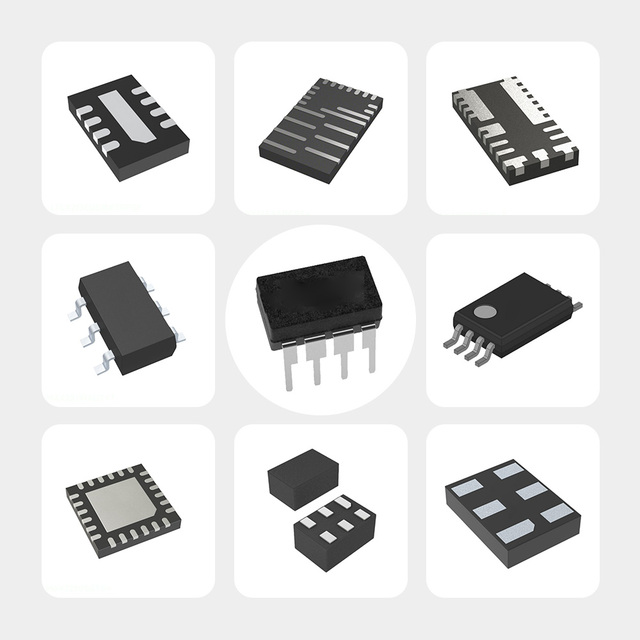
16 SOlC (0.209", 5.30mm Width) BOM IC In Stock Integrated Circuit Price Chip NJM2229M IC VIDEO SYNC SEPARATOR 16DMP
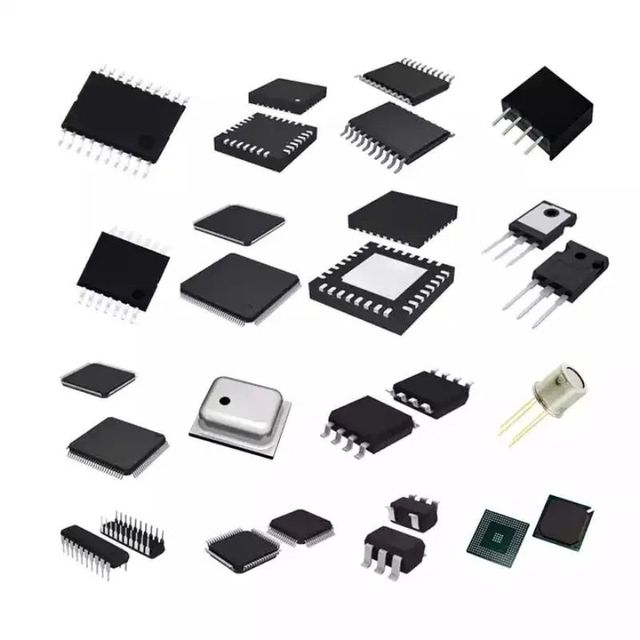
ZXFV4583N16TA IC VIDEO SEPARATOR SYNC 16SO 2026 New Original
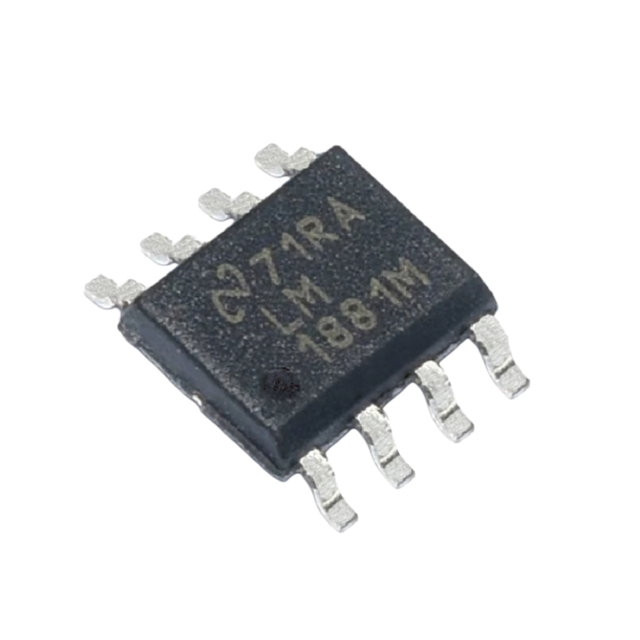
SYXC LM1881 Integrated Circuit Video Synchronization Separator 8SOIC LM1881
 Shenzhen Shengye Xincheng Technology Co., Ltd.🇨🇳CN1 yr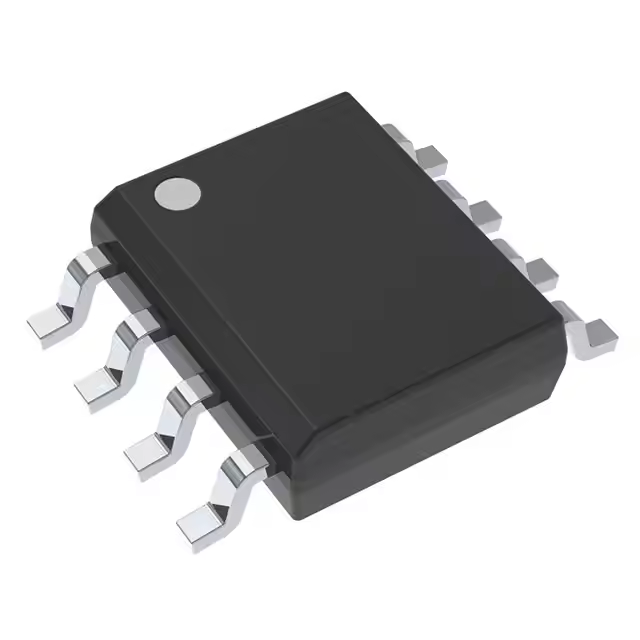
LM1881 Integrated Circuit Video Synchronization Separator 8SOIC LM1881
 Shenzhen Tuorui Electronic Technology Co., Ltd.verified🇨🇳CN3 yrs
LM1881 Integrated Circuit Video Synchronization Separator 8SOIC LM1881
 Shenzhen Goldtech Electronics Co., Limitedverified🇨🇳CN8 yrs
8 DIP (0.300", 7.62mm) LM1881N Wholesale Electronic Components Original One Stop Service Chip IC VIDEO SYNC SEPARATOR 8DIP
 5Chips Tech Limited🇭🇰HK1 yr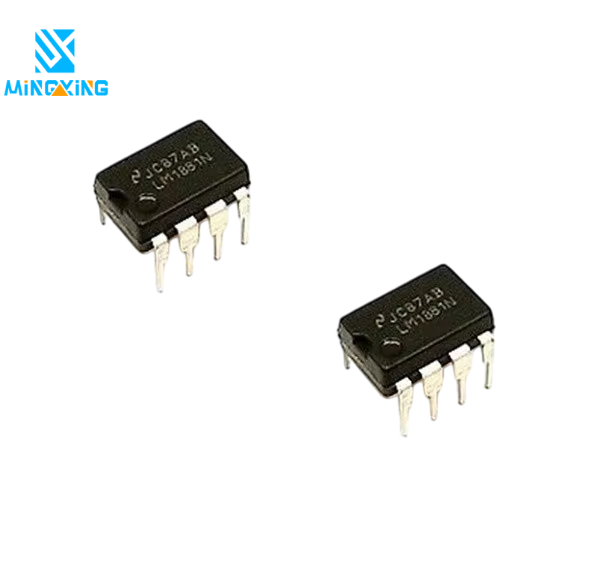
1Pcs DIP-8 LM1881 LM1881N Genuine From NS IC New Video Sync Separator
 Shenzhen Mingxing Electronics Co., Ltd.verified🇨🇳CN1 yr
Deep Dive · Full Report
Full Market Report
1 document · Live-fetched from source
Related Searches
Explore more sourcing topics & related categories
Sources & References
28 sources cited · Verified industry data & reports
Free Online Video Splitter | No Watermark - Animoto
animoto.com
Trim a long YouTube video into two separate uploads, or isolate the best moment from a longer recording. Split a long-form video into platform-ready clips for Reels, TikToks, or Shorts. Divide a lecture or tutorial into digestible sections for students. Separate a ceremony recording from the reception footage without touching video editing software. Pull a product demo or testimonial clip from a longer recording to use in marketing. Split any video into two parts for free with Animoto's browser-based video splitter. No signup, no watermark, no uploads. Supports MP4, MOV, WebM, AVI, and MKV. Click "Split" and the tool instantly divides your video into two separate clips. Download one or both. No rendering queues, no waiting, no watermarks. No hidden fees, no subscription required, and no paywall at the download step. Free means free. You don't need to create a login to use this tool. Open the page, upload your video, and go. Both downloaded clips are clean, ready-to-share files. What you see is what you get. "Making videos isn't my main job, but they've still got to look good! I've used a few editors before and Animoto hits the sweet spot between customization and ease of use." Cyndi KnapicSr. Product Marketing Manager
Video Sync Separator: A Comprehensive Review and Guide for ...
www.aliexpress.com
A video sync separator is a device that isolates sync signals from composite video signals, ensuring accurate display and timing. It is essential in professional video production for maintaining signal integrity and preventing distortion. The article explains its function, components, usage, and selection criteria, emphasizing its importance in broadcast and live event environments. Expert Recommendation: Choosing the Right Video Sync Separator for Your Needs Click the image to view the product Based on my experience as a video engineer and technician, I recommend selecting a Video Sync Separator that offers accurate signal processing, reliable performance, and compatibility with your existing equipment. The EL1883ISZ-T13 is an excellent choice for professionals who need a compact and efficient solution for video signal synchronization. In conclusion, a Video Sync Separator is an essential tool for anyone working with video signals, especially in professional and broadcast environments. The EL1883ISZ-T13 is a reliable and effective choice that delivers accurate signal processing and excellent performance. Whether you are a video engineer, technician, or producer, this device can help you achieve the best possible results in your video production. Answer: Using a Video Sync Separator in professional video production improves signal quality, ensures accurate synchronization, and provides greater flexibility in video processing. Signal Quality The clarity and accuracy of the video signal after processing by the Video Sync Separator. Synchronization The ability of the Video Sync Separator to ensure that the video is displayed correctly on the screen.
Free Video Splitter - Split Video into Multiple Files | Bandicut
www.bandicam.com
Split your video with Bandicut's free version! Bandicut is an easy-to-use video splitter software that allows you to divide large videos into several parts according to specific time stamps, which is useful when struggling to upload large video files to YouTube or via Cloud, Messenger, a USB flash drive, or email. Audio often doesn't sync with the edited video. How do I fix this? Sometimes, I can't play back or upload the videos I edited with Bandicut. Why is this so? Bandicut is a video splitter that can quickly divide large video files into certain sizes or time stamps without sacrificing the video quality. Dividing videos into smaller files is necessary to avoid ruining their quality.
Video Splitter Online - Split Videos Free | Flixier
flixier.com
Combine various extracted parts or external media to build a cohesive and engaging final production. Join videos together on a multi-track timeline and · compress split files to ensure your projects are universally optimized. Isolate the most engaging moments from long-form content to create high-impact highlights. AlternativesFlixier vs Adobe ExpressFlixier vs CamtasiaFlixier vs CanvaFlixier vs CapCutFlixier vs DescriptFlixier vs FilmoraFlixier vs SynthesiaFlixier vs VeedFlixier vs ClideoFlixier vs InvideoFlixier vs RiversideFlixier vs OpenArt AIFlixier vs PictoryFlixier vs ArtlistFlixier vs KapwingFlixier vs MovaviFlixier vs WeVideo · CreateShort Videos for SocialTraining VideosProduct Demo VideosOnline CoursesAdd & Translate SubtitlesRepurpose Long VideosEmployee Onboarding VideosCustomer Education VideosCompliance Training VideosSales Enablement VideosFrontline Workforce VideosIT/Product Training Videos Create targeted ad snippets from your existing video library to maximize your campaign reach and engagement.See How It Works ... I have over 11 years in the broadcast industry, building teleproductive facilities, using high-end editing equipment. And this is better than anything else I've used in my lifetime. You can split a video for free by uploading your file to Flixier and using the timeline to mark your divisions. The tool allows you to cut and divide content instantly in your browser, providing a professional-grade experience without any cost or software downloads. Yes. By using the playhead and the split button, you can manually divide any large recording into as many segments as you need. This is ideal for breaking down long presentations or movies into smaller, more manageable chapters for easier sharing.
Online Video Splitter — Split Any Video Into Parts (Free)
www.kapwing.com
Splitting parts of a video is one of the fundamentals of video editing, and can be done using various online tools. With this Online Video Splitter, you can upload and split a long video into smaller parts, then easily download the sections as separate files. I blow my team away with how fast and efficiently I can edit and turnaround video projects. ... Kapwing is king. When I use this software, I feel all sorts of creative juices flowing because of how jam-packed with features the software really is. A very well-made product that will keep you enticed for hours. Start by uploading a video, then press the "S" on your keyboard or select the "Split" button. Next, delete portions of unwanted video and arrange clips as needed. Finally, download your edited video or separate files. There are three key reasons to split a large video into parts: Online educators and course creators quickly edit their videos content using Kapwing's free Video Splitter to delete and rearrange scenes before exporting · Small business owners split longer videos into shorter demos to showcase products effectively and engage potential customers
Online Video Splitter - Split Videos From Your Browser - VEED
www.veed.io
There are many video editing apps that let you split your videos. However, a lot of them are paid or require huge storage space for them to be installed on your device. VEED is free and browser-based. Split and edit your videos from any desktop or mobile browser. Our MP4 splitter (also called an MP4 splicer) handles large files without conversion, alongside MOV, MKV, AVI, and more. For reference, a 3-minute 1080p video is usually 180 to 400 MB, and a 20-minute 1080p video lands around 1.2 to 2.6 GB, with 4K roughly doubling those figures. Not sure where to find music for video whether free or paid? Want to learn how to find it, pick the right song, and then add it to your video content? Then dig in! ... Splitting and trimming is one part of building a finished video. VEED is an AI video creation platform where you can generate, shape, and export videos for TikTok, Instagram, YouTube, and LinkedIn. You can trim any video to any duration you want. All it takes is a click and a drag and drop action.