X40 X41 Thinkpad

Overview
Product sourcing insights & recommendations


The ThinkPad X40 and X41 are iconic "ultraportable" laptops that represent the transition era from IBM to Lenovo (circa 2004–2006). Today, they have evolved from business tools into highly sought-after collectible hardware, primarily due to their "distraction-free" design and the legendary IBM keyboard experience. PanoramacircleFandom
Product Overview & Key Differences
Both models share the same 12.1-inch XGA chassis but differ significantly in internal architecture: WikipediaThinkpads
| Feature | ThinkPad X40 (2004) | ThinkPad X41 (2005) |
|---|---|---|
| CPU Architecture | Intel Pentium-M (Banias/Dothan) | Intel Pentium-M (Dothan - Low Voltage) |
| Chipset | Intel 855GME (DDR1 RAM) | Intel 915GM (DDR2 RAM) |
| Storage Interface | Native 1.8" PATA (IDE) | SATA-to-PATA Bridge (Proprietary) |
| Modern Value | Highest portability; "pure" IBM feel | More powerful; supports Fingerprint reader |
Market Trends & Collector Insights (2026)
* The "Zen Writing" Trend: There is a surge in interest for the X40 as a dedicated writing device. Collectors value its lack of a touchpad (TrackPoint only), which provides a larger, uninterrupted palm rest that is unmatched in modern laptops. Panoramacircle
* Vintage Valuation: Fully functional units typically range from $50 to $150. Premium prices are paid for units with "IBM" badges (pre-Lenovo) and intact "matte" keyboard textures. Thinkpads
* The SSD Renaissance: The primary market trend is the "modernization" of these units. Because the original 1.8-inch hard drives are notoriously slow (4200 RPM) and prone to failure, a unit pre-modified with an mSATA-to-IDE SSD adapter is considered the "gold standard" for buyers in 2026. ThinkpadsCnet
Critical Technical Challenges
- 1The 1.8-inch Bottleneck: Both models use a proprietary 44-pin 1.8" drive format. Replacements are rare, forcing users to use mSATA or CompactFlash adapters. Redflagdeals
- 2The X41 "2010 Error": Installing any non-certified drive (including modern SSDs) in an X41 triggers a "2010 Warning" at boot. This requires a custom patched BIOS to bypass the whitelist, a common modification in the enthusiast community. ThinkpadsThinkpads
- 3RAM Limits: The X40 is limited to 1.5GB, while the X41 can support up to 2.0GB (with a 2GB stick, though only ~1.5GB may be addressable depending on the BIOS version). WikipediaThinkpads
1.8 Inch Ide Ssd 44 Pin For Thinkpad X40 X41
Products · 3 lists
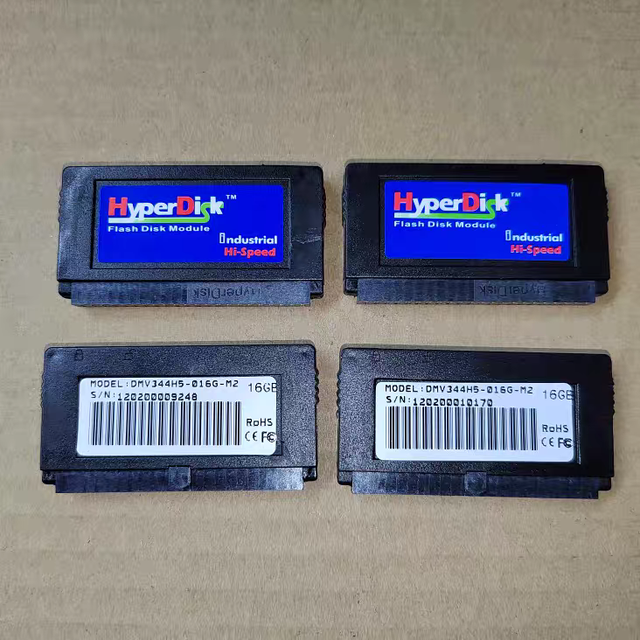
Machinery Parts Industrial Ssd 16GB Wide Temperature IDE 44 Pin Industrial IDE SSD DOM Solid State Disk
 Taizhou Difeng Machinery Co., Ltd.🇨🇳CN3 yrs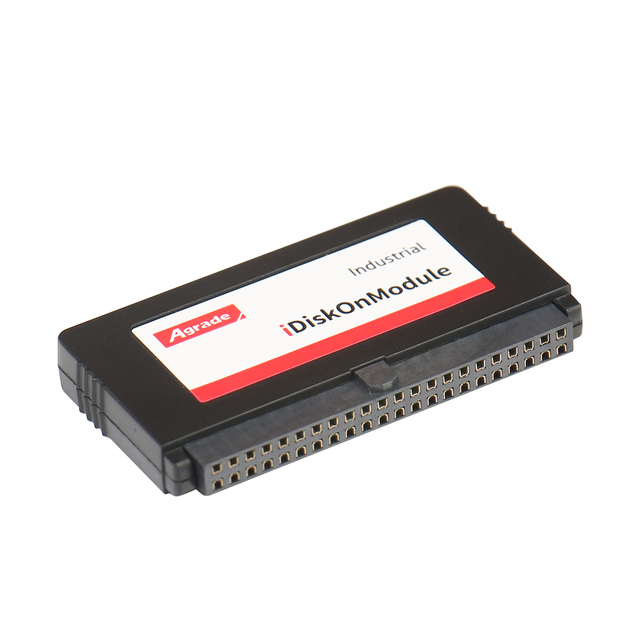
Industrial Ssd 4GB 16B Ide Dom 44 Pin Industrial Ssd for Enterprises Pc Internal Hard Drive
 Agrade Storage International Corporation Limited🇭🇰HK3 yrs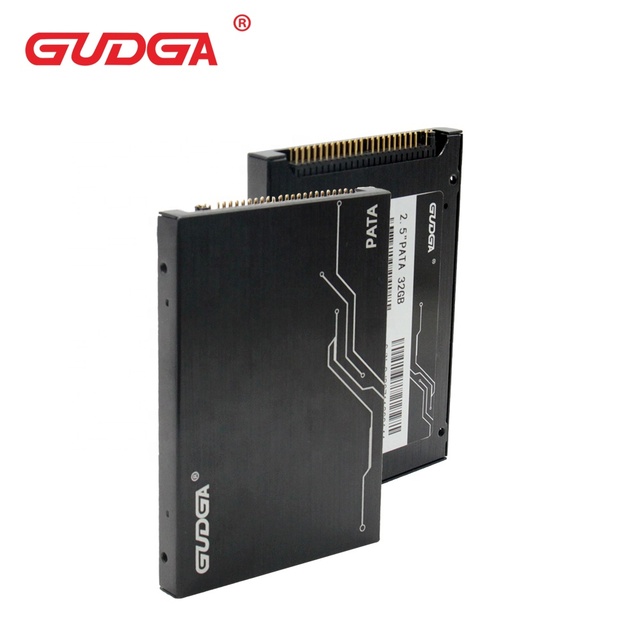
GUDGA Industry Pata IDE 2.5'' SSD MLC Flash 44pin 8G 16GB 32GB 64GB 128GB Aluminium Internal New Server
 Shenzhen Xinchitai Technology Co., Ltd.🇨🇳CN6 yrs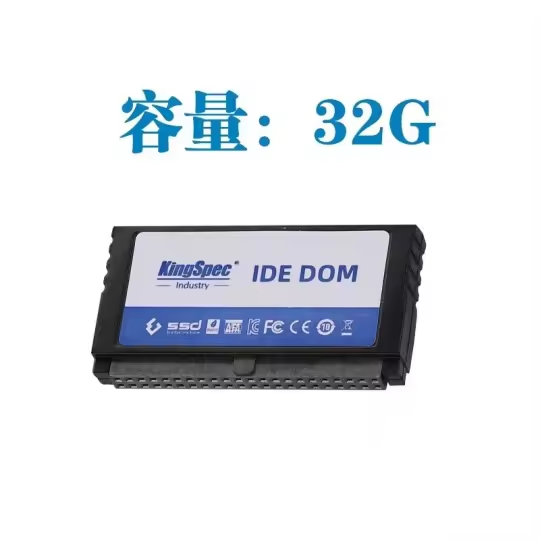
Second-hand Industrial 16GB Wide Temperature SSD DOM Solid State Disk IDE 44 Pin Machine Parts for Knitting Machinery
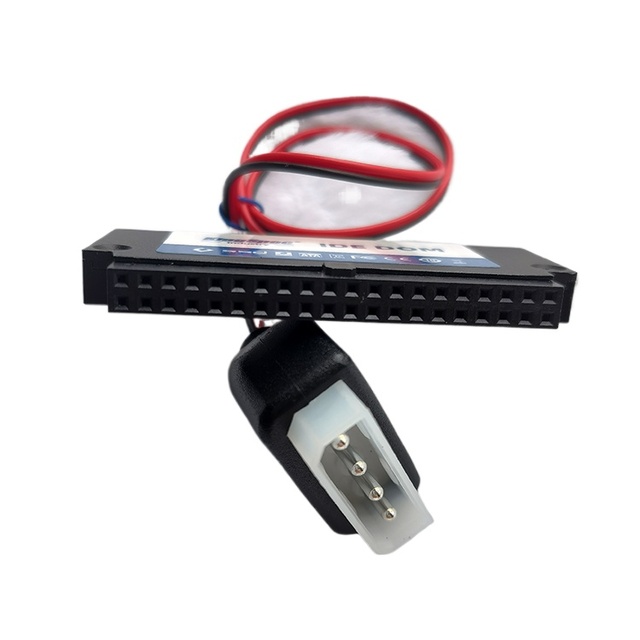
KingSpec YANSEN DOM Electronic Disk 40Pin IDE 8G SSD Solid State Drive POS Industrial Computer Desktop
Related Searches
Explore more sourcing topics & related categories
Sources & References
27 sources cited · Verified industry data & reports
Diff between X40 and X41 (non-tablet} - Thinkpads Forum
Thinkpads Forum
The X40 uses Banias CPUs, from 1.2Mhz to 1.3Mhz. From 1.4Mhz to 1.6Mhz they use Dothan CPUs as do all X41s. All versions can use up to 1G of ...
ThinkPad X series
Wikipedia
X40 · Processor: Intel Pentium M 1.0, 1.2, or 1.3 GHz (Banias) or 1.1, 1.2, 1.4, 1.5, or 1.6 GHz (Dothan) · Memory: 256–1,536 MiB DDR (256 or 512 MiB soldered, 1 ...

IBM ThinkPad X41 - Computer
The Centre for Computing History
Processor: Intel Pentium M LV 758 (1.50GHz, 90nm technology, 2MB L2 Cache, 400MHz FSB) · Wireless: Intel PRO 2200BG or 2915ABG, Bluetooth optional · OS: Windows ...
IBM ThinkPad X41/X40 notebooks
1WorldSync
ThinkPad X41 notebooks with the integrated fingerprint reader are biometric and TPM-enabled systems that provide options to assist your business in complying ...

ThinkPad X40 – IBM's first ultralight X-Pad restored
panoramacircle.com
This one is from 2005, has a single core Pentium-M 1.5 GHz with 1.5 GB RAM and Intel graphics. ThinkPad X40 X41 X31 X32 compared Pentium-M X-Pad ...

New ThinkPad X41 - Ultraportable, Ultra Secure ...
Lenovo StoryHub
Improved Performance, Ease-of-Use and Serviceability The new ThinkPad X41 is equipped with the Intel Pentium M Processor, Intel 915GM chipset ...