Xbox 360 Wireless Adapter Mac

Overview
Product sourcing insights & recommendations
The phrase "xbox 360 wireless adapter mac" currently represents a significant technical divide in the gaming accessory market. My research indicates that while legacy Microsoft receivers (Model 1473) remain popular for Windows, they have reached a functional "dead end" for modern Mac users—specifically those on Apple Silicon (M1/M2/M3) running macOS Sonoma or Sequoia.
Key Insights
* Driver Obsolescence: Traditional third-party drivers (like *360Controller*) are Intel-based and cause system-wide Kernel Panics on modern macOS, rendering legacy adapters highly unstable MacupdateGithub.
* Market Pivot: The industry is moving away from external dongles toward Bluetooth-enabled replicas. Models like the Hunter 360 and Hyperkin Xenon are trending in 2026 because they offer native Mac support without requiring special drivers Alibaba.
* Sourcing Trends: Bulk pricing for legacy receivers remains stable at $7.00–$13.50, primarily driven by the Windows retro-gaming market, while modern Bluetooth-style controllers are retailing in the $14–$20 range at wholesale AlibabaAlibaba.
For a detailed analysis of compatibility workarounds, supplier landscapes, and consumer pain points, please refer to the comprehensive market report below.
Based on these insights, you can continue with:
Xbox 360 Wireless Gaming Receiver For Pc Mac Model 1473
Products · 3 lists
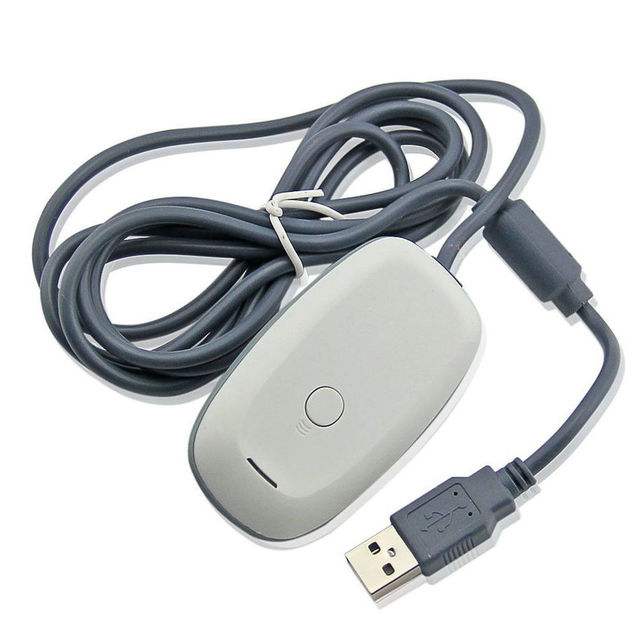
PC Receiver for X-B360 Win System Accessories Usb Gaming Adapter for PC Computer Dongle for Game Console
 Shenzhen Suoweitang Technology Co., Limited🇨🇳CN7 yrs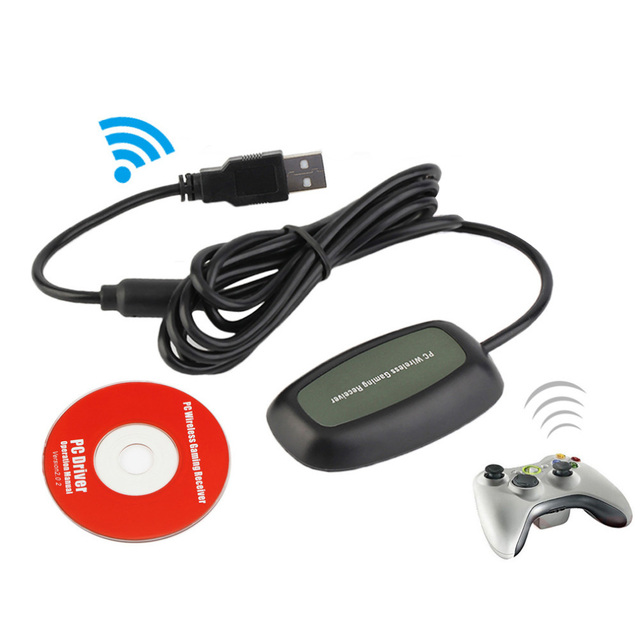
Gamepad Adapter for Xboxes 360 Wireless Controller Receiver for Xboxes 360 PC Gaming USB Receiver
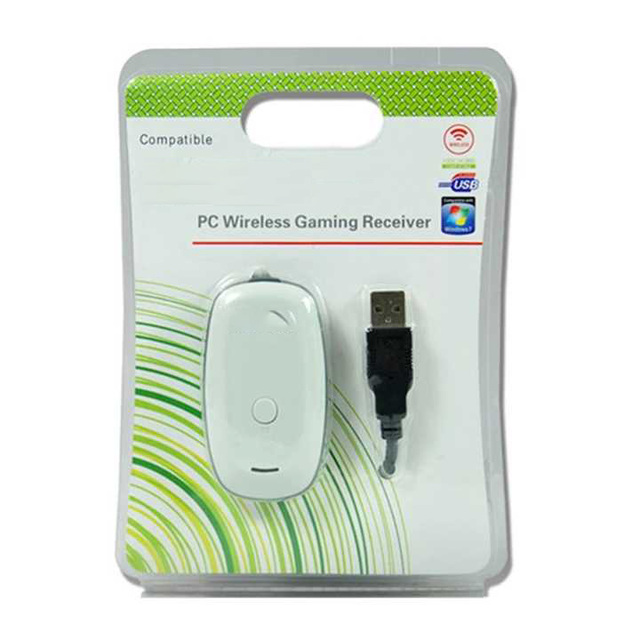
Wholesale Wireless Controller Game USB Receiver for Xbox 360 Adapter Gamepad Game Accessory for PC Wireless Receiver Adapter
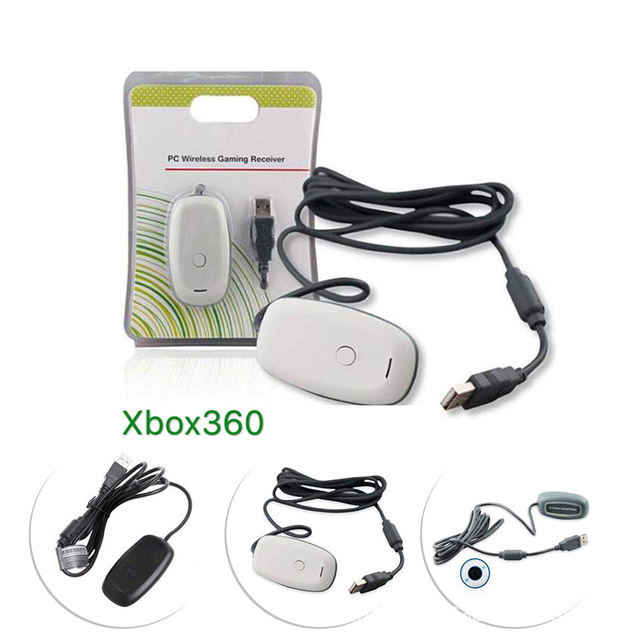
PC Wireless Gaming Receiver for Xboxes 360 Controller Acceptor for XBOXes 360 Gamepad Convertor
 Shenzhen Jap Technology Co., Ltd.verified🇨🇳CN5 yrs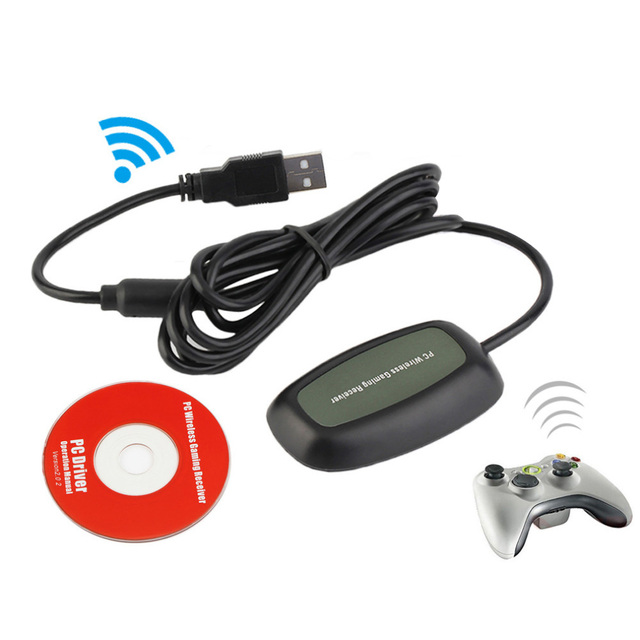
For Xboxes 360 Controller PC Wireless Gaming Receiver Gaming USB Receiver Adapter for Xboxes360 Wireless Controller
 Shenzhen Escoson Technology Co., Ltd.verified🇨🇳CN7 yrs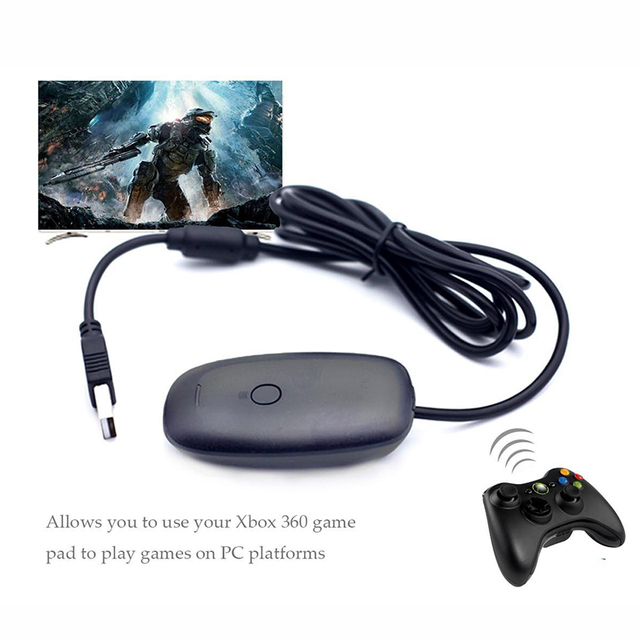
PC Wholesale Wireless Gaming Receiver with for Xbox 360
 Xiamen Tuiwan Electronic Technology Co., Ltd.🇨🇳CN7 yrs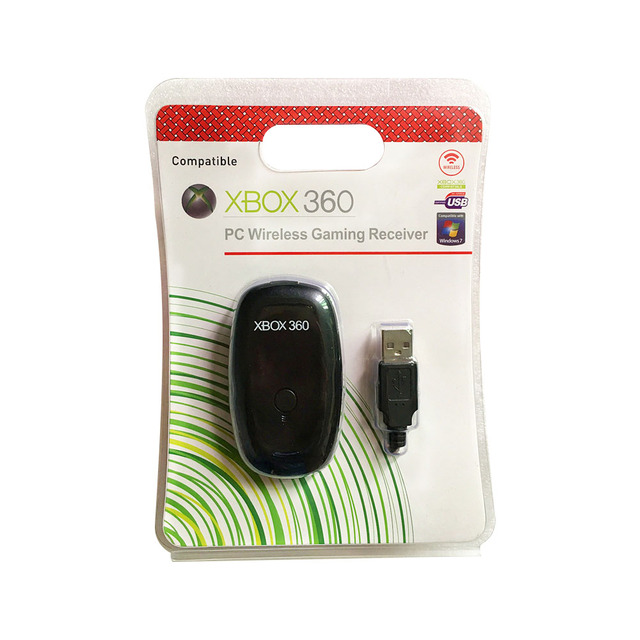
For Xbox 360 Controller PC Wireless Gaming Receiver for Microsoft XBO X360 Wireless Handle Gaming Adapter
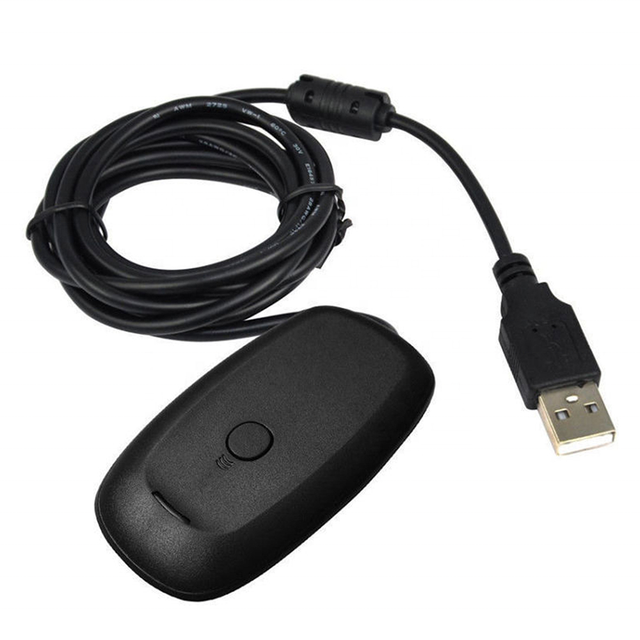
Best Seller PC Wireless 2.4GHZ Receiver for Xbox 360 Wireless Game Receiver
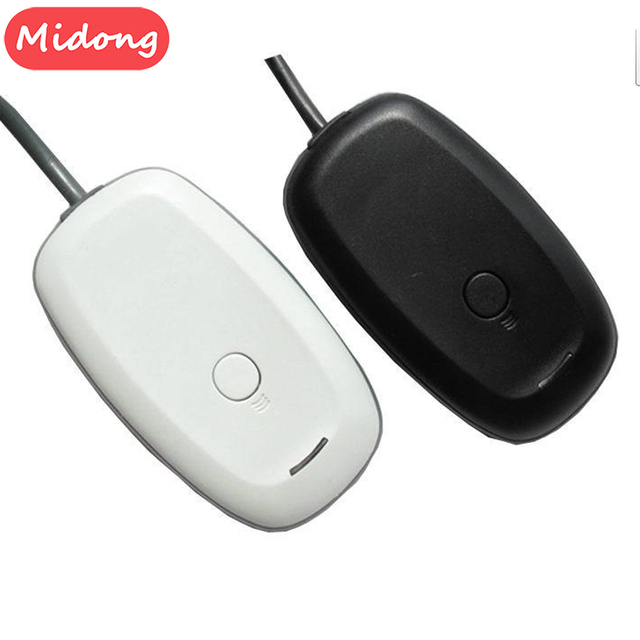
MD Wireless Gamepad PC Adapter USB 2.4G Receiver for 360 Gaming-Black White
 Shenzhen Midong Trading Co., Ltd.🇨🇳CN7 yrs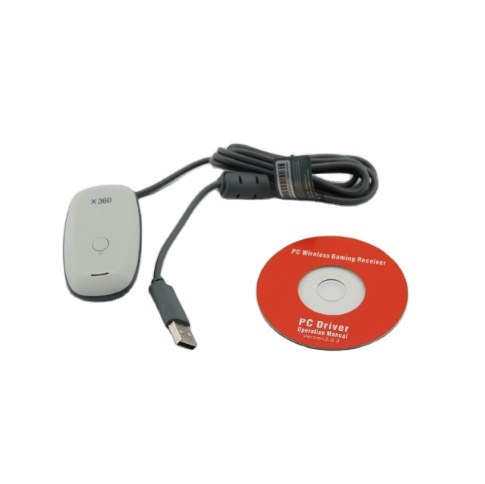
High Quality Gaming Receiver Adapter for Xbox 360 Games Wireless Controller Wireless Receiver Adapter for Pc
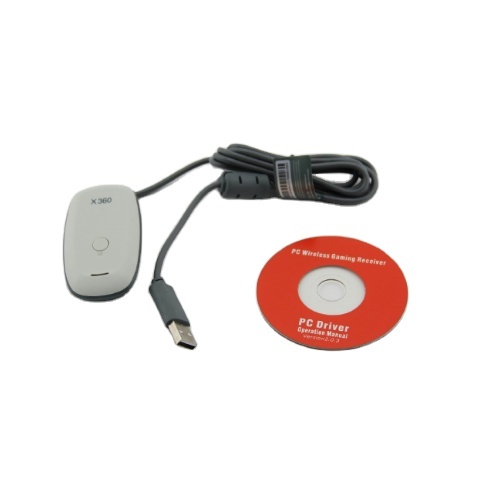
Gaming Receiver Wireless Controller Adapter for Xbox 360 Games Wireless Receiver Adapter for Pc windows
 Foshan LQJP Technology Co., Ltd.verified🇨🇳CN12 yrs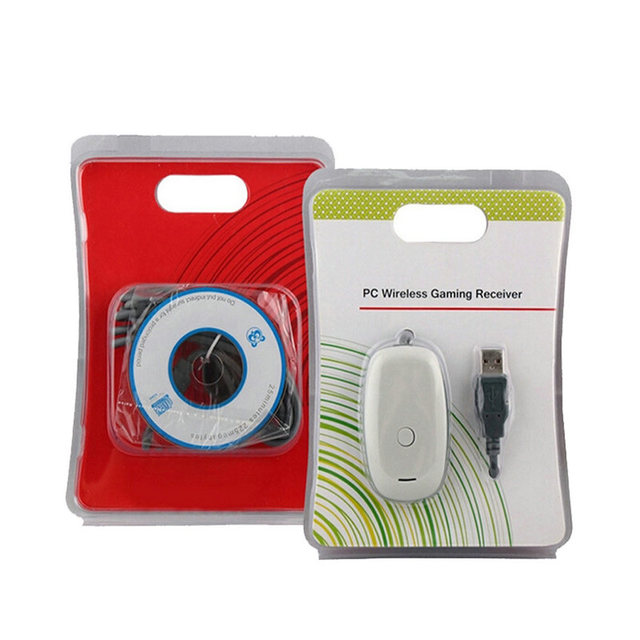
Gaming Receiver for Xbox360 Wireless USB Adapter Receptor for Window PC
 VIVA Technology Limited🇨🇳CN5 yrs
PC Wireless Gaming Receiver for Xbox360 Wireless Controller Black
 Shenzhen Xunbeifang Technology Co., Ltd.🇨🇳CN12 yrs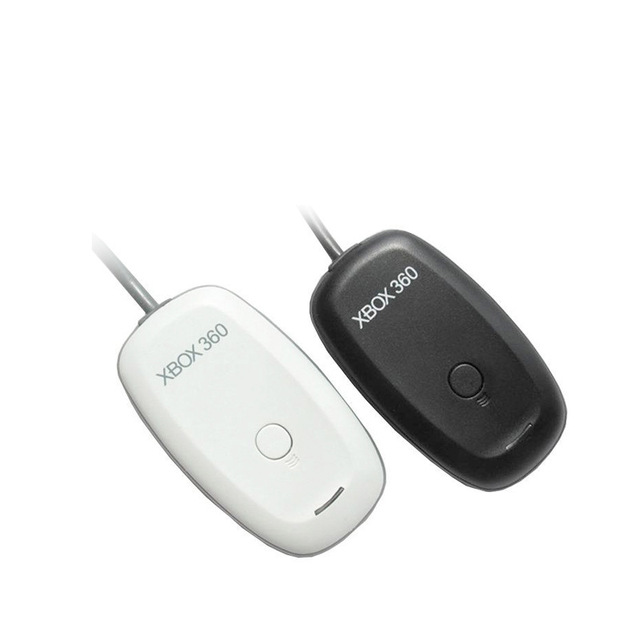
In Stock Newest PC Wireless Controller Gaming USB Receiver Adapter for XBOX 360
 Xiame Tuiwan Electronic Technology Co., Ltd.🇨🇳CN8 yrs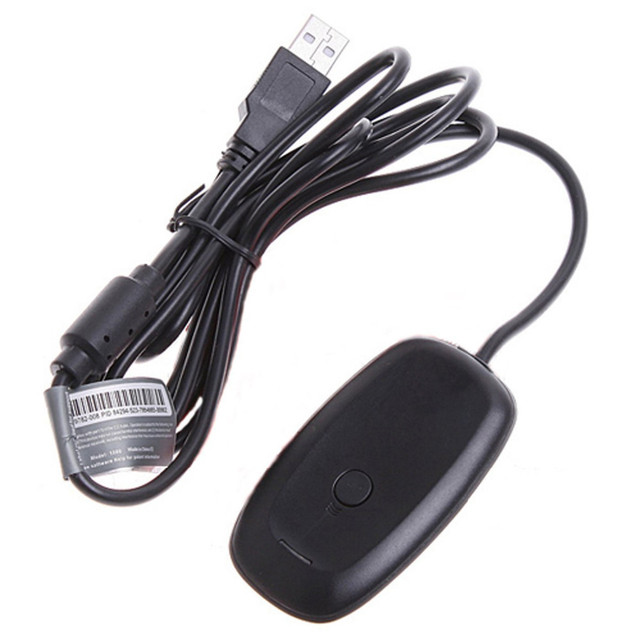
Black White USB PC Wireless Gaming Receiver Adapter for Xbox 360 Wireless Controller Gamepad
 Shenzhen Co-Growing Technology Co., Limited🇨🇳CN10 yrs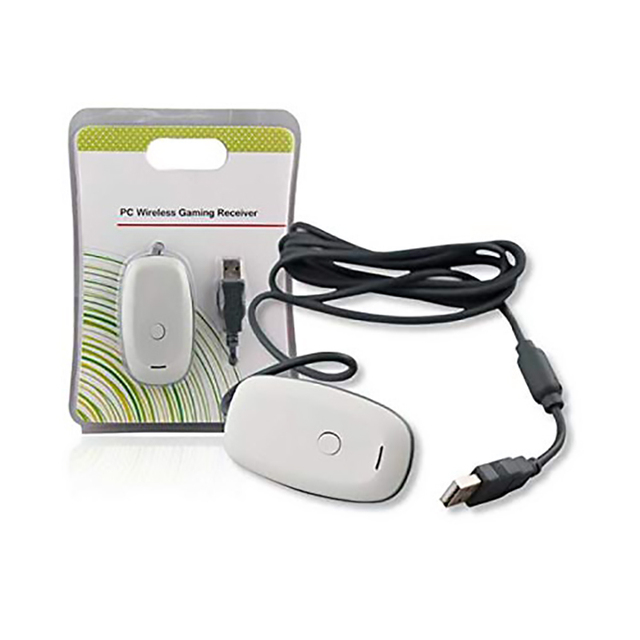
PC Wireless Gaming Receiver for Xbox 360 Wireless Controller USB Receiver Adapter for Xbox360
 Dongguan Kuanye Electronic Co., Ltd.verified🇨🇳CN9 yrs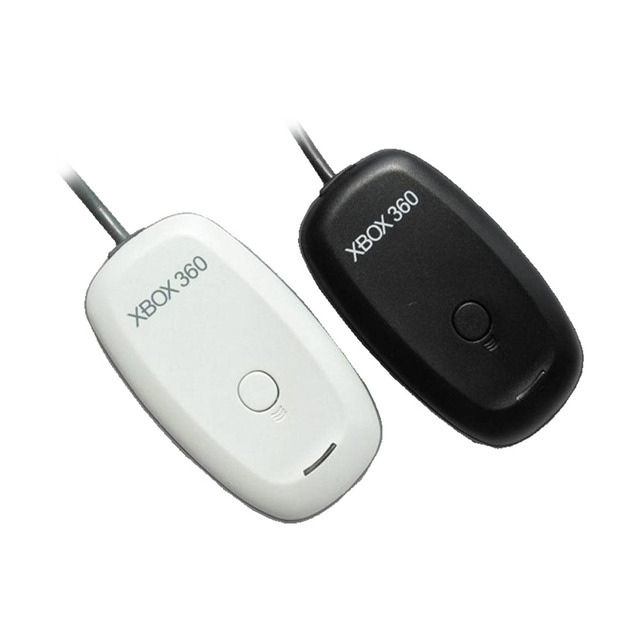
For Xbox 360 Controller PC Wireless Gaming Receiver for Microsoft XBO X360 Wireless Handle Gaming Adapter
 Shenzhen Speed Sources Technology Co., Ltd.🇨🇳CN15 yrs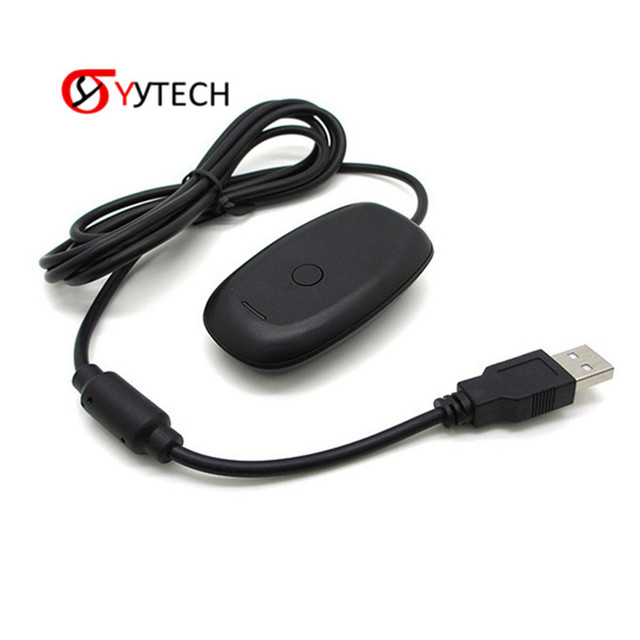
SYYTECH PC Game Wireless Receiver for Xbox 360 Xbox360 Controller
 Shenzhen Syy Technology Co., Ltd.🇨🇳CN8 yrs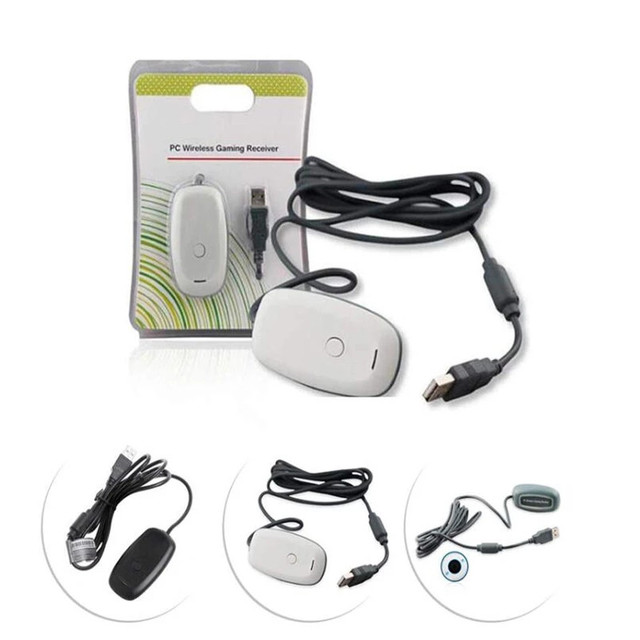
Wireless Gamepad PC Adapter USB Receiver for Xbox 360 Wireless Controller
 Foshan BXD Trading Co., Ltd.🇨🇳CN8 yrs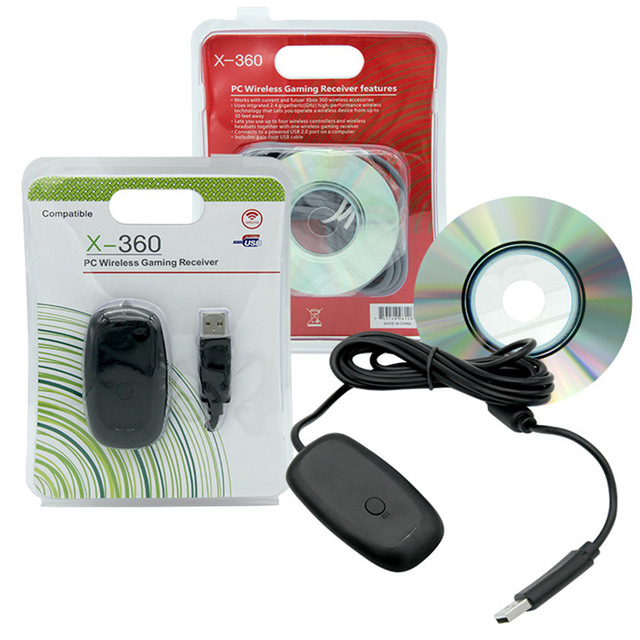
Wireless Gaming Receiver for 360 Handle-Power Supply Plastic Material
 Shenzhen Zetoc Technology Co., Ltd.🇨🇳CN1 yr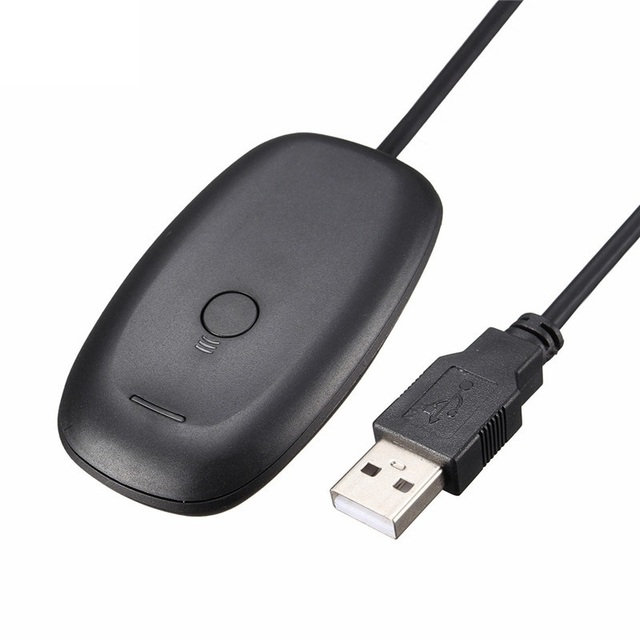
PC Wireless Gaming Receiver USB Adapter Converter for Xbox 360 Wireless Game Controller
 Shenzhen Xinhuifeng Technology Co., Ltd.verified🇨🇳CN10 yrs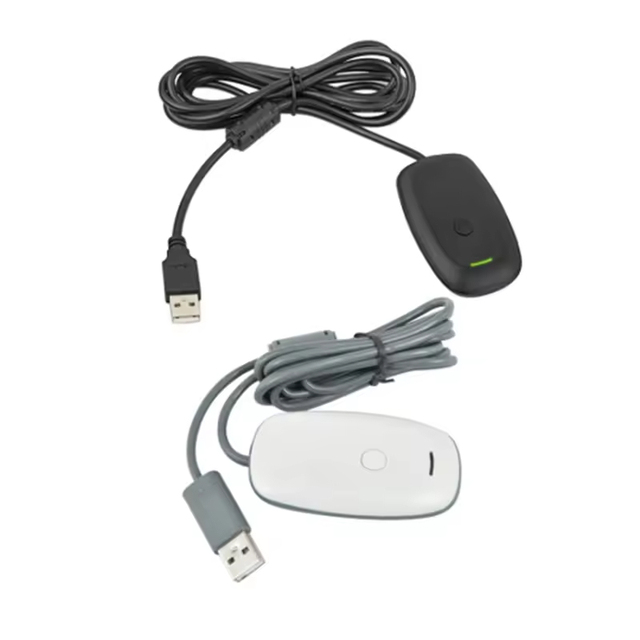
Wireless USB for Xbox 360 Console Gaming Adapter Replacement for Xbox 360 PC Win7 8 10 Controller Receiver
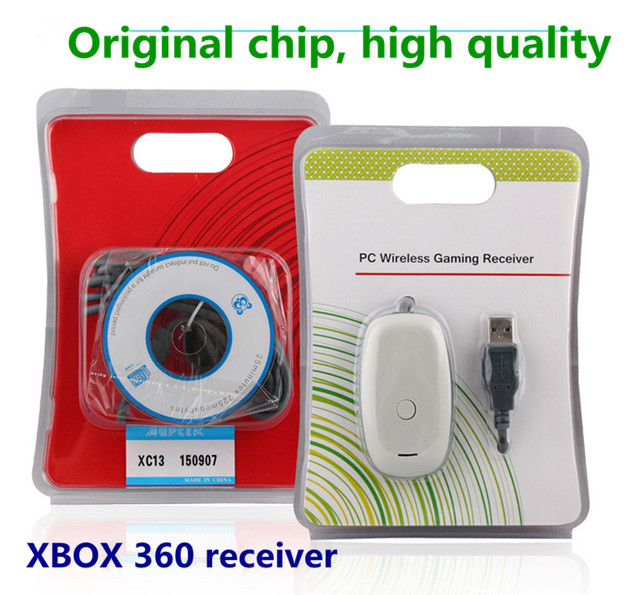
Black white Color Wireless Gaming Receiver USB Controller Gamepad Converter PC Adapter For Xbox360/Windows XP/7/8/10 accessories
 Shenzhen Yuanmusen Trading Co., Ltd.🇨🇳CN1 yr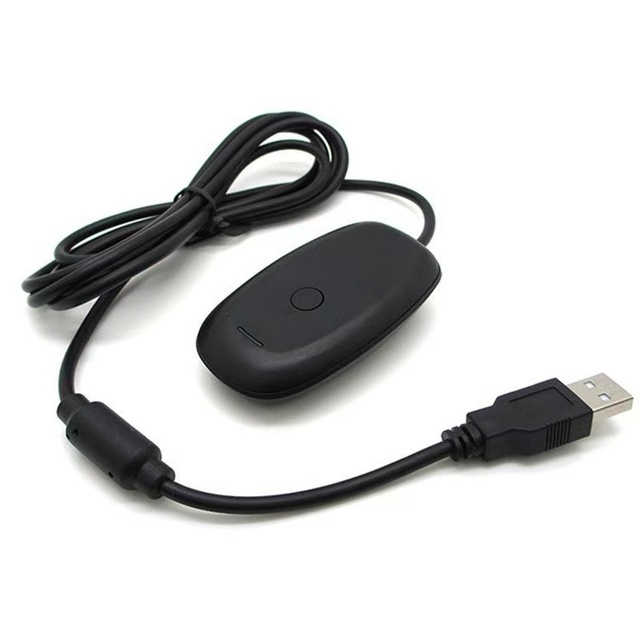
Finera USB Receiver for 360 Wireless Controller PC Adapter Game Console Gaming Accessories
 Hangzhou Ruanling Culture Communication Co., Ltd.🇨🇳CN5 yrs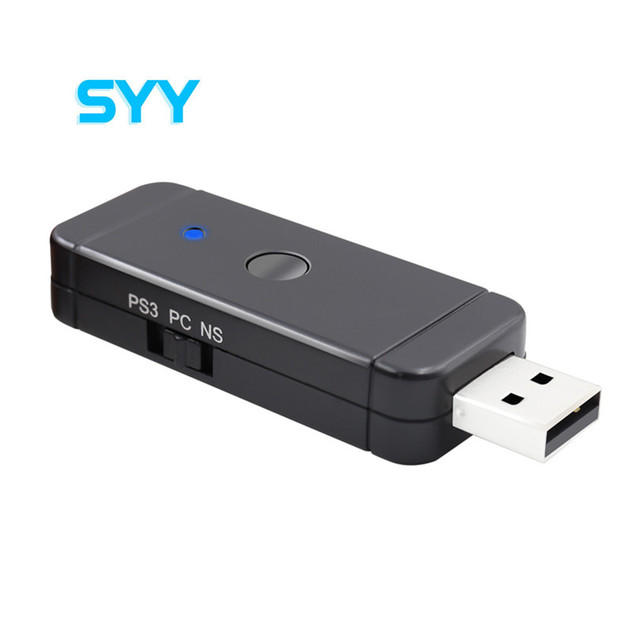
SYY Wireless Game Controller Receiver USB Converter Console Adapter for NS Switch PC PS3
 Syy Electronic Technology Nanyang Co., Ltd.🇨🇳CN5 yrs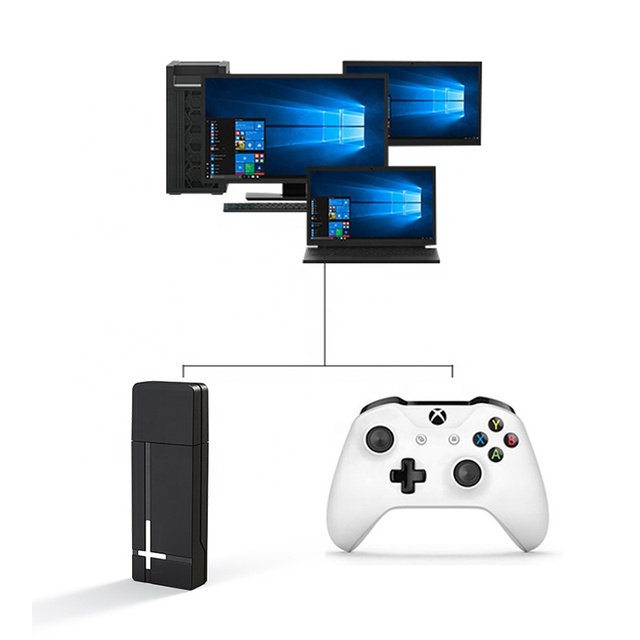
PG-XB1006 New Version Receiver for Xboxes Wireless Adapter for Windows 10 8 7 Xboxes One Controller Wireless Adapter Converter
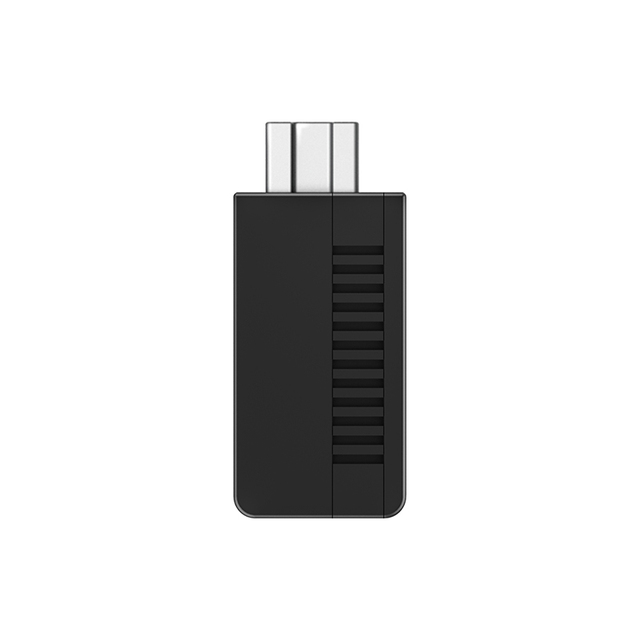
8BitDo Retro Receiver Mini Game Console Wireless Receiver for Mini Classic Edition Wireless Adapter
 Shenzhen Sanrui Technology Co., Ltd.🇨🇳CN2 yrs
8BitDo Retro Receiver Mini Game Console Wireless Receiver for Mini Classic Edition Wireless Adapter
 Shenzhen Sunhokey Electronics Co., Ltd.🇨🇳CN14 yrs
8BitDo Retro Receiver Mini Game Console Wireless Receiver for Mini Classic Edition Wireless Adapter
8BitDo Retro Receiver Mini Game Console Wireless Receiver for Mini Classic Edition Wireless Adapter
Deep Dive · Full Report
Full Market Report
1 document · Live-fetched from source
Related Searches
Explore more sourcing topics & related categories
Sources & References
21 sources cited · Verified industry data & reports
Download Xbox 360 Controller Driver for Mac | MacUpdate
xbox-360-controller-driver.macupdate.com
Original Xbox controllers are supported by using a USB adapter. ... Wired Xbox 360 controllers are supported directly. As of macOS 10.11, Wireless Xbox 360 controller support causes kernel panics. This issue cannot be resolved with minor changes to the driver, and requires that the driver be re-written from scratch to resolve the issue. Xbox One controllers are supported when connected with a micro USB cable. Using the controller with the Wireless Adapter is not currently supported. Unfortunately, wired Xbox controllers are on the way out. From Catalina?/Big sur onwards, only wireless controllers are provided, which this driver does not support. Also, this is Intel only. So beware, before buying a wireless controller if you have a recent Mac.
Connect wireless Xbox 360 controller to iMac? - Arqade
gaming.stackexchange.com
Xbox 360 wireless models works wirelessly with Xboxes only, or PCs with a distinc USB adapter. I don't know if you can use that adapter for Mac as well.
r/mac on Reddit: How to get Xbox 360 controller to work with Mac?
www.reddit.com
Does something like the Microsoft adapter for PC for Xbox 360 controllers work with Mac? If not, is there another way to do it? Trying to play games on Steam with a 360 controller. Thanks! Share ... If it's a wired one you need this driver: https://github.com/360Controller/360Controller/releases I use it and it works just fine. If it's wireless I'm afraid I don't know. Steam's built in controller support should work for the Xbox 360 controller (both wired and wireless with the USB adapter). 22 votes, 10 comments. true
XBox 360 Controller for Mac Free Download - apponic
xbox-360-controller.apponic.com
I have created a USB driver which allows you to use wired XBox 360 Controllers via USB, and wireless XBox 360 Controllers via the Microsoft Wireless Gaming Receiver for Windows, on your OSX machine, including support for the Apple Force Feedback library. The driver is licenced under the GPL. ChatPad I have got the Microsoft ChatPad working with my wired controller. The latest release of the driver includes support, and I'll be updating the USB information section of this website shortly. I've not yet checked the wireless receiver for compatibility.
Tweaking4All.com - MacOS X - How to use a XBox 360 Controller on Mac
www.tweaking4all.com
I assume you are referring to figure 3, sync controller with the wireless/USB receiver? This process: Press the big XBox logo button (a.k.a. the “Guide” button) on the game controller for it to switch on. Press the button on the USB receiver. Press the Connect button on the game controller. The circle around the Xbox button should light up one quarter of the circle indicating the controller number. ... Ensure you’re within range (6 meters or less) of the adapter and it’s in line of sight to the controller. If the controller works in this menu, then the driver is operating as intended. If your controller works with this menu, but not with a specific game, then read the My controller doesn’t work with a game! section. Remember that wireless controllers must be connected using a wireless adapter. If you have an Xbox controller, try rebinding your controller to the console by pressing the bind button on the console, and then the bind button on the controller. The LEDs will flash and become solid when the binding is successful. If your controller does bind, you have isolated the issue to the Wireless Adapter for Windows. If your controller does not bind to your console, see Set up the Xbox Wireless Adapter for Windows.
GitHub - d235j/360Controller-n: XBox 360 controller driver for ...
github.com
It includes a plugin for the Apple Force Feedback Framework so some games will be able to activate them, along with a Preference Pane with which allows you to test everything is installed correctly. Both wired 360 controllers connected via USB, and wireless 360 controllers connected via the Wireless Gaming Receiver for Windows, are supported.