Zte Mf60 Unlock

Overview
Product sourcing insights & recommendations


The phrase 'zte mf60 unlock' refers to the demand and methods for removing network carrier restrictions from the ZTE MF60, a legacy 3G mobile hotspot. While the device itself is considered an older model in 2026, it maintains a niche market due to its portability and the prevalence of 3G networks in specific emerging regions. 4GltemallAlibaba
Product Overview & Performance
The ZTE MF60 is a 21.6 Mbps HSPA+ mobile router that can connect up to 8 devices simultaneously. 4GltemallConrad Key technical highlights include:
- OLED Display: Provides real-time status for signal strength, battery life, and connected users. Alibaba
- Storage: Includes a MicroSD slot supporting up to 32GB for network-attached storage. AlibabaZtedevices
- Battery Life: Generally reliable for portable use, though heavily dependent on the number of connected devices and signal strength. Accio
Market Trends & Consumer Insights
- Sustained Legacy Demand: There is a persistent "long-tail" demand for unlocking this specific model, driven by consumers in regions where 3G remains a primary or reliable backup connectivity option. FuturemarketinsightsFacebook
- Shift to 4G/5G Alternatives: In the broader B2B market, the MF60 has largely been superseded by 4G (e.g., MF925) and 5G models. Wholesale pricing for modern unlocked 4G MiFi alternatives typically ranges from $9.90 to $23.90 per unit. AlibabaAccio
- Tech-Savvy Interest: The search for "unlock" methods indicates a prosumer market interested in "interruption methods" (e.g., the 80% disconnect trick) to bypass carrier locks without paying for professional services. Davidjb
Common Unlocking Methods
Consumers utilize several methods to unlock the MF60:
- Remote Code Services: Using the device's 15-digit IMEI to purchase or generate a network unlock code. DirectunlocksMobileunlocks
- Software Unlocking: Using professional tools like DC-Unlocker, although compatibility varies across different firmware versions. YoutubeDc-Unlocker
- The "80% Disconnect" Trick: A free, technical method involving flashing generic firmware and physically disconnecting the device at exactly 80% completion to bypass lock instructions. Davidjb
For bulk sourcing of modern alternatives or detailed supplier data, please refer to the attached product list.
Here are some suggestions for your next steps:
Unlocked 3g Mifi Router Zte Mf60 Wholesale
Products · Top picks & verified manufacturers
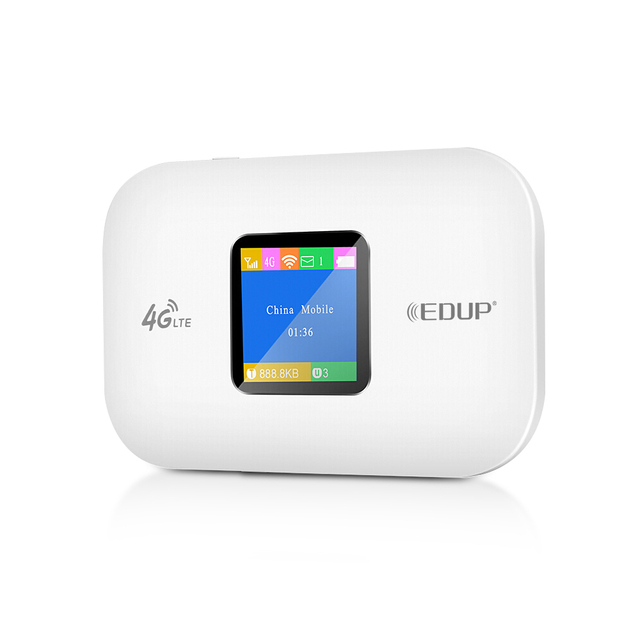
EDUP ZTE Unlock Mobile Portable 4G LTE Router Pocket WiFi Hotspot Mifis With SIM Card Slot
 Shenzhen Edup Electronics Technology Co., Ltd.verified🇨🇳CN8 yrs
DNXT MF925 Unlocked 4G Portable WiFi Router With Battery Portable Lte Long Range Wifi Routers Mobile Hotspot 5g Pocket Modem
 Shenzhen Danone Xintong Electronic Co., Ltd.verified🇨🇳CN7 yrs
Related Searches
Explore more sourcing topics & related categories
Sources & References
25 sources cited · Verified industry data & reports
ZTE MF60 Quick Guide
ZTE Official Website
The device supports data and SMS services, enabling you to communicate anytime and anywhere. This quick guide provides instructions on how to install and get ...
ZTE MF60 Unlock Codes and Commands | PDF
Scribd
Here are the secret codes, to use these codes enter the code( in BOLD) and press dial key. ##258741 Hard Reset / Full Restore ##147852 Test Mode
ZTE MF60 Personal Hotspot (MiFi) User Instructions
Conrad Electronic
The MiFi can be used in two ways, WiFi or wired. The easiest way to use the device is in WiFi mode. In WiFi mode up to 5 users can share the internet ...
ZTE MF60
Bell
Standby. Your MF288 will switch to standby if it has been offline more than 5 minutes without being connected to the charger, battery powered only.

ZTE MF60 21Mbps Mobile Hotspot Review
4G LTE Mall
ZTE MF60 Mobile Router lets you use the Internet up to 8 devices – wherever we are. It's one of the most popular 3G Pocket WiFi for mobile ...

Unlocking your Telstra Elite (ZTE MF60) Mobile Wi-fi Device ...
davidjb.com
I've just unlocked my Telstra Elite MF60 for free. It's effectively just a matter of flashing the generic ZTE firmware once, and disconnecting the device.