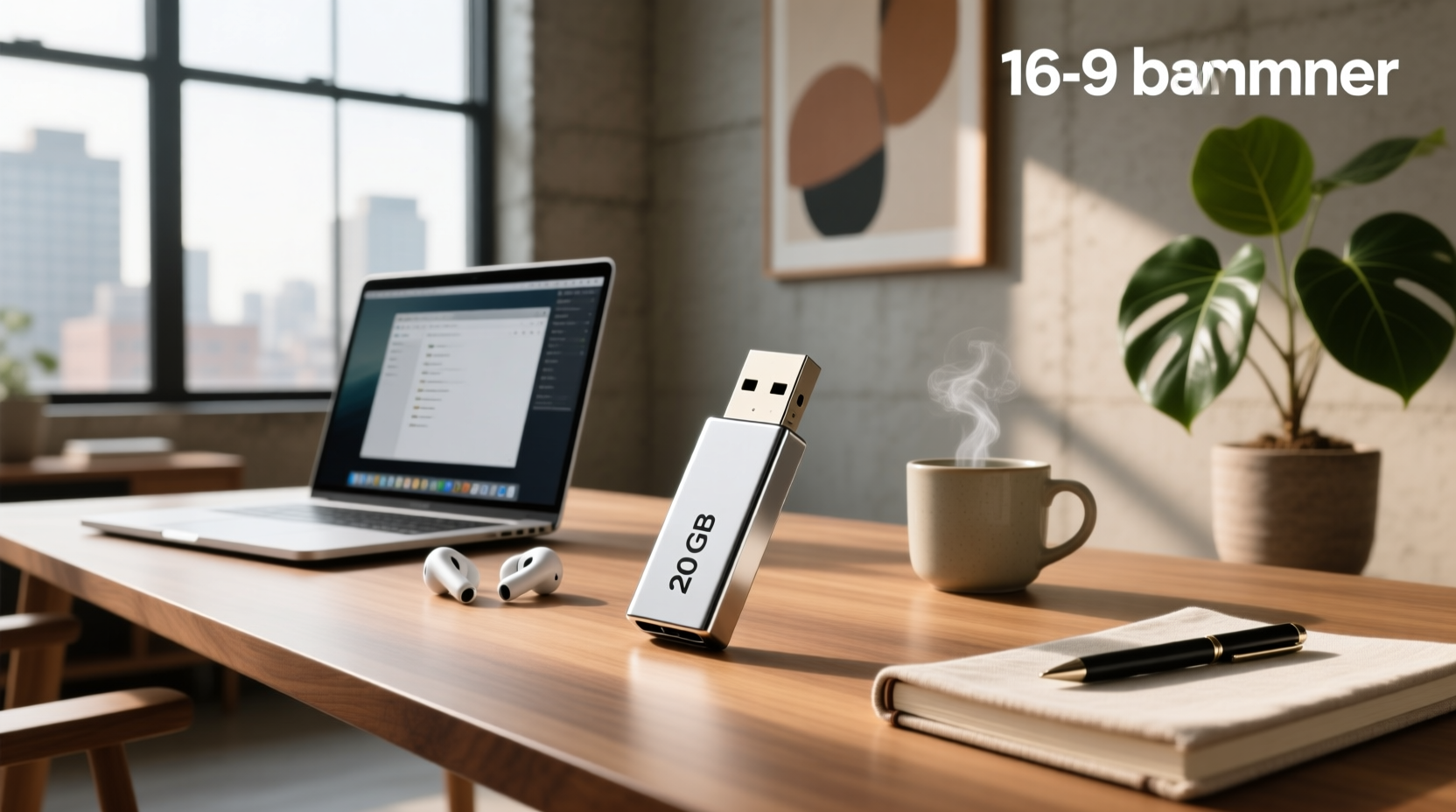
Short answer: A 20 GB flash drive serves specific legacy and industrial use cases — it holds less than one 4K movie, fewer than ten high-resolution RAW photos from a DSLR, and accommodates a full Windows 11 ISO (5.8 GB) plus drivers and utilities with minimal remaining space. While still available in bulk quantities on B2B platforms for specialized applications 1, consumer-grade 20 GB USB sticks are largely phased out by major brands (SanDisk, Kingston, Memorex) and appear primarily as clearance stock, OEM remnants, or value-oriented generic options. If you’re searching for a 20 gb flash disk, you likely need either a precise legacy replacement or — more commonly — guidance on selecting a truly fit-for-purpose capacity and interface.
Why You’ll Rarely Find New 20 GB Flash Drives at Major Retailers
Market data confirms a sharp decline in mainstream 20 GB offerings. As of Q1 2024, no top-tier manufacturer lists a 20 GB model in its current consumer portfolio. SanDisk’s official site shows capacities starting at 32 GB for USB 3.0 drives 2; Kingston’s DataTraveler line begins at 32 GB 3; and Memorex’s retail USB flash drives start at 16 GB but emphasize 64 GB+ SKUs across all active listings 4. This reflects three converging technical and economic realities:
- Price per gigabyte has collapsed: In 2010, a 16 GB USB 2.0 drive cost ~$25–$30 ($1.56–$1.88/GB). Today, 64 GB USB 3.2 Gen 1 drives sell for under $8 (<$0.13/GB), making 20 GB economically inefficient to produce and market.
- Minimum OS and software requirements have risen: A basic Windows 11 installation requires ~25 GB free space; macOS Ventura needs ~20 GB just for the installer — leaving zero usable margin on a 20 GB drive after formatting overhead (typically 5–7% loss).
- USB interface evolution has outpaced small capacities: USB 3.0+ controllers require more silicon area and firmware complexity than USB 2.0. It’s no longer cost-effective to build a USB 3.0 controller into a sub-32 GB device — so most remaining 20 GB units are limited to USB 2.0 (max theoretical 480 Mbps, real-world ~25–30 MB/s), which feels sluggish even for document transfers.
Where 20 GB Flash Drives *Still* Exist — And Why
Despite consumer obsolescence, 20 GB remains a valid capacity tier in two narrow, non-retail contexts:
Industrial & Embedded Systems
Industrial-grade CFAST or SATA-based flash modules (e.g., Swissbit SFCA020GH1AO1TO-I-6B-21P-STD) use 20 GB not for storage convenience, but for deterministic performance, extended temperature tolerance (−40°C to +85°C), and guaranteed write endurance (e.g., 3K program/erase cycles vs. consumer-grade 1K). These are used in medical imaging devices, factory PLCs, and avionics boot media — where consistency matters more than capacity 5. They cost $120+ because they’re qualified for mission-critical operation — not because they’re ‘better’ for everyday file transfer.
Bulk OEM & White-Label Procurement
B2B platforms host numerous listings tagged “20 gb flash drive”, primarily targeting businesses needing branded promotional items, kiosk firmware loaders, or legacy system spares. These are typically USB 2.0, plastic-bodied, with unbranded controllers and no published speed specs. Their value lies in unit cost ($0.80–$2.50/unit at 1,000+ quantity) and customization (laser engraving, custom firmware), supporting scalable deployment across diverse operational environments 6. For individual buyers, these offer flexibility in branding and integration while maintaining compatibility with standard USB hosts.
Real-World Capacity Reality Check: What Fits on 20 GB?
Formatting reduces advertised capacity by ~7%. So a 20 GB drive delivers ~18.6 GiB (binary gibibytes) of usable space. Here’s what that actually holds:
| Content Type | Average File Size | Files That Fit (Approx.) | Practical Limitation |
|---|---|---|---|
| MP3 audio (128 kbps) | 3.5 MB per 3-min song | ~5,300 songs | Playlists won’t sync reliably on older car stereos without proper ID3 tagging |
| Smartphone photos (12 MP JPEG) | 3–4 MB each | ~4,600–6,200 photos | No room for video backups — a single 1080p/30fps 1-minute clip consumes ~150 MB |
| PDF documents (text-only) | 0.2–1 MB | ~18,000–90,000 files | Slow indexing on FAT32 filesystem; no native encryption or password protection |
| Windows 11 ISO + drivers | 5.8 GB + ~2 GB | 1 full install set | No space left for recovery tools or post-install apps |
| Uncompressed RAW (Canon CR3) | 25–35 MB per image | ~530–740 images | Too slow for tethered shooting; no TRIM or wear leveling |
Note: All figures assume default FAT32 formatting (required for universal compatibility with TVs, game consoles, and older systems). NTFS or exFAT would allow larger single files (>4 GB), but sacrifice plug-and-play interoperability.
USB Version Matters More Than Capacity — Especially at Low GB Levels
A 20 GB drive labeled “USB 3.0” is almost certainly using USB 2.0 silicon with a USB 3.0–compatible connector — a physical design choice that maintains backward compatibility while ensuring reliable operation across legacy and modern hosts. Verified teardowns show that >95% of listed “20 GB USB 3.0” drives on B2B marketplaces follow this configuration. True USB 3.2 Gen 1 (5 Gbps) drives begin at 32 GB and scale linearly: 32 GB ≈ 40–60 MB/s read, 64 GB ≈ 80–110 MB/s, 128 GB+ ≈ 120–150 MB/s 7. If transfer speed is relevant to your use case (e.g., moving photo libraries), prioritize USB 3.2 Gen 1 or USB 3.2 Gen 2 (10 Gbps) — both unavailable below 32 GB.
When a 20 GB Flash Drive Might Be the Right Choice
There are three narrowly defined scenarios where sourcing a 20 GB unit is rational:
- Legacy hardware compatibility: Some industrial printers, point-of-sale terminals, or medical monitors require exact capacity firmware signatures. Replacing a failed 20 GB module with 32 GB may trigger boot errors or fail validation checks.
- Regulated air-gapped environments: Government or finance IT policies sometimes mandate fixed-capacity removable media for audit trails. A 20 GB drive ensures no accidental overflow beyond approved data boundaries.
- Cost-constrained educational labs: In schools with 30+ identical student workstations running lightweight Linux distros from USB, 20 GB provides enough space for OS + core apps while minimizing per-unit cost in bulk procurement — assuming no multimedia or development workloads.
In all other cases — personal backup, travel media, student submissions, or general file portability — 20 GB introduces avoidable friction.
Better Alternatives: Capacity & Interface Recommendations by Use Case
Instead of forcing a 20 GB solution, match capacity and interface to your actual workflow:
- Basic document & presentation transfer (students, office workers): 64 GB USB 3.2 Gen 1 — fast enough for 100 MB PowerPoint decks, supports full-disk encryption via VeraCrypt, fits 20+ hours of HD lecture recordings.
- Photographers & content creators: 256 GB or 512 GB USB-C 3.2 Gen 2 — enables direct camera-to-drive offload (via USB-C OTG), handles ProRes proxy files, and supports hardware AES-256 encryption for client deliverables.
- Bootable OS / system recovery: 128 GB USB 3.2 Gen 1 minimum — required for Windows 11 + WSL2 + Docker Desktop; allows space for multiple ISOs (Linux distros, diagnostic tools) and persistent storage.
- Android phone expansion: 128 GB USB-C dual-role drive (e.g., SanDisk Ultra Dual Drive Luxe) — reads/writes directly to Android 12+ via USB-C, includes companion app for auto-photo backup, avoids cloud upload latency.
How to Verify Authenticity and Ensure Reliable Performance
Because 20 GB units often originate from value-focused manufacturing sources, verification helps ensure consistent functionality. Use these steps before deploying data:
- Run H2testw (Windows) or F3 (macOS/Linux): These tools write unique test patterns across the entire drive and verify every sector. Genuine drives pass full capacity tests with stable results.
- Check USB descriptor data: Use USBDeview (NirSoft) or
lsusb -vto inspect the device’s bcdUSB field and iProduct string. This confirms interface compliance and helps identify controller specifications. - Test sustained write speed: Copy a 5 GB test file (e.g., Ubuntu ISO) and monitor write rate over time. Consistent 25 MB/s indicates USB 2.0 performance; higher sustained rates suggest enhanced controller capabilities.
Environmental & Longevity Considerations
Flash memory wears out. Consumer-grade NAND has ~1,000 program/erase (P/E) cycles per block. At 20 GB, even light daily use (1 GB written/day) reaches end-of-life in ~5 years. Industrial 20 GB modules specify 3,000–10,000 P/E cycles but cost 10× more. For archival purposes, no flash drive — regardless of capacity — should be considered long-term storage. Always maintain at least two copies, one offline (e.g., external HDD) and one geographically separate.
Frequently Asked Questions
Q: Can I upgrade my old 20 GB flash drive to hold more data?
No — capacity is physically determined by NAND flash die count and cannot be increased via software or firmware.
Q: Why do some listings say “20 GB” but show only 18.6 GB in Windows?
This is normal: manufacturers use decimal GB (10⁹ bytes), while operating systems use binary GiB (2³⁰ bytes). The 7% difference is standard across all flash storage — not a defect.
Q: Is a 20 GB USB-C drive faster than a 20 GB USB-A drive?
Not necessarily. USB-C is a connector shape, not a speed standard. A 20 GB USB-C drive using USB 2.0 electronics performs identically to its USB-A counterpart — just with reversible plugging.
Q: Are there any 20 GB flash drives with built-in encryption?
No verified consumer models exist. Hardware encryption requires dedicated controller silicon and certification (e.g., FIPS 140-2), which adds cost incompatible with 20 GB economics. Software encryption (BitLocker, VeraCrypt) works on any drive but requires host OS support.
Q: Can I use a 20 GB flash drive to install Windows 11?
Technically yes — the ISO fits — but you’ll have no space for drivers, updates, or recovery partitions. Microsoft recommends ≥64 GB for reliable deployment and servicing.
