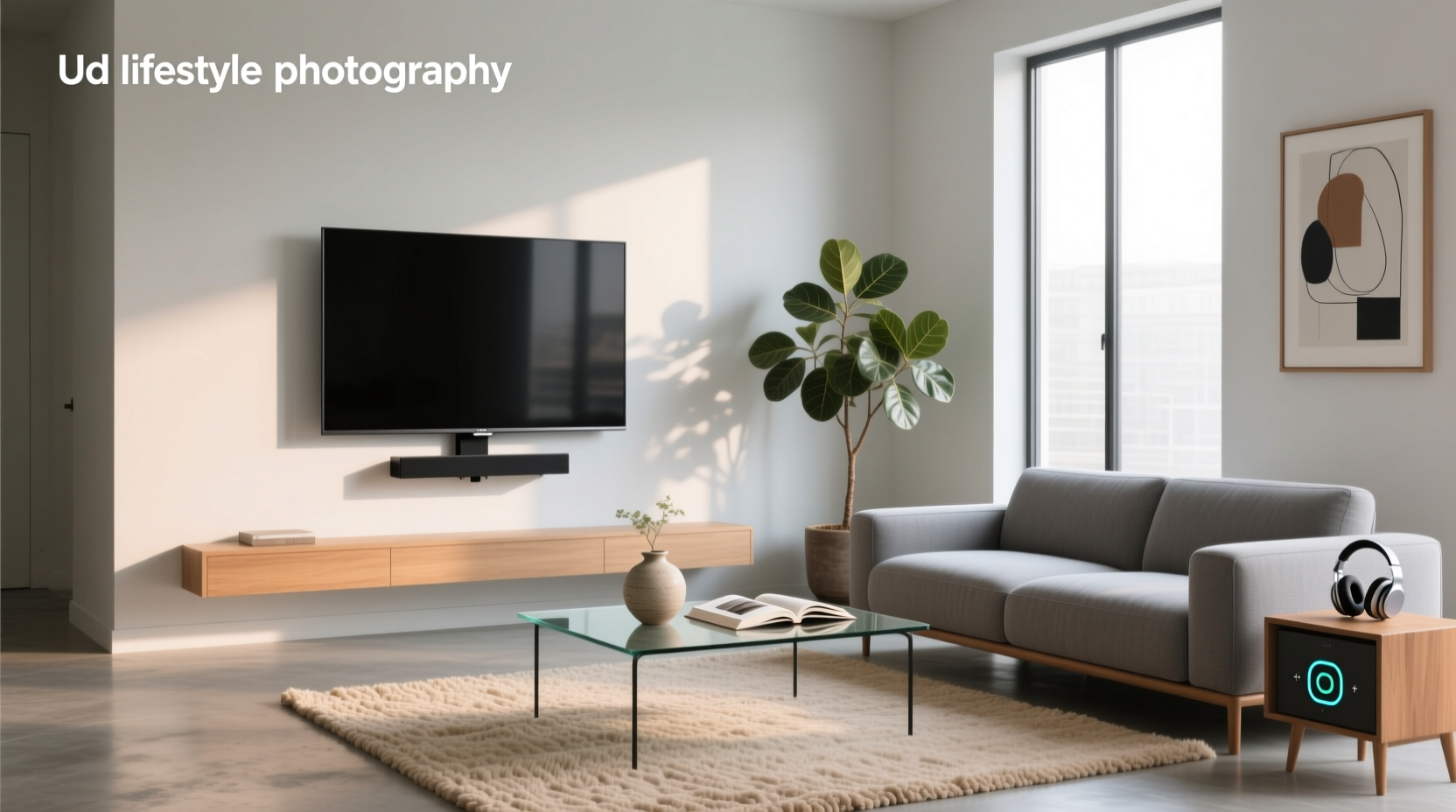
Looking for a 27-inch TV for bedroom, kitchen, RV, or compact home office? You’re not alone — this size has surged in popularity as a versatile middle ground between traditional monitors and full-size living room TVs. Unlike standard 32–55-inch models, most 27-inch units are smart monitors with TV functionality, featuring Full HD (1920 × 1080) IPS panels, built-in streaming OS (webOS, Tizen), Wi-Fi/Bluetooth, HDMI 1.4 ports, and modest built-in speakers. They’re designed for space-constrained environments where a 32-inch TV feels overwhelming, yet still deliver usable screen real estate for casual viewing, video calls, or light gaming. Importantly: 27-inch TVs are rarely true ‘living room’ TVs — they lack the brightness, contrast, and audio output of larger models, but excel as multi-role displays where footprint, mounting flexibility, and smart app access matter more than cinematic immersion.
Why Do 27-Inch TVs Exist? Understanding the Niche
The 27-inch form factor emerged not from broadcast standards or consumer demand for ‘smaller TVs’, but from convergence between monitor and TV design priorities. Historically, 24–27 inches was the sweet spot for desktop productivity — offering ample workspace without excessive desk depth or eye strain. As smart features (streaming apps, voice control, screen mirroring) became table stakes, manufacturers began integrating them into compact displays that could sit on countertops, mount above kitchen cabinets, or serve as secondary screens in hybrid workspaces.
This explains why most 27-inch ‘TVs’ are marketed as ‘Smart Monitors’ — LG’s 27TQ625S-PT and 27SR50F-W, Samsung’s M5 and Odyssey G3 series, and newer models like the LG 27U730SA-W all blur the line. They include remote controls, webOS/Tizen interfaces, and app ecosystems — but also prioritize USB-C connectivity, low input lag, and adjustable stands 1. Their physical dimensions reflect this duality: typical width ~24.1", height ~15.5" (without stand), depth ~5.9" — compact enough for tight shelves or under-cabinet mounting 2.
Resolution Reality Check: Is 1080p Enough on 27 Inches?
This is the single most debated technical question among users searching for 27 inch tv. The answer depends entirely on viewing distance and primary use case.
At a typical desktop distance (20–30 inches), 1080p on a 27-inch display yields ~82 pixels per inch (PPI). That’s perceptibly less sharp than 1440p (~109 PPI) or 4K (~163 PPI) at the same size 3. However, for passive viewing — say, a kitchen counter watching news or recipes — the difference is negligible. For text-heavy tasks (email, spreadsheets, coding), 1080p can appear slightly soft; 1440p or 4K offers noticeably crisper rendering.
Crucially: very few true 27-inch TVs offer native 4K. Most are Full HD. The LG 27U730SA-W is a notable exception — a 4K UHD (3840 × 2160) IPS panel with HDR10 support — but it trades off some smart TV polish for higher-resolution fidelity 4. If sharpness is non-negotiable, verify the exact model’s native resolution — don’t assume ‘27-inch smart display’ means 4K.
Panel Type & Viewing Experience: Why IPS Dominates
Over 90% of 27-inch smart monitors use IPS (In-Plane Switching) panels. This isn’t accidental — IPS delivers wide viewing angles (up to 178° horizontal/vertical), consistent color across off-center positions, and better color accuracy than VA or TN alternatives. For a kitchen wall mount or shared desk setup, where viewers won’t always sit directly centered, IPS prevents washed-out colors or contrast collapse.
However, IPS has trade-offs: lower native contrast ratios (~1000:1 vs. VA’s 3000:1) and slower response times (typically 4–5ms GTG vs. 1ms on fast VA gaming panels). That’s why 27-inch models targeting gamers — like the Samsung Odyssey G3 — use VA panels with 180Hz refresh rates and 1ms response, sacrificing viewing-angle consistency for motion clarity 5. Choose IPS for general-purpose versatility; choose VA only if you prioritize competitive gaming over multi-angle usability.
Smart Features: What ‘Smart TV’ Really Means at 27 Inches
Don’t expect the same smart experience as a $500+ 55-inch flagship. On 27-inch units, ‘smart’ usually means:
- Pre-installed streaming apps (Netflix, YouTube, Prime Video, Disney+)
- Basic voice search via remote (often limited to app launch and volume control)
- Screen mirroring (Miracast, AirPlay 2, or proprietary protocols like LG Screen Share)
- IoT hub capability (Samsung M5 can control compatible smart lights, plugs, and thermostats)
- No advanced AI upscaling, Dolby Vision, or multi-room audio sync
WebOS (LG) and Tizen (Samsung) are the dominant platforms — both lightweight, responsive, and optimized for smaller screens. Neither supports sideloading APKs or third-party app stores. If you need robust app ecosystems (e.g., Plex server control, niche fitness apps), verify compatibility before purchase — many lesser-known services aren’t available.
Connectivity: Ports, Audio, and Real-World Limits
Standard I/O includes:
- 2× HDMI 1.4 ports — sufficient for a laptop + streaming stick, but not compatible with 4K@60Hz or HDR metadata passthrough. HDMI 2.0+ is rare at this size.
- USB-A port(s) — for firmware updates or media playback (MP4, JPEG); rarely powers peripherals.
- Wi-Fi 5 (802.11ac) and Bluetooth 5.0 — reliable for casting and remote pairing, but no Wi-Fi 6 or Matter support.
- Built-in stereo speakers (2–5W total) — adequate for notifications and background audio, but thin, compressed, and lacking bass. External audio is strongly recommended for anything beyond ambient sound.
Notably absent: optical audio out, headphone jack, Ethernet port, or ARC/eARC. If you plan to integrate with a soundbar or AV receiver, confirm whether your source device supports audio extraction via HDMI (many laptops do not).
Mounting, Placement & Physical Constraints
A 27-inch TV weighs ~7–9 lbs (3.2–4.1 kg) without stand — light enough for most VESA-compatible wall mounts (100 × 100 mm is standard). Its compact footprint makes it ideal for:
- Kitchens: Mounted above cabinets or on pull-down arms; avoid direct sunlight exposure to prevent glare and panel degradation.
- Dorm rooms / studio apartments: Fits on narrow desks or floating shelves; minimal footprint preserves floor space.
- RVs and campers: Low power draw (<50W typical), vibration-resistant builds (some Samsung models advertise RV-specific tuning) 6.
- Home offices: Dual-purpose use — monitor by day, streaming display by night. Ensure your desk depth accommodates the ~6" depth (stand included).
Height and width matter for cabinet fit: most measure ~24.1" wide × 15.5" tall (without stand). Always check product specs — dimensions vary slightly between models with and without bases.
27 vs. 32 Inch: When Does the Extra Size Justify the Trade-Off?
A 32-inch TV offers ~40% more screen area than a 27-inch unit (437 in² vs. 310 in²) 7. That sounds significant — but context is critical.
Choose 27-inch if:
- Your viewing distance is ≤ 4 feet (e.g., kitchen counter, desk)
- You need wall-mounting in a narrow space (e.g., hallway, bathroom)
- You prioritize portability (moving between rooms, RV storage)
- You value lower power consumption and heat output
Choose 32-inch if:
- You’ll view from ≥ 5 feet (e.g., small living room, basement rec area)
- You want future-proof resolution headroom (more 32-inch models offer 4K)
- You need louder, richer built-in audio (larger speaker cavities)
- You’re willing to sacrifice desk depth or cabinet clearance
There’s no universal ‘better’ — only what aligns with your spatial and functional constraints.
Common Misconceptions & What to Avoid
Misconception #1: “It’s just a small TV — same specs as bigger ones.”
Reality: 27-inch models use cost-optimized components — lower-brightness panels (250–300 nits vs. 400+ nits on premium TVs), simplified thermal management, and entry-level SoCs. Don’t expect HDR performance or sustained high brightness.
Misconception #2: “All 27-inch smart monitors support video conferencing well.”
Reality: Most lack built-in webcams or microphones. You’ll need external peripherals — verify USB-C or USB-A compatibility for plug-and-play cameras.
Misconception #3: “It’ll replace my laptop monitor seamlessly.”
Reality: While technically possible, many 27-inch ‘TVs’ have slower input lag (>15ms) and lack KVM switching or Picture-by-Picture modes. Dedicated monitors remain superior for productivity.
How to Verify Authenticity & Avoid Counterfeits
Because 27-inch smart displays straddle two categories, counterfeit or rebranded units occasionally appear on regional marketplaces. To verify legitimacy:
- Check the manufacturer’s official regional site (e.g., lg.com/ph, samsung.com/ph) for model number validation.
- Confirm VESA mount compatibility — fake units often omit this spec or list incorrect patterns.
- Look for regulatory marks: FCC ID (US), CE (EU), or PSB (Philippines) on packaging or back panel.
- Avoid listings promising ‘4K’ at suspiciously low prices — genuine 27-inch 4K panels are rare and priced accordingly.
Regional Availability & Pricing Context
Pricing varies significantly by market. In the Philippines, 27-inch smart monitors retail between ₱12,000–₱15,000 (≈ $215–$270 USD) 8. In North America and Europe, equivalents range from $250–$400 USD. Note: ‘TV’ pricing often includes mandatory installation fees (e.g., Abenson charges separately for delivery and mounting), while ‘monitor’ SKUs usually ship ready-to-use. Always clarify what’s included.
Final Recommendation: Who Should Buy a 27-Inch TV?
✅ Buy if: You need a compact, smart-enabled display for non-primary viewing — kitchens, bedrooms, home offices, RVs, or as a secondary screen. You value clean aesthetics, easy mounting, and app access over cinematic immersion.
❌ Avoid if: You seek theater-like contrast, deep blacks, loud room-filling audio, or plan to use it as your main living room TV from >6 feet away. Also avoid if you require professional-grade color accuracy (ΔE < 2) or extensive peripheral connectivity (multiple USB-C, Thunderbolt, DisplayPort).
Frequently Asked Questions (FAQ)
- Can a 27-inch TV be used as a computer monitor?
Yes — but verify input lag (<15ms is ideal for productivity), scaling behavior (Windows/macOS may default to blurry 125% scaling on 1080p), and whether your GPU supports its native resolution over HDMI 1.4. - Do 27-inch TVs support Bluetooth headphones?
Most do — but implementation varies. Some only support Bluetooth for remote pairing; others allow audio streaming. Check the spec sheet for ‘Bluetooth audio output’ or ‘A2DP support’. - Is there a difference between a 27-inch smart monitor and a 27-inch smart TV?
Functionally, minimal — both run smart OSes and stream apps. Key differences lie in certification (TVs meet broadcast audio/video standards; monitors prioritize PC input timing) and bundled accessories (TVs include remotes; monitors may ship with basic keyboards or mouse combos). - Can I mount a 27-inch TV above a stove or sink?
Technically yes, but not recommended. Heat and steam degrade electronics over time. Use a dedicated kitchen-rated display (IP54 rated, anti-glare coating) if mounting near cooking surfaces. - Are 27-inch 4K TVs worth the premium?
Only if sharpness is critical for your use case (e.g., graphic design proofing, detailed spreadsheet work). For streaming and casual viewing, 1080p remains perfectly serviceable — and frees budget for better speakers or a soundbar.
