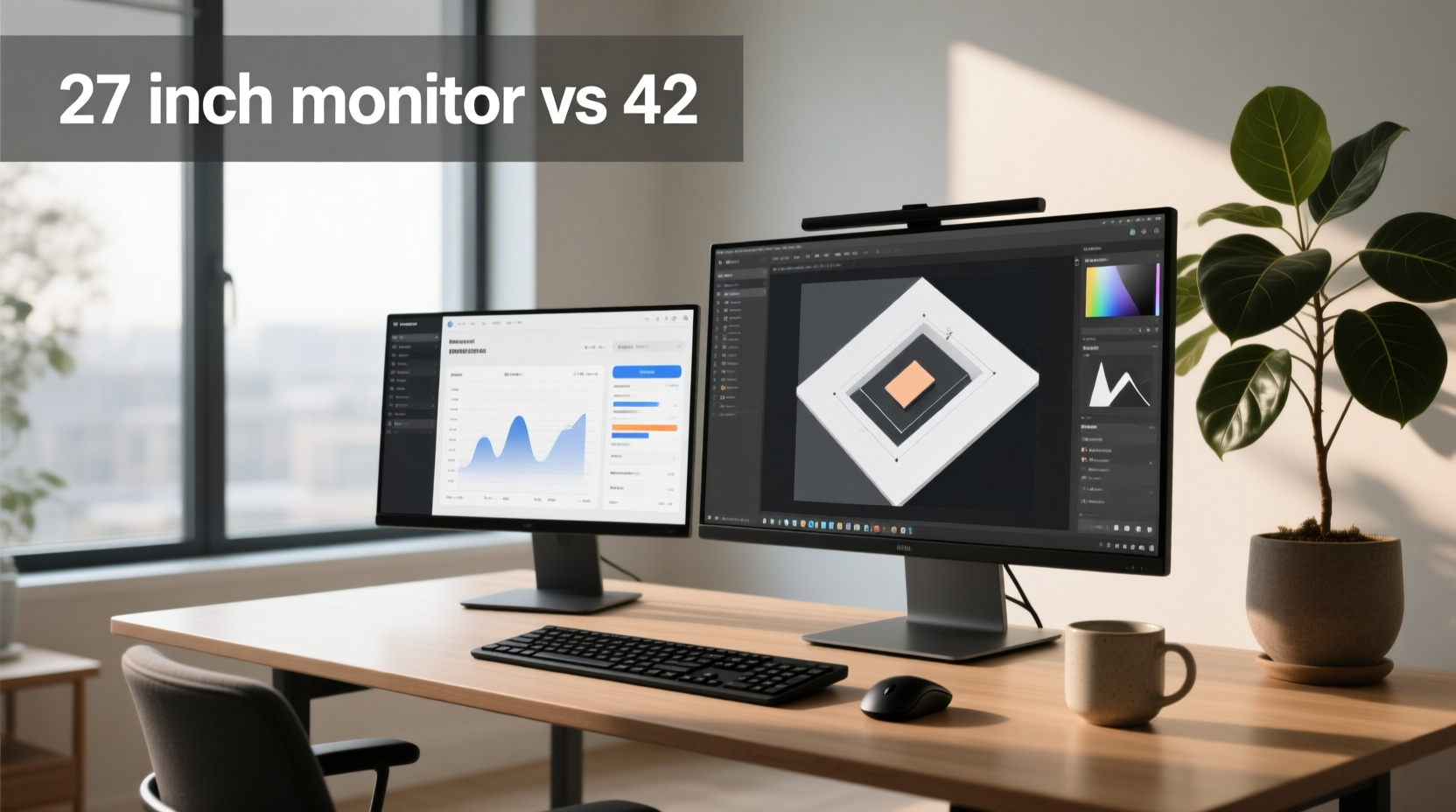
Choosing between a 27 inch monitor vs 32 inch isn’t about ‘bigger is better’ — it’s about matching screen size to your physical setup, visual acuity, workflow demands, and content consumption habits. The optimal choice depends on three measurable factors: viewing distance, pixel density (PPI), and intended use case. For most users sitting 24–36 inches from their desk, a 27-inch 1440p monitor delivers the highest perceived sharpness and responsiveness — especially for competitive gaming or coding. A 32-inch monitor becomes objectively superior only when you sit ≥28 inches away 1, have ≥30″ deep desk space, and prioritize multitasking real estate or cinematic immersion over pixel-level crispness. Neither size is universally ‘better’ — but choosing wrongly leads to visible pixelation, eye strain, or wasted desktop space.
Why This Comparison Matters More Than Ever in 2025
The 27-inch vs 32-inch decision has sharpened in significance due to two converging trends: first, the mainstream availability of high-refresh 4K OLED panels at both sizes (e.g., Samsung QD-OLED, LG WOLED), and second, the widening gap in price-per-inch for premium displays. In early 2025, entry-level 32-inch 4K IPS monitors start at $399, while 27-inch 4K models begin at $349 — yet their effective usability diverges dramatically based on resolution-to-size alignment 2. A 32-inch 1440p display yields just 69 PPI — below the threshold where text appears consistently smooth at typical desk distances. Meanwhile, a 27-inch 4K panel hits 163 PPI, demanding OS scaling (125–150%) for comfortable UI elements — a trade-off many overlook before purchase. These aren’t theoretical concerns: they directly impact readability during 8-hour coding sessions, precision in photo retouching, and motion clarity in fast-paced games.
Pixel Density & Perceived Sharpness: The Core Trade-Off
Pixel density — measured in pixels per inch (PPI) — determines how ‘crisp’ text and fine UI elements appear without scaling. It’s calculated using diagonal resolution and screen size:
| Resolution | 27-inch PPI | 32-inch PPI | Visual Implication |
|---|---|---|---|
| 1440p (2560×1440) | 109 PPI | 91 PPI | 27″: Excellent sharpness; 32″: Noticeably softer text, ‘screen door’ effect at close range |
| 4K (3840×2160) | 163 PPI | 138 PPI | 27″: Requires 125%+ scaling; 32″: Balanced clarity + usable UI scale (100–125%)3 |
Real-world testing confirms this: at 24 inches, 91 PPI (32″ 1440p) produces discernible subpixel gaps in small fonts, increasing cognitive load during prolonged reading 2. At the same distance, 109 PPI (27″ 1440p) renders text with consistent edge definition. However, if your viewing distance extends to 32 inches, the angular resolution difference narrows — and the 32-inch screen’s larger field of view begins to outweigh its lower PPI. This is why measuring your actual seated distance matters more than manufacturer specs.
Viewing Distance: The Decisive Metric Most Users Ignore
Optimal viewing distance isn’t arbitrary — it’s rooted in human visual acuity and ergonomic guidelines. The Society of Motion Picture and Television Engineers (SMPTE) recommends a 30° horizontal field of view (FOV) for general use; THX and Dolby specify 40° for immersive media. Here’s how that translates:
- 27-inch 1440p: Ideal at 20–28 inches (50–71 cm). At 24″, it occupies ~32° FOV — perfect for focus-intensive tasks.
- 32-inch 4K: Ideal at 28–42 inches (70–105 cm). At 32″, it delivers ~38° FOV — balancing immersion and clarity 1.
- 32-inch 1440p: Only comfortable beyond 36 inches — impractical for standard desks (<30″ deep).
Measure your current setup: sit normally, extend your arm fully, and note where your fingertips land relative to the screen. If they fall short of the bezel, you’re likely too close for a 32-inch display. If your eyes must scan left/right to see edges, the screen exceeds your natural saccade range — increasing fatigue. A simple tape measure beats guesswork every time.
Use Case Breakdown: Where Each Size Excels (and Fails)
💻 Competitive Gaming & Fast-Paced Titles
A 27-inch monitor remains the gold standard for esports and reaction-critical games (CS2, Valorant, Rocket League). Why? Lower input latency (often <1ms GTG at 144Hz+), tighter pixel response (especially on fast IPS or OLED), and reduced head movement. At 24″, a 27-inch screen fills peripheral vision just enough to track action without inducing motion sickness — unlike 32-inch panels, which demand wider neck rotation during rapid pans. Crucially, 27-inch 1440p monitors dominate sub-$500 high-refresh segments, offering better value for performance-focused buyers.
🎨 Creative Work & Multitasking
For photo editing, video timelines, or coding with dual IDEs + terminal + browser, 32-inch 4K provides ~40% more usable screen area than 27-inch 1440p 1. You can place two full-width code files side-by-side at 100% zoom, run DaVinci Resolve’s node editor and preview simultaneously, or view A4-sized documents at 100% scale. But verify your GPU output: driving 4K at 120Hz+ requires DisplayPort 1.4 (or HDMI 2.1) — older GPUs may bottleneck at 60Hz, negating the upgrade’s benefit.
🎬 Media Consumption & Casual Gaming
32-inch screens deliver stronger presence for movies, narrative games (Cyberpunk, Elden Ring), and streaming. Their wider aspect ratio (even 16:9) creates greater visual weight — especially with HDR brightness >600 nits. However, avoid 32-inch 1440p for this use: the lower PPI makes subtitles and UI menus look fuzzy. Stick to 4K — and ensure your media player supports chroma subsampling (4:2:0 → 4:4:4 upscaling) to prevent color bleeding.
Desk & Ergonomic Reality Checks
Size isn’t just about inches — it’s about depth, width, and mount compatibility. A typical 32-inch monitor (with stand) measures ~29″ wide × 18″ deep. Standard desks are 24–30″ deep; placing a 32-inch unit flush risks keyboard interference and forces awkward forward leaning. Minimum recommended desk depth: 32 inches. If space is constrained:
- ✅ Use VESA wall-mounting (100×100 mm pattern standard on both sizes) to reclaim 12–15″ of depth.
- ❌ Avoid ‘low-profile’ stands marketed for 32-inch models — they often lack height/tilt adjustability, worsening neck strain.
- ⚠️ Check monitor weight: 32-inch OLEDs average 14–17 lbs vs. 27-inch IPS at 8–11 lbs. Ensure your arm or mount supports the load.
Also consider cable management: 32-inch units often require longer DisplayPort cables (6.5 ft minimum) to reach rear GPU ports without tension — a frequent oversight in compact builds.
Resolution Matching: The Non-Negotiable Rule
Never pair resolution and size arbitrarily. Here’s the hard rule set by industry testing and visual science:
| Screen Size | Minimum Viable Resolution | Ideal Resolution | Risk of Mismatch |
|---|---|---|---|
| 27-inch | 1440p | 1440p (sweet spot) or 4K (with scaling) | 1080p = visibly coarse; 4K without scaling = tiny, unusable UI |
| 32-inch | 4K | 4K (mandatory for clarity) | 1440p = soft, unsharp, poor text rendering even at 32″ distance |
This isn’t subjective preference — it’s physics. At 32 inches, 1440p’s 91 PPI falls below the human eye’s ability to resolve individual pixels at normal contrast levels, resulting in perceived blur. RTINGS lab tests confirm 32-inch 1440p panels score ≤5.2/10 for text clarity, while 32-inch 4K units score ≥8.7/10 2. If budget limits you to 1440p, choose 27 inches — not 32.
Common Misconceptions Debunked
- “Bigger always means better productivity.” False. Studies show task-switching efficiency peaks at ~28° FOV. Beyond that, increased saccade time offsets gains from extra screen space 1. Two 27-inch monitors often outperform one 32-inch for parallel workflows.
- “OLED fixes everything — size doesn’t matter.” Incorrect. While OLED improves contrast and response time, it doesn’t increase PPI. A 32-inch 4K OLED still has 138 PPI — sharper than 1440p, but less dense than 27-inch 4K. Burn-in risk also scales with static UI elements (taskbars, docks), making large OLEDs less suitable for all-day office use.
- “I can just sit farther back for a 32-inch.” Only if your desk allows it — and your chair supports proper lumbar posture at extended reach. Sitting >42 inches away reduces engagement and increases mouse travel distance, harming workflow rhythm.
How to Test Before You Buy (No Returns Needed)
Before committing, simulate your setup:
- Print a life-size template: Use Display Wars’ free 27″/32″ 16:9 outline PDF 3. Tape it to your wall at eye level and sit at your usual distance. Does the frame fill your natural gaze zone?
- Calculate PPI for your resolution: Use the formula
√(W² + H²) ÷ Diagonal. For 32″ 4K: √(3840² + 2160²) ÷ 32 ≈ 138 PPI. - Check your GPU’s output capability: NVIDIA GTX 10-series or AMD RX 500-series can drive 32″ 4K at 60Hz, but 120Hz+ requires RTX 3060 / RX 6700 XT or newer.
If uncertainty remains, rent a monitor via local tech services for 7 days — far cheaper than restocking fees.
Frequently Asked Questions
- Is a 32-inch monitor too big for programming?
Not inherently — but only if you use 4K resolution and sit ≥30 inches away. At 1440p, line numbers and syntax highlighting lose fidelity. Dual 27-inch 1440p monitors often provide better vertical code real estate and reduce eye-tracking fatigue. - Does 4K look better on 27 or 32 inch?
‘Better’ depends on priority: 27-inch 4K offers higher PPI (163) for maximum sharpness; 32-inch 4K delivers balanced PPI (138) with larger, more comfortable UI scaling and superior immersion. Neither is objectively superior — match to your distance and workflow. - What’s the best viewing distance for a 27-inch monitor?
24–28 inches (60–71 cm) for 1440p; 20–24 inches for 4K (with 125% scaling). Measure from eyes to screen surface — not bezel edge. - Can I use a 32-inch TV as a monitor?
Technically yes, but TVs lack low input lag modes, precise color calibration, and consistent gamma tracking. Input lag often exceeds 20ms — unacceptable for gaming or design. Monitors are engineered for static, high-precision tasks; TVs prioritize motion interpolation and dynamic contrast. - Is 27 inch or 32 inch better for work-from-home?
27-inch suits smaller home offices (≤5′ wide desks) and hybrid workers who value portability and sharpness. 32-inch excels in dedicated, spacious setups where you manage multiple documents, video calls, and analytics dashboards simultaneously — provided desk depth ≥32″ and viewing distance ≥28″.
