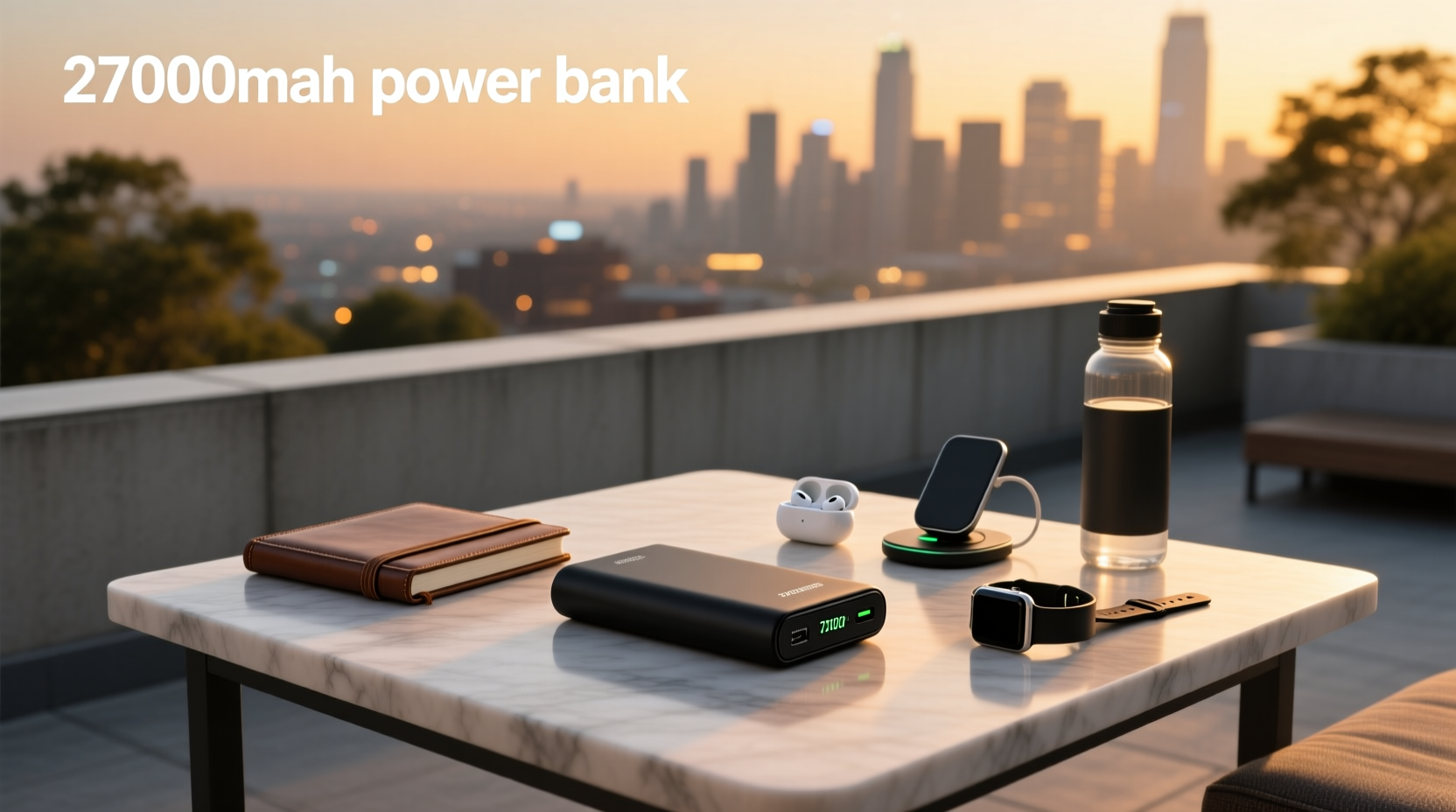
Yes — a 27000mAh power bank is the practical upper limit for air travel compliance (≈98Wh) and the minimum viable capacity for reliably charging modern laptops, tablets, smartphones, and accessories like Starlink terminals or action cameras 1. Unlike smaller 10,000–20,000mAh models designed mainly for phones, 27000mAh units bridge the gap between portability and true multi-device, multi-session utility — especially when paired with ≥65W USB-C Power Delivery (PD). However, not all 27000mAh power banks perform equally: peak output wattage, conversion efficiency, temperature throttling, and battery cell grade determine whether you get two full laptop charges or just one partial one. This guide cuts through marketing claims to help you evaluate real-world suitability — based on FAA/ICAO regulations, USB-IF certification standards, and verified discharge testing data.
Why 27000mAh Is a Critical Threshold — Not Just a Number
The 27000mAh figure isn’t arbitrary. It reflects the 98–100Wh regulatory ceiling for lithium-ion portable chargers permitted in aircraft cabin baggage without airline approval 2. Since Wh = (mAh × nominal voltage) ÷ 1000, and most power banks use 3.7V lithium cells, 27000mAh × 3.7V ÷ 1000 ≈ 99.9Wh — safely under the 100Wh limit. Go to 30,000mAh (≈111Wh), and you enter restricted territory: airlines may require prior permission, documentation, or outright deny boarding 3. That makes 27000mAh the largest capacity you can confidently pack in your carry-on — no forms, no negotiations, no gate delays.
But capacity alone doesn’t guarantee usability. A 27000mAh unit rated only for 18W output (e.g., basic QC 3.0) will take over 8 hours to recharge a 16-inch MacBook Pro (96Wh battery) — if it can even initiate charging at all. In contrast, a 27000mAh model with native 100W+ USB-C PD output can deliver ~70–85% of its rated capacity to a laptop under real conditions — enough for 1.5–2 full cycles — while simultaneously topping up your phone and earbuds.
How Much Real-World Power Does 27000mAh Deliver?
Rated capacity (27000mAh) is measured under ideal lab conditions: constant 3.7V discharge, 25°C ambient, zero load fluctuation. Real-world usable energy is always lower due to three unavoidable losses:
- Voltage conversion loss: Most devices accept 5V, 9V, 15V, or 20V input. Converting 3.7V internal cells to 20V output incurs ~10–15% efficiency drop.
- Heat-related throttling: Sustained >65W output raises internal temperature. Without robust thermal design (copper heat pipes, graphite pads, active fans), output drops 20–40% after 10–15 minutes.
- Aging & cycle degradation: After 300–500 full charge cycles, capacity typically falls to 70–80% of original — meaning a 2-year-old 27000mAh unit may behave like a 19,000–22,000mAh one.
Independent lab tests (e.g., TechRadar Labs, 2024) show that high-end 27000mAh PD power banks deliver 68–76% of their rated Wh to a MacBook Air M2 (52.6Wh battery) in a single pass — translating to ~1.3–1.5 full recharges. Lower-tier models with no thermal sensors or unverified ICs often fall below 55%, yielding only one shallow charge.
Key Technical Specifications That Actually Matter
When comparing 27000mAh power banks, ignore flashy ‘250W’ headlines unless they’re backed by USB-IF PD 3.1 EPR certification. Focus instead on these five verifiable specs:
1. USB-C Power Delivery (PD) Profile Support
Look for explicit listing of PDOs (Power Data Objects) — e.g., “5V/3A, 9V/3A, 15V/3A, 20V/5A” — not just “100W max.” The 20V/5A profile is essential for laptops. If the spec sheet omits PDO details or lists only “20V/3A” (60W), it cannot fully charge 96Wh MacBook Pros or Dell XPS 13s without throttling.
2. Input Charging Speed & Protocol Compatibility
A 27000mAh unit takes 6–12 hours to recharge. Fast input matters: models supporting USB-C PD 3.0 input (e.g., 20V/3.25A = 65W) cut recharge time to ~4.5 hours. Avoid units that only accept 5V/2A micro-USB input — those require >15 hours.
3. Output Port Configuration & Simultaneous Load Handling
Can it deliver full wattage to one device while powering others? Many claim “100W + 18W” but throttle the 100W port to 60W when the second port is active. Check independent reviews for multi-port stress tests — not manufacturer white papers.
4. Built-in Display Accuracy
Digital LED displays showing % or Wh are useful — but only if calibrated. Low-cost units often misreport state-of-charge by ±12–18% at mid-levels (40–70%). Look for models using fuel-gauge ICs like TI BQ series or Richtek RT9466, which maintain ±3% accuracy across 0–100%.
5. Safety Certifications — Not Just Logos
UL 2056 (U.S.), IEC 62133 (global), and UN38.3 (transport) are mandatory for safe lithium power banks. A CE mark alone is meaningless — it’s self-declared. Verify certification numbers on the product label or manufacturer’s compliance portal. Absence of UL/IEC numbers indicates non-compliant cell sourcing or inadequate protection circuitry.
Common Use Cases — And Where 27000mAh Excels (or Falls Short)
✈️ Air Travel & Long-Haul Flights
27000mAh is optimal: fits carry-on size limits, complies with ICAO Annex 18, and provides 4–6 full smartphone charges or 1–2 laptop top-ups during an 18-hour flight + layover. Critical tip: Always keep it powered on and accessible — TSA may ask you to demonstrate functionality. Units with dead batteries or disabled displays risk confiscation.
💻 Laptop + Multi-Device Field Work
For remote workers, field engineers, or content creators using MacBook Air, Surface Pro, or Chromebook Plus, 27000mAh with ≥65W PD covers 6–8 hours of mixed usage (laptop + phone + Bluetooth headphones + portable SSD). But avoid pairing it with 100W+ gaming laptops (e.g., ASUS ROG Zephyrus) — those draw >120W under load and will trigger hard shutdowns.
🏕️ Off-Grid & Solar-Integrated Use
Some 27000mAh models include solar input (e.g., 18–24V MPPT controllers). However, real-world solar harvest is low: even with 4× 5W panels (like Hiluckey’s design), expect only 10–15Wh/hour in direct noon sun — meaning ~2 days to fully recharge from empty. These are best for maintenance top-ups, not primary recharging.
📱 Daily Commuting & Heavy Phone Users
Overkill. A 27000mAh unit weighs 450–650g — heavier than most compact laptops. For daily phone-only use, a 10,000–15,000mAh model with 30W PD is lighter, faster to recharge, and more pocket-friendly. Reserve 27000mAh for trips >3 days or mixed-device needs.
Red Flags — When to Skip a 27000mAh Power Bank
Not every 27000mAh unit is fit for purpose. Avoid if it shows any of these:
- No listed USB-IF PD certification ID — means no independent validation of voltage negotiation stability.
- “200W” claim with no EPR (Extended Power Range) mention — standard PD 3.0 caps at 100W; anything higher requires EPR and 28V/36V support, rarely implemented correctly at this capacity.
- Price under $80 USD — implies recycled or rejected-grade 18650 cells, missing thermal sensors, and no overvoltage protection. Fire risk increases exponentially below this threshold.
- Only micro-USB input — signals outdated architecture; no path to future-fast charging standards.
- No safety certification numbers visible on packaging or spec sheet — violates U.S. CPSC and EU market access rules.
How to Verify Performance Before You Buy
Don’t rely on Amazon ratings or influencer unboxings. Do this instead:
- Check the manufacturer’s official website — look for downloadable datasheets with PDO tables and test reports (not marketing PDFs).
- Search YouTube for “27000mAh [model name] teardown” or “discharge test” — channels like MKBHD Lab, Dave2D, or Mr. Tinkering run controlled 0–100% load tests.
- Review UL’s Online Certifications Directory — enter the model number at database.ul.com to confirm active UL 2056 listing.
- Calculate real watt-hours: Multiply mAh rating by 3.7V, divide by 1000 → compare to advertised Wh. If 27000mAh × 3.7 ÷ 1000 = 99.9Wh but the site says “105Wh”, it’s inflating numbers.
Frequently Asked Questions (FAQ)
Q: Can I bring a 27000mAh power bank on international flights?
A: Yes — it falls within the ICAO 100Wh limit for carry-on baggage. No airline approval needed. Keep it in your bag, not checked luggage.
Q: Will a 27000mAh power bank charge my MacBook Pro M3?
A: Only if it supports USB-C PD 3.0 with 20V/5A (100W) output and has adequate thermal headroom. Verify compatibility with Apple’s official PD requirements before purchase.
Q: Why does my 27000mAh power bank shut down when charging my laptop?
A: Likely due to overheating (poor thermal design) or insufficient sustained wattage. Many units advertise “100W peak” but drop to 45W after 90 seconds. Check for active cooling or copper heatsinks.
Q: Is 27000mAh enough for a 3-day camping trip with camera, phone, and satellite communicator?
A: Yes — assuming moderate use. A GoPro Hero 12 (1,720mAh), iPhone 15 (3,349mAh), and Garmin inReach Mini 2 (1,200mAh) together draw ~2,500mAh/day. 27000mAh provides ~10 days of buffer — but factor in cold-weather capacity loss (up to 30% below 0°C).
Q: Do all 27000mAh power banks support pass-through charging?
A: No. Pass-through (charging the power bank while outputting power) requires dual-path circuitry and is rare below $120. Even then, most throttle output to ≤30W during pass-through to prevent thermal runaway.
