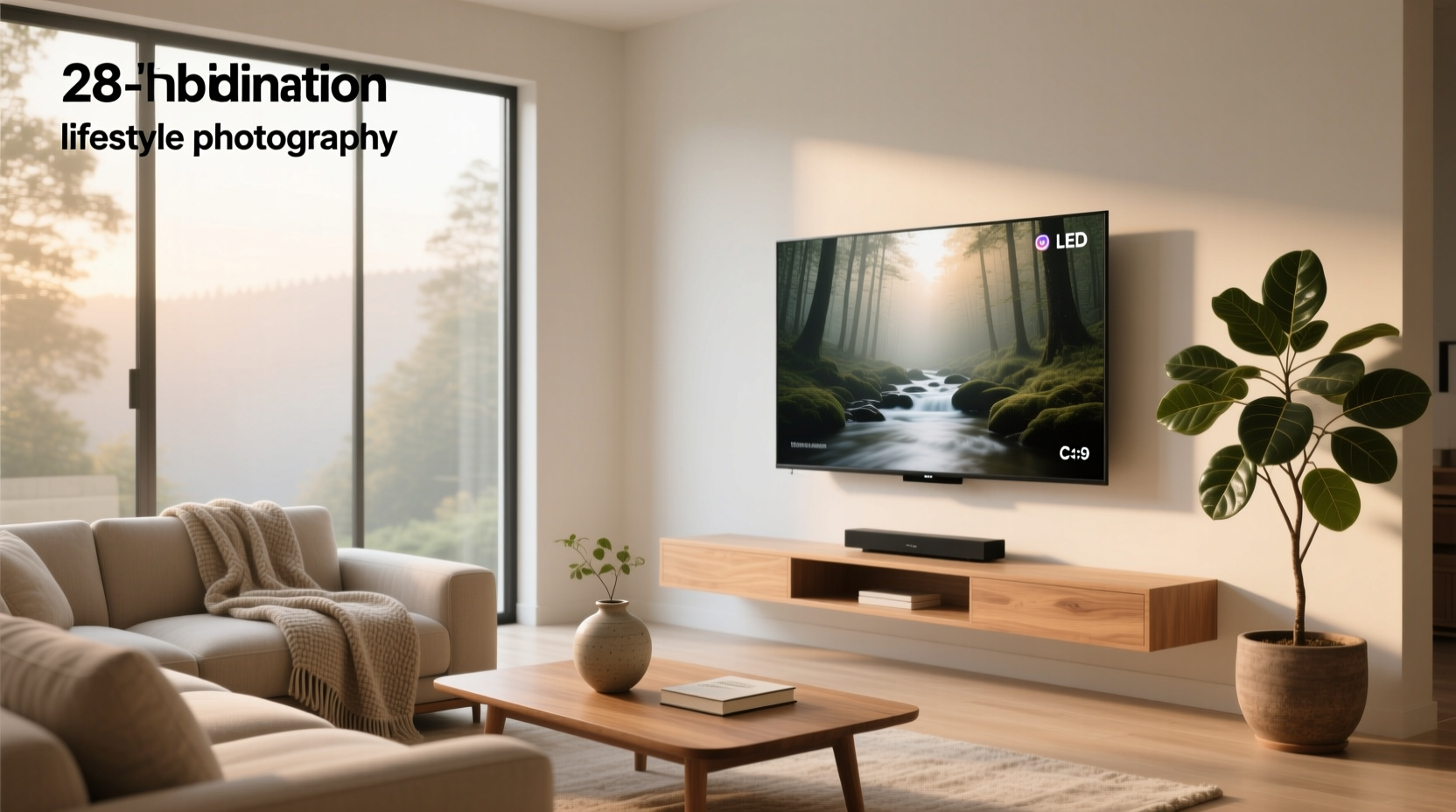
Looking for a 28-inch LED TV? You’re likely prioritizing space efficiency, low cost, and basic smart functionality — not cinematic immersion. A 28-inch LED TV delivers HD (720p) resolution at 1366×720 pixels, fits comfortably on countertops or narrow shelves, and typically includes Wi-Fi, HDMI, USB, and streaming apps like Netflix and YouTube 1. It’s not designed for couch viewing at 6+ feet — but excels in tight, task-oriented spaces like kitchens, home offices, college dorms, or guest bedrooms. This guide cuts through marketing noise to answer exactly what a 28-inch LED TV can (and cannot) do — based on real technical specs, verified use cases, and measurable limitations.
Why Choose a 28-Inch LED TV? Understanding the Core Use Case
A 28-inch LED TV isn’t a downsized version of a living-room TV — it’s a purpose-built display with distinct advantages and hard boundaries. Its physical footprint is approximately 64.5 cm wide × 44 cm tall (without stand), making it significantly smaller than even a standard 32-inch model 2. That compactness enables placement where larger screens won’t fit: above kitchen cabinets, beside a desk, inside an RV cabinet, or mounted on a narrow bathroom wall. Crucially, it avoids the pixel density compromise of ultra-small 24-inch models while staying well below the minimum recommended size for comfortable full-room viewing (typically 43 inches or larger for 10-ft viewing distances).
But this benefit comes with non-negotiable trade-offs. All mainstream 28-inch LED TVs use HD (720p) native resolution — not Full HD (1080p) or 4K. There are no commercially available 28-inch models with higher native resolution in global consumer markets as of 2024. Why? Panel economics: manufacturers prioritize 32-inch and larger sizes for 1080p production due to yield efficiency and market demand. So if you expect sharp text for news scrolling, crisp subtitles during streaming, or detailed UI navigation in smart menus, 720p is the ceiling — and pixelation becomes visible at closer distances (<1.5 meters).
Physical Dimensions & Mounting: What “28 Inches” Actually Means
The “28 inches” refers exclusively to the diagonal measurement of the screen area — not width, height, or overall product dimensions. Confusing this is a top reason for installation errors. Using the standard 16:9 aspect ratio:
- Screen width: ≈ 64.5 cm (25.4 inches)
- Screen height: ≈ 36.3 cm (14.3 inches)
- Full unit height (with stand): typically 42–46 cm, depending on base design
- Depth (stand included): usually 15–20 cm
These measurements matter for clearance. For example, a 28-inch TV placed on a 60-cm-deep kitchen counter needs ≥20 cm of vertical clearance above it to avoid hitting upper cabinets — a constraint easily overlooked when shopping by inch alone. Always verify exact external dimensions in the manufacturer’s spec sheet, not just the diagonal label.
Resolution Reality Check: Why 720p Is Standard — and When It’s Enough
All verified 28-inch LED TVs — including LG 28MT49S-PS 2 and Philco PTV28G50SN 3 — ship with 1366×720 native resolution. This is not a cost-cutting downgrade — it’s the industry-standard panel size for this diagonal. Attempting to scale 1080p content to a 720p screen introduces softening, aliasing, and motion blur; conversely, native 720p content (like broadcast SD channels or older YouTube videos) displays cleanly.
Is 720p sufficient? Yes — if your use case matches the screen’s strengths:
- ✅ Watching live sports or cooking shows from 1.2–2 meters away (e.g., across a kitchen island)
- ✅ Displaying weather, calendar, or recipe apps via smart OS
- ✅ Secondary audio/video feed while working (e.g., Zoom sidebar + video tutorial)
- ❌ Replacing a primary entertainment screen for movies or gaming at normal viewing distances
- ❌ Reading dense on-screen text (news tickers, stock data, subtitles) beyond 1.5 meters
There is no meaningful “upscaling” improvement between brands at this size — all rely on identical panel suppliers and basic processing chips. Claims of “enhanced clarity” or “crystal HD” are marketing descriptors, not technical differentiators.
Smart Features: What’s Standard — and What’s Not
Virtually all new 28-inch LED TVs sold in major Latin American and European markets are Smart TVs, meaning they include built-in Wi-Fi, an OS interface (often webOS Lite, Tizen Lite, or Android TV Go), and preloaded streaming apps. Common pre-installed services include Netflix, YouTube, GloboPlay, and sometimes Prime Video or Disney+. However, critical limitations exist:
- No voice remote support: None of the current 28-inch models include microphone-equipped remotes or far-field voice assistants.
- No app store: You cannot install third-party APKs or sideload unsupported services. The app catalog is fixed at launch.
- Minimal RAM/storage: Typically 512 MB RAM / 4 GB internal storage — enough for core apps, but insufficient for updates beyond 1–2 OS versions.
- No Bluetooth audio output: You cannot pair wireless headphones or speakers directly. Audio must route via HDMI ARC (if supported) or optical out (rare at this size).
If you need voice control, multi-room audio, or frequent app updates, a 28-inch TV will fall short — regardless of brand. Its smart layer is functional, not expandable.
Connectivity: Ports, Power, and Practical Limits
Standard I/O on 28-inch LED TVs includes:
- 1× HDMI 1.4 port (supports up to 720p@60Hz; no HDCP 2.2, so newer 4K streaming devices may show black screens or downscale)
- 1× USB 2.0 port (for media playback only — no recording, no firmware updates via USB)
- 1× RF antenna input (for over-the-air analog/digital broadcasts)
- 1× headphone jack (3.5 mm) — often the only private audio option
- Wi-Fi 4 (802.11n) — no Wi-Fi 5/6 support; limited bandwidth for simultaneous 720p streams
Note: No Ethernet (LAN) port is standard — despite some listings implying otherwise 2. If wired internet is required (e.g., for stable IPTV), a USB-to-Ethernet adapter will not work — the OS lacks driver support. Only Wi-Fi is viable.
Power & Compatibility: Voltage, Inputs, and Regional Nuances
Most 28-inch LED TVs sold in Brazil (e.g., via Magazine Luiza, Casas Bahia, KaBuM!) are bivolt (100–240 V), enabling use across North/South America and parts of Europe without transformers 3. However, plug type and regional certifications vary:
- Brazil: NBR 14136 plug (Type N), INMETRO certification required
- EU: CE-marked, Type C/F plug, must comply with Ecodesign Directive 2019/2021
- US/Canada: UL/ETL listed, Type A/B plug — but no major US retailer stocks 28-inch LED TVs; availability is limited to import channels
This means a Brazilian-market 28MT49S-PS may lack FCC ID for legal operation in the U.S., and its IR remote may not match universal remote codes. Always confirm regional compliance before cross-border purchase.
Who Should — and Should Not — Buy a 28-Inch LED TV?
Buy if:
- You need a dedicated display for a kitchen, laundry room, or small office where space is constrained
- Your primary use is background video, recipe guidance, or quick news checks — not immersive viewing
- You want basic streaming without adding a separate streaming stick (saving $30–$50)
- You’re outfitting a student housing unit, Airbnb bedroom, or secondary residence on a tight budget
Avoid if:
- You plan to watch movies, sports, or gaming for >30 minutes continuously — eye strain increases noticeably at 720p beyond 1.8 meters
- You require HDMI ARC, eARC, or Dolby Atmos passthrough — none are supported
- You need multi-user profiles, parental controls, or screen mirroring — these features are omitted from lightweight smart OS versions
- You expect long-term software support — most models receive ≤1 major OS update and 2 years of security patches
Common Misconceptions Debunked
Misconception #1: “28-inch is just a smaller 32-inch.”
Reality: Panel technology, driver ICs, and thermal design differ fundamentally. A 28-inch TV uses a unique cut from a Gen 5.5 or Gen 6 LCD substrate — not a trimmed 32-inch panel. This affects brightness uniformity, viewing angles, and black level consistency.
Misconception #2: “LED TV means better picture than LCD.”
Reality: All modern “LED TVs” are LCD panels with LED backlights. There is no emissive LED display at this size or price point. “LED” here is purely a backlight descriptor — not a display technology upgrade.
Misconception #3: “Smart TV = future-proof.”
Reality: With minimal RAM and closed OS architecture, a 28-inch Smart TV’s useful lifespan is ~2–3 years before app compatibility degrades or interface responsiveness slows. Plan for replacement, not long-term ownership.
How to Verify Authentic Specs Before Buying
Marketing pages often omit critical details. Here’s how to validate claims:
- Check the official spec sheet: Search “[model number] + PDF specification” — e.g., “28MT49S-PS spec sheet PDF”. Manufacturer sites (LG.com, philco.com.br) host authoritative docs.
- Confirm resolution in the “Display” section: Look for “Resolution” or “Native Resolution” — not “Max Input Resolution” (which may list 1080p upscaled input).
- Verify Wi-Fi standard: “Wi-Fi 4” or “802.11n” = correct. “Wi-Fi Certified” without version = ambiguous — avoid.
- Review power specs: “Input: 100–240V~50/60Hz” confirms bivolt. “120V only” means U.S.-only use.
If the spec sheet is unavailable or contradicts the retail listing, treat the product as high-risk — especially for cross-border purchases.
Frequently Asked Questions (FAQ)
- Is there a 28-inch 4K TV available?
No. As of 2024, no major manufacturer produces a 28-inch TV with native 4K (3840×2160) resolution. The smallest commercially available 4K panels start at 32 inches. - Can I mount a 28-inch LED TV on the wall?
Yes — if it supports VESA 100×100 or 200×200 mounting pattern (check the manual). Most models do, but the stand cannot be reattached after wall-mounting. - Does a 28-inch TV have Bluetooth?
No current 28-inch LED TV models include Bluetooth transmitters or receivers. Wireless audio requires an external Bluetooth transmitter connected to the headphone jack or optical output (if present). - How far should I sit from a 28-inch TV?
For comfortable HD viewing, the optimal distance is 1.2–2.0 meters (4–6.5 feet). Closer than 1.2 m makes pixel structure visible; farther than 2.0 m reduces perceived detail. - Can I use it as a computer monitor?
Technically yes — but not recommended. Limited 720p resolution, slow response time (~8–12 ms), and no sRGB calibration make it unsuitable for productivity, coding, or design work.
