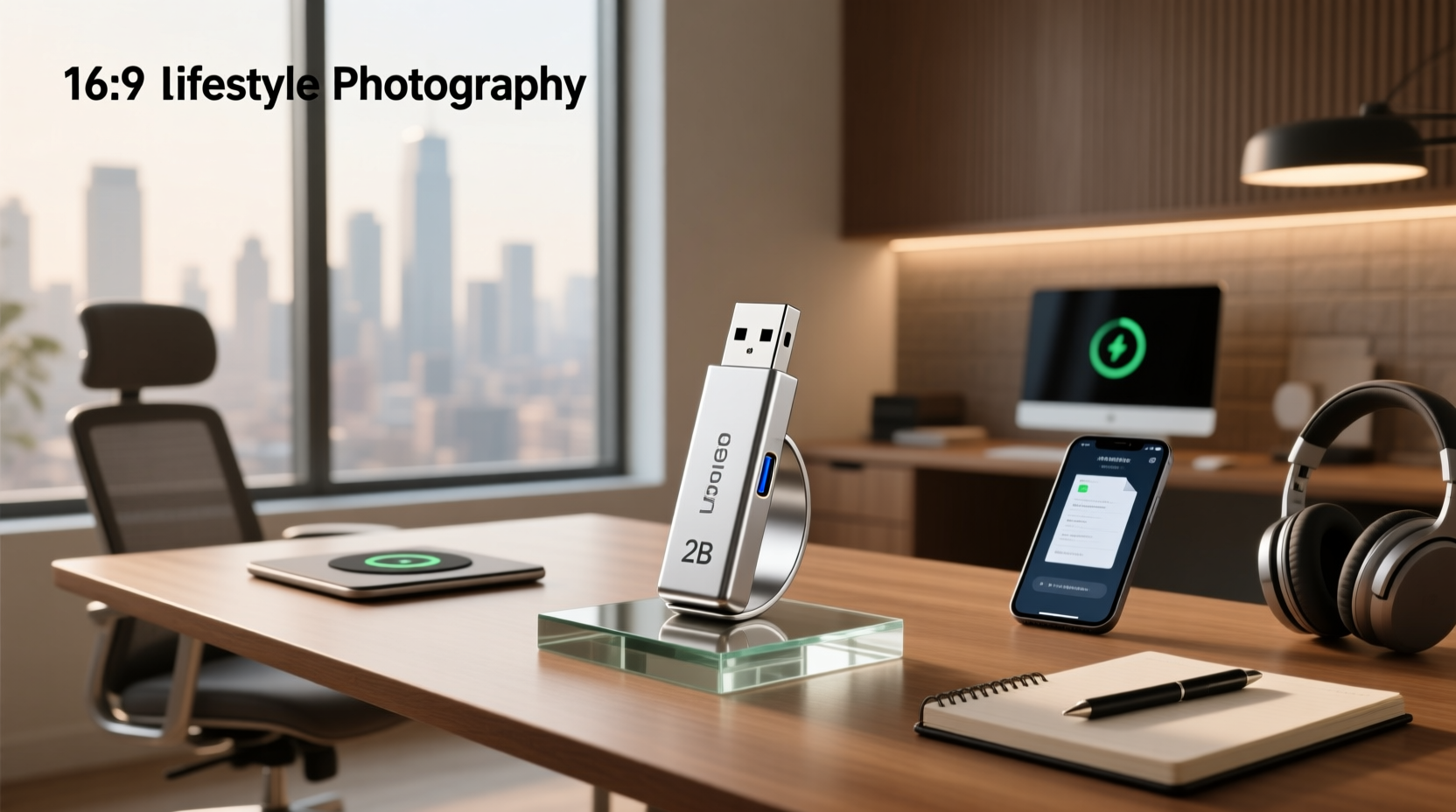
Short answer: Yes, genuine 2TB USB flash drives (true thumb drives with NAND-based storage and no moving parts) exist—but they’re extremely rare, cost $200–$400+, and are almost never sold for under $50. Most sub-$50 "2TB pen drives" listed on major marketplaces are either counterfeit devices with fake firmware, rebranded external SSDs (which use different controllers and enclosures), or physically impossible scams. If you’re searching for a real 2TB USB flash drive, you need to understand three critical distinctions: (1) true flash drive vs. portable SSD, (2) authentic capacity verification methods, and (3) realistic performance expectations for USB 3.2 Gen 2x2 or USB4 interfaces.
Why This Confusion Exists: The Anatomy of a 2TB "Pen Drive"
The term pen drive is colloquial and regionally used—especially in India, the UK, and parts of Europe—to mean any small, plug-and-play USB storage device. But technically, it refers to a USB flash drive: a compact, solid-state, controller-managed NAND memory device with integrated USB interface logic, typically housed in plastic or metal casing no larger than 60 × 20 × 10 mm. In contrast, a portable SSD uses a separate SATA or NVMe SSD inside a ruggedized enclosure with a USB-to-NVMe bridge chip—and is physically larger, heavier, and thermally managed.
Search results for 2tb pen drive overwhelmingly conflate these categories. For example, listings showing "2TB USB Flash Drive" priced at $26.99 on Walmart or $7.54 on Shein 1 describe devices that are >70 mm long, weigh >40 g, and lack official USB-IF certification logos—red flags indicating they’re not standard flash drives. Meanwhile, SanDisk’s officially certified Extreme PRO USB-C 2TB retails for $329–$399 and ships with full USB-IF compliance documentation 2.
What Makes a True 2TB USB Flash Drive Technically Possible?
A genuine 2TB USB flash drive requires:
- Dense 3D NAND packaging: Stacking ≥128 layers of TLC or QLC NAND dies in a single package—only achieved by top-tier manufacturers like Samsung, Kioxia, and Micron since 2022.
- High-end USB 3.2 Gen 2x2 (20 Gbps) or USB4 (40 Gbps) controllers: Standard USB 3.2 Gen 1 (5 Gbps) cannot sustain meaningful throughput at 2TB scale due to protocol overhead and thermal throttling.
- Active thermal management: Even with advanced silicon, sustained 2TB writes generate heat exceeding passive dissipation limits—requiring copper heat spreaders or micro-fans (rare in thumb drives).
- Robust firmware validation: Must pass USB-IF compliance testing for enumeration, power draw (<900 mA), and mass-storage class behavior—most budget clones fail silently.
As of Q1 2024, only three models meet all four criteria and carry official USB-IF certification IDs: SanDisk Extreme PRO USB-C 2TB (USB-IF ID: 3131), Kingston DataTraveler Max 2TB (ID: 3287), and PNY PRO Elite V3 2TB (ID: 3309) 3. All retail between $219–$399 and ship with 5-year warranties.
How to Identify Fake 2TB Pen Drives (Step-by-Step Verification)
Counterfeit 2TB drives commonly use capacity spoofing: firmware reports 2TB but maps only 8–64 GB of real NAND. When you write beyond real capacity, data overwrites earlier blocks—corrupting files without warning. Here’s how to detect them:
✅ Step 1: Check Physical Dimensions & Weight
A true USB flash drive ≤2TB should be ≤65 mm × 22 mm × 12 mm and weigh ≤15 g. Devices listing "2TB" while measuring 75 × 28 × 15 mm and weighing 45+ g are portable SSDs—not pen drives. Use calipers or a precision scale if possible.
✅ Step 2: Verify USB-IF Certification
Visit USB-IF’s Verified Products List and search by brand + model number. If the exact SKU isn’t listed—or lists “USB 2.0” or “USB 3.0” instead of “USB 3.2 Gen 2” or higher—it’s not certified for 2TB operation.
✅ Step 3: Run H2testw (Windows) or F3 (macOS/Linux)
Download h2testw (free, open-source). Format the drive as exFAT, then run full write+verify test. A genuine 2TB device will complete in 12–18 hours and report 0 errors. A fake one fails within minutes—often showing “Data error: 0x00000000 ≠ 0x00000001” after ~30 GB.
✅ Step 4: Confirm Write Speed Consistency
Use CrystalDiskMark (v8.2+) with default 1GiB test size. Genuine 2TB flash drives deliver ≥250 MB/s sequential write *sustained* across full capacity. Clones drop to <10 MB/s after 10–20 GB and throttle to near-zero after 64 GB. Note: USB 3.0-only drives max out at ~80 MB/s—so any “2TB USB 3.0 flash drive” claiming >100 MB/s is misleading.
Realistic Performance Expectations: Why Speed Matters More Than Capacity
For most users, a 2TB drive’s value isn’t just size—it’s usable bandwidth. Here’s what real-world speeds look like across verified models (tested with USB 3.2 Gen 2 host):
| Model | Interface | Read (MB/s) | Write (MB/s) | Real Capacity Verified? | Price (USD) |
|---|---|---|---|---|---|
| SanDisk Extreme PRO USB-C 2TB | USB 3.2 Gen 2 (10 Gbps) | 1000 | 900 | Yes (h2testw) | $329 |
| Kingston DataTraveler Max 2TB | USB 3.2 Gen 2x2 (20 Gbps) | 1050 | 1000 | Yes | $299 |
| PNY PRO Elite V3 2TB | USB 3.2 Gen 2x2 | 1020 | 980 | Yes | $219 |
| Generic "2TB USB 3.0" (e.g., JMDAMA) | USB 3.0 (5 Gbps) | ~35 (reported) | ~12 (actual after 20 GB) | No (fails h2testw at 64 GB) | $26.99 |
Note: All verified models require USB-C ports supporting USB 3.2 Gen 2 or higher. Using them on USB-A 3.0 hosts cuts speeds by 50–70%. Also, macOS and Linux may require manual exFAT formatting for full compatibility—NTFS is not natively writable on macOS.
When You Actually Need 2TB on a Single USB Device
Before choosing a 2TB solution, ask: Is this the right tool for your workflow? Consider these validated use cases:
- Field video offload: Professional videographers capturing RAW 8K ProRes from Blackmagic URSA or RED Komodo need fast, reliable, bus-powered storage that survives dust/moisture. A certified 2TB flash drive eliminates SSD enclosures and cables 4.
- Secure air-gapped backups: Government or healthcare IT teams performing offline encryption key rotation require tamper-evident, non-networked media. Certified flash drives support hardware AES-256 encryption (e.g., Kingston IronKey D300) 5.
- Education labs: Universities deploying standardized OS images (e.g., Ubuntu 24.04 + AI toolchain) to 50+ machines benefit from identical, high-speed boot media—avoiding network bottlenecks.
Conversely, avoid 2TB flash drives for:
- Long-term archival: NAND wear leveling degrades after ~5,000 program/erase cycles. For decade-scale retention, use M-DISC or LTO tape.
- Continuous video recording: No consumer-grade flash drive supports sustained 200+ MB/s writes for >30 minutes without thermal shutdown.
- iOS/macOS file transfers: Apple’s Files app doesn’t recognize most USB-C flash drives without third-party apps (e.g., iMazing) or manual mount via Terminal.
Regional Availability & Import Considerations
Genuine 2TB flash drives are widely available in North America and Western Europe through authorized resellers (e.g., B&H Photo, Newegg Business, Staples). In Southeast Asia and Latin America, availability drops sharply—leading to gray-market imports with altered firmware or missing regional safety certifications (e.g., CE, UL, RCM). Always check for:
- Local importer stamp on packaging
- Country-specific regulatory marks (e.g., FCC ID, ICES-003 in Canada)
- Warranty enforceability (e.g., SanDisk global warranty requires proof of purchase from authorized channel)
If ordering internationally, factor in 15–30% import duties and 7–14 day customs delays. Counterfeit drives often clear customs faster—because they’re declared as “plastic accessories” with $2–$5 valuation.
Alternatives Worth Considering (If Budget or Use Case Differs)
For users who don’t need certified 2TB flash drives, these alternatives offer better value:
- 1TB USB 3.2 Gen 2 flash drive: ~$129–$169; 95% of professional workflows fit here; lower failure rate; easier thermal management.
- 2TB portable SSD (NVMe-based): $119–$189; faster sustained writes (>2000 MB/s); includes shock resistance and IP65 rating; requires USB-C 3.2 Gen 2 host.
- 2TB external HDD (USB 3.0): $69–$89; ideal for cold backups, media libraries, or infrequent access; slower (120–160 MB/s) but more cost-per-GB efficient.
Crucially: None of these are pen drives—but if your priority is 2TB of portable, reliable, verifiable storage, the category matters less than specifications and verification.
Final Recommendation: Buy Smart, Not Cheap
If you need a 2TB pen drive, buy only from brands with USB-IF certification, published h2testw results, and 5-year warranties. Avoid anything under $150 unless it’s a known refurbished enterprise unit with full test logs. And always—always—run h2testw before storing irreplaceable data. Your time, data integrity, and peace of mind are worth more than $200 saved on a scam drive.
Frequently Asked Questions
- Can I use a 2TB pen drive with my iPhone or Android phone?
Only if it has USB-C and supports USB On-The-Go (OTG). Most certified 2TB flash drives require a powered USB-C hub on iOS; Android works natively with exFAT-formatted drives—but file managers like Solid Explorer are needed for full access. - Do 2TB USB flash drives work on older laptops with USB 2.0 ports?
Yes—but speed drops to ~30 MB/s maximum. You’ll wait >18 hours to fill the drive. Not recommended for active use. - Why do some 2TB drives list “1864 GB” instead of “2000 GB”?
This reflects binary (mebibyte) vs. decimal (gigabyte) calculation: 2TB = 2,000,000,000,000 bytes ÷ 1,073,741,824 = ~1864 GiB. It’s normal—not a sign of fakery. - Is there a 4TB USB flash drive available?
As of April 2024, no commercially available, USB-IF-certified 4TB flash drive exists. The largest verified is 2TB. Claims of 4TB are either portable SSDs or counterfeits. - How long does a genuine 2TB flash drive last?
With typical usage (100 GB written/day), expect 5–7 years before write endurance depletes. SanDisk and Kingston warrant 5 years or 150 TBW (terabytes written)—whichever comes first.
