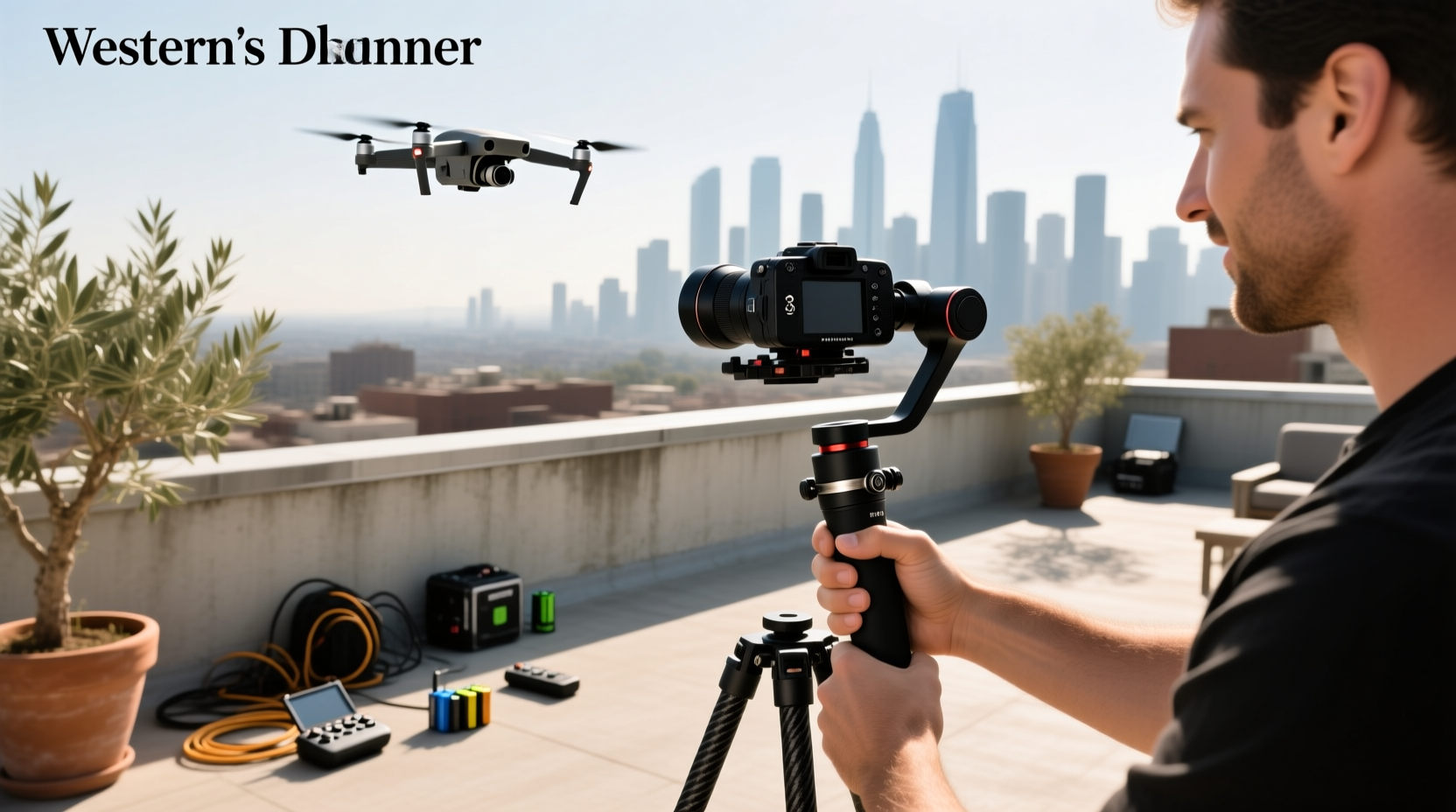
✅ A 3-axis gimbal stabilizer actively counteracts unwanted motion across pitch (up/down tilt), roll (side-to-side rotation), and yaw (left/right panning) — delivering smooth handheld footage even while walking, turning, or filming in dynamic environments. This is the minimum hardware standard for professional-grade smartphone and mirrorless camera stabilization, and understanding its real-world trade-offs (not just specs) is essential before buying.
Why This Matters: The Real-World Gap Between Marketing and Motion Control
Search results for “3 axis gimbal stabilizer” show prices from $40 to over $1,700 — yet most budget units labeled “3-axis” fail to deliver true three-dimensional stabilization under load or motion. Why? Because effective 3-axis performance depends not just on having three motors, but on motor torque, sensor fusion accuracy (IMU + gyro + accelerometer), algorithm responsiveness, and mechanical rigidity. A $45 gimbal may claim “3-axis” but often lacks sufficient payload capacity for modern smartphones with cases, struggles with fast directional changes, and exhibits noticeable lag in AI tracking or pan follow modes1. Meanwhile, pro-grade units like the DJI RS 4 or Zhiyun CRANE 4 use high-torque brushless motors, active cooling, and calibrated PID tuning — enabling stable operation with DSLRs, cinema lenses, or gimbals mounted on sliders or cranes.
How a 3-Axis Gimbal Actually Works: Beyond the Buzzwords
A 3-axis gimbal isn’t magic — it’s a closed-loop electromechanical system. Here’s what happens in real time:
- Sensing: An inertial measurement unit (IMU) detects angular velocity and acceleration 200–1000 times per second across all three axes.
- Processing: A dedicated microcontroller runs stabilization algorithms (often including Kalman filtering) to separate intentional movement (e.g., slow pan) from unintentional shake (e.g., hand tremor).
- Actuation: Three brushless motors — one per axis — apply precise counter-torque to keep the camera platform level and oriented as intended.
This entire cycle must happen in under 10 milliseconds to feel seamless. Latency above 15 ms becomes perceptible as “rubbery” or delayed motion — especially during quick subject tracking or whip pans. That’s why firmware updates matter: they refine motor response curves and sensor calibration. For example, DJI’s RS series firmware v2.2.0 improved yaw responsiveness by 22% for fast-moving subjects2.
Who Needs a 3-Axis Gimbal — and Who Doesn’t?
Not every creator benefits equally from full 3-axis stabilization. Your use case determines whether the investment pays off:
| Use Case | Minimum Requirement | Why 3-Axis Adds Value | Risk of Overkill |
|---|---|---|---|
| Smartphone vlogging (standing/walking) | 3-axis | Eliminates vertical bounce and lateral sway — critical for upright portrait video and dynamic walking shots | None: even entry-level 3-axis gimbals (e.g., Hohem iSteady V3) outperform 2-axis in real-world motion |
| Action camera (GoPro/Insta360) on helmet or chest mount | 2-axis (roll + pitch) | Yaw correction adds little benefit when camera is fixed to body; weight and battery drain increase without proportional gain | Yes: many 3-axis action gimbals (e.g., older Feiyu G6) sacrifice battery life and portability for marginal yaw stability |
| Mirrorless or DSLR with lightweight prime lens | 3-axis, ≥1.2 kg payload | Enables smooth push-ins, orbiting shots, and low-mode tracking — impossible with 2-axis due to roll instability at extreme angles | No: skipping 3-axis here means accepting compromised framing and frequent manual rebalancing |
| Drone-mounted camera | 3-axis (industry standard) | Compensates for aircraft vibration, wind gusts, and motor harmonics — 2-axis fails catastrophically in turbulence | Irrelevant: no commercial drone gimbal uses fewer than 3 axes |
Key Technical Specs That Actually Matter (and What to Ignore)
Manufacturers highlight flashy features — but these five metrics determine real-world performance:
1. Payload Capacity (Measured in Grams, Not “Up To”)
Always test with your *actual* setup: phone + case + magnetic ring/mount + external mic. A gimbal rated for “800 g” may only stabilize reliably at 620 g when running AI tracking or extended battery mode. Zhiyun’s CRANE-M3 S lists 800 g max, but independent testing shows consistent drift begins at 710 g under walking motion3. Check user reviews for “payload test” videos — not spec sheets.
2. Follow Speed & Responsiveness (Not Just “SmoothTrack”)
“Follow speed” settings are meaningless without context. What matters is how quickly the gimbal re-centers after a sharp 90° turn — measured in degrees per second (°/s). Mid-tier gimbals (e.g., DJI Osmo Mobile 8) achieve ~180°/s yaw recovery; pro units (RS 4) hit 300°/s. Slower recovery = visible overshoot and bounce. Test this yourself: rotate your body 180° while filming — watch for wobble in playback.
3. Battery Life Under Real Load
Claimed “12-hour battery” assumes Bluetooth off, no screen, no AI tracking, and room-temperature conditions. In practice, using face tracking + OLED display + wireless charging pad cuts runtime by 35–50%. The Feiyu SCORP Mini 3 Pro advertises 10 hours — but drops to 6.2 hours at 25°C with all features enabled4. Always check third-party battery tests, not manufacturer claims.
4. Balancing Tolerance & Adjustment Range
Every gimbal requires balancing before use — but tolerance varies. Low-cost models (e.g., Delpattern $49 unit) offer ±3 mm adjustment range on tilt axis; if your phone’s center of gravity falls outside that window, it won’t balance. Pro gimbals provide ≥±15 mm travel and tool-free sliding plates. If you switch between iPhone 15 Pro Max and Samsung S24 Ultra regularly, verify both fit within the same balance zone.
5. Firmware Update Frequency & Long-Term Support
A gimbal is software-defined hardware. DJI and Zhiyun release firmware updates every 6–10 weeks adding features (e.g., new gesture controls) and fixing bugs (e.g., yaw drift at low temperatures). Brands like Aochuan or generic “Smart XE” units rarely update firmware after launch — meaning initial flaws persist. Check the brand’s firmware history page: if no update occurred in the past 12 months, assume support has ended.
Compatibility Pitfalls: Phones, Cameras, and Ecosystem Lock-in
“Universal compatibility” is misleading. Real-world constraints include:
- Phone thickness & width: Most gimbals support phones up to 85 mm wide and 10 mm thick — but iPhone 15 Pro Max with a MagSafe case exceeds both. The DJI Osmo Mobile 7P includes a wider clamp, while the Hohem iSteady V3 Ultra offers adjustable side arms.
- Camera control limitations: Only DJI, Zhiyun, and Feiyu offer full remote shutter, ISO, exposure compensation, and focus pull via Bluetooth — and only for select Android/iOS versions. iOS 17+ restricts background Bluetooth access, breaking some third-party gimbal apps.
- App dependency: Many “AI tracking” features require constant app connection. If your phone dies mid-shoot, tracking stops — unlike hardware-based solutions (e.g., Benro 3XD’s physical joystick control).
When to Skip a 3-Axis Gimbal Altogether
Three scenarios where a 3-axis gimbal creates more problems than it solves:
- You shoot exclusively on tripod or desktop: A $25 tabletop stabilizer or weighted phone stand delivers identical stability — without batteries, firmware, or balancing time.
- Your workflow relies on rapid gear swaps: Rebalancing takes 2–5 minutes per device. If you switch between phone, GoPro, and MFT camera hourly, a modular system (e.g., Tilta Baseplate + quick-release plate) saves more time than any gimbal.
- You film in sub-zero or >35°C environments: Lithium batteries lose 40% capacity below 0°C and degrade rapidly above 35°C. Most consumer gimbals lack thermal management — leading to sudden shutdowns or motor stutter. Industrial gimbals (e.g., Gremsy MIO) include active heating/cooling but cost >$1,500.
Real-World Testing Framework: How to Evaluate Before You Buy
Don’t rely on spec sheets or influencer unboxings. Perform these four tests:
- The Walk-and-Talk Test: Film yourself walking at normal pace while speaking — then review frame-by-frame for vertical bounce (pitch axis failure) and sideways sway (roll axis lag).
- The Quick-Pan Challenge: Rotate your upper body 180° left-to-right while keeping the gimbal level. Playback at 0.5x speed: look for overshoot, oscillation, or delayed re-centering.
- The Case Compatibility Check: Mount your phone *with its daily-use case*. Attempt auto-balancing. If the gimbal beeps “unbalanced” repeatedly or requires >3 manual adjustments, it’s not compatible.
- The 1-Hour Runtime Audit: Enable all features (tracking, display, Bluetooth), set brightness to 80%, and time until shutdown. Compare to claimed battery life — anything under 60% of spec indicates aggressive marketing.
Price Tiers — What You’re Actually Paying For
Breakdown of functional value by price band (USD):
- $40–$75 (“Entry Tier”): Basic 3-axis stabilization for lightweight phones (<220 g). Expect limited payload headroom, no firmware updates, plastic construction, and AI tracking that loses subjects behind obstacles. Best for occasional social media clips.
- $75–$180 (“Creator Tier”): Reliable stabilization for phones + cases, foldable design, decent battery (6–8 hrs real-world), and usable app features (gesture control, basic tracking). Includes brands like Hohem, Zhiyun Crane-M3, and DJI Osmo Mobile 7/7P.
- $180–$400 (“Hybrid Tier”): Supports mirrorless cameras (e.g., Sony a6400, Canon R50), includes detachable handles, RGB fill lights, and robust build (aluminum/carbon fiber). Firmware updated quarterly. Ideal for hybrid shooters using phone + camera interchangeably.
- $400+ (“Professional Tier”): Full payload support (≥3.5 kg), modular expansion (focus motors, RSS, LiDAR), dual-hand operation, and studio-grade build. Requires technical setup but enables cinematic motion impossible with consumer units.
Frequently Asked Questions
- Can a 3-axis gimbal stabilize a DSLR with a heavy lens?
Yes — but only if the gimbal’s payload rating exceeds the *combined weight* of camera + lens + mount + accessories by at least 20%. For example, a Canon EOS R6 II + RF 24-70mm f/2.8L weighs 1,420 g; choose a gimbal rated for ≥1,700 g (e.g., DJI RS 3 Mini or Zhiyun CRANE 4). - Do I need a separate app to use AI tracking?
Almost always yes. AI tracking relies on smartphone processing power and camera feed analysis — the gimbal itself only executes motor commands. Without the companion app running (and granted camera/microphone permissions), tracking defaults to basic pan-follow or stops entirely. - Why does my gimbal drift after 10 minutes of use?
Most commonly due to thermal expansion: motors and sensors heat up during operation, shifting calibration. High-end gimbals auto-recalibrate every 5 minutes; budget units do not. Let the unit cool for 15 minutes, then rebalance and recalibrate manually. - Is Bluetooth or Wi-Fi better for gimbal control?
Bluetooth is standard and sufficient for shutter, zoom, and basic settings. Wi-Fi (used by some Zhiyun and Feiyu models) enables live preview and higher-bandwidth control — but drains battery 2.3× faster and suffers interference in dense urban areas. - Can I use a 3-axis gimbal underwater or in rain?
No consumer 3-axis gimbal is waterproof. Even IPX4-rated units (splash resistant) risk motor corrosion from humidity ingress. For wet environments, use a waterproof housing + mechanical stabilizer (e.g., Glidecam HD-2000), not electronic gimbals.
