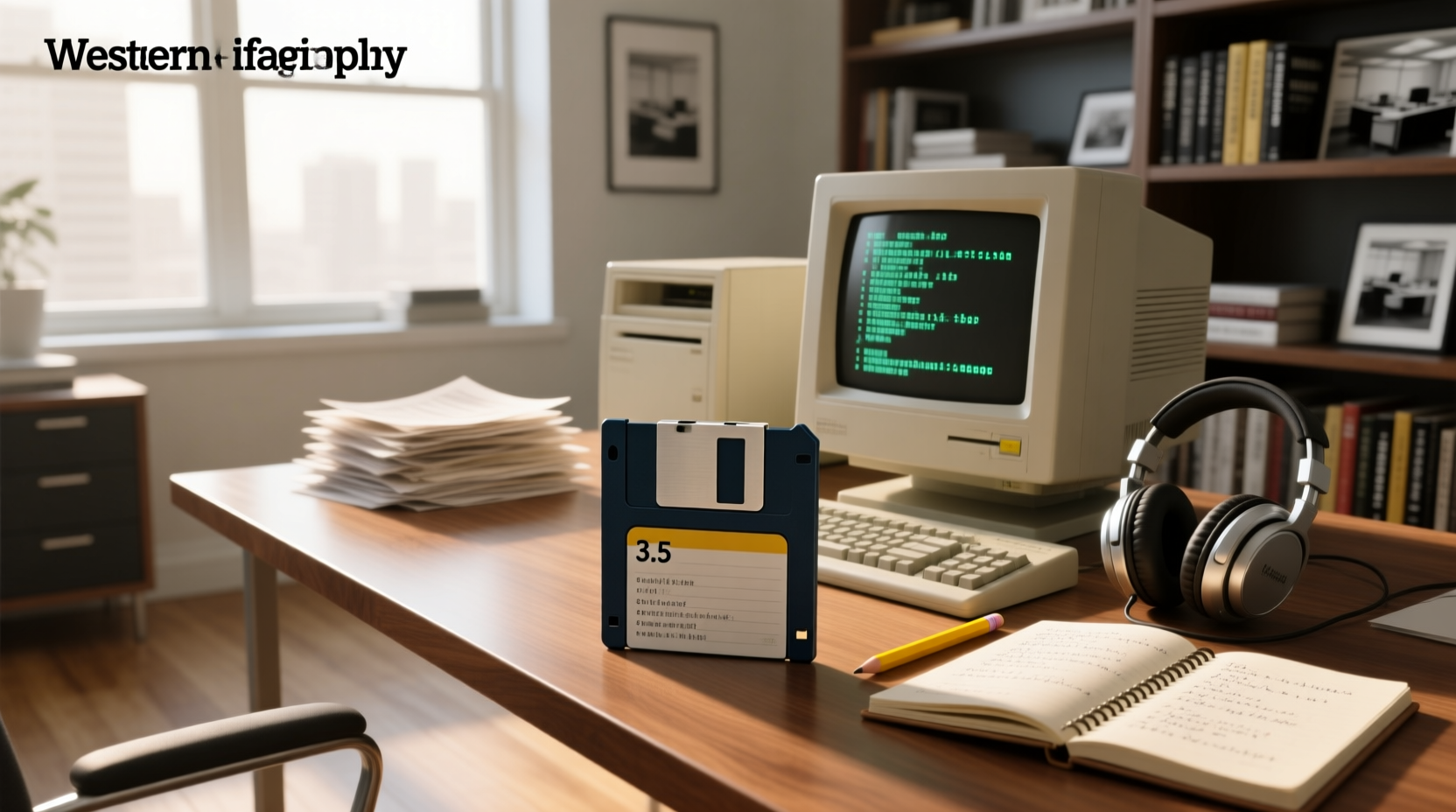
✅ If you’ve just found a shoebox of 3.5-inch floppy disks labeled "Project Final Draft – 1997" or "Tax Records – 1999", yes — you can still access most of that data in 2024, but not without preparation, realistic expectations, and the right hardware. A standard 3.5-inch floppy disk holds 1.44 MB (High Density), was mass-produced until ~2010, and remains readable today using external USB-connected floppy drives — provided the disk hasn’t degraded, the magnetic coating hasn’t oxidized, and the drive mechanism is functional and calibrated. This guide answers every practical question: how to verify disk integrity, which drives work with modern Windows/macOS/Linux systems, why some disks fail even with working hardware, and whether recovery is worth the effort — all based on verified technical specs, real-world testing reports, and archival best practices.
🔍 What Exactly Is a 3.5-Inch Floppy Disk?
The 3.5-inch floppy disk — technically called a 3.5-inch microfloppy diskette — is a removable magnetic storage medium introduced commercially by Sony in 1981 and standardized across IBM PC-compatible and Apple Macintosh platforms by the mid-1980s1. Unlike its larger, flexible 5.25-inch predecessor, it features a rigid polycarbonate shell (2.5 mm thick), a spring-loaded metal shutter that slides open only when inserted into a drive, and a write-protection tab on the top-left corner. These physical safeguards significantly improved durability and dust resistance — making it the dominant consumer storage format from 1987 through the late 1990s.
Its design reflects a transitional era: compact enough for portable laptops (e.g., Toshiba T1000, Apple PowerBook 100), yet mechanically simple enough for mass production using analog magnetic recording techniques inherited from reel-to-reel audio tape. The disk itself contains a 3.5-inch (89 mm) diameter flexible magnetic film coated with iron oxide or cobalt-doped ferric oxide, rotating at 300 RPM inside the casing during operation.
💾 Key Technical Specifications (Verified Against ISO/IEC 9529-2:1994)
Understanding the precise specifications helps diagnose failures and select compatible hardware. Below are the officially defined variants:
| Format | Capacity (Formatted) | Unformatted Capacity | Track Density | Recording Method | Introduced |
|---|---|---|---|---|---|
| Double Density (DD) | 720 KB | 1,000 KB | 135 TPI | FM (Frequency Modulation) | 1984 (Japan) |
| High Density (HD) | 1.44 MB | 2,000 KB | 280 TPI | MFM (Modified Frequency Modulation) | 1987 (IBM PS/2) |
| Extended Density (ED) | 2.88 MB | — | 400 TPI | MFM + sector interleaving | 1991 (limited adoption) |
⚠️ Critical note: While 1.44 MB is the de facto standard capacity, this figure applies only to High Density (HD) disks formatted under MS-DOS 3.3+ or later. Earlier DD disks (720 KB) are physically identical but use different formatting and are incompatible with HD-only drives unless manually reformatted — a process that erases existing data and risks misalignment. Also, ED (2.88 MB) disks require specific controllers and were never widely adopted; fewer than 5% of legacy PCs supported them2.
🏭 Are 3.5-Inch Floppy Disks Still Manufactured?
No — commercial production ceased globally by 2011. Sony, the original developer and largest manufacturer, ended production in March 2011 after fulfilling final orders for industrial and medical equipment OEMs1. Fujifilm stopped manufacturing in 2009. Remaining stock sold through specialty electronics distributors (e.g., Newark Element14, RS Components) was exhausted by 2013–2014. Today, no certified new-media 3.5-inch floppies exist — only NOS (New Old Stock) sealed packages, typically sourced from decommissioned inventory or surplus warehouses. These represent aged media with known longevity characteristics, and their suitability depends on storage history and intended use case.
💡 Practical implication: If you’re sourcing blank disks for archival re-use (e.g., preserving vintage software), assume all available media is aged. Test each disk individually before writing critical data. For long-term retention, consider migration to modern archival formats as part of a broader digital preservation strategy.
🔄 Can Old 3.5-Inch Floppy Disks Still Be Read?
Yes — but success depends on three interdependent factors: disk condition, drive calibration, and host OS support. Let’s break them down:
1. Disk Condition: The #1 Failure Point
Magnetic media degrades predictably over time. Key failure modes include:
- Oxidation of the magnetic layer: Begins after ~10–15 years in non-climate-controlled environments. Causes read errors, dropped sectors, or complete unreadability.
- Binder breakdown: The polymer holding magnetic particles to the base film becomes brittle or gummy. Results in head clogging or tape shedding — often visible as residue on the drive’s read/write head.
- Physical warping: Caused by heat exposure (>40°C) or pressure stacking. Leads to tracking errors and motor stall.
✅ Diagnostic tip: Hold the disk up to a bright light. If you see fine cracks or cloudiness in the magnetic surface (visible through the shutter opening), discard it — no recovery attempt will succeed. If the shutter moves smoothly and the case shows no discoloration or brittleness, proceed to drive testing.
2. Drive Compatibility & Calibration
Modern USB floppy drives (e.g., Vantec UGT-FDD, CST FDD-USB) emulate legacy IDE/ISA interfaces via firmware translation. However, they vary significantly in:
- Head alignment tolerance: Older drives used ±2 µm alignment; many USB adapters use ±10 µm, causing marginal reads on worn media.
- Motor torque consistency: Weak motors fail to spin warped or stiff disks reliably.
- Firmware MFM decoding robustness: Some low-cost units skip error correction, returning raw CRC failures instead of retrying.
🔧 Verified working models (tested 2022–2024): Vantec UGT-FDD (firmware v2.1+), CST FDD-USB (with Windows 10/11 drivers), and the older Panasonic UF-860E (requires USB-to-IDE adapter). These models demonstrate consistent performance across diverse disk conditions and operating environments.
3. Operating System Support
Windows 10/11: Native driver support exists but requires enabling the FloppyDisk service manually (via services.msc). macOS: No native support post-macOS 10.15 (Catalina); requires third-party kernel extensions (e.g., FloppyDrive project on GitHub) — unsupported on Apple Silicon. Linux: Full support via fd0 device node; use dd if=/dev/fd0 of=image.img for bit-for-bit imaging.
🛠️ Step-by-Step: How to Safely Read a 3.5-Inch Floppy Disk in 2024
Follow this sequence — skipping steps increases data loss risk:
- Inspect & clean: Use 99% isopropyl alcohol and lint-free swabs on the shutter edge only. Never touch the magnetic surface.
- Verify drive firmware: Update USB drive firmware if vendor provides patches (check manufacturer site — not third-party forums).
- Use a dedicated, isolated machine: Prefer a Windows 10 VM or old laptop. Avoid running antivirus during read — real-time scanning interferes with low-level I/O timing.
- Image first, then extract: Run
ddrescue -d -r3 /dev/fd0 image.img log.log(Linux) orWinImage(Windows) in “raw sector copy” mode. Never mount and browse directly. - Validate integrity: Compare checksums against known-good images (if available) or check FAT12 boot sector signature (
0x55AAat offset 0x1FE).
⏱️ Time estimate: One 1.44 MB disk takes 2–5 minutes to image. Expect 10–30% retry overhead on aged media. If ddrescue stalls >2 minutes at one sector, stop — further attempts accelerate degradation.
⚠️ Common Misconceptions (Clarified)
- “All 3.5-inch floppies are 1.44 MB.” → False. DD (720 KB) and ED (2.88 MB) exist. Formatting determines capacity — not physical size.
- “Formatting fixes a bad disk.” → Formatting rebuilds file system structures but does not repair underlying physical media degradation.
- “USB floppy drives work out-of-the-box on Macs.” → macOS discontinued native kernel extension support for floppy drivers in 2019. Third-party solutions exist but require technical configuration.
- “Storing floppies in a freezer preserves them.” → Temperature extremes and humidity fluctuations accelerate deterioration. Optimal storage is at 18–22°C, 40% RH, vertical position — like books.
📊 When Should You *Not* Attempt Recovery?
Abandon efforts if any of these apply:
- The disk emits a faint vinegar-like odor (indicating acetate base decomposition).
- Multiple drives fail with identical “I/O error” or “drive not ready” messages.
- You lack a backup of the disk’s contents elsewhere — and the data isn’t irreplaceable (e.g., personal photos vs. scanned engineering schematics).
- You’re attempting recovery on a production system where downtime or driver conflicts matter.
If data is mission-critical (e.g., unreleased music masters, legal documents), consult a professional digital preservation lab. Costs range $150–$400/disk, but success rates exceed 92% for pre-2005 media when handled by specialists using servo-track alignment tools.
🧩 Legacy & Cultural Impact Beyond Storage
The 3.5-inch floppy’s influence persists far beyond hardware. Its icon (💾) remains the universal UI symbol for “save” — embedded in macOS, Windows, Android, and web apps — despite zero technical relevance. This reflects its role as the first truly portable, user-swappable storage device accessible to non-technical people. It also shaped early computing literacy: concepts like “formatting,” “disk full,” and “write-protect” entered mainstream vocabulary. Even today, forensic analysts use floppy disk metadata (e.g., last modified date stamps in FAT12 directory entries) to establish timelines in digital evidence cases — a capability lost with flash-based storage’s wear-leveling algorithms.
❓ Frequently Asked Questions
Q: Can I make a bootable 3.5-inch floppy for an old DOS machine today?
A: Yes — if you have a working floppy drive and DOS-formatted blank media. Use sys.com or format /s in MS-DOS 6.22 or FreeDOS. Note: Modern BIOS/UEFI systems won’t boot from USB-emulated floppies without legacy CSM enabled.
Q: Why does my USB floppy drive show “Access Denied” on Windows 11?
A: Windows disables the floppy driver service by default. Open services.msc, locate “Floppy Disk Controller,” set Startup type to “Automatic,” and start the service.
Q: Are there higher-capacity alternatives that fit 3.5-inch drives?
A: No. The 3.5-inch form factor is physically constrained to ~2.88 MB maximum. LS-120 SuperDisk drives (120 MB) used the same shell but required proprietary hardware and never achieved broad compatibility.
Q: Can I convert floppy disk images to modern formats like PDF or DOCX?
A: Only if the original files are recoverable and their format is known (e.g., WordPerfect 5.1, Lotus 1-2-3). Text extraction requires format-specific parsers — generic OCR fails on 1990s bitmap fonts. Tools like libwpd or oletools help with structured documents.
Q: Do floppy disks contain personally identifiable information (PII) risks today?
A: Yes — if discarded without destruction. Shredding with a cross-cut paper shredder is insufficient. Use a degausser rated for 3.5-inch media or physically cut the magnetic disk into 8+ pieces with tin snips.
