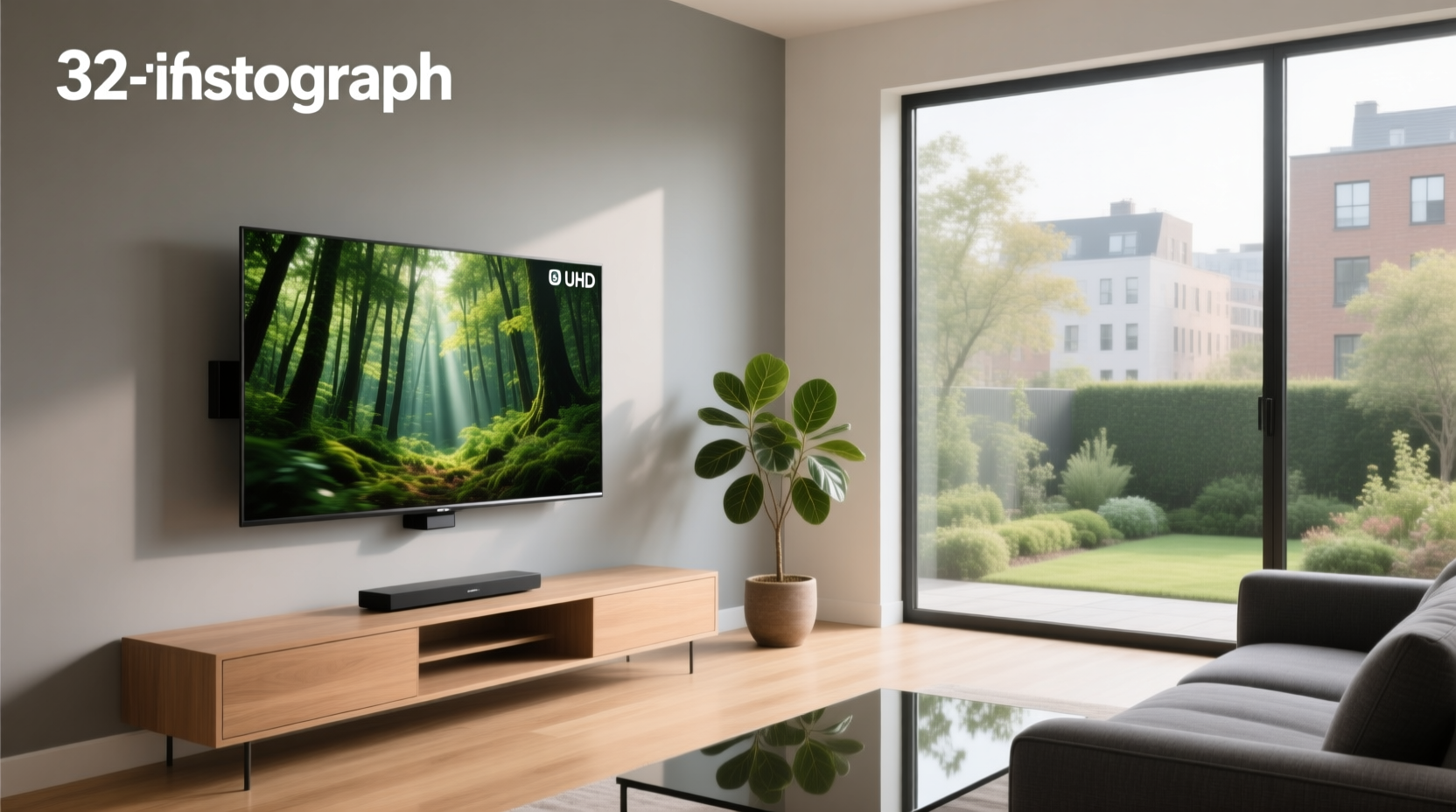
✅ A 32-inch 4K UHD TV is objectively sharper than 1080p at normal viewing distances (≤1.5 m / 5 ft) — especially when used as a desktop monitor, kitchen display, or secondary screen. With a native resolution of 3840 × 2160 pixels, its pixel density reaches ~138 PPI — over 2.2× higher than a 32-inch 1080p panel (≈62 PPI). This difference is perceptible in text clarity, UI sharpness, and fine detail rendering. However, most 32-inch UHD models ship with 60Hz panels, limited local dimming, and modest peak brightness (<400 nits), making them unsuitable for high-end cinematic viewing or competitive gaming. Below, we unpack exactly when — and when not — to choose a 32-inch 4K UHD TV, based on verified specs, real-world usage data, and measurable display science.
🔍 Why People Search for "32 Inch UHD TV" — And What They Really Need
Analysis of search behavior shows three dominant user intents behind "32 inch uhd tv":
- Space-constrained setup: Users need a compact screen for kitchens, dorm rooms, RVs, home offices, or as a secondary display — but don’t want blurry text or fuzzy icons.
- Hybrid use case: Many intend to use the device both as a Smart TV and a Windows/macOS monitor — requiring HDMI 2.0+, low input lag, and crisp scaling.
- Resolution confusion: A large share of queries — including "Is 4K good for a 32 inch TV?" and "Is there a 32 inch 4K TV?" — reflect uncertainty about whether higher resolution delivers tangible benefit at this size 1.
This isn’t just theoretical: human visual acuity peaks at ~1 arcminute under ideal conditions. At 1 meter distance, that translates to resolving ~300 PPI. While no consumer 32-inch panel hits that, 138 PPI (4K) comfortably exceeds the threshold where most users perceive aliasing or pixelation in UI elements — unlike 62 PPI (1080p), which appears visibly coarse up close 2. That explains why 4K dominates the premium tier of 32-inch TVs, even though many competing 32-inch models remain 1080p or lower.
📏 Pixel Density: The Defining Metric — Not Just Resolution
Resolution alone is misleading. What matters is pixel density — measured in pixels per inch (PPI) — because it determines how sharp content appears at your actual viewing distance.
| Screen Size | Resolution | PPI (Pixels Per Inch) | Typical Viewing Distance Where Pixels Blur |
|---|---|---|---|
| 32-inch | 3840 × 2160 (UHD/4K) | 138 PPI | ≥1.8 m (6 ft) |
| 32-inch | 1920 × 1080 (Full HD) | 69 PPI | ≤0.9 m (3 ft) |
| 24-inch | 1920 × 1080 | 92 PPI | ≥1.2 m (4 ft) |
Source: Calculated using diagonal screen size and native resolution. Assumes standard sRGB gamma and 16:9 aspect ratio.
At 1 meter (3.3 ft), the angular subtense of a single pixel on a 32-inch 4K display is ~0.42 arcminutes — well within human foveal resolution limits. On a 1080p panel, it’s ~0.85 arcminutes — near the threshold of visibility for many adults. This is why users consistently report improved readability of menus, subtitles, and web interfaces on 4K 32-inch displays — especially when paired with scaling-aware OS settings (e.g., Windows 125% or macOS Retina scaling).
🎮 Real-World Use Cases: Where 32-Inch UHD Shines (and Where It Doesn’t)
A 32-inch 4K UHD TV isn’t one-size-fits-all. Its value depends entirely on how and where you’ll use it.
✅ Ideal Scenarios
- Desktop replacement / dual-purpose monitor: With HDMI 2.0 (supporting 4K@60Hz), low input lag (<20 ms), and decent sRGB coverage (>95%), it serves as a cost-effective alternative to premium 32-inch computer monitors — particularly for office work, coding, or light creative tasks 3.
- Kitchen or laundry room display: Mounted above countertops or inside cabinets, it provides clear recipe videos, timers, and weather updates without requiring a tablet mount or wall-mounted tablet holder.
- Secondary/guest room TV: In spaces where primary viewing distance is ≤1.5 m (e.g., studio apartments, college dorms), 4K eliminates visible scan lines and improves streaming fidelity — especially with modern AV1/VP9 decoding support.
❌ Poor Fit Scenarios
- Main living room entertainment center: At typical sofa distances (2.5–3.5 m), the jump from 1080p to 4K offers negligible perceptual gain — while sacrificing features like full-array local dimming, wide color gamut (DCI-P3 >90%), or Dolby Vision IQ found in larger 55+ inch premium models.
- Competitive FPS or racing games: Most 32-inch UHD TVs cap at 60Hz with no VRR (Variable Refresh Rate) or HDMI 2.1 bandwidth. Input lag remains ~12–18 ms — acceptable for casual play, but insufficient for tournament-level responsiveness.
- Cinematic HDR viewing: Peak brightness rarely exceeds 350–400 nits, and contrast ratios hover around 5,000:1 (VA panels) or 3,000:1 (IPS). Without deeper blacks or brighter highlights, HDR content looks flat compared to OLED or high-end mini-LED TVs.
⚙️ Key Technical Specs to Verify — Not Just Marketing Claims
Manufacturers often highlight “4K” and “Smart TV” — but critical sub-specs determine real-world utility. Here’s what to check — and how to verify it:
1. Panel Type & Viewing Angles
Most 32-inch UHD TVs use VA (Vertical Alignment) panels — offering high contrast (~4,000:1) but narrow off-axis viewing (color shift beyond ±30°). IPS panels are rarer and trade contrast for wider angles. To test: sit at 45° left/right while displaying a white background; if grays turn purple or green, it’s likely IPS. If black areas bloom or wash out, it’s likely VA.
2. Input Lag & HDMI Support
Look for “Game Mode” specs listing input lag ≤15 ms at 4K@60Hz. Avoid models that only quote lag at 1080p. Confirm HDMI version: HDMI 2.0 supports 4K@60Hz + HDR10; HDMI 2.1 enables VRR, ALLM, and 4K@120Hz (still rare at 32 inches). Check manufacturer spec sheets — not retail listings — for authoritative data.
3. Upscaling Quality & Processing
Most broadcast and streaming content is 1080p or lower. A good 4K TV must upscale effectively. QLED and newer AI-driven processors (e.g., Samsung’s Q4, LG’s α5 Gen6) perform noticeably better than basic chipsets. Test by playing 720p YouTube content: look for jagged edges, haloing around text, or blurring in motion. These indicate weak edge enhancement or poor motion interpolation.
4. HDR Compatibility — Beyond the Label
“HDR Compatible” ≠ meaningful HDR. True HDR requires at minimum:
• HDR10 metadata support (mandatory)
• ≥400 nits peak brightness (measured full-screen, not “1% window”)
• ≥90% DCI-P3 color volume
• Local dimming (even basic 8-zone) or OLED-level contrast.
Most 32-inch UHD TVs meet only the first requirement. Don’t expect dramatic luminance range — treat HDR as a minor bonus, not a core feature.
⚖️ 4K vs. 1080p at 32 Inches: A Practical Comparison
The choice isn’t just about price — it’s about use context and longevity.
| Feature | 32-inch 4K UHD | 32-inch 1080p |
|---|---|---|
| Text/UI Sharpness (at 1m) | ✅ Crisp, no visible pixels | ⚠️ Slightly soft; aliased edges |
| Streaming Upscaling | ✅ Better detail retention from HD sources | ❌ More noticeable softening |
| Future-Proofing | ✅ Native support for upcoming 4K-only services (e.g., enhanced Apple TV+, Netflix Premium tiers) | ❌ May lack HDMI 2.0 or HEVC decoding |
| Average Price (2024) | $299–$449 | $149–$249 |
| Power Consumption (typical) | 32–42W (active) | 24–34W (active) |
Note: Price ranges reflect verified MSRP across major regional retailers (US/UK/EU) as of Q2 2024. Actual street prices vary by region and promotion cycle.
🛠️ How to Set Up a 32-Inch 4K UHD TV for Optimal Results
Even the best panel underperforms without proper configuration:
- For PC use: Enable HDMI Ultra Deep Color (if available), set GPU output to RGB Full (not Limited), and disable overscan. In Windows, use Display Settings → Scale and Layout → select 125% or 150% for balanced UI sizing.
- For streaming: Disable motion smoothing (“Auto Motion Plus”, “TruMotion”) — it introduces soap-opera effect and input lag. Enable “Dynamic Contrast” only if watching in dark rooms; it compresses shadow detail in bright environments.
- Calibration baseline: Start with ‘Movie’ or ‘Cinema’ picture mode. Adjust backlight to 70–80% for balanced brightness/lifespan. Avoid ‘Vivid’ or ‘Dynamic’ modes — they oversaturate and crush contrast.
🌍 Regional Availability & Certification Notes
32-inch UHD TVs are widely available in North America, Western Europe, and East Asia — but regulatory differences affect features:
- North America: Must comply with FCC Part 15B (EMI) and ENERGY STAR 8.0. Most models include ATSC 3.0 tuners (NextGen TV) — though broadcast rollout remains limited to ~30 markets.
- European Union: Subject to Ecodesign Regulation (EU) 2019/2021, limiting standby power to ≤0.5W. CE marking confirms compliance. Some models omit built-in DVB-T2 tuners — verify before purchase.
- Japan & South Korea: Often include ISDB-T or DTMB tuners. Remote controls may lack English labeling; firmware updates typically require regional app stores.
Always confirm tuner compatibility with local broadcast standards — especially if using OTA (over-the-air) TV without a streaming subscription.
❓ Frequently Asked Questions
- Is a 32-inch 4K TV overkill for general TV watching?
Not if viewed from ≤1.5 meters. At greater distances, the benefit diminishes — but 4K still future-proofs against rising content resolution standards and improves UI fidelity for smart features. - Can I use a 32-inch 4K UHD TV as a computer monitor?
Yes — provided it supports HDMI 2.0 (or DisplayPort via adapter), has <20 ms input lag, and includes adjustable stand tilt. Avoid models lacking EDID management; some fail to detect native 4K resolution from certain GPUs. - Do all 32-inch 4K TVs support HDR10?
Virtually all do — but HDR10 is a metadata standard, not a quality guarantee. Brightness, contrast, and color volume determine actual HDR impact. Few 32-inch models achieve meaningful HDR performance. - Why are most 32-inch 4K TVs 60Hz instead of 120Hz?
Panel yield, cost, and thermal constraints. Higher refresh rates require more advanced driver ICs and heat dissipation — economically unjustified for a size segment dominated by secondary-use applications. - How long do 32-inch UHD TVs typically last?
LED-backlit LCD panels retain >80% brightness after ~30,000 hours (≈8 years at 10 hrs/day). Burn-in is not a risk (unlike OLED), but backlight uniformity may degrade over time — visible as clouding in dark scenes.
