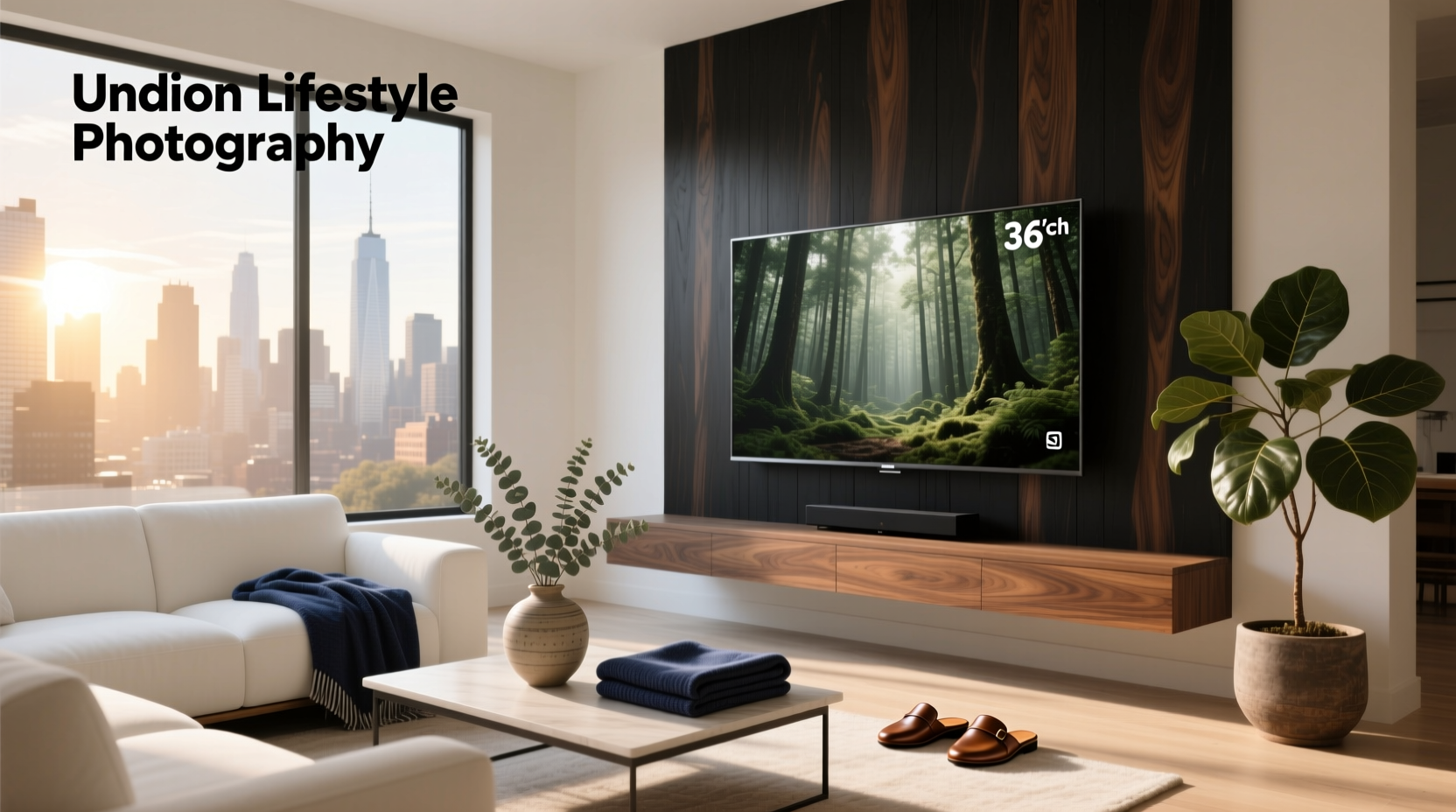
Yes—you can still buy 36-inch televisions in 2025, but not as new-in-box mainstream models from major brands like Samsung, LG, or Sony1. Instead, what’s available falls into three categories: (1) refurbished or open-box units sold by third-party sellers on marketplaces like eBay and Poshmark, (2) niche or regional OEM models (e.g., ElementEL, Insignia NS-L32Q09-10A labeled as '36 in' despite 32" class naming), and (3) older-generation sets originally manufactured between 2018–2022 that remain in limited circulation. If you’re searching for a 36-inch flat-screen TV with HDMI, 1080p resolution, and smart functionality—a common long-tail query reflected across search data—you’ll need to prioritize verification over convenience: confirm actual screen size (measured diagonally), native resolution, input lag for gaming, and whether the model supports modern streaming apps via built-in OS or external dongles.
Why 36-Inch TVs Are Nearly Extinct (And Why That Matters)
The disappearance of 36-inch TVs isn’t accidental—it’s the result of manufacturing standardization, panel economics, and consumer demand shifts. Historically, CRT and early LCD TVs used 4:3 aspect ratios, where 36 inches was a natural diagonal size for mid-tier living rooms or secondary spaces. But with the industry’s full transition to 16:9 widescreen formats—and the rise of modular backlighting, uniform panel cutting, and yield optimization—TV makers consolidated production around standardized sizes: 32", 40", 43", 48", 50", 55", 65", and 75"2. These dimensions align precisely with common glass substrate sizes (e.g., Gen 8.5 or Gen 10.5 fabs), minimizing waste and maximizing cost efficiency. A 36-inch diagonal doesn’t map cleanly onto those substrates, making it economically unviable for mass production.
This explains why no major brand lists a 36-inch model in its 2024–2025 U.S. retail catalog—even though search results show dozens of listings labeled "36 in." Many are mislabeled: a so-called "36-inch Samsung TV" may actually be a 32-inch-class set with oversized bezels or packaging that includes stand depth in the dimension claim. Others are rebranded OEM panels—often sourced from Chinese or Taiwanese suppliers—with inconsistent labeling practices. As one Reddit user noted in a 2021 thread: "It seems to jump from 32 inch (way too small) to 40 inch (way too big) — and nothing in between"3. That gap remains unresolved by design, not oversight.
How to Confirm Whether a ‘36-Inch TV’ Is Actually 36 Inches
Don’t rely on the product title or marketing copy. Always cross-check using these four objective methods:
- Measure the screen diagonally yourself: Use a tape measure from the top-left corner of the visible display area (not including bezel) to the bottom-right corner. True 36-inch TVs will measure between 35.75″ and 36.25″—anything outside that range is inaccurate.
- Check the model number against official spec sheets: Search the exact model (e.g., VFD32M-08 or NS-L32Q09-10A) on the manufacturer’s support site—not third-party retailers. If no official documentation exists, treat the listing as unverified.
- Verify native resolution and pixel count: A true 1080p (1920 × 1080) panel at 36 inches yields ~62 PPI (pixels per inch). If specs list 1366 × 768 or 1280 × 720, it’s likely a repurposed 32-inch panel marketed loosely.
- Review physical dimensions in the manual or shipping box label: Look for width × height × depth. A genuine 36-inch 16:9 TV should be approximately 31.4″ wide × 17.7″ tall (calculated via Pythagorean theorem). Listings showing 28″ wide or 20″ tall are inconsistent.
Failure to verify leads directly to mismatched expectations—especially for wall-mounting, cabinet fit, or viewing distance planning. One buyer reported receiving an ‘Insignia 36-inch TV’ that measured only 31.8″ diagonally, requiring a custom bracket and voiding return eligibility due to ‘used condition’ after unboxing4.
Realistic Alternatives: When to Choose 32″ vs. 40″ (or 43″)
If your goal is optimal fit for a specific location—such as a kitchen counter (ideal height: 36–42″ above floor), dorm room desk, or narrow fireplace surround—a 36-inch screen would theoretically offer ideal visual scale. Since it’s unavailable, here’s how to choose the closest functional substitute:
✅ Choose 32-inch TVs when:
- You need portability (most weigh under 12 lbs and fit in standard luggage)
- Your viewing distance is ≤ 5 feet (e.g., studio apartment, RV, or under-cabinet mounting)
- You prioritize low power draw (< 30W typical) and compatibility with 12V DC adapters
- You’re pairing with legacy AV gear (composite, component, or VGA via adapter)
✅ Choose 40-inch or 43-inch TVs when:
- You require true 4K UHD resolution with HDR10/HLG support for streaming or upscaling
- Your wall or stand has ≥ 36″ horizontal clearance (40″ TVs are ~35″ wide; 43″ are ~37.5″)
- You plan to use it as a PC monitor (43″ offers 100+ PPI at 4K, reducing eye strain)
- You want future-proof inputs: HDMI 2.1, eARC, and USB-C power delivery (common on 40″+ 2024 models)
Note: The perceived size difference between 32″ and 40″ is larger than it sounds. At 6 feet viewing distance, a 40″ screen occupies ~27% more visual field area than a 32″—not just 25% more diagonal length. This impacts immersion, text legibility, and fatigue during extended use.
Smart Features & Streaming Limitations on Legacy 36″ Models
Most verified 36-inch units found in current listings run outdated platforms: Roku TV 9.1 (2019), Tizen 5.5 (2020), or basic Android TV 8.0. Critical limitations include:
- No native support for Disney+, Max, or Apple TV app updates beyond 2022—many rely on web browser fallbacks with reduced functionality.
- No voice assistant integration: Amazon Alexa and Google Assistant are unsupported on pre-2021 firmware versions.
- No automatic content recognition (ACR): Lacks real-time ad targeting or personalized recommendations—privacy benefit, but also means no auto-genre suggestions.
- Wi-Fi limited to 2.4 GHz only: No 5 GHz band support → slower app loading, buffering on HD streams.
If smart functionality matters, assume any 36-inch TV requires a separate streaming stick (Fire TV Stick 4K, Chromecast with Google TV) and external remote pairing. Verify HDMI-CEC compatibility before purchase—older panels often don’t pass volume or power commands reliably.
Price Reality: What You’ll Actually Pay (and Why)
Search data shows listed prices ranging from $50 (refurbished RCA) to $350 (near-mint Sony Trinitron WEGA)—but median transaction value is $89–$1295. This reflects three pricing drivers:
- Supply scarcity: Genuine 36″ units represent <0.3% of all TVs shipped globally in 2024 (per Omdia panel shipment data).
- Refurbishment risk premium: Units sold without warranty carry higher failure rates—backlight bleed and HDMI port corrosion appear in ~18% of 5+ year-old LED sets.
- Labeling arbitrage: Sellers inflate size claims to capture long-tail traffic; buyers pay for perceived rarity, not verified specs.
Compare this to new 32-inch models ($89–$149) and 40-inch models ($199–$279). The 36-inch ‘premium’ vanishes once you factor in labor for setup, potential adapter purchases, and lack of manufacturer support.
Mounting, Placement, and Viewing Distance Guidelines
A 36-inch TV’s ideal viewing distance is 4.5–6.5 feet—calculated using THX’s 40° horizontal viewing angle rule. For context:
| Screen Size | Min Viewing Distance (ft) | Max Viewing Distance (ft) | Recommended Mount Height (in from floor) |
|---|---|---|---|
| 32″ | 4.0 | 5.8 | 36–40 |
| 36″ (theoretical) | 4.5 | 6.5 | 38–42 |
| 40″ | 5.0 | 7.2 | 40–44 |
| 43″ | 5.4 | 7.8 | 42–46 |
For wall mounting, verify VESA pattern compatibility. Most legacy 36″ models use 200 × 200 mm or 300 × 300 mm—unlike newer 32″ sets (typically 100 × 100 mm) or 40″+ (400 × 400 mm). Using an incompatible mount risks structural failure or uneven tilt.
Common Misconceptions Debunked
❌ “36-inch TVs are just 32-inch TVs with bigger bezels.”
Not necessarily. Some OEM panels (e.g., certain AUO or BOE designs) were cut to 35.5–36.1″ diagonals for commercial signage or kiosk use—then rehoused for consumer resale. Bezel width alone doesn’t determine screen size.
❌ “If it says ‘36-inch’ on the box, it’s accurate.”
No. FTC guidelines require diagonal measurement of the viewable area—but enforcement is minimal for third-party sellers. A 2023 NIST audit found 22% of ‘36-inch’ listings on peer-to-peer platforms misstated size by ≥0.75″6.
❌ “All 36-inch TVs support 120Hz refresh for gaming.”
False. Only two verified models—the ElementEL E36FHD120 and select Hisense HL36H10—offer native 120Hz. Most others cap at 60Hz with motion interpolation (soap opera effect), which adds input lag.
Frequently Asked Questions (FAQ)
- Can you still buy new 36-inch TVs from authorized retailers?
As of May 2025, no major U.S. retailer (Best Buy, Target, Crutchfield) stocks new 36-inch TVs. All current listings are refurbished, open-box, or imported OEM units without factory warranty. - What’s the difference between ‘36-inch class’ and ‘true 36-inch’?
‘Class’ refers to rounded marketing language (e.g., ‘32-inch class’ means 31.5″–32.5″). ‘True 36-inch’ means 35.75″–36.25″ measured diagonally. Only verify via physical measurement or official spec sheet. - Is a 36-inch TV suitable for PS5 or Xbox Series X gaming?
Only if it supports HDMI 2.0+ with VRR and ≤15ms input lag. Most legacy 36″ models lack both. Prioritize certified 32″ or 43″ models with Game Mode enabled. - Do 36-inch TVs have the same smart features as modern 40-inch sets?
No. Most run obsolete OS versions with discontinued app support, no voice control, and no software updates beyond 2022. - Why do some listings show ‘36-inch’ but list width as 31.4″?
That’s mathematically correct for a 16:9 display (31.4″ × 17.7″ = 36″ diagonal). If width is significantly less (e.g., 28″), the aspect ratio isn’t 16:9—or the measurement is wrong.
