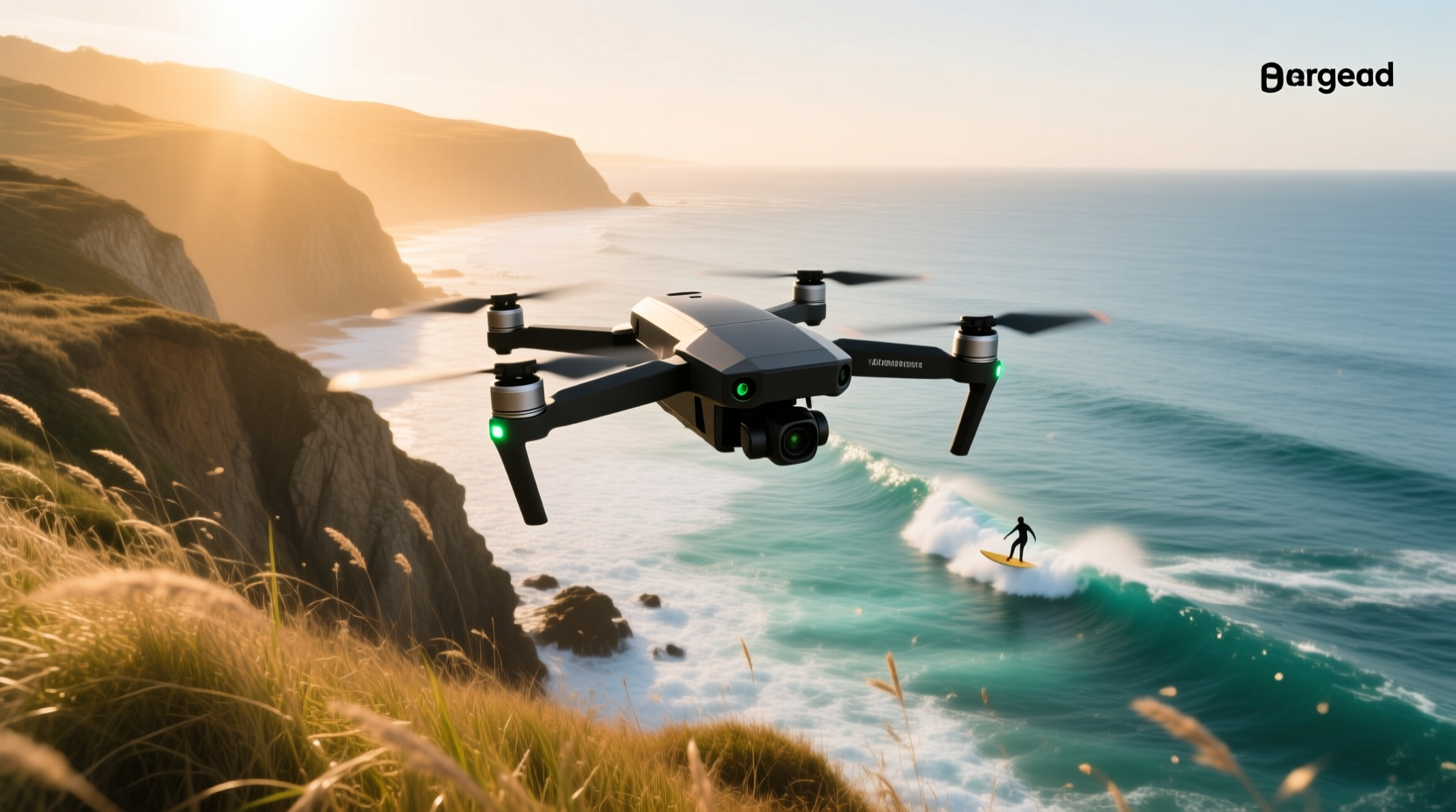
Looking for a 360 drone camera that delivers immersive footage without complex rigging? The reality is nuanced: true integrated 360 drones—like the Antigravity A1 and DJI Avata 360—are rare, technically distinct from attaching a standalone 360 camera (e.g., Insta360 Sphere) to an FPV or consumer drone. This guide clarifies how these systems actually function, what they require to operate legally and safely, and whether the workflow benefits align with your creative goals—especially if you're evaluating options for professional content creation, travel vlogging, or immersive documentation. We cover battery-weight compliance (249g vs. 290g), required accessories (motion controller + vision goggles), post-processing workflows (reframing as a creative tool), and operational considerations like propeller design and obstacle sensing capabilities.
Understanding "360 Drone Camera": Integrated, Modular, and Invisible Systems
The phrase camera 360 drone refers to devices capable of capturing full-sphere video during flight—but in practice, it encompasses three distinct implementation approaches:
- Integrated 360 drones: Hardware with dual fisheye lenses built into the airframe, processing stitched 360 video onboard (e.g., Antigravity A1, DJI Avata 360)12.
- Modular 360 drone setups: Standard drones (e.g., DJI Mini series, Mavic) fitted with external 360 cameras via mounts—requiring separate power, stabilization, and post-stitching.
- Invisible 360 drones: Lightweight 360 cameras (e.g., Insta360 Sphere) designed to be mounted on FPV frames so the drone body disappears in final output3.
Only the first category qualifies as a true 360 drone camera. In this configuration, “360” refers to capture geometry—not autonomous editing. Reframing is performed intentionally in software like Insta360 Studio or the mobile app, offering creative flexibility and precise control over final composition.
How Integrated 360 Drones Work: Sensors, Stitching & Real-Time Output
Modern integrated 360 drones use two ultra-wide-angle (typically 200°+ FOV) lenses facing opposite directions, positioned back-to-back on the drone’s underside or central housing. The Antigravity A1, for example, uses dual 1/1.5-inch sensors capable of 8K@30fps recording, while DJI’s Osmo 360 employs a custom square HDR sensor designed to match traditional 1-inch field coverage despite its compact layout2. Both rely on hardware-accelerated stitching—meaning the drone itself processes raw lens data into an equirectangular 360 video file before saving it to the microSD card.
This differs from modular setups, where each lens records separately and stitching occurs later on a computer. Onboard stitching eliminates sync drift and simplifies file management—supporting streamlined workflows for creators who prioritize consistent output. Real-time transmission to goggles (like Antigravity’s Vision Goggles) shows a live 360 preview—not a flat, directional feed—enabling intuitive head-based navigation during flight.
Regulatory Considerations: Weight, Classification, and Compliance
If you’re in the U.S., EU, UK, Canada, or Australia, your 360 drone camera’s total takeoff weight—including battery—determines regulatory classification. Under FAA Part 107 and EASA Open Category rules, drones under 250g (0.249 kg) are exempt from registration, remote ID broadcast, and pilot certification—but only if they meet all conditions. The Antigravity A1 ships with two battery options: a 249g version compliant with sub-250g rules, and a higher-capacity 290g model that meets requirements for certified operation4. Crucially, this weight is measured at takeoff with propellers, gimbal cover, and SD card installed.
Regulatory compliance also depends on operational context. In the U.S., LAANC authorization may be needed near airports—even for sub-250g drones. In the EU, proof of competency (A1/A3 certificate) is required when flying over people or in specific zones. Always verify current rules via official aviation authority portals.
The Hardware Ecosystem: Essential Components for Integrated Operation
Unlike conventional drones, integrated 360 models are designed as coordinated systems. The Antigravity A1 includes three key components:
- Motion Controller: A handheld unit with thumbsticks and motion-sensing IMUs—used for throttle, pitch, roll, and initiating automated flight modes (e.g., Sky Genie orbits).
- Vision Goggles: Head-mounted display weighing ~340g, powered by a rear-mounted battery, and connected via a 1.2m cable to the controller. This wired connection ensures low-latency video transmission (~28ms) and stable signal integrity.
- MicroSD Card (UHS-I Speed Class 3): Required for internal recording. The drone does not support internal storage.
DJI Avata 360 has similar dependencies: Goggles 3 or Integra, along with the DJI Motion Controller 3. Both systems emphasize seamless integration between flight hardware and visual interface—designed to support immersive, responsive piloting experiences. In contrast, Insta360’s Sphere offers flexible mounting options and direct phone connectivity, supporting varied deployment scenarios.
Workflow Insights: Reframing as a Creative Opportunity
One of the defining characteristics of 360 footage is its compositional flexibility. Rather than framing during capture, creators select and animate viewports after recording—transforming raw spherical data into polished, directed sequences. Using Insta360’s desktop app or mobile editor, you draw a 16:9 or 4:3 viewport across the spherical canvas, set keyframes for smooth panning, adjust stabilization intensity, and export a flat video. This process typically takes 3–5 minutes per 30-second clip—offering deliberate creative control over motion, focus, and pacing.
Automated tools such as Insta360’s AI Highlight Detection assist with initial framing suggestions. While accuracy varies by scene complexity, many users find these tools helpful for establishing starting points—especially in high-motion or well-lit environments. 8K source files consume ~1.2GB per minute, supporting high-fidelity editing when paired with capable hardware. Laptops with Thunderbolt 3/4 or dedicated GPUs deliver optimal performance for playback and rendering.
Flight Experience: Immersive Control and Operational Design
Integrated 360 drones emphasize immersive piloting and cinematic utility. The Antigravity A1 features a retractable landing gear system that minimizes visual obstruction during flight while maintaining structural integrity. Its downward-facing sensors support stable hover and precision landing. DJI Avata 360 includes downward sensors and obstacle avoidance, with stereo vision optimized for common flight scenarios including indoor and outdoor environments.
Two primary flight modes support different creative objectives:
- Free Motion Mode: Throttle and altitude controlled by the motion controller; direction and rotation respond to head movement inside the goggles. Ideal for expressive, cinematic pans and dynamic perspective shifts.
- Standard Mode: Traditional stick-based control, with head tracking disabled. Offers predictable handling for precision tasks such as static hovering or structured shot planning.
Pilots report that Free Motion provides an intuitive, embodied flying experience—particularly effective in open outdoor settings. Battery telemetry and system status indicators help maintain awareness throughout flight duration.
Image Quality Characteristics: Resolution, Clarity, and Workflow Integration
“8K 360 drone camera” reflects a high-resolution capture capability—designed to support detailed reframing and multi-angle extraction. The Antigravity A1’s 8K output delivers strong detail retention across the sphere, with lens correction algorithms optimized for natural edge behavior. DJI Osmo 360 uses pixel-binning techniques to enhance low-light responsiveness while maintaining resolution scalability up to 5.7K. Both systems integrate seamlessly with established editing ecosystems, supporting efficient round-trip workflows from capture to delivery.
360 video requires robust bandwidth management. Streaming 8K30 to goggles operates reliably in open environments with minimal RF interference. Best practices include flying in areas with low Wi-Fi congestion, disabling background apps on companion devices, and formatting SD cards in-camera before each flight to ensure consistent write performance.
Who Benefits Most from a 360 Drone Camera?
Consider one if:
- You regularly create immersive content for VR platforms (e.g., YouTube 360, Meta Horizon Worlds) and need consistent, stabilized aerial spheres.
- Your workflow already includes Insta360 or DJI editing software, and you value seamless file compatibility and hardware-software integration.
- You fly in uncluttered outdoor environments and appreciate the visual clarity enabled by streamlined airframe design.
Alternative solutions may better suit your needs if:
- You prioritize rapid turnaround for social media—modular 360 setups or stabilized gimbal drones offer faster editing paths for standard aspect ratios.
- You frequently operate in urban, forested, or confined areas where additional physical protection or omnidirectional sensing enhances operational confidence.
- Your budget focuses on core flight hardware, and you prefer to scale accessories incrementally based on evolving project requirements.
For documentary filmmakers or educators capturing fieldwork, a modular Insta360 Sphere on a lightweight FPV frame offers flexibility and adaptability. For real estate agents wanting polished walkthroughs, a stabilized gimbal drone with a standard wide-angle camera remains a widely adopted solution with strong workflow maturity.
Frequently Asked Questions (FAQ)
- Can I fly a 360 drone camera without goggles? Integrated models like the Antigravity A1 and DJI Avata 360 are designed for use with proprietary goggles to deliver the full immersive experience—including real-time 360 preview and head-tracked control. Smartphone viewing is available for playback and basic file management, but not for live piloting.
- Do 360 drone cameras work indoors? Yes—many integrated models support indoor flight using visual-inertial odometry (VIO) or optical flow positioning. Antigravity A1 and DJI Avata 360 both offer indoor capability, with performance optimized for well-lit, texture-rich environments.
- Is 360 drone footage editable in Adobe Premiere Pro? Yes—with the free Insta360 or DJI plugin, you can import equirectangular files and apply spatial metadata directly in Premiere Pro. Native timeline reframing is enhanced using third-party extensions like Mettle SkyBox.
- How long does a 360 drone battery last? Real-world flight time ranges from 12–18 minutes depending on wind, temperature, and camera load. The 249g battery on Antigravity A1 averages 14 minutes; the 290g version extends to 17 minutes while supporting longer missions.
- Are there privacy considerations with 360 drone cameras? As with all aerial imaging devices, responsible use includes awareness of local regulations regarding recording in public spaces. Some jurisdictions recommend or require blurring mechanisms for bystanders or private property when publishing 360 content.
