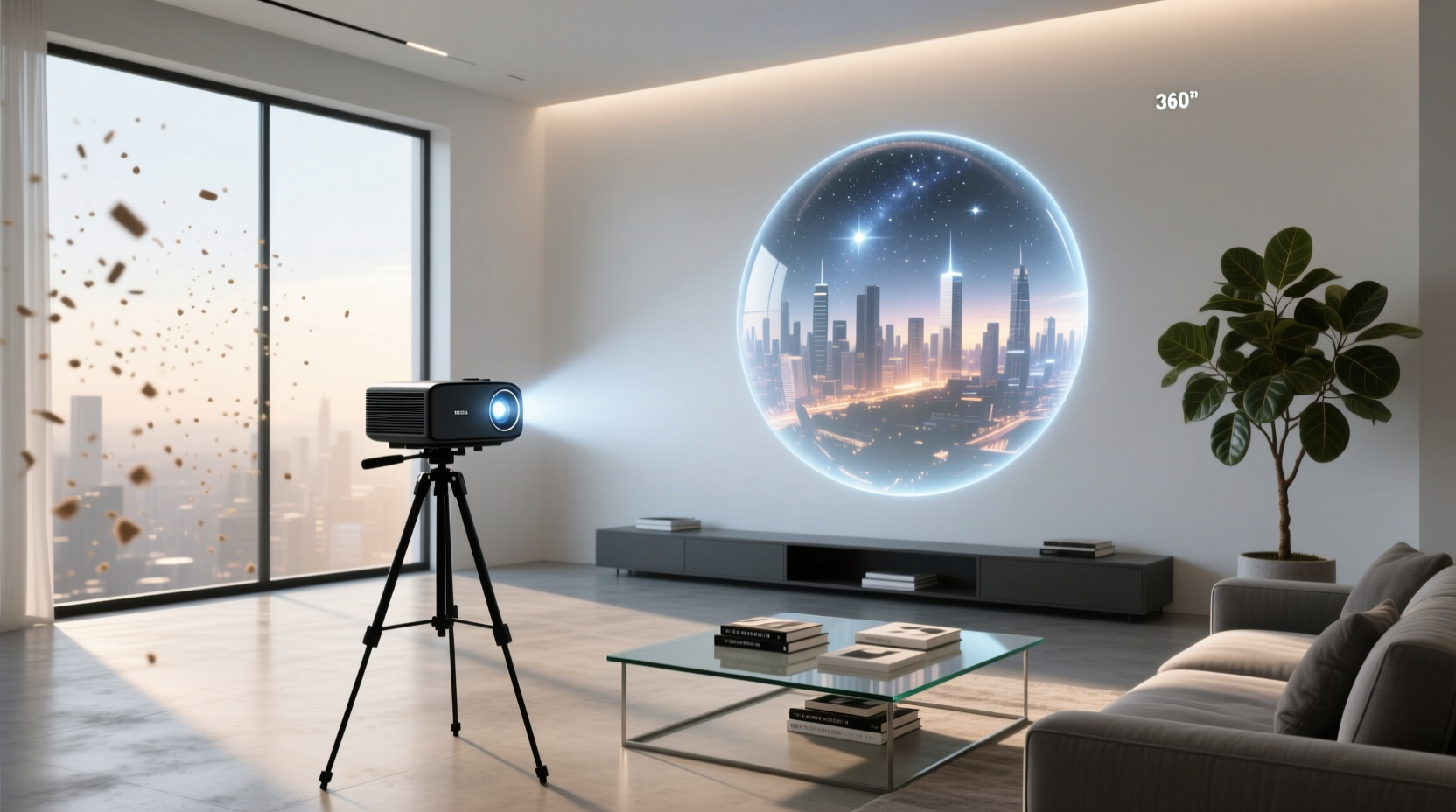
There is no consumer-grade projector that natively displays true 360° spherical video onto all walls and ceiling simultaneously — not from Samsung’s Freestyle, XGIMI MoGo, Magcubic L18, or any $100–$5,000 ‘360-degree’ model sold on major marketplaces. What you’re actually buying falls into one of two distinct categories: (1) physically rotatable projectors with motorized 360° stands for flexible placement, or (2) multi-projector immersive systems requiring specialized software, geometry correction, and professional calibration. Understanding this distinction — and knowing which use case matches your goal (e.g., portable bedroom movie night vs. a custom-built 4-wall immersive room) — is the single most important factor in selecting the right solution. This guide clarifies how real 360 video projection works, what specs actually impact performance, and how to verify claims before purchase.
Why the Term '360 Video Projector' Causes Confusion
The phrase 360 video projector triggers strong expectations — full-surround visual immersion, like VR without a headset, or dome-like environments used in planetariums or experiential art installations. Yet search results show dozens of sub-$300 devices labeled as such: Samsung The Freestyle 2nd Gen 1, XGIMI MoGo 4, Magcubic L18, VOPLLS Q5, and CINEMOOD 360. None deliver native 360° video playback. Instead, they offer mechanical 360° rotation of the projector body — allowing users to point the beam at floors, ceilings, or side walls without repositioning the base. This is useful for portability and adaptability, and enables creative projection placement across varied surfaces.
This terminology variation stems from differing emphasis across retailers, manufacturers, and influencer reviews. Amazon product titles say “360° Adjustable Stand” — accurate. But when bundled with phrases like “360 Video Projector” in meta tags or ads, users reasonably interpret these as indicating placement flexibility and broad media compatibility. To ensure alignment with your needs, verify whether the device supports equirectangular video decoding, includes distortion correction algorithms for curved or multi-planar surfaces, or is designed for synchronized multi-unit setups — features typically found in professional-grade configurations.
Two Real-World Categories — And How to Tell Them Apart
Before selecting any product, classify it correctly. Below is a functional breakdown based on verified hardware capabilities and documented use cases:
✅ Category A: Rotatable Portable Projectors (Most Common)
What they are: Compact LED or DLP units with motorized or manual swivel bases enabling 180°–360° horizontal rotation and often ±40° vertical tilt. Examples include the Samsung Freestyle series, XGIMI MoGo line, HP CC360, and Magcubic L18 2.
What they do well:
- Adapt to uneven surfaces (e.g., tabletops, shelves, tent poles)
- Project onto ceilings for stargazing or bedtime ambiance
- Enable quick reorientation during outdoor gatherings or camping
- Support basic streaming apps (Netflix, YouTube) via built-in Android TV or Fire OS
- Single-surface projection with flexible orientation
- Standard video formats including MP4, MOV, and streaming content
- Portable entertainment and ambient lighting applications
✅ Category B: True Immersive 360° Projection Systems (Professional/Commercial)
What they are: Multi-projector installations (typically 4–6 units), paired with edge-blending hardware, geometric warping engines (e.g., Datapath FX4, Scalable Display Technologies), and dedicated media servers running Unity or TouchDesigner. Used in museums, training simulators, and high-end home theaters 3.
What they require:
- Minimum 4 synchronized projectors (often laser phosphor or high-lumen DLP)
- Custom-built cylindrical or spherical screen (or precisely mapped wall geometry)
- Real-time stitching software for live 360° camera feeds
- Calibration tools (e.g., Photometric cameras, test patterns, colorimeters)
Key Technical Specs That Actually Matter — And Which Ones Are Marketing Fluff
When comparing models advertised as ‘360 video projectors’, ignore vague terms like “360° experience” or “immersive mode”. Focus instead on verifiable, measurable attributes:
🔹 Native Resolution vs. Supported Decoding
Many budget units claim “4K support” but only decode 4K video files — they output at native 720p or 1080p. Check the native resolution, not just upscaling capability. For smooth video playback (even locally stored), 1080p native is the practical minimum. Below that — especially 720p or lower — motion judder and pixelation become pronounced during panning. Verified native resolutions from current listings: Magcubic L18 (1920×1080), XGIMI MoGo 4 (1920×1080), Samsung Freestyle 2 (1920×1080), TP360 (1280×720).
🔹 ANSI Lumens — Not Just “Brightness”
Manufacturers often list “LED brightness” or “CVIA brightness”, which inflate numbers by 2–3× versus standardized ANSI lumen testing. For reliable comparison, look for ANSI lumens measured per IDMS 15.4 methodology. In ambient-light environments (e.g., living rooms with windows), aim for ≥500 ANSI lumens. Under 300 ANSI lumens, even darkened rooms will appear washed out — critical if projecting onto non-white surfaces or ceilings. Note: Many ‘360°’ models list ISO or “LED lumens” (e.g., XGIMI MoGo 4 = 450 ISO lumens), which lack third-party verification 5.
🔹 Keystone Correction: Auto vs. Manual, Vertical vs. Horizontal
Rotating a projector introduces trapezoidal distortion. Auto keystone correction (especially digital + optical hybrid) maintains image geometry without cropping. However, aggressive digital correction degrades sharpness and adds latency — problematic for gaming or interactive navigation. Models like the Samsung Freestyle 2 use AI-powered auto-correction with minimal quality loss; others (e.g., TP360, Galaxy 360 Pro) rely on digital correction, offering flexibility in setup while maintaining usability for everyday viewing.
🔹 Input Latency & Media Compatibility
True 360° video requires low-latency rendering and gyro input support (for head-tracking). No mainstream portable projector offers built-in IMU sensors or WebXR-compatible browsers. Even if you sideload a 360° video player app (e.g., VLC with spatial audio plugins), playback is static — no directional panning unless you manually rotate the unit. For interactive use, external solutions like a Raspberry Pi 4 running open-source 360 players and connected via HDMI may work — but require technical setup and yield no better image quality than the projector’s native capabilities allow.
Common Buyer Considerations — And How to Align With Your Goals
Based on aggregated user feedback from Reddit (r/projectors, r/video_mapping) and retail review analysis, here are key considerations — with actionable guidance:
✅ Consideration #1: Distinguishing Rotation Capability From Media Format Support
Guidance: Read the spec sheet — not the marketing headline. Look for explicit mention of “equirectangular video support”, “spatial video playback”, or “VR video compatibility”. If absent, assume the device is optimized for flexible placement and standard video playback.
✅ Consideration #2: Interpreting “4K” Claims Accurately
Guidance: Search for “[model name] native resolution test” on YouTube or RTINGS.com. Confirm whether the unit outputs full 3840×2160 or downscales to 1080p. Most under-$800 units do the latter — a useful detail when evaluating visual fidelity for your intended use.
✅ Consideration #3: Accounting for Throw Distance in Rotating Setups
Guidance: Measure your intended projection surface distance *before* purchase. Short-throw units (e.g., Freestyle) need ≤2 ft for 60″ images; standard throw units (e.g., HP CC360) require ≥6 ft for same size. Rotating doesn’t change throw ratio — it only changes orientation, preserving consistent image sizing at a given distance.
✅ Consideration #4: Evaluating Outdoor Usability
Guidance: ANSI lumens alone don’t guarantee daylight visibility. Look for contrast ratio ≥10,000:1 and matte white screen compatibility. Also check if the unit has a physical light-blocking hood (e.g., Freestyle’s magnetic cover) — helpful for partial-sun conditions and enhancing perceived contrast.
When You *Actually* Need a True 360° Projection Setup
Ask yourself: Do I need passive viewing (watching pre-rendered 360° tours), or active interaction (walking inside a virtual space)?
- Passive 360° viewing (e.g., travel documentaries, real estate walkthroughs): A single high-brightness 1080p projector + dedicated 360° video player app on a laptop (HDMI out) is simpler, cheaper, and higher fidelity than any portable ‘360’ unit.
- Active immersive environments (e.g., simulation training, art installations): Requires multi-projector synchronization, warping, and content authoring tools. Start with open frameworks like OpenSpace or commercial platforms like Datapath FX4. Budget for calibration time — professional setup typically takes 8–20 hours.
Verifying Claims Before Purchase: A Step-by-Step Checklist
Don’t rely on seller descriptions. Perform these checks independently:
- Search for teardown videos (e.g., “Magcubic L18 teardown”) to confirm light source type (LED vs. lamp), cooling design, and chipsets — impacts longevity and thermal throttling.
- Check firmware changelogs on manufacturer forums or GitHub repos. Look for updates mentioning “360 video”, “equirectangular”, or “spatial media” — absence suggests no roadmap for such features.
- Test sample 360° files using VLC or MPV on a PC, then mirror to the projector via HDMI. If panning feels sluggish or distorted, the hardware lacks sufficient GPU acceleration — no software update will fix it.
- Review return policies — especially for units sourced internationally. Many offer inspection windows and clear return procedures to support confident purchasing decisions.
Frequently Asked Questions (FAQ)
Q1: Can I play 360° videos from YouTube or Vimeo on a ‘360-degree’ projector?
A: Only if the projector runs a full Android or desktop OS *and* the browser supports WebGL and device orientation APIs. Most portable units use locked-down smart TV interfaces that block or disable these features. Even when enabled, panning requires a connected phone or remote with gyroscope — rarely supported.
Q2: Is Samsung The Freestyle truly a 360 video projector?
A: Its “360°” label refers to mechanical rotation capability and flexible placement — not native spherical video rendering. It supports standard video formats and delivers adaptable projection for everyday use.
Q3: Do I need special software to create 360° projection content?
A: Yes — for multi-surface setups. Tools like Scalable Display WarpED, Resolume Arena, or open-source AVbin handle geometry mapping and blending. Single-surface 360° playback requires only a compatible media player.
Q4: Are there any projectors that support 360° video out of the box?
A: As of 2025, no consumer model does. High-end commercial units (e.g., Barco UniWall, Christie Griffyn) support it — but require integration with external servers and cost $15,000+.
Q5: Why do so many cheap projectors claim ‘360°’ functionality?
A: It’s a search-optimized term that increases visibility. Since Google treats “360 video projector” and “360 degree projector” as semantically similar, vendors apply the label to any unit with rotational capability — regardless of actual video format support.
