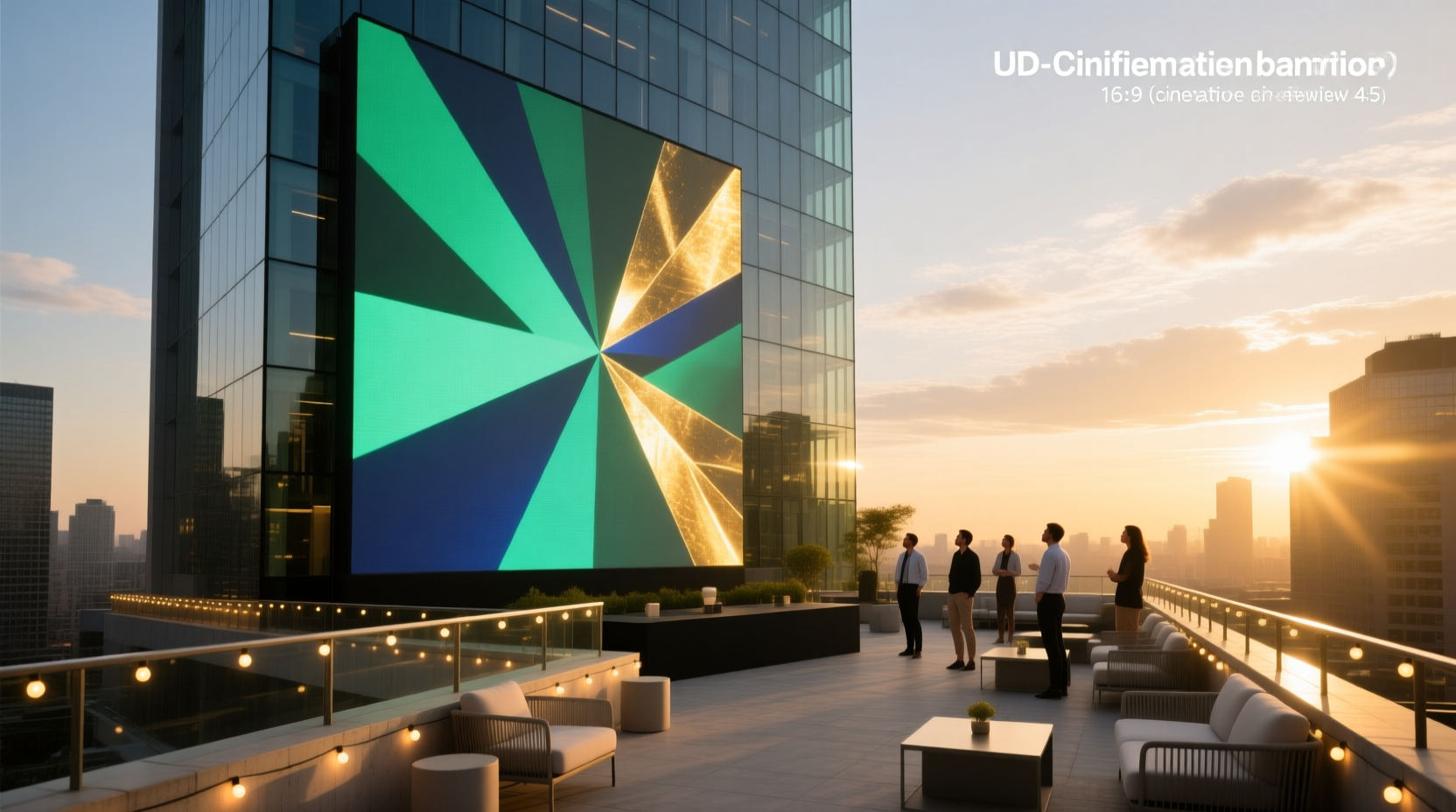
Yes—any projector can do basic 3D projection mapping, but only specific models deliver reliable, distortion-free results on complex 3D surfaces like buildings, sculptures, or irregular interiors. The difference lies in four measurable technical requirements: minimum 3,000 ANSI lumens for ambient-light resilience1, pixel-level geometric correction (keystone + edge blending + warping), lens shift capability for flexible placement, and stable, low-latency HDMI/SDI input handling. This guide cuts through marketing claims to explain exactly which projector features matter—and which don’t—for professional-grade 3D mapping across home, event, and commercial applications.
Understanding 3D Projection Mapping vs. Standard Projectors
3D projection mapping (also called spatial or object-based mapping) is not about displaying stereoscopic 3D content—it’s about projecting precisely warped video onto non-planar, three-dimensional physical objects. Unlike flat-screen projection, it requires software (e.g., TouchDesigner, Resolume, or Lightform Creator) to align digital content with a 3D scan or photogrammetry mesh of the target surface2. A standard home theater projector may display the image—but without sufficient brightness, optical flexibility, or hardware warping support, alignment drifts, colors wash out, and fine details vanish under ambient light or at oblique angles.
The core misconception—reinforced by YouTube tutorials titled “VIRAL projection mapping in 10 minutes”—is that any HDMI-connected projector suffices. In practice, mapping fidelity degrades sharply below 3,000 lumens, especially on textured or reflective surfaces like brick, stucco, or glass. Outdoor mapping demands ≥5,000 lumens; large-scale architectural work often requires ≥10,000 ANSI lumens3. Resolution matters less than uniform brightness and color consistency across the entire projected area—a 4K projector with poor contrast or uneven illumination will produce visible banding during dynamic warping.
Key Technical Specifications That Actually Matter
When evaluating 3D mapping projectors, prioritize these five measurable, vendor-verified specs—not marketing terms like “mapping-ready” or “smart alignment.”
✅ 1. Brightness (ANSI Lumens, Not "Max" or "LED Lumens")
Always verify ANSI lumens—not “LED lumens,” “color brightness,” or “up to” values. ANSI lumens are measured per ISO 21118 using standardized test patterns and calibrated meters. For indoor mapping on white walls or neutral surfaces, 3,000–4,500 ANSI lumens is the functional minimum. For semi-outdoor use (e.g., covered patios or dusk events), 5,000–7,000 lumens provides headroom against ambient spill. Commercial installations (museums, festivals, façade mapping) routinely specify ≥12,000 ANSI lumens1. Note: DLP projectors typically maintain higher sustained brightness than LCD or LCoS units under continuous operation.
✅ 2. Lens Shift & Throw Ratio Flexibility
Fixed-lens projectors force you to move the unit physically to adjust coverage—causing alignment recalibration every time. True 3D mapping requires vertical and horizontal lens shift (mechanical, not digital). This lets you reposition the image optically without moving the projector body—critical when mounting overhead, recessed, or at constrained distances. Check manufacturer datasheets for shift range (e.g., “±40% vertical, ±15% horizontal”). Also confirm throw ratio (distance ÷ width). A short-throw ratio (≤0.6) enables wide images from tight spaces—ideal for small studios or retail displays. Long-throw units (1.5–3.0+) suit large venues but demand precise ceiling rigging.
✅ 3. Hardware-Based Geometric Correction & Warping
Digital keystone correction (found on budget projectors) degrades resolution and introduces softness. For 3D mapping, you need hardware-accelerated warping: multi-point mesh warping (≥16×16 grid), edge blending, and perspective correction processed in real time by dedicated FPGA or GPU chips. This ensures sub-pixel registration stability—even during fast-moving animations or camera tracking. Confirm whether warping is built-in (e.g., Barco’s “Media Server Mode”) or requires external hardware (e.g., Datapath FX4 or disguise GX2). Built-in warping reduces latency and cabling complexity but may limit control granularity.
✅ 4. Input Latency & Signal Stability
Mapping software sends frames continuously. If the projector introduces >60ms input lag—or drops frames due to HDMI handshake instability—the mapped content desyncs from motion tracking or audio triggers. Look for projectors specifying “low-latency mode” (often ≤30ms) and compatibility with HDMI 2.0+ (18 Gbps bandwidth). Avoid models relying solely on HDMI CEC or auto-resolution switching, which cause intermittent blackouts during live shows.
✅ 5. Thermal Management & Dust Resistance
3D mapping often runs for hours in uncontrolled environments—attics, garages, outdoor tents. Consumer-grade projectors overheat after 90–120 minutes, causing brightness drop or shutdown. Industrial or installation-class units feature sealed optics, dual-fan cooling, and IP5X-rated dust ingress protection. BenQ’s “DustGuard” and Epson’s “3LCD Sealed Engine” are verified designs—not marketing slogans2. Verify operating temperature range (e.g., 0°C–40°C) and continuous runtime ratings in the spec sheet.
Common Scenarios & Realistic Recommendations
Choosing the right 3D mapping projector depends less on brand and more on your physical constraints and workflow—not your budget alone.
🏠 Home or Small Studio Use (Under $1,500)
For holiday house mapping, art installations, or classroom demos: prioritize 3,000–4,500 ANSI lumens, vertical lens shift, and built-in 16-point warping. Epson’s Pro L-Series (e.g., L610U) and ViewSonic’s PX701-4K offer verified lens shift and native warping firmware. Avoid “gaming projectors” marketed for low latency—they lack optical shift and thermal durability. Also avoid ultra-portable LED units (<2,000 lumens); their brightness decays >30% within 500 hours.
🎪 Event & Rental Use (Mid-Tier, $2,000–$6,000)
Rentals demand reliability, fast setup, and serviceability. Key needs: modular lamp/laser sources, hot-swappable lenses, and networked control (Crestron/AMX/RS-232). Panasonic’s PT-RZ990 and NEC’s NP-PA1004UL meet this tier. Both support 20,000-hour laser life, 360° orientation, and remote firmware updates—critical for multi-day festivals. Note: Many “rental-ready” projectors omit lens shift to reduce weight—confirm shift specs before booking.
🏙️ Large-Scale Architectural Mapping (Commercial, $10,000+)
Façade or dome mapping requires luminance uniformity, color calibration tools, and redundant signal paths. Barco’s UDX series and Digital Projection’s M-Vision line provide 23,000+ ANSI lumens, 3-chip DLP for color accuracy, and integrated media server sync. These units ship with factory calibration reports (CIE 1931 chromaticity coordinates) and support SMPTE 2110 over IP—essential for broadcast-integrated shows. Some high-lumen laser projectors available through global B2B marketplaces offer competitive specifications and flexible procurement options—prospective buyers are encouraged to request third-party test reports and review thermal performance data as part of standard due diligence3.
What Doesn’t Matter (And Why People Get It Wrong)
Three widely cited “must-haves” are misleading:
- Native 4K resolution: Most mapping content is rendered at 1920×1080 or 2560×1440. Upscaling adds no fidelity—and high-res panels often sacrifice brightness or contrast. Prioritize brightness uniformity over pixel count.
- “3D Ready” labeling: This refers to active/passive stereoscopic playback—not spatial mapping. It adds zero value for object-based projection.
- Smart OS or built-in streaming: Mapping workflows run from dedicated media servers or laptops. Onboard Android TV or Fire OS consumes power, generates heat, and introduces security risks in networked installations.
How to Verify Claims Before You Buy
Vendors sometimes inflate specs. Here’s how to validate:
- Lumens: Request the full ISO 21118 test report—not just the summary. Reputable brands (Epson, Barco, Panasonic) publish these publicly.
- Lens shift: Confirm mechanical (not digital) shift. Ask for the exact percentage range and whether it’s available in all aspect ratios (e.g., 16:9 vs. 4:3).
- Warping: Test with your software stack. Some “built-in warping” only works with proprietary tools—not TouchDesigner or MadMapper.
- Dust resistance: Look for IEC 60529 IP rating (e.g., IP5X) in the official datasheet—not “dust-resistant” in marketing copy.
FAQ: Practical Questions Answered
- Can I use a regular home projector for 3D mapping? Yes—but only for static, low-brightness indoor tests on white, flat surfaces. Expect misalignment under ambient light, color shifts at edges, and rapid brightness decay during extended use.
- Do I need special software to do 3D mapping? Yes. Free options include VPT (Video Projector Tool) and MapMap. Paid tools like Resolume Arena or TouchDesigner offer real-time warping, generative content, and OSC/MIDI integration—but require learning curves.
- Is lens shift really necessary? Absolutely—if you can’t mount the projector centered on the object. Without it, you’ll rely on digital keystone, which crops pixels and blurs geometry.
- How important is color accuracy for mapping? Critical for brand-consistent campaigns (e.g., corporate logos on buildings). Look for ΔE <3 (CIE 2000) and factory calibration reports—not just “wide gamut” claims.
- Can I map onto moving objects? Technically yes—but it requires real-time tracking (e.g., infrared markers + motion capture) and sub-20ms system latency. Standard projectors cannot handle this without external hardware.
