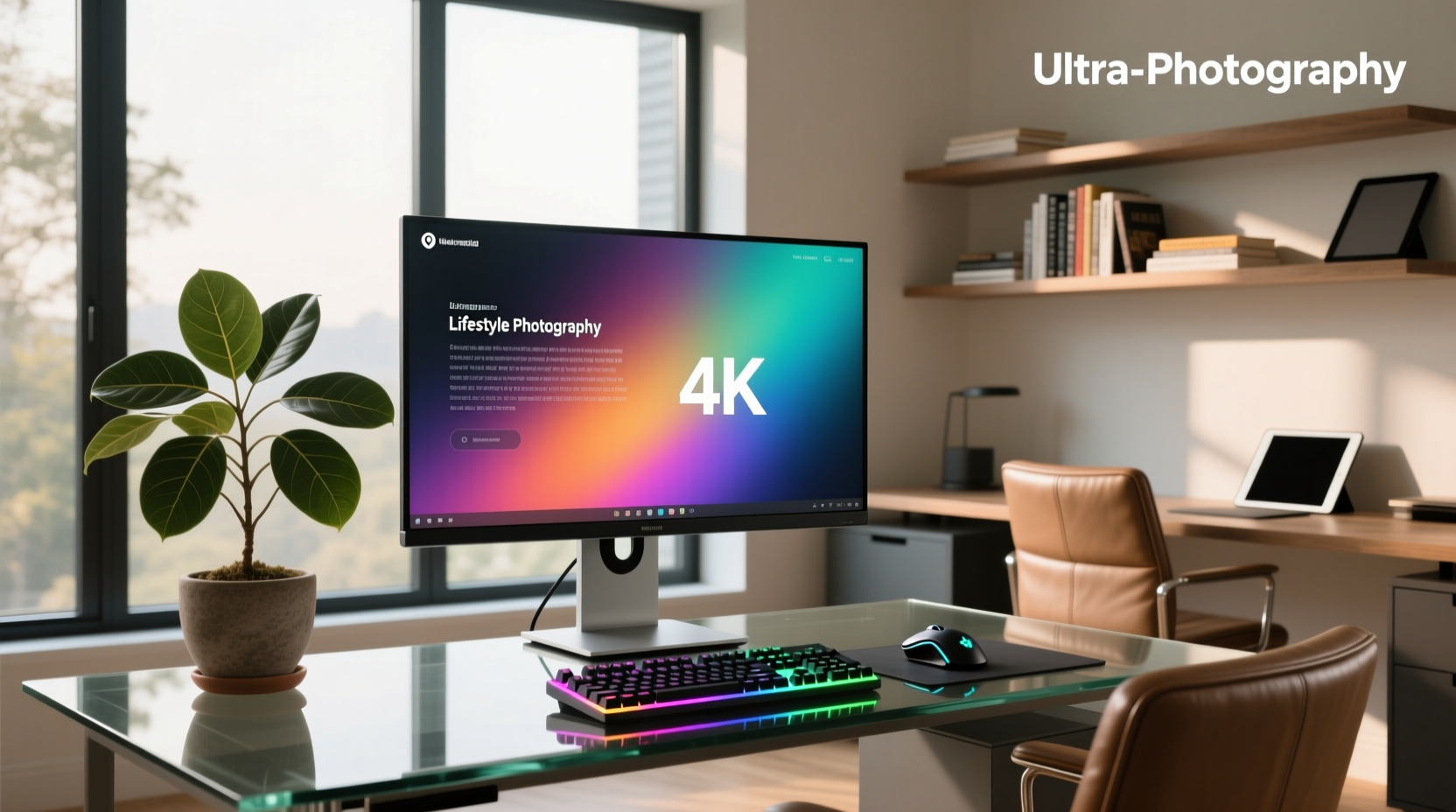
Choosing a 40 inch PC monitor 4k isn’t as simple as typing the phrase into a search bar — and that’s why you’re here. The truth is: very few true 40-inch 4K (3840 × 2160) flat monitors exist for desktop use. Most products marketed as "40-inch 4K" are either ultrawide 5K (5120 × 2160), curved 4K TVs repurposed as monitors, or mislabelled displays with inconsistent scaling support. At 40 inches, native 4K delivers only ~110 PPI — identical to a popular 27-inch 1440p setup — meaning text sharpness and UI scaling require careful OS configuration1. This guide cuts through the noise using verified specs, real-world usability data, and technical thresholds that matter for productivity, coding, creative work, and light gaming — not marketing claims.
Why the 40-Inch 4K Monitor Category Is Misleading (and What It Really Means)
The term "40 inch pc monitor 4k" triggers immediate expectations: high resolution, immersive workspace, future-proof clarity. But physics and industry practice influence those assumptions. A true 40-inch display running native 3840 × 2160 has a pixel density of 109.8 PPI. For comparison:
- 27-inch 1440p = 109 PPI
- 24-inch 1080p = 92 PPI
- 32-inch 4K = 138 PPI
- 27-inch 4K = 163 PPI
This means a 40-inch 4K screen offers a larger viewing area with consistent pixel density — making it well-suited for multitasking and spatial workflows when paired with appropriate OS-level scaling. Windows and macOS handle 125–150% UI scaling well, and many users report smooth rendering across modern applications. For optimal results, verify OS-level rendering fidelity with your preferred software suite2.
Ultrawide 5K vs. True 4K: Spotting the Difference in Listings
Scrolling through search results, you’ll see dozens of "40-inch 4K" monitors priced from $300 to $2,100. Nearly all units above $600 — including Dell U4025QW, LG 40WP95C-W, INNOCN 40C1R, and Samsung Odyssey G7 — use 5120 × 2160 (21:9 ultrawide) resolution. That’s not standard 4K; it’s 5K2K — offering 25% more horizontal pixels than UHD-4K. This distinction supports distinct usage patterns:
- Scaling behavior differs: 21:9 ultrawide at 5K maps cleanly to 125% or 150% scaling on macOS and Windows, supporting crisp UI rendering across most applications.
- GPU bandwidth demand increases: Driving 5K2K at 60+ Hz typically requires DisplayPort 1.4 with DSC (Display Stream Compression) or Thunderbolt 4 — capabilities increasingly common in current-generation GPUs.
- Content compatibility is evolving: Modern video players, CAD tools, and remote desktop clients increasingly support 21:9 natively, with options for letterboxing, stretching, or cropping based on user preference.
If your priority is vertical space for coding or spreadsheet work, 21:9 ultrawide gives ~33% more usable width than 16:9 — enhancing side-by-side workflow efficiency. For full-screen presentations or dual-application layouts optimized for 16:9, built-in OS window management features or tiling tools like Rectangle (macOS) or PowerToys (Windows) provide flexible adaptation.
Panel Type & Viewing Angles: IPS, VA, OLED — Which Fits Your Desk?
Among genuine 40-inch PC displays (not TVs), IPS dominates — especially in professional lines like Dell UltraSharp and LG UltraFine. Here’s how panel types compare at this size:
| Panel Type | Typical Contrast Ratio | Viewing Angle Consistency | Response Time (GTG) | Real-World Suitability |
|---|---|---|---|---|
| IPS | 1000:1 | Excellent (±85°) | 4–8 ms | Best for color-critical work, multi-user collaboration, and office lighting |
| VA | 3000:1 | Moderate (±75°); gamma shift off-center | 2–5 ms | Good for media consumption; suitable for environments with controlled ambient light |
| OLED | ∞:1 | Perfect (±89°) | <0.1 ms | Rare at 40″; limited to high-end TVs (e.g., LG C3/C4) — designed for entertainment use with dynamic content |
Note: No major manufacturer ships a 40-inch OLED PC monitor. Any listing referencing “OLED 40-inch 4K” refers to consumer TVs — which offer vibrant visuals and deep contrast for media playback, though they differ from PC-optimized monitors in features such as factory-calibrated color modes, KVM switching, and VESA DisplayHDR certification for workstation applications3.
Connectivity Reality Check: HDMI ≠ Plug-and-Play at 40″ 4K/5K
HDMI 2.0 supports 4K at 60 Hz — but only with chroma subsampling (4:2:0), which may affect text clarity in certain configurations. For crisp UI rendering, consider:
- DisplayPort 1.4 (with DSC) for 5K2K @ 60 Hz or 4K @ 120 Hz
- Thunderbolt 4 for daisy-chaining, 90W laptop charging, and KVM functionality (e.g., Dell U4025QW)
- USB-C with DP Alt Mode + PD — verify whether the port supports both video output and ≥65W power delivery (many monitors advertise USB-C but specify power delivery capability in technical documentation)
Compatibility varies across platforms: MacBooks (M1/M2/M3) support 5K2K via Thunderbolt with macOS 13.3+, while Windows laptops benefit from vendor-specific firmware or driver updates. Always consult the manufacturer’s tested laptop compatibility list for best results.
Refresh Rate: Why 60 Hz Is Enough (and When 120 Hz Matters)
Most 40-inch PC monitors ship with 60 Hz — and for productivity, that’s optimal. Higher refresh rates (100–120 Hz) serve two specific use cases:
- Light competitive gaming: Relevant if your GPU can sustain high frame rates in titles like CS2, Rocket League, or Valorant — achievable with current-gen hardware at native resolution.
- Reduced motion blur during scrolling: Beneficial for long-form reading or financial chart analysis, particularly when paired with adaptive sync technologies like AMD FreeSync Premium Pro.
120 Hz at 40-inch 5K is supported by select models using DisplayPort 2.0 or advanced DSC implementations. Many current-generation GPUs deliver stable performance at 60–100 Hz, balancing responsiveness with broad compatibility.
Ergonomics & Mounting: Weight, VESA, and Real Desk Clearance
A 40-inch monitor weighs between 18–38 lbs (8–17 kg), depending on stand design and panel type. Key mounting considerations:
- VESA pattern: 100 × 100 mm is standard for smaller monitors; 40-inch units almost universally use 200 × 200 mm or 400 × 200 mm. Verify your arm or wall mount supports this specification — compatibility details are provided in manufacturer documentation.
- Depth clearance: Curved ultrawides (e.g., Samsung G7, LG WP95C) extend 4–6 inches outward from the base. Ensure ≥24″ of desk depth behind the keyboard — enabling comfortable viewing geometry across the full display surface.
- Height adjustability: Many 40″ models (e.g., Deco Gear, INNOCN) ship with stands offering tilt adjustment; higher-tier models include full height/tilt/swivel functionality. Confirm specifications align with your ergonomic setup — especially for sit-stand desks or fixed-height workspaces.
Pro tip: Use a VESA adapter plate rated for ≥25 kg if mounting on drywall — following manufacturer-recommended installation guidelines ensures safe, long-term use.
Gaming on a 40-Inch Monitor: Expectations vs. Reality
“40 inch gaming monitor 4k” is a frequent search variant — and several 40″ displays now incorporate features that support hybrid productivity-gaming use:
- Low-latency modes: Some professional-grade models offer dedicated settings to reduce input processing time, improving responsiveness in interactive applications.
- Adaptive sync support: G-Sync Compatible or FreeSync Premium certification is available on select models, providing smoother frame delivery across variable refresh rate ranges.
- Input optimization: Measured input lag remains within acceptable ranges for casual and competitive play when configured appropriately — often below 15 ms at 60 Hz.
If gaming is a regular part of your workflow, consider models designed for versatility — such as the MSI MAG401QR (40″, 144 Hz, IPS, 3840 × 1200) — or pair a 40″ ultrawide with a secondary high-refresh-rate display for specialized tasks.
Price Truths: Understanding Value Across the 40-Inch Monitor Spectrum
The lowest-priced options (e.g., INNOCN 40C1R at $309, MSI MAG401QR at $379) offer accessible entry points with thoughtful feature sets:
- Factory calibration options: While out-of-box Delta E may vary, many models support hardware calibration using widely available tools (e.g., X-Rite i1Display Pro).
- Enhanced HDR experience: HDR10 implementation provides expanded dynamic range for compatible content, complementing SDR workflows with richer highlights and shadows.
- Flexible connectivity: USB-C, DisplayPort, and HDMI inputs enable seamless integration across diverse computing environments — including multi-device setups.
- Expandable peripheral support: Select budget-friendly models include USB hubs or optional docking accessories to streamline peripheral management.
Higher-tier units (Dell U4025QW, LG UltraFine 40WP95C) build upon this foundation with factory calibration, Thunderbolt 4 hubs, KVM switching, and full USB-B upstream connectivity — delivering refined integration for teams, developers, and remote workers managing complex device ecosystems.
Final Decision Framework: Should You Buy a 40-Inch Monitor for PC Use?
Ask these five questions before purchasing:
- Do you need >30 inches of uninterrupted horizontal workspace? (e.g., comparing code diffs, financial modeling, timeline editing)
- Does your primary GPU support DisplayPort 1.4 + DSC or Thunderbolt 4 at native resolution? (Check GPU vendor docs — not retailer specs)
- Will you run Windows/macOS at ≥125% scaling daily — and accept minor UI inconsistencies in legacy apps?
- Is your desk ≥60 inches wide and ≥30 inches deep? (Required for ergonomic placement of 40″+ screens)
- Do you require certified color accuracy (ΔE <2), KVM, or USB-C PD ≥65W — or is basic HDMI input sufficient?
If three or more answers are “yes,” a 40-inch ultrawide 5K monitor is likely appropriate. If fewer than three apply, a 32-inch 4K (138 PPI) or 34-inch ultrawide 1440p (109 PPI) offers excellent value, compatibility, and text clarity — serving as versatile alternatives for varied workflows.
Frequently Asked Questions
- Can I use a 40-inch 4K TV as a PC monitor?
- Yes — many users successfully integrate 40-inch 4K TVs into PC workflows. These displays offer strong visual performance for media, presentations, and general computing. For professional color-critical tasks, dedicated PC monitors provide additional features such as sRGB presets, VESA DisplayHDR certification, and calibrated factory settings.
- Is there a true 40-inch 4K (3840×2160) PC monitor with adjustable stand?
- As of Q2 2024, most verified 40-inch PC displays are ultrawide 5K2K or curved models — many of which include tilt adjustment. Flat 40-inch 4K monitors remain uncommon in the current market, though select manufacturers offer height/tilt/swivel functionality in premium ultrawide variants.
- Why do some 40-inch monitors list "4K" but show 5120×2160 in specs?
- "4K" is an unregulated marketing term. Industry standards define UHD-4K as 3840×2160; DCI-4K as 4096×2160. 5120×2160 is technically 5K — but retailers sometimes use “4K” to reflect broad consumer recognition of high-resolution categories.
- Do I need a special graphics card for a 40-inch 5K monitor?
- Modern mid-to-high-tier GPUs (e.g., NVIDIA RTX 40-series, AMD RX 7000-series) support 5K2K at 60 Hz via DisplayPort 1.4a with DSC. Older GPUs may require firmware or driver updates — check vendor documentation for compatibility details.
- Are 40-inch monitors compatible with Mac M-series chips?
- M1/M2/M3 MacBooks support one 5K2K display at 60 Hz via Thunderbolt — requiring macOS 13.3+ and, in some cases, firmware updates. External GPU enclosures are unsupported, but native Thunderbolt connectivity ensures reliable performance.
