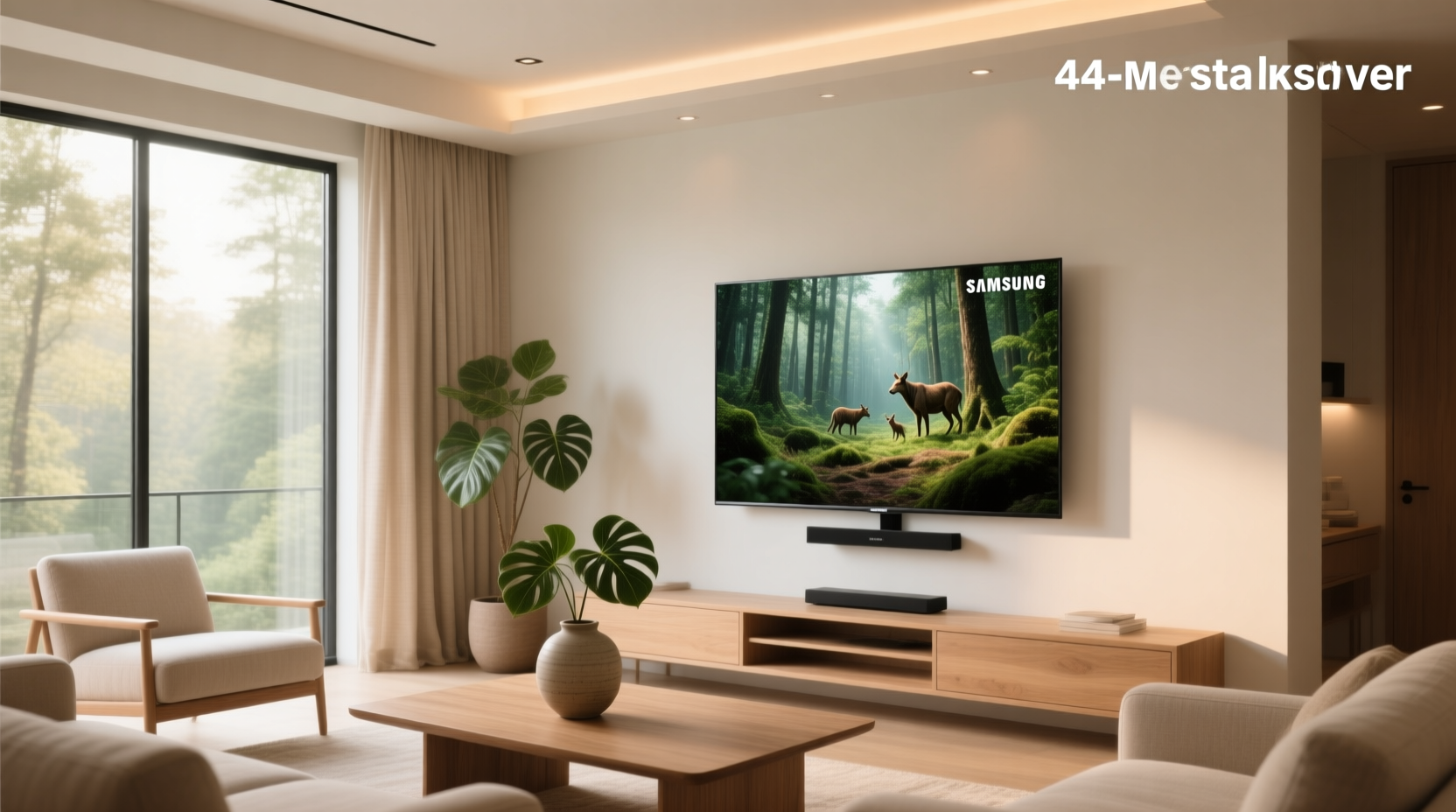
You’re not imagining it: Samsung does not offer an official 44-inch TV model. What you’ll find labeled as “44 inch” on retailer sites or marketplaces is almost always a 43-inch class display — measured diagonally at ~42.5–43.2 inches — rounded up for marketing or grouped within broad size filters1. This reflects standard industry sizing conventions used across major TV manufacturers. If you searched 44 inch tv samsung, you likely want a compact, high-value 4K smart TV for a bedroom, dorm, office, or secondary space — and the real answer lies in Samsung’s 43-inch lineup: the Crystal UHD U8000F (2025), QLED Q60D/Q7F/Q8F series, and The Frame LS03B/LS03F. All deliver native 3840 × 2160 resolution, Tizen OS, HDR10+ support, and SmartThings integration — and differ in brightness, color volume, viewing angles, and AI processing capability to suit diverse usage scenarios. Choosing the right one depends on your room lighting, content habits, and whether you prioritize art-mode aesthetics or responsive performance. Below, we break down verified specifications, clarify common sizing conventions, and show how to compare models using objective metrics — not marketing copy.
Understanding Samsung’s 43-Inch TV Sizing Convention
TV screen sizes are standardized by panel manufacturers, not brands. The global supply chain produces panels in fixed physical dimensions — and the closest commercially viable size to 44 inches is 43 inches (109.2 cm) diagonal, with actual viewable area measuring approximately 42.5–43.1 inches depending on bezel design and measurement method. Samsung — like LG, TCL, and Hisense — designs its entire mid-size product stack around this dimension. When you see “44 inch” listed on Best Buy, Target, or eBay, it’s typically one of three things:
- Filter grouping: Retailers often group 41–44 inch TVs into a single browse category — even though all units inside are physically 43-inch-class panels2.
- Rounded-up labeling: Some sellers use “up to 44 inches” to align with common search terms while accurately representing the 43-inch class.
- Measurement variance: Diagonal measurement includes the outer edge of the active display area — not the bezel or stand — and minor tolerances (<±0.3") can shift labeling across regions or batches.
This sizing approach is consistent across the industry. A search for LG 44 inch TV or TCL 44 inch TV yields identical results: no official 44-inch SKUs, only 43-inch models sold under broad size filters. The takeaway? Focus your decision on the verified 43-inch class — where Samsung delivers a range of well-engineered options tailored to different needs.
Samsung’s 43-Inch TV Families (2024–2025)
Samsung offers three distinct tiers of 43-inch TVs — each built for different priorities. None are branded “44 inch,” but all appear in “44 inch” search results due to retail categorization. Here’s how they compare on measurable performance criteria:
| Model Series | Panel Type & Brightness | Processor & AI Features | Viewing Angle & Reflection Handling | HDMI Ports & Gaming Support | Typical Price Range (USD) |
|---|---|---|---|---|---|
| Crystal UHD DU7000 / U8000F | LED-backlit VA panel; peak brightness ~250 nits (SDR), ~300 nits (HDR) | Crystal Processor 4K; AI upscaling, motion interpolation, contrast enhancement | 178° nominal viewing angle; glossy finish — designed for controlled lighting environments | 2x HDMI (1x eARC), Game Mode, ~14 ms input lag @ 4K/60Hz | $240–$320 |
| QLED Q60D / Q7F / Q8F | Quantum Dot LED; peak brightness 400–600 nits; wider DCI-P3 color gamut (~90–95%) | Quantum Processor Lite; enhanced AI upscaling, object tracking, multi-view optimization | 178° viewing angle; anti-reflective coating supports varied ambient light conditions | 2–3x HDMI (1x eARC), VRR support, AMD FreeSync Premium, ~10–12 ms input lag | $350–$650 |
| The Frame LS03B / LS03F | Matte QLED panel; peak brightness ~400 nits; optimized for static image fidelity and ambient display | Samsung Vision AI; Art Mode calibration, ambient light sensing, auto-framing | 178° viewing angle; matte anti-glare surface — ideal for wall-mounted art display | 2x HDMI (1x eARC), designed for aesthetic integration; includes dedicated Art Mode features | $899–$1,199 |
Key insight: Brightness and reflection control are key differentiators across Samsung’s 43-inch tiers. A Crystal UHD performs well in dimmer or controlled lighting, while a QLED with anti-reflective coating delivers consistent clarity in brighter spaces. Likewise, The Frame’s matte display emphasizes visual harmony and ambient integration — making it especially suited for living areas or offices where aesthetics matter. Your environment and usage goals determine which tier delivers optimal value — not the number in the product title.
How to Verify Real Screen Size — Before You Click ‘Add to Cart’
Because size labels vary across retailers, rely on hard specifications — not marketing headlines. Here’s how to confirm you’re getting a true 43-inch-class TV:
- Check the exact diagonal measurement in inches or centimeters: Look for “Screen Size: 43 inches” or “109 cm” in the technical specs — not just “44 inch class” in the category filter.
- Review physical dimensions: A genuine 43-inch TV has a width of ~37.5–38.2 inches (95–97 cm). Anything wider than 38.5 inches is likely mislabeled or includes bezel/stick-out measurements.
- Confirm resolution: All current Samsung 43-inch models use 3840 × 2160 (4K UHD). If the spec sheet lists 1920 × 1080 (Full HD), it’s either outdated stock or a non-Samsung brand masquerading as Samsung.
- Validate model number format: Authentic Samsung 43-inch 2024–2025 models follow patterns like
QA43Q60DAFXZA,UA43U8000FXXA, orLS43LS03FAFXZA. Numbers starting with “QA,” “UA,” or “LS” indicate official Samsung SKUs.
If a listing lacks these details — or shows conflicting numbers (e.g., “44 inch” in title but “43 inch” in specs) — refer to Samsung’s official website or authorized retailer pages for verification. Third-party sellers may reuse manufacturer-provided templates without updating size fields.
Room Fit & Viewing Distance: Is 43 Inches Right for Your Space?
Yes — for most secondary spaces. The Society of Motion Picture and Television Engineers (SMPTE) recommends a viewing angle of 30° for optimal immersion. For a 43-inch 4K display, that translates to a viewing distance of 5.5 to 7.5 feet (1.7–2.3 meters). This fits comfortably in:
- Master or guest bedrooms: Mounted above a dresser or placed on a low stand — avoids neck strain during extended viewing.
- Dorm rooms or studio apartments: Fits within standard furniture footprints without dominating floor space.
- Home offices or kitchen nooks: Provides clear video conferencing and recipe streaming without requiring dedicated entertainment zones.
Contrary to myth, screen size doesn’t dictate picture quality — pixel density does. At 43 inches and 4K resolution, pixel pitch is ~0.19 mm, delivering sharp text and fine detail even at 4 feet. Upscaling from HD or streaming sources remains effective thanks to Samsung’s AI processors — especially in the QLED and The Frame lines3. For best results, position the center of the screen at seated eye level and avoid mounting directly across from windows to maintain consistent visibility.
Gaming & Streaming: Capabilities Across Samsung’s 43-Inch Lineup
If you plan to use your Samsung TV for console gaming (PlayStation 5, Xbox Series X) or PC streaming, two specs are especially relevant: input lag and HDMI bandwidth. Samsung’s 43-inch models use HDMI 2.0b (18 Gbps), with dynamic refresh rate (VRR) support available on QLED Q7F and above. Here’s how each tier supports different usage patterns:
- For casual gamers: Crystal UHD models handle 1080p/60Hz and 4K/30Hz gameplay with responsive latency. Input lag stays under 16 ms — suitable for everyday entertainment and light gaming.
- For immersive or fast-paced play: QLED Q7F/Q8F supports 4K/60Hz with VRR and Auto Low Latency Mode (ALLM), enhancing smoothness in titles like FIFA 24 or Call of Duty.
- For streamers & creators: The Frame’s matte panel minimizes reflections during webcam use, supporting clear video calls and presentations — while its Art Mode adds versatile display options.
Also note: Samsung’s Gaming Hub is software-based — it runs consistently across all 43-inch models and supports cloud services like Xbox Cloud Gaming and NVIDIA GeForce NOW. Functionality depends on the underlying platform — not the size label.
Smart Features, Privacy, and Offline Use — What Works Without Internet
All Samsung 43-inch TVs run Tizen OS — a closed, Linux-based platform known for stability and efficient resource usage. Important clarification: You do not need internet to watch broadcast TV, use HDMI inputs, or adjust picture/sound settings. Core smart features require connectivity:
- Required online: App store access (Netflix, Disney+, Prime Video), voice assistant integration (Alexa/Google Assistant), firmware updates, Samsung TV Plus (free ad-supported channels), and SmartThings device pairing.
- Works offline: Live TV via ATSC tuner, USB media playback (MP4, MKV, JPEG), screen mirroring (Miracast), and basic remote control functions.
Privacy note: Tizen collects anonymized usage data by default (viewing habits, app launches). You can disable this in Settings > General > Privacy > Viewing Information — no internet needed to change the setting. Also, unlike Android TV, Tizen does not require Google account sign-in, reducing cross-service tracking.
Clarifying Common Questions — Addressed
Question #1: “Does screen size correlate with performance?”
No. Panel size has zero correlation with resolution, brightness, or processor power. A $250 Crystal UHD delivers full 4K resolution — while higher-tier models add enhancements like quantum dot color volume or advanced AI upscaling.
Question #2: “How is The Frame different from other 43-inch Samsung TVs?”
The Frame is designed as a lifestyle display — featuring a matte panel, customizable bezels, and Art Mode for ambient visual integration. Its engineering prioritizes static image fidelity and aesthetic versatility over motion performance.
Question #3: “Do all 43-inch Samsung TVs have the same ports?”
Port configurations vary by model. Base Crystal UHD models ship with 2 HDMI ports (1 eARC-capable); QLED Q8F adds a third HDMI; The Frame uses a Slim-Fit mount and optional One Connect box (sold separately). Always verify port count and version in the official spec sheet.
Choosing the Right 43-Inch Samsung TV — A Practical Guide
Ask yourself these three questions — then match to the tier:
- “Do I watch mostly in ambient light or direct sunlight?” → Choose QLED (anti-reflective coating) or The Frame (matte surface). Crystal UHD performs well in controlled lighting environments.
- “Will I use it for gaming or fast-action sports?” → Prioritize QLED Q7F or higher for VRR, lower input lag, and motion interpolation.
- “Is wall-mounting and aesthetic integration part of my setup?” → The Frame includes a Slim-Fit mount and Art Mode — offering seamless visual integration alongside entertainment functionality.
And remember: Samsung’s official 43-inch lineup provides a range of purpose-built options. Every verified purchase should reference a 43-inch model number, physical dimensions, and official Samsung documentation — ensuring alignment with your specific needs and environment.
Frequently Asked Questions
- Do Samsung make a 44-inch TV?
No — Samsung’s official lineup includes only 43-inch class models (e.g., QA43Q60DAFXZA). “44 inch” labels come from retailer categorization or rounding. - Can I use a Samsung 43-inch smart TV without internet?
Yes — for live TV, HDMI devices, USB playback, and manual settings. Internet is required only for apps, updates, and voice assistants. - Is a 43-inch TV big enough for a bedroom?
Yes — SMPTE guidelines recommend 5.5–7.5 ft viewing distance, fitting most bedrooms. Pixel density ensures clarity even at close range. - What’s the difference between Crystal UHD and QLED at 43 inches?
QLED uses quantum dots for higher peak brightness (400–600 nits vs. 250–300 nits) and wider color volume. Crystal UHD relies on standard LED backlighting and simpler processing. - Does The Frame support gaming features like VRR or 120Hz?
The Frame is optimized for static image fidelity and ambient display. It includes Art Mode, ambient light sensing, and customizable framing — supporting lifestyle integration alongside entertainment use.
