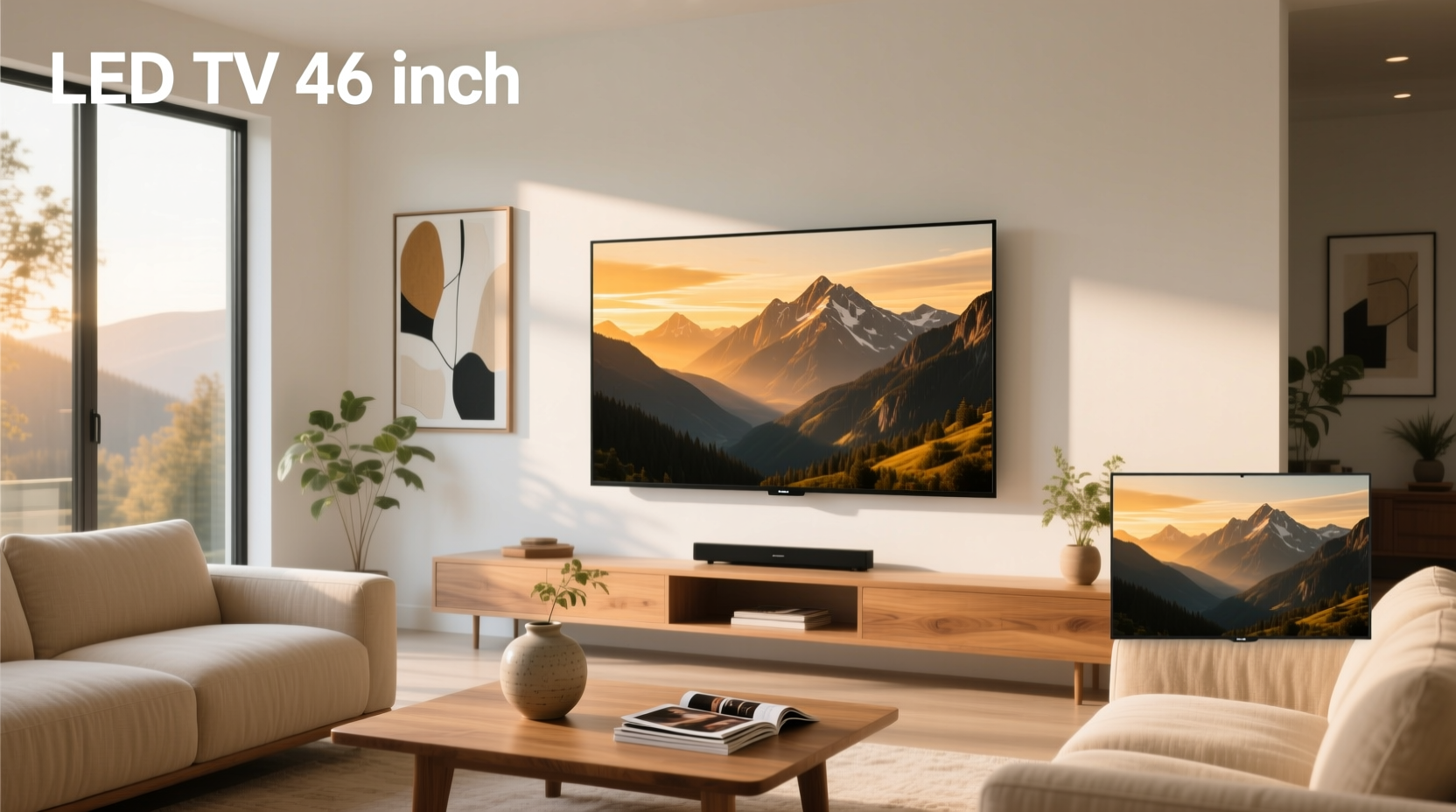
Looking for a 46-inch LED TV? Here’s the essential truth upfront: new 46-inch LED TVs are no longer manufactured by major brands — this size was largely phased out between 2015–2017 in favor of 43", 50", and 55" models1. What you’ll find today is almost exclusively refurbished, secondhand, or regional-market inventory (e.g., Ecuador via Tiendamia or Mercado Libre23). If you need a TV that fits a specific wall space, cabinet width, or legacy mounting setup—and you’ve settled on 46 inches—you’ll need to understand its physical footprint, performance limits, compatibility trade-offs, and realistic availability before committing. This guide delivers verified measurements, technical expectations, longevity benchmarks, and objective comparisons to help you decide whether a 46-inch LED TV still makes sense for your home.
📏 Exact Physical Dimensions: What Does "46 Inches" Actually Mean?
The "46 inches" refers only to the diagonal measurement of the screen—not the full unit with bezel or stand. Confusion here leads to common installation mistakes. For a standard 16:9 aspect ratio (universal for Full HD and most modern displays), the screen itself measures:
- Width: ≈ 99.6 cm (39.2 inches)
- Height: ≈ 56.0 cm (22.0 inches)
- Diagonal: Exactly 116.8 cm (46.0 inches)
These figures assume no bezel overhang—actual external dimensions vary by model but typically add 1.5–3 cm per side. A Samsung F5100 or Series 6 6150, for example, measures roughly 104.5 × 63.5 × 4.8 cm (W×H×D) with stand4. Always verify the manufacturer’s spec sheet—not just marketing labels—because some sellers list “46-inch class” units that are actually 45.5" or 46.3" diagonally. Use a tape measure against your wall or furniture opening first; a 1-cm margin error can prevent flush mounting or cause cabinet interference.
📺 Typical Technical Specifications (Not Assumptions)
Unlike current 43" or 50" models—which commonly ship with 4K resolution, HDR support, and Android TV or Tizen 7.0+—46-inch LED TVs almost universally use Full HD (1920 × 1080) resolution and older-generation panels. Verified specs from multiple units listed across Latin American marketplaces and YouTube unboxings confirm:
- Resolution: 1920 × 1080 pixels (no native 4K capability)
- Panel Type: Edge-lit LED (not local dimming or full-array)
- Motion Handling: Native refresh rates of 100 Hz or 120 Hz; some advertise “Motion Rate 240” — a marketing term, not true panel refresh5
- Smart Platform: Basic Smart Hub (Samsung pre-2016) or NetCast (LG); no voice assistant, limited app selection, no software updates post-2018
- Connectivity: 2–3 HDMI ports (HDMI 1.4, not 2.0/2.1), 1–2 USB 2.0 ports, optical audio out, composite/component inputs — no eARC, no HDMI CEC reliability, no USB-C
If your use case includes streaming 4K Netflix, gaming on PS5/Xbox Series X, or using Alexa/Google Assistant hands-free, a 46-inch LED TV will not meet those requirements—not due to user error, but hardware limitation.
🔄 Why Did 46-Inch TVs Disappear From New Production?
This isn’t arbitrary. Panel manufacturing economics drove the shift. LCD glass substrates are cut from large mother glass sheets (Gen 8.5 or Gen 10.5). The most cost-efficient yield per sheet favors sizes divisible into even numbers of panels—especially 43", 50", 55", and 65". A 46-inch cut creates significant unused glass waste and lower yield per batch6. As demand migrated toward larger screens and higher resolutions, manufacturers reallocated production lines. By 2017, Samsung, LG, and TCL had discontinued all 46-inch SKUs globally for new consumer models. What remains in circulation today reflects either:
- Legacy stock cleared through regional distributors (e.g., Ecuador, Colombia, Peru)
- Refurbished or recertified units from commercial deployments (hotels, offices)
- White-label OEM units sold under lesser-known brands (Motorola, Philco, etc.) with dated components
This explains why listings on Tiendamia or Mercado Libre emphasize “fast home delivery” and “best price”—not features. It’s inventory liquidation, not product innovation.
⏳ Lifespan & Reliability: How Long Will It Last?
LED backlight lifespan is rated at 60,000 hours under lab conditions—roughly 13.7 years at 12 hours/day. But real-world longevity depends less on the panel and more on three failure-prone subsystems:
- Power Supply Units (PSUs): Capacitors degrade fastest—especially in warm, humid climates (e.g., coastal Ecuador). Failure often occurs between years 5–8. Replacement PSUs exist but require soldering skills.
- Mainboard Firmware: No security patches or OTA updates since ~2018. Some units fail to connect to modern WPA3 Wi-Fi networks or reject updated router DHCP leases.
- Backlight Uniformity: Edge-lit panels show clouding or flashlighting over time. Unlike newer mini-LED sets, there’s no software correction—only physical replacement (cost-prohibitive).
A 2024 buyer should treat any 46-inch LED TV as a 5–7 year functional horizon, not a 10-year investment. If purchased used, request proof of service history or ask for boot-up video showing no dead pixels, backlight bleed, or HDMI handshake failures.
🛒 Where to Source One—And What to Verify
Since major retailers (Best Buy, Currys, MediaMarkt) no longer carry new 46-inch models, sourcing requires diligence:
| Source Type | Pros | Risks & Verification Steps |
|---|---|---|
| Regional Marketplaces (e.g., Mercado Libre EC, Tiendamia) | Local warranty options; Spanish-language support; home delivery | Confirm seller rating ≥ 95%; check photos for physical damage; verify model number matches description (e.g., “UN46F5100” not “46F5100”); ask for firmware version screenshot |
| Refurbished Resellers (Certified Pre-Owned) | Often include 90-day warranty; basic functionality testing | Ask for backlight uniformity test footage; confirm if remote and power cord are original; avoid units without original packaging (indicates unknown handling history) |
| Commercial Liquidators / B2B Surplus | Low per-unit cost; bulk discounts possible | No consumer return policy; no HDMI CEC or ARC support guaranteed; may lack consumer remote codes; verify input lag specs if used for gaming |
Never rely solely on “tested and working” claims. Request a 30-second video showing: (1) all HDMI inputs switching cleanly, (2) USB media playback (MP4/MKV), and (3) Smart Hub loading homepage without timeout errors.
⚖️ 46" vs. 43" vs. 50": When to Choose (or Avoid) 46 Inches
Choosing based on “inch count alone” is misleading. Consider these decision filters:
- Viewing Distance: At ≤ 2.1 m (7 ft), 43" and 46" appear nearly identical in immersion. At ≥ 2.7 m (9 ft), 50" offers measurably better pixel density perception—even at 1080p.
- Wall/Cabinet Fit: If your opening is exactly 102 cm wide, 46" fits with 1.2 cm clearance per side. A 43" (93.3 cm wide) wastes space; a 50" (110.2 cm) won’t fit.
- Future-Proofing: 43" 4K models start under $250 USD and include Chromecast built-in, voice remotes, and 60-day free trials to streaming services. You gain resolution, interface responsiveness, and security updates—for less than many 46" refurbished units.
- Energy Use: A 46" LED draws ~75–95W (typical), while a 43" 4K draws ~65–80W. Not a dealbreaker—but relevant for whole-home energy budgeting.
Bottom line: Only choose 46" if you have a fixed spatial constraint and have confirmed compatible source devices (e.g., older Blu-ray players, analog cable boxes) that don’t require HDMI 2.0 or HDCP 2.2.
🔧 Setup & Calibration: Getting the Best Image From Legacy Hardware
You won’t get Dolby Vision—but you can optimize what exists:
- Disable motion interpolation (“Auto Motion Plus”, “TruMotion”): These introduce soap-opera effect and input lag. Turn off unless watching sports in low-light rooms.
- Use “Movie” or “Cinema” picture mode: Avoid “Vivid” or “Dynamic”—they oversaturate and crush shadow detail.
- Set HDMI color space to “RGB Limited”: Prevents banding when connected to PCs or game consoles.
- Calibrate brightness with a grayscale pattern: Aim for 100–120 cd/m² in living rooms (measurable with $30 smartphone apps like "Luminance Meter" + calibration image).
For audio, skip the built-in speakers. All tested 46" models have ≤ 10W total output with heavy bass roll-off below 120 Hz. A $60 soundbar with HDMI ARC (even if ARC handshake is unstable, optical fallback works) delivers measurable clarity improvement.
❓ Frequently Asked Questions (FAQ)
Q1: How many centimeters is a 46-inch TV screen diagonal?
A: Exactly 116.8 cm — calculated as 46 × 2.54. Screen width and height are ~99.6 cm × 56.0 cm (16:9 aspect ratio).
Q2: How long does a 46-inch LED TV last?
A: Realistically 5–8 years with daily use. Backlight dimming, capacitor failure, and outdated firmware are the top failure modes—not panel burn-in.
Q3: Is there a 46-inch 4K LED TV available new?
A: No. No major brand manufactures new 46-inch 4K TVs. Any listing claiming “4K 46-inch” is either mislabeled, uses upscaling only, or is counterfeit.
Q4: Can I mount a 46-inch LED TV on a standard VESA 200×200 bracket?
A: Most Samsung F5100/F6150 and LG LB55xx models use VESA 200×200 or 300×300. Always confirm via model-specific manual—not generic listings—before purchasing hardware.
Q5: Why do some sites list “45-inch” and “46-inch” TVs interchangeably?
A: Manufacturers label “class sizes” (e.g., “45-inch class”) for marketing. A “45-inch class” TV may measure 44.5"–45.4"; “46-inch class” covers 45.5"–46.4". Always check exact diagonal in spec sheet.
