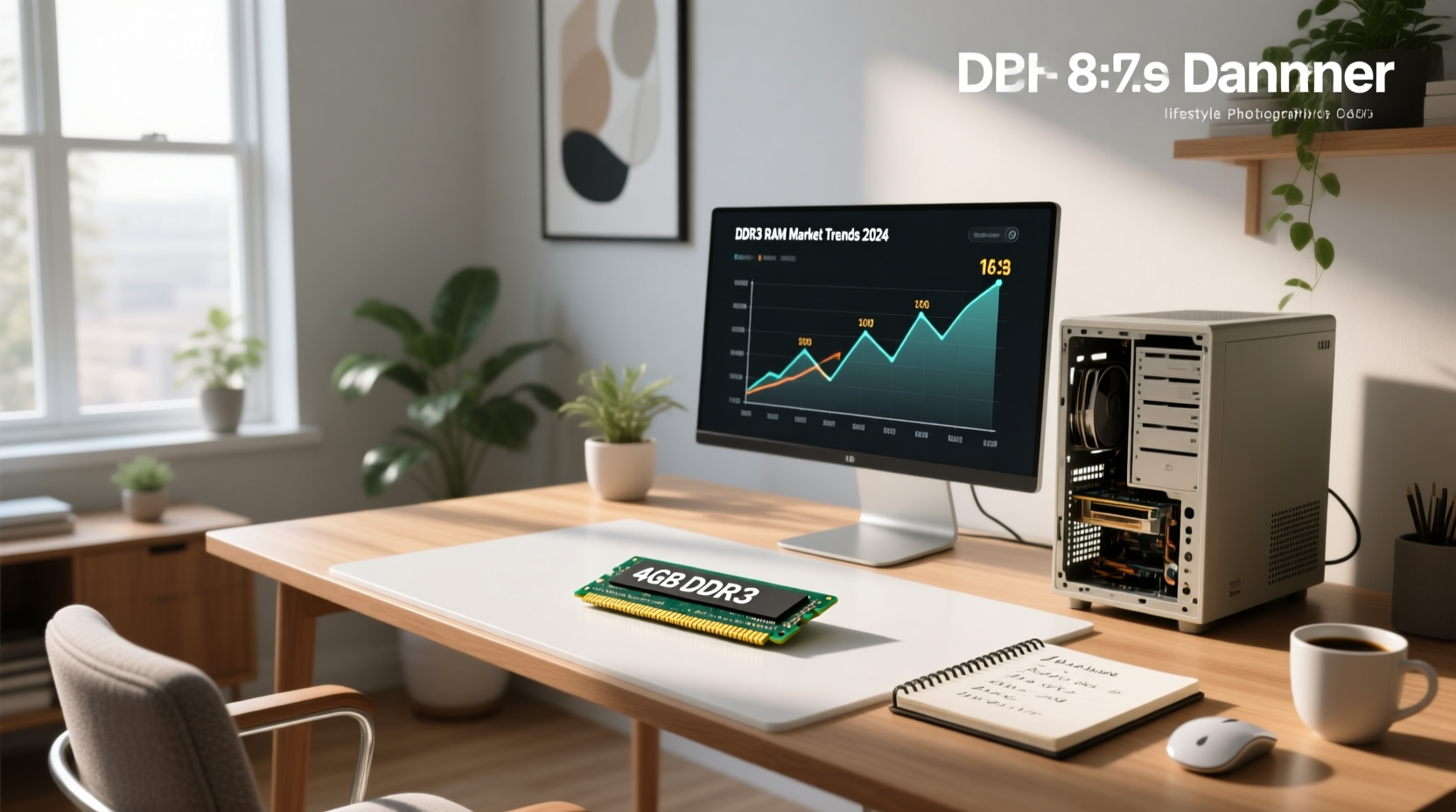
As of mid-2024, a new or tested 4GB DDR3 desktop DIMM (240-pin) typically costs between $8 and $20, with most reliable listings falling at $12–$16 for 1600MHz non-ECC modules. Used or generic units—common on eBay and surplus marketplaces—can dip to $5–$9, while premium or bundled kits (e.g., dual-channel sets) may reach $25–$351. Crucially, price alone doesn’t indicate value: DDR3 is end-of-life hardware, and pairing a $15 4GB stick with an incompatible motherboard—or using it as a ‘budget upgrade’ on modern systems—often delivers negative ROI. This guide helps you verify actual compatibility, assess whether 4GB DDR3 still serves your use case, and avoid overpaying for obsolete memory.
Why 4GB DDR3 Pricing Varies So Much (And What’s Really Worth Buying)
The wide price spread—from under $10 to over $35—isn’t random. It reflects three objective variables: condition, electrical specification, and supply chain provenance. Let’s unpack each.
✅ Condition: New vs. Refurbished vs. Pulls
Most budget-priced 4GB DDR3 sticks ($5–$12) are pulls—modules removed from decommissioned enterprise or OEM systems (e.g., Dell OptiPlex, HP Compaq). These are often fully functional but lack original packaging or warranty. Reputable vendors like 3R Technology test and label them as “fully tested, working”2. In contrast, new-in-box modules from manufacturers like Kingston or Crucial carry higher margins and cost $14–$20. Listings labeled “new” may reflect varied sourcing channels; verifying brand authenticity and JEDEC compliance helps ensure consistent performance3.
⚡ Electrical Spec: Speed, Voltage, and ECC Status
Not all 4GB DDR3 is electrically equal:
- Speed: 1333MHz (PC3-10600) and 1600MHz (PC3-12800) dominate the market. 1600MHz is more common and usually priced ~$1–$2 higher. Your motherboard’s QVL (Qualified Vendor List) dictates maximum supported speed—running faster than spec yields no benefit and may cause instability.
- Voltage: Standard DDR3 runs at 1.5V; DDR3L (Low Voltage) operates at 1.35V. DDR3L is backward compatible with 1.5V slots but not vice versa. If your system supports only 1.5V, avoid DDR3L unless explicitly marked “dual-voltage.”
- ECC vs. Non-ECC: Error-Correcting Code RAM is used in servers and workstations. Most consumer motherboards (e.g., Intel H61/H81 chipsets) do not support ECC. Installing ECC DDR3 in a non-ECC system will either fail to boot or run in uncorrectable mode—wasting its core feature. Non-ECC is standard for desktops and accounts for >95% of 4GB DDR3 listings.
🏭 Supply Chain Provenance: Where the Module Was Made & Tested
DDR3 production ceased at major fabs (e.g., Samsung, Micron) by 2018–2019. Today’s supply comes from three sources:
- OEM surplus: Bulk pulls from retired corporate fleets—high reliability if tested, but no long-term availability.
- White-label rebrands: Modules assembled using legacy DRAM chips and generic PCBs. Often sold via eBay or other global B2B platforms; performance consistency varies. Look for SPD dump verification (via tools like SpeedFan or Thaiphoon Burner) to confirm JEDEC timings.
- Refurbished branded stock: Vendors like 3R Technology or MemoryStock refurbish name-brand modules (e.g., Hynix, Elpida) and retest them. Higher confidence, slightly higher price.
Is 4GB DDR3 Still Useful in 2024? Real-World Use Cases
Before paying even $8, ask: Does my workload actually need DDR3—or just any working RAM? Here’s how usage maps to viability:
🟢 Acceptable Scenarios (Low-Risk, Justified Use)
- Legacy system maintenance: Keeping a Windows 7/XP-era PC running for industrial control, point-of-sale, or kiosk duty. 4GB remains sufficient for lightweight OS + single-purpose software.
- Hardware diagnostics & repair labs: Technicians use known-good 4GB DDR3 sticks to isolate motherboard memory controller faults.
- Education or hobbyist retro builds: Restoring a 2010-era gaming rig (e.g., Core i5-750 + GTX 460) where DDR3 is native—and 4GB matches period-correct specs.
⚠️ Questionable Scenarios (Hidden Costs & Risks)
- “Upgrading” a DDR4 system: Physically impossible—DDR3 and DDR4 DIMMs have different key notches and pin counts (240 vs. 288 pins). No adapter exists.
- Running Windows 10/11 with only 4GB: Microsoft’s minimum is 4GB, but real-world multitasking (Chrome + Zoom + Office) consumes 3.2–3.8GB at idle. Pagefile thrashing degrades responsiveness significantly.
- Pairing mismatched sticks: Mixing 1333MHz and 1600MHz, or different CAS latencies (e.g., CL9 + CL11), forces the system to run at the slowest common denominator—and may prevent dual-channel mode entirely.
How to Verify Compatibility Before You Buy
Price means nothing if the module won’t fit or function. Follow this 4-step verification process:
- Identify your motherboard model: Run
msinfo32(Windows) orsudo dmidecode -t baseboard(Linux) to get exact make/model (e.g., “ASUS P8H61-M LE”). - Check the manufacturer’s memory QVL: Visit the board maker’s support page and search for “QVL” or “memory support list.” Filter for DDR3, 4GB capacity, and matching speed (e.g., “PC3-12800”).
- Confirm physical slot type: Desktop DDR3 uses 240-pin DIMMs. Laptop DDR3 uses 204-pin SODIMMs—not interchangeable. Double-check form factor before ordering.
- Validate voltage tolerance: If your board manual specifies “DDR3 only” (not “DDR3/DDR3L”), avoid 1.35V-only modules. Use CPU-Z’s “SPD” tab to read actual module voltage post-install.
Where to Buy—And What to Consider
Marketplace choice affects both price and recourse:
| Platform | Typical 4GB DDR3 Price Range | Procurement Considerations | When It’s Appropriate |
|---|---|---|---|
| eBay | $5–$15 | Wide selection of tested and untested units; buyer discretion advised for verification and return policies | Experienced users verifying compatibility first; buying multiple sticks for bulk testing |
| 3R Technology / MemoryStock | $10–$18 | Tested modules with documented validation; fulfillment timelines may vary | Users prioritizing tested reliability over lowest price; small-batch replacements |
| Global B2B marketplaces (wholesale) | $3–$12/unit (MOQ 10+) | Volume-based pricing; suitability depends on buyer’s validation capability and order scale | Resellers or labs procuring 50+ units; requires pre-shipment sample validation |
| Office Depot / Newegg (legacy stock) | $16–$25 | Limited inventory; availability subject to remaining stock levels | Urgent replacement where traceability and receipt are required (e.g., corporate IT) |
Red flags to reject outright:
- “DDR3/DDR4 compatible” claims — physically impossible.
- No stated speed or latency (e.g., missing “1600MHz CL11”).
- Photos showing SODIMM (laptop) form factor labeled “desktop.”
- Price below $4 with no explanation (likely counterfeit or defective).
DDR3 vs. DDR4 vs. DDR5: Why Upgrading Isn’t Always About RAM Alone
A 4GB DDR3 stick may cost less than a 4GB DDR4 stick—but swapping memory rarely happens in isolation. Consider the full platform lock-in:
- DDR3 platforms (e.g., Intel LGA 1155/1156, AMD AM3+) max out at 32GB total RAM and lack support for NVMe, USB 3.2 Gen 2, or PCIe 3.0 x16 graphics bandwidth.
- DDR4 platforms (e.g., Intel LGA 1151 v2+, AMD AM4) start at 16GB practical minimum and enable modern SSDs, Wi-Fi 6, and efficient multi-core CPUs.
- DDR5 platforms (e.g., Intel LGA 1700, AMD AM5) require new motherboards and CPUs—but deliver 50%+ bandwidth gains and future-proofing.
If your goal is usable performance—not nostalgia—spending $15 on DDR3 to delay a $200 platform upgrade is rarely cost-effective. A used Core i5-4570 + DDR3 motherboard + 8GB RAM + GTX 1050 Ti costs ~$120 on eBay and outperforms most 4GB DDR3 systems in real tasks.
Frequently Asked Questions (FAQ)
- Can I use 4GB DDR3 RAM in a laptop?
Only if your laptop uses DDR3 SODIMMs (204-pin). Desktop DDR3 DIMMs (240-pin) will not fit. Verify your laptop’s service manual—not just “DDR3” marketing copy. - Is 4GB DDR3 enough for Windows 11?
No. While Microsoft lists 4GB as the minimum, Windows 11 consumes ~3.5GB at idle. Running browsers, security software, or background updates causes constant disk paging, making the system feel sluggish. 8GB is the practical baseline. - Does DDR3L work in a DDR3-only motherboard?
Most DDR3L modules are dual-voltage (1.35V/1.5V) and auto-negotiate. However, some budget DDR3L sticks are 1.35V-only and will not initialize in 1.5V-only slots. Check the module’s datasheet—not just the listing title. - Why are some 4GB DDR3 listings priced over $100?
These are almost always mislabeled—either counterfeit, server-grade (ECC Registered), or mistakenly listed as “4GB kit” when it’s actually 4GB × 2 = 8GB total. Always check the per-module capacity and photo of the label. - Can I mix 4GB DDR3 with 8GB DDR3?
Yes—if same speed, voltage, and latency—but the system will run in “flex mode” (part dual-channel, part single-channel), reducing bandwidth efficiency. For stability, match capacity and specs.
Final recommendation: If you’re maintaining legacy hardware, $10–$16 for a tested 4GB DDR3-1600 non-ECC DIMM is fair value—provided compatibility is confirmed first. If you’re trying to extend the life of an aging desktop beyond basic tasks, allocate that budget toward a complete DDR4 platform instead. DDR3’s price floor has bottomed out—not because it’s valuable, but because it’s fully deprecated. Know the difference before you click “buy.”
