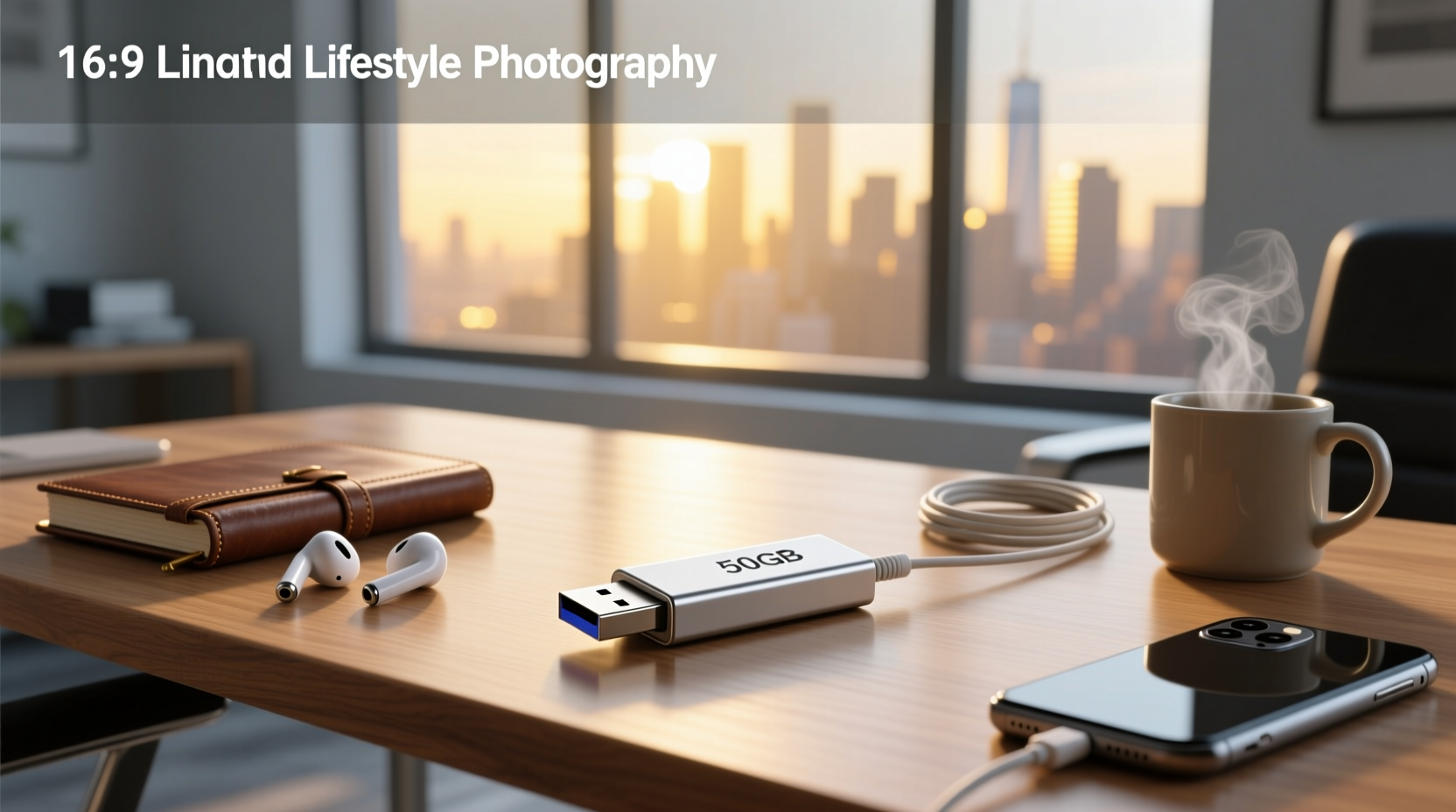
There is no commercially available, standard-compliant 50GB USB flash drive. All mainstream USB drives use binary-based NAND flash memory, meaning storage capacities follow powers of two (e.g., 32GB, 64GB, 128GB). What’s marketed as “50GB” is almost always a formatted capacity approximation — typically a rebranded or mislabeled 64GB drive showing ~58–59GiB unformatted, then ~57–58GB after FAT32/exFAT formatting. If you’re searching for a '50gb usb drive' on Walmart, Best Buy, or TikTok Shop, you’re likely seeing either vendor-specific rounding, outdated product listings, or non-standard OEM units sold in bulk via B2B channels like Alibaba.com 1. Understanding this distinction prevents overpaying, compatibility surprises, or receiving drives that fail verification tests.
Why ‘50GB’ Appears in Search Results — And Why It’s Misleading
The phrase 50gb usb drive appears in over 286,000 Google results — but nearly all top-ranking pages (Target, Staples, Best Buy) list only 64GB, 128GB, or 256GB models when filtering by exact capacity. Why the discrepancy? Three primary reasons:
- Marketing simplification: Some vendors round down 64GB to “50GB usable” to emphasize real-world file space after OS overhead — a practice common in budget OEM packaging, especially on Alibaba.com 2.
- Legacy firmware labeling: A small number of early-2010s USB 2.0 drives used decimal-based controller reporting (1GB = 1,000MB), resulting in ~50GB displayed in Windows — even though the raw NAND was 64 billion bytes. These are obsolete and unsupported on modern systems.
- Custom firmware or partitioning: Bulk buyers sometimes request pre-partitioned drives (e.g., one 50GB exFAT partition + 14GB hidden recovery section). This is not a native capacity — it’s software-defined and reversible.
This explains why people also search for “50gb usb drive for pc”, “best 50gb usb drive”, and “50gb usb drive nearby”: users assume 50GB is a standard SKU, not realizing they’re being directed to 64GB alternatives. That mismatch creates confusion during comparison shopping and increases return rates.
How USB Capacity Is Actually Calculated — And Why 64GB ≠ 64,000MB
Storage vendors advertise capacity using the decimal system (SI units): 1GB = 1,000,000,000 bytes. But operating systems calculate using the binary system (IEC units): 1GiB = 1,073,741,824 bytes. Here’s how that breaks down for a nominal 64GB drive:
| Metric | Value | Notes |
|---|---|---|
| Advertised capacity (decimal) | 64,000,000,000 bytes | What’s printed on the package |
| Raw NAND capacity (binary) | ~59.6 GiB | 64,000,000,000 ÷ 1,073,741,824 |
| Formatted capacity (exFAT/FAT32) | ~57.2–57.8 GB | Deductions for file system metadata, cluster alignment, and reserved space |
| Usable space after OS overhead | ~56.5–57.0 GB | Includes recycle bin, system restore points (if enabled), and hidden $RECYCLE.BIN |
This ~11% gap between advertised and usable space is universal across all flash storage — SSDs, microSD cards, and USB drives alike. It is not a defect or scam; it’s standardized behavior defined by JEDEC JESD218A and ISO/IEC 80000-13 3. A drive labeled “50GB” that delivers less than 47GB usable space after formatting should be treated as noncompliant — regardless of vendor claims.
Real-World Use Cases for ~50GB of Portable Storage
Even though a true 50GB physical device doesn’t exist, the functional need behind the search is valid. Users seeking ~50GB typically fall into three categories:
💼 Small-Business Data Transfer & Backup
Photographers, field technicians, and remote educators often need portable storage for:\p>
- Transferring 5,000–7,000 high-res JPEGs (avg. 7–8MB each)
- Backing up Outlook PST files (commonly 20–40GB for 3–5 years of email)
- Carrying lightweight VM images (e.g., Ubuntu Server .vdi under 12GB)
A 64GB USB 3.2 Gen 1 drive meets these needs reliably — provided it supports TRIM (rare in flash drives) or uses wear-leveling firmware. Avoid USB 2.0 for large backups: sustained write speeds drop below 3 MB/s, making a 40GB transfer take >3.5 hours.
🎓 Student & Remote Learner Portability
Students loading lecture videos, PDF textbooks, and coding projects benefit from compact, keychain-friendly drives. Here, physical size and durability matter more than peak speed. Look for metal-cased units with swivel or capless designs (e.g., Lexar JumpDrive D400 4). Note: Many “50GB”-listed drives on TikTok Shop are plastic-bodied USB 2.0 units with no shock rating — unsuitable for backpack use.
🔧 IT Admin & Deployment Scenarios
For deploying BIOS updates, imaging tools (e.g., Clonezilla), or offline security scanners, consistent read reliability matters most. Drives with SLC-cache emulation or pSLC NAND (found in industrial-grade 64GB models) outperform consumer TLC drives under repeated boot-read cycles. Avoid drives labeled “50GB” without published endurance specs (TBW or P/E cycles) — most lack documentation entirely.
USB Interface Generations: Which One Actually Supports Your Workflow?
Search results frequently mix USB 2.0, 3.0, 3.1, and USB-C — but performance differences are dramatic. Here’s what each means for ~50GB-equivalent transfers:
| Interface | Theoretical Max Speed | Real-World Sustained Write (64GB drive) | Best For |
|---|---|---|---|
| USB 2.0 | 480 Mbps (~60 MB/s) | 2.1–3.8 MB/s | Small documents, firmware updates, legacy systems |
| USB 3.2 Gen 1 (aka USB 3.0) | 5 Gbps (~500 MB/s) | 35–85 MB/s | Photo/video transfer, OS installation media |
| USB 3.2 Gen 2 | 10 Gbps (~1,000 MB/s) | 120–210 MB/s | 4K video editing proxies, large database exports |
| USB4 / Thunderbolt 3 | 40 Gbps | Not applicable — no flash drives reach this tier | External SSDs only |
Crucially: interface speed ≠ drive speed. A USB 3.2 Gen 2 port won’t improve performance if the NAND controller is USB 3.0-class. Always verify the actual sequential read/write benchmarks, not just the port label. Reputable brands publish these; generic “50GB” drives rarely do.
Red Flags When Evaluating ‘50GB’ USB Drives
Because the capacity itself is nonstandard, many low-cost units cut corners elsewhere. Watch for these warning signs:
- No listed controller model or NAND type: Absence of info like “Phison U16” or “Micron 16nm TLC” suggests undocumented, potentially counterfeit silicon.
- Price below $12 for 64GB: Legitimate USB 3.0 drives cost $14–$22 at scale. Sub-$10 units often use reclaimed or end-of-life NAND with high bad-block rates.
- Missing VID/PID in device manager: Plug into Windows → Device Manager → Properties → Details → Hardware IDs. Legit drives show vendor-specific identifiers (e.g., “VID_0781&PID_5581” for SanDisk). Generic “VID_1234&PID_5678” indicates unbranded controller firmware.
- No support for HP USB Disk Storage Format Tool or RMPrepUSB: These utilities detect fake capacity (e.g., H2testw failures). If a drive fails verification, it’s either misrepresented or defective.
How to Verify a Drive’s True Capacity & Reliability
Don’t rely on Windows Explorer alone. Follow this three-step validation process:
- Check raw block count: Use
diskpart(Windows) ordiskutil list(macOS) to view total sectors. Multiply by 512 (or 4096) to get byte count. Compare to advertised decimal value. - Run H2testw (Windows) or F3 (macOS/Linux): These write and verify pseudorandom data across full address space. Any errors indicate fake capacity or failing NAND.
- Test sustained write speed: Use CrystalDiskMark with 1GB queue depth 32, thread count 1. Read/write scores under 15 MB/s for a “USB 3.0” drive indicate throttling or degraded NAND.
If a drive labeled “50GB” passes all three tests but shows only ~57GB formatted space, it’s almost certainly a correctly functioning 64GB unit — and perfectly suitable for your needs.
Alternatives to Consider Instead of Searching for ‘50GB’
Rather than chasing an unavailable SKU, match your actual workflow to proven capacity tiers:
- For light document/photo backup (≤45GB): Choose a verified 64GB USB 3.2 Gen 1 drive. Prioritize metal casing and 5-year warranty.
- For video editing or VM storage: Skip flash drives entirely. A 500GB external SSD (e.g., OWC Envoy Pro mini 5) offers 5–10× faster writes, better thermal management, and 150+ TBW endurance.
- For ultra-portable, high-reliability needs: Consider encrypted USB drives with FIPS 140-2 Level 3 certification (e.g., Kingston IronKey Vault Privacy 80). These start at 64GB but include hardware AES-256 and tamper-evident casing.
Frequently Asked Questions
- Can I buy a genuine 50GB USB flash drive?
No — no major manufacturer produces a native 50GB NAND configuration. All functional units are 64GB chips marketed with rounded or formatted capacity claims. - Why do some sites list ‘50GB’ if it doesn’t exist?
Vendors use it as a marketing shorthand for “~50GB usable space”, often targeting users who don’t distinguish between decimal and binary units. It’s not illegal, but it’s imprecise. - Is a 64GB USB drive enough for Windows 11 installation media?
Yes — the official ISO is ~5.8GB. However, leave ≥10GB free for temporary files during setup; 64GB provides ample headroom. - Do USB drives wear out faster than SSDs?
Yes — most consumer USB drives use lower-grade NAND with fewer program/erase cycles (typically 3,000–5,000 vs. 150,000+ for SSDs). Avoid using them for constant logging or swap files. - Can I format a 64GB drive to show exactly 50GB?
Yes — via diskpart or Disk Utility, create a 50GB partition and leave the rest unallocated. But this wastes ~14GB of usable space and offers no technical benefit.
