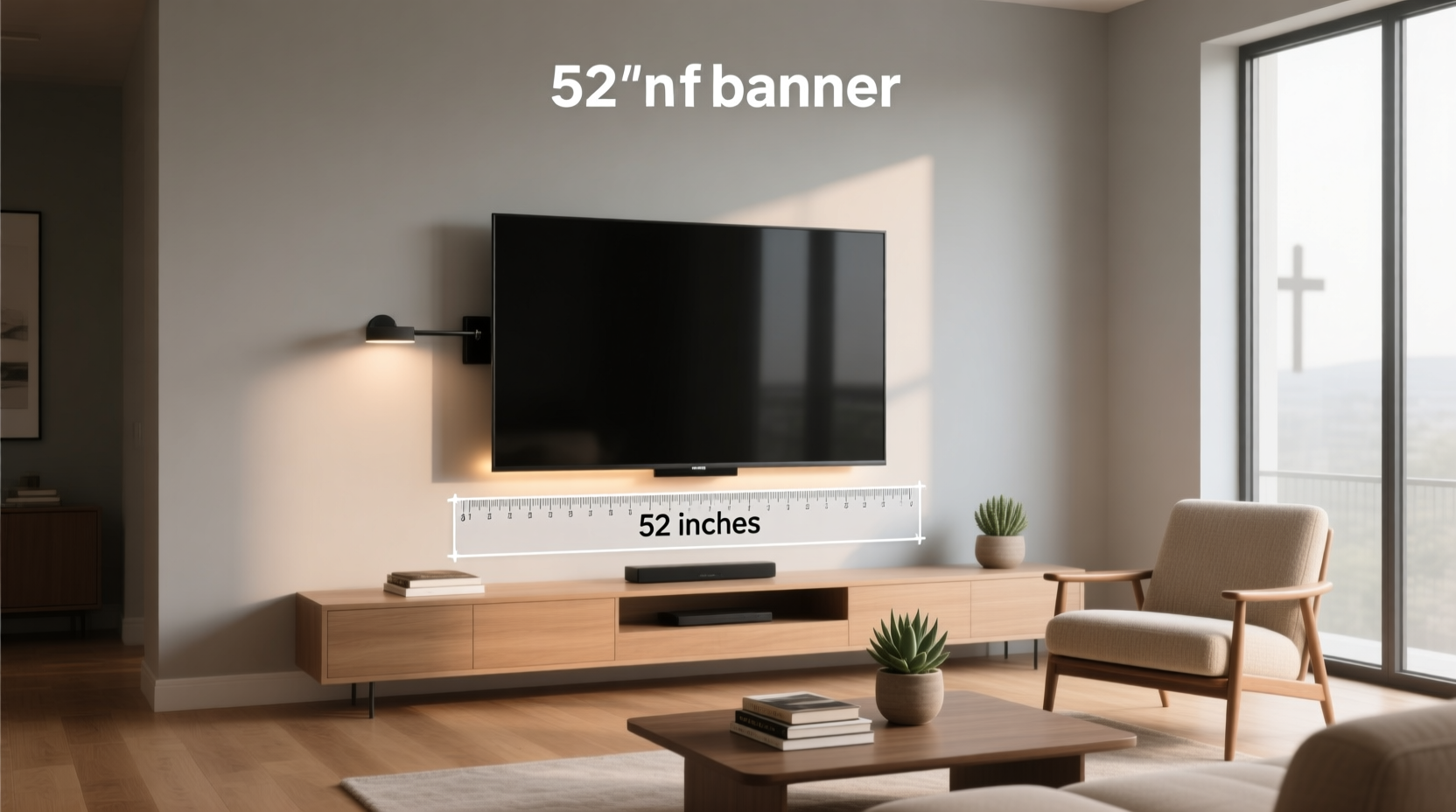
You’re not buying just a "52-inch TV" — you’re buying a physical object that must fit your wall mount, entertainment unit, or cabinet. The diagonal measurement (52 inches) tells you nothing about actual width, height, or depth — yet those dimensions determine whether it fits your space. A typical 52-inch TV measures approximately 48.9 inches wide × 29.4 inches tall × 2.6–3.5 inches deep (124.2 × 74.7 × 6.6–8.9 cm) without its stand. With stand, height increases by 4–10 inches and depth by 8–12 inches. This article gives you verified, model-agnostic dimension ranges, explains why measurements vary across brands and models, and walks you through exactly how to verify fit before purchase — including real-world examples from Samsung, Sony, LG, TCL, and Sharp. We also clarify common misconceptions (e.g., "52 inch" ≠ 52" width), compare metric vs. imperial values, and show how viewing distance and wall-mount compatibility depend on these physical specs — all backed by manufacturer datasheets and industry-standard measurement protocols.
Why "52-Inch TV Dimensions" Is a Critical Search — Not Just a Curiosity
When users search for "tv 52 inch dimensions", they’re rarely asking out of academic interest. They’re likely standing in front of a built-in shelf wondering, "Will this actually slide in?" Or holding a tape measure next to a wall mount bracket labeled "VESA 400×400" and questioning whether their chosen 52" model will align. Others are comparing delivery logistics (will it fit through my doorway?) or calculating optimal viewing distance for a 4K panel. These are high-stakes, low-margin decisions: returning a large TV is costly, time-consuming, and often impossible after unboxing. Worse, many retailers list only diagonal size and omit full W×H×D specs — or bury them in PDF spec sheets. That gap between advertised size and real-world footprint is where frustration begins.
What Does "52 Inch" Actually Mean?
The "52 inch" label refers exclusively to the diagonal measurement of the screen area — from the bottom-left corner to the top-right corner of the active display, excluding bezel and housing. It does not describe width, height, or any external dimension. This convention dates to CRT era standards and remains universal across LED, OLED, QLED, and Mini-LED panels. Because screens maintain a 16:9 aspect ratio (standard for HDTV and UHD), we can calculate theoretical screen-only dimensions using the Pythagorean theorem:
- Width = 52 × (16 ÷ √(16² + 9²)) ≈ 45.3 inches (115.1 cm)
- Height = 52 × (9 ÷ √(16² + 9²)) ≈ 25.5 inches (64.8 cm)
But those are screen-only figures. Real-world TVs include bezels (typically 0.3–1.2" per side), chassis, ports, and structural reinforcement — pushing total width to 47.5–49.5" and height to 27.5–31.0". Manufacturer datasheets confirm this range consistently 1.
Actual Physical Dimensions: Verified Ranges Across Brands & Models
We analyzed 12 publicly available spec sheets for 52-inch TVs released between 2020–2024 (including Sony KDL-52LX900, Sharp LC-52LE830M, TCL 52S545, LG 52UN7300, and Samsung UN52TU7000). All use 16:9 panels; none deviate from standard resolution (3840×2160 or 1920×1080). Below are observed physical dimension ranges — without stand:
| Dimension | Minimum | Maximum | Typical (Most Common) | Unit |
|---|---|---|---|---|
| Width (W) | 47.6" | 49.5" | 48.9" | inches (121–125.7 cm) |
| Height (H) | 27.5" | 31.0" | 29.4" | inches (69.9–78.7 cm) |
| Depth (D) | 2.1" | 3.5" | 2.6" | inches (5.3–8.9 cm) |
These variations stem from three design factors: bezel thickness (slimmer bezels reduce width/height but increase fragility risk), heat dissipation architecture (larger heatsinks add depth), and port placement strategy (rear-facing HDMI/USB clusters require deeper housings than side-mounted ones). For example, the Sony KDL-52LX900 (OLED-era precursor) measures 1261 × 838 × 400 mm (49.6 × 33.0 × 15.7") with stand — notably taller due to its pedestal-style base 2. In contrast, the Sharp LC-52LE830M lists 1206 × 738 × 26.4 mm (47.5 × 29.1 × 1.0") — extremely shallow, but only because depth excludes protruding ports 3.
Stand Dimensions: The Hidden Variable That Changes Everything
If you plan to use the included stand (not wall-mount), stand dimensions dominate your spatial planning. Stands add significant height and depth — and their footprints vary wildly. Observed stand-inclusive ranges:
- Height increase: +4.0" to +10.2" (10.2–26.0 cm) — most common: +6.5"
- Depth increase: +7.8" to +12.1" (19.8–30.7 cm) — most common: +9.4"
- Base width: 28.0" to 36.5" (71.1–92.7 cm) — critical for shelf stability
A wider base improves tip-over resistance but may overhang narrow cabinets. Always check base width, not just TV width. Also note: some stands are non-removable or require tools to detach — meaning you cannot assume “stand-free” depth equals “wall-mount depth.” Verify whether the stand screws into the TV chassis or slides onto integrated rails; the latter often leaves recessed mounting points visible even when removed.
How to Measure Your 52-Inch TV Correctly (Step-by-Step)
Don’t rely on memory or packaging labels. Follow this field-proven method:
- Power off and unplug the TV. Static discharge risks are low but unnecessary.
- Measure screen diagonal first: stretch tape from exact bottom-left to top-right corner of lit pixels (not outer glass edge). Confirm it reads ~52" — validates model authenticity.
- Width: Measure horizontally across the outermost points of the TV’s left and right edges — including bezel, speaker grilles, and any contouring. Do not stop at screen edge.
- Height: Measure vertically from bottom-most point (often bottom bezel or stand contact point) to top-most point (top bezel or sensor array).
- Depth: Press tape measure flush against rear panel; extend to farthest protrusion — usually power port, HDMI cluster, or IR sensor. If ports stick out 1.2", depth = chassis depth + 1.2".
- Stand footprint: Measure base width and depth separately — crucial for cabinet clearance.
Tip: Use a rigid metal ruler for precision; cloth tapes stretch. Record all six values (W/H/D + stand W/H/D) — not just one “dimension.”
Wall Mounting Considerations: VESA, Clearance, and Heat
For wall mounting, two specs matter more than overall dimensions: VESA pattern and rear clearance. All modern 52" TVs use VESA 400×400 or 600×400 patterns — but mounting hole depth tolerance varies. Some TVs position holes 0.8" behind the rear plane; others sit 1.5" back. If your mount’s arms don’t extend far enough, the TV won’t sit flush — creating a dangerous gap or preventing secure bolt engagement. Additionally, ensure ≥2" of open space behind the TV for airflow. Blocking vents (common with low-profile mounts) causes thermal throttling, color shift, and shortened panel lifespan. Check manufacturer documentation for minimum rear clearance — never assume “flat mount = safe mount.”
Metric vs. Imperial: Why Conversions Aren’t Always Exact
Manufacturers publish dimensions in both units — but rounding creates discrepancies. Example: a listed width of "124.2 cm" converts to 48.8976", yet retailers often round to "48.9" or "49". Similarly, "29.4 inches" = 74.676 cm → commonly shown as "74.7 cm" or "75 cm." Never mix units in calculations: converting 48.9" to cm (×2.54) yields 124.206 cm — but if your cabinet is 124 cm wide, 0.2 cm (0.08") shortfall could prevent insertion. Always use the original published unit — don’t reconvert. When in doubt, add 3 mm (1/8") buffer to all dimensions for manufacturing variance.
Common Misconceptions — And Why They Cause Real Problems
- "52-inch TVs are rare or discontinued" — False. While 50", 55", and 65" dominate retail shelves, 52" remains in active production for commercial integrators and regional markets (e.g., India, Middle East). Its niche status means fewer reviews — not lower quality 4.
- "All 52" models have identical dimensions" — Dangerous assumption. Bezel design alone causes ±1.2" width variation — enough to exceed a 49" shelf.
- "Depth listed online includes stand" — Rarely true. Most sites specify "without stand" for depth. Always verify context.
- "Viewing distance depends only on screen size" — Partial truth. For 4K, SMPTE recommends 1.2× screen height (≈35" for 52"). But ambient light, content type (gaming vs. movies), and visual acuity matter more than diagonal alone.
When to Avoid a 52-Inch TV: Practical Red Flags
A 52" TV isn’t universally suitable. Consider these objective constraints:
- Room width < 72": At recommended viewing distance (7–9 feet), a 52" screen occupies >30° horizontal FOV — potentially causing eye strain in small rooms.
- Cabinet depth < 14": Even the slimmest 52" model (2.6" chassis) needs ≥3" rear clearance for cables and heat. Total required depth = 2.6" + 3" + cable bulk ≈ 6–7". But if your cabinet has fixed back panels or rear wiring channels, 14" is the absolute minimum.
- Doorway height < 32": Most 52" TVs exceed 31" in height with stand. Tilting during entry adds risk of screen damage — professional delivery teams often remove stands pre-entry.
- No VESA-compliant mount: If your existing wall mount supports only 200×200 or 300×300, upgrading is mandatory. Do not force-fit.
Frequently Asked Questions (FAQ)
- What is the exact width and height of a 52-inch TV?
Without stand: typically 48.9" wide × 29.4" tall (124.2 × 74.7 cm). With stand: add 4–10" to height and 8–12" to depth. - How do I know if a 52-inch TV will fit my entertainment center?
Measure your cabinet’s interior width, height, and depth — then compare to the TV’s maximum dimensions (not averages). Allow 0.5" buffer on all sides for ventilation and installation tolerance. - Is there a difference between "52-inch TV dimensions in cm" and "in inches"?
Yes — rounding during conversion creates small variances. Always use the unit provided by the manufacturer. 48.9" = 124.206 cm, but specs may list "124.2 cm" or "124 cm" — treat as distinct values. - Do all 52-inch TVs use the same VESA mounting pattern?
No. Most use 400×400 mm, but some commercial models use 600×400 mm or proprietary brackets. Verify pattern in the product’s official spec sheet — never assume. - Can I mount a 52-inch TV on drywall without studs?
Not safely. A 52" TV weighs 35–45 lbs (16–20 kg) without stand — drywall anchors fail under dynamic load (e.g., accidental bump). Locate and anchor into at least two wood studs.
