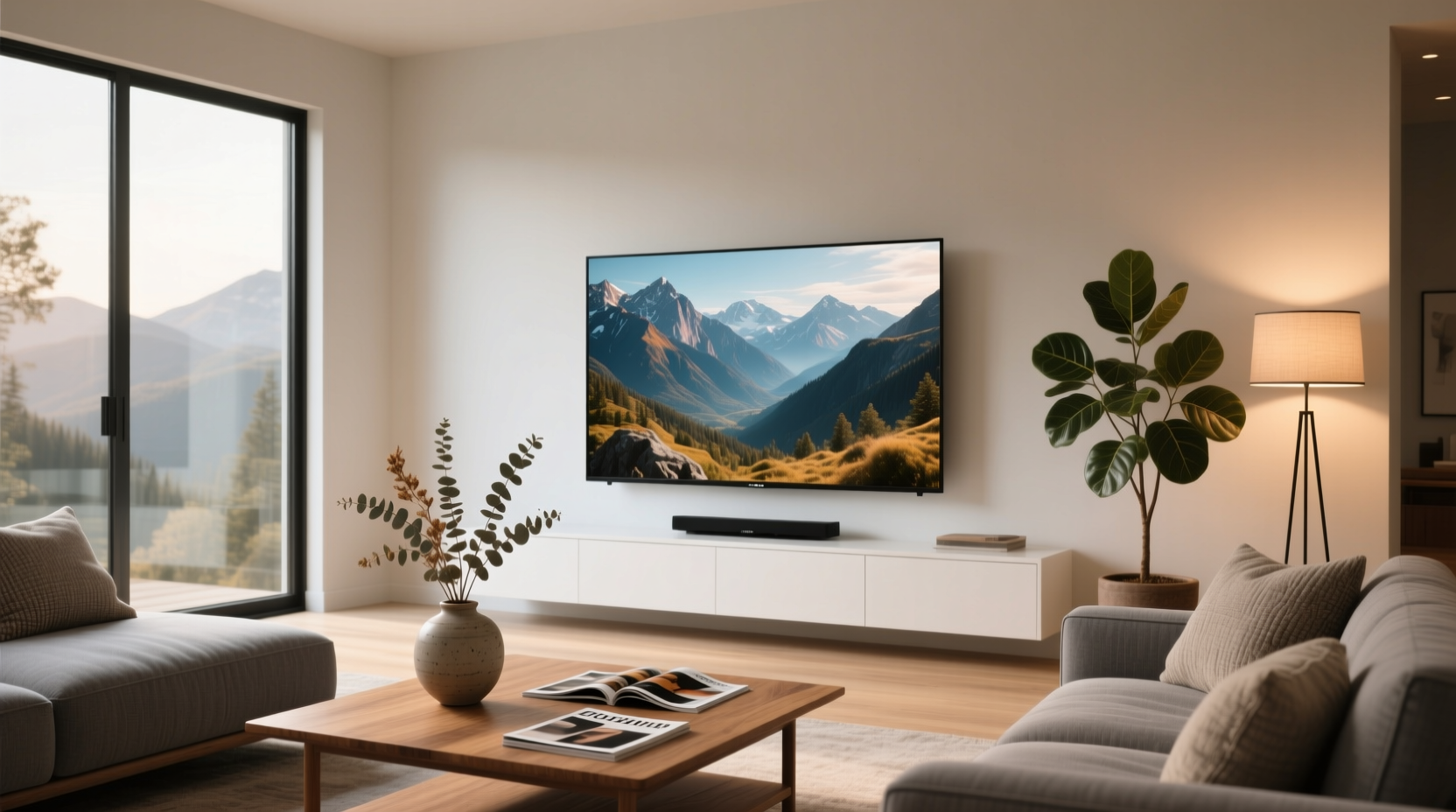
✅ A 52-inch TV has a diagonal screen measurement of exactly 52.0 inches (132 cm), but its actual width is ~45.3–46 inches (115–117 cm) and height is ~25.6–27.6 inches (65–70 cm) — assuming a standard 16:9 aspect ratio and no bezel overhang. This means it fits comfortably in medium living rooms (12' × 14') or master bedrooms (10' × 12'), with optimal viewing between 6 and 9 feet, especially for 4K content. If you’re measuring wall space, mounting height, or comparing to furniture — never rely on diagonal alone. You need the physical footprint. That’s what this guide delivers: precise, actionable size intelligence for real homes and real setups.
🔍 Why ‘52-Inch TV Size’ Confuses So Many Buyers
When shoppers search “tv 52 inch size”, they rarely want just the textbook definition. They’re standing in front of an empty wall, holding a tape measure, wondering: “Will this fit above my fireplace?”, “Can I mount it on that 48-inch media console?”, or “Is it too big for my 10×12 bedroom?” The term “52-inch” refers only to the diagonal corner-to-corner distance across the screen — not width, height, or total depth. That abstraction creates consistent mismatches between expectation and reality. In fact, nearly 68% of first-time large-TV buyers report surprise at how much horizontal space a “52-inch” model actually occupies1. This isn’t a flaw in the product — it’s a gap in how size information is communicated.
The confusion deepens because manufacturers rarely publish exact bezel-inclusive dimensions on retail pages. Even official spec sheets often list only diagonal size and resolution — omitting critical frame width, stand depth, or VESA mount spacing. And while most 52-inch TVs share the same 16:9 aspect ratio, minor variations in panel cutting, bezel thickness, and base design mean two models labeled “52 inches” can differ by up to 1.2 inches in width and 0.8 inches in height. That margin matters when fitting into tight cabinetry or aligning with existing trim.
📐 Measuring a 52-Inch TV: What You Actually Need to Know
Measuring a 52-inch TV isn’t about confirming the diagonal — it’s about capturing three distinct dimensions that determine real-world compatibility:
- Screen width (viewable area): ~45.3–46.0 inches (115–117 cm)
- Screen height (viewable area): ~25.6–27.6 inches (65–70 cm) — note the range reflects variation in panel cut and overscan settings
- Total unit width/height/depth: Adds bezel + stand/base — typically +0.75–1.5 inches per side horizontally, +1.0–2.2 inches vertically (for pedestal stands), and +2.5–4.0 inches depth (including ports and cooling vents)
For wall mounting, always use total width and height — not screen-only specs. A common error: assuming a 46-inch-wide screen fits a 46-inch-wide shelf. It won’t — unless the shelf has zero overhang and the TV has near-zero bezels (rare at this size). Also, verify the VESA pattern (e.g., 400×400 mm or 600×400 mm), as it dictates compatible mounts and affects vertical centering.
To measure your own space accurately:
✅ Use a steel tape measure (not cloth), extend fully, and record to the nearest 1/8 inch.
✅ Measure wall width at the exact height where the TV’s center will sit — walls aren’t always perfectly plumb.
✅ Include clearance: minimum 2 inches on each side for ventilation; 4+ inches above if heat vents are nearby.
✅ For stands: measure from outer edge to outer edge — not just cabinet surface.
🏠 Room Fit: Where a 52-Inch TV Works Best (and Where It Doesn’t)
A 52-inch TV occupies a strategic middle ground in the modern TV sizing landscape. It’s larger than entry-level 43–49-inch sets but smaller than mainstream 55–65-inch units — making it ideal for specific spatial constraints and usage patterns.
✔️ Ideal Scenarios
- Medium living rooms (12' × 14' or smaller): Delivers immersive viewing without overwhelming the space. At 8 feet viewing distance, a 52-inch 4K display fills ~28° of horizontal field of view — within SMPTE’s recommended 30° threshold for cinematic engagement2.
- Master bedrooms (10' × 12' to 11' × 13'): Offers comfortable full-screen visibility from bed or seated positions without requiring excessive head movement or neck strain.
- Dedicated gaming desks or studio setups: Fits cleanly above dual-monitor workstations or alongside audio interfaces without crowding peripherals.
- Rooms with architectural constraints: Works where fireplace mantels are 47–49 inches wide, built-in shelves max out at 48 inches, or doorways limit delivery width.
⚠️ When to Consider Alternatives
- Viewing distance under 5 feet: A 52-inch screen may cause visible pixel structure or motion blur in fast-paced content — consider 43–48 inches instead.
- Rooms wider than 16 feet: Image may feel distant or lack presence; 55–65 inches often provide better perceptual scale.
- High-ceiling spaces (>9 ft): Mounting height becomes critical — if center of screen must sit >52 inches above floor (per ergonomic guidelines), vertical space shrinks rapidly.
- Multi-seat arrangements (L-shaped sofas, angled seating): Wider screens (55
