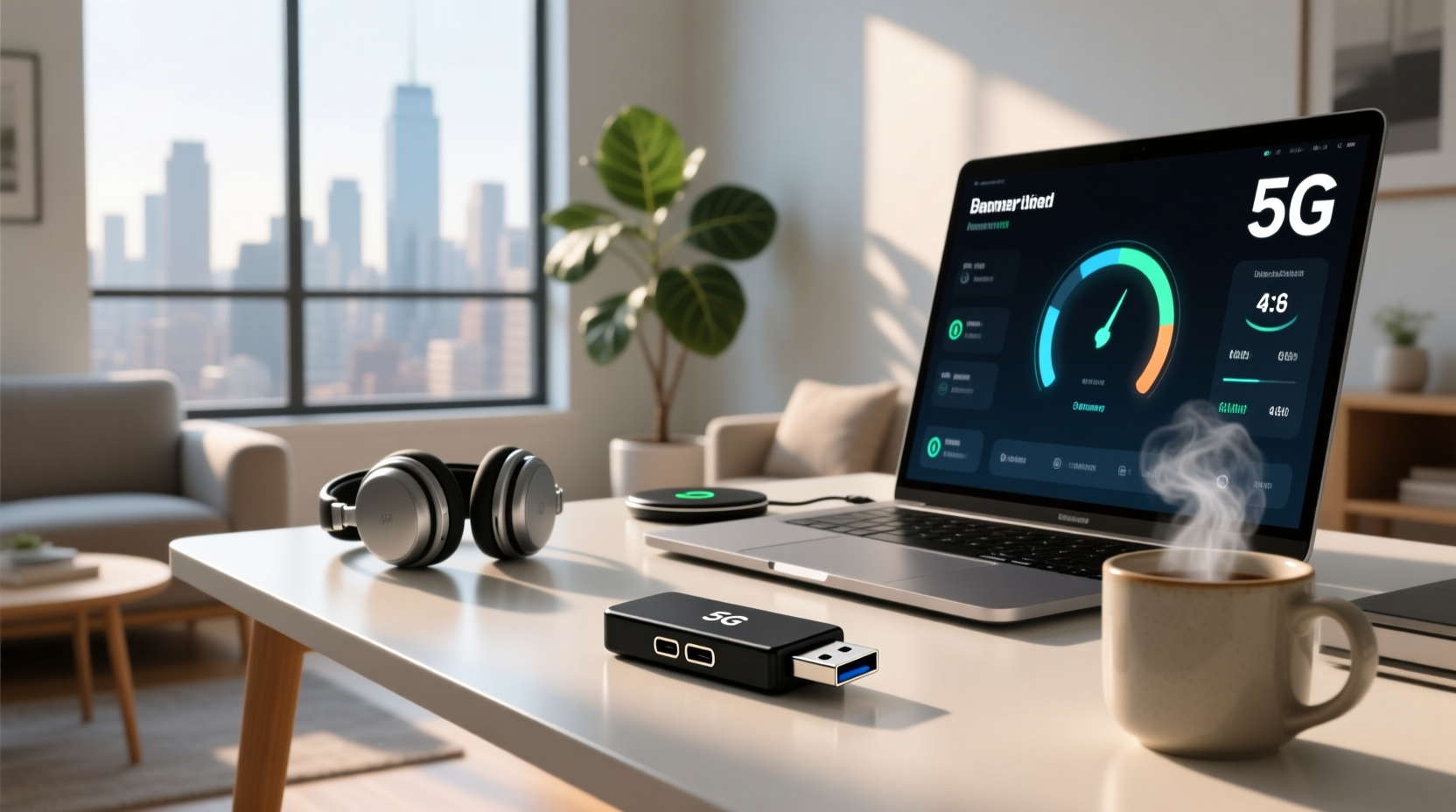
✅ Bottom line upfront: A "5G USB dongle" almost always refers to a Wi-Fi 5 GHz band USB adapter—not a cellular 5G modem—unless explicitly labeled as "5G NR", "sub-6 GHz", or "mmWave" with carrier certification. Real 5G cellular USB modems require SIM support, carrier unlocking, and OS-level driver compatibility (especially on macOS and Linux). If your goal is faster wireless internet on an older laptop or desktop, a Wi-Fi 5 GHz USB dongle (AC1200/AC1300) will likely solve your problem—but if you need mobile broadband without Wi-Fi, you need a certified 5G cellular modem, not a Wi-Fi adapter. This guide explains how to tell them apart, what works where, and what specs actually matter for real-world performance.
🔍 Why the Confusion? '5G' Has Two Totally Different Meanings
The term "5G" in consumer electronics is overloaded—and that’s the root of widespread misunderstanding. In everyday search results and product listings, "5G USB dongle" appears alongside terms like "dual band", "2.4G/5G", "AC1300", and "TP-Link"—all hallmarks of Wi-Fi technology, not cellular networks.
Here’s the critical distinction:
- Wi-Fi 5 GHz band: A frequency band (5.1–5.8 GHz) used by IEEE 802.11ac/n Wi-Fi standards. It offers higher throughput and less interference than 2.4 GHz—but requires line-of-sight proximity to a Wi-Fi router. No SIM card needed.
- Cellular 5G NR (New Radio): A mobile network standard defined by 3GPP, operating across licensed spectrum bands (e.g., n41, n71, n78). Requires a carrier plan, SIM or eSIM, and hardware certified for specific regional frequency allocations.
Most Amazon, AliExpress, and Magazine Luiza listings labeled "5G USB dongle" are Wi-Fi adapters. The TP-Link Archer T3U, UGREEN AC1300, and Edimax EW-7811UTC fall into this category 1. True 5G cellular USB modems—like the Quectel RM500Q or Telit FN980—are enterprise-grade, rarely sold at retail, and require AT commands or carrier-specific firmware.
💻 Who Needs a Wi-Fi 5 GHz USB Dongle? (And Who Doesn’t)
Before buying, ask: What problem am I solving?
You likely need a Wi-Fi 5 GHz USB dongle if:
- Your laptop/desktop lacks built-in dual-band Wi-Fi (common in machines pre-2015);
- You experience buffering during HD/4K streaming or lag in cloud-based video calls;
- Your current connection uses only 2.4 GHz—and you’re near a modern Wi-Fi 5 (802.11ac) or Wi-Fi 6 (802.11ax) router;
- You want plug-and-play setup with no configuration beyond driver install (Windows/macOS/Linux supported).
You do not need a Wi-Fi 5 GHz dongle if:
- Your device already supports Wi-Fi 5 or Wi-Fi 6 (check Device Manager or System Report);
- You’re trying to get internet in a location with no Wi-Fi access (e.g., rural travel, fieldwork)—a Wi-Fi dongle won’t help without a nearby router;
- You assume “5G” means faster mobile data—this is a fundamental category mismatch.
📶 Key Technical Specs That Actually Matter
Marketing labels like "AC1300" or "1300 Mbps" are theoretical maximums under lab conditions. Real-world throughput depends on multiple interdependent factors. Here’s what to verify—not just scan:
✔️ USB Interface Version
Wi-Fi 5 GHz adapters require sufficient bandwidth. USB 2.0 caps at ~480 Mbps—far below AC1200’s 867 Mbps 5 GHz layer. Always choose USB 3.0 (or later) for true dual-band performance. Look for blue-colored USB-A ports or "SS" (SuperSpeed) labeling. USB-C variants (e.g., UGREEN’s USB-C dongle) must also support USB 3.1 Gen 1 or higher 2.
✔️ Chipset & Driver Support
Realtek RTL8812BU, RTL8812AU, and MEDIATEK MT7612U dominate this segment. Driver availability varies:
- Windows 10/11: Near-universal support via Windows Update or vendor-provided INF files;
- macOS: Limited native support. Most require third-party kexts (e.g., RTL8812BU drivers for macOS Monterey/Ventura)—and may break after OS updates 3;
- Linux: Kernel 5.2+ includes native rtl88x2bu drivers; check
lsusbanddmesg | grep usboutput before purchase.
✔️ Antenna Design & Form Factor
Internal PCB antennas (common in mini-dongles) suffer from metal chassis interference and body blocking. External detachable antennas (e.g., on TP-Link TL-WN823N) improve range but add bulk. For desk use: prioritize stability over portability. For travel: confirm antenna foldability and USB-A extension cable compatibility.
🌍 Regional Compatibility: Why Your Dongle Might Not Work Abroad
Wi-Fi 5 GHz isn’t globally uniform. Regulatory domains define allowed channels:
| Region | Allowed 5 GHz Channels | Key Restriction |
|---|---|---|
| USA (FCC) | 36–48, 149–165 | DFS (Dynamic Frequency Selection) required for 52–144 |
| EU (ETSI) | 36–48, 52–64, 100–144 | TPC (Transmit Power Control) mandatory |
| Japan (MIC) | 36–48, 52–64, 100–140 | No DFS in 52–64 band |
| Brazil (ANATEL) | 36–48, 149–165 | Same as FCC, but stricter SAR testing |
A dongle certified only for FCC may fail to detect channels 52–64 in EU routers—even if physically capable. Check the product’s regulatory ID (e.g., FCC ID: 2AJ8T-TLWN722N) and cross-reference with FCC ID Search or ETSI database.
⚠️ Common Misconceptions & What to Avoid
Misconception #1: "5G = Faster Than My Current Wi-Fi"
Not guaranteed. If your router is Wi-Fi 4 (802.11n) or older, adding a Wi-Fi 5 dongle won’t unlock 5 GHz speeds—you need a compatible router. Confirm your access point supports 802.11ac and has 5 GHz broadcast enabled.
Misconception #2: "Higher Mbps Rating = Better Performance"
AC1900 (1300 + 600) sounds better than AC1200 (867 + 300), but the 2.4 GHz portion is rarely the bottleneck. Focus on the 5 GHz layer (≥867 Mbps) and real-world latency (ping <15 ms to local gateway).
Misconception #3: "Plug-and-Play Works Everywhere"
Linux kernel versions matter. Ubuntu 22.04 LTS ships with rtl88x2bu-aircrack-dkms, but Raspberry Pi OS Lite (Debian 12) may require manual DKMS build. Always test with iwlist wlan0 scanning before deployment.
⚙️ How to Test & Verify Your Dongle Is Working Correctly
Don’t rely on Windows Network Adapter Properties. Use these objective checks:
- Confirm band association: Run
netsh wlan show interfaces(Windows) ornetworksetup -getinfo "Wi-Fi"(macOS). Look for "Radio type: 802.11ac" and "Channel: 36–165" (not 1–11). - Measure actual throughput: Use iPerf3 against a local server (not Speedtest.net). Expect 40–65% of advertised rate at 3m distance, clear line-of-sight.
- Check signal stability: Monitor RSSI (Received Signal Strength Indicator) over time. Values > –55 dBm are excellent; < –75 dBm indicate weak link—antenna or placement issue, not dongle fault.
📦 What’s in the Box? And What You’ll Need to Add
Most Wi-Fi 5 GHz USB dongles ship with:
- USB adapter (A or C)
- Quick start guide (often QR-linked to PDF)
- Driver CD or download URL
What’s not included—and often essential:
- USB extension cable (1m+): Prevents metal-body signal absorption on laptops;
- Wi-Fi analyzer app (e.g., NetSpot, WiFi Analyzer): To map channel congestion and select optimal 5 GHz channel;
- Router firmware update: Many older routers disable 5 GHz by default or run outdated WPA2-only firmware—upgrade to WPA3 if supported.
🔍 Real 5G Cellular USB Modems: When and How to Consider Them
If your use case truly demands standalone mobile broadband—e.g., field engineers, remote surveillance, backup WAN for SMB routers—then a cellular 5G USB modem is appropriate. But be aware:
- Carrier lock status matters: "Globally unlocked" doesn’t mean all bands work. QCNCM X55 supports n41/n78 but not n260 (mmWave) or n77 (used by some US carriers) 4.
- Data plans are separate: No dongle includes service. You’ll need a data-only SIM (e.g., T-Mobile Connect, Verizon SmartHub) with APN configuration.
- Driver complexity: Linux requires
mbim-utilsandmodprobe qmi_wwan; macOS needs custom USB serial profiles; Windows relies on carrier-branded software.
Bottom line: Unless you’ve confirmed band compatibility with your local carrier and have technical capacity to configure PPP/MBIM interfaces, stick with Wi-Fi adapters for general use.
📋 Final Decision Checklist Before Buying
Ask yourself these five questions—and answer honestly:
- Is my current router 802.11ac or newer, and is its 5 GHz radio enabled?
- Does my OS have verified driver support for this exact chipset (not just model number)?
- Will I use it near metal surfaces or inside a shielded enclosure?
- Do I need mobility (travel) or fixed-location reliability (home office)?
- Am I confusing Wi-Fi 5 GHz with cellular 5G—and do I actually need internet without a router?
If three or more answers are “no”, reconsider. A wired Ethernet adapter or router upgrade may deliver better ROI.
❓ Frequently Asked Questions
- Can a 5G USB dongle work on a Mac?
- Yes—but only with compatible chipsets (e.g., Realtek RTL8812BU) and community-maintained drivers. Native macOS support remains limited. Verify GitHub repo activity and last commit date before purchase.
- Why does my 5G USB dongle connect to 2.4 GHz instead of 5 GHz?
- Either your router’s 5 GHz SSID is hidden/broadcast-disabled, or the dongle failed to associate due to DFS channel conflict (common in EU). Try setting your router to fixed channel 36 or 149 and reboot both devices.
- Is there a difference between USB-A and USB-C 5G Wi-Fi dongles?
- Physically yes—but functionally identical if both meet USB 3.0+ specs. USB-C models offer reversible plugs and better heat dissipation, but require correct pinout (not all USB-C ports support SS mode).
- Do I need antivirus or special software for a Wi-Fi 5 GHz dongle?
- No. It operates at the network interface layer. Standard OS firewall and encryption (WPA3) settings apply—no additional security software required.
- Can I use two Wi-Fi dongles simultaneously—one for 2.4 GHz, one for 5 GHz?
- Technically possible, but unsupported by most OSes. Windows treats them as separate interfaces but won’t bond them. Load balancing requires specialized routing (e.g., Linux policy-based routing), not plug-and-play.
